
In this article
A YouTube to Karaoke Converter Is Really a Vocal-Separation Workflow
A YouTube to karaoke converter sounds like a one-step format converter, but the useful technical process has two separate parts: obtain a source file you are allowed to use, then separate the lead vocal from the accompaniment. The karaoke track is not created by changing MP4 to MP3. It is created by estimating the instrumental content that remains when the vocal is reduced.
This distinction helps set expectations. If the original song master has vocals, backing vocals, reverb, and instruments mixed together, no converter can simply “delete the vocal channel” unless the source was actually distributed with separate stems. AI separation can create a very usable instrumental, but it may leave vocal ambience or remove some instruments that resemble the singer.

| Stage | Goal | Main risk |
|---|---|---|
| Source acquisition | Use an authorized video/audio file | Copyright or platform restrictions |
| Audio extraction | Get the best available audio quality | Unnecessary transcoding |
| Stem separation | Estimate vocal and instrumental components | Leakage and separation artifacts |
| Cleanup | Make accompaniment feel natural | Over-processing |
| Lyrics/video assembly | Create sing-along timing | Sync and readability |
| Export | Deliver audio or video in target format | Another quality-loss generation |
Start with a Video or Audio File You Are Allowed to Use
Do not treat every YouTube URL as a downloadable production source. YouTube provides official ways to download videos you uploaded yourself and supports offline viewing in specific YouTube experiences, including Premium where available. Those offline downloads are designed for playback inside YouTube, not as a general-purpose media extraction system.
For a karaoke project, the safest source is a file you own, your own YouTube upload downloaded through YouTube Studio, music for which you have editing permission, or licensed/royalty-cleared material. If you are preparing a public performance, monetized video, commercial event, or redistribution, the music rights can be different from the technical ability to remove vocals. Vocal removal does not create new rights in the composition or recording.
Separate the Vocal from the Instrumental
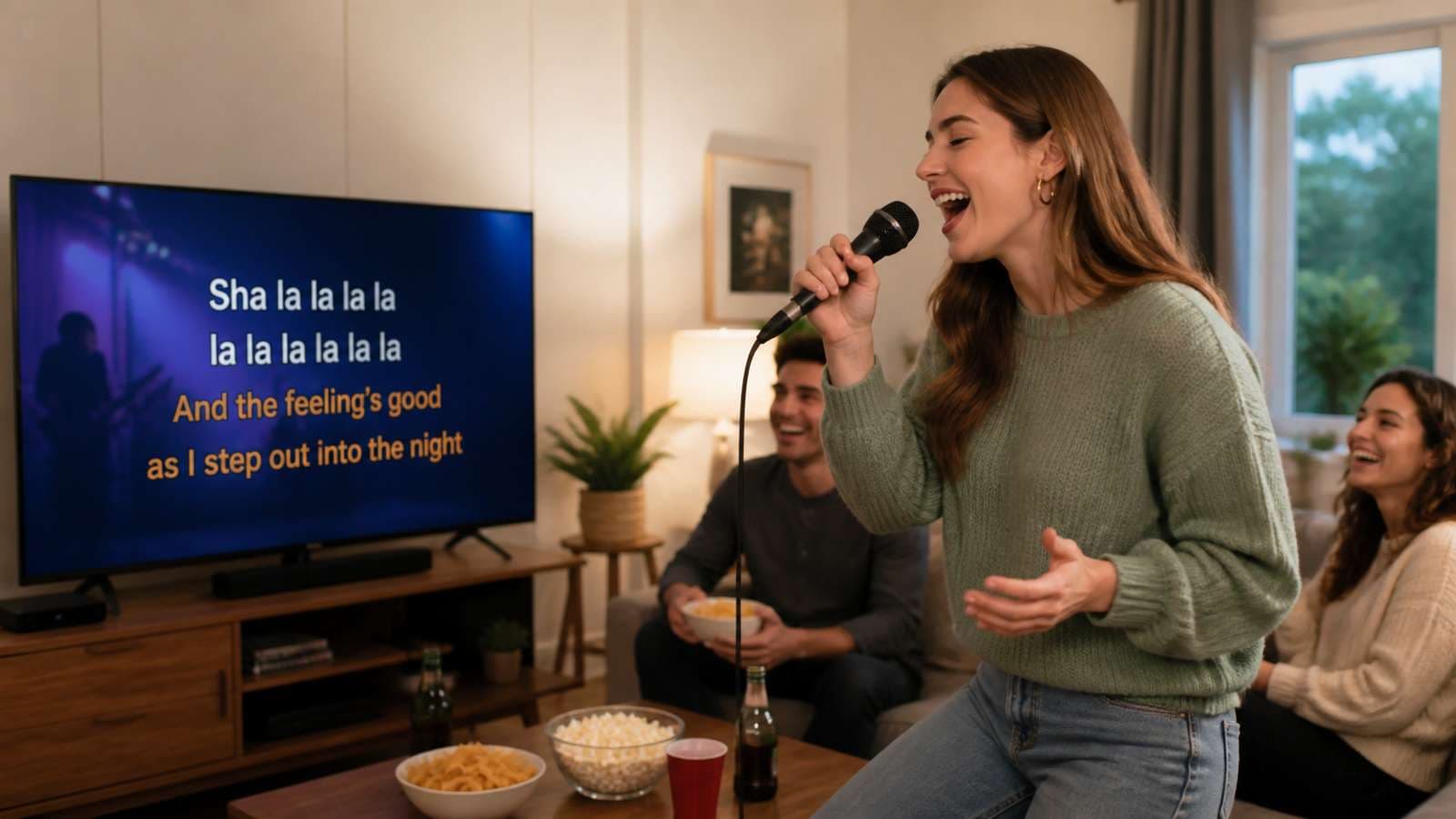
Modern karaoke creation usually relies on AI stem separation. The model analyzes the mixture and predicts a vocal stem and an accompaniment stem. Some tools can also split drums, bass, and other instruments, but a two-stem workflow is often enough for karaoke.
Media.io AI Vocal Remover is a browser-based karaoke vocal remover that separates vocals from instrumentals to help create karaoke backing tracks. The important part is to listen to both outputs instead of assuming the “instrumental” file is automatically finished.

- Upload the authorized source file in the highest quality you have.
- Run the vocal-removal or stem-separation process.
- Listen to the instrumental during the chorus, verse, and any quiet intro or bridge. Different sections can separate differently.
- Check whether lead-vocal phrases remain as faint ghosts and whether instruments disappear with the singer.
- Keep the vocal stem too. It can help you create timing guides, practice tracks, or lyric synchronization even if the final karaoke file uses only the instrumental.
- Download a high-quality result for further editing rather than repeatedly converting between compressed formats.
Clean the Instrumental Instead of Chasing “100% Vocal Removal”
A good karaoke backing track should sound musical, stable, and comfortable to sing over. Total vocal removal is not always the best objective. If an aggressive setting deletes cymbals, synths, or guitar harmonics along with the singer, a small amount of residual vocal ambience may actually sound better than a hollow instrumental.
- Trim noise at the beginning and end. Separation can expose room noise or codec artifacts that were masked by the original mix.
- Use gentle EQ. Do not carve a giant hole in the vocal frequency range; instruments occupy those frequencies too.
- Control harsh artifacts. Narrow spectral whistles can sometimes be reduced with light EQ or de-essing-style processing.
- Preserve low end. Bass loss makes karaoke feel weak even if the vocal is perfectly removed.
- Match level. The separated instrumental may be quieter than the original mix. Normalize or limit carefully without crushing dynamics.
- Add a count-in only when useful. Singers often benefit from a short cue before the first lyric if the arrangement starts immediately.
For practice, a little vocal residue can even help pitch. For a performance backing track, you may want a cleaner instrumental. Choose the standard based on use, not on a promise of “100% removal.”
Why Some Songs Are Much Harder to Convert into Karaoke
| Song feature | Why it is difficult | Likely result |
|---|---|---|
| Heavy reverb on singer | Vocal tail blends into instruments | Ghost vocal ambience may remain |
| Choirs/backing vocals | Several vocal sources overlap harmony | Some backing vocals may remain or disappear unpredictably |
| Distorted guitars/synth leads | Share vocal-like harmonics | Instrument damage or vocal leakage |
| Live recording | Crowd, room, and stage bleed mix together | Less clean separation |
| Duets | Multiple lead voices with different ranges | Both may be removed unevenly |
| Low-bitrate source | Compression smears spectral detail | More watery or metallic artifacts |
If a song separates badly, trying another model can help because different separators make different classification choices. But no model can recover an original studio instrumental that is not present as an independent source. When a licensed official instrumental exists, it will almost always beat AI separation in fidelity.
Add Lyrics or Video Only After the Audio Sounds Right
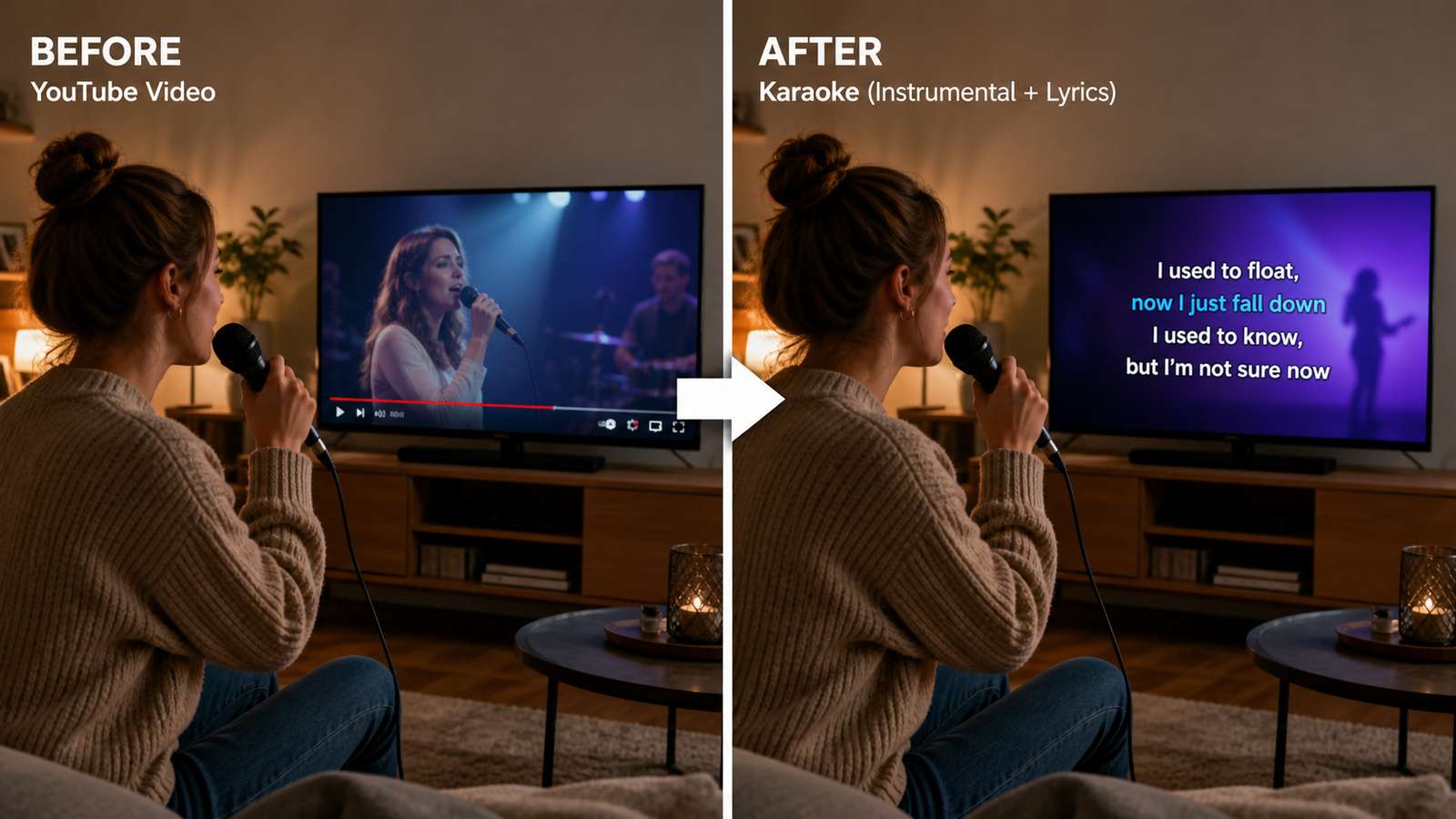
Do not spend time designing lyric animation before you know the instrumental is usable. Audio quality is the foundation. Once the backing track sounds good, build the visual layer.
- Prepare the lyric text. Verify spelling, verse order, repeated choruses, and any spoken sections.
- Create timing markers. Use the original vocal stem as a reference for phrase starts and ends.
- Choose readable contrast. Karaoke text needs to work on televisions, projectors, and phones. Use strong contrast and safe margins.
- Decide whether to highlight words or lines. Word-by-word highlighting requires more timing work but can help beginners; line-by-line display is simpler.
- Leave breathing room. Show the next line early enough for a singer to prepare instead of changing text exactly on the first syllable.
- Preview on the real display size. Text that looks fine on a desktop editing screen may be too small from across a room.
If you only need an audio karaoke track, stop after the instrumental cleanup and export audio. A lyric video adds value only when the audience actually needs synchronized words.
Choose the Right Export for Practice, Performance, or Sharing
| Use case | Recommended deliverable | Notes |
|---|---|---|
| Personal singing practice | High-quality MP3 or AAC | Portable and easy to play |
| Further audio editing | WAV | Avoid another lossy generation before final mastering |
| TV/projector karaoke | MP4 with large lyrics | Use readable safe-area text |
| Social preview | Short vertical video | Use only content you are allowed to publish |
| Live performance backing | WAV or high-bitrate audio | Test on venue playback system in advance |
| Archive | Original source + separated stems + final | Keep files so you can revise later |
Keep your vocal and instrumental stems even after the project is finished. You may later want a practice mix with the vocal at -12 dB, a key-change version, or a new lyric video. Saving stems avoids running the separator again and accumulating additional processing artifacts.
Three karaoke projects and the best workflow for each
Your own YouTube cover performance. Download your uploaded video through YouTube Studio, then separate the vocal and accompaniment if you no longer have the original stems. Because you control the source, you can also revisit the recording project if it still exists; that will usually produce a cleaner instrumental than AI separation.
A licensed backing track with guide vocals. If the license permits editing, AI vocal removal can be a fast way to create a practice version. Keep both stems and make two mixes: one with the guide vocal very low for rehearsal and one instrumental-only for performance. This is often more useful than chasing a single “perfect” output.
A commercial song found on YouTube. The technical workflow may be possible, but rights and platform rules still matter. Official offline YouTube downloads are for playback inside supported YouTube experiences, and vocal removal does not grant rights to publicly perform, redistribute, or monetize the resulting recording. Use an authorized source and obtain the permissions required for your intended use.
How to synchronize lyrics without making singers chase the screen
Karaoke timing should help the performer anticipate phrases. Put the next line on screen slightly before the singer needs it. If you use word-level highlighting, align the highlight to musical syllables rather than to raw automatic transcript timestamps. Long instrumental breaks should show a clear cue, countdown, or upcoming lyric instead of leaving the singer unsure whether the song has stopped.
Use the separated vocal stem as a timing guide. Its waveform makes phrase starts, breaths, and sustained notes easier to see. You can mute that guide in the final export while keeping the timing markers in your project. If lyrics repeat, verify each chorus rather than assuming identical timing; live and remix versions often change phrasing.
Test the final track on the system that will actually play it
A karaoke instrumental that sounds balanced in headphones may sound thin through a television, portable speaker, or venue PA. Before performance, listen on the real playback system. Check bass level, vocal residue, overall loudness, and whether the count-in is audible. If the file will be played by another person, use a common format, a clear filename, and enough headroom to prevent accidental clipping when the venue turns it up.
Keep an editable project instead of only the final MP4
Save the original source, vocal stem, instrumental stem, lyric text, timing data, and final mix. That archive lets you change key, update lyrics, create a duet version, or export a higher-resolution video later without repeating source separation. It also keeps your production history clear if you need to verify which source and license were used.
Make a practice mix before the final instrumental
For singers, an intermediate practice version can be more useful than the final karaoke track. Keep the separated vocal stem at a very low level under the instrumental, especially during difficult entries, key changes, or long pauses. The guide helps with pitch and timing without dominating the performance. Once the singer is comfortable, mute the guide vocal and export the clean backing track.
This also gives you a quality check: if the guide vocal suddenly disappears or becomes distorted in one section, the separation may have damaged the instrumental there too. Compare that range with the original mix before final export.
FAQ About YouTube to Karaoke Conversion
-
Can I convert any YouTube video into karaoke?
Technically, vocal separation can work on many audio sources, but you should only download, edit, perform, or redistribute material you are authorized to use. Platform access and music rights are separate from the technology. -
Does YouTube Premium give me an MP3 file I can edit?
No. Premium supports offline playback inside supported YouTube experiences. It is not a general MP3 extraction workflow. -
Can AI completely remove vocals from every song?
No. Results depend on the mix. Reverb, backing vocals, live recordings, distortion, and low-bitrate audio can leave vocal residue or damage instruments. -
What format is best for a karaoke instrumental?
Use WAV if you plan to edit or master further. A high-quality MP3 or AAC file is convenient for casual playback after the final mix is finished. -
Should I add lyrics before or after vocal removal?
After. First confirm the instrumental sounds good, then use the original vocal or vocal stem as a timing reference for lyric synchronization. -
Why does the instrumental sound hollow after vocal removal?
The separator may have removed instruments that overlap the singer in frequency or stereo position. A less aggressive separation, another model, or an official instrumental source may sound better.


