
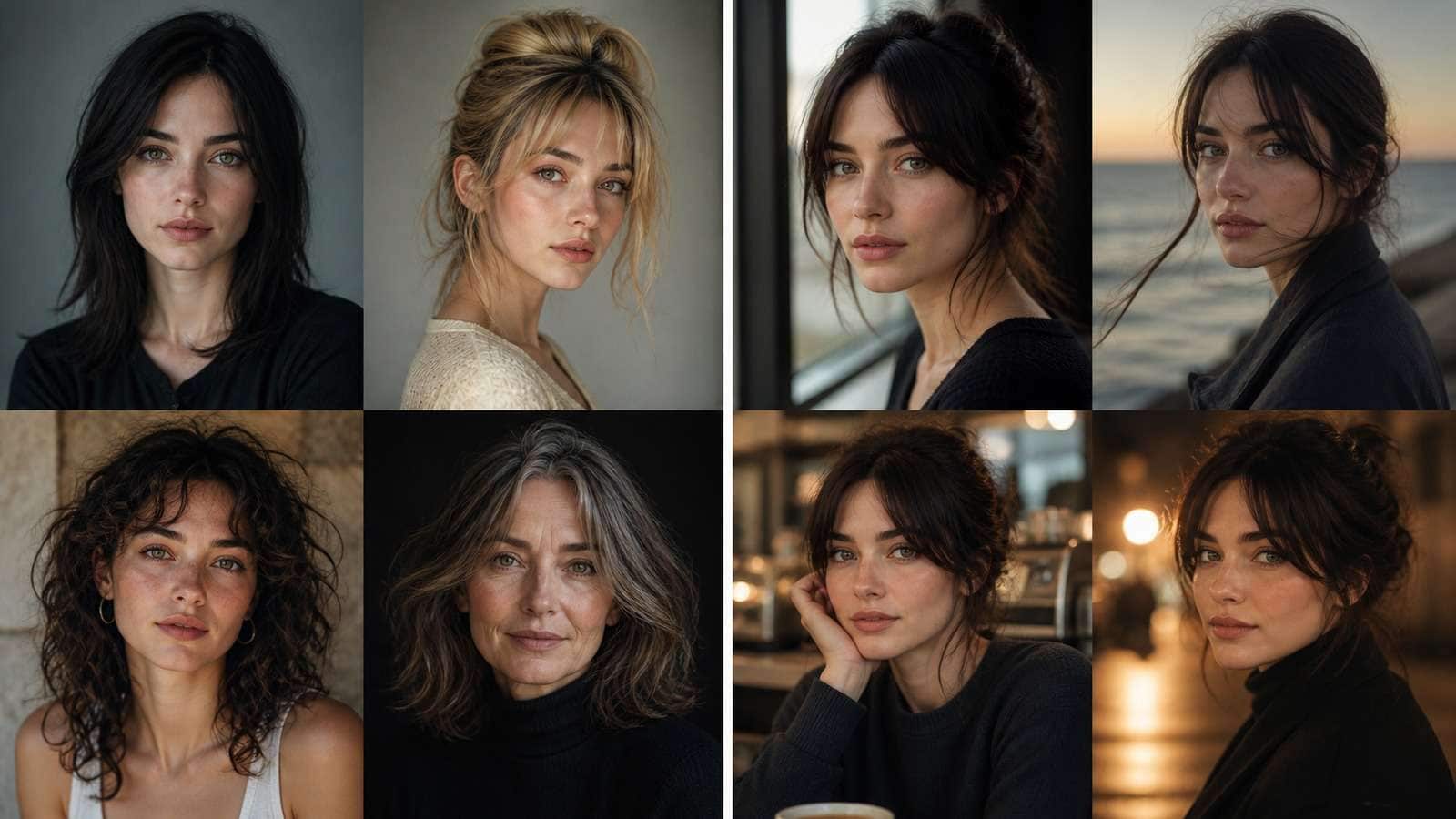
Midjourney can keep a character recognizable across new images, but it does not store a rigid 3D identity model. Every result is a negotiation between the reference, prompt, composition, style, and the active model. That is why raising reference weight can improve the face while making the pose, wardrobe, or scene less flexible.
| If your main problem is... | Change this first |
| Face looks like a different person | Use a clearer portrait reference and moderate-to-strong identity influence |
| Pose and framing keep copying the reference | Reduce reference strength or choose a less composition-heavy source |
| Outfit changes between scenes | Add a full-body reference and repeat concrete wardrobe details |
| Art style changes the face | Reduce style conflict and test identity before adding strong stylization |
In this article
How Midjourney Character Reference Actually Works
Character Reference does not paste a face onto every new prompt. It conditions the generation toward recognizable identity cues. The model still reconstructs the person inside a new composition, which creates both flexibility and drift.
The high-view videos analyzed for this guide agree on three practical points:
- Reference quality matters more than prompt length. A clean, identity-rich source gives the model a stronger signal than a paragraph of facial adjectives.
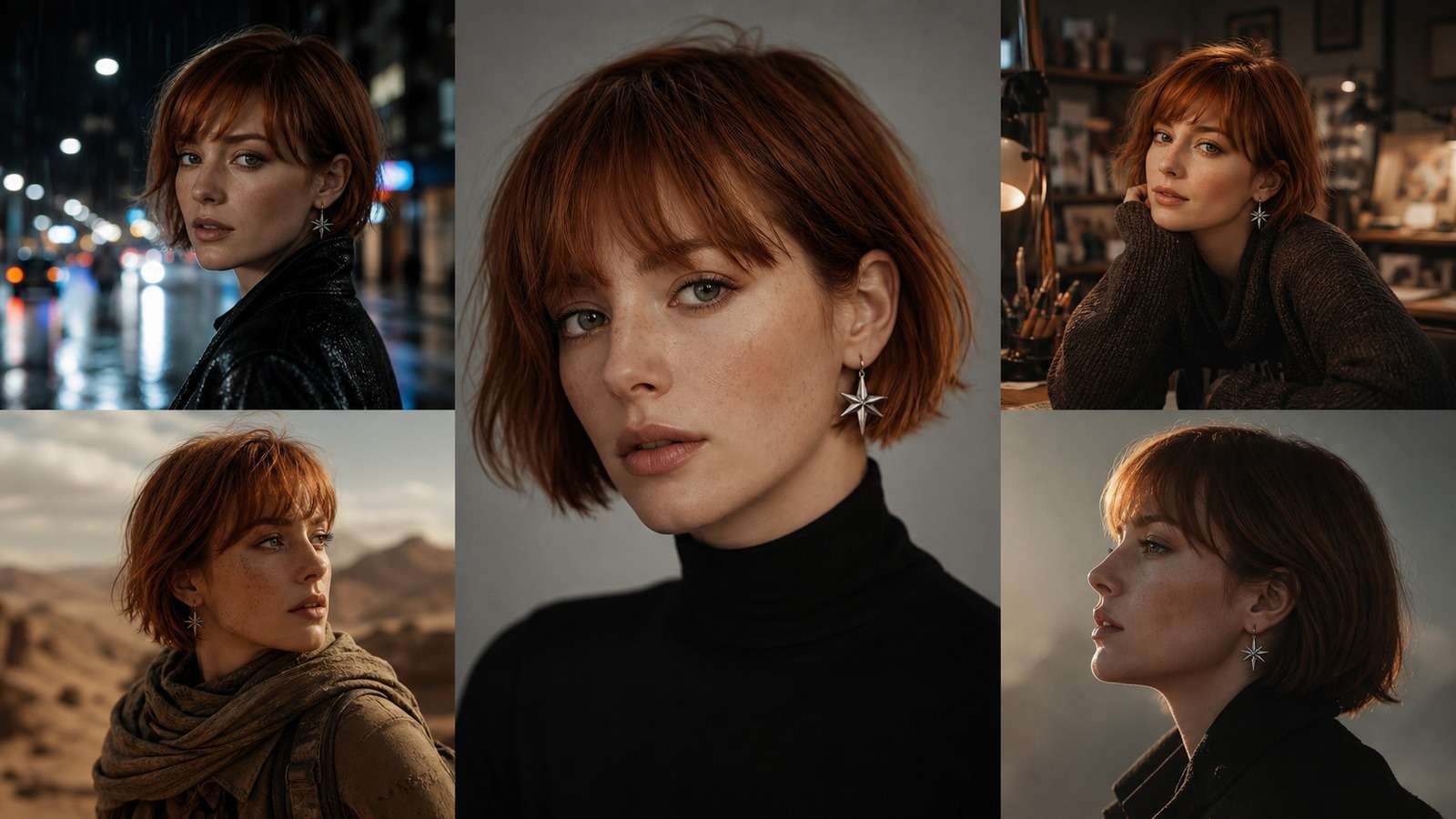
- Consistency is a range, not a switch. A similar face in 151 images is not the same as exact production continuity. Decide what differences your project can tolerate.
- Every added variable creates pressure. Changing angle, age, expression, wardrobe, body pose, medium, and lighting at once makes it difficult to know why identity failed.
The older `--cref` method and newer Omni Reference controls serve related reference-led goals, but syntax, supported model versions, and interfaces can change. Verify the current Midjourney documentation before relying on an older tutorial command.
Step 1: Choose a Character Reference That Is Easy to Reuse
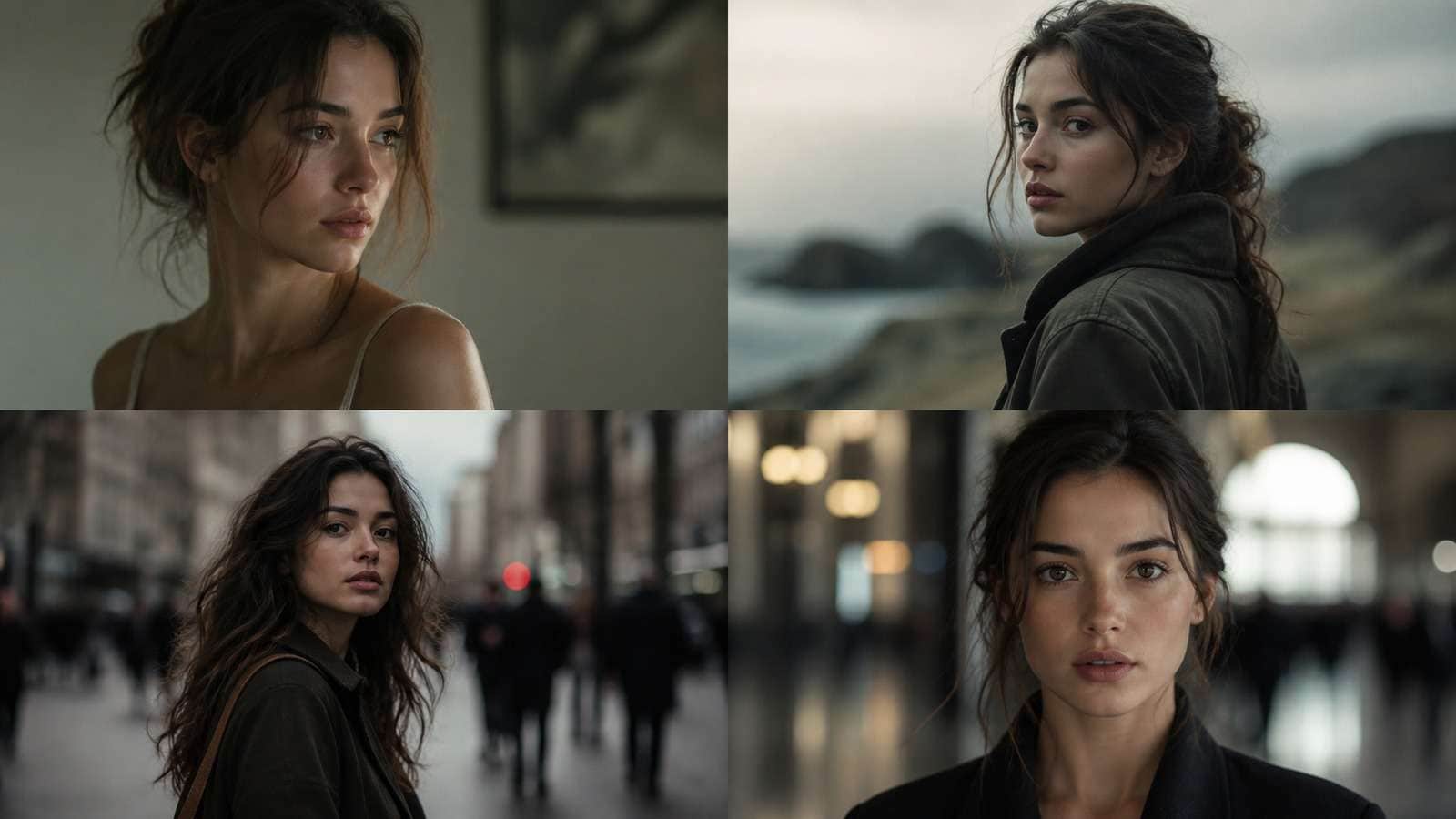
A useful reference shows the features you expect Midjourney to preserve. If the face occupies only a small portion of the image, the model may learn clothing and composition more strongly than identity.
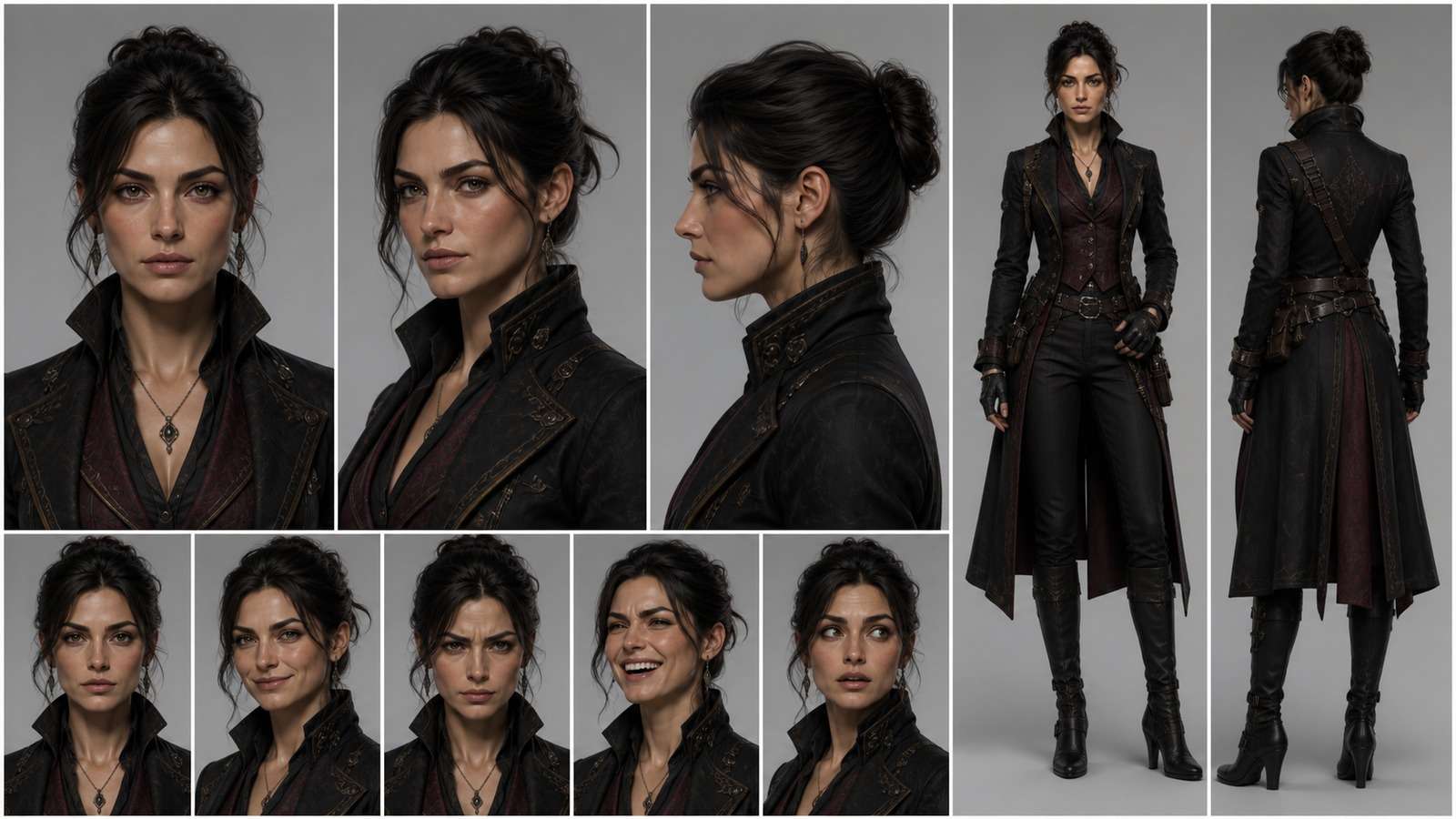
- Begin with a sharp front or three-quarter portrait in neutral lighting.
- Add a full-body source when silhouette and wardrobe matter.
- Avoid heavy makeup changes, extreme lens distortion, sunglasses, face obstruction, and deep shadow.
- Crop away competing people and distracting background subjects.
- Use a fictional or authorized character and keep the original high-resolution source.
If the character has not been designed yet, a sitemap-valid AI character generator can help establish the first reference sheet. For stylized protagonists, compare an anime character generator or a fantasy character generator instead of forcing one generic visual direction.
Step 2: Use --cref or Omni Reference Without Overloading the Prompt
In an older Character Reference workflow, the reference image URL is supplied through `--cref`, with `--cw` influencing how broadly character traits are carried over. In newer interfaces, Omni Reference may be selected through the web UI or the current parameter supported by that model version.
The durable workflow is more important than memorizing one command:
- Write the scene prompt without repeating every facial feature already visible in the reference.
- Attach the character or Omni reference using the method supported by the active model.
- Generate a simple baseline scene before adding style references, unusual lenses, or complex action.
- Compare a small weight grid using the same seed or prompt structure where possible.
- Save the successful prompt, model version, aspect ratio, reference, and settings together.
Prompt contradictions weaken consistency. If the source has a short copper bob, asking for waist-length black hair creates a direct conflict. Decide whether the new attribute or the original identity should win.
Step 3: Tune Character or Omni Reference Weight
Reference weight controls a trade-off. Too little influence produces a thematically similar stranger. Too much can copy the original pose, crop, clothing, or photographic feel and make scene changes harder.
| Observed result | Adjustment |
| Identity is too loose | Increase reference influence, simplify the scene, or use a clearer facial source |
| Pose and composition are stuck | Reduce reference influence or replace the source with a more neutral image |
| Face is stable but wardrobe drifts | Add full-body reference information and explicit materials, colors, and accessories |
| Style reference overwhelms identity | Reduce style strength, test identity first, then reintroduce stylization gradually |
Do not search for one universal “best” number. Build a reusable test prompt containing a portrait, profile, full body, different lighting, and action scene. The most reliable setting is the range that passes your own project benchmark.
Step 4: Control Wardrobe, Objects, and Style Conflicts
Newer Omni Reference workflows are useful because the reference can represent more than a face. This matters when the hero is defined by a uniform, creature design, product, vehicle, or signature object.
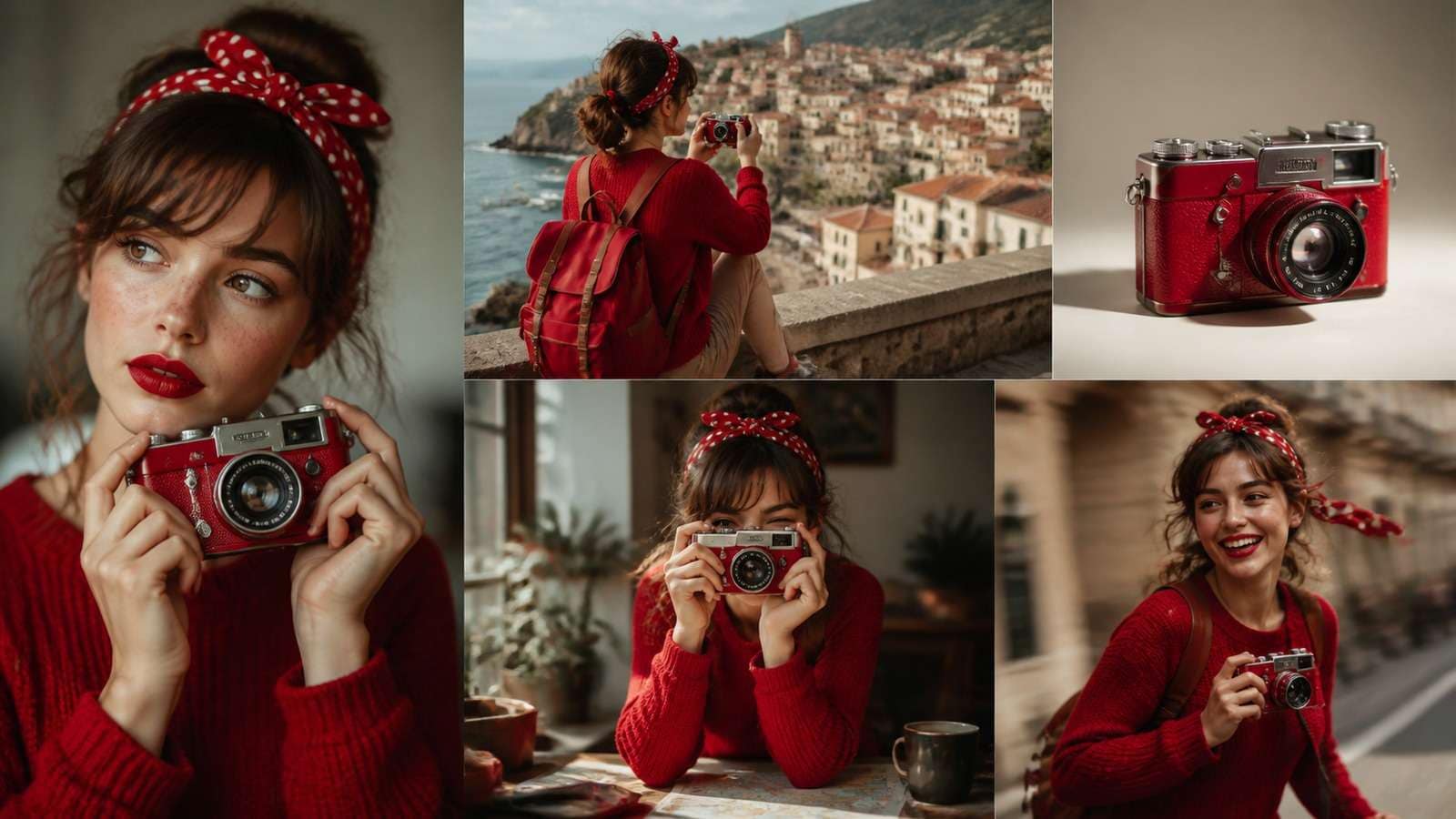
Separate the traits into three groups:
- Identity invariants: face, age, hair structure, body proportions, distinctive marks.
- Production invariants: default outfit, colors, jewelry, vehicle, product, or recurring prop.
- Scene variables: expression, action, environment, time of day, lens, and shot size.
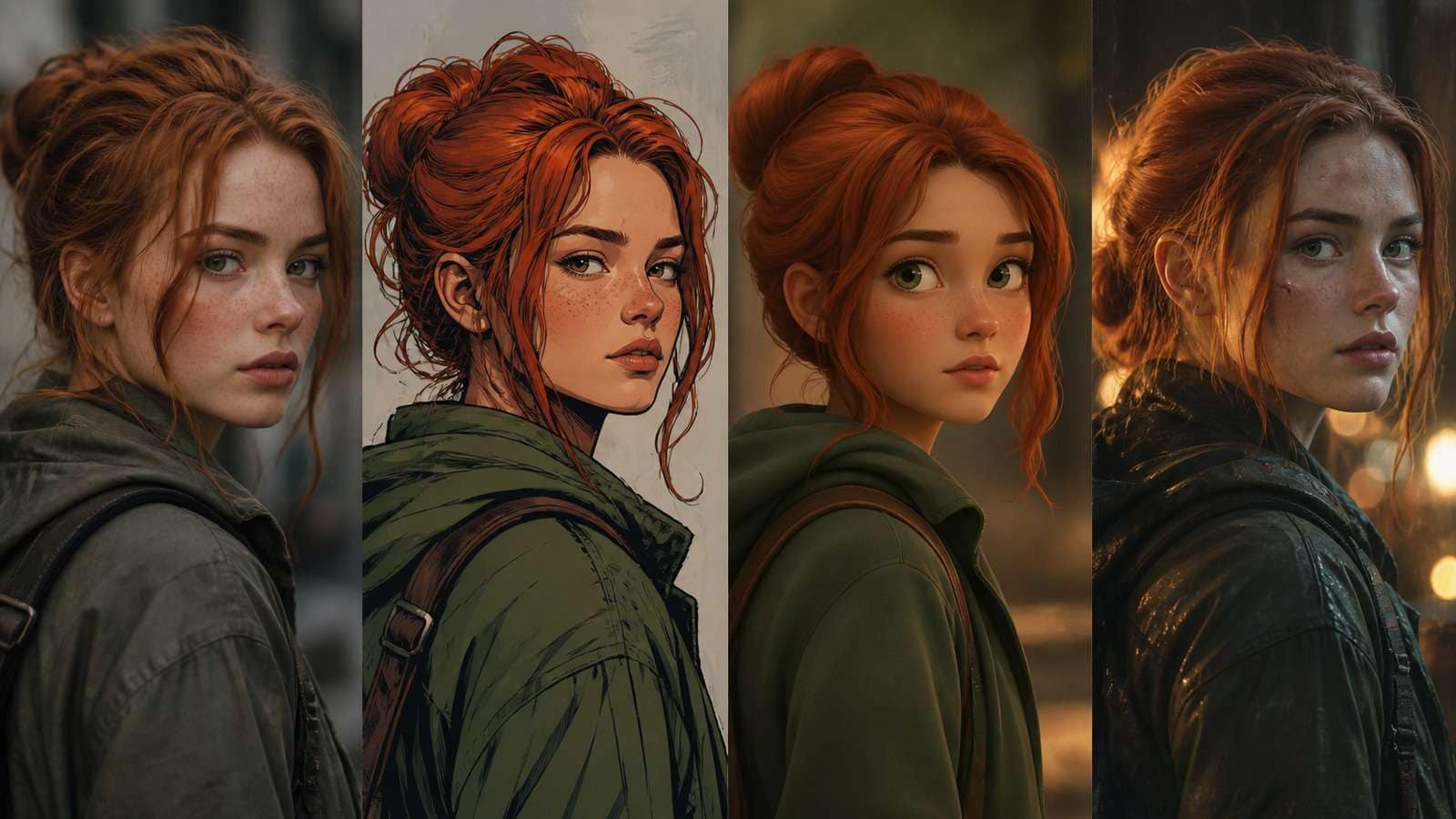
Strong visual styles reinterpret facial geometry. Test realistic identity first, then apply the target medium. If a style consistently destroys recognition, create a reference already rendered close to that style rather than asking one photographic source to survive a radical transformation.
For controlled background, outfit, or pose edits on an approved image, a dedicated image-to-image workflow may be more predictable than regenerating the entire scene. The image-to-image generator comparison provides additional options for this narrower task.
Step 5: Handle Multiple Characters Without Identity Bleeding
One consistent protagonist is substantially easier than three separately cast characters in the same frame. Global reference conditioning can blend faces, wardrobe cues, or attributes when the prompt does not provide clear spatial separation.
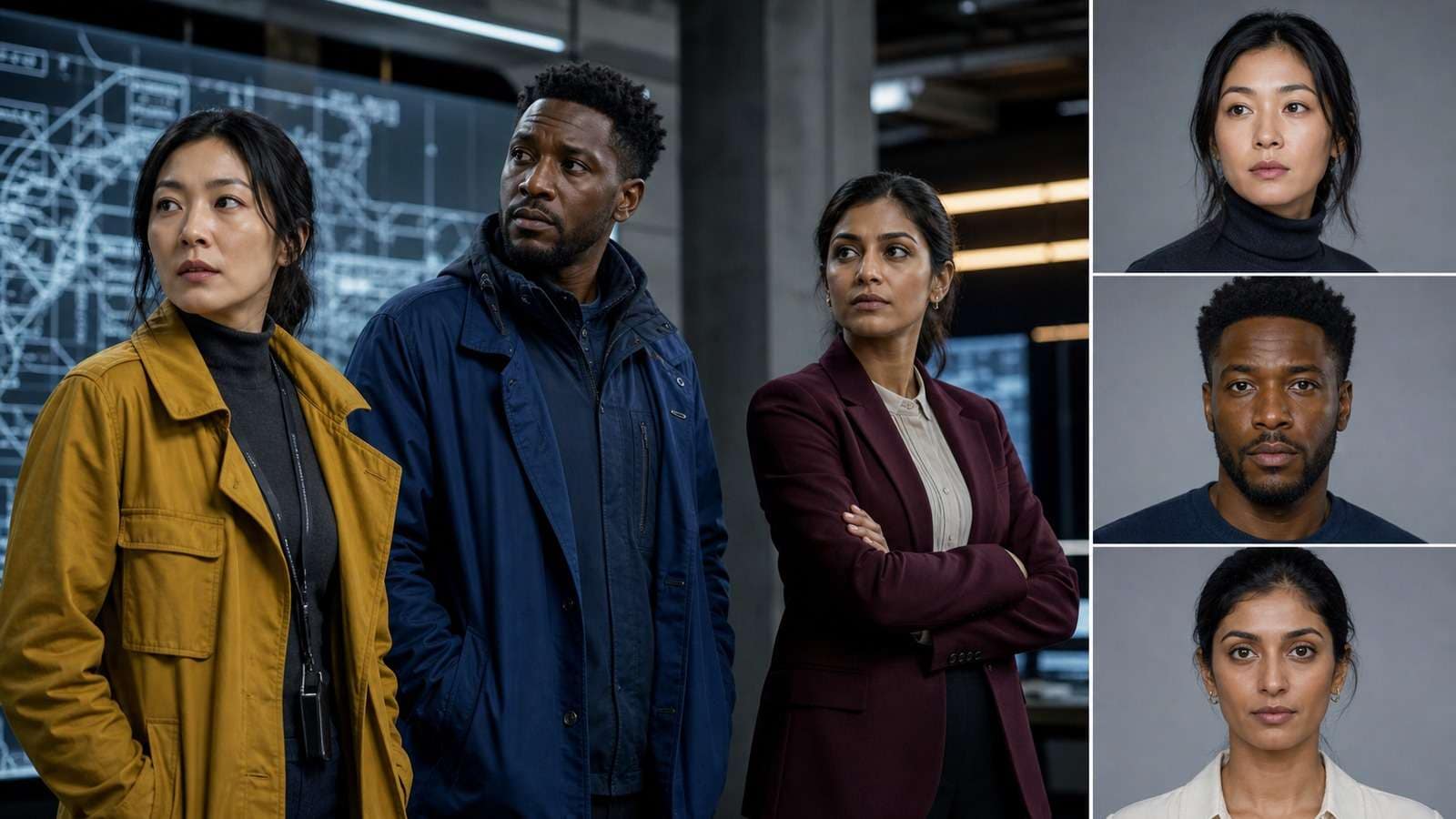
Use these strategies in order:
- Describe each person with a unique location and action: left, center, right; seated, standing, entering.
- Keep wardrobe colors and silhouettes distinct so the model can separate roles.
- Generate characters individually when casting accuracy matters, then composite or use regional editing.
- Create a group reference only after the individual designs are stable.
- Use reaction shots and separate coverage instead of demanding every dialogue beat in one crowded image.
This is a production insight, not merely a Midjourney limitation: separate coverage gives editors more control and reduces the number of identities that must remain perfect simultaneously.
Step 6: Build a Consistent Storyboard or Image Series
Consistency becomes easier when scenes are generated as a planned sequence rather than isolated ideas. Lock the character, then vary one storytelling dimension at a time.
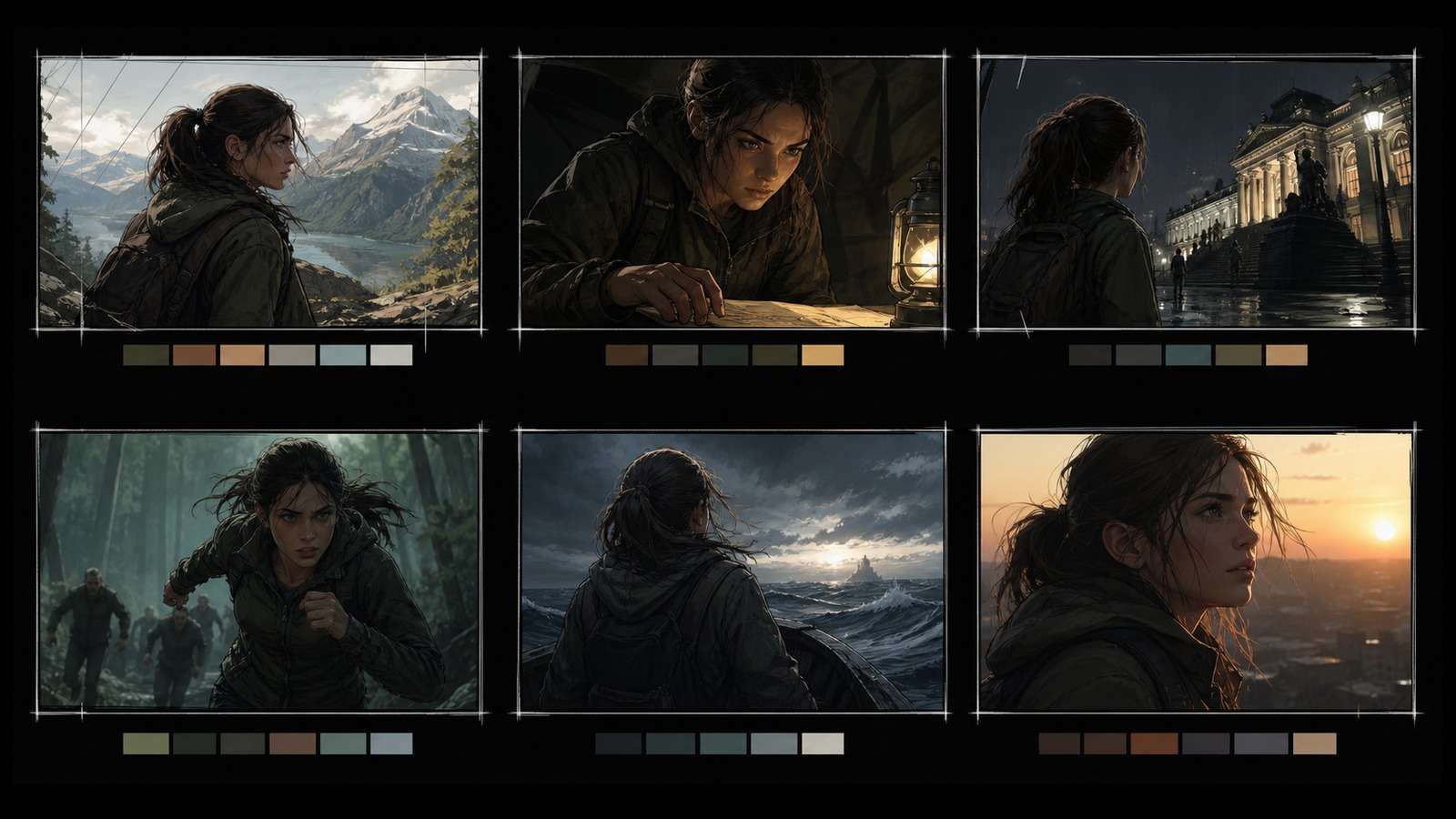
- Create the master portrait and full-body image.
- Generate location establishing shots without the character.
- Add the character in a wide shot, then medium, close-up, reaction, and detail coverage.
- Track wardrobe state, props, light direction, screen direction, and emotional progression.
- Upscale only the frames that survive the sequence review.
An AI storyboard generator can organize the visual beats before you spend time refining every image. If Midjourney frames need additional resolution before print or motion, see the guide to upscaling Midjourney images.
When to Use a Simpler Consistent-Character Workflow
Midjourney is valuable when visual exploration and art direction matter. It is less efficient when users simply need one source portrait converted into a repeatable character sheet, several story scenes, or social assets without learning model-version parameters.
| Goal | Practical direction |
| Explore highly art-directed visual worlds | Use Midjourney reference controls and build a tested prompt system |
| Create straightforward variations from one reference | Use the Media.io Consistent Character Generator |
| Change specific visual elements while retaining the source | Use image-to-image editing rather than full regeneration |
| Build a comic or illustrated narrative | Plan repeatable shot coverage and consult a comic maker comparison |
Build a consistent character sheet from one reference →
Frequently Asked Questions
-
What is Midjourney Character Reference?
Character Reference is a reference-led identity feature used to carry recognizable character traits into new generations. Depending on the current Midjourney version, creators may encounter the older --cref workflow or newer Omni Reference controls. -
What is the difference between --cref and Omni Reference?
The older --cref workflow focuses on character identity. Omni Reference is designed as a broader reference mechanism that can influence people, objects, creatures, or other subjects. Exact syntax and availability depend on the active Midjourney model and interface. -
What character reference weight should I use?
Start in a moderate range and test a small grid. Higher weight generally preserves more reference identity or detail but can reduce freedom in pose, composition, clothing, or style. The best value depends on the reference and prompt. -
Why does my Midjourney character still change?
The reference may be unclear, the prompt may contradict it, style pressure may dominate identity, the camera angle may be too different, or too many attributes may change simultaneously. Multi-character scenes also make identity control harder. -
Can Midjourney keep the same outfit?
It can often preserve key wardrobe cues, especially with a clear full-body reference and explicit prompt details, but clothing is not perfectly locked. Treat outfit consistency as a separate production check from facial identity. -
Can I use multiple characters in one Midjourney scene?
Yes, but assigning a different stable identity to each person is harder than controlling one protagonist. Generate separately, use spatially clear descriptions, or composite and refine when the scene requires strict casting. -
Can I use a real person's face as a character reference?
Only use likenesses when you have appropriate authorization and the intended use complies with current platform rules and applicable rights. A generated image does not remove consent, publicity, or commercial-use considerations.


