Media.io CLI:
Create with Media.io Inside Your AI Workflow
Access Seedance, GPT Image, Nano Banana, and other leading models in one powerful creative workflow.

Copy this setup prompt to Codex
Paste it into Codex and let it handle the Media.io setup for you.
Set up Media.io for me so I can generate images and videos from here. 1. Install or update Media.io using the installer for the current operating system: macOS: `curl -fsSL https://raw.githubusercontent.com/media-io/cli/refs/heads/main/setup-mediaio.sh | sh` Windows (PowerShell): `irm https://raw.githubusercontent.com/media-io/cli/refs/heads/main/setup-mediaio.ps1 | iex` 2. Authenticate if needed. If any install/update/sign-in step fails, read: https://raw.githubusercontent.com/media-io/cli/refs/heads/main/INSTALL-HELP.md, follow the troubleshooting guide to diagnose and fix the problem automatically. Only ask me for steps you cannot complete yourself, such as browser sign-in or granting permissions.
Sign in, then start creating
Sign in when prompted, then ask Codex to generate an image or video with Media.io.
Create Images and Videos in Your
AI Agent with Media.io CLI
Media.io CLI brings AI image and video generation directly into your AI agent workflow. Set it up once, connect your Media.io account, and create with powerful AI models without constantly switching between tools.
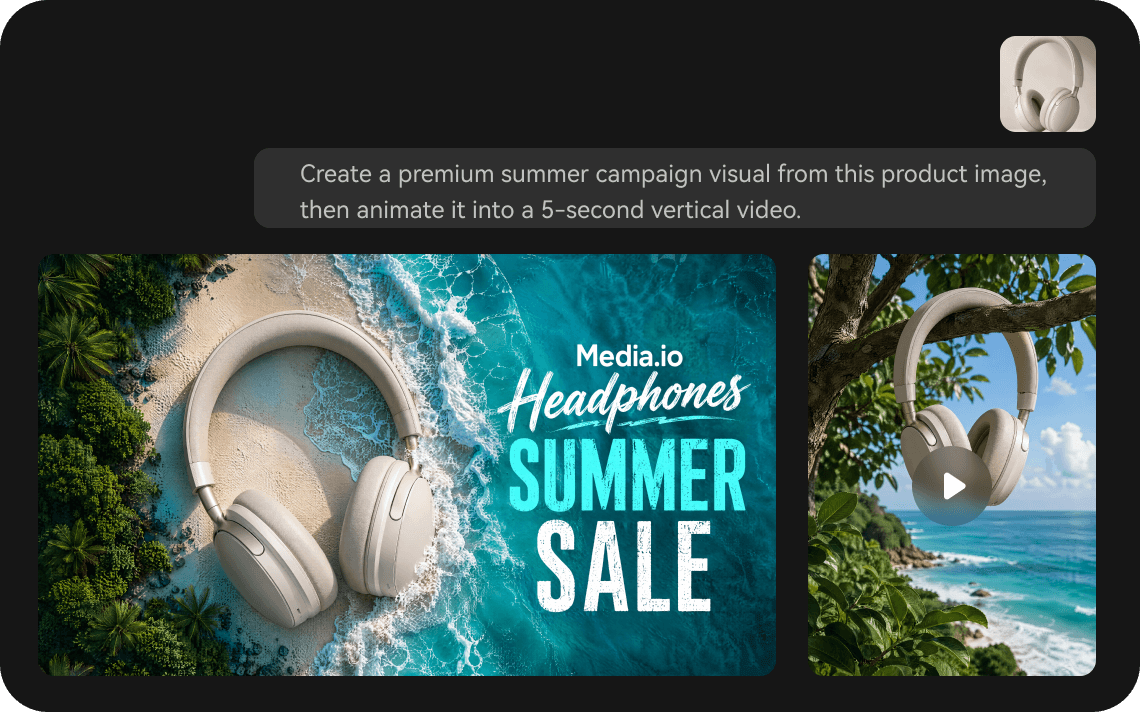
Generate AI Images and Videos Without Leaving Your Agent
Create images, generate videos, apply creative effects, or turn an image into video directly from your AI agent. Media.io CLI keeps the creative process inside the workflow you already use, so there is less switching between tools.
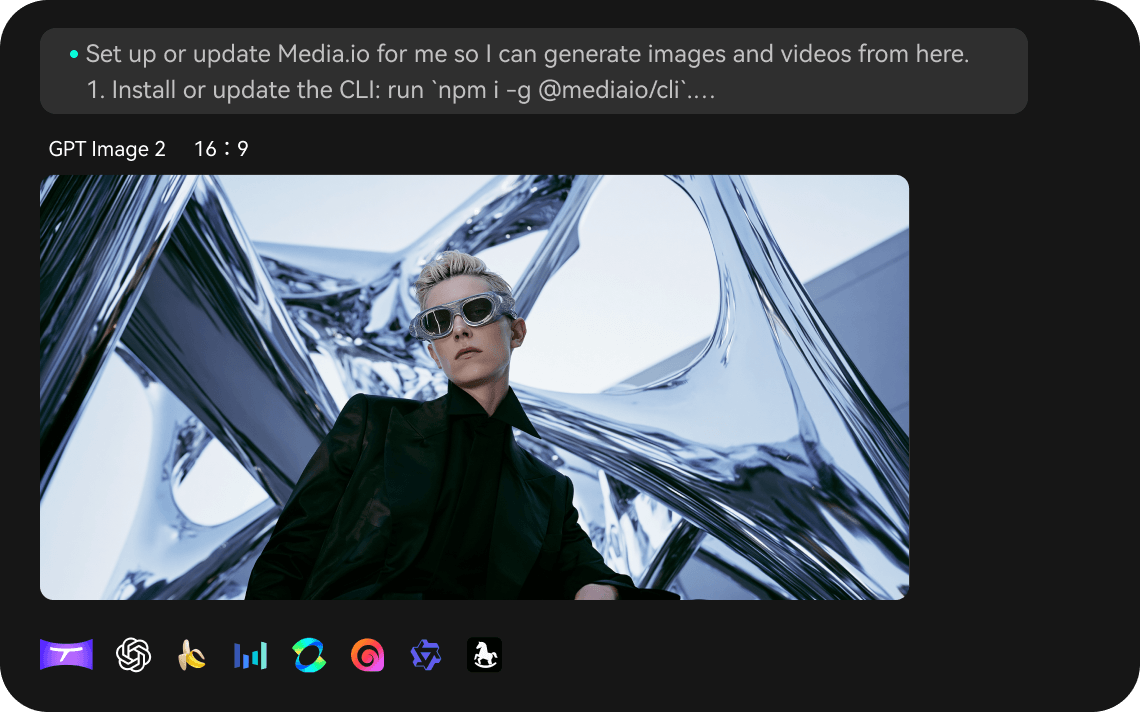
Access Multiple AI Models Through One CLI Setup
Instead of setting up a separate workflow for every AI model, connect Media.io CLI once and use the image and video generation capabilities available through Media.io. Just describe what you want to create or choose a specific model when needed.
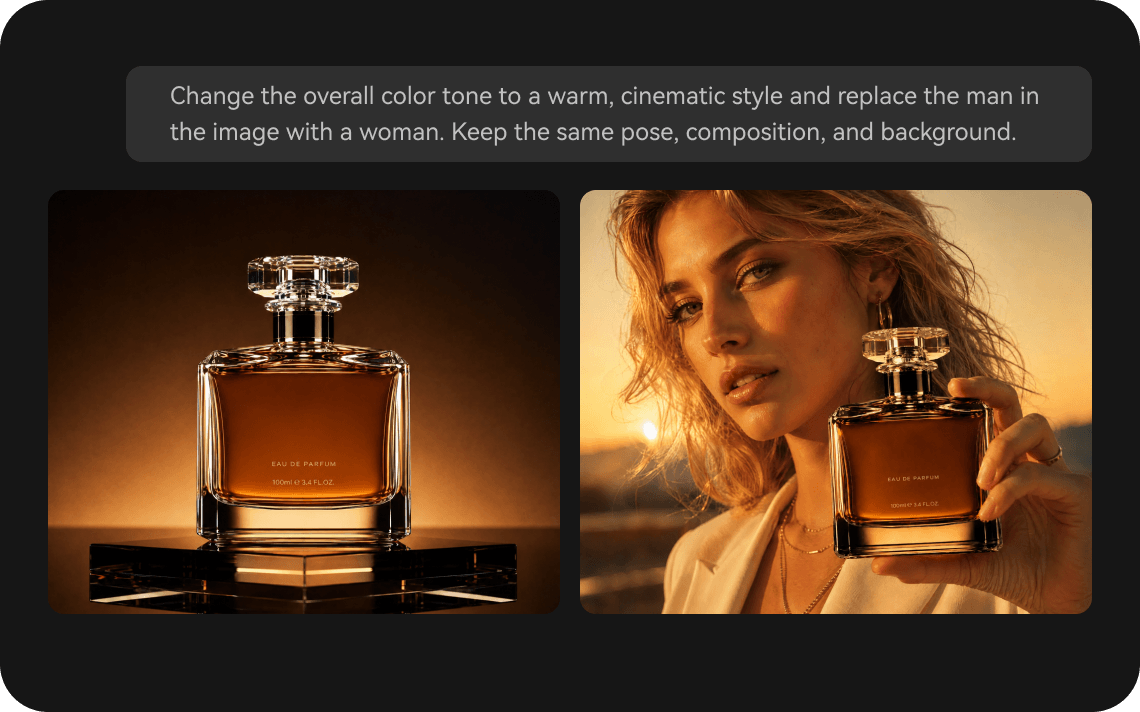
Turn Creative Tasks into Repeatable AI Workflows
Your previous Media.io creations stay available. Use Media.io CLI as part of your AI agent workflow for repeated creative tasks—from generating campaign visuals to producing social videos. Combine Media.io generation capabilities with your own prompts and workflows to create more efficiently.
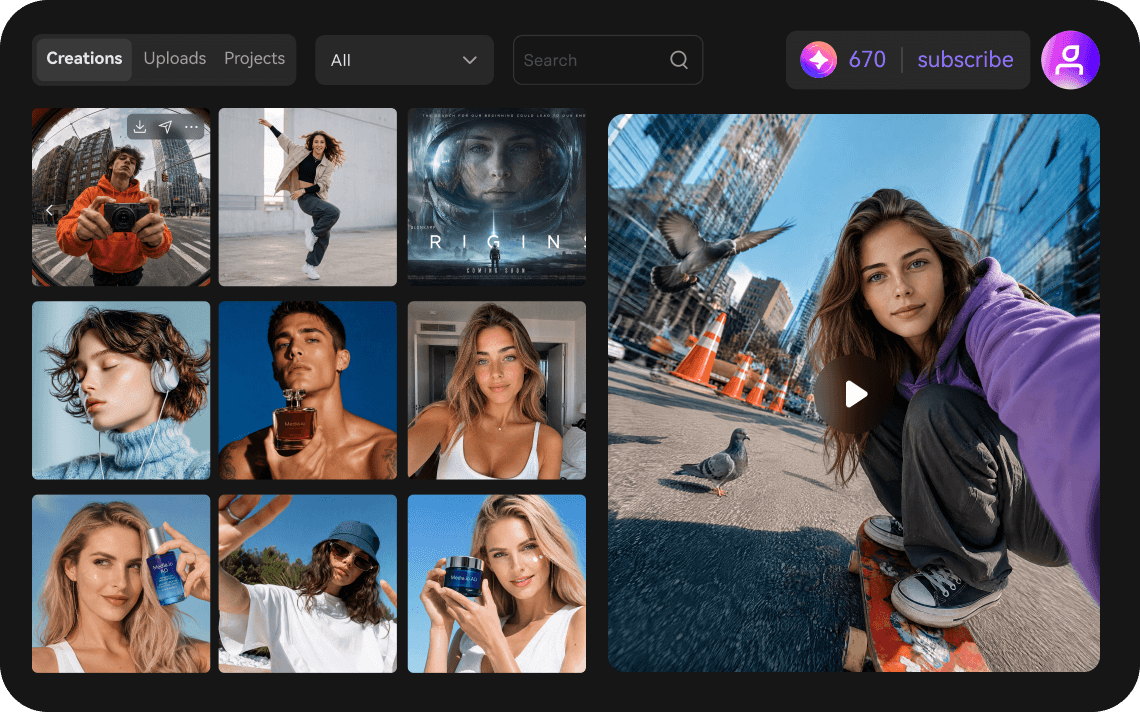
Keep Your Media.io Account and Credits Connected
Sign in with your Media.io account and keep your generation access and account status connected to the CLI workflow. Check your account when needed and continue creating without managing a separate setup for every task.
See What You Can Ask Media.io To Create
Just describe what you want to create and let Media.io handle the generation.

Sure. I’ll keep the person recognizable and create three cinematic 3D variations.
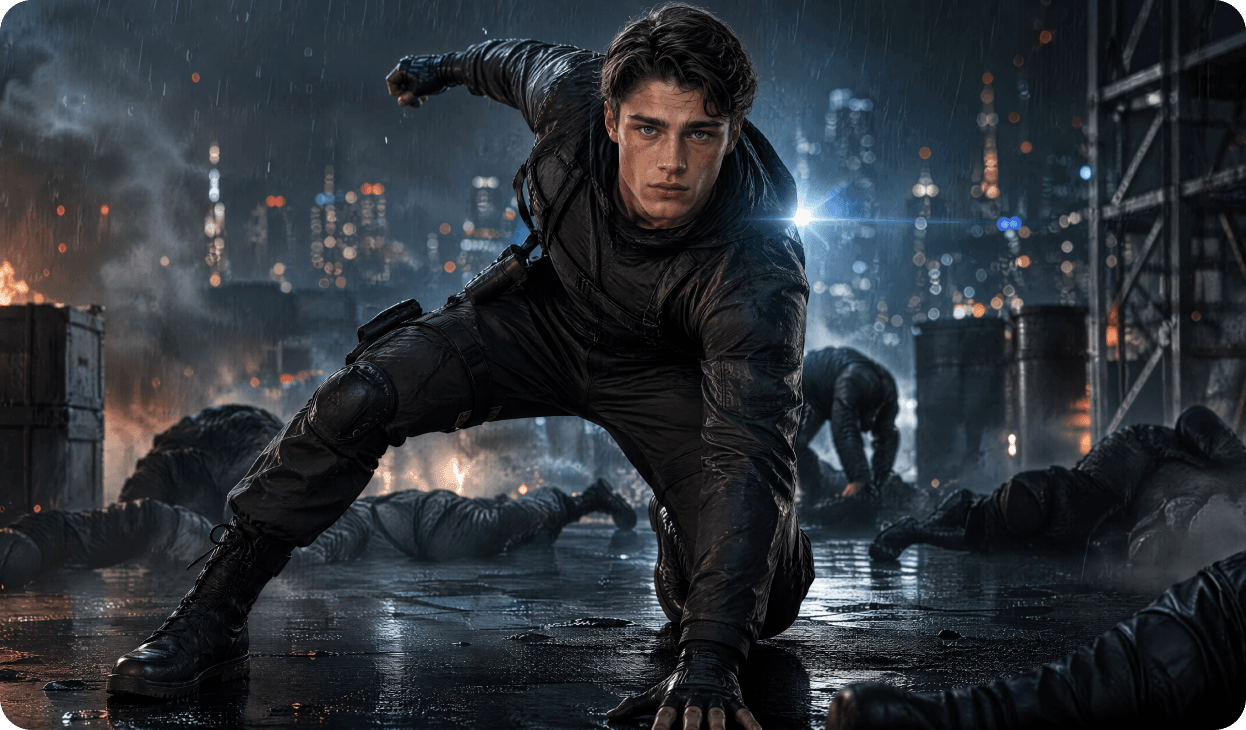

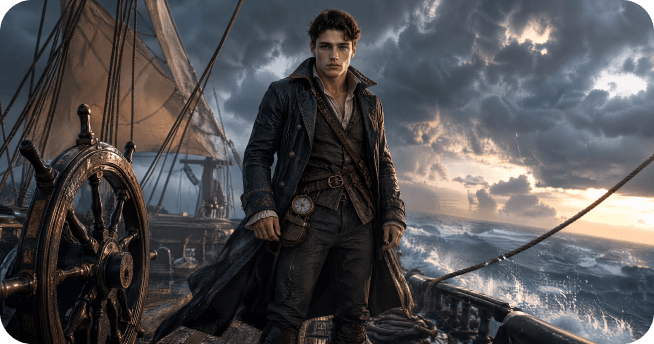

Got it. I’ll keep the person recognizable and create a new streetwear look.
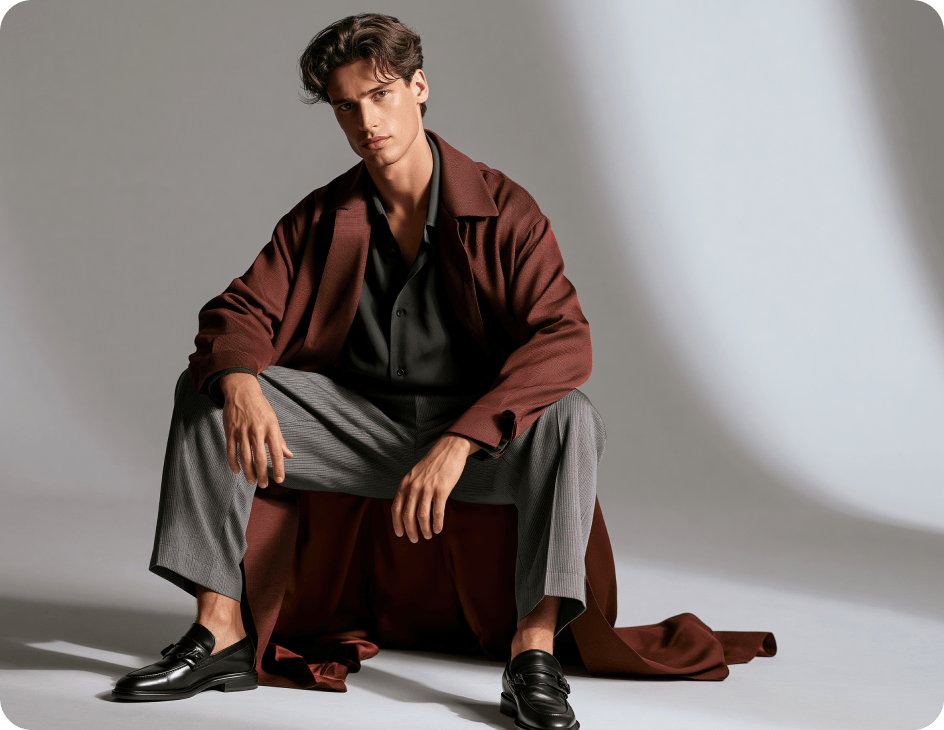
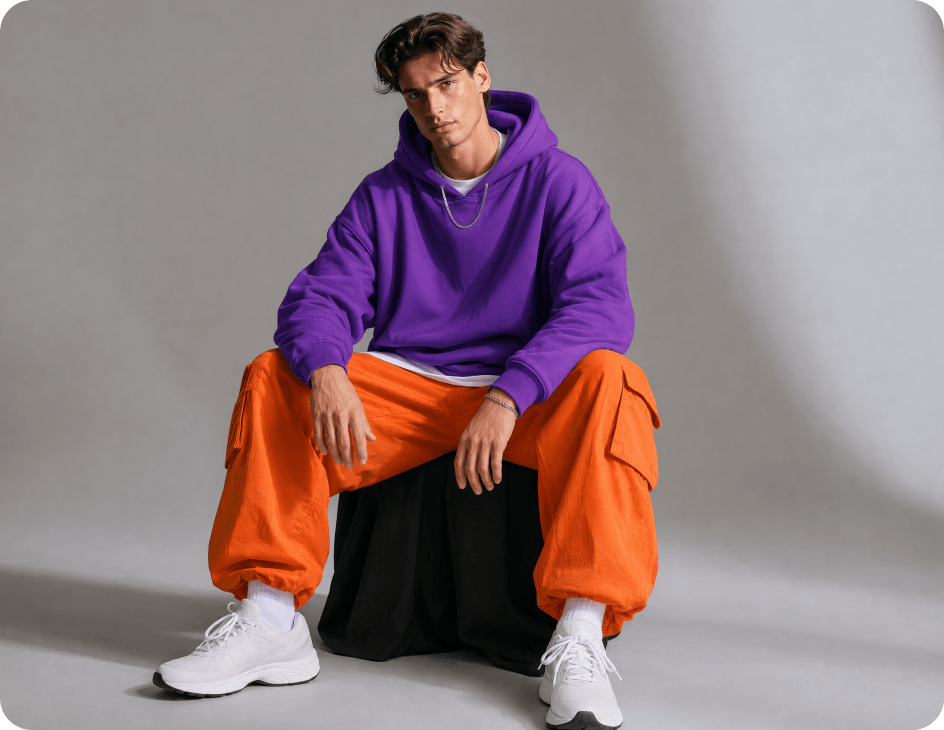

I’ll keep the product consistent and create campaign-ready versions for both formats.



I’ll turn it into a social-ready visual while keeping the character recognizable.
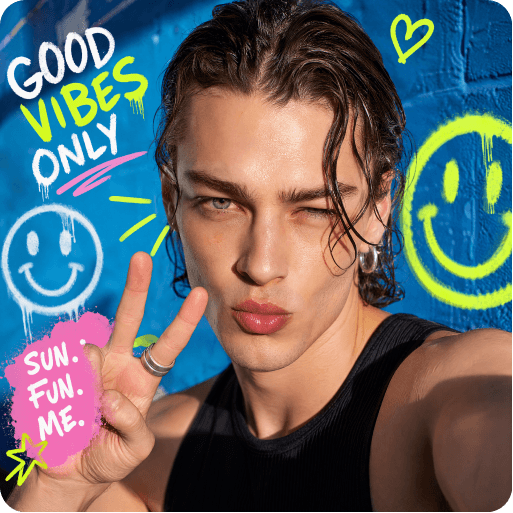 Social post
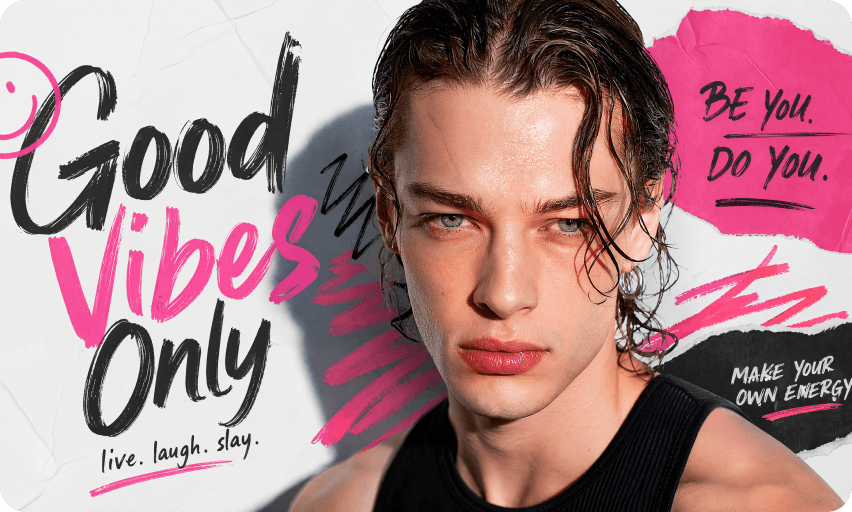 Cover
Cover
 Profile / Character Image

I’ll create a short transformation video while keeping the person recognizable.
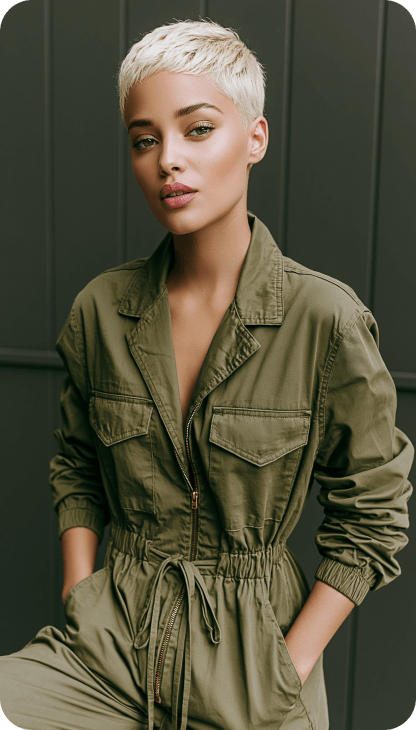
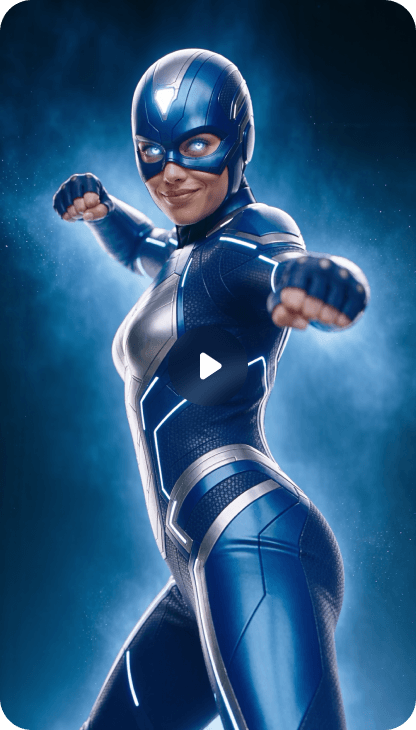

Access Multiple AI Models Through Media.io CLI
Media.io CLI connects you to a growing selection of AI image and video models, giving you more ways to create.
Image Models


Video Models


Simple Answers Before You Get Started
Media.io CLI brings Media.io AI image and video generation capabilities into your AI agent workflow. Once connected, you can create images and videos with Media.io without constantly switching between different creative tools.



