
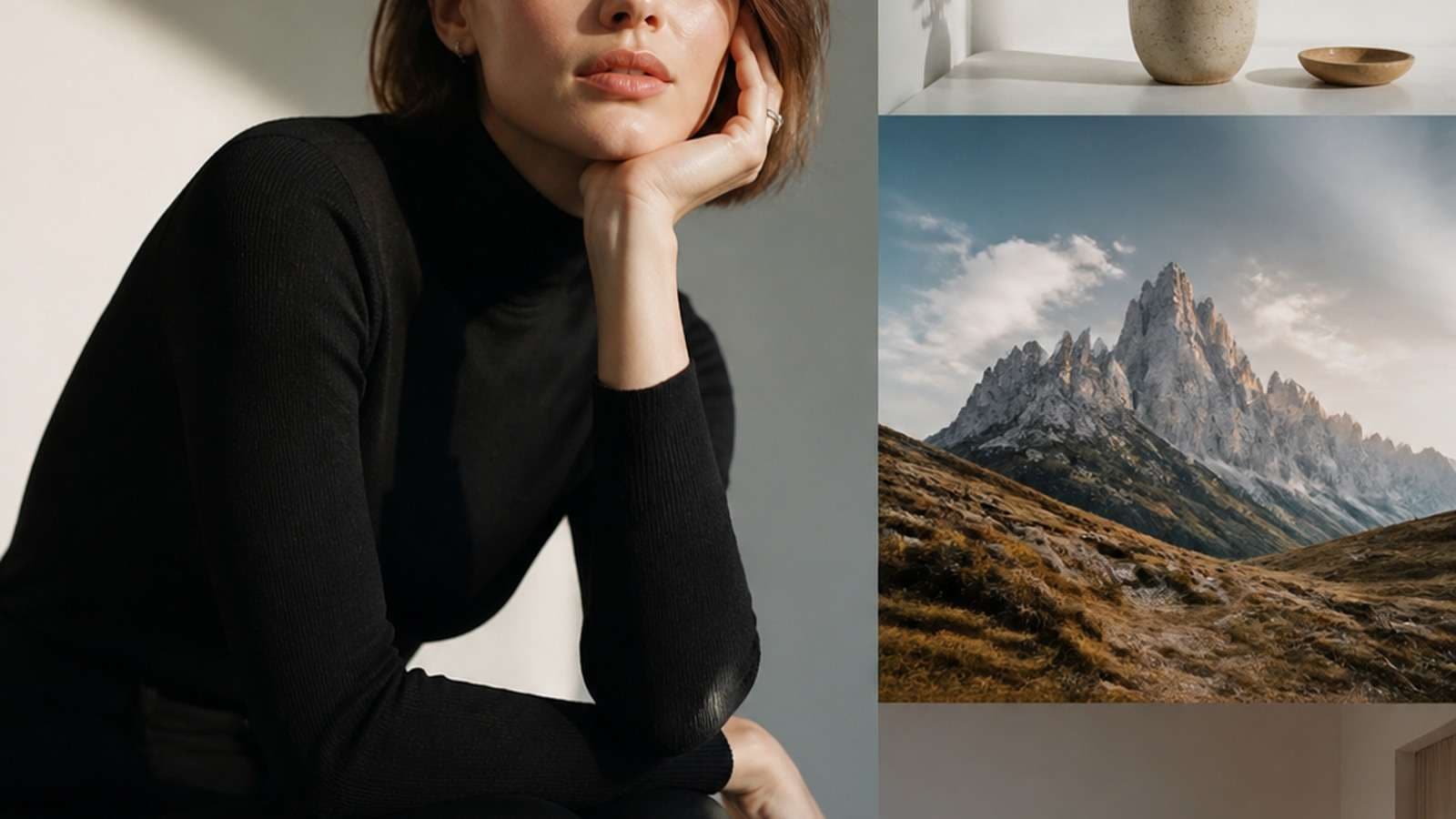
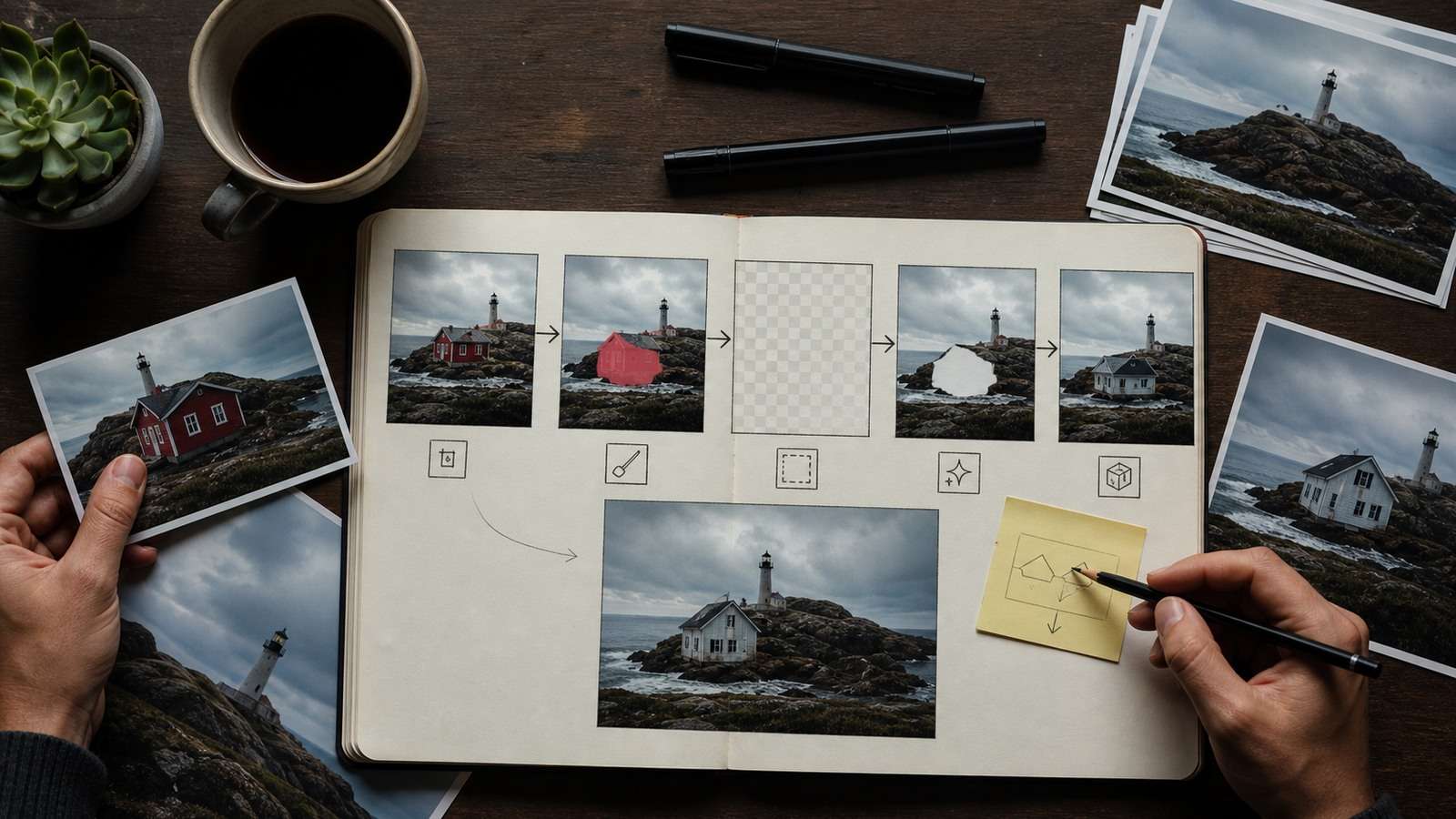
Nano Banana Pro Inpaint is a selective image-editing workflow that combines a marked region with a natural-language instruction. Instead of regenerating the entire picture, the user paints over an object or area and tells the model what to remove, replace or repair.
Nano Banana Pro is Google's Gemini 3 Pro Image model, introduced as an advanced generation and editing system with particular emphasis on legible text, world knowledge and controlled visual changes. The “Inpaint” experience commonly discussed in tutorials is often a mask-based interface provided by a platform integrating the model. That distinction matters: model capability, brush controls, pricing, resolution and export options can vary by the service used to access it.
In This Article
What Is Nano Banana Pro Inpainting?
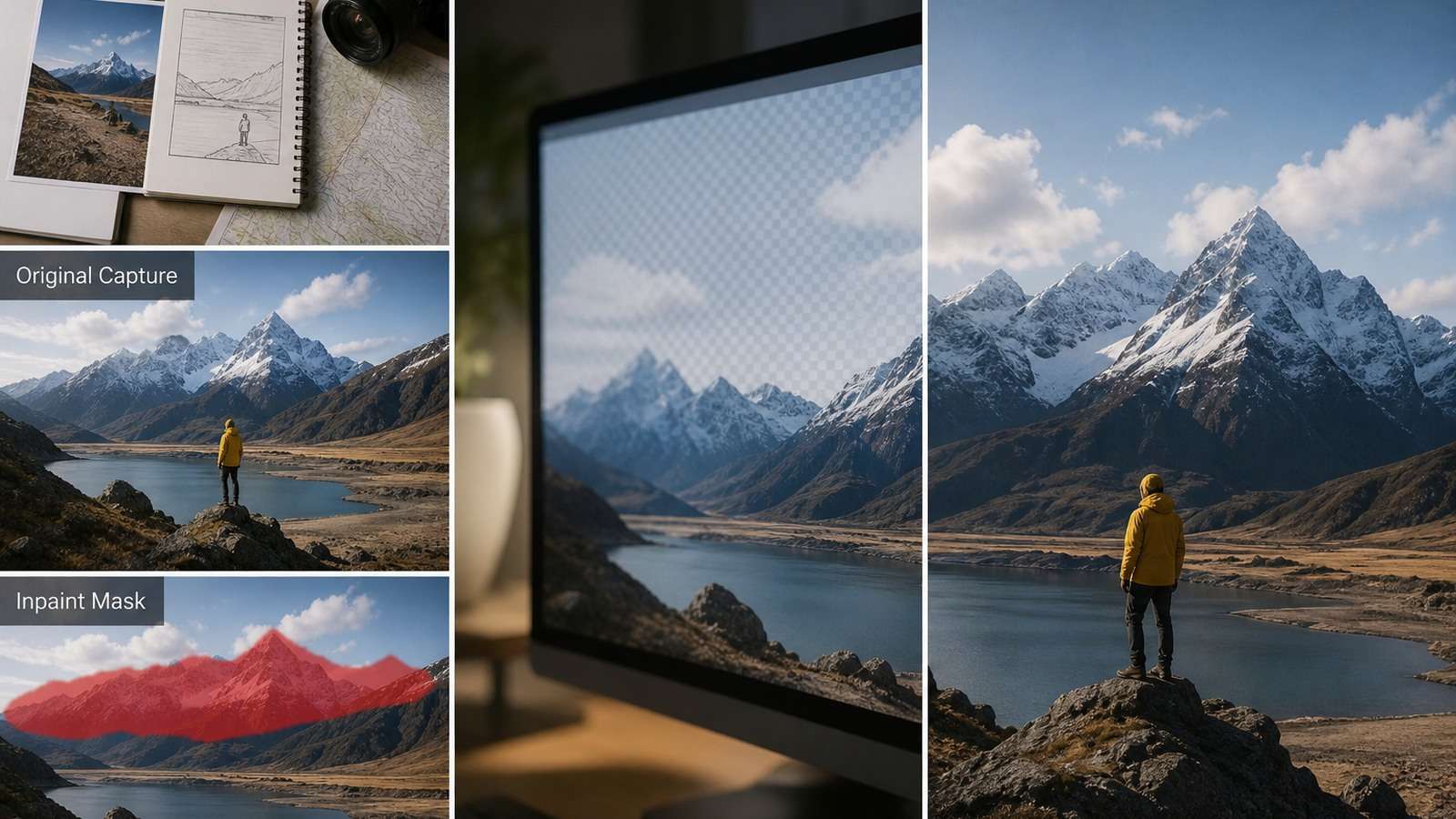
Inpainting reconstructs pixels inside a selected area using the visible surroundings and a text instruction. A conventional content-aware fill looks for nearby texture patterns; a generative inpainting model can infer a new object, material, shadow or background consistent with the wider scene.
The workflow has three inputs:
- Source image: the pixels and composition that should mostly remain.
- Mask: the region permitted to change.
- Edit prompt: the desired content plus constraints for continuity.
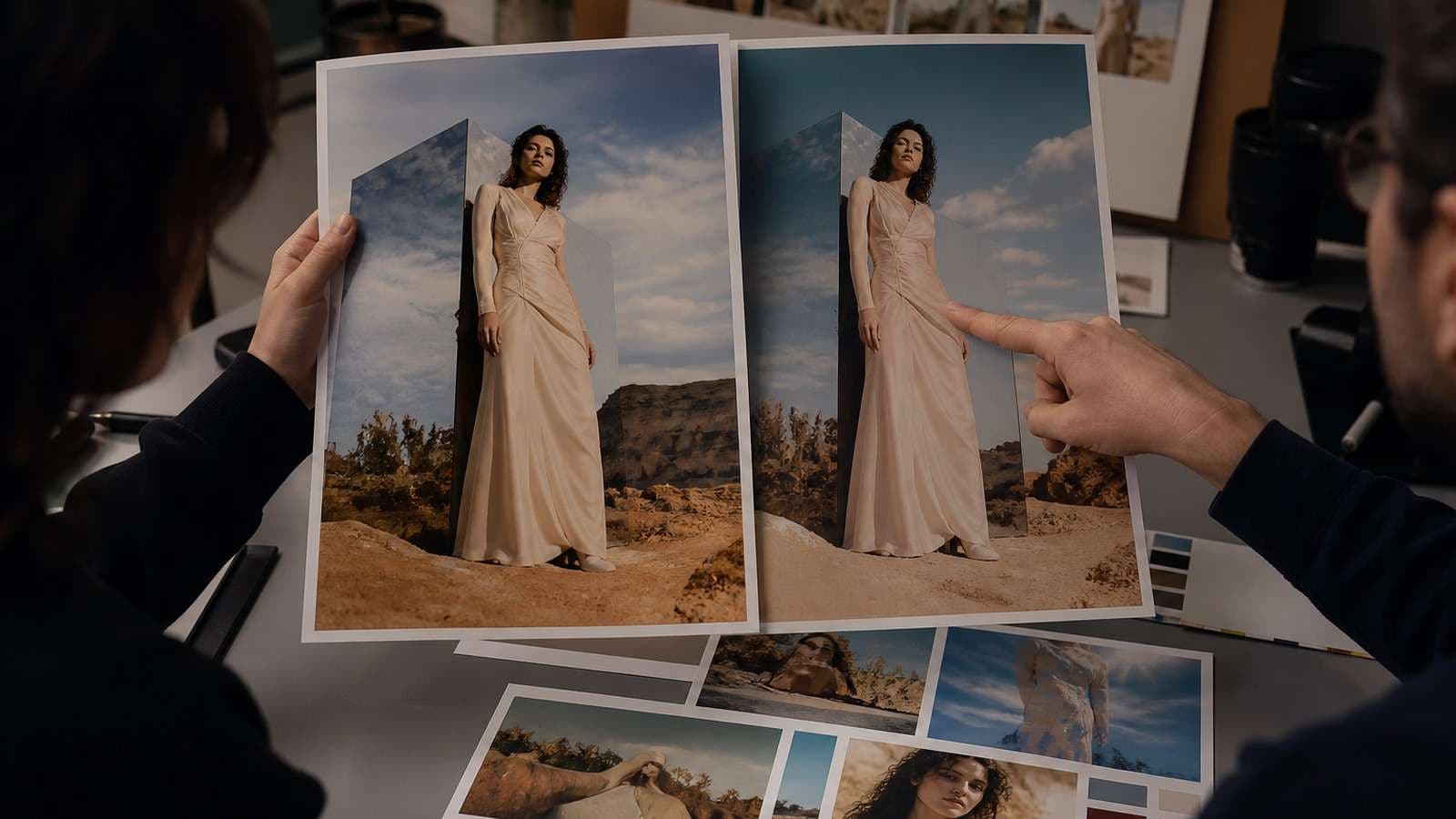
A good Nano Banana Pro local edit preserves identity, camera, lighting, color, background and unmasked objects. A visually attractive result is still a failure if it changes a face, logo or product detail that was supposed to remain fixed.
How to Inpaint With Nano Banana Pro

- Start with the highest-quality source. Fix crop and perspective before local editing. Compression artifacts can be mistaken for details the model should preserve.
- Open an interface that explicitly supports masking. Confirm which underlying model is selected; a platform name and a model name are not interchangeable.
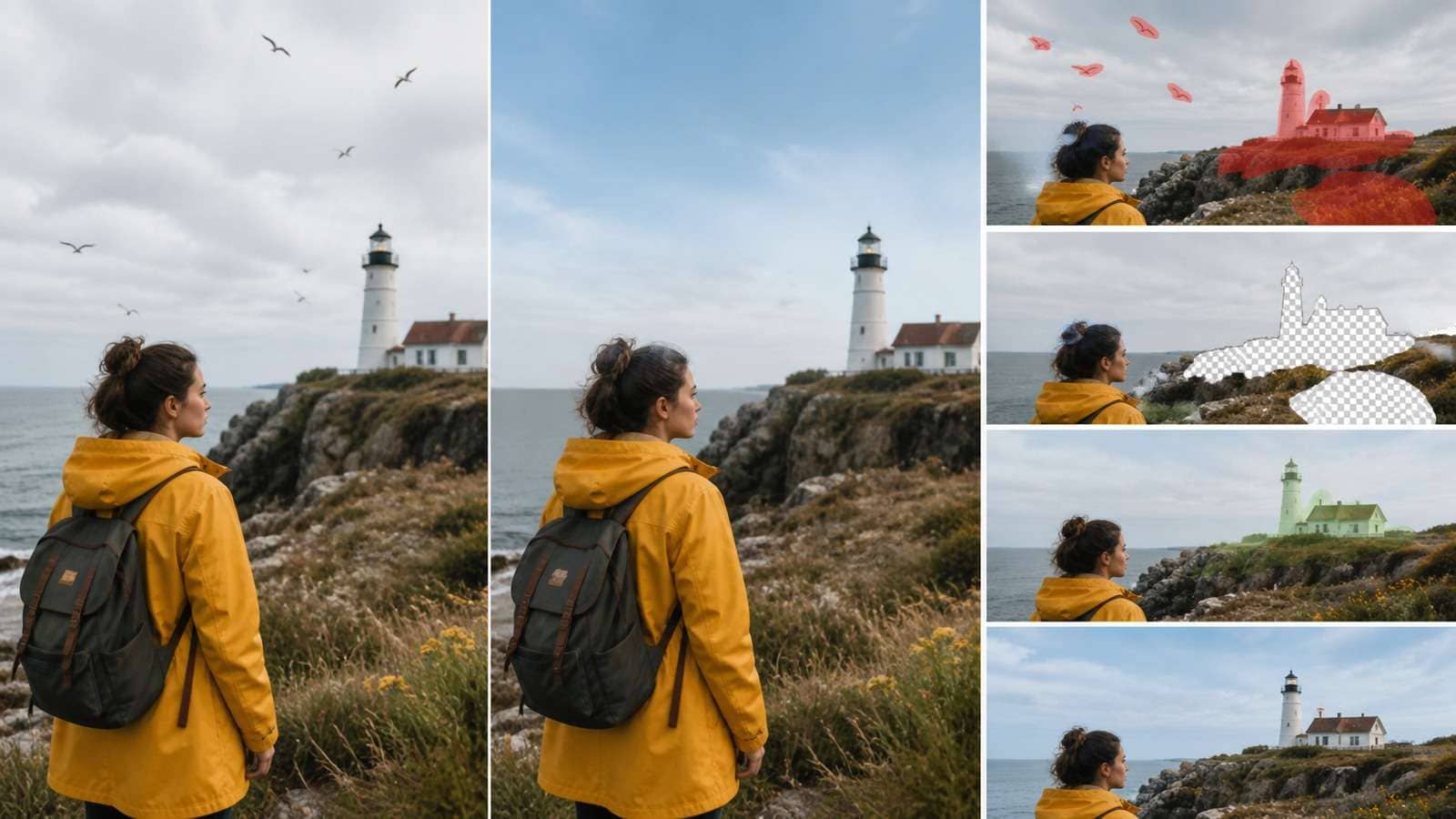
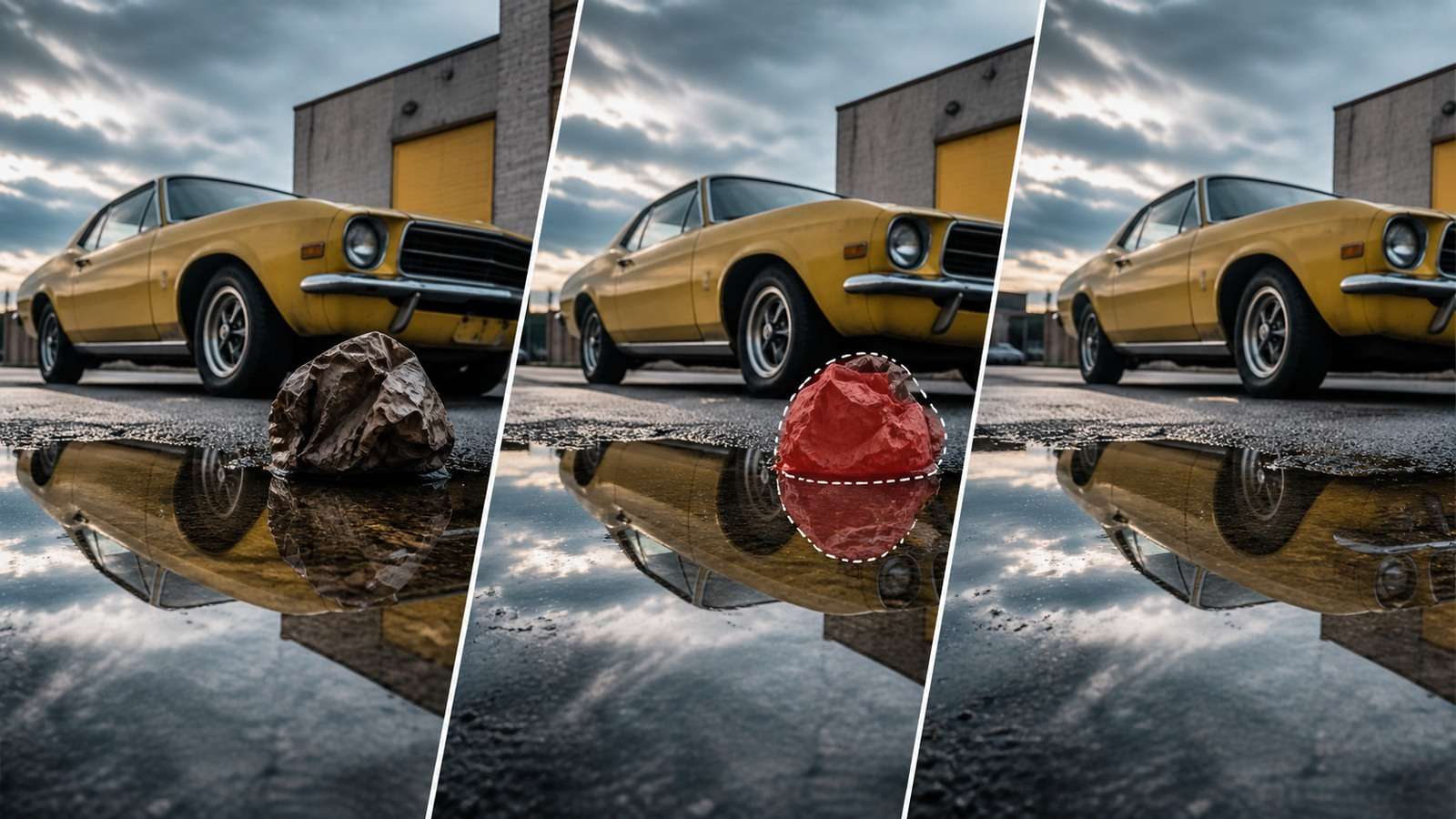
- Paint over the complete edit area. Include the object, its contact shadow, reflections and a small border of surrounding pixels.
- Describe one edit. State what should appear, where it belongs and what must remain unchanged.
- Generate a small set of candidates. Compare structural accuracy before judging color or polish.
- Inspect outside the mask. Zoom into faces, hands, logos, text, edges and repeated textures.
- Refine locally. Use a smaller mask for a remaining edge or shadow rather than rerunning the entire edit.
- Export a master. Preserve full resolution before resizing or compression.
Google's official prompting guidance emphasizes clear, specific instructions and describes advanced changes such as camera angle, focus, color grading and scene lighting. For a broader starting point, Media.io's Nano Banana Pro usage guide explains the surrounding generation and editing workflow.
How Large Should the Mask Be?
A mask that is too tight leaves fragments and makes it difficult to rebuild natural edges. A mask that is too large grants permission to change more of the scene. Cover the whole object plus the pixels necessary to reconstruct contact, occlusion and texture. Hair, fur, glass, smoke and motion blur need a wider transition region than a hard-edged object.
Nano Banana Pro Inpaint Prompt Formula
Use this compact structure:
Object Removal Prompt
Remove the orange traffic cone inside the marked area. Reconstruct the gray pavement with the same cracks, perspective, afternoon light and soft shadow direction. Preserve the cyclist, bicycle wheels and every object outside the mask.
Object Replacement Prompt
Replace the masked plastic chair with a low walnut lounge chair. Match the camera angle and warm window light. Add a realistic contact shadow on the rug. Keep the person, wall art, floor and framing unchanged.
Product Photo Prompt
Replace only the masked background behind the bottle with light beige limestone. Preserve the bottle geometry, label text, logo, cap, condensation and existing highlight pattern exactly. Continue the original soft studio shadow.
Text Correction Prompt
Replace the masked headline with “SUMMER STUDIO” in uppercase white condensed sans serif. Keep the same baseline, letter spacing, size, perspective and shadow. Do not modify the model, clothing or background.
For more varied structures, review these Nano Banana Pro prompt examples. Prompt length is less important than the absence of contradictions.
Selective Editing by Use Case
Nano Banana Pro Object Removal
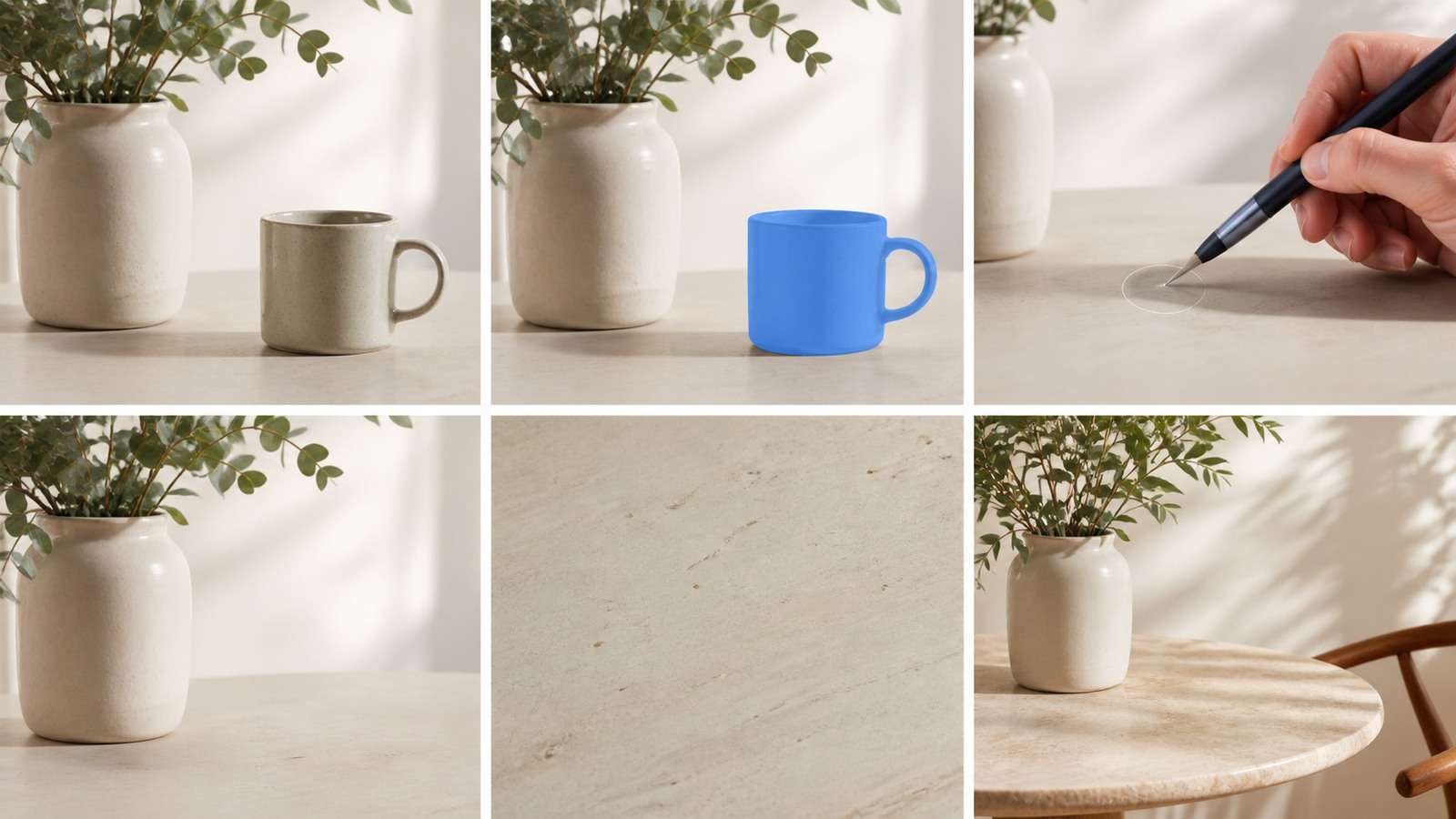
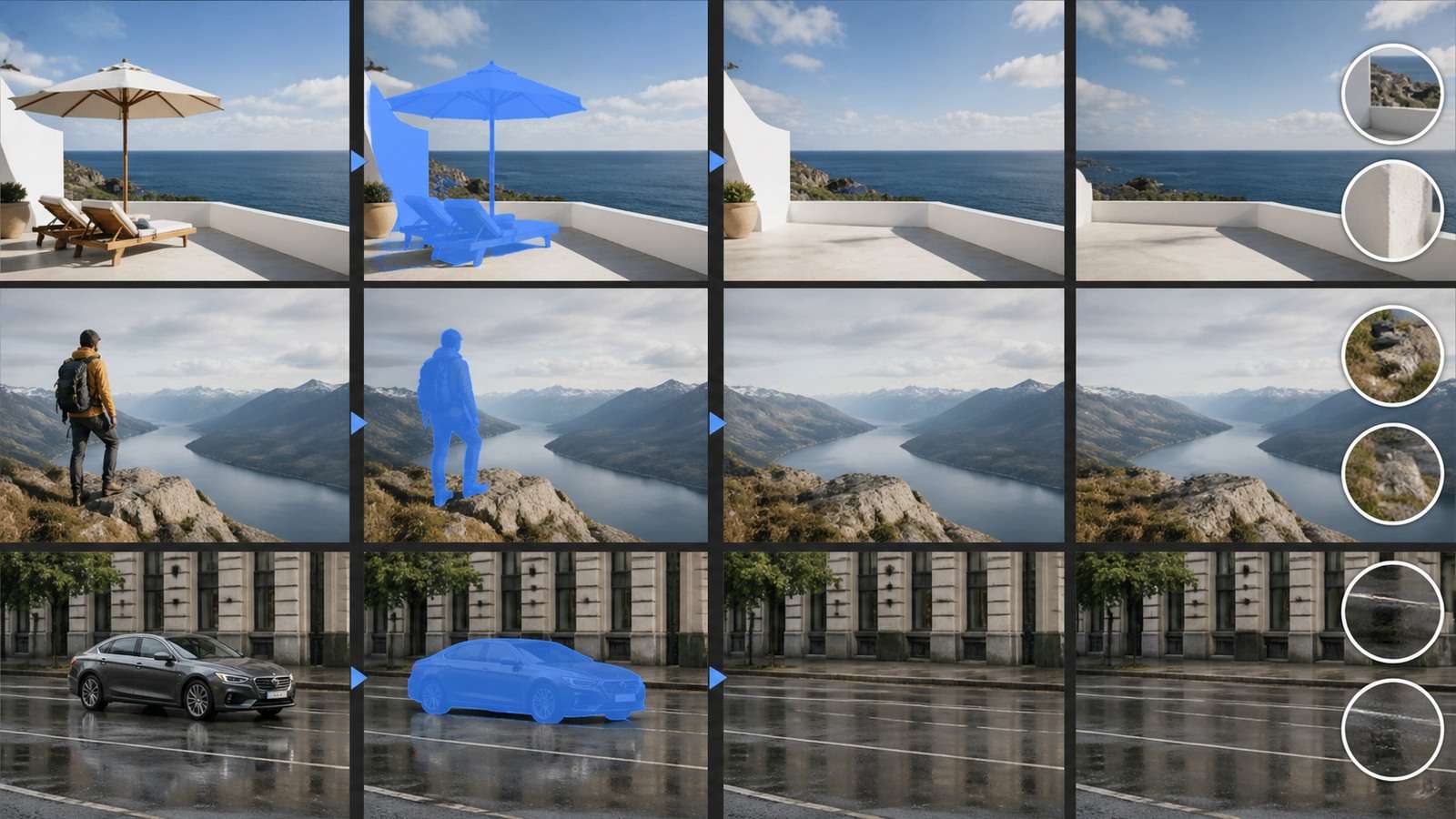
Removal works best when the background behind the object is predictable. A sign against a plain wall is easier than a person covering a patterned staircase. Include shadows and reflections in the mask; otherwise a “ghost” of the removed object remains.
If the task is simply removing a distraction rather than creatively replacing it, a dedicated workflow for removing unwanted objects from photos may be faster and easier to evaluate. Use the least complex tool that produces an acceptable result.
Nano Banana Pro Object Replacement
Replacement requires both insertion and integration. Describe size, orientation, material, contact point and light direction. If a replacement repeatedly floats or intersects nearby objects, enlarge the mask to include the physical contact area.
Fixing Faces Without Changing Identity
Face edits are high risk because a small structural change can produce a different person. Mask only the defect where possible and state which identity cues must remain: facial proportions, eye color, hairline, skin texture, expression and head angle. For a severely distorted face, returning to a stronger source image is safer than repeated repair.
Clothing and Accessory Edits
When changing clothing, include occluded boundaries at the neck, wrists and waist. Preserve pose and body proportions explicitly. Jewelry, straps and patterned fabrics frequently merge with the replacement if they cross the mask edge.
Background Repair and Replacement
Local repair fills holes or damaged regions; background replacement changes the scene behind a subject. The latter requires subject segmentation, edge handling and consistent illumination. See the dedicated Nano Banana background replacement workflow when the entire environment needs to change.
Editing Text Inside an Image
Nano Banana Pro was introduced with a focus on correctly rendered, legible text, but exact brand typography can still require manual layout. Mask the complete old word and its shadow, specify the new copy verbatim and verify every letter. For controlled cleanup before redesign, compare the conventional process for removing text from an image in Photoshop.
Why Nano Banana Pro Inpaint Results Fail
| Failure | Likely cause | Fix |
|---|---|---|
| Old object fragments remain | Mask is too tight | Include edges, shadow and reflection |
| Unmasked face changes | Prompt invites a broad scene rewrite | State one local operation and preservation constraints |
| Replacement floats | Contact area is outside the mask | Mask floor or supporting surface near the object |
| Texture repeats unnaturally | Insufficient background context | Expand the mask or supply a reference |
| Text is misspelled | Too much copy or difficult styling | Edit one text block and finish typography manually |
| Product shape changes | Generative edit includes protected geometry | Mask only the surrounding area or composite the real product |
| Skin looks plastic | Repeated face generations remove texture | Return to the original face and repair a smaller region |
| Resolution looks soft | Working file or export is too small | Complete structure first, then upscale the approved image |
Do not solve a structural failure with enhancement. Image upscaling can improve an approved asset's delivery resolution, but it cannot restore the wrong face, label or perspective.
Nano Banana Pro Inpaint vs Photoshop
| Task | Nano Banana Pro inpaint | Photoshop-style workflow |
|---|---|---|
| Remove simple object | Fast natural-language reconstruction | Content-aware fill, clone and manual cleanup |
| Invent replacement | Strong concept speed | More sourcing and compositing work |
| Preserve exact pixels | May alter unintended details | Layer and mask control is stronger |
| Typography | Can synthesize text | Exact fonts, kerning and editable type |
| Brand product | Useful for surroundings and concepts | Safer for exact geometry and labels |
| Repeatable client revisions | Fast but probabilistic | Deterministic, versioned and auditable |
Nano Banana Pro is not a complete Photoshop replacement. It reduces the manual work required to imagine or reconstruct content; Photoshop remains stronger when the operator needs exact layers, typography, masks, color values and reversible revisions. A hybrid workflow uses generative inpainting for the difficult invention and conventional tools for precise finishing.
For a wider model comparison, read the Nano Banana Pro vs Nano Banana comparison and the hands-on Nano Banana Pro Higgsfield review.
A Production-Safe Image Editing Workflow
- Duplicate the original and preserve metadata.
- Define the exact region permitted to change.
- Run one edit operation per generation.
- Compare against the original using overlays or rapid toggling.
- Check faces, hands, logos, text, shadows and edges at 100%.
- Use a smaller repair mask for remaining defects.
- Perform typography, brand and color-critical work in editable layers.
- Record the source, prompt, model, platform and approval version.
Character edits should be tested across more than one image before scaling. Figure and character workflows need especially careful preservation of silhouette, facial identity, clothing details and proportions across every edit.
If the edited still becomes the basis for motion, approve every structural detail first, then use Image to Video. Animation magnifies small defects and makes later local correction more difficult.
Frequently Asked Questions
-
What is Nano Banana Pro Inpaint?
It is a selective image-editing workflow that combines a source image, a painted mask and a text instruction to remove, replace or repair a specific region. -
Is Nano Banana Pro the same as Gemini 3 Pro Image?
Yes. Google introduced Nano Banana Pro as its Gemini 3 Pro Image generation and editing model. The inpainting interface may be supplied by a third-party platform integrating that model. -
Why does inpainting change areas outside the mask?
Generative editing may reinterpret the wider scene when the prompt is broad or the interface does not enforce a hard mask. Use one local instruction and explicitly list important details to preserve. -
How do I remove an object cleanly?
Mask the complete object plus its shadow, reflection and a small context border. Ask the model to reconstruct the specific background material and perspective. -
Can Nano Banana Pro edit text in an image?
It is designed for stronger text rendering and can replace text, but exact fonts, kerning and brand typography should still be verified or finished manually. -
Is Nano Banana Pro Inpaint better than Photoshop?
It is faster for generative reconstruction and creative replacement. Photoshop-style editing remains better for exact layers, typography, pixel control and repeatable client revisions.


