Unlimited Nano Banana Pro! Ends June 30.
Grab it Now

AI Lip Sync – Automatically Sync Audio to Video with Natural Lip Movement

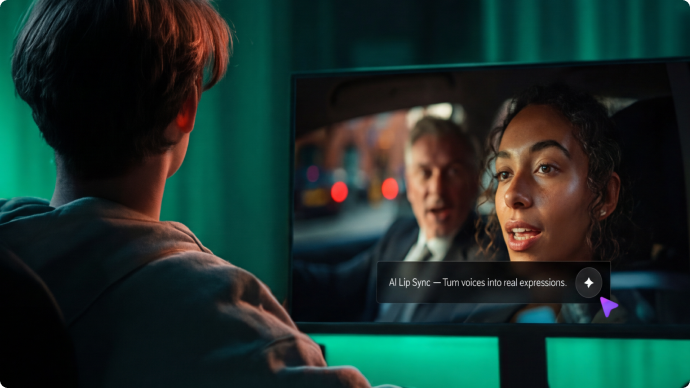
Upload a video and add new audio — or type text to generate a voice. Our AI lip sync tool automatically matches mouth movements to the audio with natural timing, expressions, and realism. Perfect for dubbing, voice replacement, multilingual videos, and content fixes — all online, no editing software required.

Create a Professional AI Lip-Sync Resume or Presentation Video
AI lip sync resume video
Create Viral AI Lip-Sync Videos (Minecraft, Anime & More)
AI lip sync Minecraft
Sync Audio to Video with AI

Works with uploaded audio files or AI-generated voice.

Automatic Lip Sync for Any Video

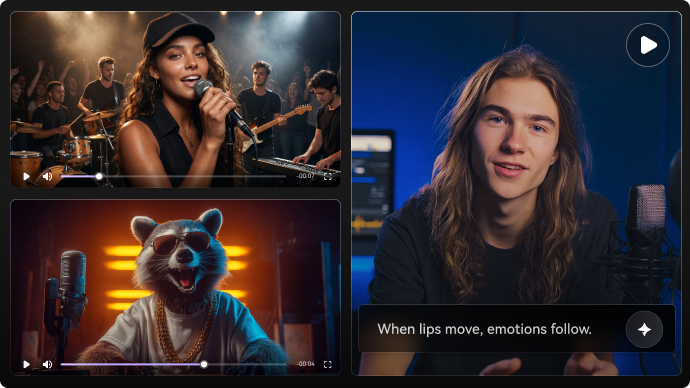
Upload your video and let AI automatically sync lips to new audio. It works with talking-head videos, presentations, character clips, anime, and even animal videos — no re-recording required. The AI analyzes mouth movement, timing, and facial expressions to create natural lip sync without manual editing or frame-by-frame work.

Try AI Lip Sync
Automatic AI lip sync preview

Add Voice from Audio or Text

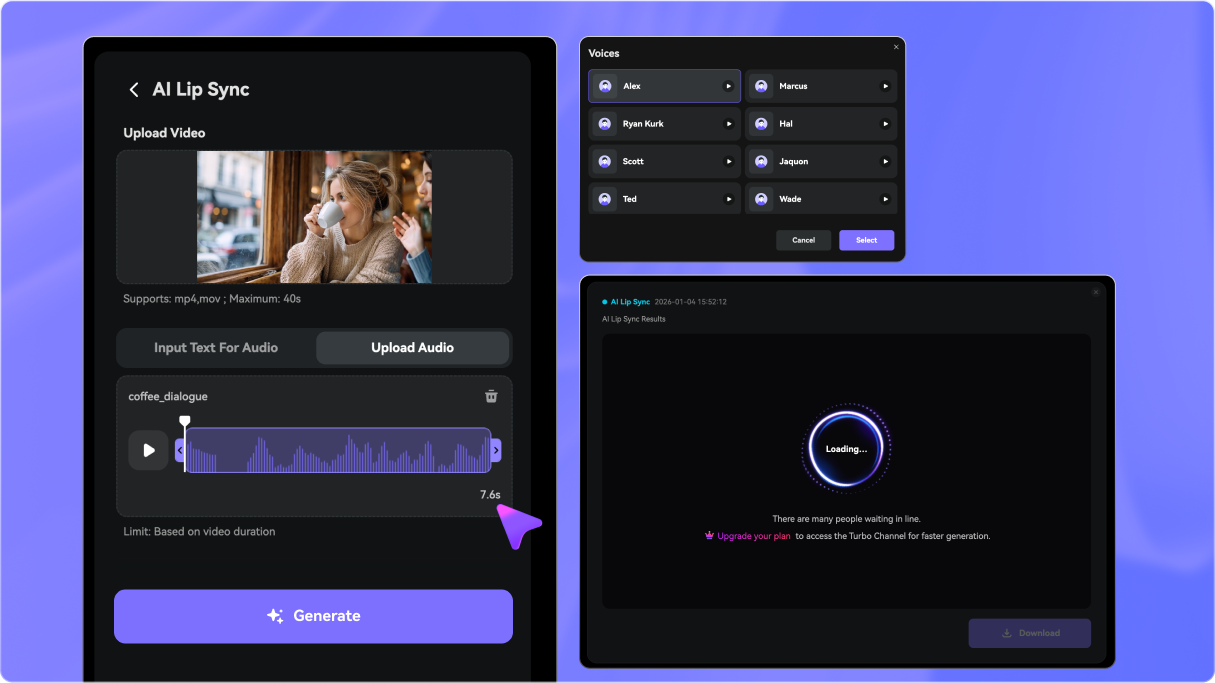
Replace the voice in your video by either uploading an audio file or typing text to generate AI speech. Choose from up to 28 languages with multiple male and female voices. Perfect for voice replacement, dubbing, narration, and multilingual videos.

Generate Lip-Synced Audio
Text-to-speech or audio upload for AI lip sync

Natura, Realistic Mouth Movement

Advanced AI models ensure lip movements look smooth and realistic, not robotic. Speech timing, pauses, and expressions are adjusted automatically so the final result feels human, believable, and visually consistent.

Make It Look Natural
Natural mouth movement and expression matching

Online, Fast & Beginner-Friendly

No software, plugins, or editing experience required. Everything runs directly in your browser with fast processing and watermark-free exports. Download your lip-synced video in MP4 format—ready for social media, dubbing, presentations, education videos, or content creation in just seconds.

Start with Free Credits
Online AI lip sync workflow

What You Can Do with Lip Sync AI

Video Dubbing & Language Translation

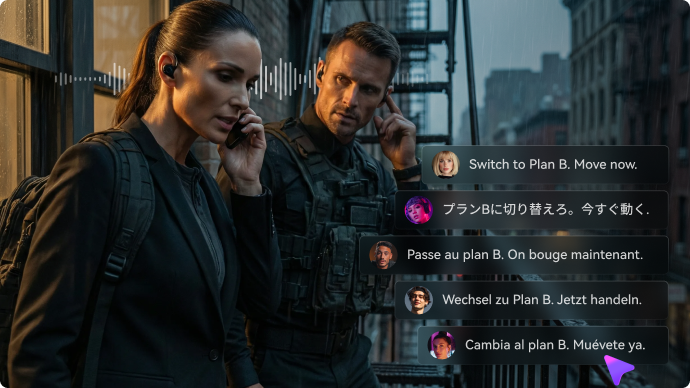
Replace original dialogue with a new language while keeping lip movements perfectly synced. Ideal for multilingual content, global marketing videos, and international audiences.

Fix Bad Audio or Replace Voice

Got a video with poor audio quality? Upload a clean voice track or generate new speech and let AI re-sync the lips automatically — no need to re-record video.

Content Creation for Social Media

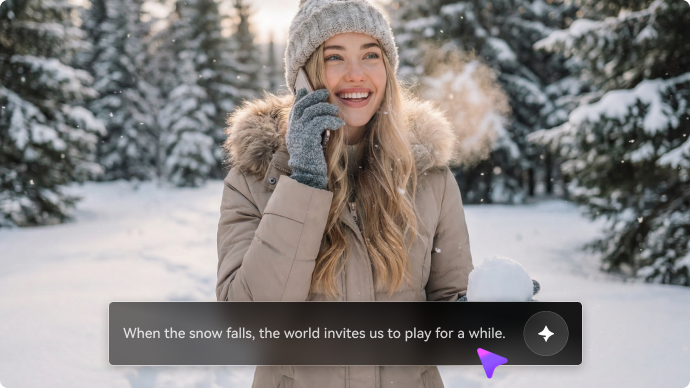
Creators use AI lip sync to generate talking videos from scripts, update voiceovers, or repurpose clips for TikTok, Reels, and YouTube Shorts with clean, synced speech.

Education, Training & Presentation Videos

Create clear, professional training videos by syncing narrated audio to recorded presenters. Perfect for online courses, tutorials, explainers, and internal training.

How to Create AI Lip Sync Video Online Free (3 Simple Steps)

1
2
3
1
📤 Upload Your Video

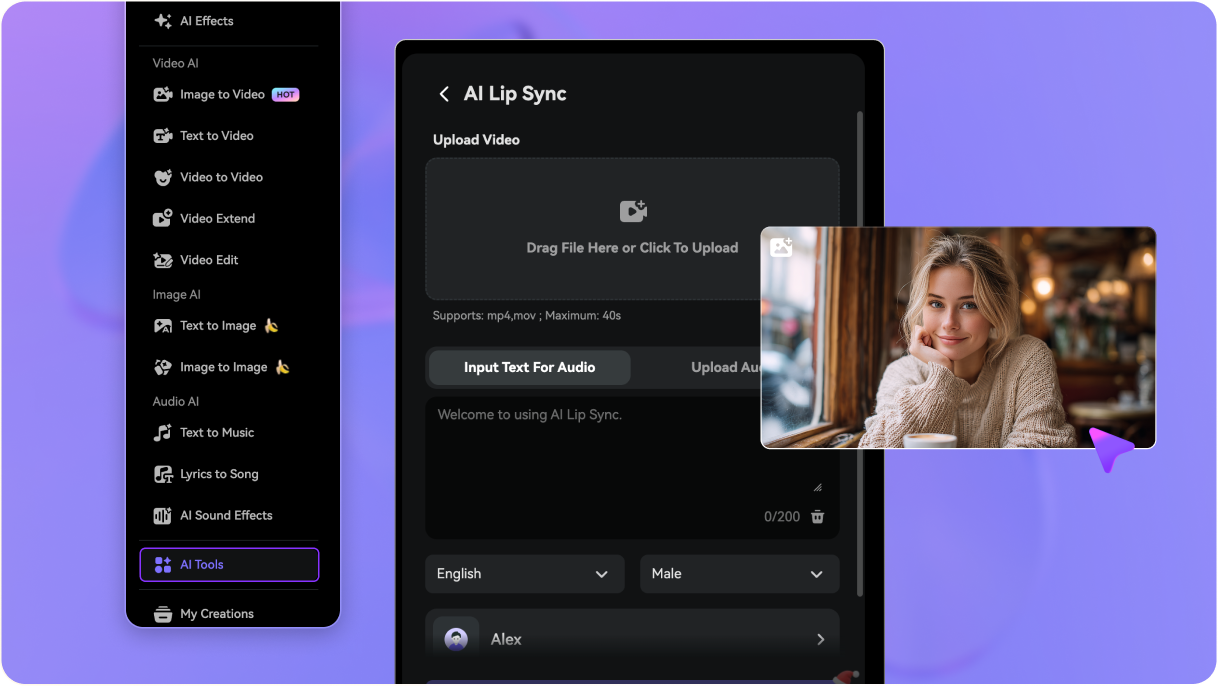
Upload a video where the face is clearly visible. Talking-head videos, selfies, presentations, and character clips all work well. Anime characters and animal videos are also supported. For best results, use a front-facing video with clear lip movement.

2
🎙️ Add Audio or Text

Choose how you want the voice:
Upload an audio file (voiceover, narration, or song), or
Type text and let AI generate realistic speech automatically.
You can select from up to 28 languages with male or female voices. The AI analyzes timing, tone, and pronunciation to create accurate lip movements.

3
⬇️ Generate & Download

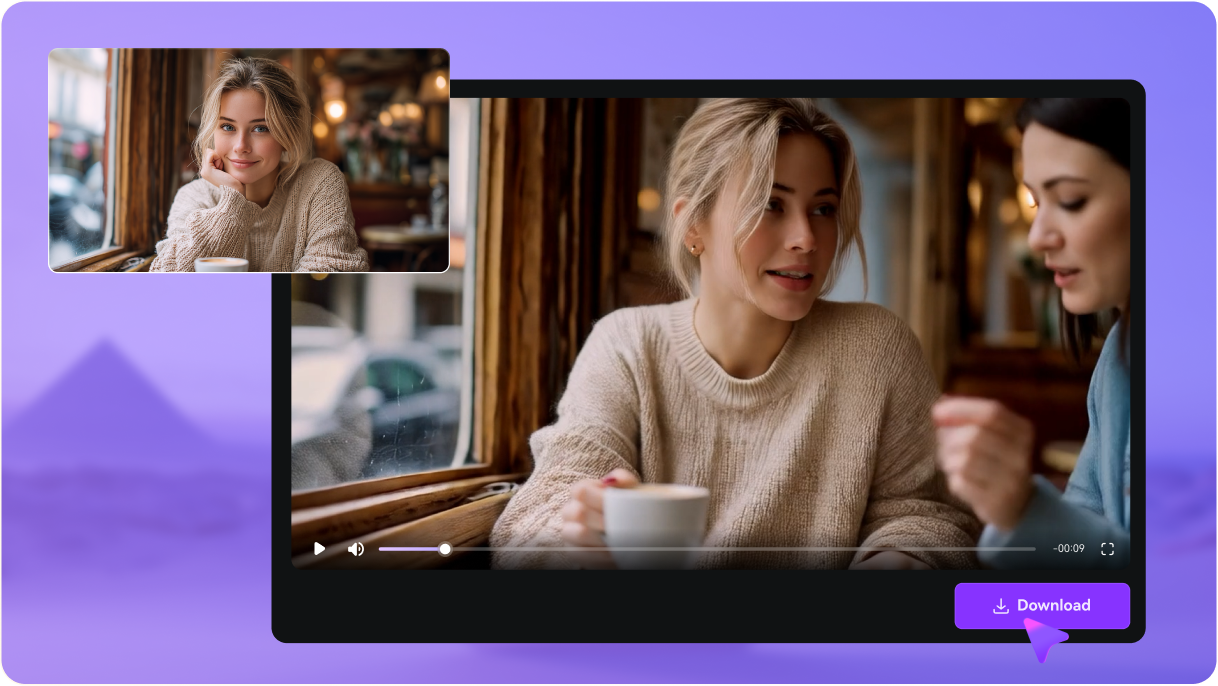
Click Generate and the AI syncs the lips to the voice with natural timing and facial expressions. Download your lip-synced video in MP4 format, ready for social media, dubbing, presentations, or content creation.

Step 1: Upload your video for AI lip sync
Step 2: Add audio or text for lip sync
Step 3: Generate and download lip-synced MP4

Join 500,000+ Creators Using AI Lip Sync to Dub, Translate & Re-Voice Videos

user
@sofia_dubs

UGC Creator

star star star star star

“My dubbed Reels finally look real.” I uploaded my talking-head clip, pasted a new script, and the lip sync matched my mouth way better than the apps I tried. It’s now my go-to for quick voiceover replacement and multilingual content.

user
@mark_globalads

Growth Marketer

star star star star star

“We localized 6 languages without reshoots.” We swapped the audio and generated lip-synced dubbing for the same video. The faces stayed natural, and it saved us a ton of time for global campaigns.

user
@coach_emma

Course Creator

star star star star star

“Fixed my bad audio in minutes.” One lesson had noisy audio, so I replaced the voice track and used AI lip sync. The mouth movement stayed smooth and the lesson feels like it was recorded clean from the start.

user
@anime_va

Anime Editor

star star star star star

“Works on character clips too.” I tried it on a short character scene and it synced surprisingly well. Great for quick voice swaps, parody lines, or dubbing short edits for TikTok.

user
@shorts_studio

YouTube Shorts Creator

star star star star star

“Perfect for updating scripts fast.” When I change a hook line, I just paste the new text and regenerate. No re-recording, no timeline edits—just a clean, synced talking video ready to post.

AI Lip Sync FAQs

1. What is AI lip sync?
faq

AI lip sync is a technology that automatically matches mouth movements in a video to spoken audio. By analyzing facial features and speech patterns, AI creates realistic lip movements so the person in the video appears to speak naturally.

An AI lip sync video generator analyzes the face in your uploaded video—especially the lips, jaw, and expressions—then aligns them with audio or text-generated speech. The AI adjusts timing, mouth shapes, and expressions frame by frame to produce natural-looking lip sync.

You can create many types of AI lip sync videos, including:

  • Human face lip sync for presentations, talking videos, and dubbing
  • Video dubbing in different languages
  • Viral edits for TikTok, Reels, and Shorts
  • Animation and cartoon lip sync
  • Animal or pet lip sync (dogs, cats, etc.)
  • Baby or child-style lip sync videos
  • Music and lyric lip sync for songs or music videos

AI lip sync works for both realistic and creative content.

Several tools can sync audio to video for dubbing, social clips, and creative edits. The best options combine natural lip movement, easy use, and online access:

1) Media.io AI Lip Sync (Top Choice)

  • Beginner-friendly online tool with fast processing
  • Upload video + text or audio → AI generates natural lip movements
  • Supports text-to-speech + uploaded audio
  • No software or manual editing required
  • Free daily credits to try before paying

2) Kaiber Lip Sync (Creative / Visual Focus)

  • Strong creative controls and cinematic results
  • Especially good for stylized or animated clips
  • Works well with music and artistic edits

3) D-ID Creative Reality™ Studio

  • Enterprise-grade lip sync + talking heads
  • Great for professional presentations and AI avatars
  • Strong TTS support and multilingual voices

4) Synthesia

  • AI avatars with synchronized speech
  • Built-in avatar library + multiple languages

5) Reface / Wav2Lip (Open Models / Experimental)

  • Tech-focused tools for research or hobby use
  • Useful for prototyping lip sync, but may require more steps

Each tool has strengths — Media.io is one of the easiest options for everyday creators who want online, natural AI lip sync video without complex software.

Yes. Media.io offers free daily credits when you sign up or log in, allowing you to try the AI lip sync video generator at no cost. You can generate and download lip-synced videos before deciding whether to upgrade.

Media.io Online AI Tools Quality Rating:
vote 4.7 (162,357 Votes)