
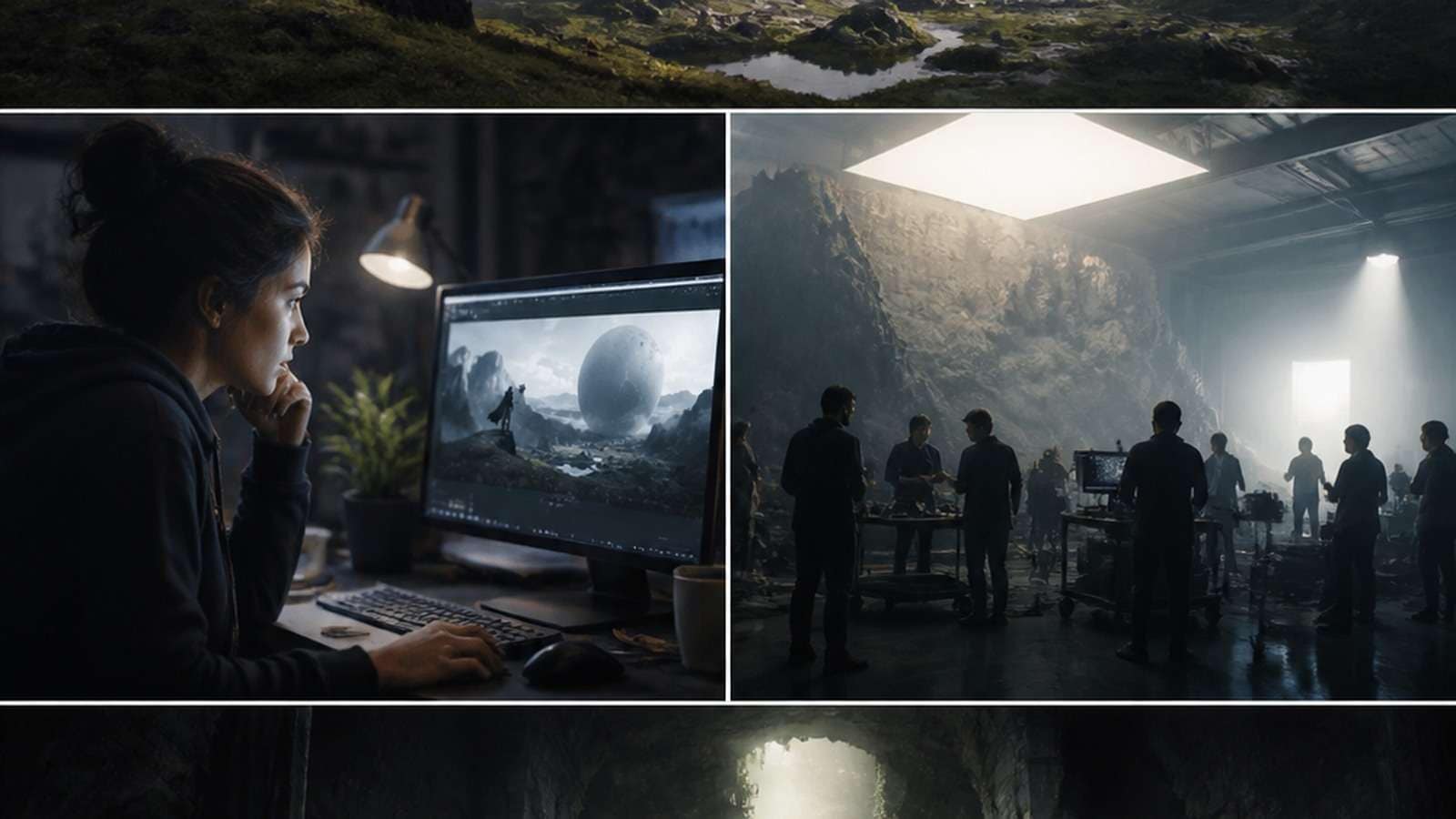
An AI game trailer can help an indie developer turn concept art, gameplay captures and a short marketing brief into a cinematic teaser or launch asset. The technology is useful for previsualization, transitions, world-building shots and promotional variants. It becomes risky when generated spectacle misrepresents what the player can actually do.
The most effective video game trailer has two jobs: excite the viewer and explain the game. Steam explicitly recommends making the first store-page trailer primarily gameplay so players can see what they will be doing. AI-generated cinematics should therefore support the product truth—not conceal a lack of representative gameplay.
In This Article
What Kind of Game Trailer Are You Making?
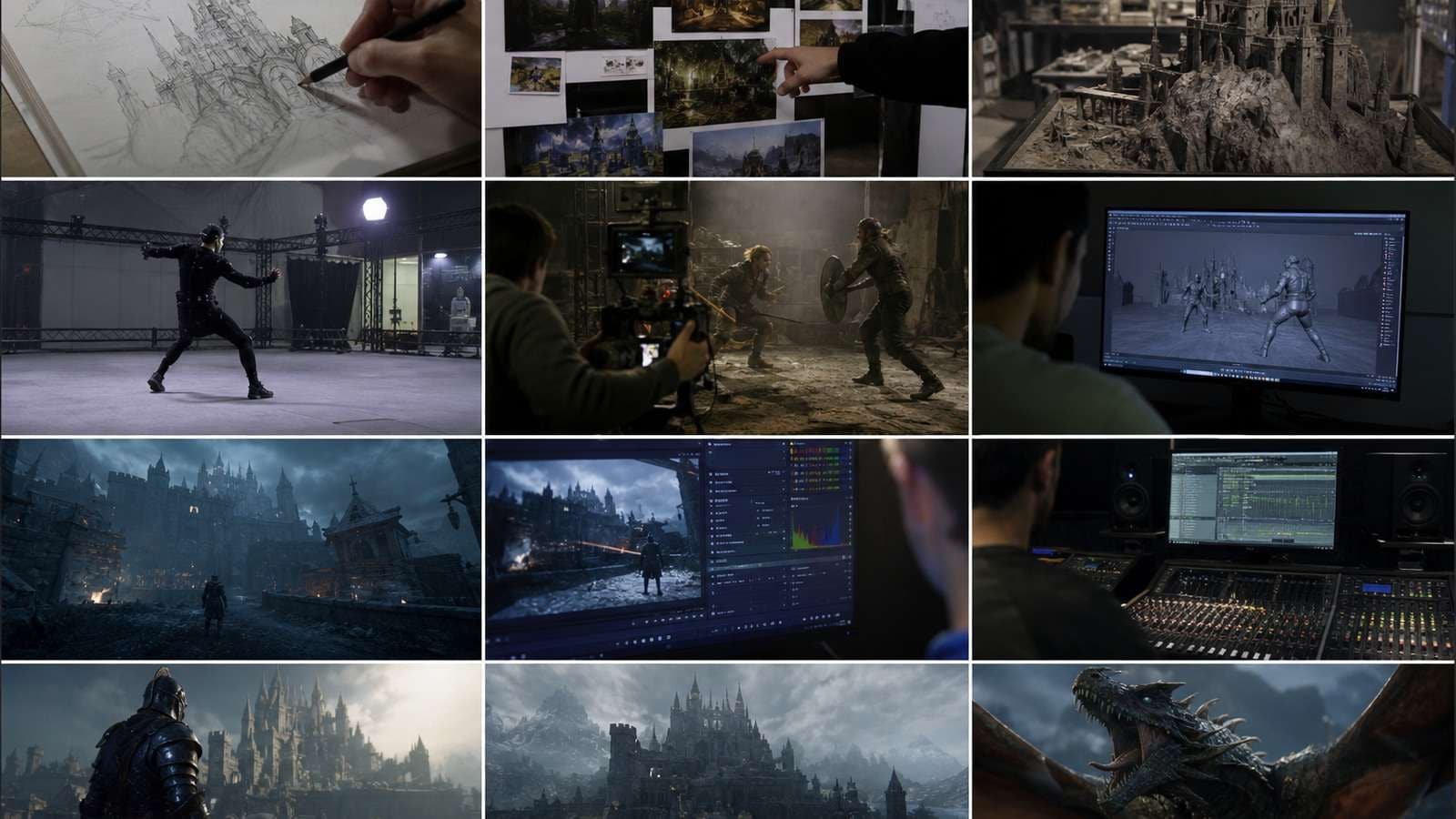
| Trailer type | Primary job | Recommended evidence |
|---|---|---|
| Announcement teaser | Establish premise, world and tone | Concept visuals plus a truthful genre signal |
| Gameplay trailer | Show what the player does | Representative in-engine or captured gameplay |
| Cinematic trailer | Sell fantasy, story and emotional stakes | Characters, world and narrative aligned with the game |
| Launch trailer | Convert informed interest into purchase | Gameplay, reviews, release information and CTA |
| Mobile game ad | Stop the scroll and demonstrate reward | Accurate mechanic, progression or offer |
| Steam store trailer | Help shoppers understand the product quickly | Gameplay-led first trailer |
Do not combine every type into one edit. A mysterious teaser can delay gameplay because its purpose is awareness; a Steam shopper already evaluating the game needs clarity. Define audience, platform and funnel stage before writing a script.
The Structure of an Effective Video Game Trailer

Game Maker's Toolkit and veteran trailer editor Derek Lieu repeatedly emphasize that trailers must communicate the game, not merely display attractive footage. The viewer should understand the player fantasy, core action and escalation without reading a long explanation.
- Hook: begin with the most distinctive mechanic, threat, visual or contradiction.
- Orientation: establish who the player is and what kind of world they inhabit.
- Core loop: show the repeated action—build, fight, explore, solve, survive or manage.
- Escalation: increase scale, speed, enemy pressure, strategic depth or emotional stakes.
- Differentiator: reveal the feature that separates the game from its genre peers.
- Payoff: deliver the largest reveal, transformation or challenge.
- CTA: state the title, platform, date, wishlist or download action clearly.
A long studio logo, slow landscape montage or lore paragraph often loses viewers before they understand the game. If atmosphere matters, attach it to an action: a colossal city is more meaningful when the player climbs, protects or destroys it.
How to Make a Game Trailer With AI
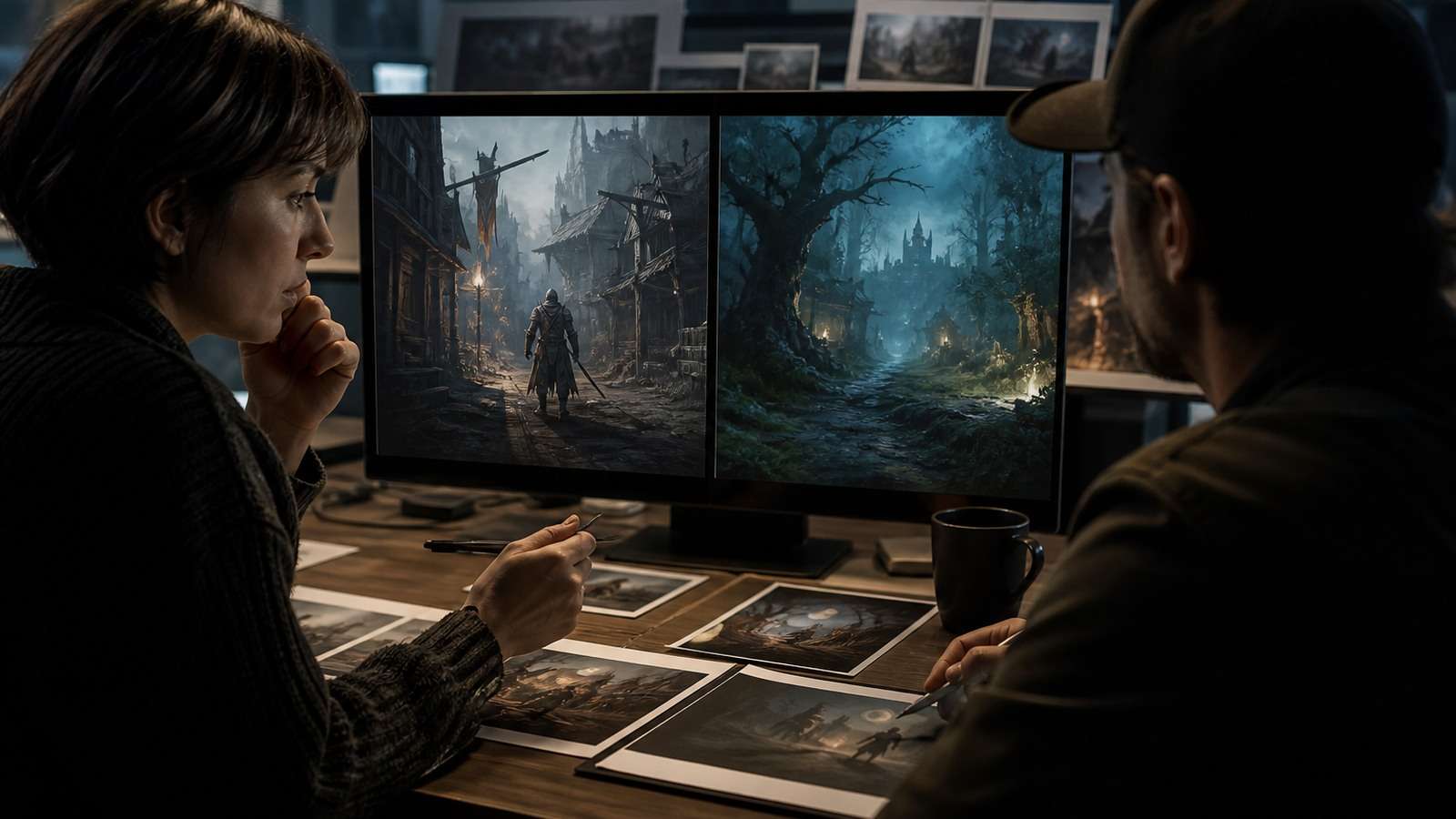
1. Write a One-Sentence Player Promise
Use a sentence that contains the player's role, core action and distinctive pressure. For example: “Build a moving fortress while outrunning a storm that erases the world behind you.” This is more actionable than “a cinematic survival adventure.”
2. Create an Asset Inventory
Separate verified game assets from generated marketing assets:
- Gameplay captures and UI
- Characters and enemies
- Environment art and key art
- Logos, fonts and store copy
- Music and sound effects
- AI-generated concepts or transition shots
3. Turn the Promise Into a Beat Sheet
Write a sequence of short beats rather than one giant prompt. Media.io Script to Video can help divide an approved trailer concept into scenes. Replace any generic generated scene with real gameplay wherever the audience needs proof.
4. Capture Gameplay Before Generating Cinematics
Record clean footage of the strongest mechanic, recognizable environments, enemy variety and progression. Capture more handles than the edit needs. Turn off debug overlays unless they are part of the shipping experience.
5. Generate Only the Missing Shots
Use an AI video generator for bounded marketing tasks: a world-establishing shot, stylized transformation, story beat or transition unavailable in the current build. Use Image to Video when approved key art must remain visually recognizable.
6. Edit Around Comprehension
Assemble the clearest proof first, then shape rhythm with music and sound. An online video editor can combine gameplay, generated clips, title cards and audio. Do not use fast cutting to hide footage that fails to explain the mechanic.
7. Test Without Explanation
Show the trailer to people who have not played the game. Ask: What kind of game is it? What does the player do? What looks unique? What action are you supposed to take? If answers vary widely, the trailer has an information problem.
AI Game Trailer Storyboard and Prompt Examples
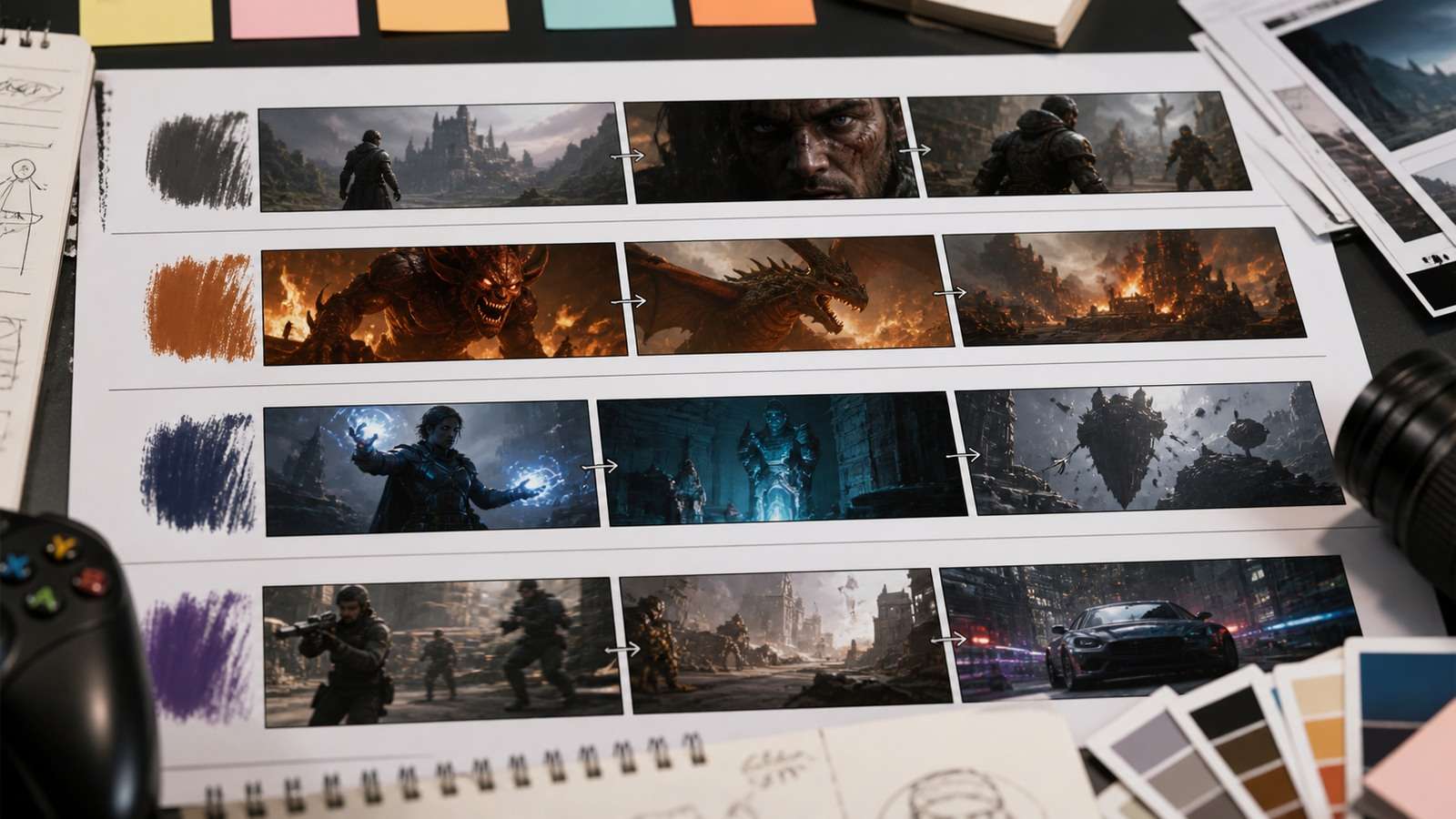
A Six-Shot Storyboard Template
| Shot | Purpose | Suggested source |
|---|---|---|
| 1 | Immediate genre and hook | Best gameplay or striking AI concept |
| 2 | Player role and world | Gameplay establishing shot |
| 3 | Core mechanic | Clear uninterrupted capture |
| 4 | Escalation or variety | Montage of verified features |
| 5 | Largest promise | Cinematic or gameplay climax |
| 6 | Title and CTA | Designed end card |
AI Cinematic Trailer Prompt
Indie Game Teaser Prompt
Mobile Game Ad Prompt
Prompts should reference approved assets and state what must not change. Never ask the model to invent “exciting gameplay” when the resulting mechanic will be presented as real.
AI Steam Trailer, Mobile Ad and Social Versions
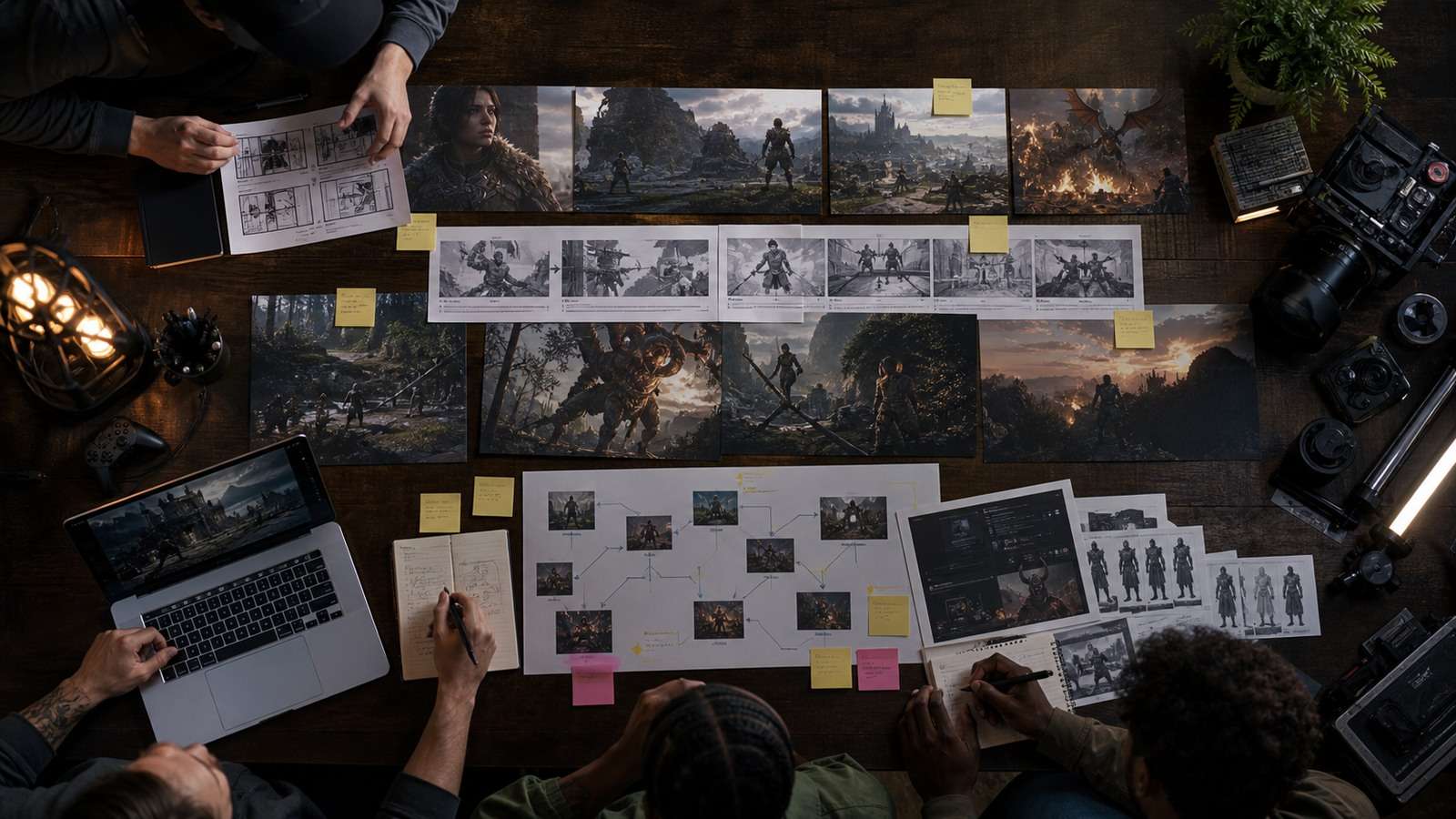
Steam Store Trailer
Steam recommends that the first listed trailer be primarily gameplay. Put the playable experience early, keep logos short and make text readable without assuming sound. AI cinematics can appear later as story or tone support, but the store page should represent features available at launch.
Mobile Game Trailer
Mobile viewers need an immediately readable mechanic and reward. Avoid “fake gameplay” that shows an unrelated puzzle or interaction. It may raise short-term clicks while creating low-quality installs, negative reviews and brand distrust. Use the Media.io AI Ad Generator after the actual mechanic, audience and offer are approved.
Social Teaser
Social versions can lead with a boss reveal, transformation, failure or surprising mechanic, but they need a complete micro-payoff. Viral Studio is relevant for adapting a validated concept into hook-led variations rather than simply cropping the horizontal trailer.
Launch Trailer
A launch trailer should reduce uncertainty: what the game is, why it is different, where it is available and what reviewers or players have validated. Organize review quotes, platforms and CTA assets around verified information; a shorter teaser video workflow serves a different awareness goal.
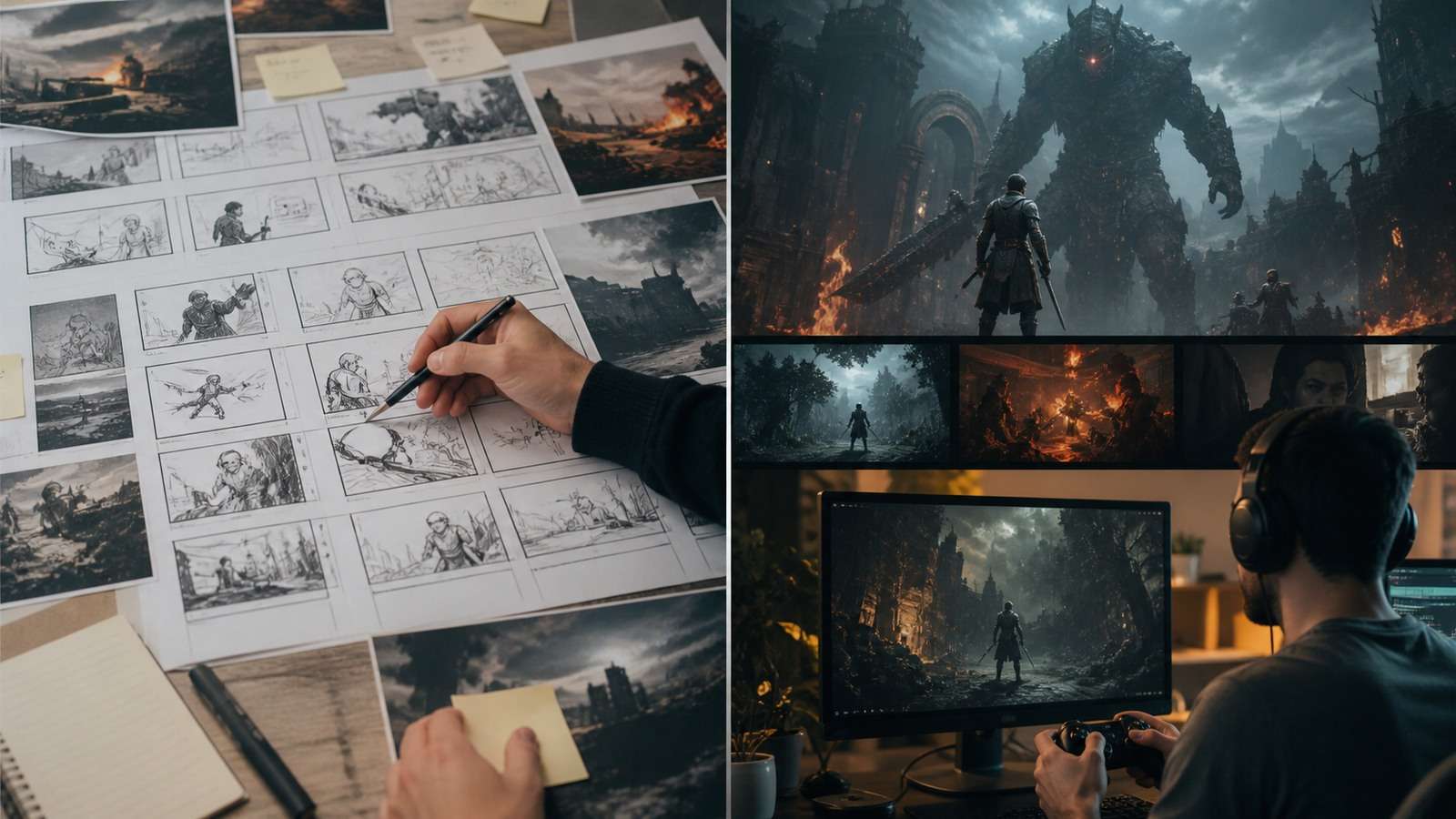
Common AI Game Trailer Mistakes
| Mistake | Why it hurts | Fix |
|---|---|---|
| Cinematic footage replaces gameplay | Viewer cannot understand the product | Lead with representative capture |
| AI invents unavailable mechanics | Creates misleading expectations | Use approved gameplay and label concepts |
| Slow logo and lore opening | Delays the reason to care | Start with action or distinct premise |
| Every shot is a different style | World and characters feel unrelated | Use a visual bible and approved keyframes |
| UI is hidden completely | Important game information disappears | Show clean but representative interface moments |
| Music does all the storytelling | Edit collapses when viewed silently | Make the visual sequence understandable alone |
| Text cards are too fast | Viewers cannot read title or CTA | Time cards for mobile readability |
| Trailer has no platform goal | One cut poorly serves every channel | Design a master and intentional variants |
Best AI Tools for Game Trailers and How to Measure Results
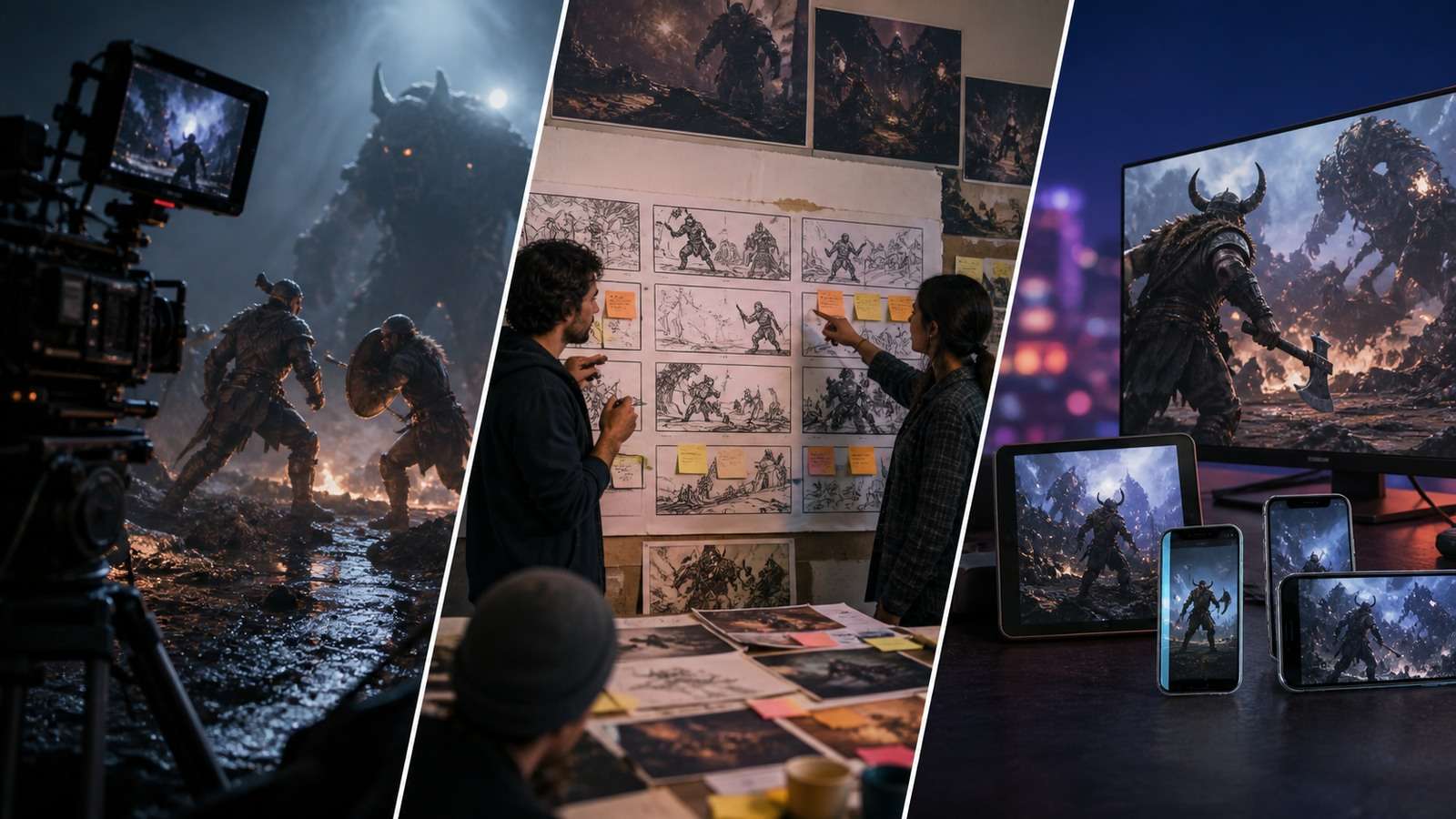
An effective stack usually includes more than one tool:
- Script and storyboard: organize the promise and scene order.
- Gameplay capture: record truthful product evidence.
- Image and video generation: create concepts and missing cinematic moments.
- Editing: establish clarity, escalation and rhythm.
- Captions and graphics: make the value legible without sound.
- Compression: prepare platform files after final approval.
Use a video caption generator for dialogue or developer commentary, then verify terminology manually. Export the master first and compress the MP4 only for destination requirements.
Metrics by Trailer Goal
- Awareness teaser: completion rate, shares and qualified profile visits.
- Steam trailer: store-page conversion, wishlists and demo starts.
- Mobile ad: click-through, install rate, retention and payer quality—not clicks alone.
- Launch trailer: purchases, wishlists converted and returning visitors.
- Creative test: cost per qualified action across different hooks.
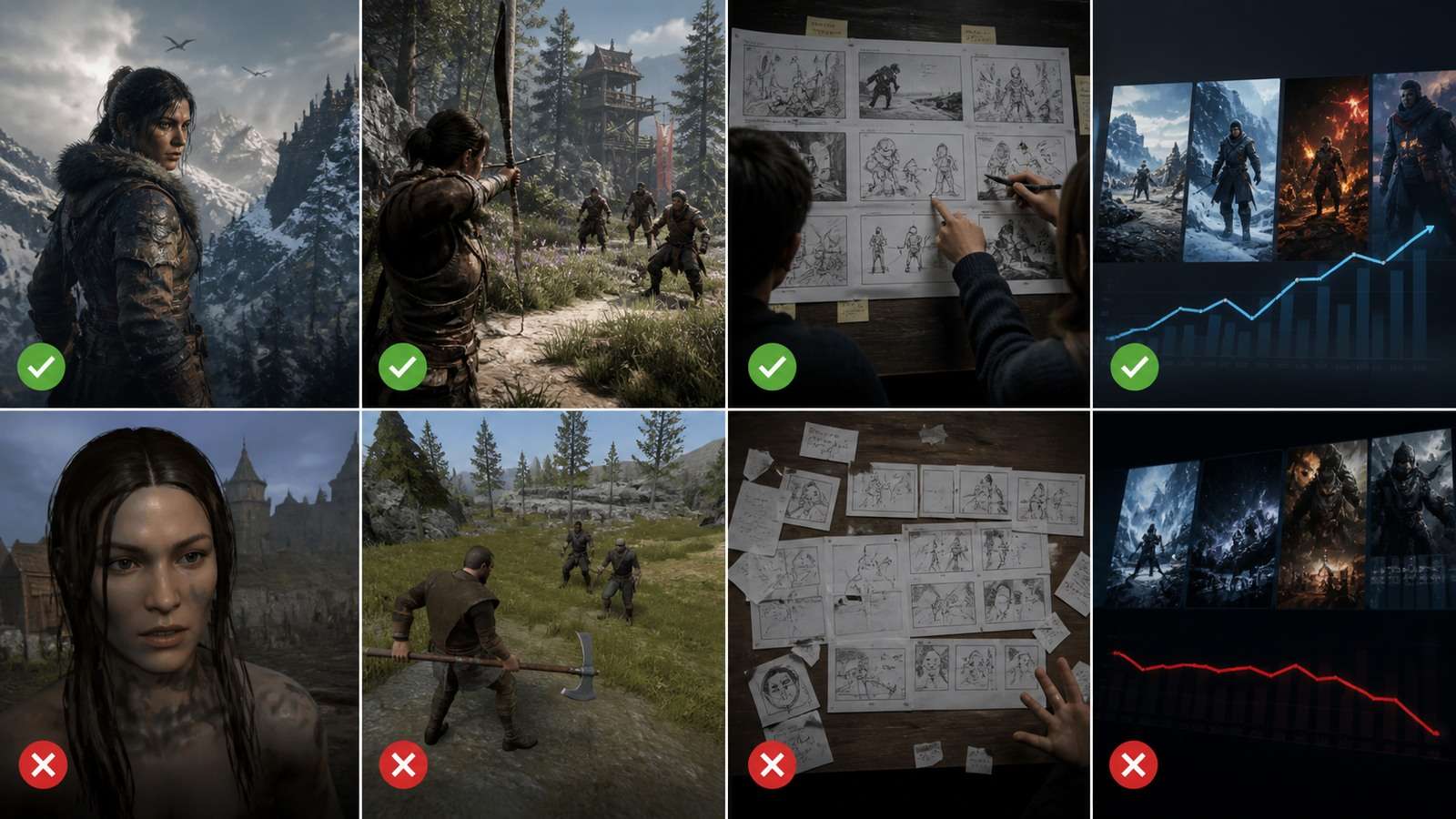
Viewer research frequently criticizes trailers that hide gameplay or misrepresent the product. Treat comments about “what is the game?” as a clarity failure, not mere negativity. A beautiful AI cinematic is useful only when it helps the right player understand and want the actual game.
Frequently Asked Questions
-
Can AI make a video game trailer?
Yes. AI can support scripts, storyboards, cinematic shots, transitions and promotional variants, but representative gameplay should remain the evidence for what players can actually do. -
Should a Steam trailer show gameplay first?
Steam strongly recommends that the first store-page trailer be primarily gameplay so viewers can understand the player experience. -
How long should an indie game trailer be?
There is no universal length. Use the shortest edit that clearly communicates the hook, gameplay loop, differentiator and CTA without rushing necessary proof. -
Can I use AI-generated cinematics in a game trailer?
Yes, when rights allow and the footage does not misrepresent gameplay, characters, environments or features. Label concept footage when viewers could mistake it for the shipping game. -
What is the best AI game trailer generator?
The best tool depends on the missing task. Use script and storyboard tools for planning, image-to-video for approved art, an ad generator for campaign structure and an editor for final assembly. -
How do I make an AI game trailer look consistent?
Create a visual bible, use approved character and environment references, generate short shots, preserve color and lens rules, and assemble only clips that match the real game.


