Realistic Kiss Motion That Feels Natural
Create smooth, believable AI kiss animations with natural movement and romantic vibes — no stiff or awkward results. Great for couple edits, love moments, and trend content.
Create AI kissing videos and romantic kiss photos online for free — no sign up or login needed. Upload a couple photo or two separate selfies, apply the AI kiss prompt, and generate a realistic kissing scene in seconds with Media.io. ✅ AI kiss video effect ✅ Romantic kiss photo edits ✅ Upload 1 or 2 photos ✅ HD, watermark-free results ✅ Free & no signup/login
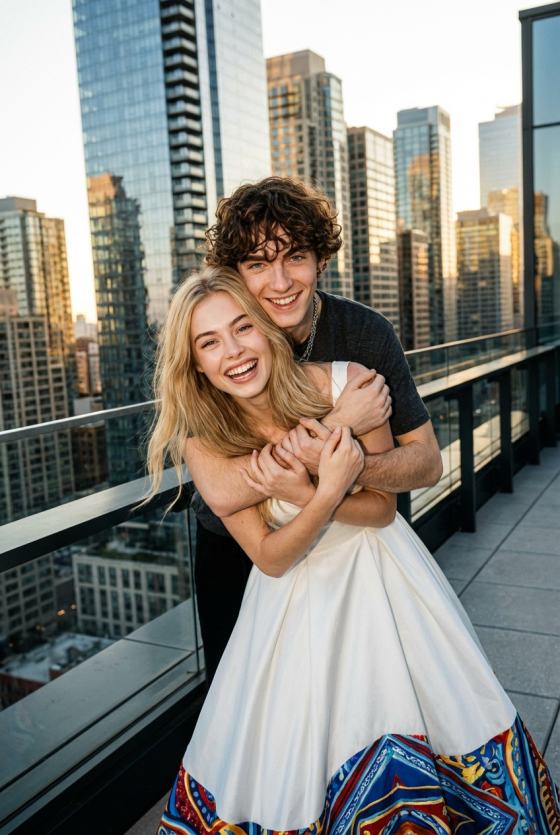
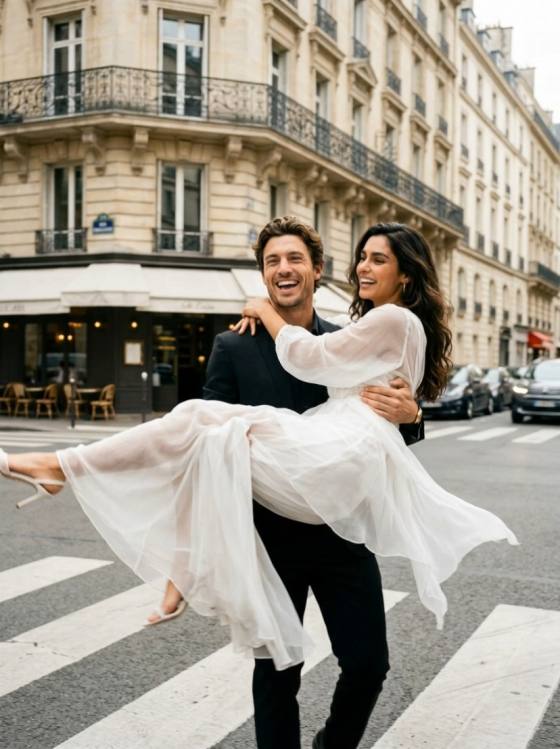
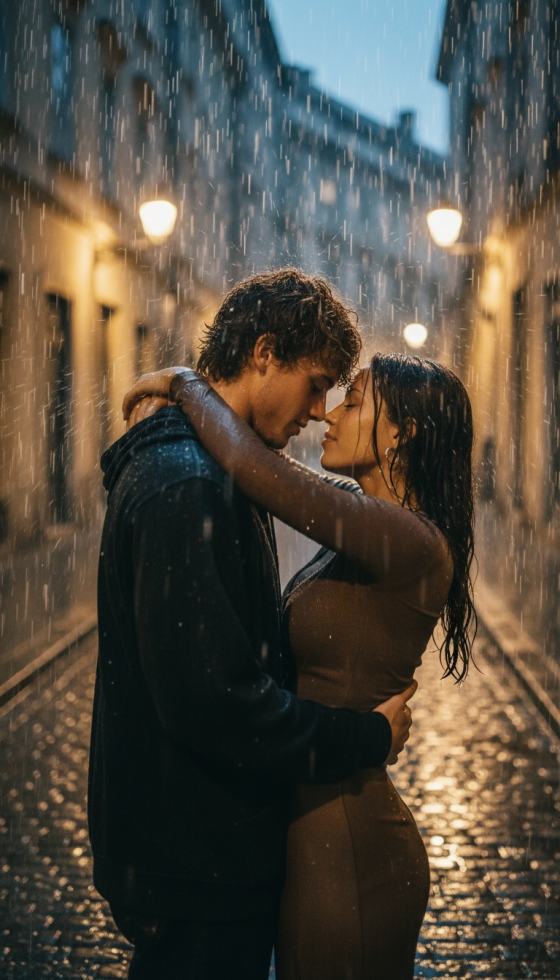
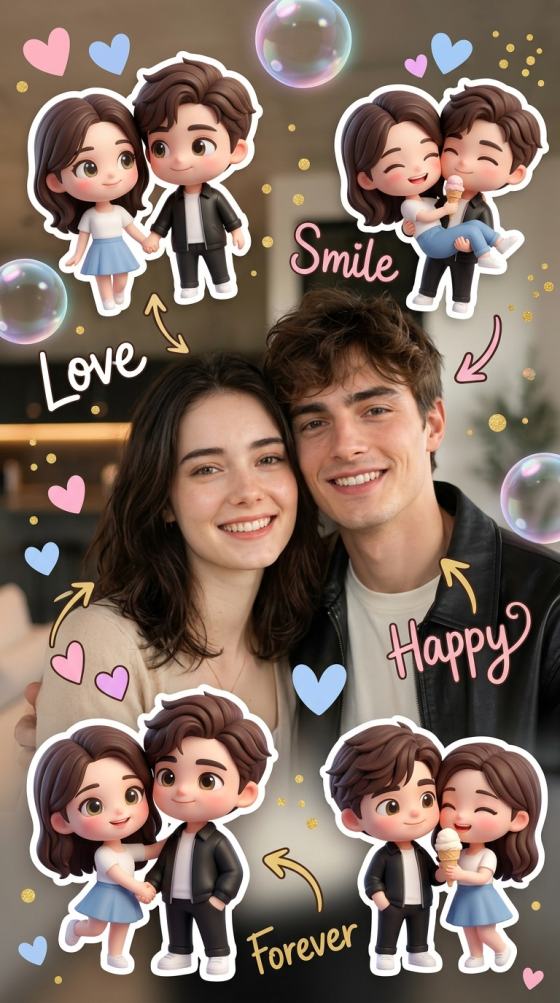
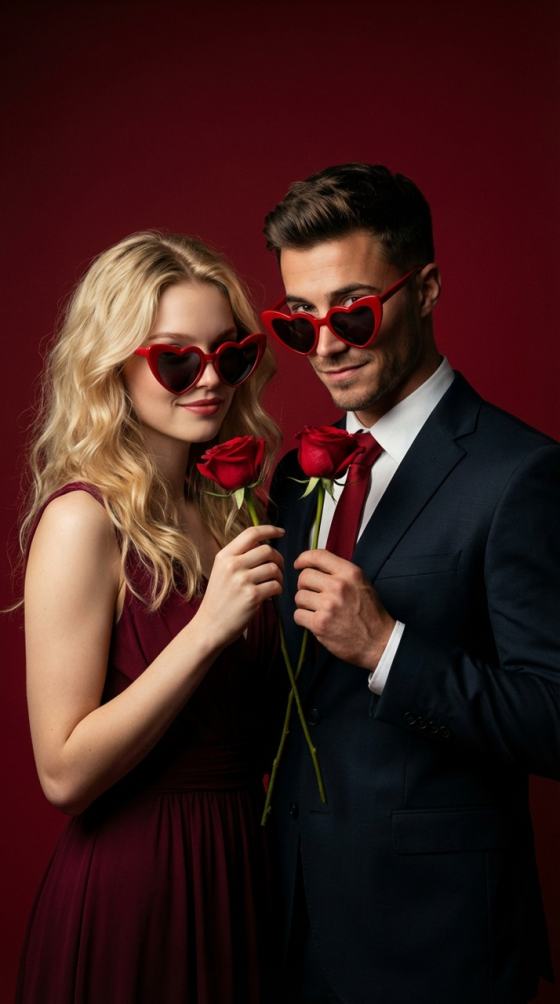
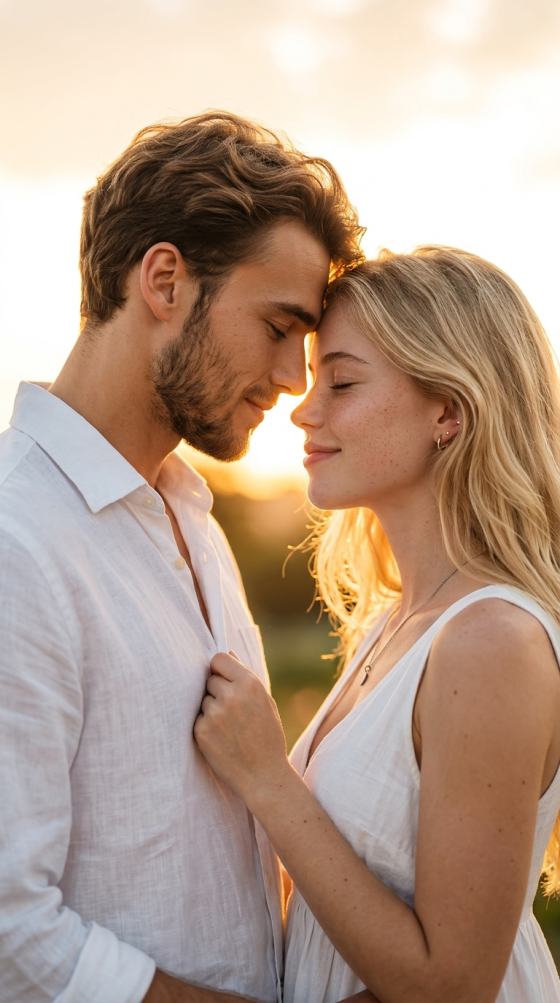
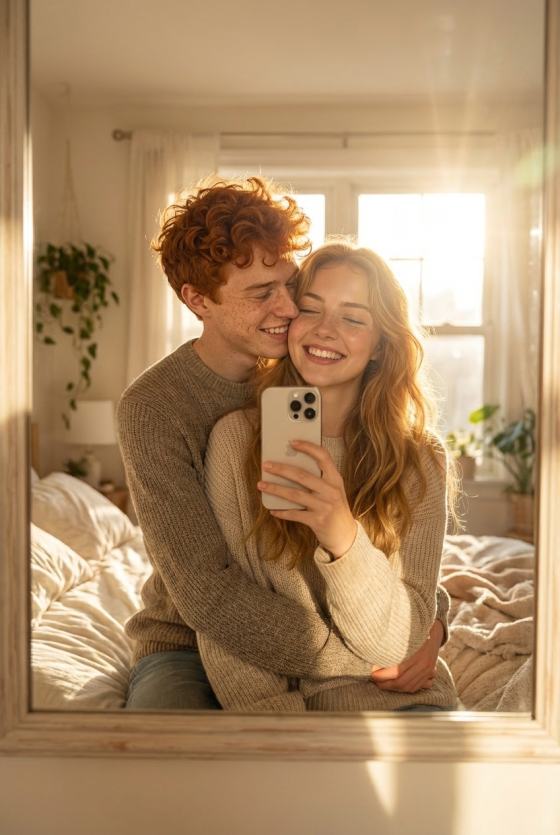
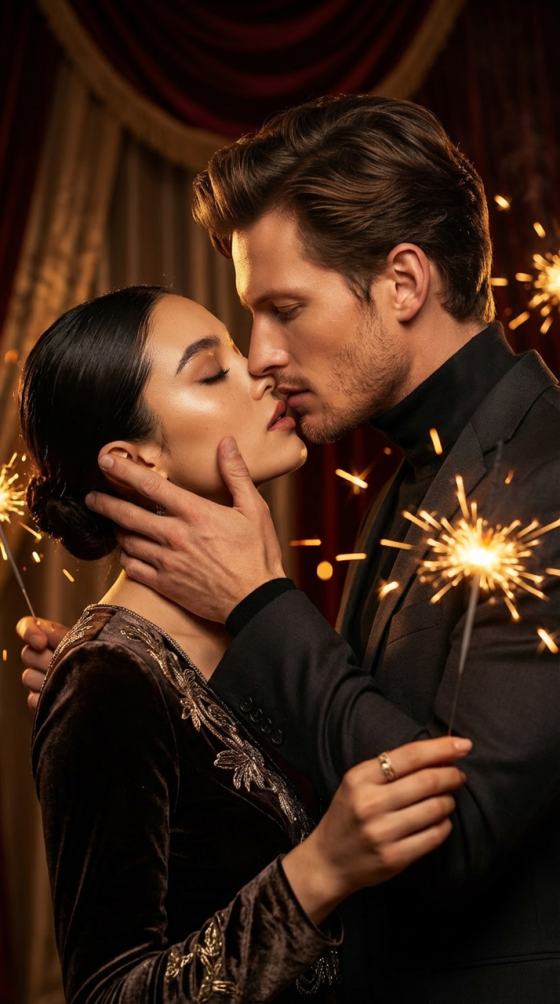
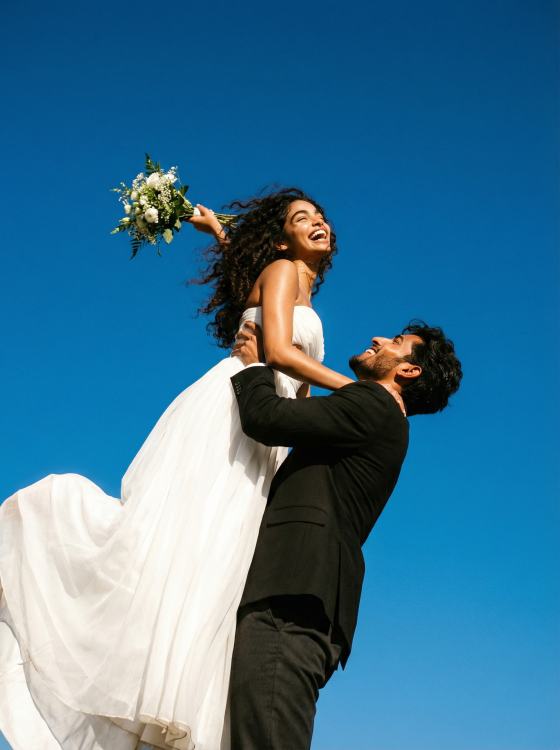
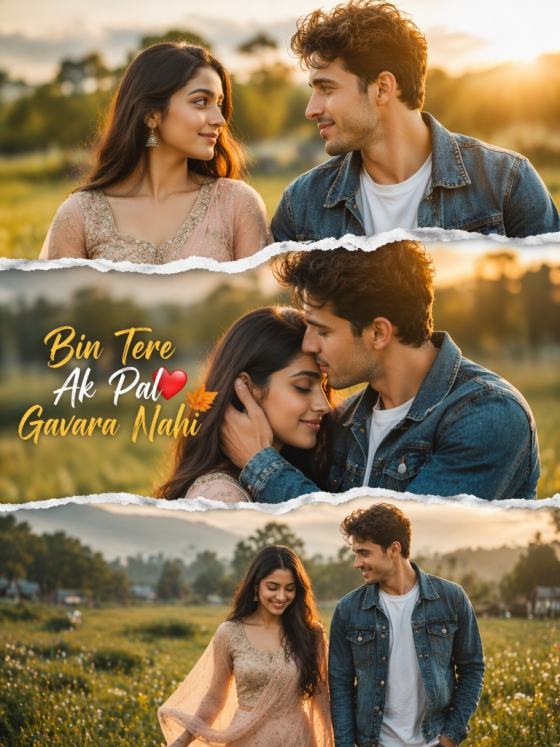
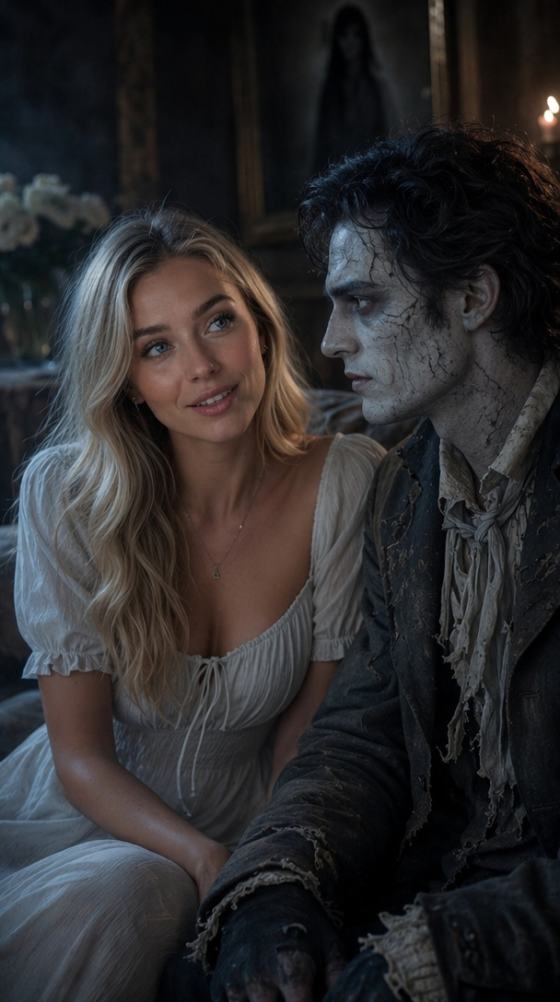
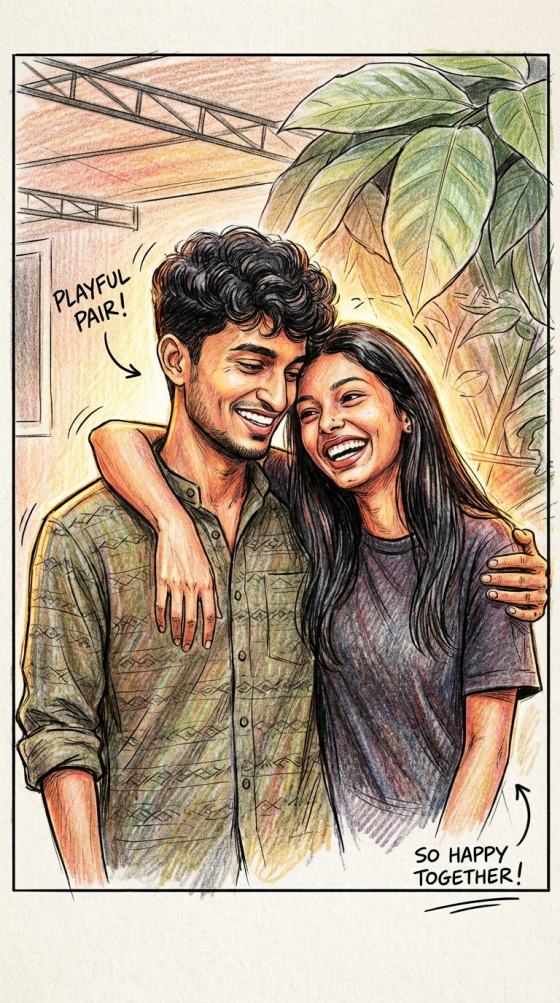
Turn your photos into a sweet AI kissing video or a dreamy AI kiss photo instantly. Upload one couple photo or two separate selfies, and let Media.io animate a natural romantic moment — perfect for Valentine’s Day edits, TikTok trends, and playful couple content. No complicated editing, 100% online.
No signup/login. Free Generation
Create smooth, believable AI kiss animations with natural movement and romantic vibes — no stiff or awkward results. Great for couple edits, love moments, and trend content.
Use one photo of two people, or upload two separate photos and let the AI kiss generator bring them together in one romantic scene. Simple and beginner-friendly.
Generate share-ready results for TikTok, Instagram Reels, and Shorts. Whether it’s Valentine edits, couple content, or playful trend posts, your AI kiss video is ready fast.
Create your kiss effect online — no downloads needed. Get started with free credits, preview instantly, and download your result to share anytime.
Browse the AI kiss effects above and choose the style you want to recreate — romantic, playful, or viral-trend vibes.
Replace the template photos with your own. You can upload one couple photo, a group photo, or two separate selfies — whatever fits your scene.
Use the preset prompt as-is or tweak it for a different mood. Then click Generate to create your AI kiss video and download the result to share.

Long-Distance Partner

“Felt so real it made me cry.” My boyfriend and I are 3,000 miles apart. I used the ai kiss generator with our photos, and seeing us kiss on screen was the most emotional gift ever.

TikTok Creator
“Instant viral content.” The realism is crazy. I made a video 'kissing' my celebrity crush for a trend, and the AI kiss video got 2M views overnight. Best tool for creators.

Fanfiction Writer
“Visualized my story perfectly.” I needed to see my characters together. I uploaded two character art pieces, and Media.io generated the perfect romantic scene. It's magic for storytellers.

Comedy YouTuber
“Hilarious results!” I mashed up my dog and cat photos just to see what would happen. The result was weirdly cute and totally seamless. This kiss generator handles everything.


The AI kissing trend is a viral couple-edit effect where users turn a static photo into a romantic kissing moment using AI. It’s popular on TikTok and Instagram because it’s fast to create, fun to share, and feels like a mini love-story clip.
Choose an AI kiss template, swap in your own photo (a couple photo or two separate selfies), and click Generate. Each template includes a preset prompt, and you can tweak it if you want a different mood or style.
Yes. Many kiss templates can also generate a romantic kiss-style photo result. You can create a soft, cinematic couple kiss image for profile pictures, wallpapers, or Valentine posts — without needing video editing.
Media.io focuses on keeping faces recognizable and natural. The AI mainly adds the kiss motion or romantic vibe while preserving the key facial details from your uploaded photo.
Use clear photos with good lighting and faces visible. Couple photos and front-facing selfies usually generate smoother kissing motion and more natural expressions. Avoid blurry images, heavy filters, or sunglasses when possible.
Yes. You can try AI kiss effects on Media.io with free credits after signing up or logging in. Some advanced video generations may require more credits depending on the template and model.