

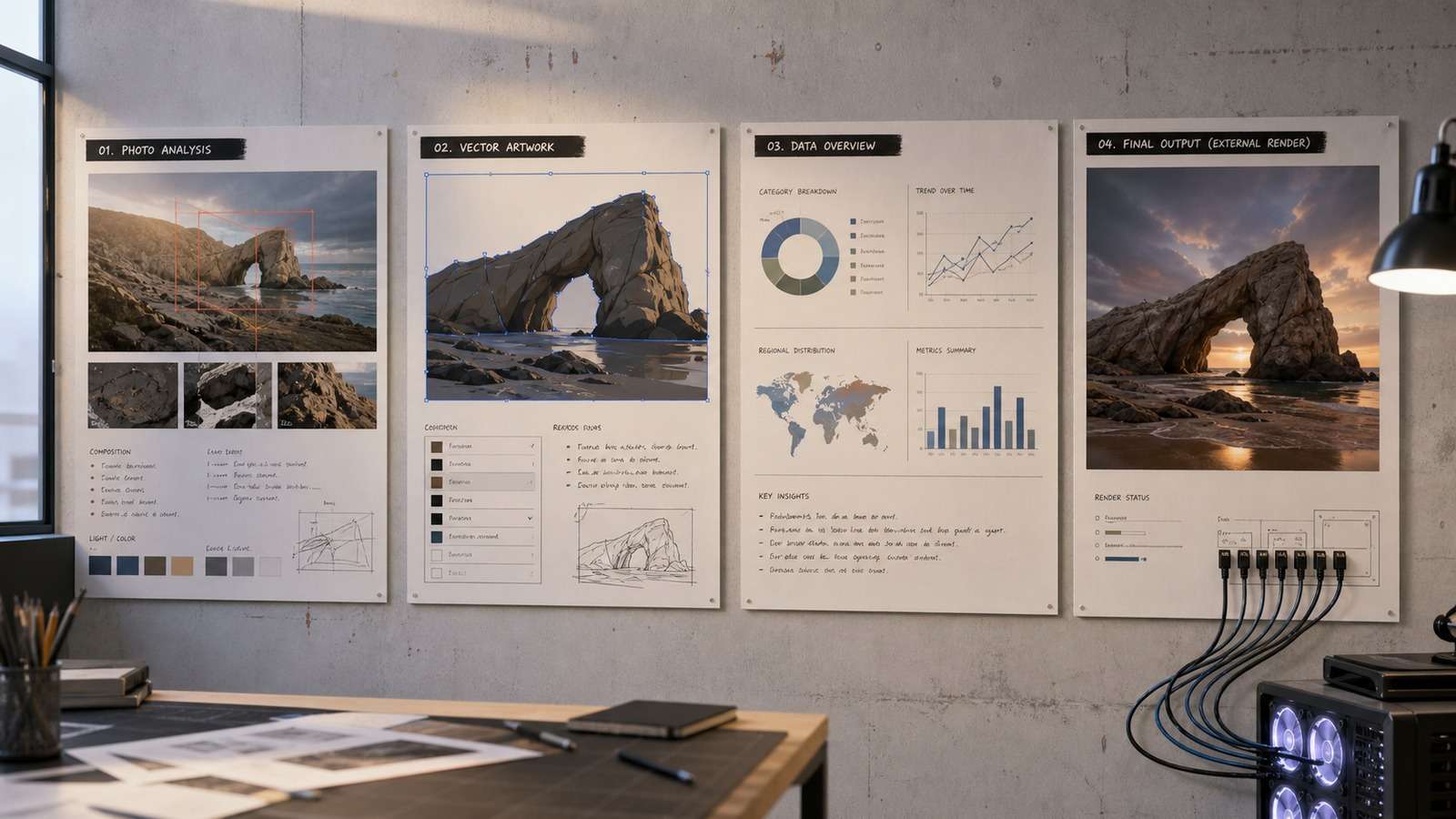
Can Claude produce images? Yes—but the accurate answer depends on the kind of image you need. Claude can understand uploaded pictures, create editable SVG artwork, write diagram and chart code, assemble design systems, and direct external image models. That is different from having a native photorealistic raster generator that simply returns a finished JPEG from a prompt.
| Visual task | Can Claude do it? | How it works | Best use |
|---|---|---|---|
| Analyze an uploaded image | Yes, natively | Claude interprets visible content and answers questions | Review, extraction, explanation, accessibility |
| Create SVG graphics | Yes | It writes vector markup that a browser or design app renders | Icons, diagrams, simple illustrations |
| Create charts and diagrams | Yes | It generates code or structured diagram syntax | Reports, workflows, presentations |
| Create web and motion designs | Yes | It produces HTML, CSS, JavaScript, or animation code | Interactive prototypes and explainers |
| Generate photorealistic JPEG/PNG files | Usually through another model | Claude plans the prompt and calls a connected image generator | Ads, concept art, product scenes |
In this article
What Claude Image Generation Really Means
The phrase Claude image generator is used for several different workflows. This causes confusion because all of them can end with something visual on screen, although the underlying process is not the same. A broader guide to the best AI art generators can help distinguish dedicated rendering tools from multimodal assistants.
First, Claude is multimodal: it can inspect photographs, screenshots, documents, charts, and sketches supplied in a conversation. Second, it can write visual code such as SVG, Mermaid, HTML, CSS, JavaScript, and plotting instructions. Third, newer design-oriented workflows can turn a brief into a coordinated layout or campaign system. Finally, Claude can act as a controller for an external image model through tools, APIs, or Model Context Protocol connections.
The practical distinction is between reasoning about visuals, describing visuals as code, and rendering pixels with a diffusion or image model. Claude is particularly capable in the first two categories. The third often depends on the product surface, account, connector, and external model available at the time.
Claude Image Analysis vs Image Generation
Claude image analysis starts with an existing visual. You upload a screenshot, photograph, chart, or scanned document and ask Claude to identify objects, summarize information, compare layouts, extract visible text, explain a graph, detect inconsistencies, or recommend changes. The output is normally language, structured data, or code—not a newly rendered photograph.
Image analysis is useful for accessibility descriptions, creative critique, document review, visual quality assurance, ecommerce catalog checks, and converting a rough sketch into implementation requirements. However, it can miss small text, ambiguous objects, hidden context, precise measurements, or subtle visual differences. High-resolution crops and focused questions improve reliability. When the source itself is too small for meaningful inspection, first upscale the image to 4K and then repeat the analysis on a focused crop.
Image generation begins from a prompt or reference and produces new pixels. A dedicated generator learns visual patterns and synthesizes an image. If Claude sends a structured prompt to an external renderer, Claude provides the planning and iteration layer while the connected model creates the raster file.
Native Visual Outputs Claude Can Create
SVG Illustrations and Icons
Claude SVG generation is one of the clearest ways Claude can make an image without relying on a conventional image model. SVG is text-based vector markup. Claude can define shapes, paths, gradients, masks, labels, and responsive dimensions, and the browser turns that code into a scalable graphic.
This works well for logos in early exploration, interface icons, simple editorial illustrations, badges, geometric patterns, maps, and infographics. SVG remains editable and sharp at any size. It is less suitable for realistic faces, organic textures, painterly detail, or scenes with hundreds of irregular objects. For those raster-focused tasks, compare purpose-built options in this guide to AI image-to-image generators.
Diagrams, Flowcharts, and Architecture Maps
A Claude diagram generator workflow can translate a written process into Mermaid, SVG, Graphviz, or a web-based visualization. Claude is useful because it can reason about hierarchy before drawing: it identifies actors, states, dependencies, decisions, loops, and exceptions, then maps them into nodes and connectors.

Give it the intended reader, the desired diagram type, mandatory nodes, grouping rules, and maximum depth. Ask it to produce both the source code and a plain-language validation checklist. Complex diagrams should be split into an overview and detailed subflows rather than compressed into an unreadable canvas.
Charts and Data Visualizations
For a Claude chart generator, provide clean data and define the decision the chart should support. Claude can recommend the correct visual form, write Python or JavaScript plotting code, label axes, format values, and explain notable patterns. It is often better at selecting and explaining a chart than at verifying the source data, so totals, units, and date ranges still need human checks.
Do not ask for “an interesting chart” without context. Specify the audience, metric, comparison period, required annotations, accessibility needs, and whether the graphic will appear in a slide, dashboard, or article.
Web Designs and Motion Graphics
Claude can build code-driven visual experiences: landing pages, animated explainers, data stories, slide-like scenes, and motion graphics. The effective workflow is to create a design brief, define reusable colors and typography, build a component or scene template, then revise timing, hierarchy, and transitions through natural-language feedback.
The final output is rendered by a browser, video framework, or development environment. This distinction matters: Claude creates the design logic and code, while another runtime displays or exports it. If a motion workflow begins with a static generated frame, this overview of photo-to-video maker tools explains the additional editing and export layer.
What Is Claude Design?
Claude Design describes workflows where Claude helps turn a structured brief into a visual system rather than producing isolated pictures. The strongest results come from a persistent design specification containing brand colors, typography, spacing, component rules, reference examples, content hierarchy, and prohibited treatments.
A reusable design file reduces random variation. Instead of repeatedly saying “make it cleaner,” define what clean means: fewer than three type sizes, one accent color, generous whitespace, consistent corner radius, and a fixed image ratio. Claude can then apply those rules across a landing page, campaign concept, social series, or presentation. If the workflow eventually calls an external diffusion model, these Stable Diffusion prompt principles provide a useful structure for camera, lighting, composition, and exclusions.
How Claude Can Generate Raster Images Through Connectors
Tutorials that show Claude creating photorealistic pictures directly often use a connector, an MCP server, an API, or another service behind the conversation. The workflow usually has three components: Claude interprets the request, a tool passes a structured prompt and parameters, and an external model such as Flux renders the image.
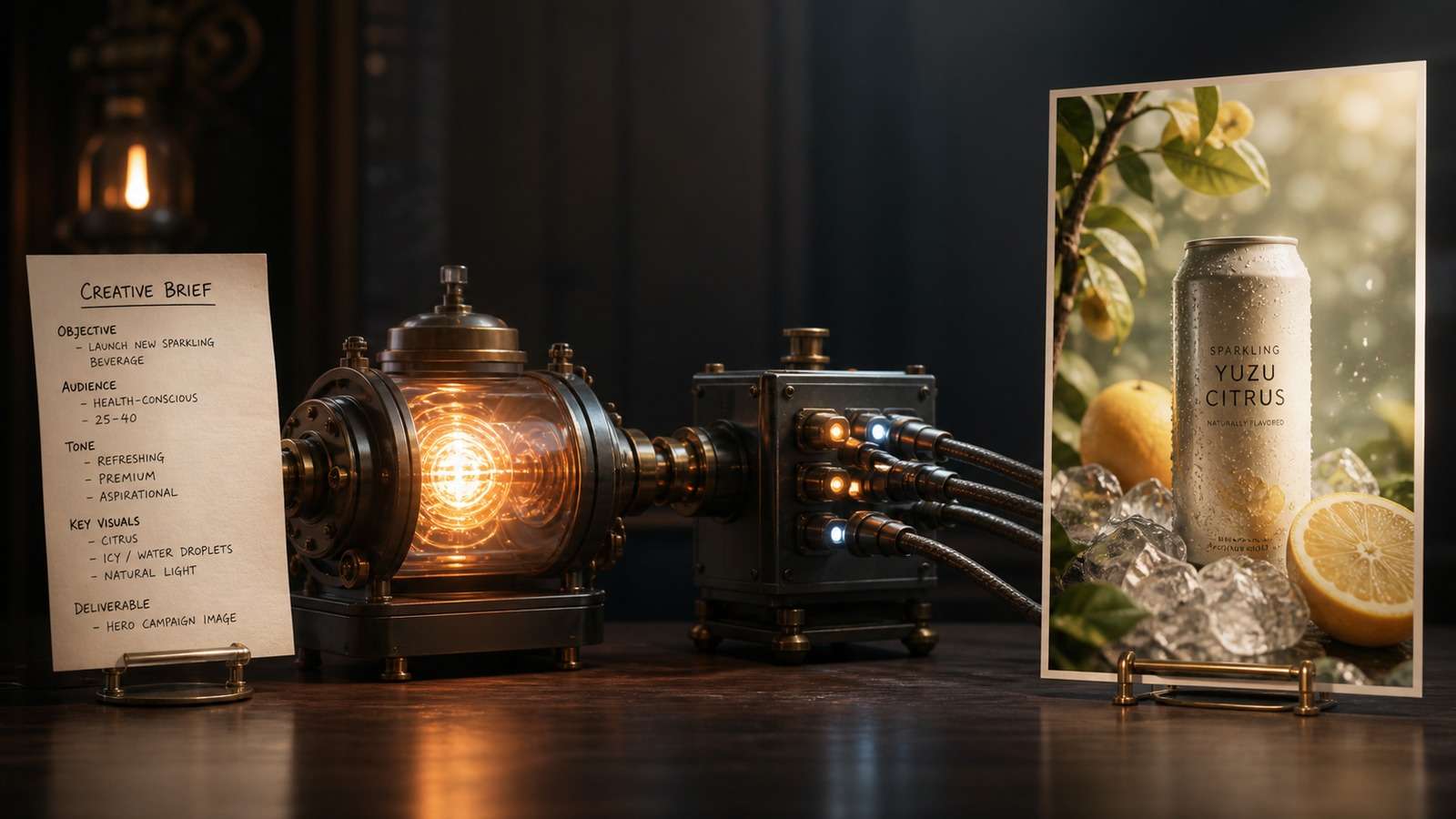
- Define the creative brief. State the subject, setting, composition, lighting, camera, style, aspect ratio, and exclusions.
- Configure the connection. Add the approved image service, authentication, model, and permitted actions.
- Generate a controlled first pass. Request a small set of variations rather than many unrelated images.
- Critique against explicit criteria. Check subject fidelity, hands, text, brand details, lighting, and cropping.
- Revise only the failed variables. Preserve what works while changing the minimum necessary prompt elements.
This setup can feel seamless, but it introduces external account terms, model costs, latency, rate limits, data handling, and security permissions. Review what the connector can read and execute. Never paste long-lived secrets into an untrusted configuration, and restrict tools to the minimum actions required.
When a Direct AI Image Generator Is Simpler
If your goal is a finished marketing image, thumbnail, concept scene, or product background, configuring a coding or connector workflow may add unnecessary complexity. A direct browser-based generator is faster for users who want prompt-to-JPEG output without maintaining an integration.

For an existing picture that needs a stylistic or structural revision, AI Image to Image is often a better fit than starting over. After generation, use an AI image upscaler when the composition is correct but the export lacks resolution.
Claude vs ChatGPT Image Generation
| Criterion | Claude | ChatGPT image generation |
|---|---|---|
| Uploaded-image understanding | Strong analysis and document reasoning | Strong analysis with integrated editing workflows |
| SVG, diagrams, and code visuals | Major strength | Capable, depending on requested format |
| Native conversational raster output | May require a connected model | Typically integrated in supported ChatGPT plans |
| Design-system reasoning | Strong with structured briefs and reusable files | Strong conversational ideation and iteration |
| Best fit | Planning, code, diagrams, analysis, orchestrated workflows | Conversational generation and direct image edits |
The better choice depends on the deliverable. Claude is compelling when visual work is part of a larger reasoning, coding, document, or design-system task. ChatGPT is often more direct when the conversation must create and repeatedly edit a raster image in one place. Model availability changes, so evaluate the exact product tier rather than relying on the assistant name alone.
How to Get Better Visual Results from Claude
People who search Claude create images or Claude generate pictures are often asking for a single-click raster workflow, but the more valuable question is whether the output remains editable and repeatable. Claude AI image capabilities are strongest when a visual has logic that can be expressed as rules: a diagram must reflect a process, a chart must map verified data, an SVG must preserve geometry, or a campaign system must reuse approved components. In those cases, code and structured specifications can be more controllable than a flattened picture.
For broader Claude visual generation, build a small acceptance test before scaling. Request one representative artifact, render it in the target environment, and review it at the final dimensions. Test mobile responsiveness for web designs, print legibility for diagrams, animation timing for motion graphics, and color contrast for accessibility. Save the prompt, source code, assets, and approved version together. This creates a reproducible production workflow instead of depending on a conversation that another team member cannot audit.
- Name the output type. Say SVG, Mermaid diagram, HTML animation, chart code, design specification, or external raster image.
- Define success criteria. Include dimensions, hierarchy, audience, visual tone, accessibility, and must-keep content.
- Provide references as rules. Explain which traits to borrow instead of asking for a vague imitation.
- Separate content from styling. Approve information architecture before polishing colors and effects.
- Request editable source. Keep SVG, code, data, or prompts alongside rendered exports.
- Use targeted revisions. Change one or two variables at a time and preserve approved components.
- Validate the final artifact. Check facts, spelling, contrast, responsive behavior, licensing, and export quality.
Limitations and Safety Checks
Claude-generated code may render differently across browsers or libraries. SVG can contain malformed paths or inaccessible labels. Charts can be visually convincing while representing incorrect or incomplete data. Image analysis may infer details that are not visible. External image models introduce their own content policies, biases, watermarks, provenance rules, and commercial-use conditions.
For client work, keep a record of prompts, source assets, model or service, edits, and approvals. Avoid uploading confidential imagery unless the applicable privacy terms permit it. Verify trademark, likeness, copyright, and disclosure requirements before publishing synthetic campaign assets. When a generated graphic contains soft or distorted lettering, an image text enhancer may help with legibility, although critical copy should still be recreated as real typography.
Final Answer: Does Claude Make Images?
Claude can produce many useful visual artifacts, including SVG images, diagrams, charts, layouts, web graphics, and motion-design code. It can also analyze images with substantial depth. For photorealistic raster generation, Claude often works best as the creative planner and controller while a connected image model performs the render.
Choose the shortest reliable workflow for the output. Use Claude when reasoning, structure, code, or design consistency is central. Use a dedicated image generator when you primarily need a finished picture quickly. Combining both can be more effective than forcing one system to perform every stage.
Frequently Asked Questions
-
Can Claude generate images from text?
Claude can create text-based visual formats such as SVG and diagram code. Photorealistic raster images may require an integrated or externally connected image-generation model. -
Can Claude create PNG or JPEG files?
It can help create or process them through code and connected tools, but direct raster generation depends on the Claude product surface and available integration. -
Can Claude analyze images?
Yes. Claude can interpret uploaded photos, screenshots, charts, and documents, although small details and ambiguous content should be verified. -
Is Claude good for diagrams?
Yes. It can translate a process into Mermaid, SVG, Graphviz, or web code and iteratively improve hierarchy and labels. -
Which is better for images, Claude or ChatGPT?
Claude is strong for visual reasoning, code, diagrams, and design systems. ChatGPT is often more direct for integrated conversational raster generation and editing. The best option depends on the deliverable and current plan features.


