

 Codex
Codex
 Claude Code
 Cursor
Build AI Image and Video
Workflows in
 Codex
Workflows in
Claude Code
Workflows in
Cursor
Workflows With
CLI
Codex
Workflows in
Claude Code
Workflows in
Cursor
Workflows With
CLI

 Copy Setup Prompt
 Install via Plugins
Copy and send this to Claude Code
Copy
Copy and send this to Cursor
Copy
Copy and send this to your agent
Copy


Install Media.io in Codex
Connect through Codex Plugins in three steps.
-
 1
1
Open Codex Plugins
Open Codex and click the
 Plugins option.
 -
2
Add the Media.io plugin source
Click Add
 in the top-right, paste this GitHub URL, then
click Add marketplace.https://github.com/media-io/plugin-mcp
in the top-right, paste this GitHub URL, then
click Add marketplace.https://github.com/media-io/plugin-mcp
 Copy
Copy
-
3
Install under Personal
In Plugins, select the Personal tab and click + to install Media.io.
Access
 Seedance,
 GPT Image,
 Nano Banana,
and other leading models in your agent.
Nano Banana,
and other leading models in your agent.

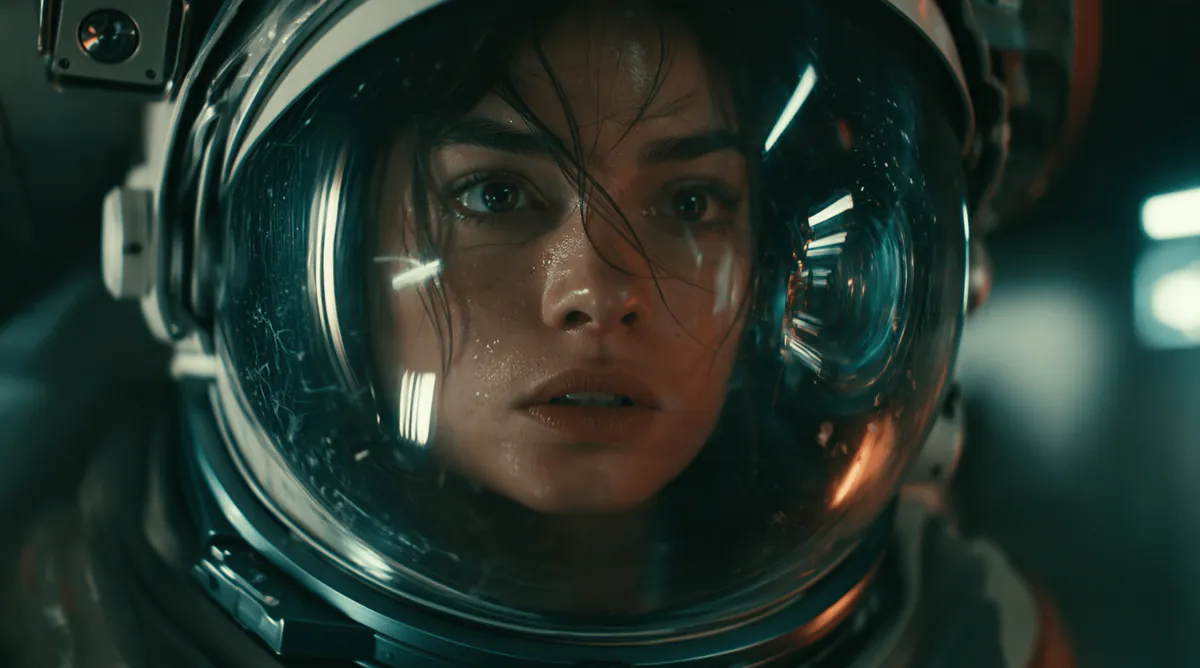


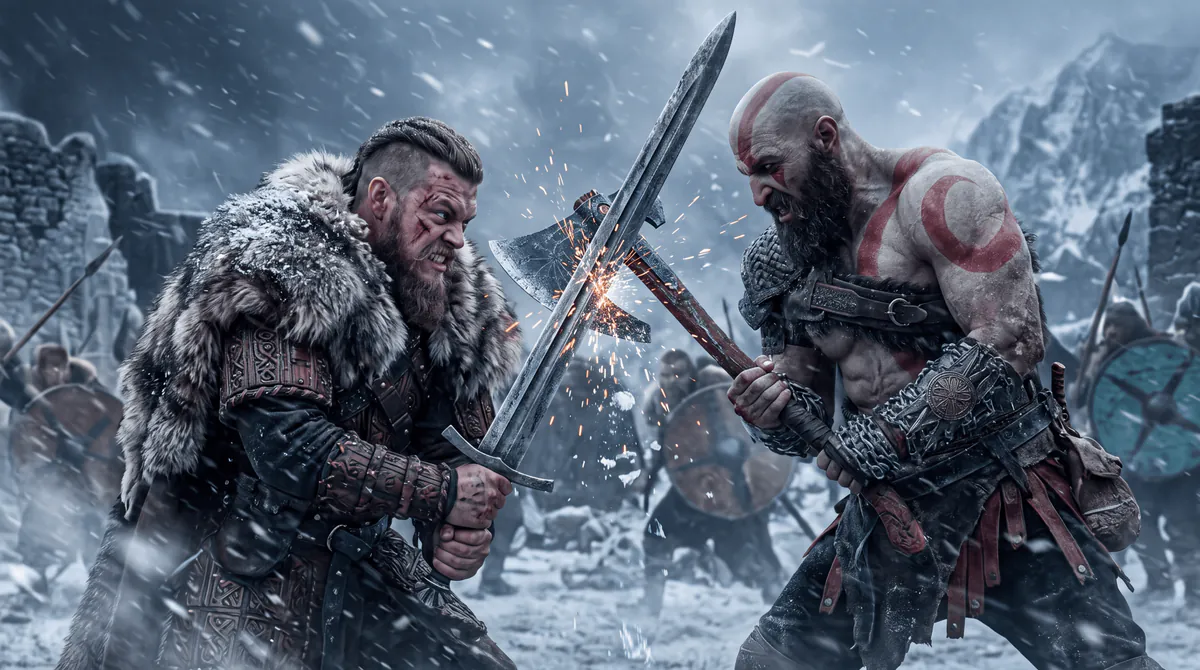




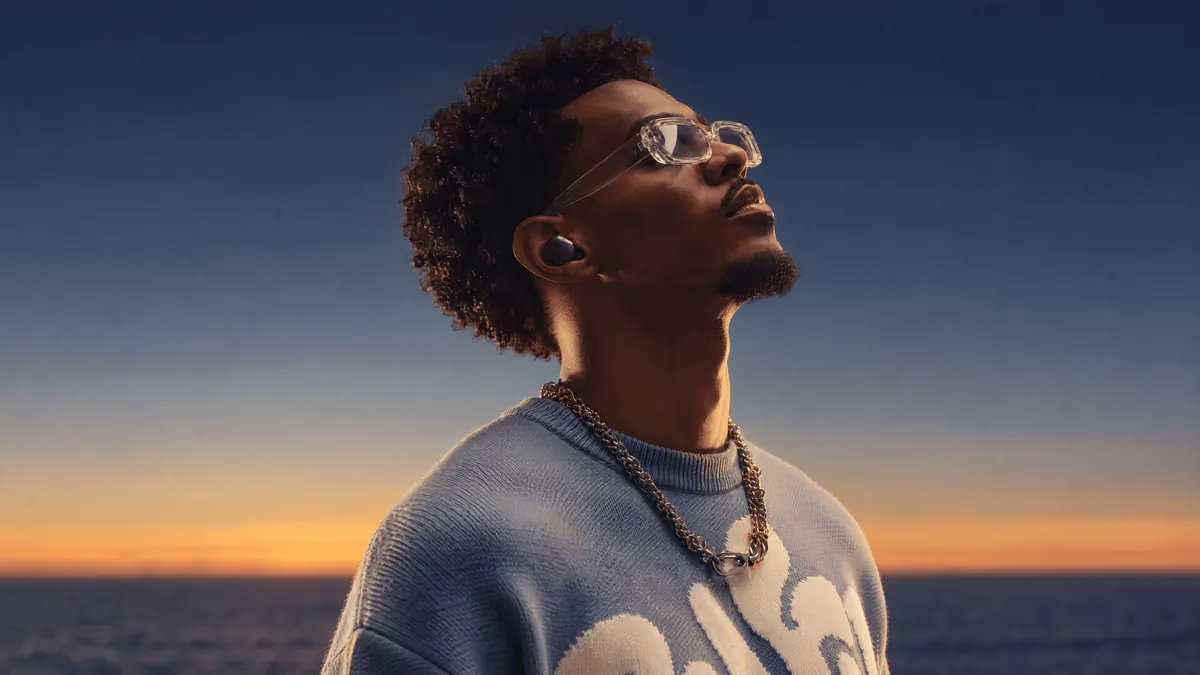


See What You Can Create
Choose a workflow, copy the prompt
Create a Cinematic AI Video
 Wondershare Media.io
Create a cinematic 10-second video of a black motorcycle speeding through an abandoned industrial
tunnel as a massive explosion erupts behind it. Fire, sparks, and debris fly through the air while
the rider leans into a sharp turn. The camera tracks smoothly alongside the bike, capturing
realistic physics, natural motion blur, dynamic explosion lighting, thick smoke, and intense
action. Photorealistic, cinematic, high tension, grounded physics, no cartoonish effects.
Wondershare Media.io
Create a cinematic 10-second video of a black motorcycle speeding through an abandoned industrial
tunnel as a massive explosion erupts behind it. Fire, sparks, and debris fly through the air while
the rider leans into a sharp turn. The camera tracks smoothly alongside the bike, capturing
realistic physics, natural motion blur, dynamic explosion lighting, thick smoke, and intense
action. Photorealistic, cinematic, high tension, grounded physics, no cartoonish effects.

 Copy Setup Prompt
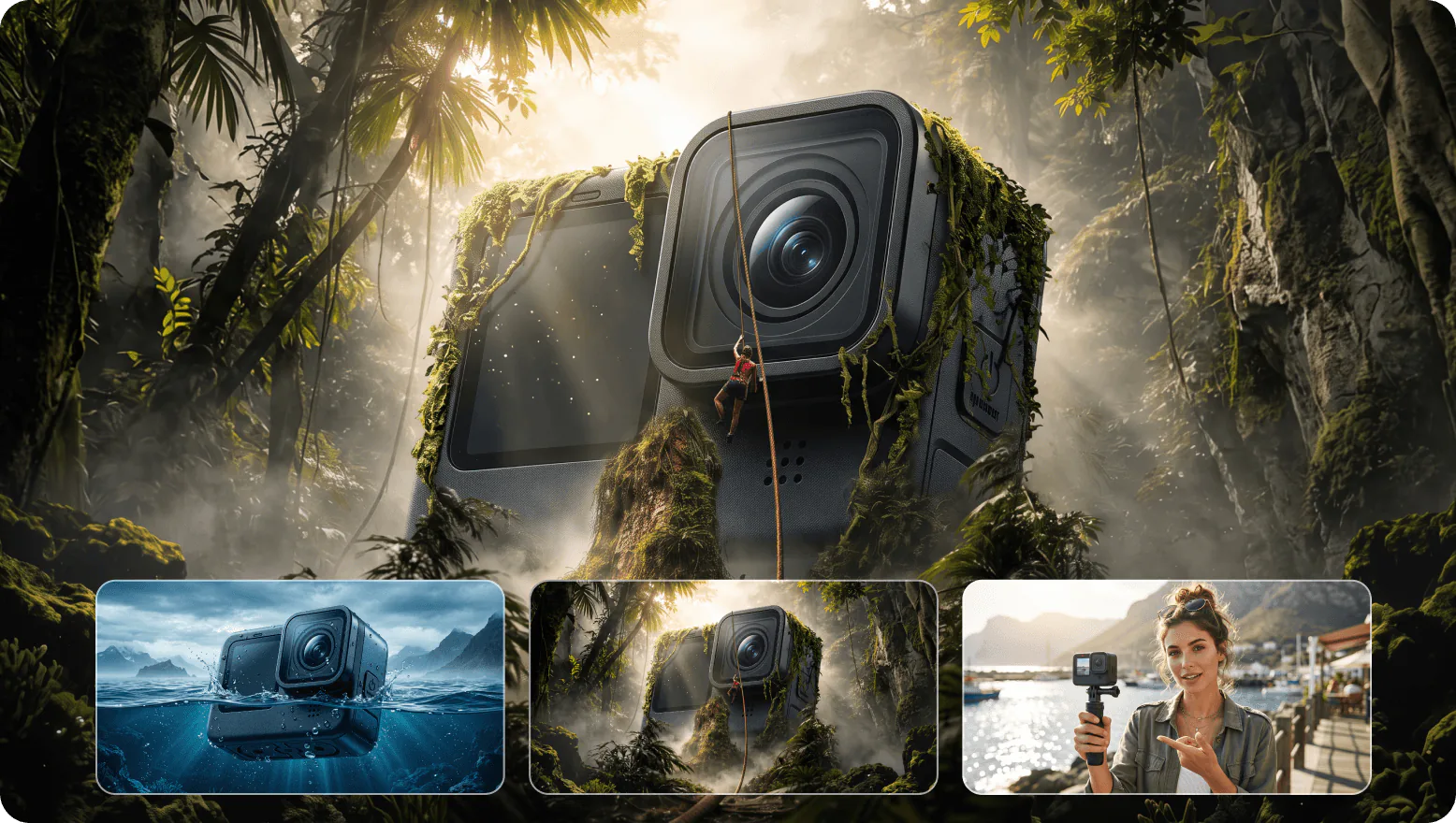
Generate Product Images in Batches
Wondershare Media.io
Read my spreadsheet or CSV, use each row as a creative brief, and generate a batch of consistent
product images with Media.io. Keep the brand style unified while varying backgrounds, layouts, and
campaign angles for each product.
Copy Setup Prompt
Edit Images and Videos With a Prompt
Wondershare Media.io
Use the image and video files I provide. For the photo, remove distracting background objects and
improve the lighting while preserving the subject. For the video, remove an unwanted object and
enhance the visual quality. Use Media.io editing tools where supported, and return the edited
results.
Copy Setup Prompt
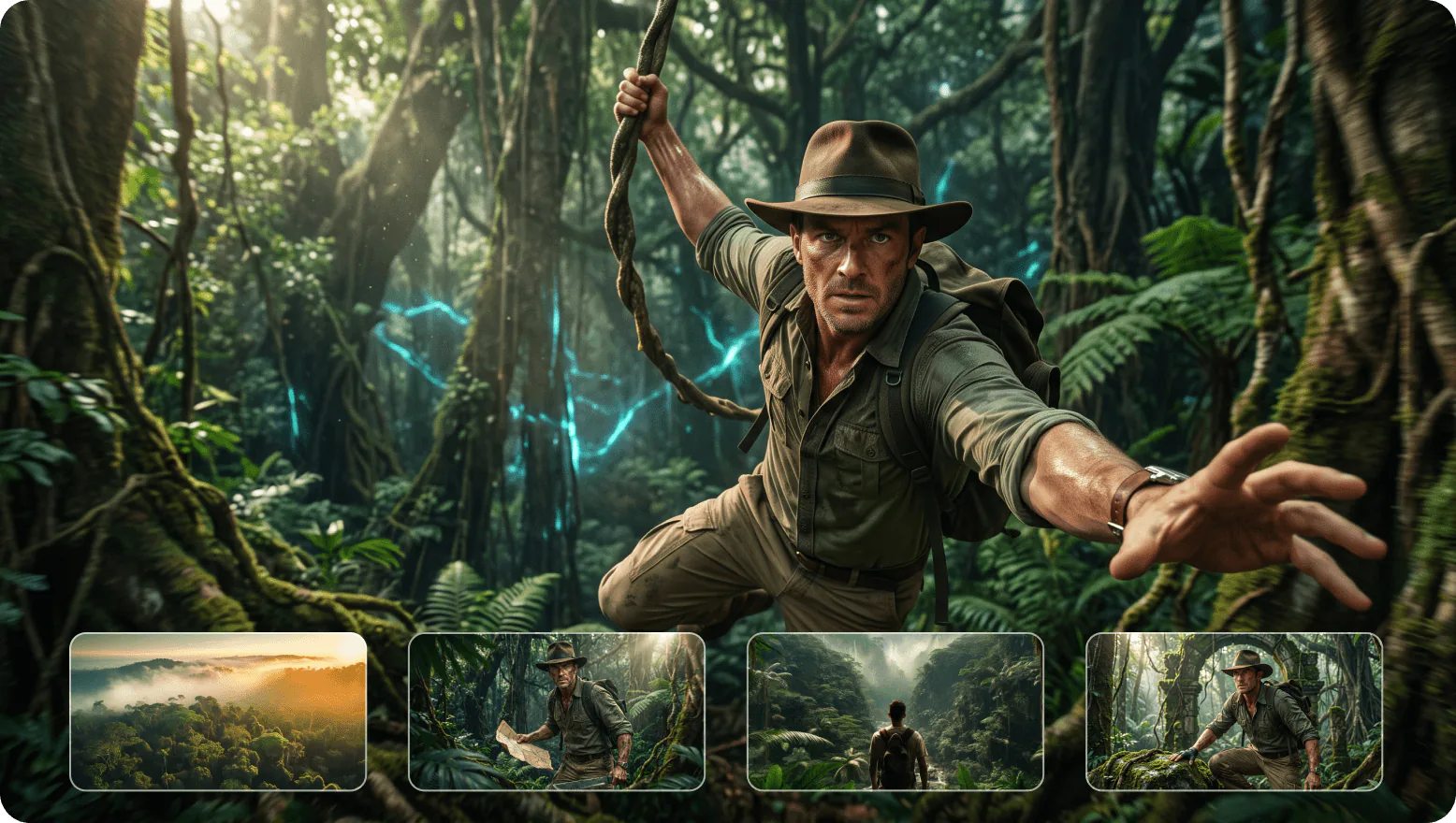
Turn a Script into a Visual Storyboard
Wondershare Media.io
Read my short film script, identify four key scenes, write cinematic prompts for each shot, and
create consistent storyboard images using Media.io.
Copy Setup Prompt
Transform a Webpage into Campaign Visuals
Wondershare Media.io
Analyze the key selling points of this webpage and create three distinct campaign visuals using
Media.io: a hero banner, a social post, and a product ad.
Copy Setup Prompt
How to Connect Media.io to Your AI Agent
Watch this quick video guide to learn how to connect Media.io to your AI agent and start generating AI images and videos.
Create AI Images and Videos
With Media.io MCP Server
Connect Media.io MCP to a compatible AI agent and bring AI image and video generation into your existing workflow. Access supported creative tools through one MCP connection without constantly switching between platforms.
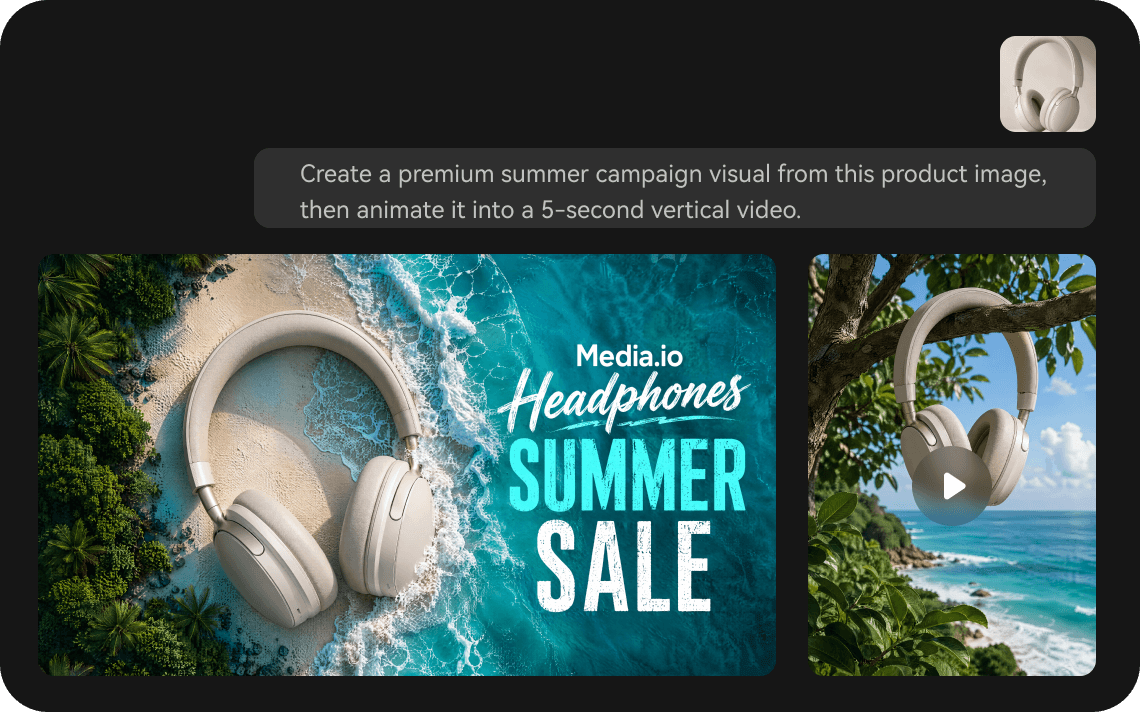
Generate AI Images and Videos in Your MCP Client
Create AI images and videos by describing what you need in a compatible MCP client. Media.io MCP connects your agent to supported generation tools, helping you move from prompt to visual content without jumping between separate creative apps.
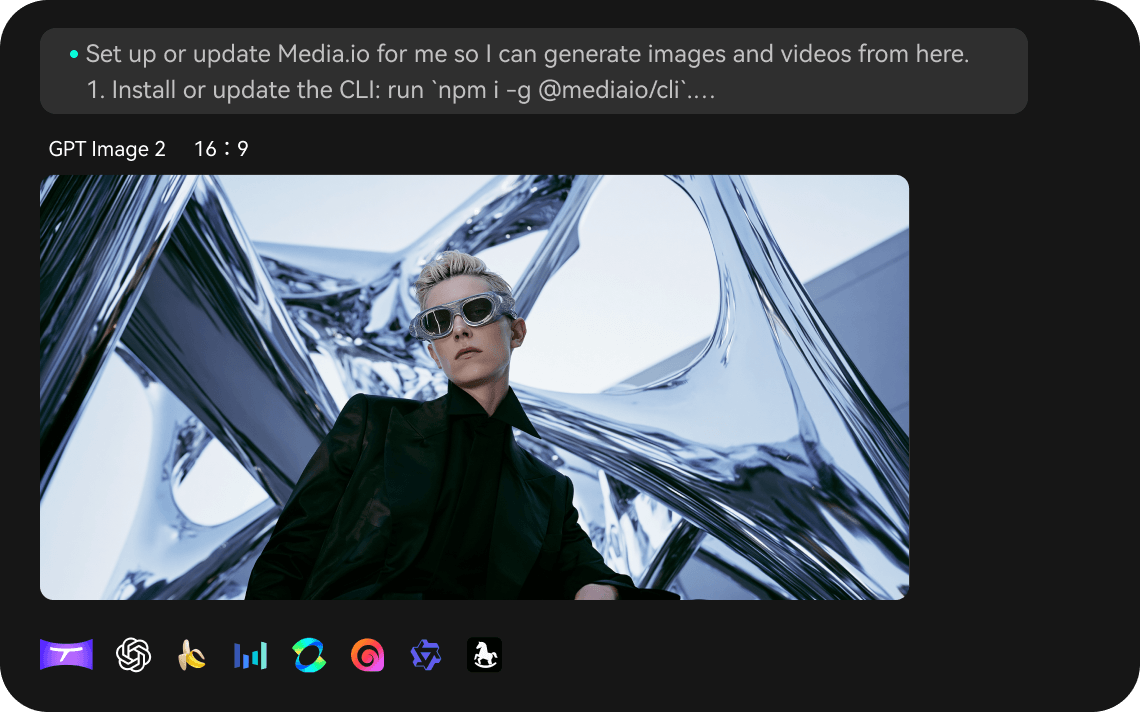
Access AI Generation Tools Through One MCP Server
Connect Media.io MCP once to access the supported image and video generation capabilities in your MCP-enabled client. Explore available models and choose the generation tool that suits your task, without building a separate integration for every model.
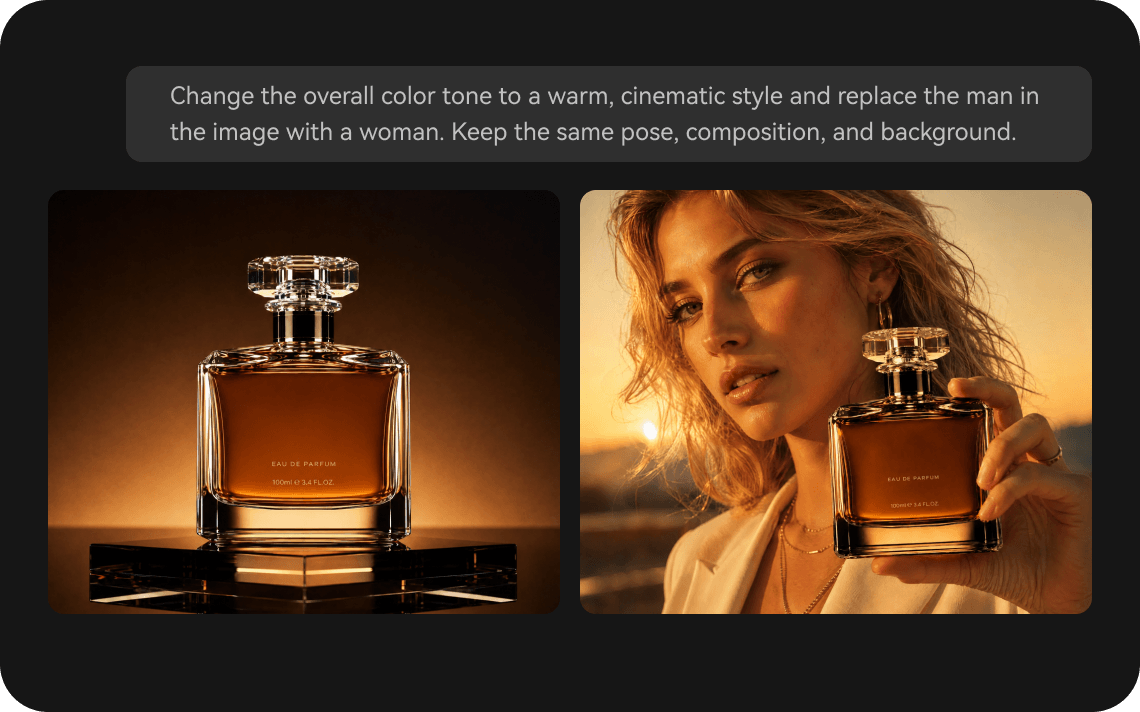
Build Repeatable Creative Workflows With AI Agents
Bring image and video generation into repeatable AI agent workflows with Media.io MCP. From campaign visuals to short-form video assets, combine prompts with supported MCP tools to streamline recurring creative tasks.
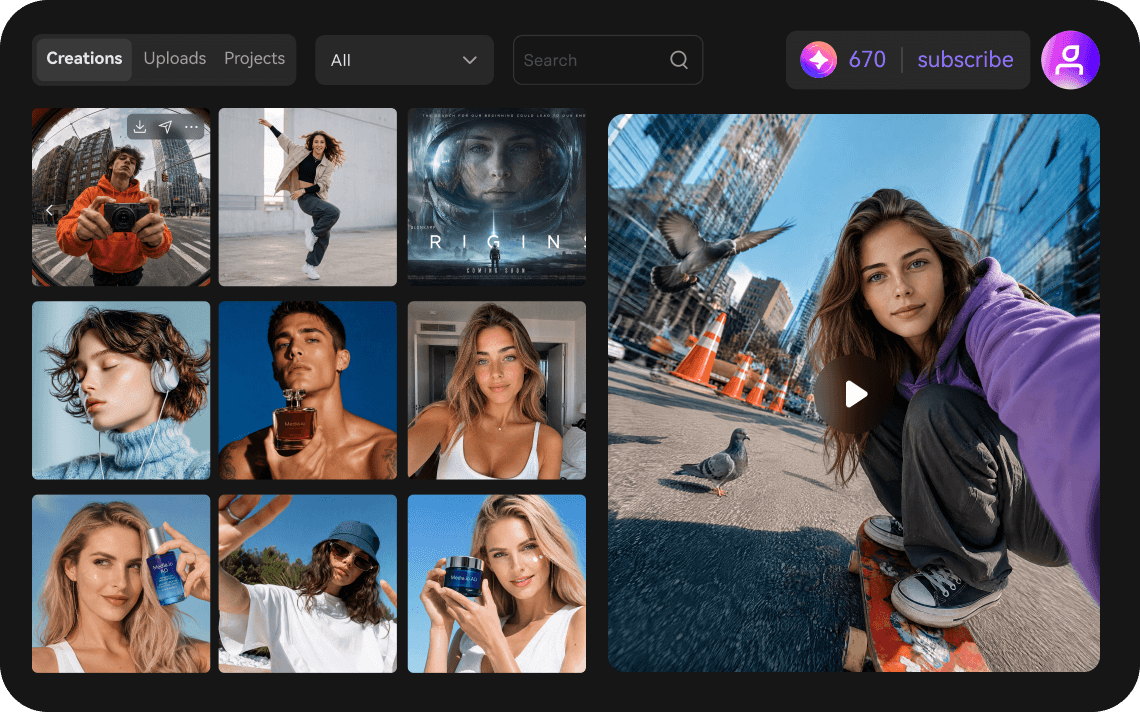
Use Your Media.io Account for MCP Generation
Connect your Media.io account as instructed during MCP setup to access the generation capabilities available to your account. Applicable AI credits and usage limits depend on your Media.io plan and the models you use.
Simple Answers Before You Get Started
Media.io MCP connects compatible AI agents to Media.io AI image and video generation tools through the Model Context Protocol (MCP). It lets you request supported creative tasks from your MCP-enabled client instead of switching between applications.



