Home>Comparison>A2E AI Video Generator

A2E AI Video Generator

A2E AI Video Generator is a browser-based platform for short-form AI video creation, with access to Google Veo 3.1, image-to-video generation up to 4K, talking avatars, lip sync in more than 50 languages, voice cloning, and face or head swap tools. Its low entry price, free credits, and API access make it especially appealing to solo creators, small teams, and developers building avatar-led or automated video workflows. However, creators who also need editing, subtitles, music, enhancement, format conversion, and social-ready export may find a broader all-in-one platform such as Media.io better suited to the full production process.

Core Features of A2E AI Video Maker

A2E AI is an online AI video and image creation platform focused on image-to-video generation, digital avatars, lip sync, voice cloning, face swap, and related APIs. It is especially relevant to users who want to turn a script, photo, video, or voice concept into short-form visual content without a traditional camera setup.

Core Feature Overview

  • Text-to-Video: Generate short AI videos from written prompts with models such as Google Veo 3.1 and Sora 2.
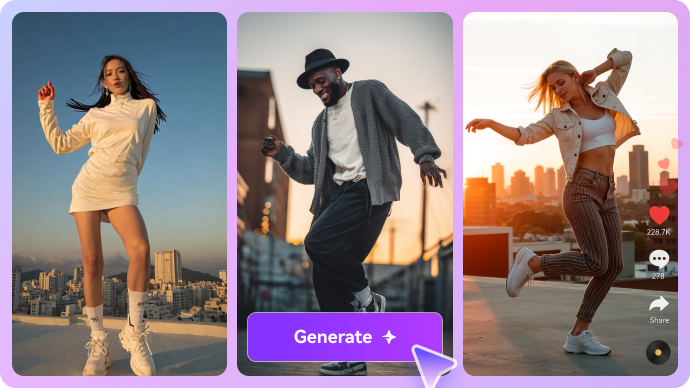
  • Image-to-Video: Animate still images with custom subject motion, camera movement, and visual effects in supported modes up to 4K.
  • Talking Avatars and Lip Sync: Turn portraits or stock avatars into speaking presenters with synchronized mouth movement across more than 50 languages.
  • Voice Cloning: Create a reusable digital voice from a short audio sample for personalized narration and multilingual content.
  • Face and Head Swap: Replace a face or head in an image or video while preserving the original pose, body, and surrounding scene.
  • REST API: Add A2E's video, avatar, lip-sync, voice-cloning, and image-animation tools to automated products and workflows.

Generate Videos with Google Veo 3.1

A2E brings Google Veo 3.1 into a browser-based workflow, allowing users to create short videos from written prompts without setting up a Google Cloud account or API key. Supported modes offer resolutions from 480p to 1080p, along with synchronized dialogue, sound effects, music, clip extension, and first- or last-frame control. After generating a clip, creators can use Media.io AI Video Generator to explore additional models or continue refining the result in one creative workspace.

Generate videos with Google Veo 3.1

Animate Images in Up to 4K

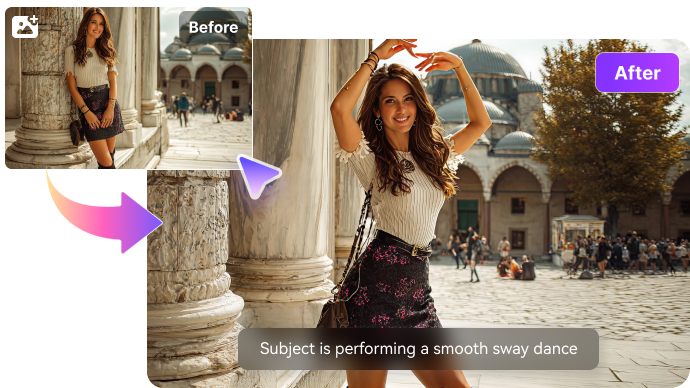
A2E's image-to-video feature turns a reference photo or artwork into a moving clip based on a simple motion prompt. Users can describe camera movement, subject actions, or environmental effects, while selected creative modes support output at up to 4K. This works well for product visuals, portraits, concept art, and social posts. For creators who also need to resize, enhance, add audio, or prepare the clip for different platforms, Media.io provides a more complete post-generation workflow.

Animate images into AI videos

Create Talking Avatars in 50+ Languages

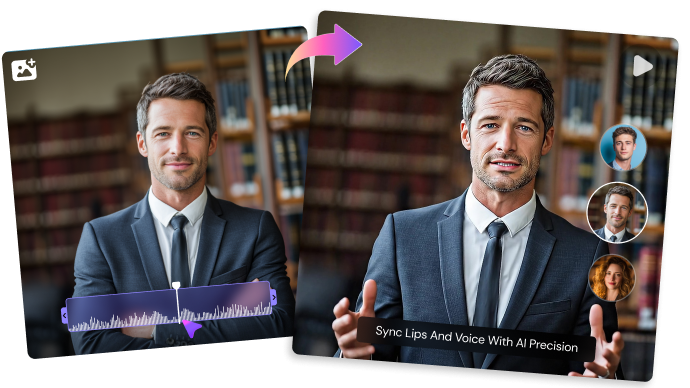
Upload a portrait or choose a stock avatar, then add typed text or recorded audio to create a synchronized talking video. A2E supports lip sync across more than 50 languages, making it useful for multilingual explainers, online lessons, product introductions, and faceless social content. When the avatar clip needs subtitles, background music, branding, or social-ready formatting, Media.io can help turn the generated segment into a more polished final video.

Create multilingual talking avatar videos

Clone Voices for Localized Content

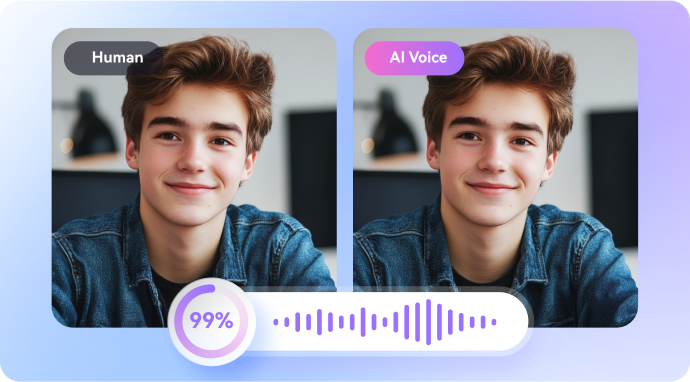
A2E can create a reusable digital voice from a short audio sample and pair it with its talking-avatar and lip-sync tools. This allows creators to produce localized tutorials, presenter videos, educational content, and marketing messages while maintaining a familiar speaking style. For broader production needs, Media.io can combine generated narration with video editing, music, captions, and format conversion without requiring several separate tools.

Clone voices for localized AI videos

Swap Faces and Heads in Creative Visuals

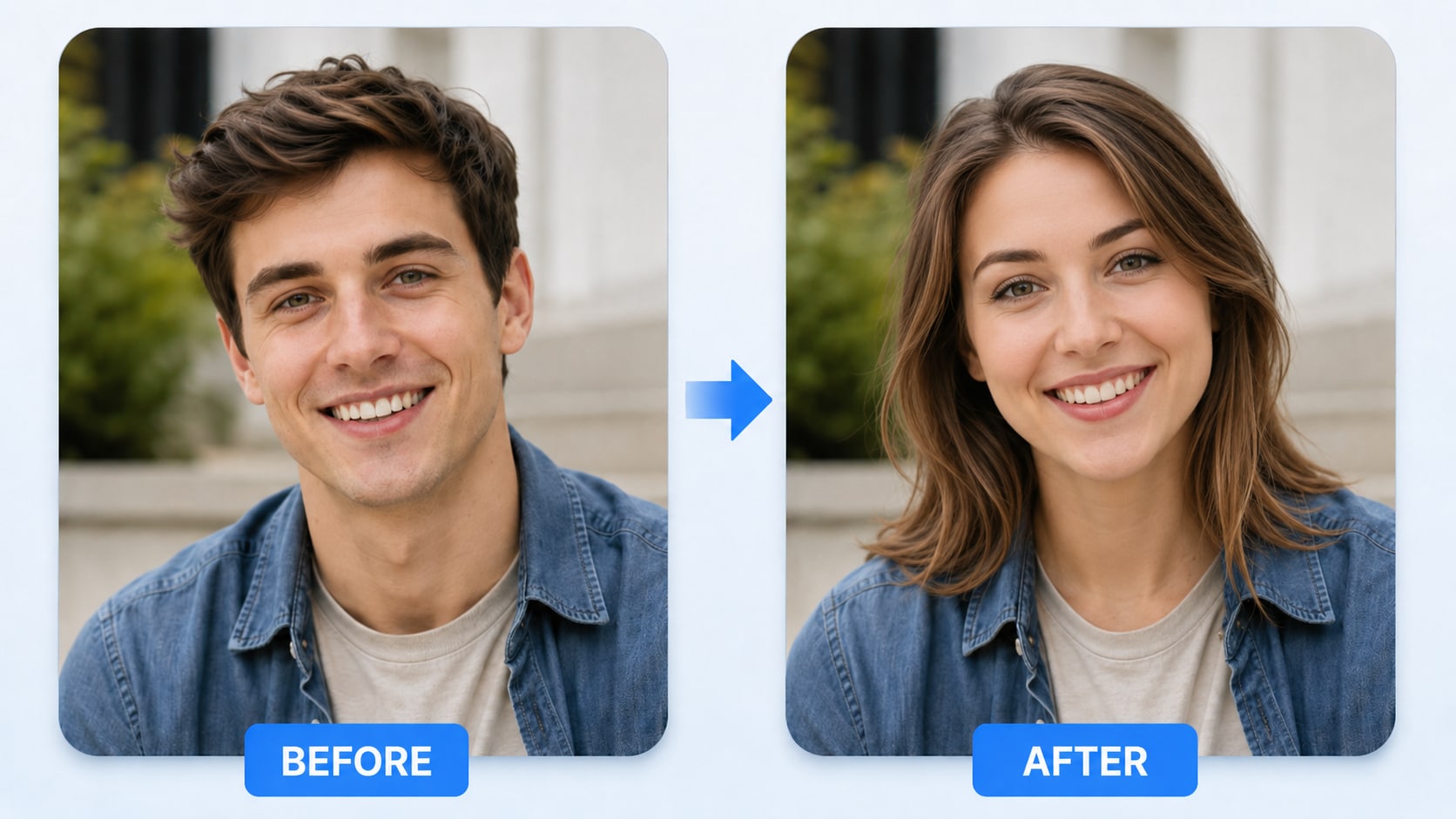
A2E includes face-swap and head-swap tools for placing a new identity onto an existing portrait, model, or video subject. These features can support character concepts, personalized entertainment, campaign mockups, and experimental social visuals, although results may vary with pose and image complexity. Media.io is a practical option when users want a simpler browser-based face-swap workflow and additional tools for enhancing or editing the finished visual.

Swap faces and heads in AI visuals

Build Automated Video Workflows with the API

A2E provides a REST API for developers who want to integrate video generation, talking avatars, lip sync, voice cloning, or image animation into their own products. New accounts can test the API with free credits, while separately purchased top-up credits do not expire. It is well suited to prototypes and automated pipelines, while Media.io is often more convenient for teams that prefer a ready-to-use interface for generating, editing, and exporting finished creative assets.

Build automated AI video workflows with REST API

How to Use Media.io AI Video Generator

1
2
3
1
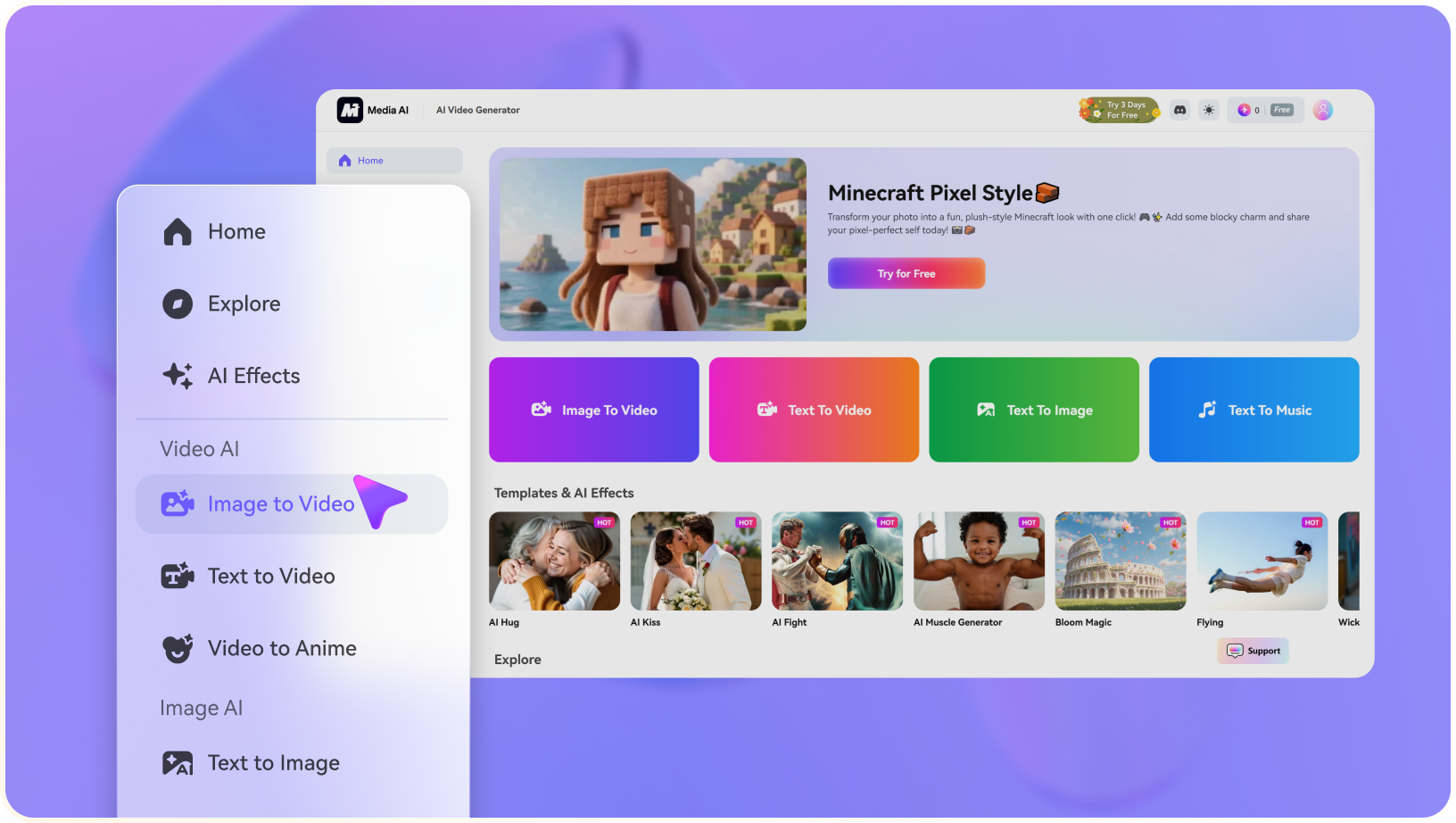
Step 1: Open Media.io and Choose Your Input

Launch our AI Video Generator and choose your video generation style. You can create a video from text or images. Let's generate video from text this time!

2
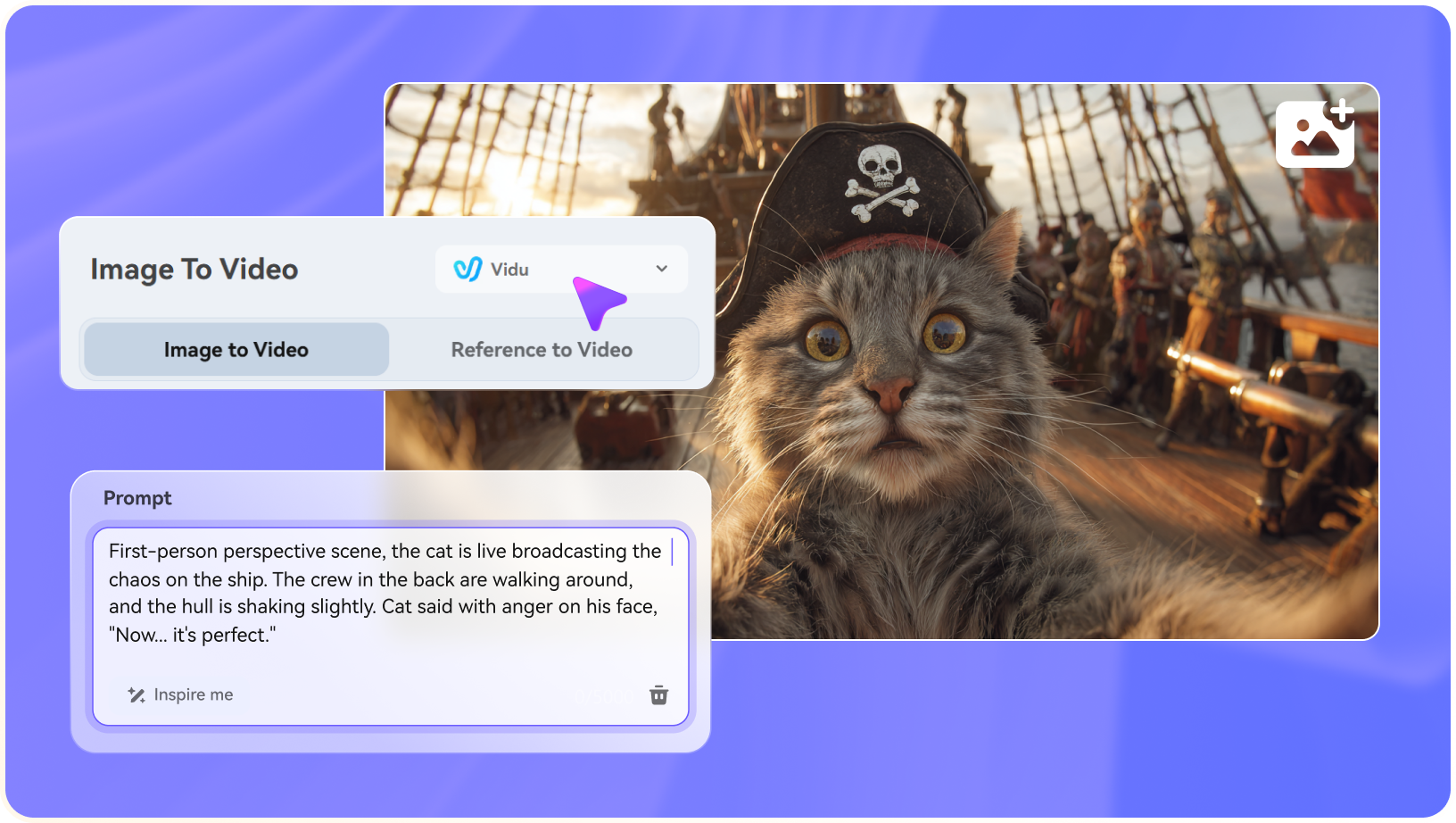
Step 2. Choose an AI Video Model and Upload Images or Text

Next, enter a concise description of the video you want to generate. Be specific and detailed about video features like lighting, action, mood, time, and movement.

3
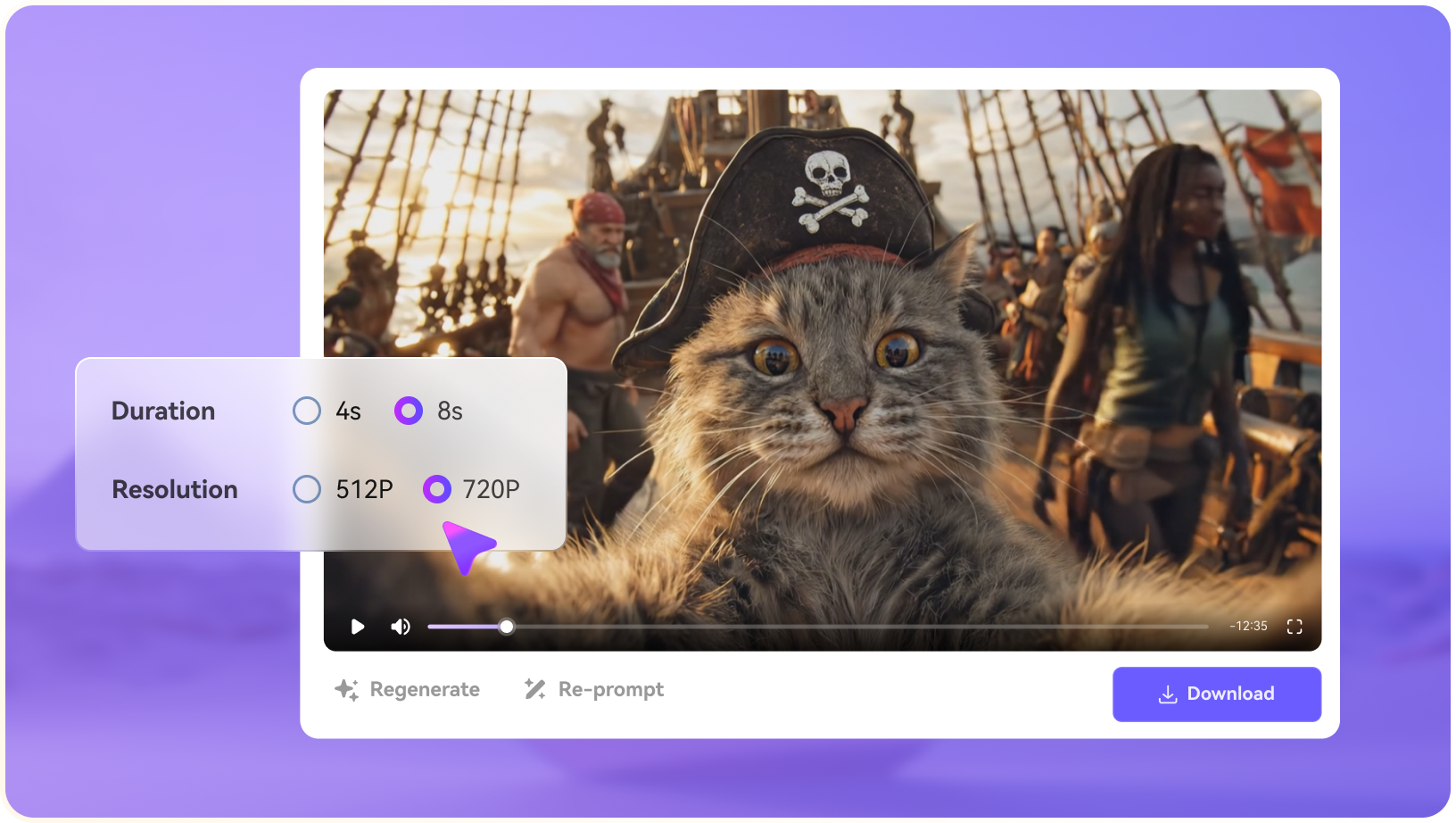
Step 3. Customize Settings and Generate Video

Specific video settings with duration, aspect ratio, and resolution. Now click "Generate" to create your AI video. Preview and download it to share with your friends.

step1 visit media.io
step2 choose vidu ai model and upload an image
step3 generate video from photo

Real-World Use Cases: Where A2E Shines

See where A2E AI Video Generator delivers the most practical value for creators, businesses, and developers.

Short-Form Social Videos

A2E makes it easy to turn a written script into a talking-avatar video through one streamlined workflow: script, voice cloning, lip sync, and export. It is especially useful for producing short TikTok, Instagram Reels, and YouTube Shorts content quickly.

Multilingual Video Localization

With voice cloning and lip sync support across more than 50 languages, A2E can help creators adapt one source video for multiple markets. It works well for localized e-learning lessons, product tutorials, marketing videos, and global creator content.

Talking Avatar Content

Users can upload a portrait or select a stock avatar, add a script or audio track, and generate a synchronized talking video. This makes A2E suitable for explainers, virtual presenters, faceless channels, training content, and social media narration.

Rapid Creative Experiments

A2E's low entry price, free credits, and flexible generation tools make it useful for testing visual concepts before committing to a larger production. Creators can quickly experiment with different prompts, avatars, faces, voices, and video styles.

Product and Marketing Videos

Marketers can use A2E to create talking product presenters, localized promotional clips, social ads, product demonstrations, and creator-style videos. Its image-to-video and avatar tools are particularly useful for producing multiple campaign variations.

API-Driven Video Workflows

A2E provides REST API access for developers building automated video, avatar, lip-sync, voice-cloning, or image-animation workflows. Non-expiring top-up credits also make it practical for small teams that need to test and scale integrations gradually.

Where A2E AI Video Generator Falls Short

A2E is affordable and flexible, but several limitations may affect creators who need longer videos, consistent characters, polished editing, or predictable subscription value.

Short-Clip Generation

A2E mainly generates short clips of around 5 to 10 seconds. It does not provide a native long-form timeline, so multi-scene videos must be assembled and edited in another tool.

Inconsistent Characters

Character identity may change between shots or after camera movement. This makes A2E less reliable for stories, campaigns, or video series that require the same person to remain visually consistent.

Less-Polished Workflow

The interface and generation workflow can feel less refined than established platforms such as HeyGen, Synthesia, or Runway, especially for beginners managing multiple assets and settings.

Credits Can Expire

Unused subscription credits do not roll over to the next billing period. Users with irregular production schedules may lose part of their monthly allocation unless they purchase separate top-up credits.

Limited Post-Production

A2E focuses more on generating clips than finishing complete videos. It lacks a full timeline editor, advanced caption tools, extensive templates, and an integrated post-production workflow.

Restrictive Refund Policy

Refunds are generally limited because users can test the platform through its free tier. Outside duplicate-charge cases, paid purchases may not qualify for a refund after credits or services have been used.

A2E AI vs Media.io: Which One Fits Your Workflow?

Media.io is a practical A2E AI alternative for creators who need more than avatar or clip generation. While A2E focuses on talking avatars, lip sync, voice cloning, and API workflows, Media.io combines multi-model AI video generation with image, audio, editing, enhancement, and social-ready export tools.

Workflow Need A2E AI Media.io
AI Avatars and Talking Presenters Strong Fit best fit
Offers custom and community avatars, talking-video tools, lip sync, and voice cloning as central parts of the platform.
Supports selected talking-photo, face, and voice workflows, but avatar creation is not the platform's primary focus.
Text-to-Video Creation Supports prompt-based video generation through models such as Google Veo 3.1 and Sora 2. Strong Fit best fit
Provides multi-model text-to-video workflows for social videos, advertisements, stories, cinematic scenes, and creative experiments.
Image-to-Video Supports image animation, identity-focused generation, and premium third-party model options, with selected modes offering output up to 4K. Supports broad image-animation workflows, creative effects, multiple models, and scene-based video generation in one browser workspace.
Voice Cloning and Lip Sync Strong Fit best fit
Voice cloning and multilingual lip sync are central to A2E's avatar and API workflows.
Available as part of Media.io's broader collection of AI voice, audio, and video tools.
Video, Image, and Music Creation Combines video and image generation with avatar, voice, and facial transformation tools. Strong Fit best fit
Brings AI video, image, music, audio, enhancement, and editing tools together in one browser-based creative platform.
Post-Generation Editing Primarily designed as an AI generation, digital-human, and media-transformation toolkit. Strong Fit best fit
Generated clips can continue into enhancement, subtitles, background editing, effects, format conversion, resizing, and social-ready export.
API and Automation Strong Fit best fit
Provides APIs for avatars, lip sync, voice cloning, media generation, and automated product integrations.
Better suited to creator-facing browser workflows where users want to generate, edit, and export without building an API stack.
Ease of Use for Beginners Suitable for users familiar with credits, generation settings, avatar tools, or API-based workflows. Strong Fit best fit
Offers a beginner-friendly workflow for creating and finishing content in the browser without technical setup.
Best for Avatars & API

Choose A2E AI When You Need:

A2E AI is better suited to avatar-led production, multilingual voice workflows, and developer integrations.

  • Digital presenters or repeatable avatar content
  • Voice cloning and multilingual lip-sync workflows
  • Face, head, or outfit transformation tools
  • API access for an application or automated pipeline
  • Enterprise or on-premise deployment options
Explore A2E AI
Best for Complete Creation

Choose Media.io When You Need:

Media.io is better suited to creators who want to generate, edit, enhance, and export finished content in one workspace.

  • Text-to-video and image-to-video across multiple creative models
  • AI video, image, music, and audio generation in one workspace
  • Social videos, ads, stories, viral effects, and cinematic scenes
  • Generation followed by enhancement, editing, and repurposing
  • A beginner-friendly browser workflow without API development
Create a Video With Media.io

Final Verdict

Our Take

A2E AI Video Generator is a genuinely useful tool with a clear focus: fast, affordable, developer-friendly, multilingual avatar and lip-sync generation, with meaningful Google Veo 3.1 access at a $9.9 entry price. It is best suited to solo creators, small teams, and API developers who need short-form AI video without a complex enterprise setup.

Its limitations become more noticeable when the workflow extends beyond raw clip generation. A2E is less suitable for polished long-form storytelling, strict brand-controlled production, or teams that need a complete post-production workflow. When editing, captions, music, enhancement, format conversion, and export are the main bottlenecks, Media.io can offer a more connected path from generation to finished content.

Bottom line: Choose A2E for avatars, lip sync, voice cloning, and API-led short-form generation. Choose Media.io when you want to generate, edit, enhance, and prepare a complete video in one browser-based workspace.

A2E AI Video Generator FAQ

Is A2E AI Video Generator free to use?
faq faq

Yes. A2E AI offers a free tier with signup credits and additional credits available through daily check-ins. You can test its AI video features without entering a credit card, although free exports may include a watermark and have resolution or priority limits.

A2E AI provides access to models such as Google Veo 3.1 and Sora 2 for text-to-video and image-to-video generation. It also offers in-house models for talking avatars, multilingual lip sync, voice cloning, face swap, and head swap.

Yes. You can enter a text prompt to create a new video or upload an image and describe how you want it to move. A2E AI then generates a short video clip based on your prompt, reference image, and selected generation model.

A2E AI is mainly designed for short-form video generation, with individual clips commonly lasting around 5 to 10 seconds. Veo 3.1 modes may support 480p, 720p, or 1080p output, while selected image-to-video modes can produce videos at up to 4K resolution.

Yes. A2E AI can turn a portrait or stock avatar into a talking video using typed text or uploaded audio. Its lip-sync feature supports more than 50 languages and can also be combined with voice cloning for multilingual avatar videos.

A2E AI charges credits based on the selected model, resolution, and video duration. Image-to-video generation may cost approximately six credits per second. Subscription credits can expire at the end of a billing cycle, while separately purchased top-up credits may remain available until they are used.

Yes. A2E AI offers REST API access for developers who want to add AI video, avatar, lip-sync, or voice features to their own products and automated workflows. New accounts may also receive free credits for testing the API.

Videos generated under an eligible paid A2E AI plan can generally be used for commercial projects such as advertisements, social media content, product demonstrations, and educational videos. You should still own or have permission to use all uploaded images, voices, trademarks, and other source materials.

Media.io is a practical alternative for creators who need more than raw AI-generated clips. It combines AI video generation with video editing, subtitles, voiceovers, music, format conversion, and social-ready exports in one browser-based workspace.

What Creators Say About Media.io AI Video Generator

Media.io AI video generator user
Sarah L.

Content Creator

star star star star half star

Media.io makes it much easier to test different AI video styles without jumping between several platforms. I can start with a text prompt or image, compare model results, and then resize or polish the clip for social media in the same workspace.

Media.io AI video creator
John D.

Social Media Marketer

star star star star half star

I use Media.io to create quick product clips, ad concepts, and short-form videos from images. The biggest advantage is that generation does not feel like the final step—I can continue with music, captions, enhancement, and format conversion before publishing.

Media.io AI video editing user
Emily T.

Freelance Designer

star star star star half star

The workflow is approachable even when I am experimenting with unfamiliar AI models. I can animate artwork, try different motion prompts, preview the output, and prepare a cleaner final version without needing advanced video-editing experience.

Media.io Online Tools Quality Rating:
vote 4.7 (162,357 Votes)
media.io

AI Video Generator star

Easily generate videos from text or images

Generate