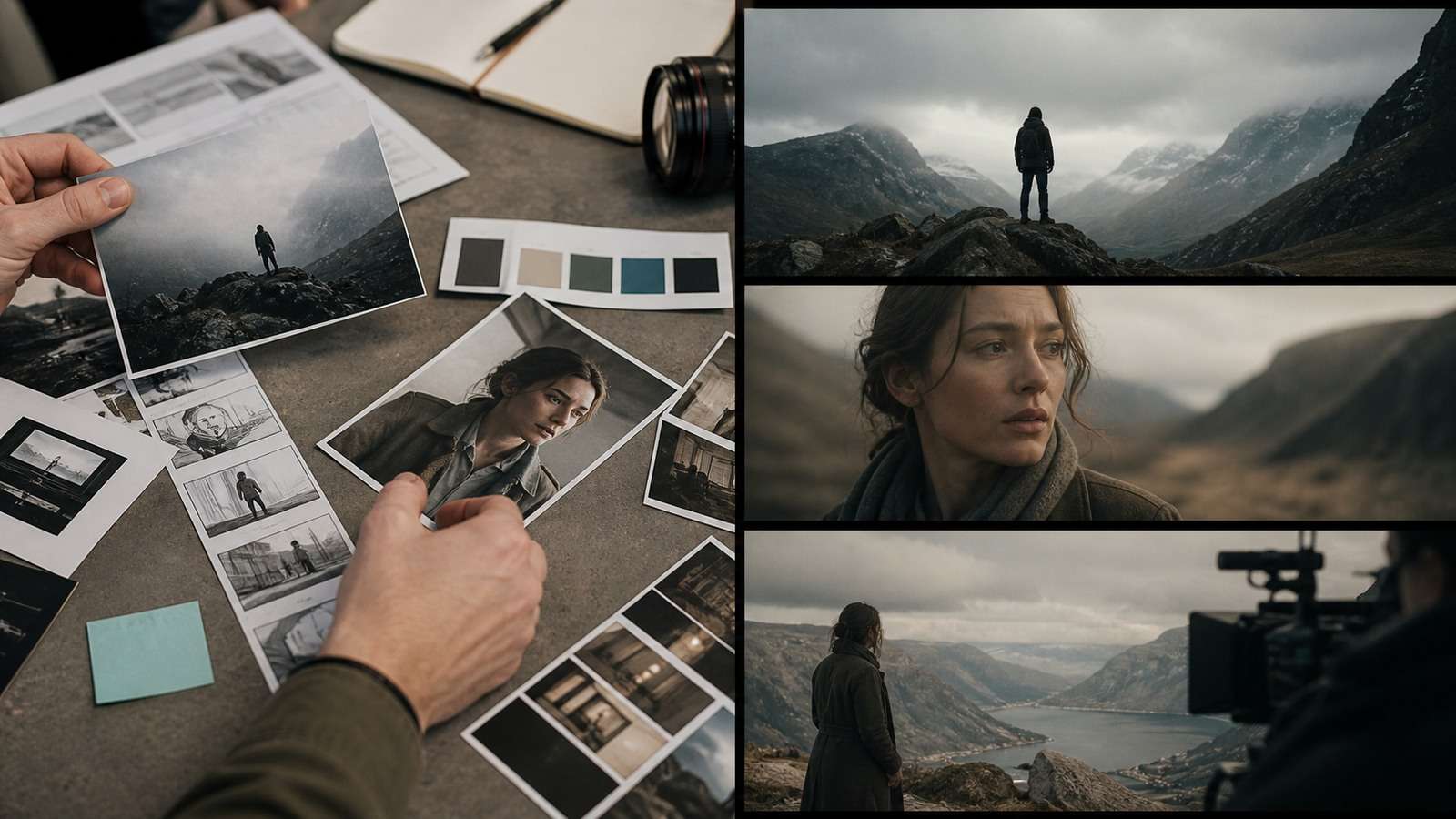
A strong Seedance 2.5 prompt is closer to a production brief than a cinematic sentence. The model can coordinate long continuous action, multiple references, camera direction and synchronized sound, but every extra capability also creates another place for instructions to conflict. The practical goal is not to make a prompt longer. It is to assign each piece of information a clear job.
This guide explains a repeatable Seedance 2.5 prompting system for text-to-video, image-to-video, reference-driven scenes, dialogue, product ads, UGC and multi-shot sequences. It also covers the failure patterns that matter in real production: unused references, dropped beats, unstable identity, camera conflict, mistimed dialogue and expensive full regenerations.
In This Article
The Seedance 2.5 Prompt Formula That Produces Controllable Video
The most useful Seedance 2.5 prompt formula is:
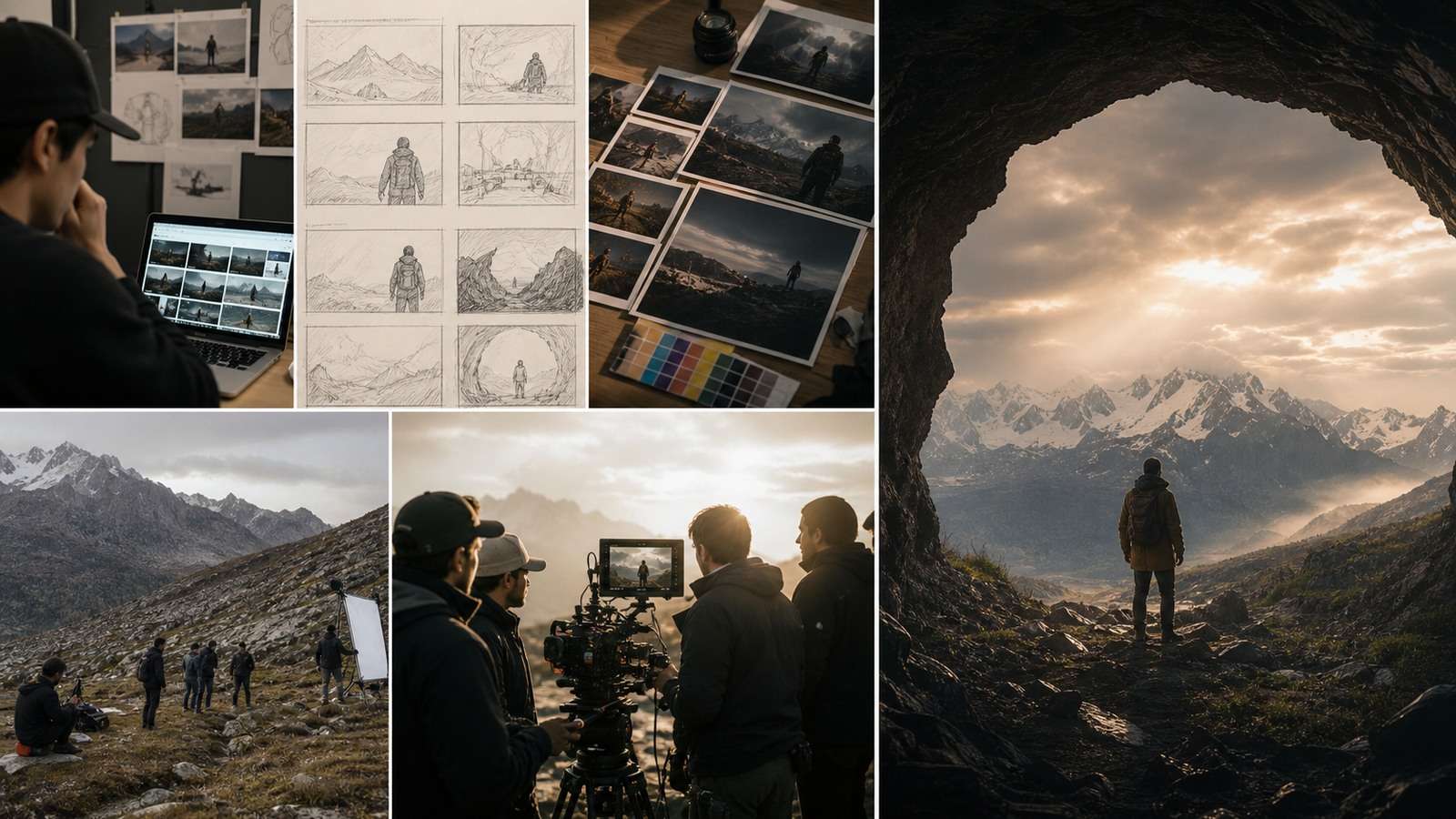
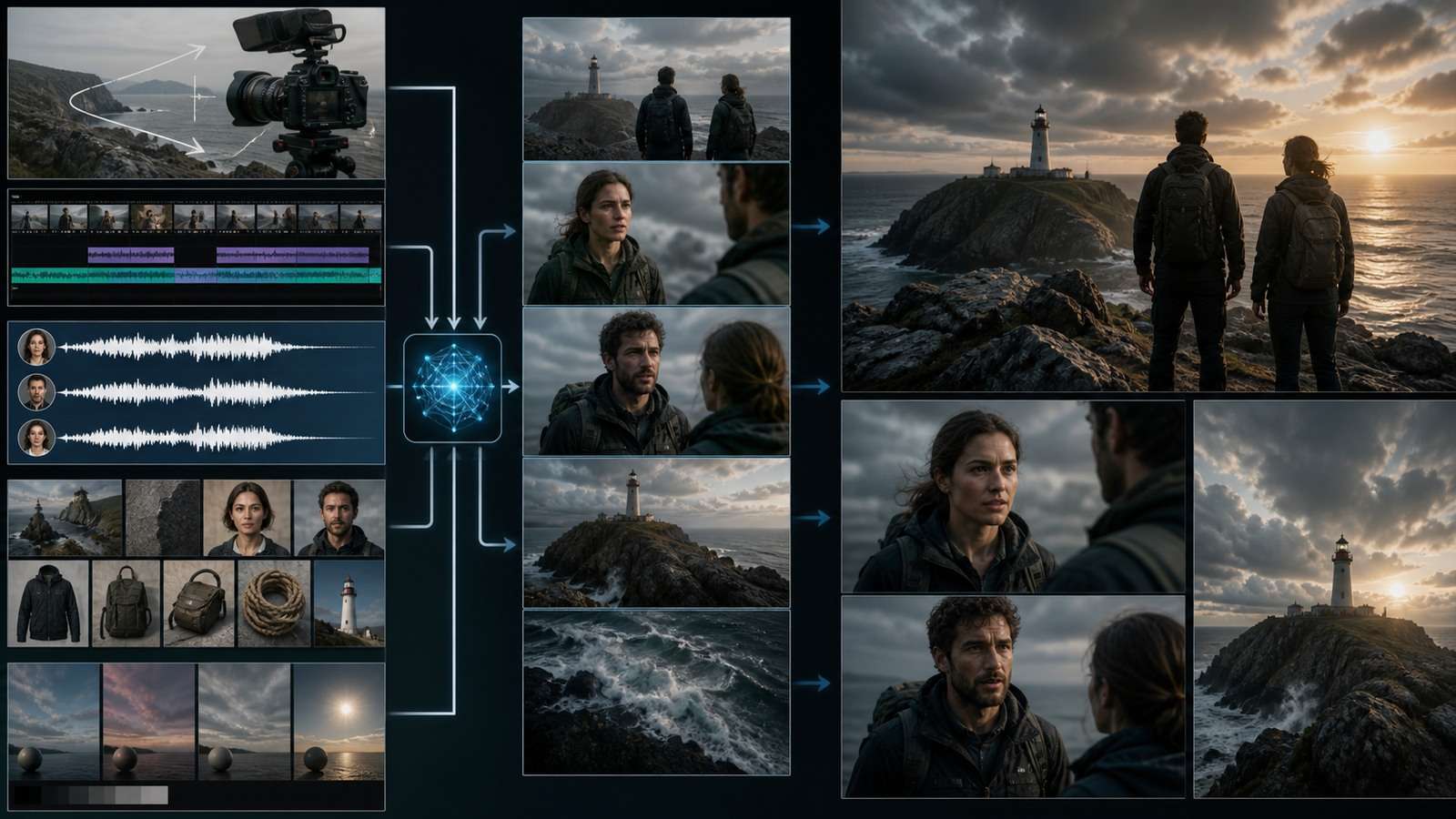
This structure is more reliable than a loose collection of style words because it separates six different decisions. The reference map tells the model what existing assets mean. Subject and environment establish the starting state. Action beats explain what changes. Camera instructions define how the viewer observes that change. Lighting and treatment determine the visual language. Audio instructions define what should be heard. Preservation constraints identify details that must not drift.
A short scene may not need every layer. A 30-second product sequence with a recurring spokesperson probably does. The prompt should contain only information that changes the result or prevents an expensive ambiguity.
Use Concrete Production Nouns Instead of Vague Quality Adjectives
“Cinematic,” “epic” and “professional” do not specify a shot. A useful Seedance 2.5 cinematic prompt names the lens behavior, subject action, light source and scene progression. Replace “cinematic woman in a city” with “eye-level medium tracking shot of a woman in a dark green raincoat crossing a wet intersection; storefront light reflects in the road; she looks toward an approaching taxi while the camera tracks beside her at walking speed.”
s with a crisp paper sound. At 13s, the lid closes with one soft click. Low instrumental pulse begins after the click and remains beneath dialogue. No captions. No crowd noise.
Concrete nouns also improve product work. Describe “one matte-black insulated bottle with a brushed steel cap” rather than “a beautiful premium product.” If the product already exists in a reference, point to that reference and spend the remaining prompt on movement, staging and lighting.
Give One Instruction to Each Layer
Prompt conflicts often appear when the same line tries to control subject, camera and edit simultaneously. “She runs toward camera while the camera orbits behind her and reveals a close-up” creates incompatible spatial instructions. Decide which event has priority. A more controllable version is: “The runner moves toward the finish line. The camera tracks beside her in a medium profile shot. During the final four seconds, it eases ahead and turns into a three-quarter close-up.”
If you are still developing the idea, prototype the visual with the Media.io AI Video Generator before c
How to Use Multimodal References Without Losing Control
References reduce the amount of appearance description the prompt must carry, but only when their roles are explicit. Uploading several images and writing “use these references” forces the model to infer which file controls the face, product, location, wardrobe or style.
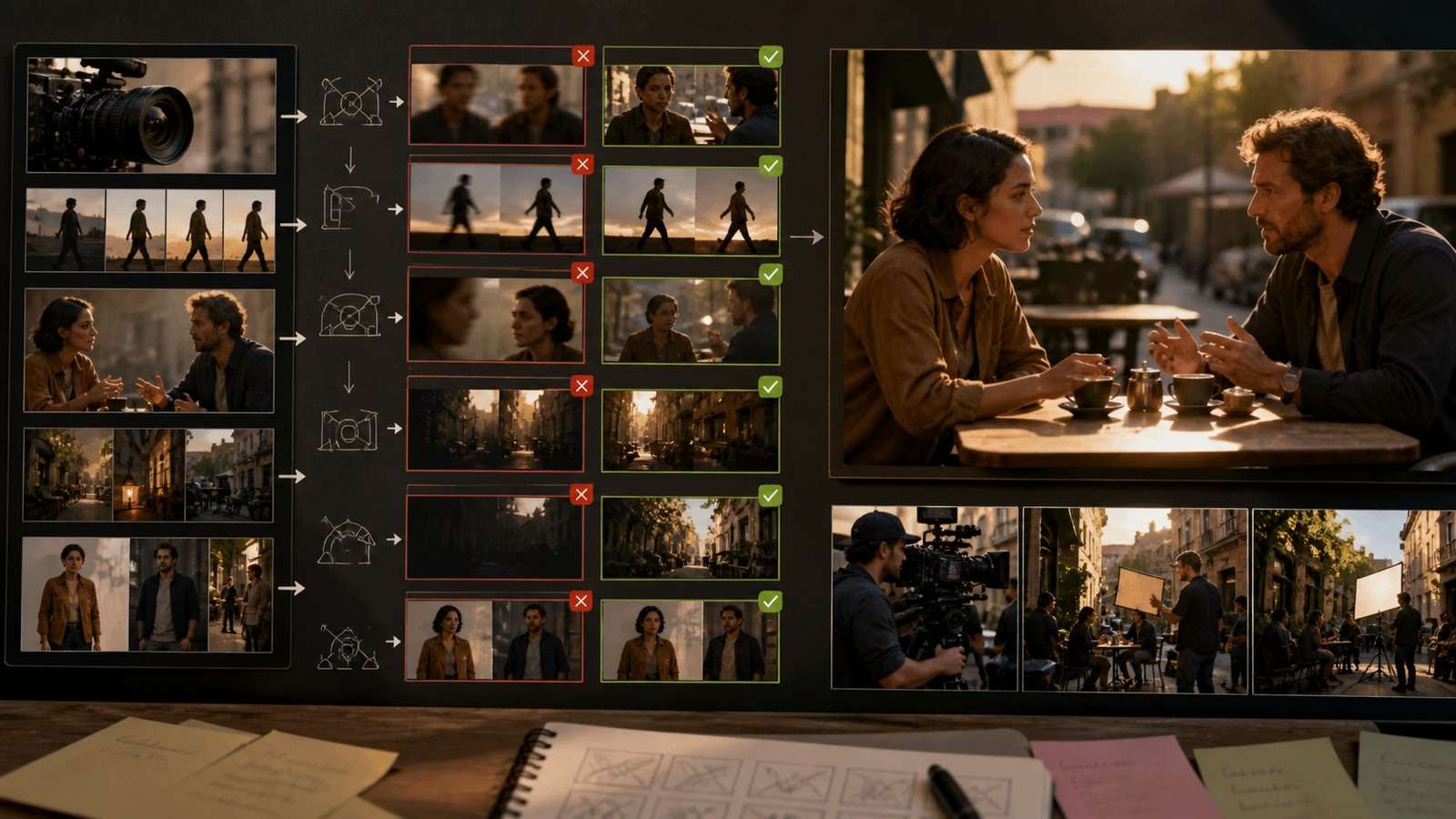
Build a reference map at the beginning of the prompt:
@Image 1 defines Maya's face, hairstyle and age only.
@Image 2 defines Maya's green jacket and silver watch.
@Image 3 defines the café counter, windows and warm morning light.
@Video 1 defines walking speed and handheld camera rhythm only.
@Audio 1 defines Maya's voice and pronunciation.
The word “only” is useful because a reference contains incidental information. A portrait may include a wall color, jewelry or lighting you do not want. Narrow labeling tells the model which properties are authoritative.
Group Different Views of the Same Subject
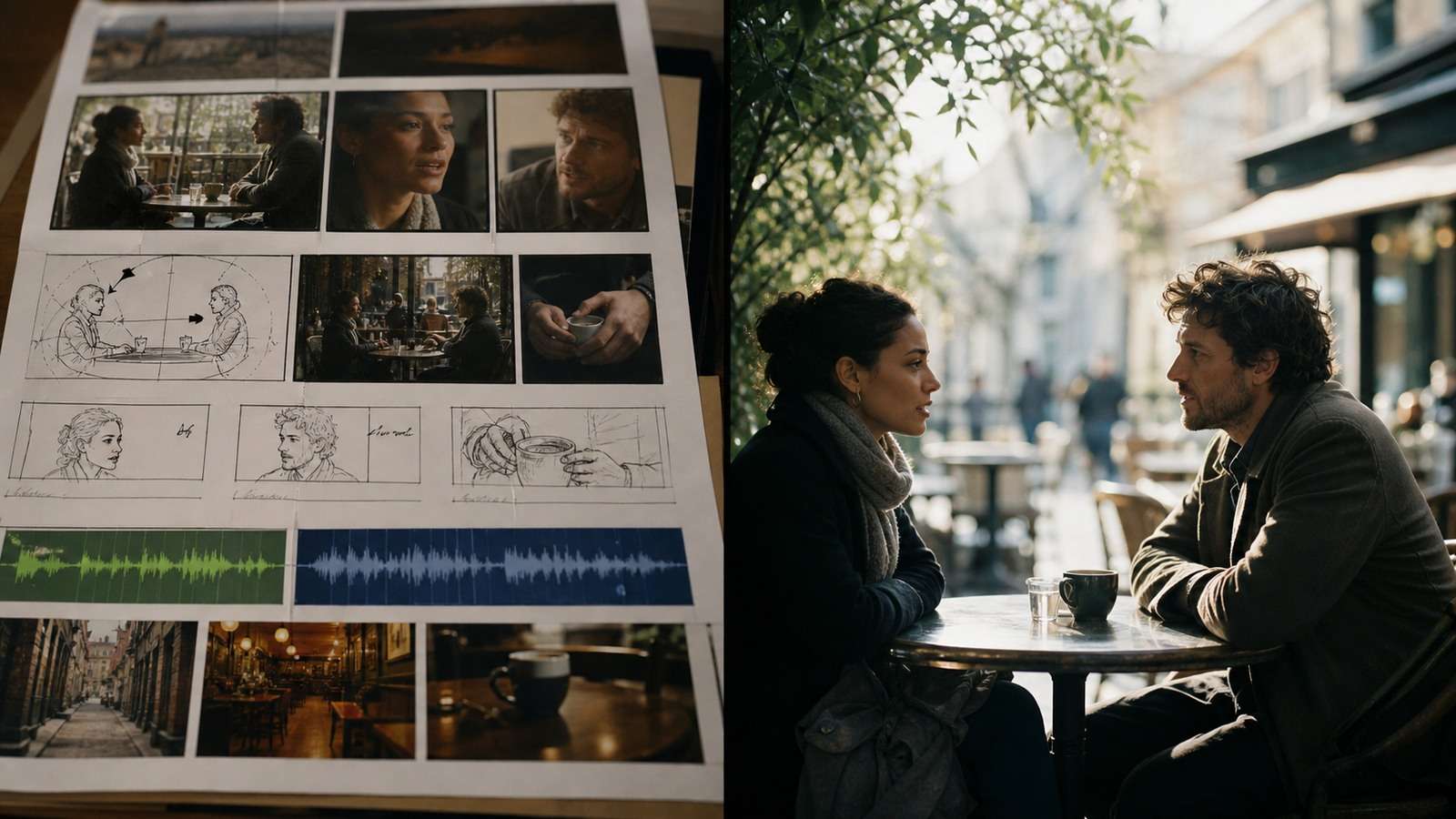
When several images show one person or product, say they represent the same identity. Otherwise, separate angles can be interpreted as separate objects. For a product ad:
s into a side medium shot. He hears a sound, stops and turns toward the door. 18–26s: Slow push-in to his hand hovering near the handle; preserve correct hand anatomy and door geometry. 26–30s: He looks over his shoulder. Camera settles into a tight three-quarter close-up. No cutaway and no new characters. Muted thriller palette, realistic hotel lighting, subtle handheld tension. Audio: distant elevator bell at 10s, low ventilation hum, one quiet breath at 27s. No music.
@Image 1, @Image 2 and @Image 3 show the same coffee maker from the front, side and rear. The scene contains one coffee maker only. Preserve its proportions, control layout, metallic finish and logo placement across every shot.
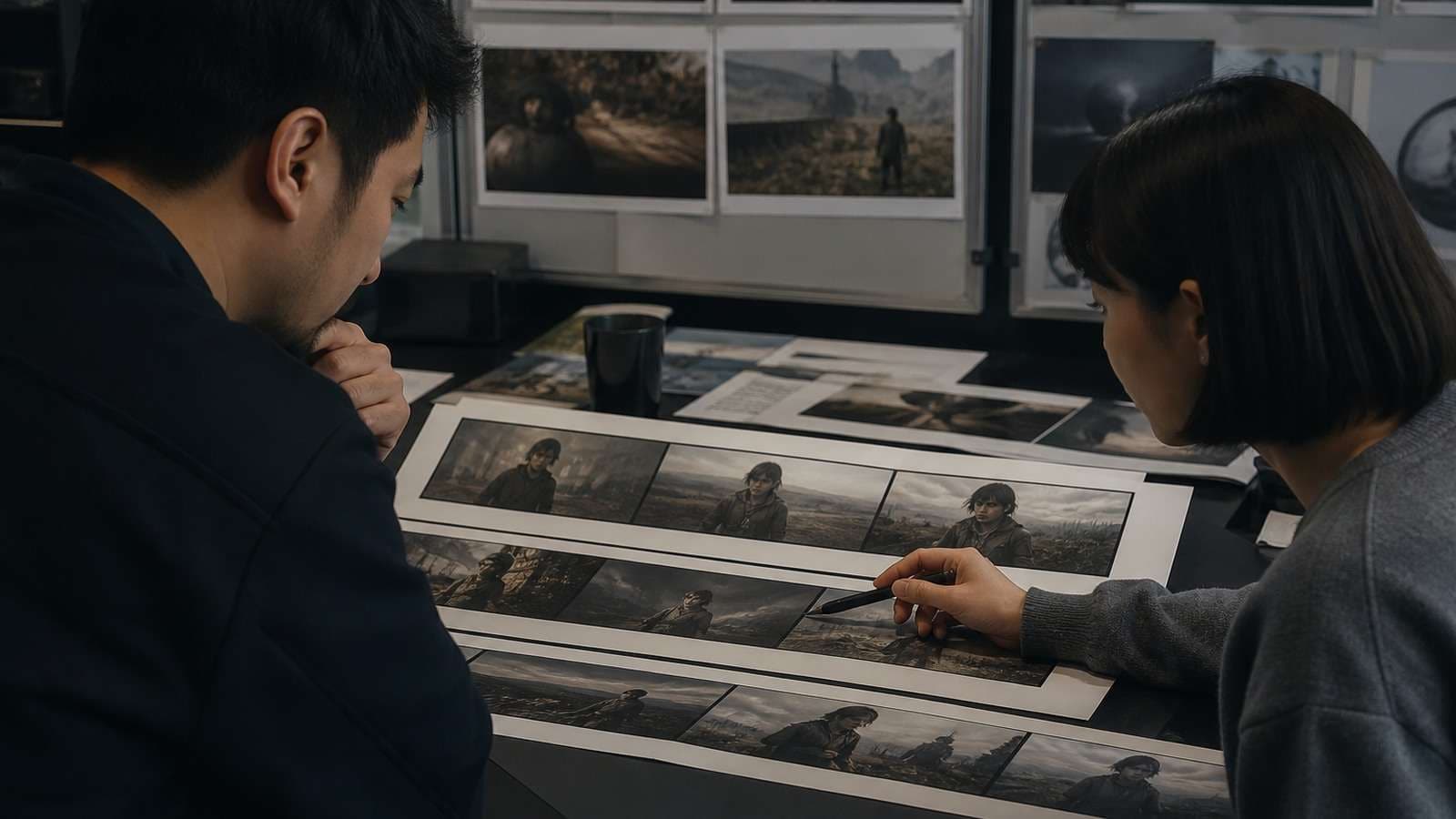
Reference quantity is not the same as reference quality. A small set of clean, mutually consistent views often beats a large folder containing different ages, lenses, lighting conditions and wardrobe. If the character must survive multiple scenes, prepare a stable multi-angle source with a character turnaround sheet.
Separate Identity Consistency From Scene Consistency
A stable face does not guarantee a stable film. Track the character, wardrobe, hero props, location geometry, time of day and scene state separately. If a cup is full in one beat and empty in the next, that is an object-state problem rather than a character problem.
For image-to-video, the source frame already defines composition, appearance and lighting. A good Seedance 2.5 image-to-video prompt focuses on what changes:
The woman turns from the window toward the camera, takes one calm breath and gives a small confident smile. A gentle breeze moves only the loose strands of hair. Slow push-in of approximately one meter. Preserve her facia
Before animation, enlarge a small or compressed reference with an AI image upscaler, then inspect whether enhancement changed facial or product details. A sharper but redesigned source is not a reliable identity reference.
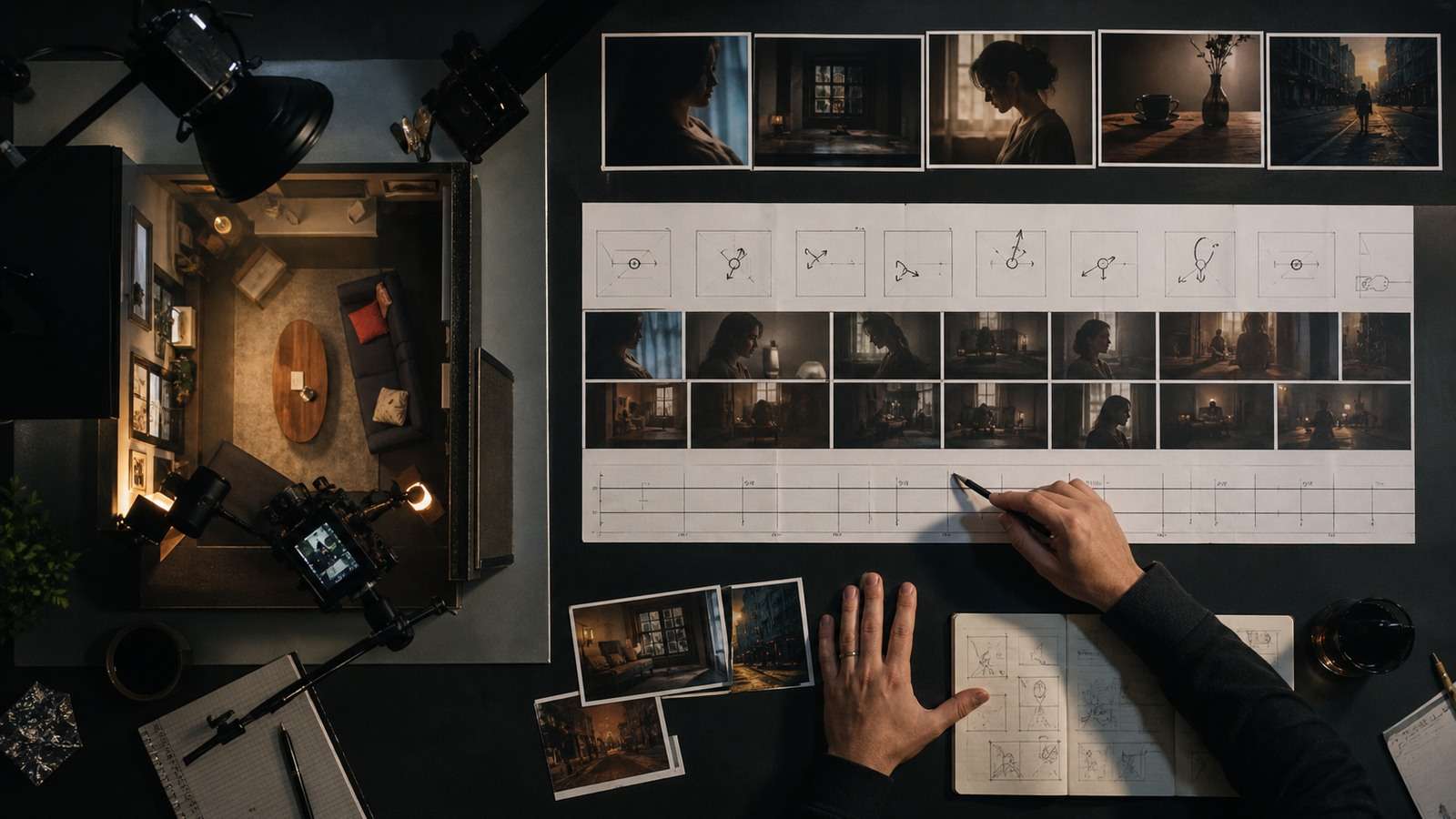
Seedance 2.5 Camera Prompts and 30-Second Timing
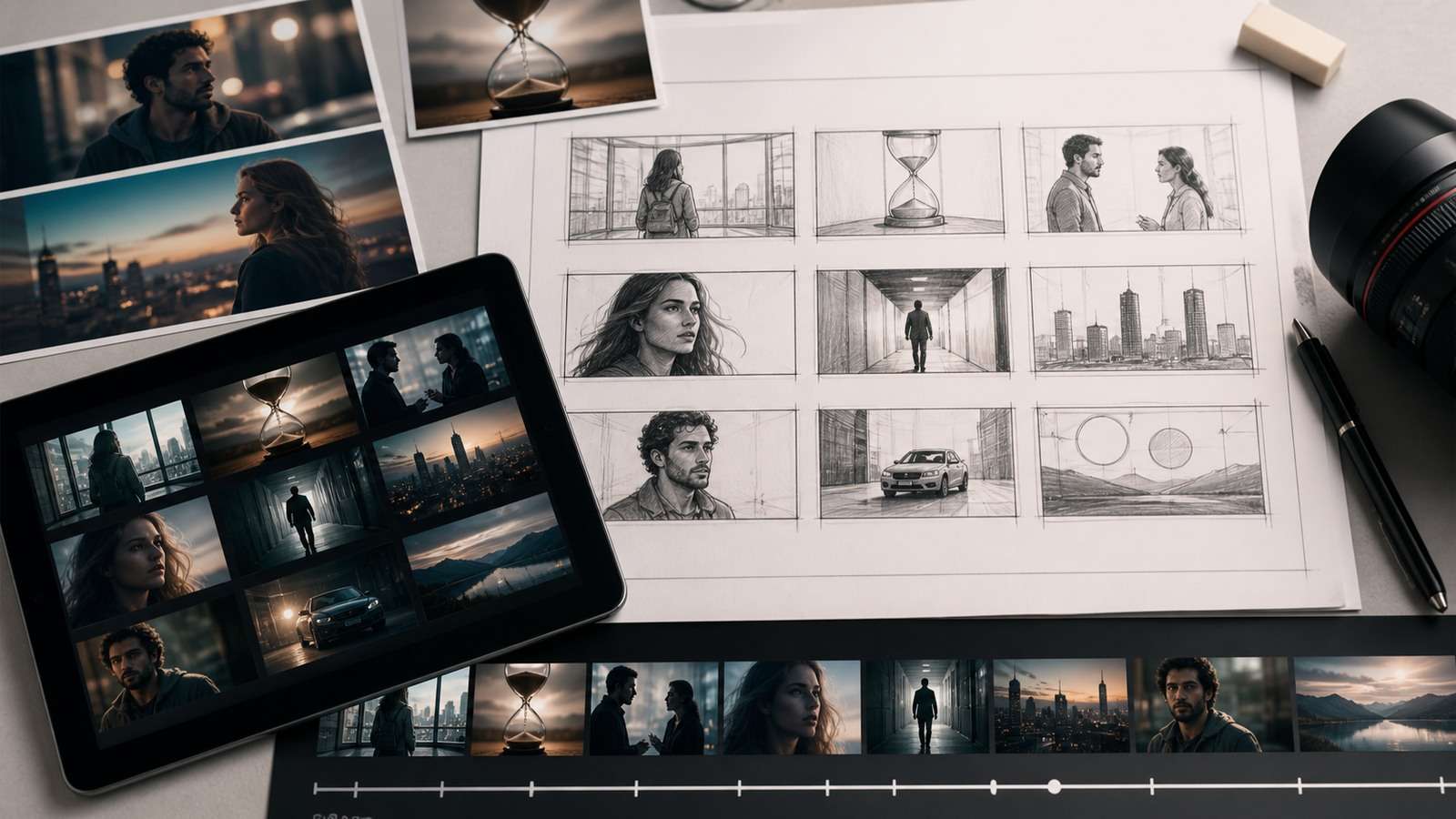
A 30-second generation needs temporal direction. Without it, the model may spend too long establishing the scene, compress the ending or invent filler action. Timestamps are most useful for narrative beats, demonstrations and dialogue sequences in which order matters.

ommitting to a complex reference set. A short visual test can reveal whether the action, framing and environment read clearly enough to justify a longer generation.
| Time | Action | Camera | Audio |
|---|---|---|---|
| 0–5s | Establish the product and hand | Locked medium close-up | Quiet room tone |
| 5–13s | Hand opens the package | Slow push-in | Paper tear and soft click |
| 13–23s | Product rotates into use position | Controlled half-orbit | Music builds subtly |
| 23–30s | Hero hold and final reaction | Settle into close-up | Short spoken line |
Give each range one main action. If a five-second range contains six separate gestures, a camera transition and dialogue, the model must decide which instructions to drop. Use complete ranges without unexplained gaps, and treat timing as pacing guidance rather than frame-accurate editing.
When Not to Use Strict Timestamps
Recent practitioner tests show that strict time ranges can help narrative staging but become counterproductive for fluid montages, music videos and visually continuous transformations. The model may force a transition at every timestamp even when the scene would look better as one organic movement. Use a hybrid approach: define two or three major phases while letting motion flow inside each phase.
For example, “opening third,” “middle section” and “final reveal” can work better than six five-second blocks when the goal is atmosphere rather than exact action order. The deciding question is whether the editor needs a specific event at a specific point.
Name the Shot, Angle, Movement and Speed
“Dynamic camera” is underspecified. Useful Seedance 2.5 camera prompts combine:
- Shot size: extreme wide, wide, medium, close-up or macro.
- Angle: eye-level, low, overhead, profile or three-quarter.
- Movement: tracking, dolly, crane, pan, tilt, orbit or handheld follow.
- Speed and stability: slow, deliberate, fast, smooth, locked or lightly handheld.
- End state: where the camera settles and what must be visible.
One decisive camera move per beat usually produces more coherent motion than a stack of film terms. If an exact move already exists, use a short video reference and label it as motion and pacing only.
How to Write Seedance 2.5 Audio and Dialogue Prompts
Native audio changes prompt design because visual action, ambience, sound effects, speech and music must share one timeline. Start by deciding which layer is dominant. In a UGC testimonial, speech is dominant and music should remain restrained. In a product reveal, a tactile sound effect may carry the moment. In a cinematic scene, environment and dialogue need to feel as if they occupy the same acoustic space.
A clear Seedance 2.5 audio prompt identifies the sound source and timing:
Audio: quiet modern kitchen ambience throughout. At 6s, the package seal tear
For dialogue, name the speaker, language, delivery and line:
Spoken language: American English. Maya speaks directly to camera in a relaxed, conversational voice with a brief pause before the last phrase: “I expected another complicated setup. This took less than a minute.”
Avoid asking for several speakers, overlapping effects, music changes and captions in the same short beat. When pronunciation matters, test the line before generating the full scene. You can isolate or inspect an approved soundtrack later with a video-to-audio converter.
Seedance 2.5 Prompt Examples for Real Production Scenarios
l identity, jacket, background geometry, window light and original color palette.
Product Ad Prompt
@Image 1 and @Image 2 show the same matte white skincare bottle from the front and side. Preserve the exact bottle proportions, pump, label placement and pearl finish. @Image 3 defines the pale stone bathroom set and soft morning light.

0–6s: Macro close-up of condensation forming on the bottle as a hand enters frame. Locked camera, shallow depth of field.
6–17s: The same hand lifts the bottle and presses the pump once. Slow controlled half-orbit; preserve label legibility and finger anatomy.
17–25s: A single drop lands on the back of the hand. Camera pushes closer without changing the product shape.
25–30s: Cutless pullback to the bottle standing beside the sink; clean hero hold.

High-end skincare commercial, natural material texture, restrained highlights. Audio: quiet bathroom ambience, one pump click and a soft water sound. No captions, no extra bottles, no background music until the final five seconds.
ain visible,” “keep the same jacket” and “camera remains on the same side of the counter.” Reserve direct negatives for clear exclusions such as no captions, no watermark, no extra people or no background music.
This Seedance 2.5 product ad prompt protects the commercial details first, then defines action and camera. For teams producing many ad variants, the Media.io AI Ad Generator can turn approved product positioning into additional platform-ready concepts without forcing every variation into the same long generation.
UGC Talking-Head Prompt
@Image 1 defines the creator's face, age and hairstyle. @Image 2 defines the casual blue shirt only. The creator stands in a bright home kitchen and holds the product from @Image 3.

Handheld vertical UGC framing with subtle natural movement. She looks at the product, then at the camera. Her gestures are small and believable; fingers remain visible and do not cover the label. Spoken language: American English. Friendly, slightly surprised delivery: “I thought this would be another five-step routine, but I actually use it every morning.” Keep natural room tone. No captions and no beauty-filter look.
A good Seedance 2.5 UGC prompt avoids perfect commercial choreography. Small pauses, restrained gestures and a plausible environment usually look more credible than nonstop movement. If the campaign requires many hooks or social formats, Viral Studio is a more appropriate Media.io route than repeatedly pushing the same image-to-video workflow.
Multi-Shot Narrative Prompt
@Image 1 defines the detective's face and age. @Image 2 defines his charcoal coat. @Image 3 defines the hotel corridor. All beats contain the same man, coat and corridor.

0–8s: Wide rear tracking shot as he walks down the corridor toward room 307. Fluorescent light flickers once above him.
8–18s: Without changing location, the camera arc
For a longer story, do not expect one prompt to carry the complete film. Break the script into scenes and use a script-to-video workflow to preserve narrative structure, then reserve Seedance generations for shots whose movement and visual treatment require more control.
A Practical Media.io-to-Seedance Production Workflow
Media.io is strongest here as part of the production chain, not as a separate promotional section. The following workflow is useful when the creator has an idea but not yet a stable set of references, shot beats and deliverables.
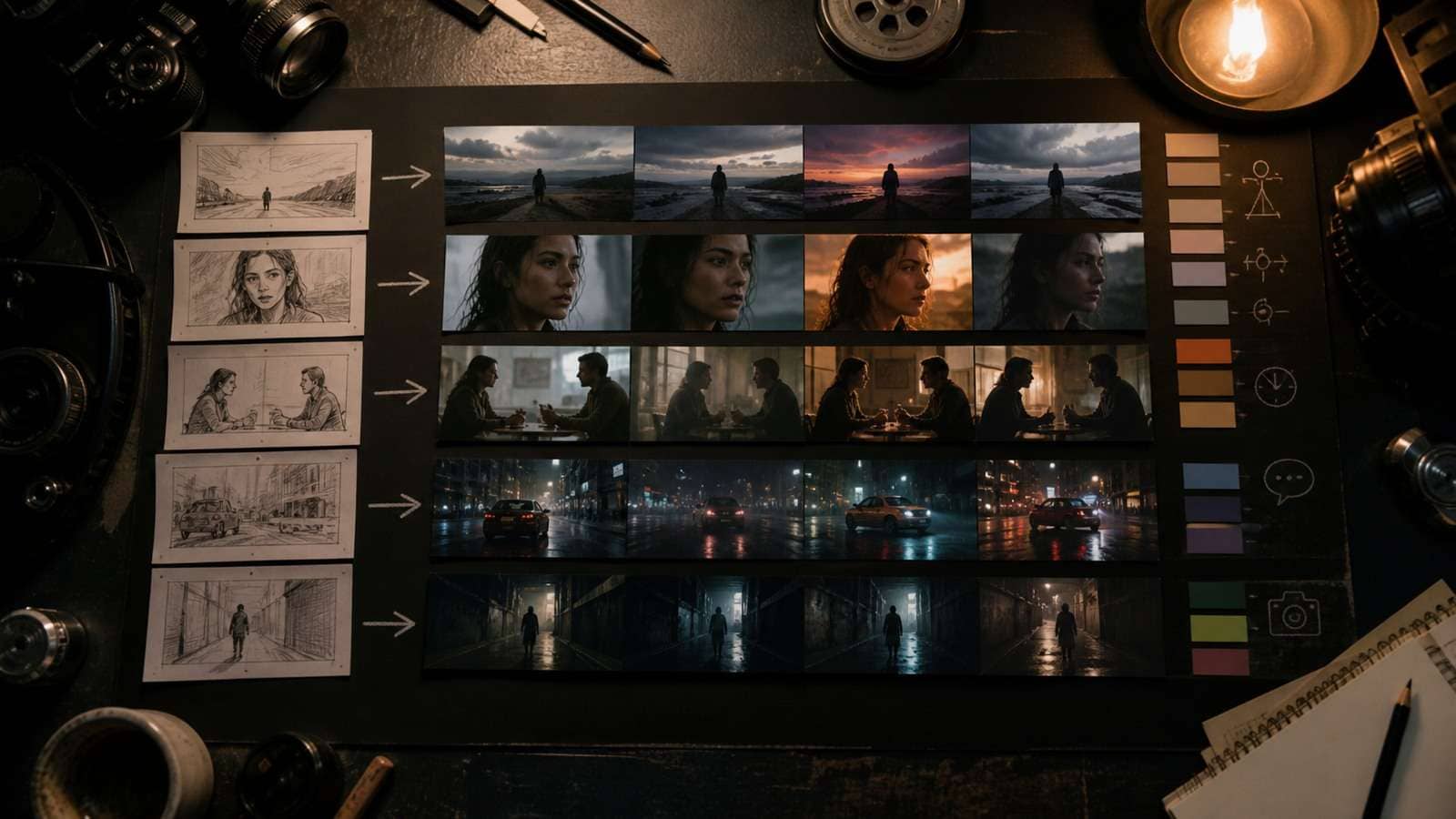
- Write the communication objective. Define the audience, platform, aspect ratio, required line and final action.
- Build the script or scene outline. For a narrative, organize beats with Media.io Script to Video; for a single controlled shot, write a concise scene brief.
- Create or clean reference assets. Approve character, product, wardrobe and environment separately. Do not feed contradictory drafts into the same generation.
- Generate the high-risk shot first. Test dialogue, product contact, hand interaction or the hardest camera move before generating easy establishing shots.
- Assemble only approved takes. Use the online video editor for sequencing, pacing, music and final visual continuity.
- Add and proofread captions. Create accessible versions with a video caption generator, checking product names and spoken terminology manually.
Seedance 2.5 Prompt Mistakes and Troubleshooting
| Problem | Likely cause | Better fix |
|---|---|---|
| Reference seems ignored | Its role was not labeled or conflicts with another reference | Name the exact property each file controls |
| Character changes during the scene | Weak identity source or too many competing details | Use coherent multi-angle references and lock wardrobe |
| Later actions disappear | Too many beats or insufficient time | Reduce actions and widen the important time range |
| Camera warps or jumps | Several movements conflict | Use one movement per beat and define the end frame |
| Dialogue appears as text | Speech and caption instructions are ambiguous | Name the speaker and state “no captions” |
| Product duplicates | Multiple product views look like different objects | State that all views show one product only |
| Generation is mostly good except one region | Local defect, not structural failure | Edit or regenerate only the affected region or interval |
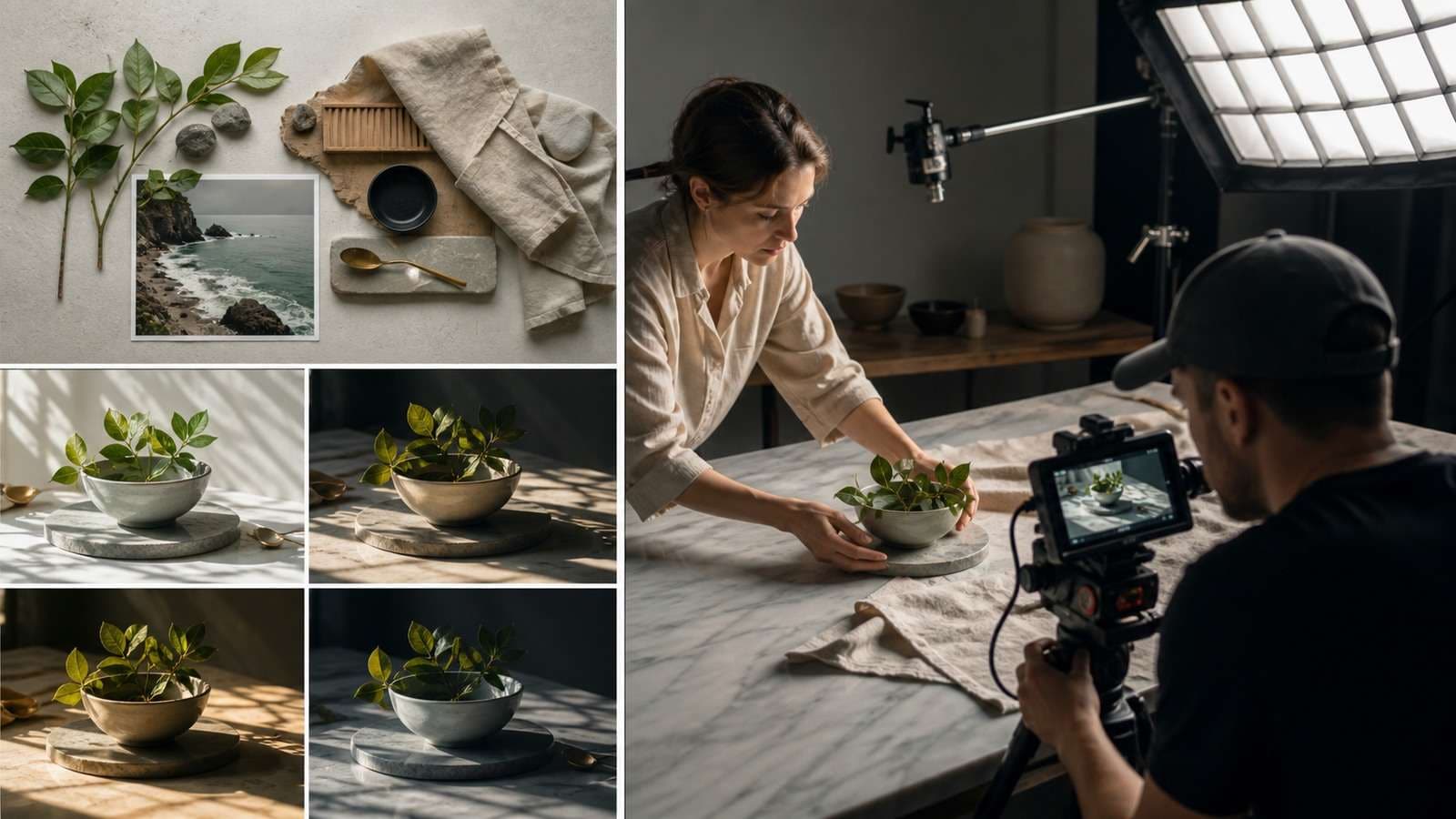
Do Not Treat the Negative Prompt as a Second Screenplay
A long Seedance 2.5 negative prompt can compete with the main direction and emphasize the very artifacts it is meant to prevent. Use positive preservation language for important details: “preserve one bottle,” “hands remain visible,” “keep the same jacket” and “camera remains on the same side of the counter.” Reserve direct negatives for clear exclusions such as no captions, no watermark, no extra people or no background music.
Change One Variable at a Time
If a result fails, label the failure before rewriting. Is the problem identity, motion, camera, timing, audio, anatomy, text or continuity? Changing the character reference, camera move, lighting and dialogue simultaneously makes it impossible to learn which fix worked.
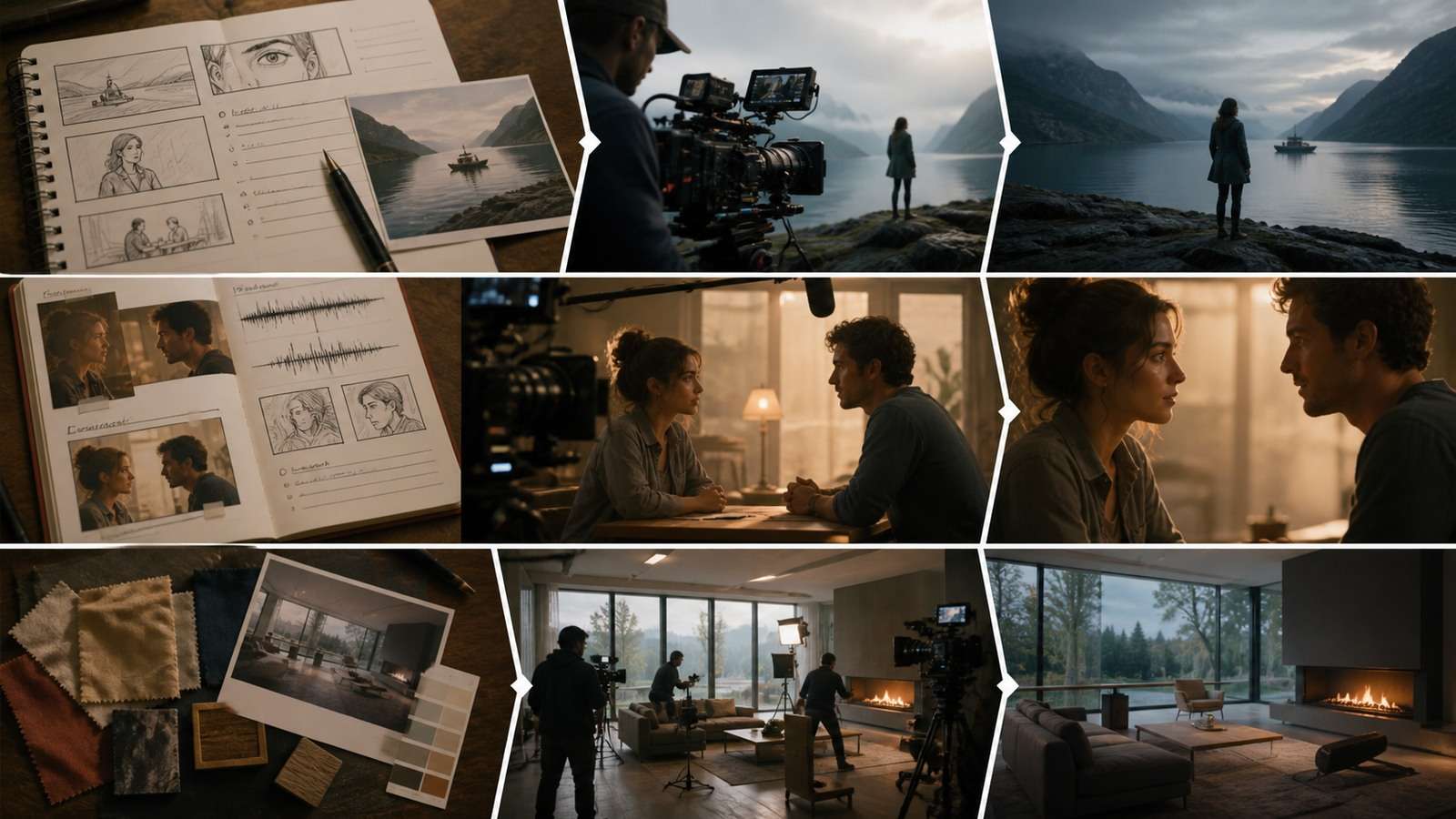
Keep a generation ledger containing source versions, prompt, aspect ratio, duration, model setting, output ID and approval notes. This is especially important for client work and longer scenes. A reliable prompt is not merely one that succeeded once; it is one whose important decisions can be reproduced or repaired.
Frequently Asked Questions
-
What is the best Seedance 2.5 prompt structure?
Use an explicit reference map, subject and environment, ordered action beats, camera direction, lighting and style, audio instructions and preservation constraints. Omit layers that do not affect the scene. -
Should every 30-second Seedance prompt use timestamps?
No. Timestamps help when event order and pacing matter. A looser two- or three-phase structure may produce more fluid montages, transformations and music-led sequences. -
How many references should I use?
Use the smallest coherent set that defines the required identity, object, location, motion and audio. More files can introduce conflicts if their roles and relationships are not labeled. -
How do I keep a character consistent in Seedance 2.5?
Use coherent multi-angle identity references, label face and wardrobe roles separately, repeat preservation constraints and track environment and prop continuity in addition to facial identity. -
How should I prompt dialogue and sound?
Name the speaker, language, delivery and exact line. Describe ambience, effects and music as separate layers with timing, and state whether captions or background music should be absent. -
Why does Seedance ignore parts of my prompt?
The prompt may contain too many actions, conflicting camera instructions, unlabeled references or insufficient time. Reduce priorities and test the highest-risk beat in a shorter scene.