
Long-form AI video becomes difficult when every scene is treated as a separate prompt. Begin with a compact film bible: logline, character descriptions, locations, time period, visual language, camera principles, color direction, and production boundaries. The bible is not a decorative document. It is the reference that keeps later scenes from drifting into unrelated styles or changing the meaning of a character.
In this article
-
AI vs. VFX production decisions Before Distribution
Start With a Film Bible
Long-form AI video becomes difficult when every scene is treated as a separate prompt. Begin with a compact film bible: logline, character descriptions, locations, time period, visual language, camera principles, color direction, and production boundaries. The bible is not a decorative document. It is the reference that keeps later scenes from drifting into unrelated styles or changing the meaning of a character.
Convert the Script Into Shot-Level Decisions
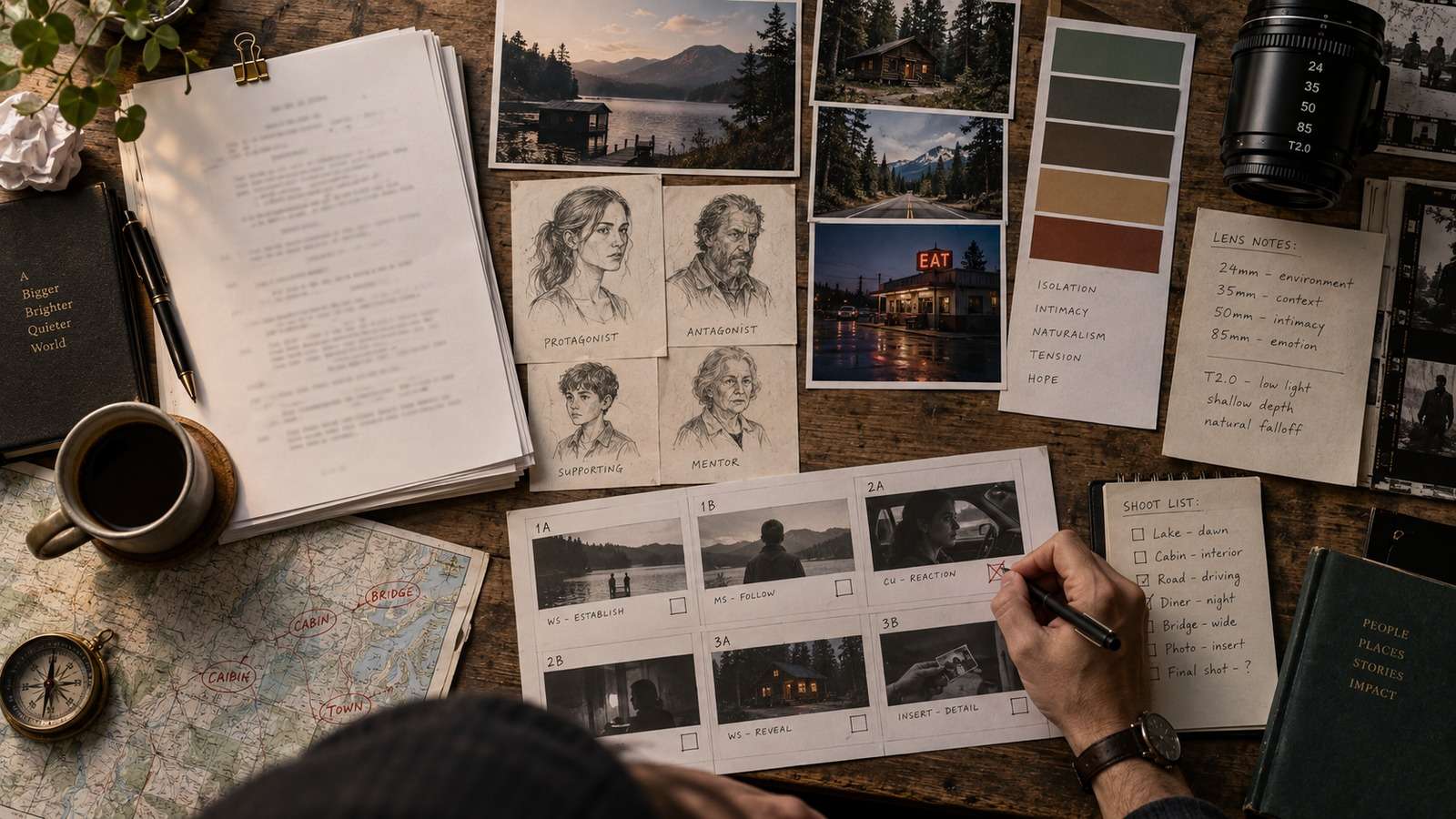
A script describes story events. A production plan must convert those events into shots. For each scene, identify the purpose of the shot, subject, action, camera position, movement, lighting, and transition. Keep the first version simple. A short list of clear shots is easier to test than a single prompt asking for a complete scene with several characters, changing locations, and complex action.
| Stage | Decision | Proof of readiness |
| Brief | What is the audience and deliverable? | One-sentence outcome and format. |
| References | What must remain consistent? | Approved character, product, or style references. |
| Generation | What can vary safely? | Short test output passes review. |
| Delivery | What must be checked? | Rights, spelling, continuity, and export format. |
Use Character and Location References
Create reference sheets before generating major sequences. A character sheet should include front, profile, three-quarter, and full-body views, plus wardrobe and signature details. A location sheet should establish scale, materials, lighting direction, and important props. Keep approved references in a project folder and use the same identity block when generating related shots. This does not guarantee perfect consistency, but it gives the model a stable target.

Approve a Proof of Concept
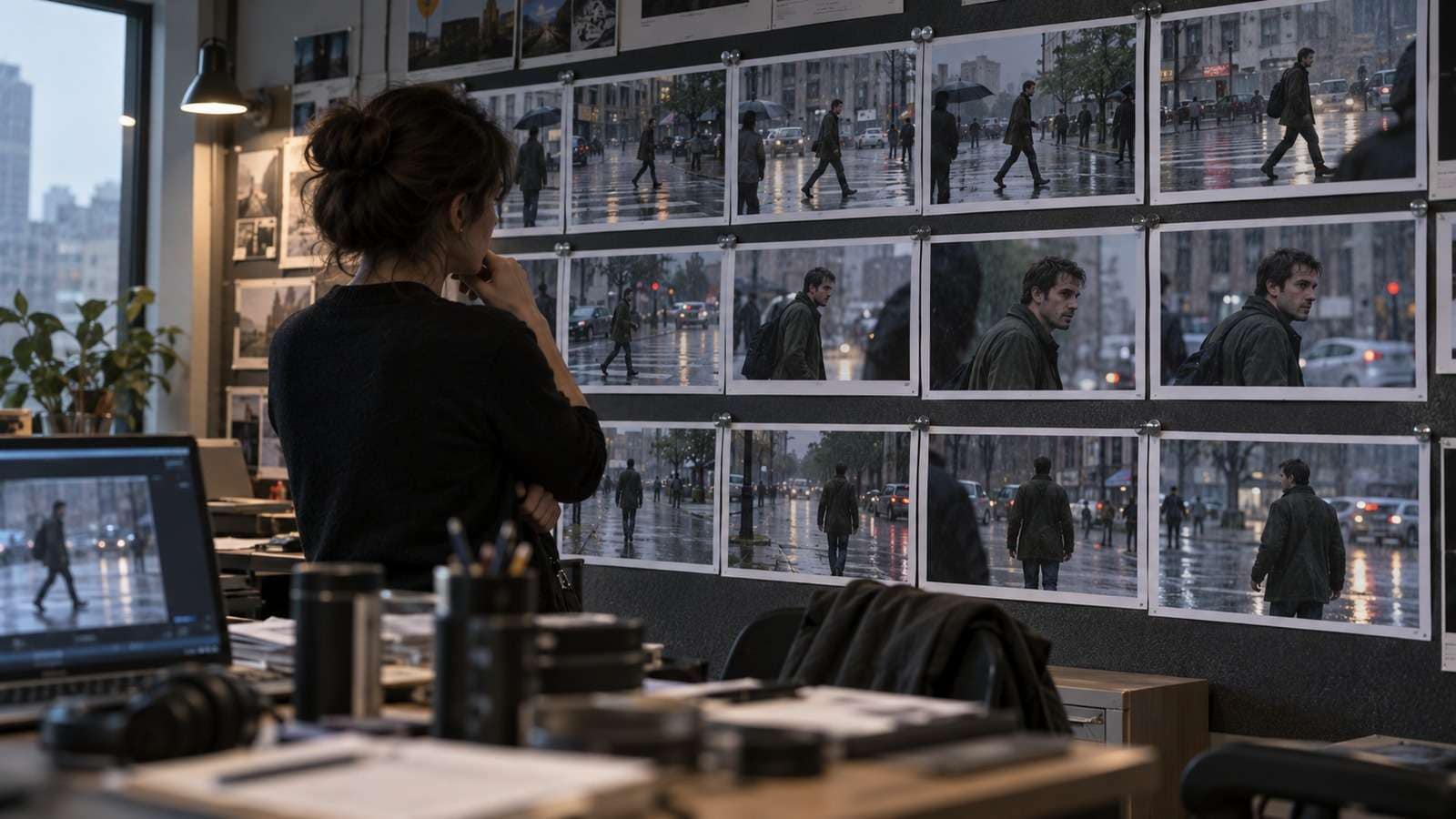
Choose one scene that represents the hardest production problem. It might be a dialogue exchange, a moving vehicle, a crowded environment, or a scene that changes from day to night. Generate a short proof and evaluate identity, camera direction, physical contact, lighting, and editability. If the proof fails, simplify the scene before generating the rest of the film. The goal is to discover production risk early.
Where Media.io Fits This Workflow
Media.io fits best after the video prompts and shot plan are approved, when the team needs to explore motion, atmosphere, and alternate versions from controlled references.
Use the tool after the brief and reference stage, when the team knows what it wants to test. This keeps product use connected to a real production decision instead of interrupting the educational flow.
Manage Continuity Across Scenes
Continuity needs active tracking. Record screen direction, camera height, subject scale, wardrobe, props, lighting direction, and the emotional state of the character. Review shots in sequence instead of approving them as isolated images. A beautiful clip can still damage the film if the character enters from the wrong side, a prop changes shape, or the lighting contradicts the previous shot.
Scale Generation in Batches
Once a scene passes its proof stage, generate a small batch of variations. Keep the camera and identity instructions stable while changing only one variable, such as atmosphere, lens feel, or background detail. Name outputs by scene and shot so the editor can trace each result back to the brief. Batch generation should increase choice without destroying the ability to compare versions.
For story-led experiments, a script-to-video workflow can help turn an approved beat into an early sequence, but the project still needs human story and continuity review.
Edit, Sound, and Finish Outside the Generator
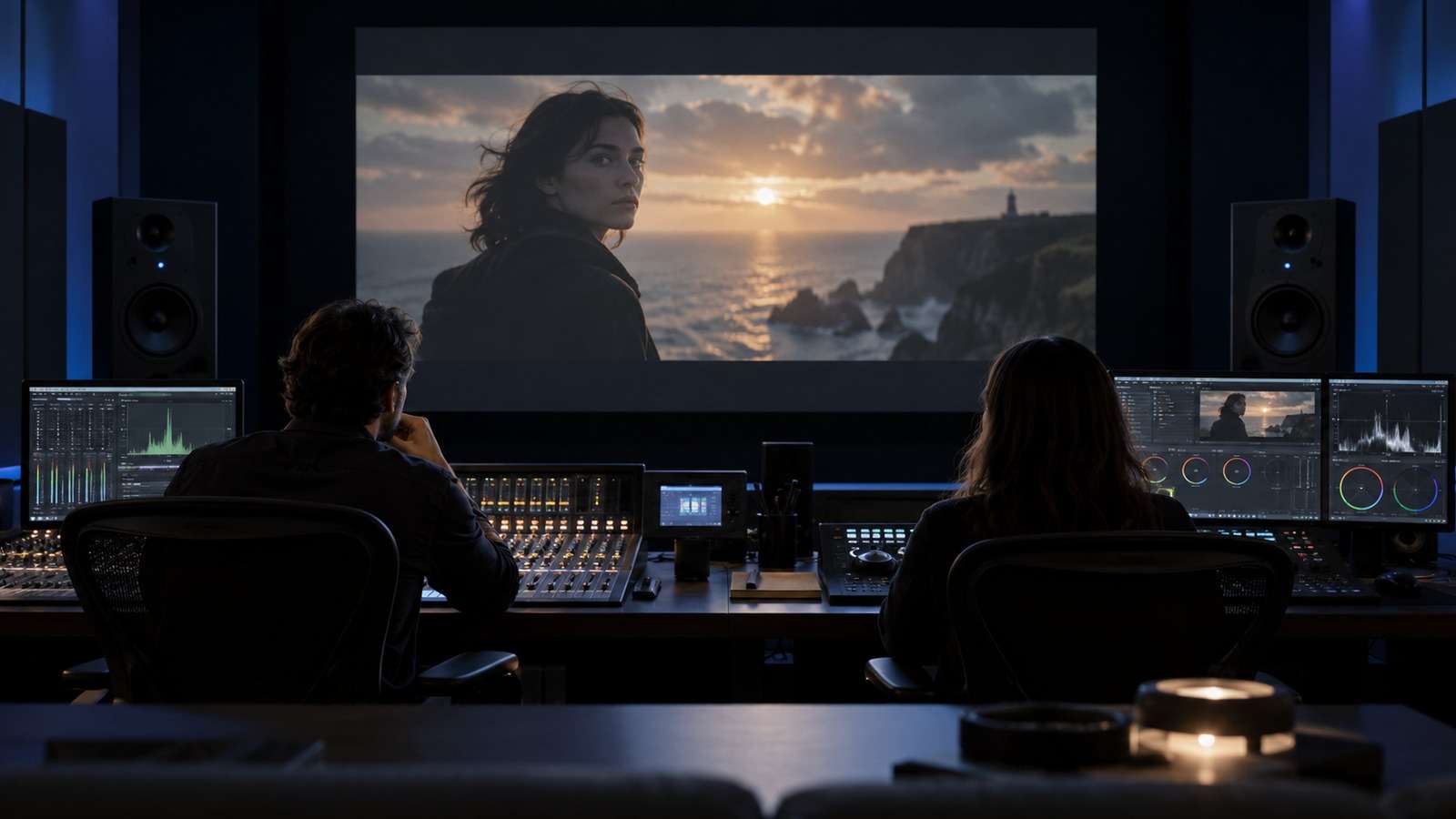
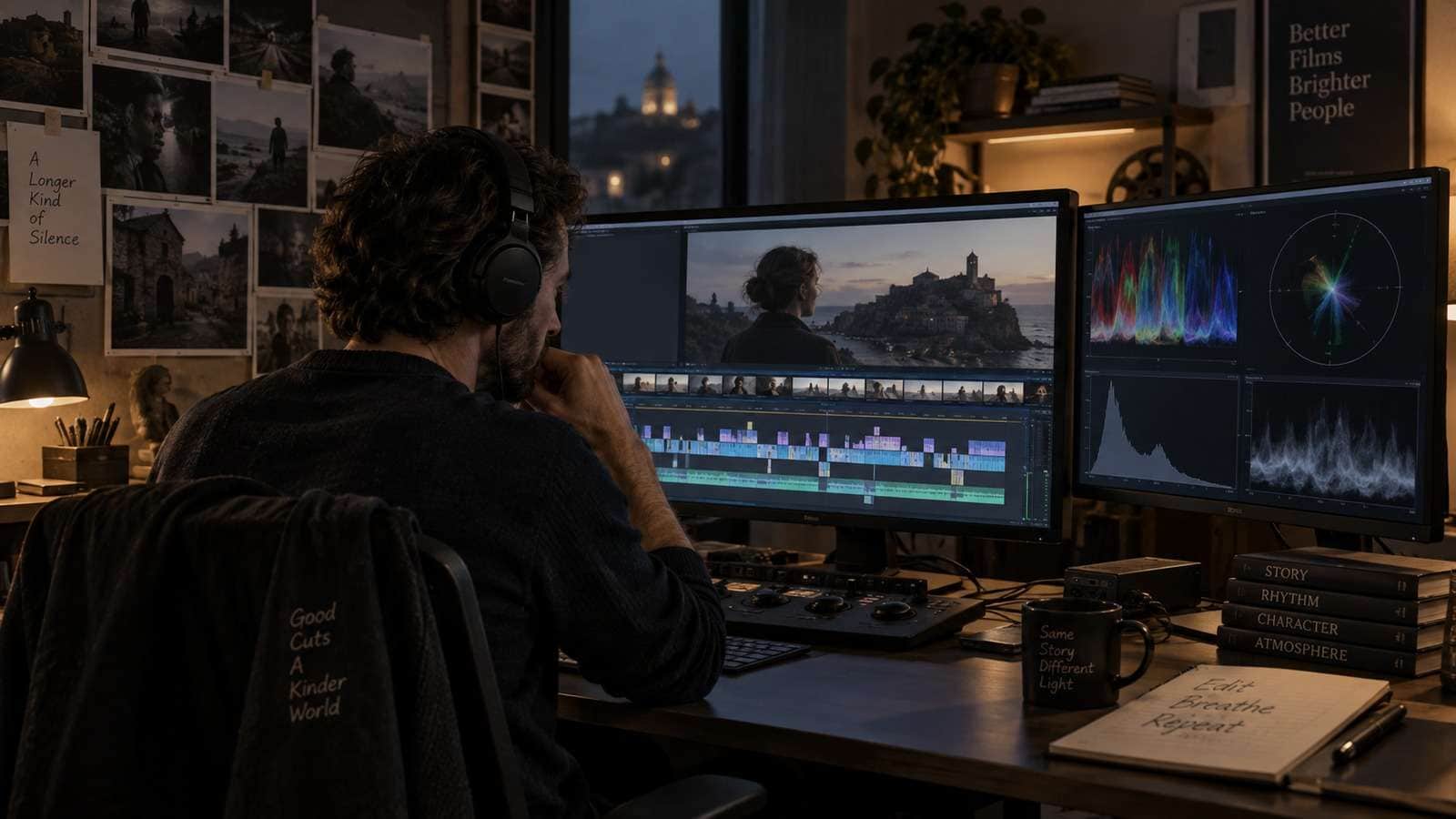
A long-form film is more than a set of generated clips. The edit determines rhythm, the sound design determines space and emotion, and the final grade determines whether shots feel like one project. Add subtitles, voiceover, music, and effects only after the scene order works. Keep a clean master and create platform-specific exports at the end.
Rights and Review Before Distribution
Review likeness, music, logos, product claims, locations, and any reference material before publishing. Keep a record of which assets were generated, edited, licensed, or supplied by a client. If the film includes real people or recognizable brands, confirm permission and disclosure requirements. A technically impressive result is not ready for distribution until the rights and audience context are clear.
Final Takeaway
AI feature film production works best as a controlled pipeline rather than an endless prompt experiment. Build the film bible, plan shots, approve references, test the hardest scene, track continuity, generate in batches, and finish with conventional editing and sound. AI can expand visual exploration, but the AI video agent workflows is what makes a long project coherent.
Begin With a Scene Grammar
Search results for AI feature film production are organized around a script-to-storyboard pipeline rather than a simple text-to-video prompt. The useful unit is the scene: its dramatic purpose, location, time, characters, visual motif, and transition into the next beat. Write those decisions before choosing a generation model.
For each scene, record the emotional turn, the information the audience must understand, the subject that carries the shot, and the visual change that ends it. This gives the storyboard a dramatic job. A panel is not valuable because it is beautiful; it is valuable because the editor can use it to tell the story.
Break the Script Into a Shot List
Use a six-step breakdown: isolate scenes, list beats, define coverage, create panels, add camera details, and mark continuity dependencies. Coverage should include a master, useful medium shots, reactions, and inserts when the scene needs them. A single cinematic generation may look impressive but leave the editor with no way to control timing.
| Planning layer | Question | Output |
| Story beat | What changes? | One-sentence dramatic turn |
| Shot purpose | What must the viewer notice? | Subject and action |
| Continuity | What must match? | Character, prop, light, screen direction |
| Generation brief | What can vary? | Camera, atmosphere, texture, motion |
Keep the script as the source of truth, the storyboard as the spatial plan, and the generated clip as a candidate. When those layers are mixed, teams tend to rewrite the story to fit an accidental image.
Lock the Visual Canon Before Motion
Character consistency is not solved by repeating a name in every prompt. Build a visual canon with approved face views, body proportions, wardrobe, signature props, age, lighting direction, and expression range. Do the same for recurring locations. A canon makes drift visible before it reaches a sequence.
Use a continuity ledger that records entrance and exit direction, time of day, weather, lens feel, camera height, costume state, and emotional state. Reddit filmmakers often describe this as a production order: story, breakdown, visual canon, scene construction, shot plan, storyboards, then video. The order matters because later decisions depend on earlier approvals.
Prototype the Hardest Scene First
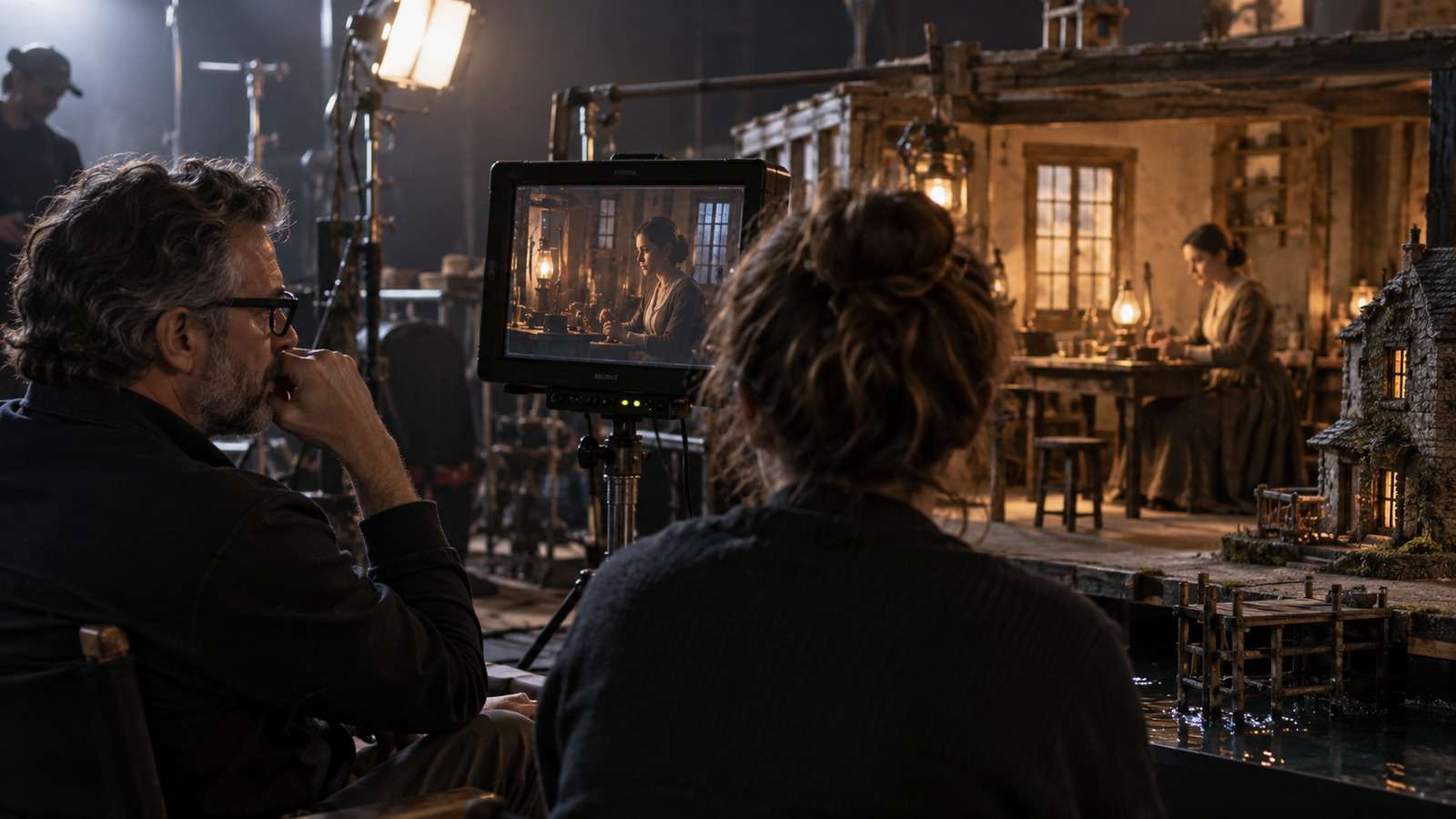
Choose the scene most likely to fail: dialogue with eyelines, physical contact, crowds, vehicles, reflective surfaces, or a day-to-night transition. Build a short proof with the intended references and edit it against temporary sound. If identity, blocking, or continuity fails here, simplify the scene before generating the rest of the film.
For action, split a complex event into setup, movement, impact, and reaction. For dialogue, generate coverage instead of one long take. Short, editable beats create more control than a single generation that tries to solve performance, camera movement, and continuity at once.
Use Media.io for Controlled Motion Tests
Explore Motion After the Visual Bible Is Approved
Media.io’s image-to-video workflow fits the prototype stage: start from an approved character or location reference, test camera movement and atmosphere, and compare short motion studies before scaling a scene. This keeps visual exploration connected to the storyboard instead of replacing it.
Edit for Rhythm, Then Finish the World
Do not judge a feature project as a gallery of clips. Assemble the scene with temporary dialogue, ambience, and music early. The rough cut will reveal whether coverage is missing, whether a generated movement lasts too long, and whether a transition needs a different shot. Sound is a diagnostic tool, not only a finishing layer.
After picture lock, finish color, sound design, captions, and platform exports. Keep clean masters without burned-in text and maintain a provenance folder with scripts, references, generation notes, permissions, licenses, and editorial changes. This record helps with future revisions and distribution questions.
Use a short review rubric at every handoff: does the asset match the brief, preserve the approved subject, cut cleanly with neighboring shots, and meet the delivery format? A rubric keeps comments specific and prevents a visually impressive but unusable result from being approved. It also gives a team a shared quality bar when several people are working on variations.
Keep a decision log for meaningful changes. Record why a reference was replaced, why a shot was rejected, and which requirement changed. This makes revisions easier to explain and helps the next project start from evidence rather than memory. A production system becomes more valuable when it improves after every campaign or scene.
Frequently Asked Questions
-
Can AI replace the whole production team?
No. AI can accelerate ideation and asset production, but creative direction, rights review, continuity, and final approval still need human judgment. -
How should I estimate cost?
Measure cost per approved deliverable, including failed generations, revision time, editing, and exports. -
What should I test first?
Test the most failure-prone part of the workflow with a short proof before scaling the project.


