
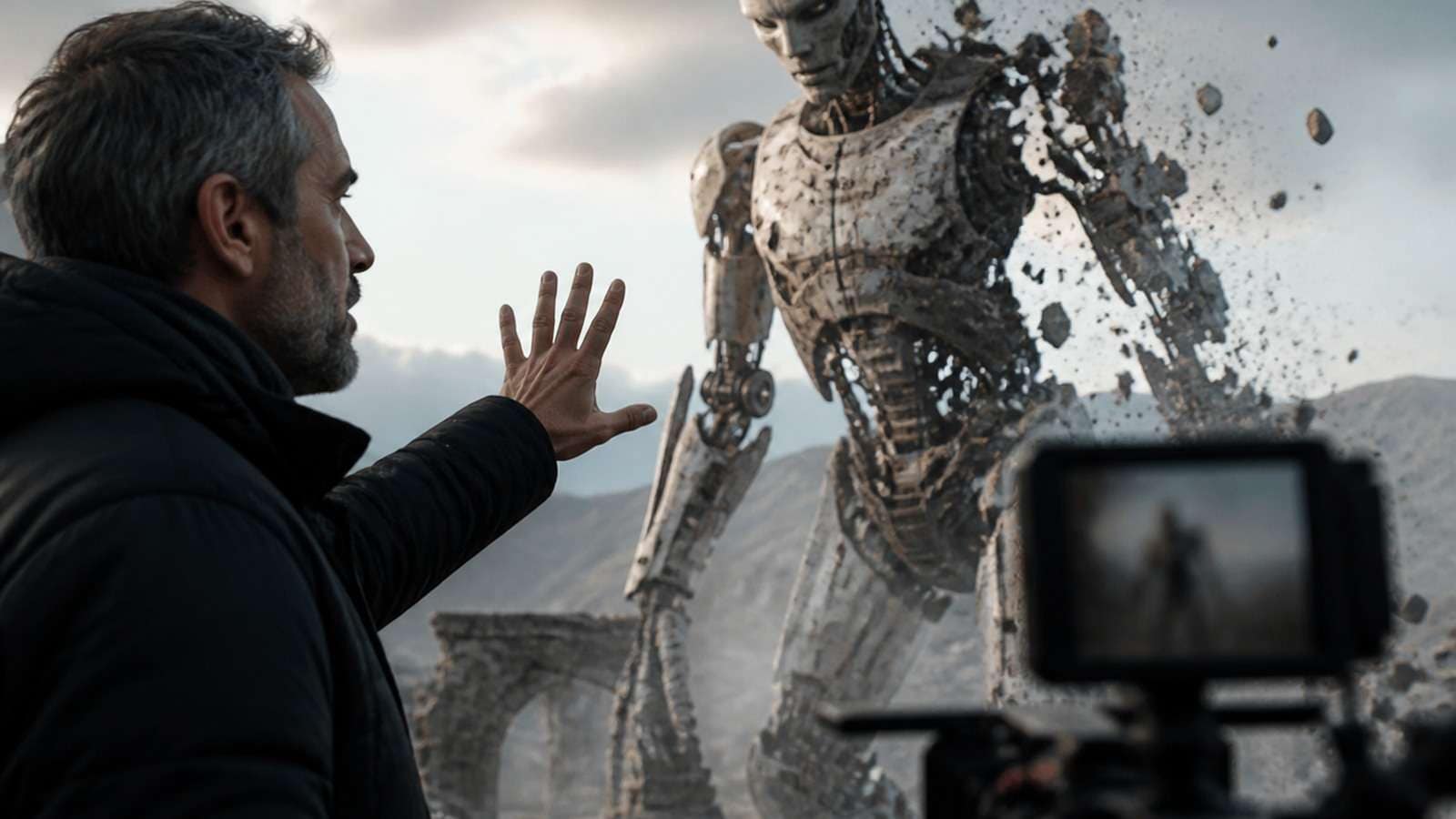
Most AI video mistakes happen before the model renders a frame. Creators choose a vague objective, ask text to carry information that a reference image could provide, stack incompatible camera directions, or try to generate an entire sequence before testing its hardest shot. The result may look impressive in a preview and still fail as a usable story, ad or social post.
This guide focuses on preventable AI video prompting mistakes. It is not a list of spectacular glitches. Each section connects a common mistake to the reason it happens, the signal that reveals it early and a practical correction you can reuse across text-to-video and image-to-video workflows.
In This Article
Why Common AI Video Mistakes Cost More Than One Bad Generation
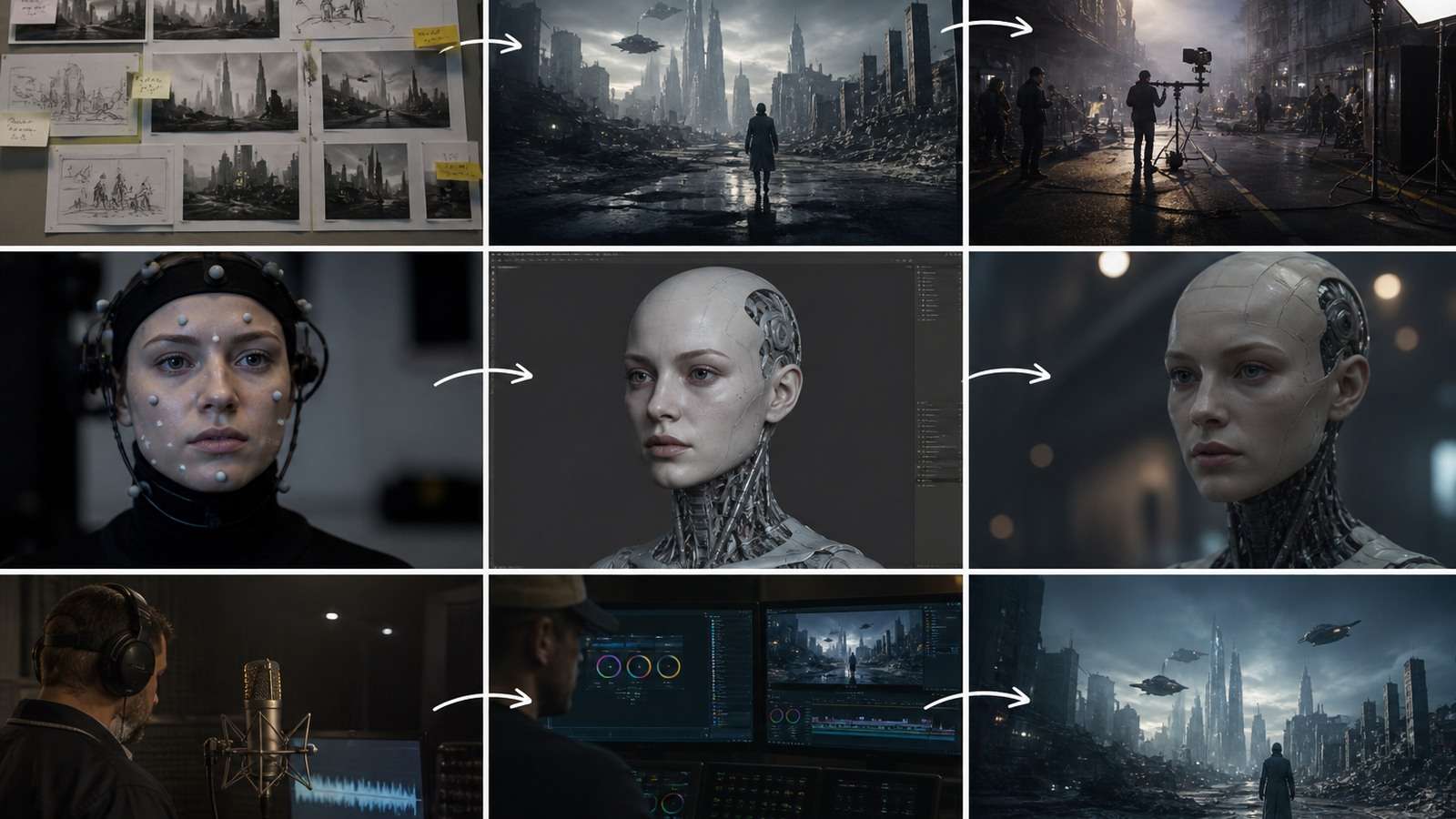
A failed generation costs credits or time. A bad workflow costs every generation that follows it. If the character design is unstable, the team may generate ten scenes before discovering that none can share the same identity. If the hook is unclear, editing cannot rescue a video that never tells viewers why they should continue watching.
| Mistake type | What it damages | Early warning sign |
|---|---|---|
| Strategy | Message and audience fit | The team cannot state the intended viewer action |
| Prompt | Control and repeatability | One paragraph contains several competing priorities |
| Reference | Identity and object continuity | Source images disagree on face, wardrobe or lighting |
| Motion | Physics and visual credibility | Action has no clear start or end state |
| Editing | Pacing and comprehension | Every shot is visually busy and equally long |
| Delivery | Platform performance | Wrong aspect ratio, unreadable captions or weak first seconds |
AI Video Prompt Mistakes That Make the Model Guess

1. Starting With Adjectives Instead of a Deliverable
“Epic cinematic realistic video” is not a production objective. It does not define the audience, subject, action, shot length, platform or proof of success. Replace the adjective pile with a brief: “Create a 12-second vertical product reveal for first-time skincare buyers. Show one bottle, one benefit cue and a clear end frame for the CTA.”
The best AI video prompt structure gives each layer a job: purpose, subject, action, camera, lighting, sound and constraints. If the output is a social ad, write the hook and final action before describing the color grade.
2. Making One Prompt Solve an Entire Film
A long paragraph cannot replace a shot list. It asks the model to remember character identity, geography, props, dialogue, camera changes and emotional progression at once. Break a story into scenes and give each shot one narrative job. Use a scene ledger to record starting state, ending state, references, camera, duration and approval.
3. Overloading the Prompt With Conflicting Actions
“The camera circles, zooms, cranes and tracks while the character runs, turns, speaks, picks up a phone and changes clothes” is a recipe for dropped instructions. Use one primary action and one dominant camera move per beat. Add a second beat only after the first has a stable end state.
4. Treating Negative Prompts as a Second Screenplay
A long AI video negative prompt may compete with the positive direction and overemphasize unwanted objects. State important requirements positively: “one product remains centered,” “the hand keeps five visible fingers,” “preserve the jacket and room.” Reserve concise negatives for clear exclusions such as no watermark, no captions or no extra people.
5. Describing What the Image Already Shows
In image-to-video, the still image already carries composition, identity and style. Re-describing every visible detail wastes prompt capacity and may contradict the source. Describe the change: “The subject turns toward the window; a gentle breeze moves her hair; preserve the existing lighting and composition.”
Reference Image and Character Consistency Mistakes
6. Uploading References Without Naming Their Roles
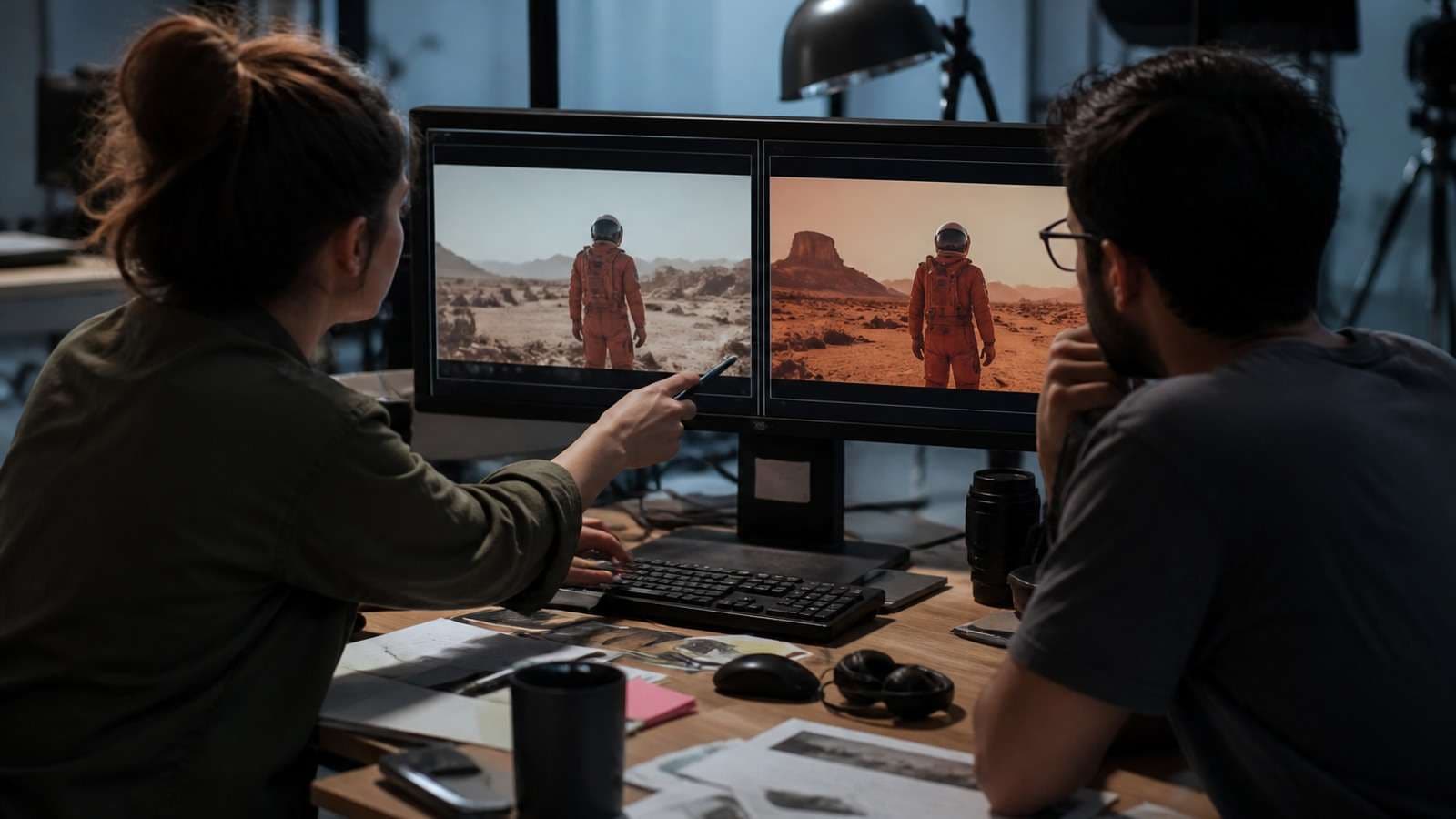
“Use these images” leaves the model to decide which file controls the face, product, location or motion. Label each file:
@Image 1 defines the character's face and hair only.
@Image 2 defines the same character's jacket and watch.
@Image 3 defines the kitchen and window light.
@Video 1 defines walking speed and handheld rhythm only.
All three images show one person. Keep one person in every shot.
When a character needs multiple angles, build a stable source first. Media.io’s AI Character Turnaround Sheet helps document the identity before asking a video model to animate it.
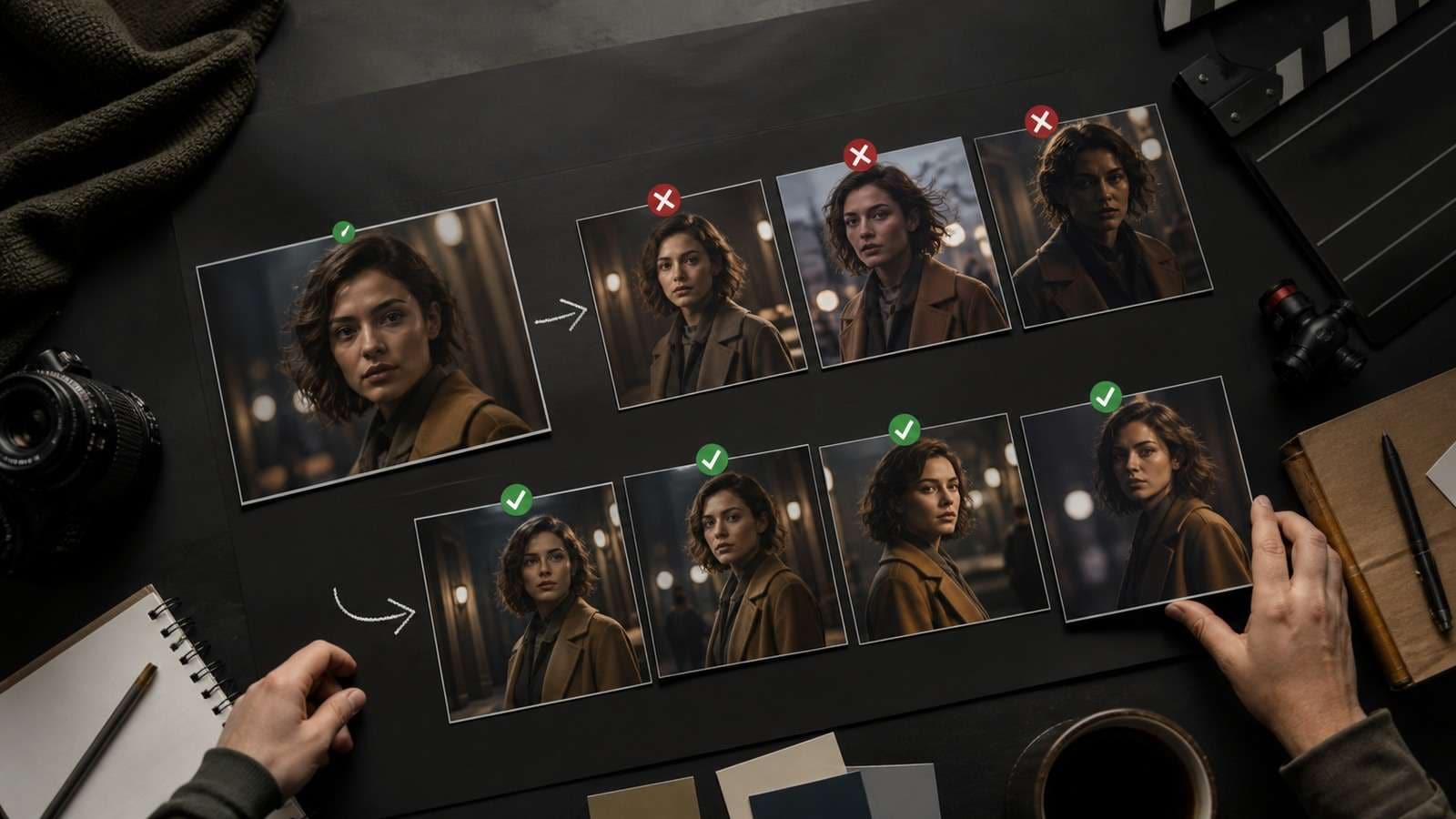
7. Mixing Inconsistent Reference Photos
Different ages, hairstyles, facial expressions, lenses and lighting teach the model that the identity is allowed to change. Choose a coherent set, then separate permanent traits from episode-specific traits. Do not add a new reference simply because it looks attractive if it contradicts the approved character.
8. Ignoring the Background and Prop State
Character consistency is only one part of continuity. A room can change layout, a product can duplicate, a cup can switch from full to empty and a jacket can change color. Track scene geography and object state in the same ledger as the face.
9. Starting With a Bad Image
Image-to-video amplifies weak inputs. Low resolution, cut-off hands, strange perspective and artificial lighting become motion problems after animation. Clean or enlarge the source with an AI image upscaler, but compare the enhanced image with the original to ensure the face or product has not been redesigned.
Camera, Motion and Realism Mistakes
10. Asking for a Camera Move Without an End Frame
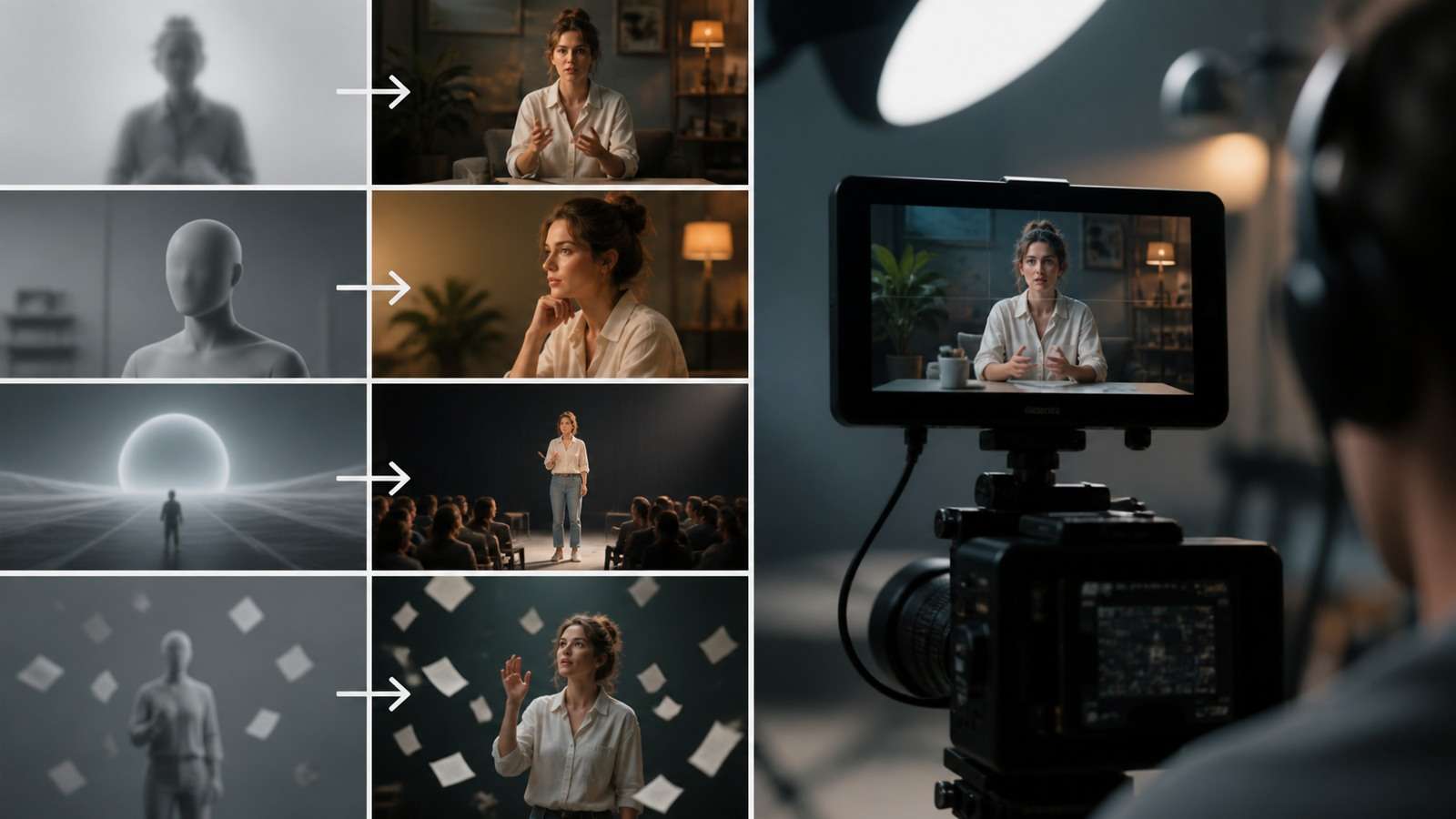
“Dynamic camera” tells the model almost nothing. Specify shot size, angle, movement, speed and end state: “Start in a locked medium shot. Track beside the runner for six seconds, then ease ahead into a three-quarter close-up. End with the finish line visible over her shoulder.”
11. Using Too Many Camera Moves
A pan, orbit, crane and zoom in one short clip compete for spatial interpretation. Pick one move per beat. If the camera needs to change direction, divide the action at a stable pose or cut point.
12. Describing Motion Instead of Start and End States
“A hand reaches for the glass” leaves the model to invent contact, grip and trajectory. Define the endpoints: “The open right hand begins beside the glass. It closes around the handle without covering the logo and ends with the glass upright at chest height.” This reduces ambiguous interpolation.
13. Overloading a Scene With People and Interactions
Multi-person scenes multiply faces, hands, gaze directions and contact geometry. Start with one subject and one interaction. Add a second person only after the first blocking is reliable. If two people must appear, describe who owns each action and where the hands remain.
14. Choosing Spectacle Over Physical Plausibility
AI video looks fake when lighting, camera language, emotion and physics disagree. A slow portrait does not need frantic motion. A heavy object should not float. A handheld camera should not remain perfectly stabilized while the prompt says it is running. The most realistic AI video prompt tips are often constraints: plausible weight, consistent light direction, motivated camera movement and natural pauses.
Audio, Text and Product-Ad Mistakes
15. Treating Audio as an Afterthought
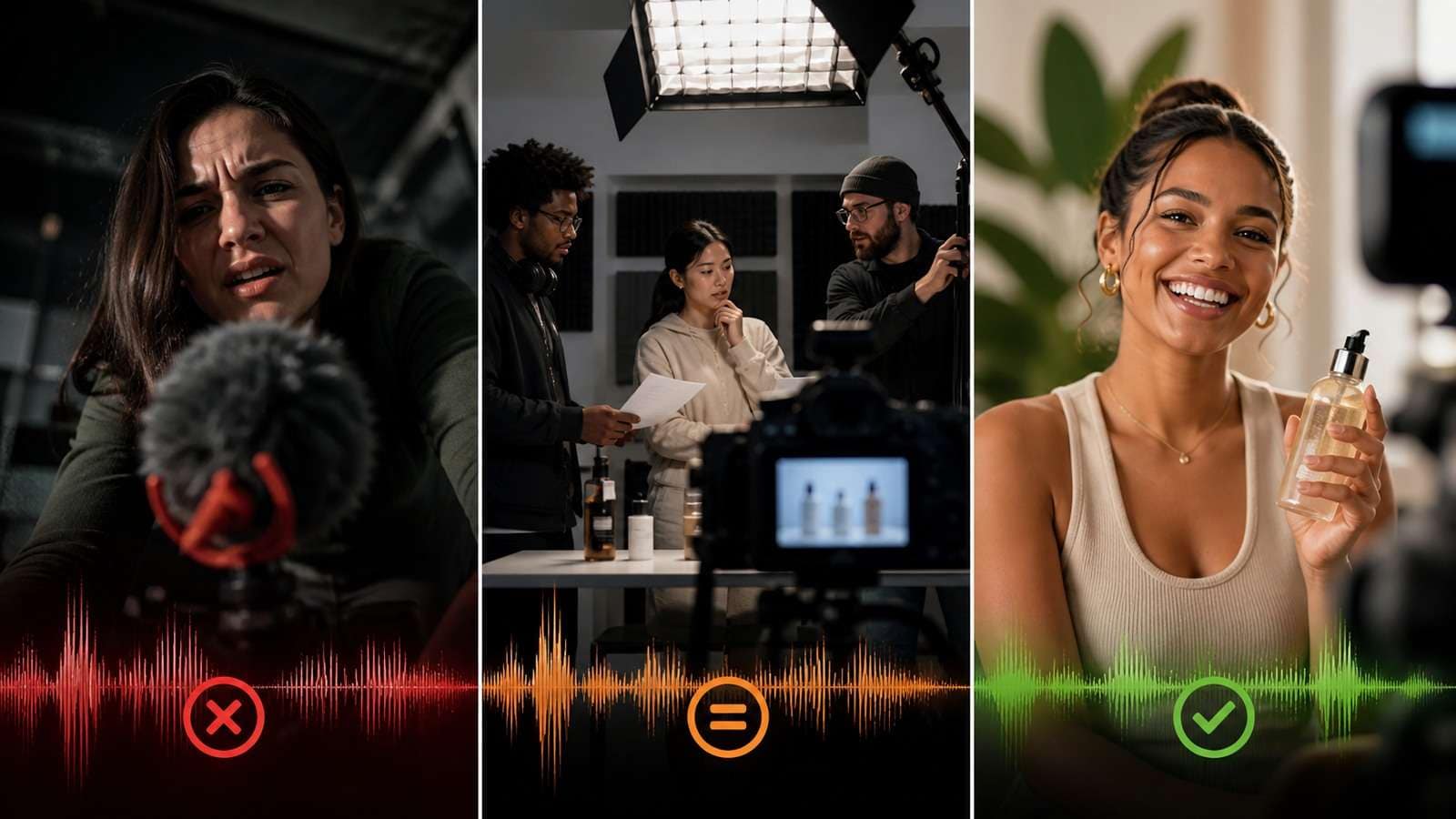
Native-audio models need separate instructions for voice, ambience, effects and music. A single sentence such as “make it exciting with dialogue and sound effects” leaves timing and priority unclear. Name the speaker, language, delivery and exact line. State when an effect occurs and whether captions or music should be absent.
For difficult dialogue, test a short voice segment first. After approval, use a video-to-audio converter to inspect the track or prepare a clean source for a second pass.
16. Asking the Model to Render Tiny Readable Text
Small packaging labels, UI copy and legal disclaimers are frequent failure points. Use the model for composition and motion, then add exact text during editing. Generate captions separately with the video caption generator and proofread names, numbers and terms.
17. Letting the Product Change Shape
Product ads fail when the bottle, phone, shoe or package changes proportions, label placement or color across shots. Use a clean product reference, state that all views show one object and keep the hero product large enough to inspect. Avoid asking for a complete unseen rotation from one frontal image.
18. Creating a Beautiful Clip With No Conversion Purpose
A product video needs a promise, proof and next action. Visual spectacle without a benefit may earn attention but not action. Write the CTA before the final shot, then make the product state and on-screen space support it.
For ecommerce concepts, Media.io’s AI Ad Generator can help turn an approved product brief into ad variations. The tool belongs after positioning is decided; it should not be used to hide an undefined offer.
A Better Workflow for Avoiding AI Video Mistakes
- Define the deliverable. Audience, platform, length, aspect ratio, promise and final action.
- Prepare the source of truth. Character, product, location, wardrobe, voice and rights.
- Write a shot list. One narrative job, one main action and one camera behavior per shot.
- Generate the hardest test. Test the interaction, close-up, dialogue or product reveal first.
- Review the right dimensions. Identity, anatomy, motion, lighting, audio, message and platform crop.
- Change one variable. Keep approved inputs fixed while testing the correction.
- Assemble modularly. Replace weak shots rather than regenerating a complete sequence.
- Finish for delivery. Captions, sound mix, compression, accessibility and rights check.
A Practical Media.io Production Route
Media.io can support different stages depending on the search intent. For a narrative project, Script to Video helps turn an approved outline into scenes. For social testing, Viral Studio supports hook-led short-form concepts. For a controlled image animation, use Image to Video. These are different solutions, so selecting the route should follow the deliverable rather than a fixed recommendation.
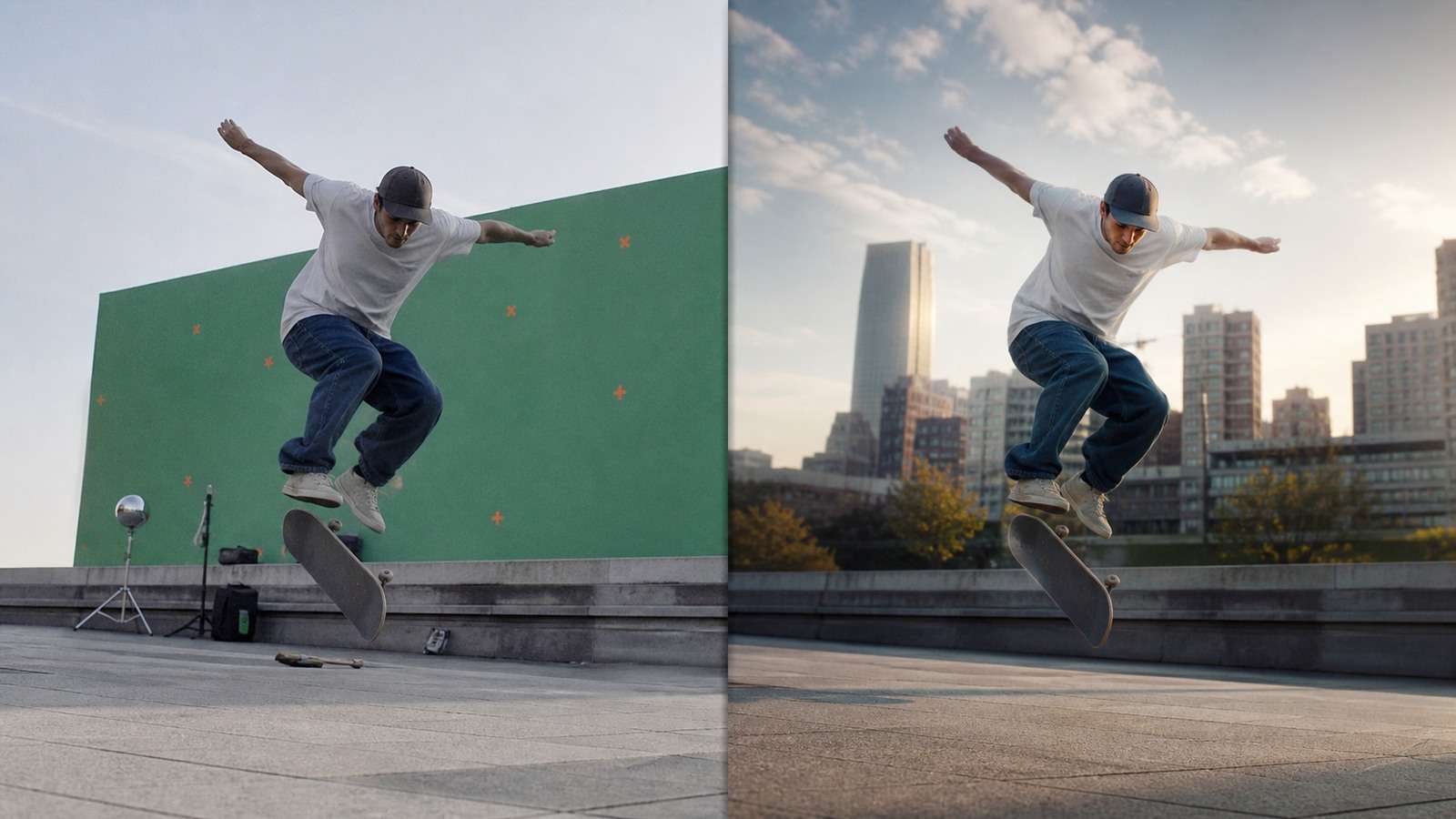
After generation, assemble approved clips in the online video editor. If the source needs compositing, use a verified video background removal workflow. Export a high-quality master, then create platform copies with a video compressor.
Frequently Asked Questions
-
What are the most common AI video mistakes?
Vague objectives, overloaded prompts, inconsistent references, missing start and end states, conflicting camera moves, too many subjects, weak source images, ignored audio planning and no platform-specific finishing are among the most common. -
Why do my AI video prompts fail?
They may contain conflicting priorities, too many actions, undefined camera behavior, insufficient references or a scene that asks the model to solve too much in too little time. -
Should I use negative prompts for AI video?
Use concise negatives for clear exclusions. For important details, positive preservation language is usually easier to interpret than a long list of forbidden outcomes. -
How do I avoid AI video character inconsistency?
Use coherent multi-angle references, stable identity and wardrobe rules, explicit reference labels and a scene-state ledger covering props and locations. -
How can I make AI video look more realistic?
Match camera movement, lighting, emotion and physics; simplify the action; use plausible start and end states; preserve object geometry; and add natural audio and pauses. -
Can Media.io help fix AI video mistakes?
Media.io can support controlled generation, script-to-video planning, image animation, editing, captions, background removal and delivery preparation. It cannot replace a clear brief or approve rights and claims.


