
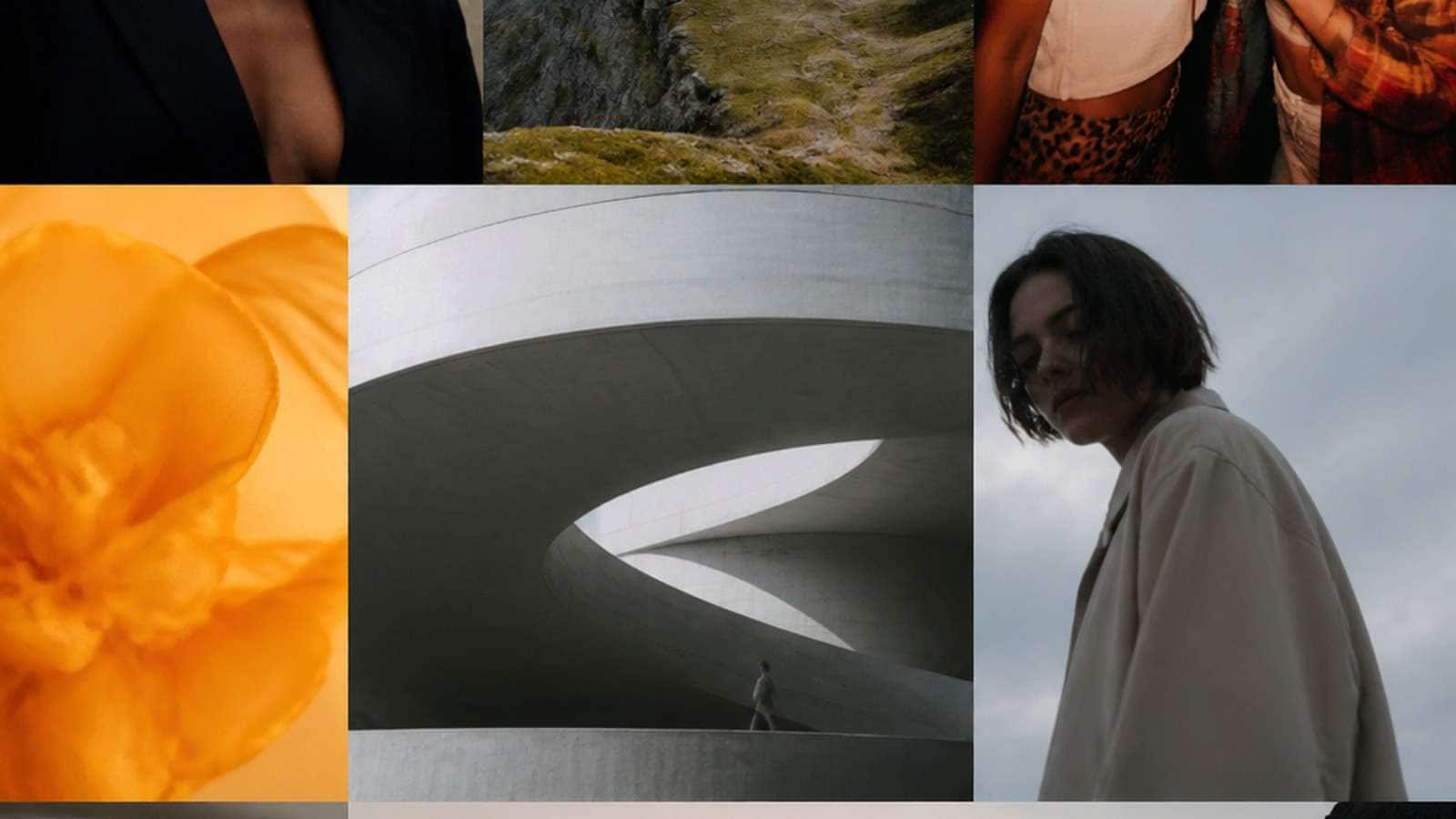
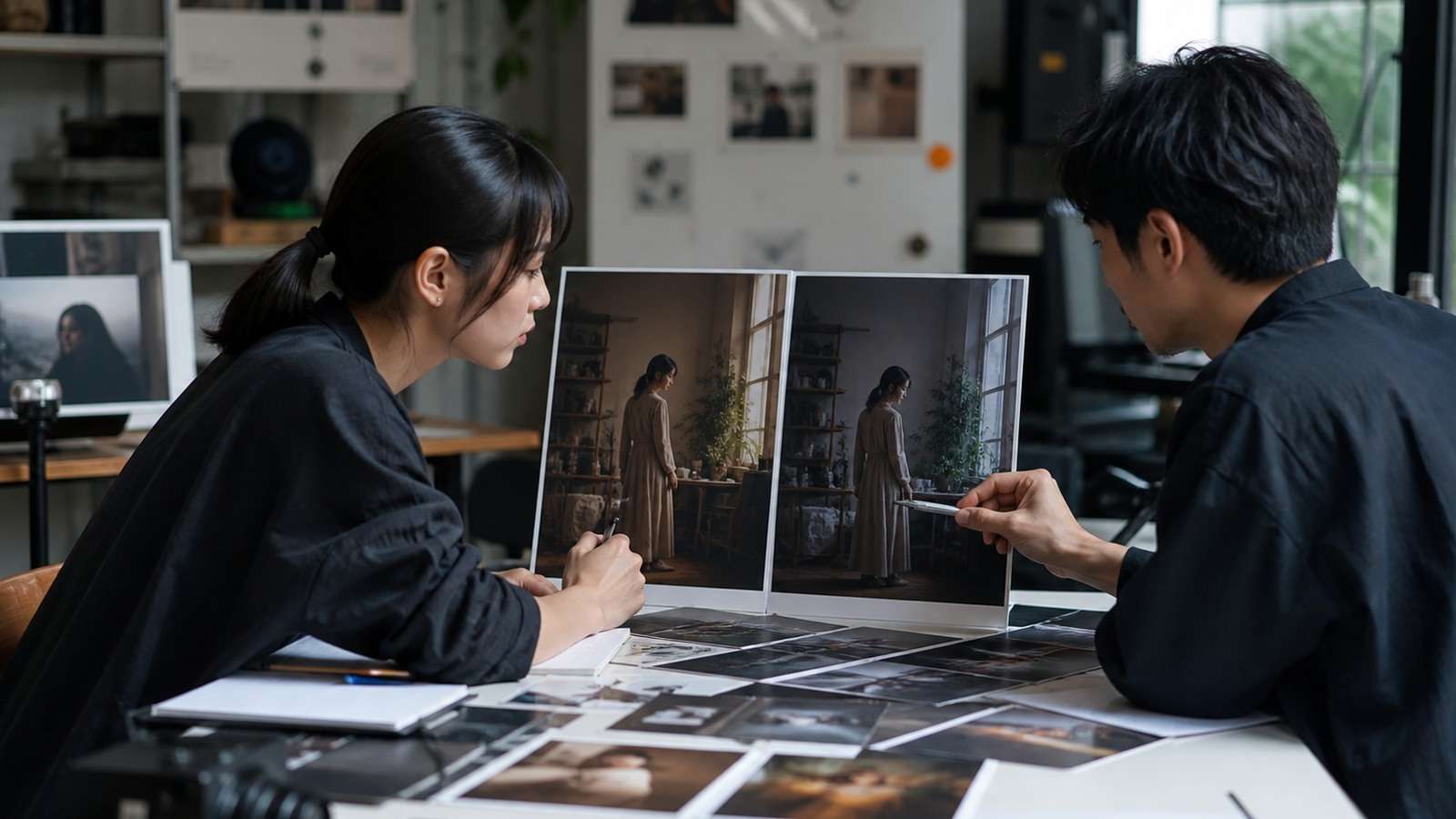
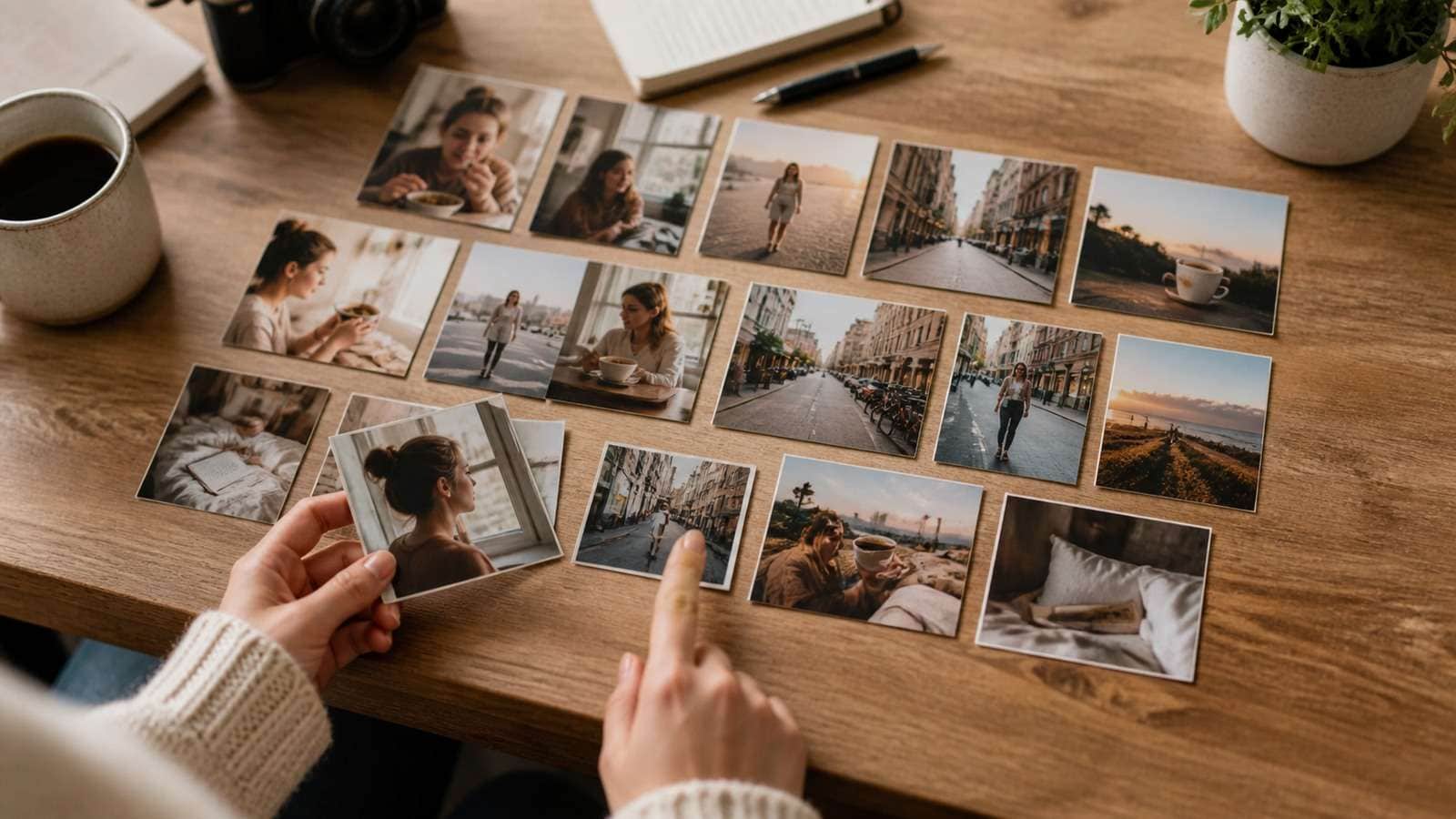
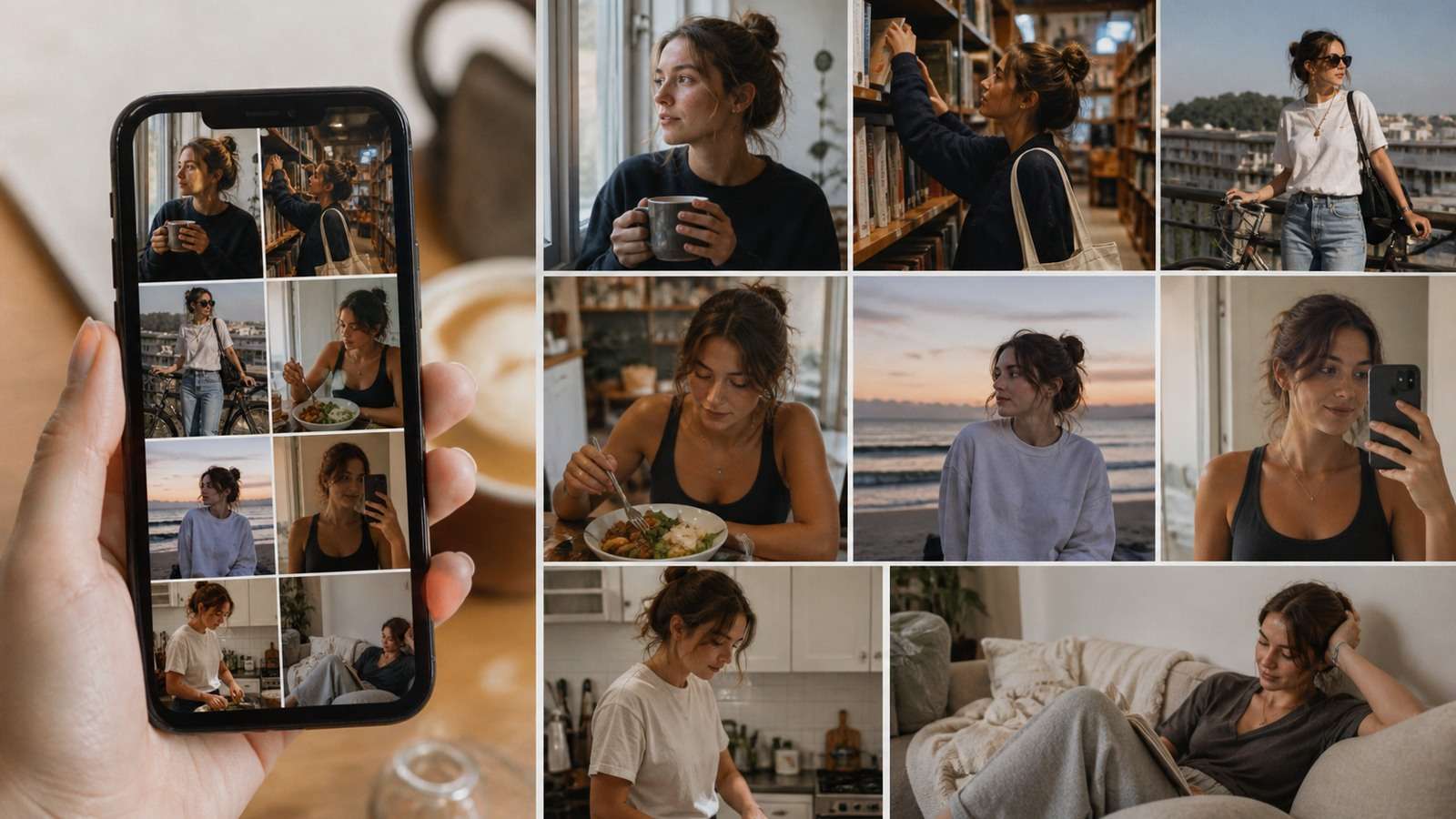
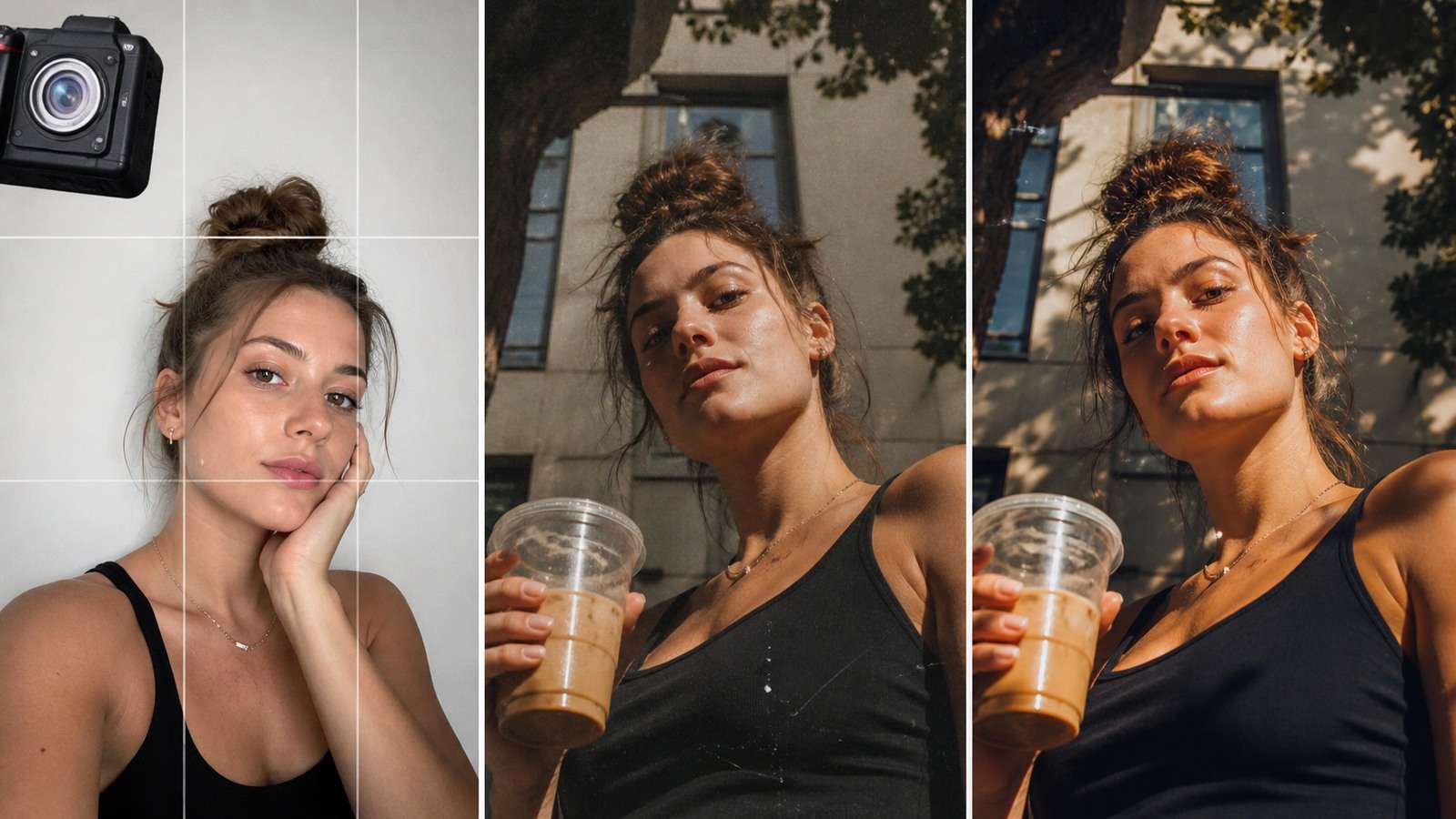
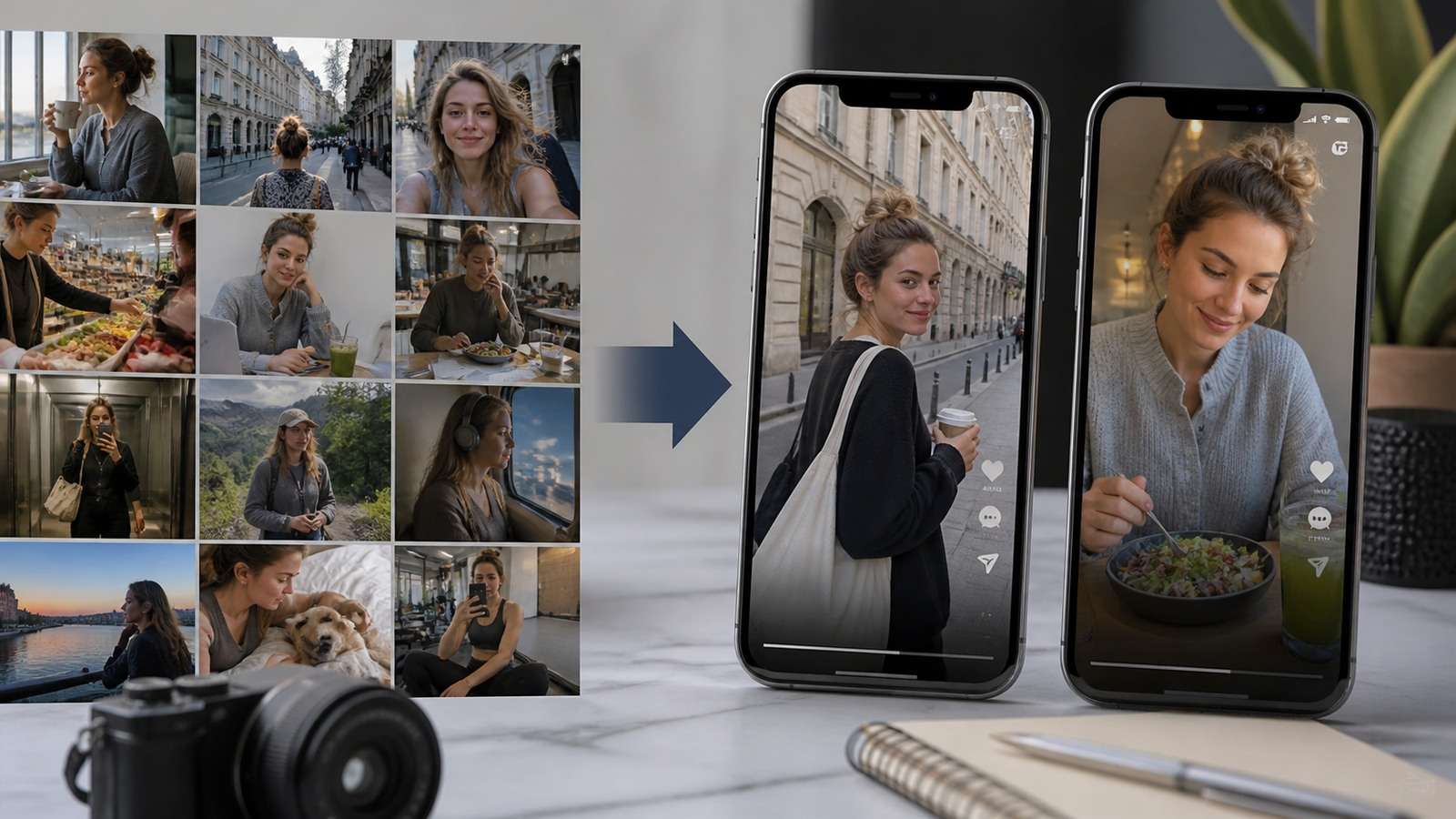
An AI photodump is a generated photo carousel designed to feel like a loose collection of moments from the same life, trip, event or week. The strongest examples are not fifteen perfect portraits. They combine hero photos with incidental frames, details, imperfect crops, changing distances and a believable sequence.
Higgsfield's SOUL Photodump workflow can generate a set of roughly 15 images around a Soul ID character, while earlier Photodump Studio material described larger 26-shot sessions. The speed is useful, but consistency and authenticity still require creative direction. If every frame uses flawless skin, centered composition and luxury-editorial lighting, the result looks like a campaign—not a photo dump.
In This Article
What Is the AI Photodump Trend?
A traditional photo dump is an informal carousel containing recent memories: friends, food, blurry movement, scenery, screenshots and minor details. The format feels personal because it appears selected from real camera-roll abundance rather than staged as one formal shoot.
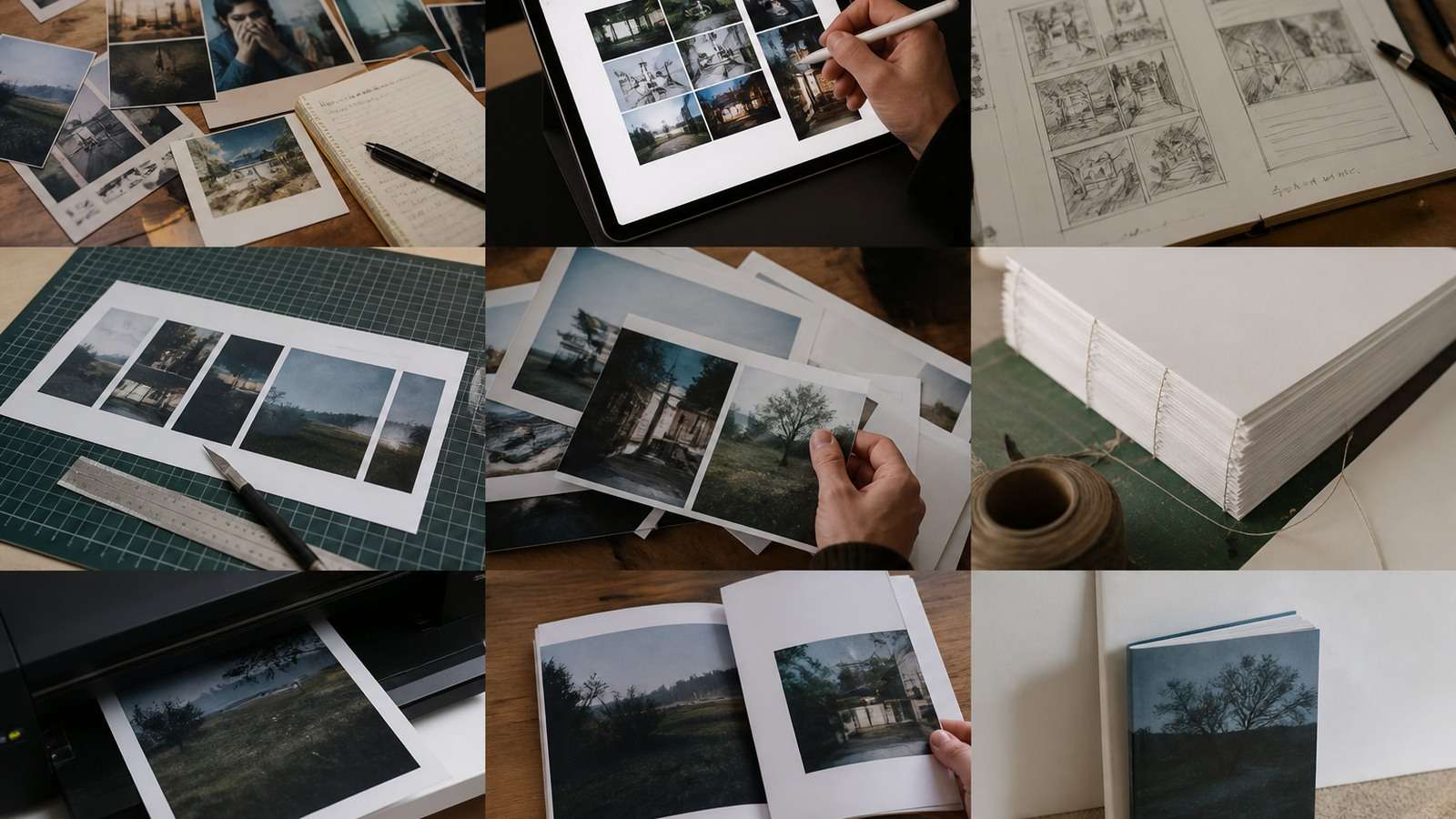
The AI photo dump trend recreates that grammar with generated images. Creators use it for fictional influencers, aspirational lifestyle concepts, brand characters, visual storytelling or impossible trips. Higgsfield SOUL 2.0 is frequently associated with the trend because its presets emphasize fashion-aware and culture-native photographic aesthetics, while Soul ID supports a recurring person.
Disclosure matters when realistic synthetic images could be mistaken for documentary evidence, a real trip, endorsemen
Plan an AI Photo Dump as a Story, Not a Batch
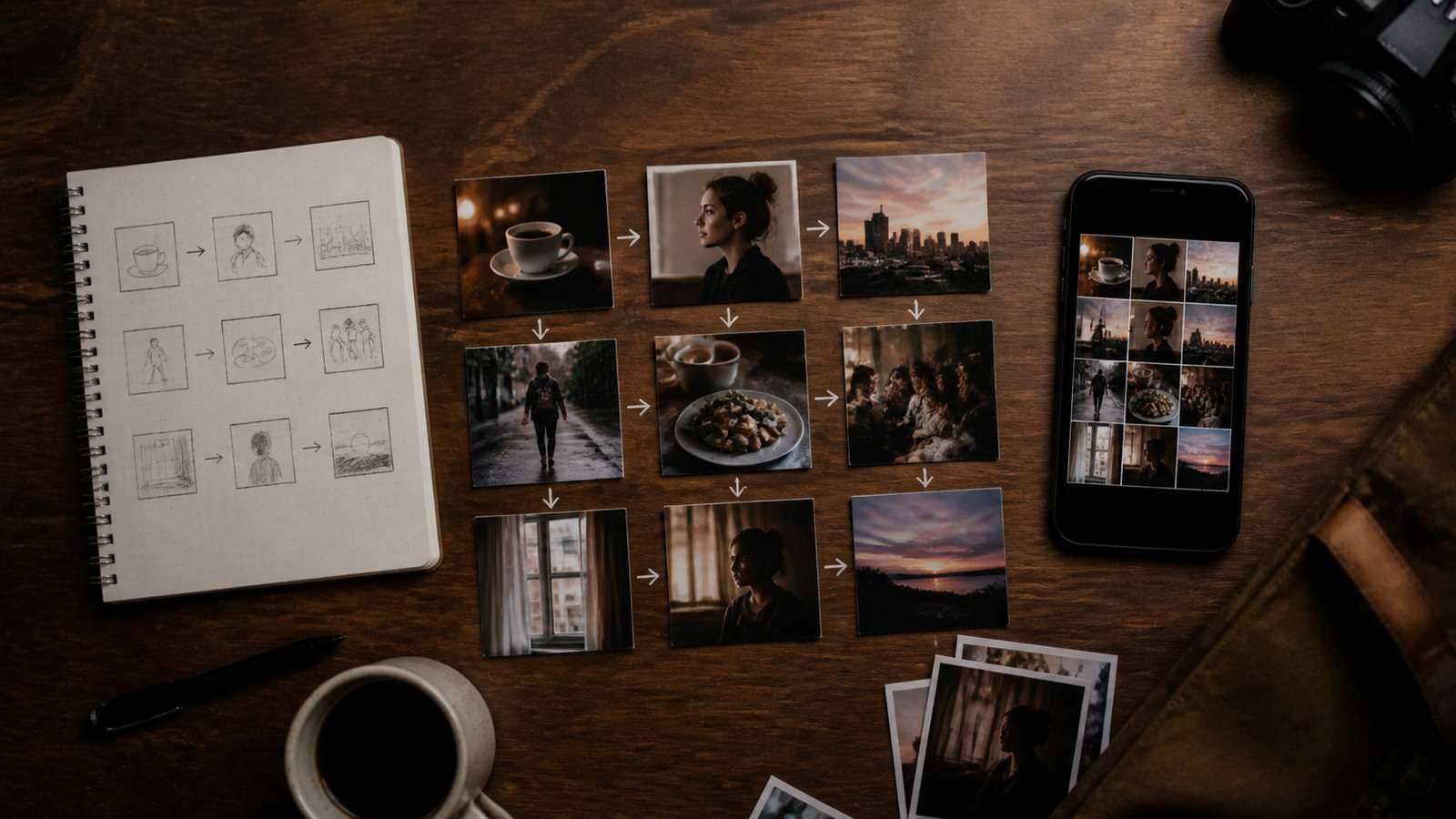
Choose one micro-story: a Sunday market, first day in Lisbon, album-release night, studio week, winter road trip or behind-the-scenes product launch. Then create a shot list with different jobs.
| Carousel role | Example | Why it helps |
|---|---|---|
| Cover image | Distinct portrait or environment | Earns the swipe |
| Context frame | Street, room, venue or landscape | Establishes place |
| Action frame | Walking, cooking, dancing or unpacking | Creates a lived event |
| Detail frame | Ticket, shoes, food, bag or sign | Adds evidence and texture |
| Social frame | Friend, reflected person or group moment | Prevents isolated-model repetition |
| Imperfect frame | Motion blur, partial crop or flash | Suggests camera-roll spontaneity |
| Closing frame | Resolves the sequence |
Do not ask one prompt to generate “15 candid lifestyle photos.” Build a sequence with continuity rules and one prompt per shot. This gives each image a purpose and makes failures easier to replace.
How to Make an AI Photodump
- Define the persona and event. Record identity, age, wardrobe, location, weather and time span.
- Create a visual reference. Approve the character before building the carousel. A consistent character generator can support early persona exploration.
- Write a seven-to-fifteen-frame shot list. Mix portraits, actions, environments and details.
- Lock continuity variables. Preserve hair, core outfit pieces, accessories, companion and location cues.
- Vary photographic variables. Change distance, orientation, focal length, camera height and light source.
- Generate the cover separately. The first image needs a clear subject and enough contrast at feed size.
- Generate supporting frames. Allow some imperfect compositions but reject anatomy and identity errors.
- Order for progression. Move through arrival, activity, detail, emotional beat and closure.
- Finish as one set. Match color without making every image identical.
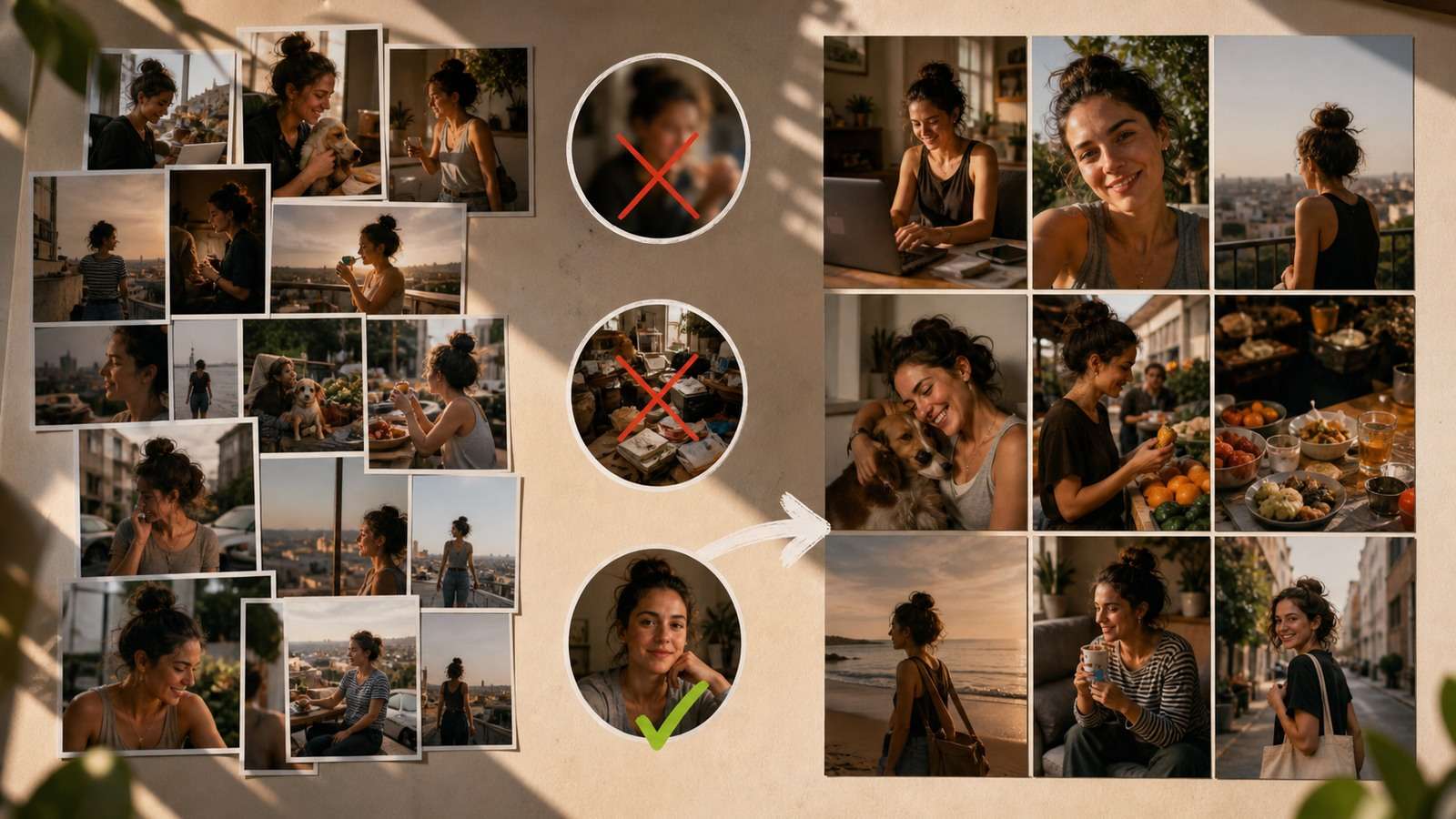
For a custom sequence, Media.io Text to Image can generate individual frames from a planned shot list. This is more flexible than accepting every image in an automatic batch and allows weak frames to be replaced independently.
Keep One Identity Without Cloning One Pose
Use a character sheet or persistent identity method, but do not overconstrain facial expression. The person shou
character turnaround sheet helps define profile and full-body details before these variations.
AI Photodump Prompt Examples
Use a shared continuity line for every image, then add shot-specific details.

t or event. A fictional lifestyle can be creative content without pretending an experience occurred.
Cover Portrait
Same character leaning against a blue bicycle outside a corner bakery, half-smile looking away from camera, vertical phone photo, waist-up framing, soft overcast daylight, slightly imperfect crop, realistic street background and natural skin.
Incidental Detail
Close phone snapshot of a cinnamon bun, paper coffee cup, folded city map and the same brown leather bag on a scratched cafe table, crumbs and uneven window light, casual off-center composition, no person visible.
Movement Frame
Same character crossing a narrow street while laughing toward a friend outside the frame, one foot slightly motion blurred, jacket moving in the wind, handheld phone-camera perspective, subject not perfectly centered, late-afternoon natural light.
Flash Photo
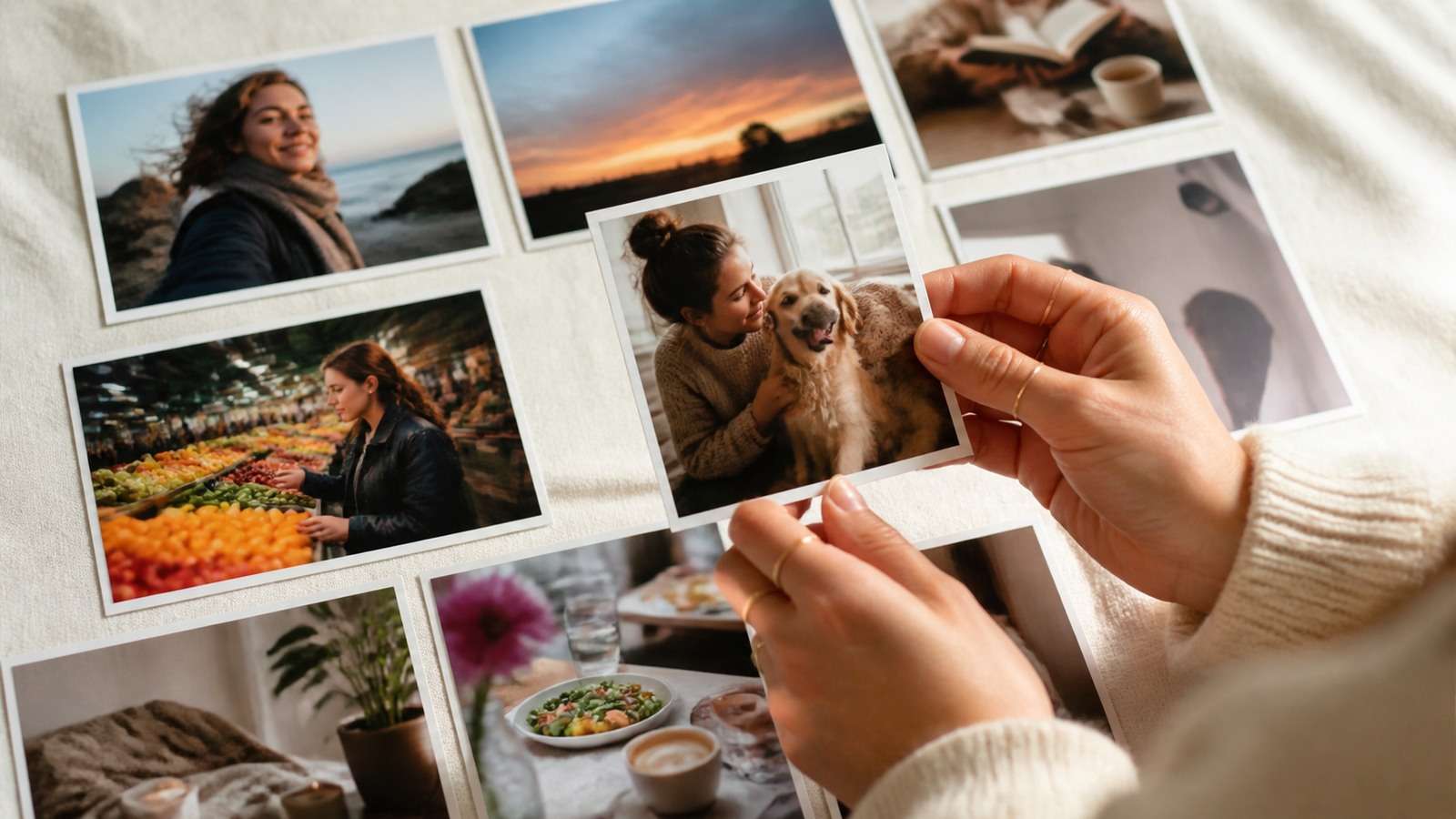
Same character seated in a dim neighborhood restaurant, direct compact-camera flash, slightly red eyes, reflective tableware, candid mid-sentence expression, tight imperfect crop with a friend's shoulder entering the foreground.
Closing Frame
Quiet night photograph through a rain-marked apartment window, bicycle lights and warm storefronts below, the same cream cardigan sleeve visible at the edge holding a mug, subtle digital noise, reflective end-of-day mood.
Night street, empty plate or departure
Trend formats ca
AI 2016 photo trend prompts show how camera-era cues can be translated into prompt details without copying an unrelated scenario.
How to Make AI Photos Look Candid Instead of Generated
Use Imperfect but Motivated Framing
A candid image may crop an elbow, include foreground obstruction or leave more space than a commercial portrait. Random damage is not authenticity. The imperfection should suggest that the photographer reacted to a real moment.
ld remain recognizable while looking away, laughing, moving and appearing at different distances. A structured
Vary Camera Systems
Mix phone wide-angle, compact-camera flash, slightly compressed portrait and detail close-up. Keep the difference plausible within the story: a weekend trip might include one friend's compact camera and the subject's phone, not six unrelated cinema cameras.
Add Physical Traces
Wrinkled clothes, crumbs, fingerprints, damp pavement, bag straps, half-finished drinks and ticket stubs create narrative evidence. They should interact correctly with hands, surfaces and light.
n provide useful visual vocabulary. Media.io's
Reduce Beauty-Language Overload
Words such as flawless, luxury, perfect skin, symmetrical and editorial push the set toward campaign photography. Use natural skin, mixed expressions and ordinary light. Fashion-aware does not require every frame to resemble an ad
Include Frames Without the Face
A convincing photo dump contains environment and detail. If every slide is a close-up of the same person, the carousel feels like a model test. Non-face frames also reduce the number of opportunities for identity distortion.
Instagram AI Photodump and TikTok Workflow
vertisement.
Order the Instagram Carousel
- Lead with a clear visual hook.
- Use the second slide to establish context or surprise.
- Alternate people, environment and detail.
- Place the most unusual frame before the final third.
- End with closure rather than the weakest leftover image.
Prepare consistent dimensions without distorting the photographs. Media.io's Instagram photo resizer guide can help adapt images to feed requirements; any final compression should occur only after crop and quality review.
Turn the Set Into a TikTok or Reel
Animate only selected frames. A subtle push, blink, wind movement or environmental motion can work better than making every photo perform a complex action. Use Image to Video after the still set is approved, then mix animated moments with static fra
mes.
For a hook-led social version, Viral Studio can help structure the sequence around an audience-facing idea. The photodump itself still needs a distinct point of view; trend packaging cannot compensate for generic imagery.
Common AI Photodump Mistakes
| Mistake | Why it looks artificial | Fix |
|---|---|---|
| Every image is a hero portrait | No evidence of a lived event | Add place, object and imperfect frames |
| Face changes between slides | Weak identity control | Use a stable reference and test profiles |
| Wardrobe changes randomly | Sequence lacks time logic | Create one outfit map per day or event |
| Lighting is identical everywhere | Set feels generated in one studio | Vary light according to location and time |
| Hands hold impossible objects | Contact physics fail | Use simpler actions or separate detail shots |
| All shots use shallow depth of field | Ordinary camera-roll texture disappears | Mix phone, flash and environmental focus |
| Carousel has no sequence | Images feel like unrelated prompts | Order arrival, activity, detail and closure |
| AI experience is presented as real | Misleads the audience | Use appropriate synthetic-content disclosure |
Upscale only the selected final images. AI image upscaling can help an approved frame, but it cannot restore identity, fingers or text that were structurally wrong.
Fo
Instagram slideshow workflow and let music support the narrative arc instead of assigning a transition to every image.
Frequently Asked Questions
-
What is an AI photodump?
It is a generated photo carousel designed to resemble a casual collection of moments from one person, event, trip or lifestyle story. -
How many images should an AI photo dump include?
Use only the images needed to create progression. A focused seven-to-ten-slide carousel can be stronger than automatically publishing all fifteen or twenty-six generated frames. -
How does Higgsfield SOUL Photodump work?
It combines aesthetic presets with a selected or trained Soul ID character to generate a themed set of photos across different settings, outfits and moods. -
How do I keep the same face in every photodump image?
Use a persistent identity or strong character references, test front and profile views, and avoid prompts that repeatedly redefine age, ethnicity or facial structure. -
How do I make AI photos look candid?
Mix portraits with environments and details, vary camera distance, use motivated imperfect framing and include natural skin, ordinary light and physical traces. -
Should I disclose an AI-generated photo dump?
Disclose realistic synthetic content when audiences could mistake it for a real trip, event, testimonial, relationship or documentary record.
r a slideshow-style presentation rather than a swipe carousel, follow a deliberate


