
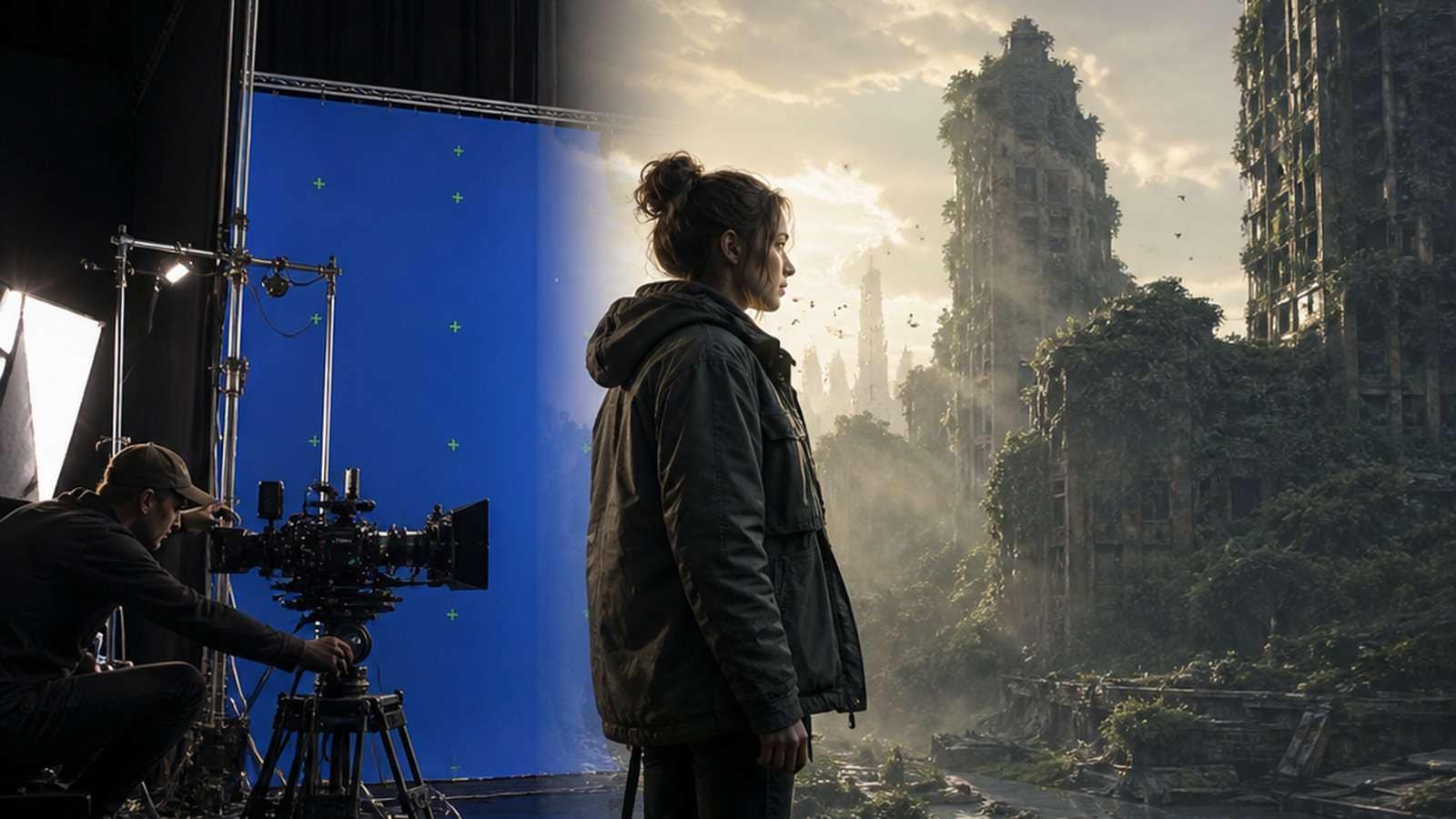
AI vs VFX is often framed as a contest between a prompt and a professional artist. That comparison misses how finished shots are actually made. Generative AI can create pixels quickly, but traditional visual effects provides the controllable pipeline required to match plates, preserve continuity, respond to notes and reproduce a result across hundreds of frames.
The more useful question is: which parts of a shot benefit from probabilistic generation, and which parts require deterministic control? In 2026, the strongest workflows combine both. AI accelerates exploration, masking, cleanup, asset variation and some synthetic elements; VFX artists still define the shot, manage color and geometry, integrate layers, verify realism and deliver revisions.
In This Article
AI vs VFX vs CGI: What Is the Difference?
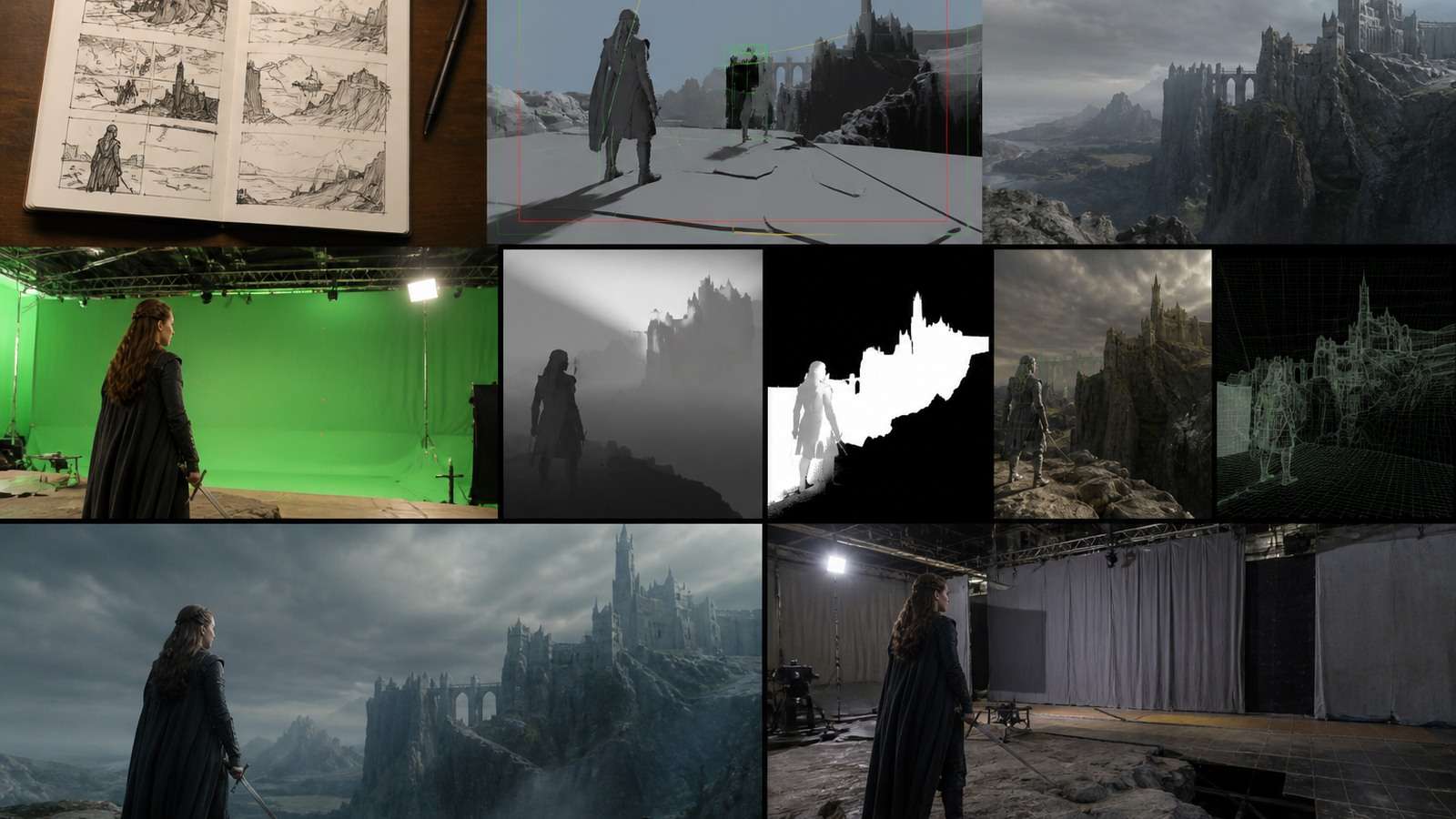
Visual effects is the broad production discipline used to create or modify imagery that cannot be captured as required in camera. It includes plate preparation, keying, rotoscoping, tracking, paint, compositing, matte painting, simulations, digital environments, creatures and final integration.
CGI refers more specifically to computer-generated imagery such as 3D characters, environments, vehicles, particles or simulations. CGI is frequently one component inside a larger VFX shot. A computer-generated creature may still require matchmove, lighting, rendering, roto, atmospheric layers and compositing before it belongs in live-action footage.
Generative AI predicts new image or video content from text, images, video, masks or other references. Instead of manually specifying every surface and frame, the creator describes or demonstrates the desired result. This makes ideation and synthesis fast, but the output can change unpredictably across runs.
Therefore, AI vs CGI is not a clean either-or choice. AI may generate a background or creature concept, while CGI supplies stable geometry and animation. Traditional compositing can then integrate both with the plate.
AI VFX vs Traditional VFX: Side-by-Side Comparison

| Factor | Generative AI | Traditional VFX |
|---|---|---|
| First result | Often minutes | Hours to weeks depending on complexity |
| Exploration | Excellent for many visual directions | Slower but art-directable |
| Repeatability | Variable; seeds and references help | High when project files and assets are preserved |
| Pixel-level control | Limited or model-dependent | Strong through masks, nodes, layers and passes |
| 3D consistency | Can invent hidden geometry | Stable cameras, models and scene coordinates |
| Long continuity | Prone to drift and temporal artifacts | Designed for shot and sequence continuity |
| Revision handling | Small requests may change unrelated details | Targeted changes can be isolated |
| Provenance | Depends on model, inputs and records | Assets and operations can be audited |
| Best use | Concepts, variants and bounded elements | Hero shots and controlled final delivery |
A recent high-view challenge that gave one creator AI tools and another professional VFX software illustrates the core trade-off: AI can reach a plausible image rapidly, while the VFX route exposes more control over integration and revisions. A separate local-AI VFX pipeline demonstration shows that 3D knowledge does not become obsolete; it becomes useful scaffolding for controlling AI-generated motion and detail.
Where AI-Generated VFX Works Best
Concept Development and Look Exploration
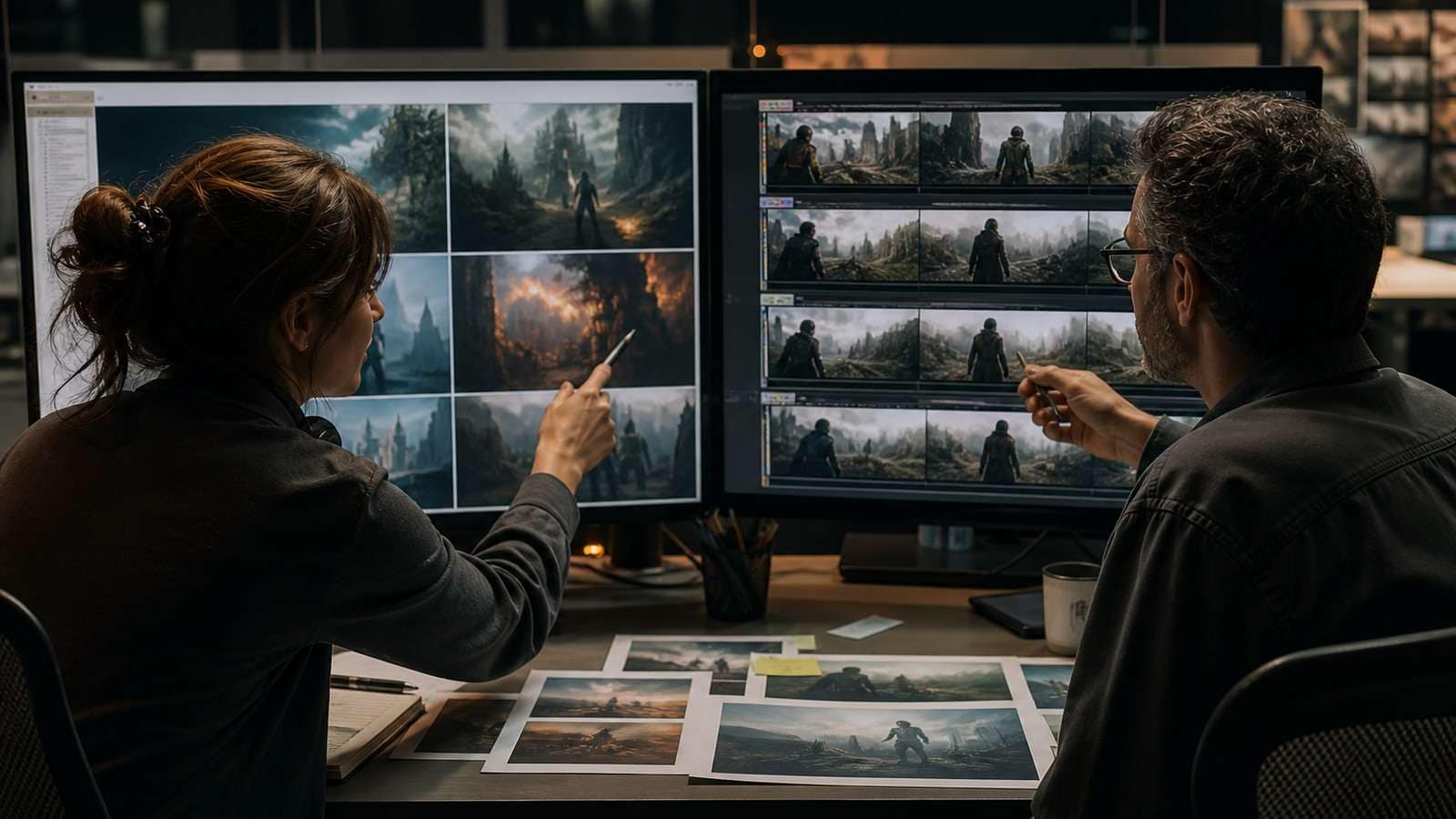
Before production commits to a design, AI can test environments, weather, costume directions, creature silhouettes and lighting moods. An AI video generator can turn a written treatment into short motion studies that help stakeholders discuss framing and tone. These clips are decision tools, not automatically final shots.
Rotoscoping and Segmentation Assistance
Machine-learning masks can reduce the time spent tracing people or objects frame by frame. The artist still checks edge chatter, hair, motion blur, semi-transparent materials and occlusion. For simpler creator footage, a video background removal workflow can provide a fast first separation before edge inspection.
Plate Cleanup and Object Removal
AI-assisted fill can remove wires, signs, crew reflections or unwanted people when the background can be inferred reliably. It works best on bounded regions with adequate surrounding information. Complex parallax, reflections, shadows and objects crossing the repair area still require tracked patches, clean plates or manual paint. The practical distinction is whether the tool must invent a few pixels or reconstruct a moving three-dimensional relationship.
Backgrounds, Set Extensions and Synthetic Elements
Generative tools can create skies, distant architecture, atmospheric concepts and texture variations quickly. They are less dependable when the camera move reveals unseen geometry or when multiple shots must share an identical location. Start with an approved frame and use image-to-video for constrained motion tests; move to projected matte paintings or 3D environments when perspective must remain exact.
Previsualization and Pitch Material
AI is especially valuable before final production. It can show approximate camera blocking, edit rhythm, scale and spectacle without building finished assets. This reduces uncertainty for directors and clients, provided the team labels generated footage clearly and does not promise that every visual can be reproduced at the same cost.
Where Traditional VFX Still Wins
Matchmove, Geometry and Camera-Dependent Effects
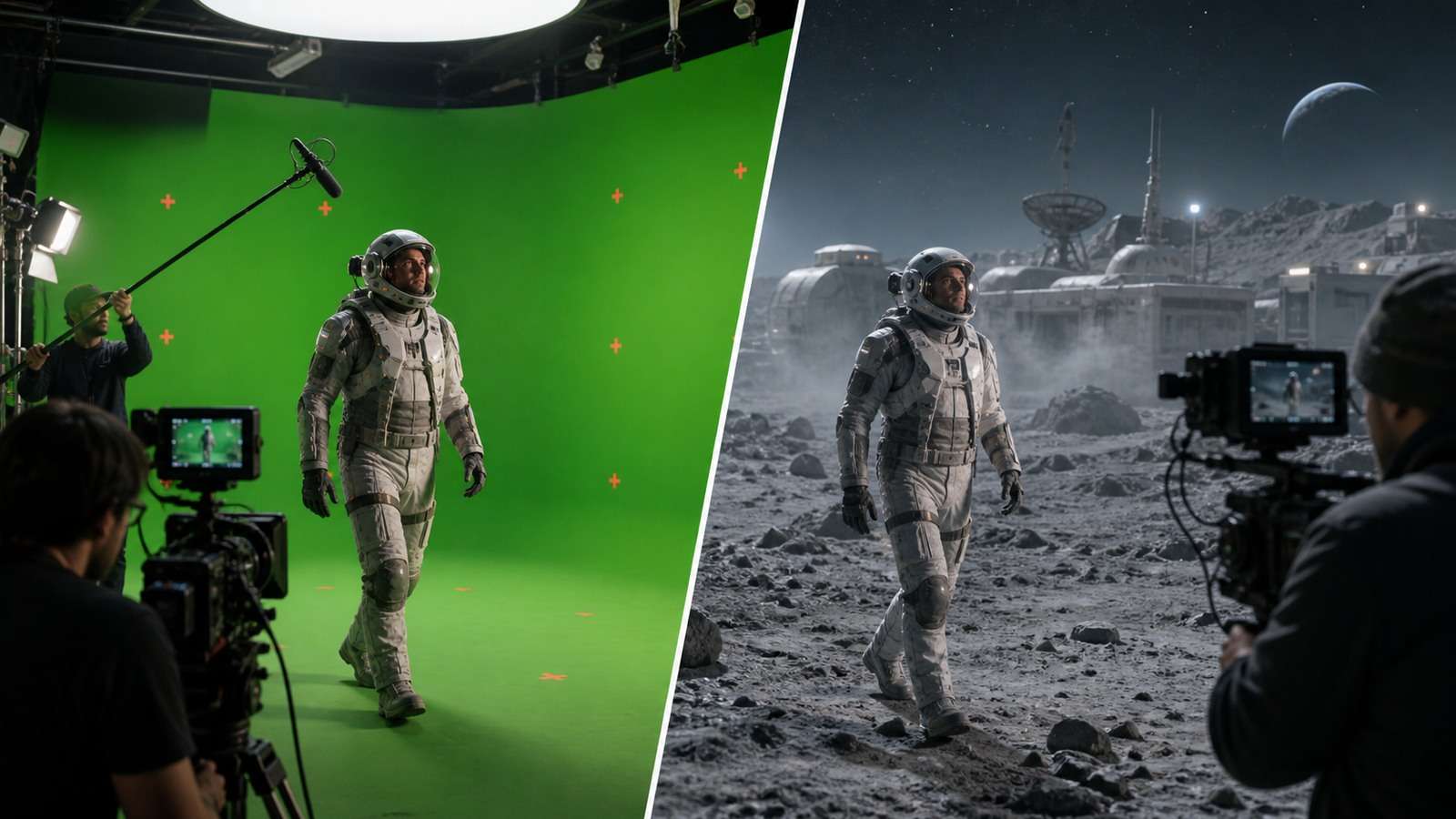
A tracked 3D camera creates a stable coordinate system shared by objects, lights, shadows and simulations. Generative video may produce a convincing camera move, but it does not necessarily expose the geometry needed to place a revised object at an exact location. Traditional matchmove remains essential when the effect interacts with measured space.
Physics-Heavy and Multi-Object Interaction
Destruction, fluids, cloth, crowds and contact between actors and digital objects require temporal causality. AI can create an appealing approximation, but a director may need a wall to break at frame 73, debris to avoid an actor and dust to reveal a logo. Simulation and compositing provide controls that a single generative pass may not expose.
Hero Characters and Continuity
A character must preserve anatomy, wardrobe, facial performance, eyeline and lighting from shot to shot. Reference systems have improved, yet drift remains possible in teeth, fingers, accessories and profile views. Character sheets, 3D assets, performance capture and supervised compositing are safer when identity is story-critical.
Client Revisions and Versioned Delivery
Professional notes are specific: reduce one reflection, shift the creature two pixels, preserve the approved face and change only the smoke timing. Node-based VFX pipelines isolate components so a revision does not destroy unrelated work. AI regeneration can be faster for broad changes but expensive when a minor note repeatedly alters approved details.
A Practical Hybrid AI VFX Workflow
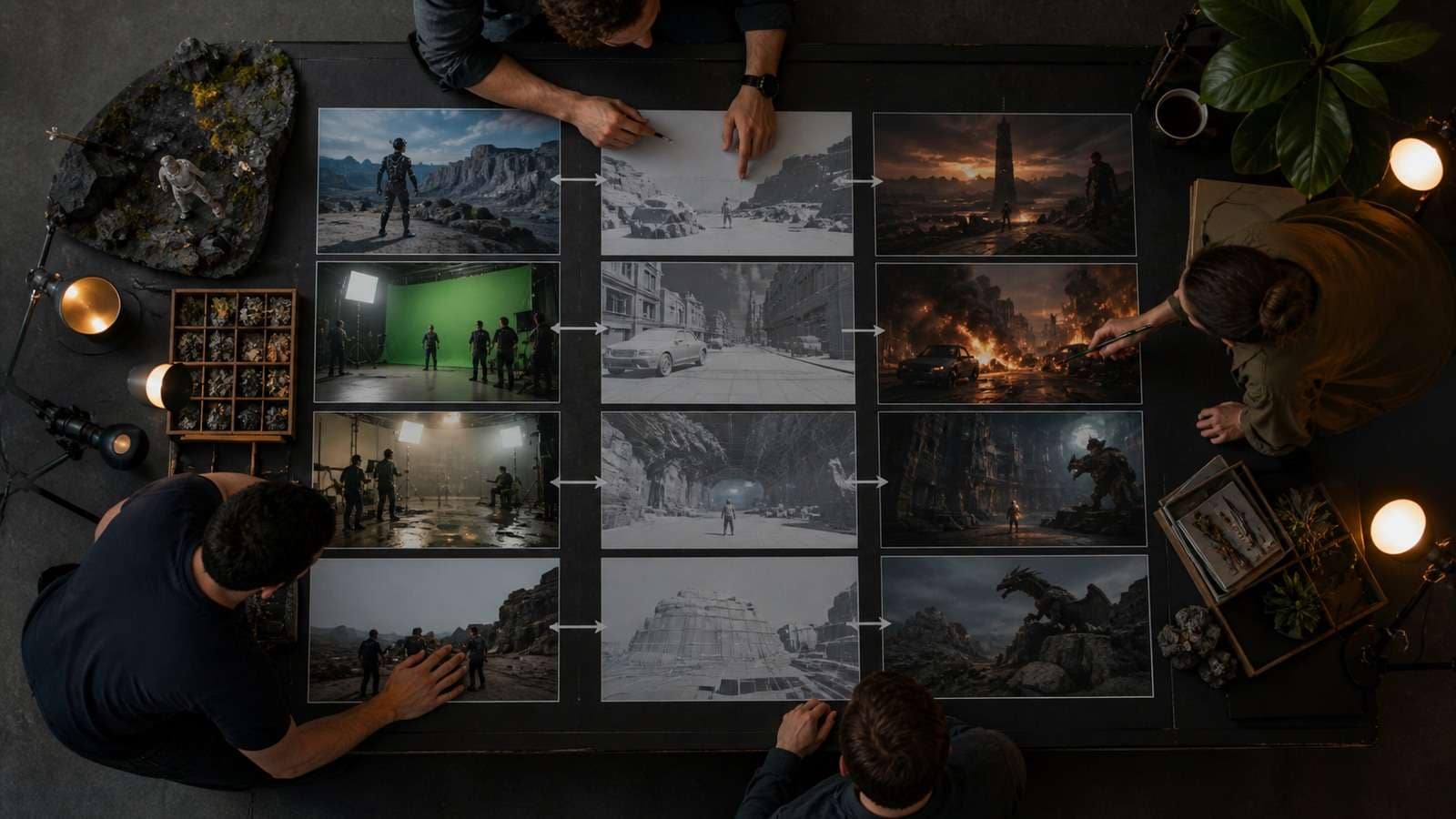
- Define the final shot requirement. Record duration, resolution, camera, action, continuity, delivery color space and non-negotiable details.
- Choose what must be deterministic. Keep hero identity, product geometry, logos, tracked contact and approved performance under explicit control.
- Use AI for bounded uncertainty. Explore concepts, generate distant elements, assist roto, create texture variation or test motion.
- Create stable source assets. Use clean plates, reference frames, camera data, masks and versioned 3D renders.
- Composite in layers. Separate foreground, subject, generated element, atmosphere, shadows, grain and color so they can be revised independently.
- Inspect motion, not just still frames. Review edges, flicker, texture crawl, contact, reflections and motion blur at full speed and frame by frame.
- Finish and deliver. Use an online video editor for creator-scale assembly, timing and audio, then export a controlled master before platform versions.
A Creator-Scale VFX Finishing Example
Suppose an AI-generated shot has a strong creature reveal but a weak background edge, low local contrast and distracting object. Remove or replace the bounded object, rebuild the edge, match grain, correct black levels and integrate sound. If the creature changes shape during the reveal, return to generation or use a controlled asset—the problem is temporal structure, not finishing.
For footage that only needs a new environment, review methods to change a video background. For privacy or clearance issues, a guide to blurring faces in video addresses a different, targeted finishing need.
AI VFX Cost, Speed and Staffing
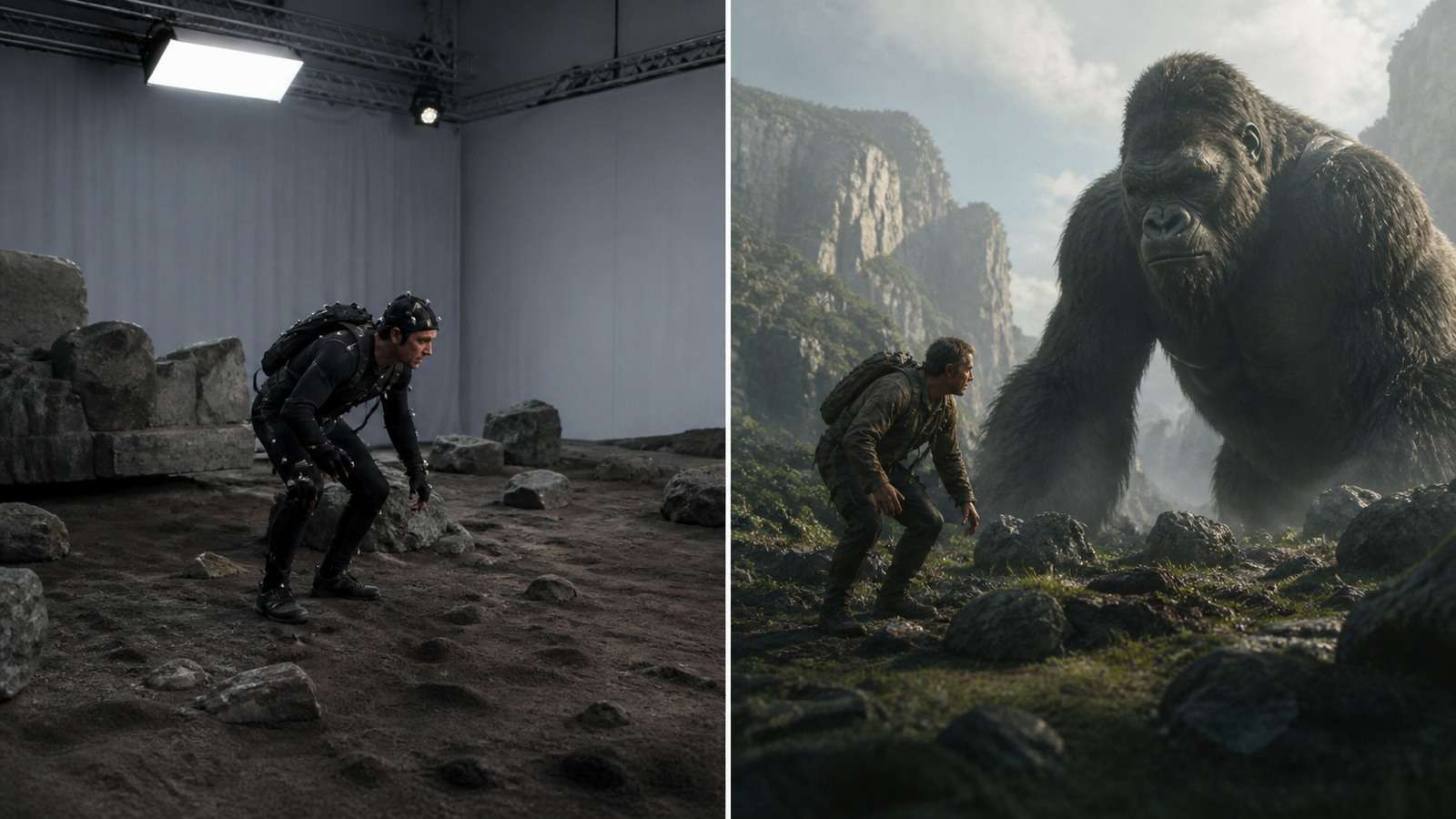
AI reduces the cost of obtaining a first plausible result, not necessarily the cost of an approved final shot. Measure the complete loop: preparation, generations, rejected outputs, cleanup, compositing, review and revisions.
| Metric | What to record | Why it matters |
|---|---|---|
| Time to first usable concept | Brief to stakeholder-reviewable clip | Measures ideation speed |
| Accepted-frame rate | Frames needing no structural repair | Exposes temporal reliability |
| Cost per approved shot | Credits, labor and render cost | Supports fair comparison |
| Revision isolation | Whether one note changes other details | Predicts client-service risk |
| Sequence consistency | Identity and environment across shots | Measures production readiness |
AI may let a small team attempt work that previously needed more specialists, but difficult projects still benefit from domain expertise. Compositors understand edges and color; 3D artists understand cameras and geometry; supervisors translate creative notes into a pipeline. The staffing change is often fewer repetitive hours and more evaluation, integration and technical direction.
Do not confuse resolution enhancement with VFX repair. Guidance on upscaling video online can help a stable low-resolution asset, but it cannot restore incorrect motion or geometry. After approval, MP4 compression should be treated as delivery preparation, not creative correction.
Will AI Replace VFX Artists?
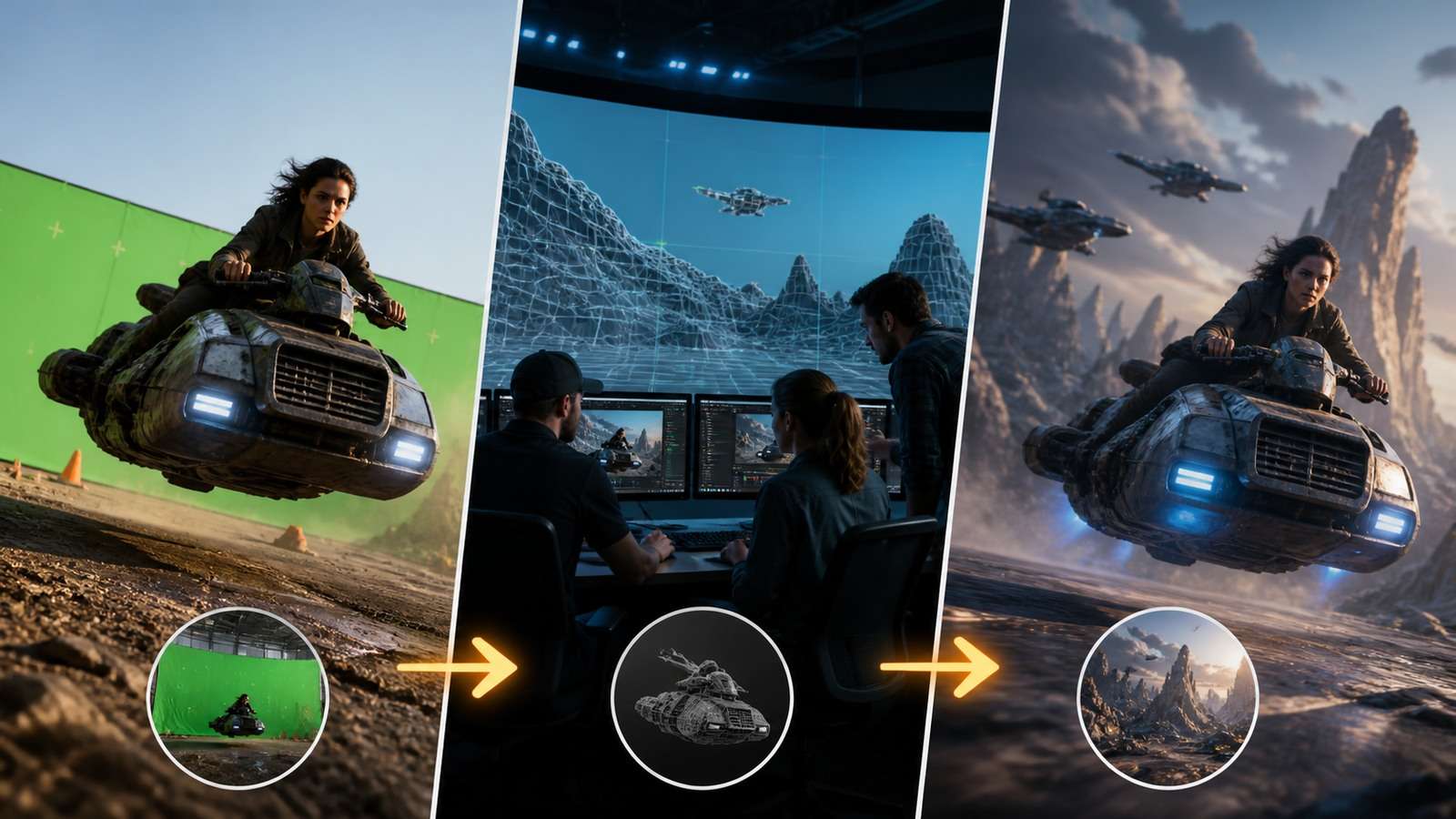
AI will automate or compress parts of VFX work, particularly first-pass masking, cleanup, variation and concept generation. That can reduce demand for narrowly repetitive tasks and change how junior artists enter the field. It also creates new work in dataset preparation, reference design, pipeline integration, evaluation, provenance and repair.
The hardest part of VFX is not producing pixels in isolation. It is making a shot serve the story, match surrounding photography, survive technical review and respond predictably to notes. Those requirements favor artists who understand both conventional image-making and AI behavior.
A durable skill set includes composition, lighting, color, camera fundamentals, anatomy, editing, node-based compositing, 3D literacy and the ability to diagnose why a generated result fails. Prompt knowledge changes quickly; visual judgment and pipeline reasoning transfer across tools.
How Filmmakers Should Choose Between AI and VFX
- Choose AI-first for pitch visuals, surreal transformations, social experiments and shots where variation is desirable.
- Choose VFX-first for exact product work, recurring characters, long continuity, complex contact and heavily revised hero shots.
- Choose hybrid for plate cleanup, set extension, synthetic atmospherics, concept-to-composite workflows and creator-scale filmmaking.
- Test the hardest requirement before committing the full sequence.
If spoken explanation accompanies the effect, use a caption generator and verify technical terminology manually. Presentation quality matters because a breakdown that explains the process can be more valuable to an audience or client than the effect alone.
Frequently Asked Questions
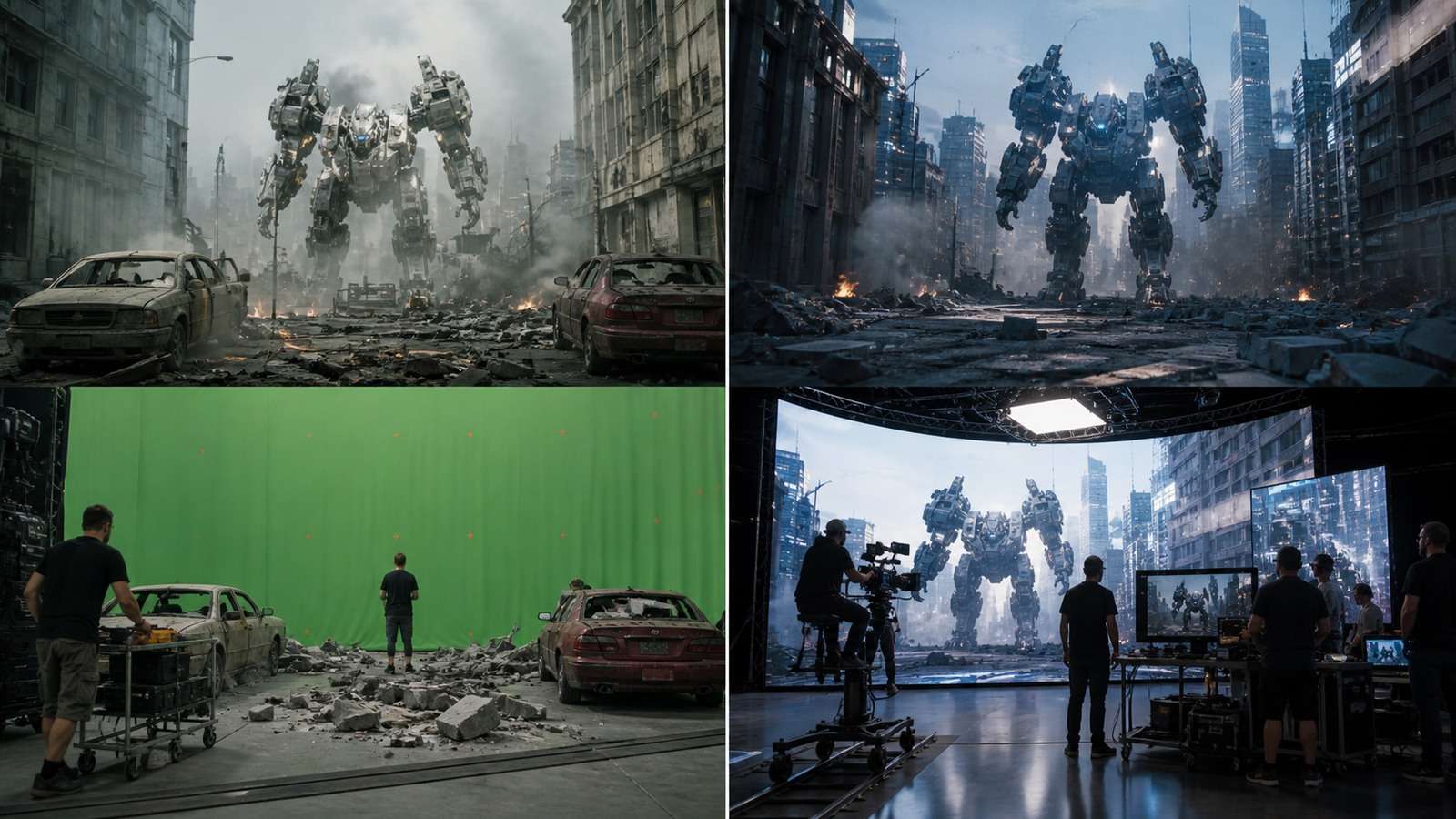
-
What is the difference between AI and VFX?
AI generates or transforms content probabilistically from prompts and references. VFX is the broader discipline of creating and integrating altered imagery through tracking, roto, paint, 3D, simulation and compositing. -
Is AI VFX cheaper than traditional VFX?
AI often reduces concept time and the cost of a first result. The final cost depends on acceptance rate, cleanup, continuity, revisions, rights and delivery requirements. -
Can AI replace CGI?
AI can replace CGI in some concept or background tasks, but stable geometry, camera-dependent interaction and repeatable character animation still benefit from conventional 3D assets. -
What VFX tasks can AI automate?
Common uses include masking assistance, object removal, cleanup, upscaling, asset variation, concept generation and bounded synthetic elements. -
Will AI replace VFX artists?
It will change task allocation and reduce some repetitive work, but professional shots still require creative judgment, integration, technical control, rights review and predictable revisions. -
What is the best AI VFX workflow for beginners?
Start with one short shot, preserve a stable source plate, use AI for one bounded element, composite in layers and compare the final result frame by frame instead of generating an entire sequence at once.


