

The AI video industry in 2026 is no longer defined by a single question—“Which model makes the prettiest clip?” The practical market has moved toward controllable production systems: reference images, start and end frames, native audio, character continuity, shot planning, editing, localization and measurable revision cost.
This AI video report separates demonstrable capability from marketing language. It examines what current models are good at, where they still fail, how creators are benchmarking them, which workflows are becoming standard and what buyers should measure before committing to a platform or subscription.
In This Article
AI Video Report 2026: Executive Summary
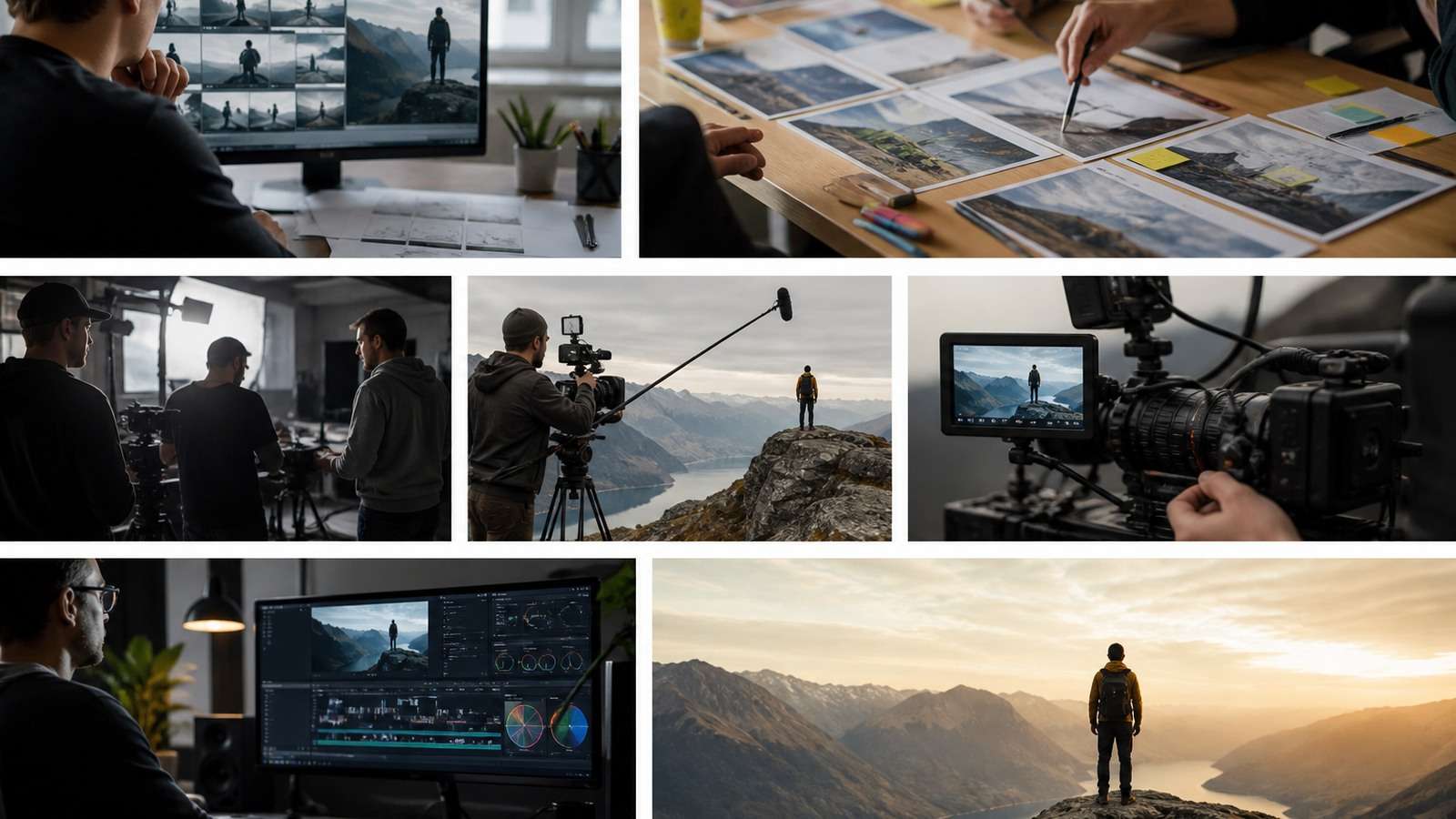
Recent comparative tests from creator educators commonly use identical prompts and starting frames across multiple models. The recurring insight is that no single model wins every category. A model that handles lip sync well may be less reliable with complex physics; another may produce attractive cinematic motion but require more repair for text, hands or identity.
The implication for teams is straightforward: benchmark tasks, not hype. Define the shot types you actually produce, score accepted results and include retries, editing time, credits, localization and quality assurance in the calculation.
What Changed in Generative Video During 2026?

From Isolated Clips to Production Systems
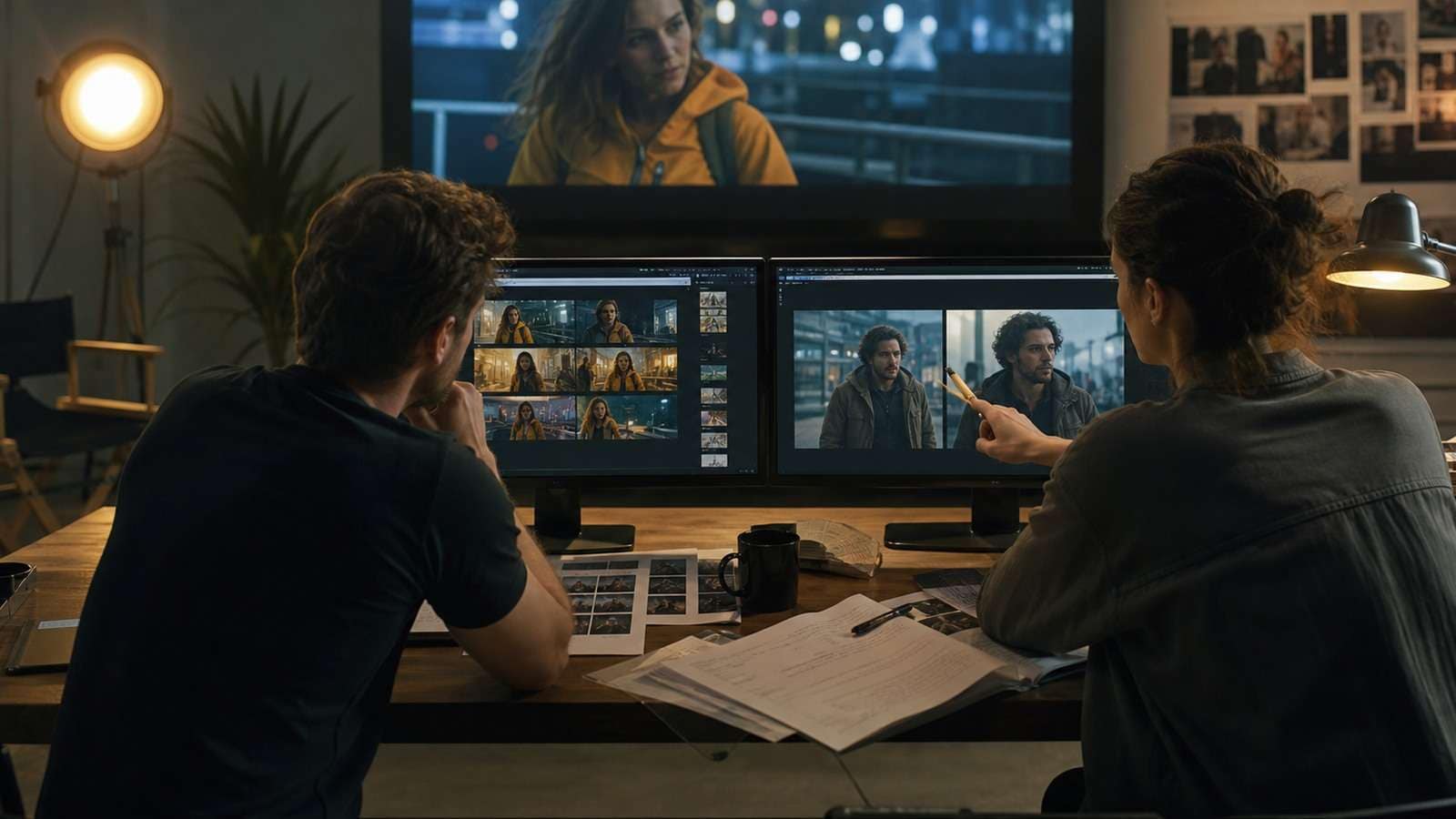
Earlier AI video workflows often treated each generation as an experiment. Current creator workflows increasingly begin with a script, character sheet, location board or product reference. The model is asked to generate a controlled shot inside a larger sequence rather than invent an entire film from one paragraph.
Guides and high-view demonstrations repeatedly emphasize storyboards, start frames, reference images and timeline planning. This is not merely a prompt trend. It reflects the economics of revision: a failed shot is manageable when it is one item in a ledger, but expensive when every scene is tied to one inseparable generation.
Longer Continuous Shots Raise the Consistency Bar
Models that can produce longer clips create more room for narrative action, but duration also gives drift more time to accumulate. A 30-second shot must preserve identity, props, lighting, camera logic, physics and audio over a longer interval than a five-second test. The strongest workflow is hierarchical: outline the sequence, define beats, generate a high-risk shot, then extend or replace locally.
Native Audio Becomes a First-Class Capability
Audio is moving from post-production add-on to generation input. Current tools can attempt dialogue, ambience, music and sound effects in the same pass. The benefit is stronger audiovisual coherence; the risk is that speech, effects and music compete for control. Teams should still separate approved voice tracks, use a dedicated video caption generator, and complete final mixing separately when accuracy matters.
The 2026 AI Video Model Landscape
| Capability | What improved | What still needs testing |
|---|---|---|
| Text-to-video | More coherent scenes and stronger camera language | Complex multi-action prompts and physical contact |
| Image-to-video | Better preservation of composition and subject identity | Large rotations, unseen geometry and source defects |
| Multimodal references | Images, video and audio can define different scene layers | Reference conflicts and too many subjects |
| Native audio | More convincing ambience, dialogue and effects | Pronunciation, timing, speaker separation and mix control |
| Longer clips | More complete action arcs in one generation | Drift, pacing, cost and local repair |
| Editing and extension | Weak regions can be changed without full regeneration | Preserving every unaffected detail |
| Open and local models | More control over deployment and customization | Hardware, setup, consistency and support burden |
Instruction Following Is Not the Same as Realism
A visually realistic clip can still ignore the requested camera, product label or action order. A stylized clip can follow the brief perfectly. Benchmarking should therefore score instruction adherence separately from surface realism, motion quality, identity, audio and cost.
Physical Motion Is a Separate Benchmark Category
Hands, object contact, weight, water, cloth, vehicles and multi-person interaction remain high-risk tests. A model may perform well on a landscape flyover but fail when a hand opens a package or two people pass an object. Include difficult physical actions in the evaluation set instead of relying only on attractive establishing shots.
AI Video Workflow and Economics
The practical unit of cost is not a generated clip. It is an accepted finished minute. Calculate model credits, rejected attempts, reference preparation, voice, captions, editing, upscaling, storage and review time. Delivery costs also include platform-specific exports; for example, a controlled MP4 compression workflow may be required after the creative master is approved. A platform with a low headline price can become expensive if only one in five outputs is usable.
- Plan: write the promise, audience and sequence.
- Prepare: build consistent characters, locations, products and audio references.
- Test: generate the hardest shot before scaling.
- Produce: create short controlled clips or structured multi-scene drafts.
- Assemble: edit, caption and mix only approved outputs.
- Measure: record accepted rate, revision time and platform performance.
Media.io fits this emerging workflow when creators need the planning and finishing layers around generation. Script to Video helps turn a long idea into scenes; Image to Video is appropriate when a keyframe is already approved; and the online video editor handles assembly and pacing.
Credits Do Not Equal Productivity
Credit systems obscure the real cost when models use different amounts for resolution, duration, audio or retries. Keep a simple production ledger with prompt version, reference set, model, credits used, accepted status and reason for rejection. This turns a vague “fast” tool claim into an auditable production number.
Where AI Video Is Being Adopted

| Use case | Why AI video helps | What remains human-led |
|---|---|---|
| Social short-form | Fast hooks, variants and vertical formatting | Audience insight, taste and publishing judgment |
| Product advertising | Concept volume and visual variation | Claims, product accuracy, brand and legal review |
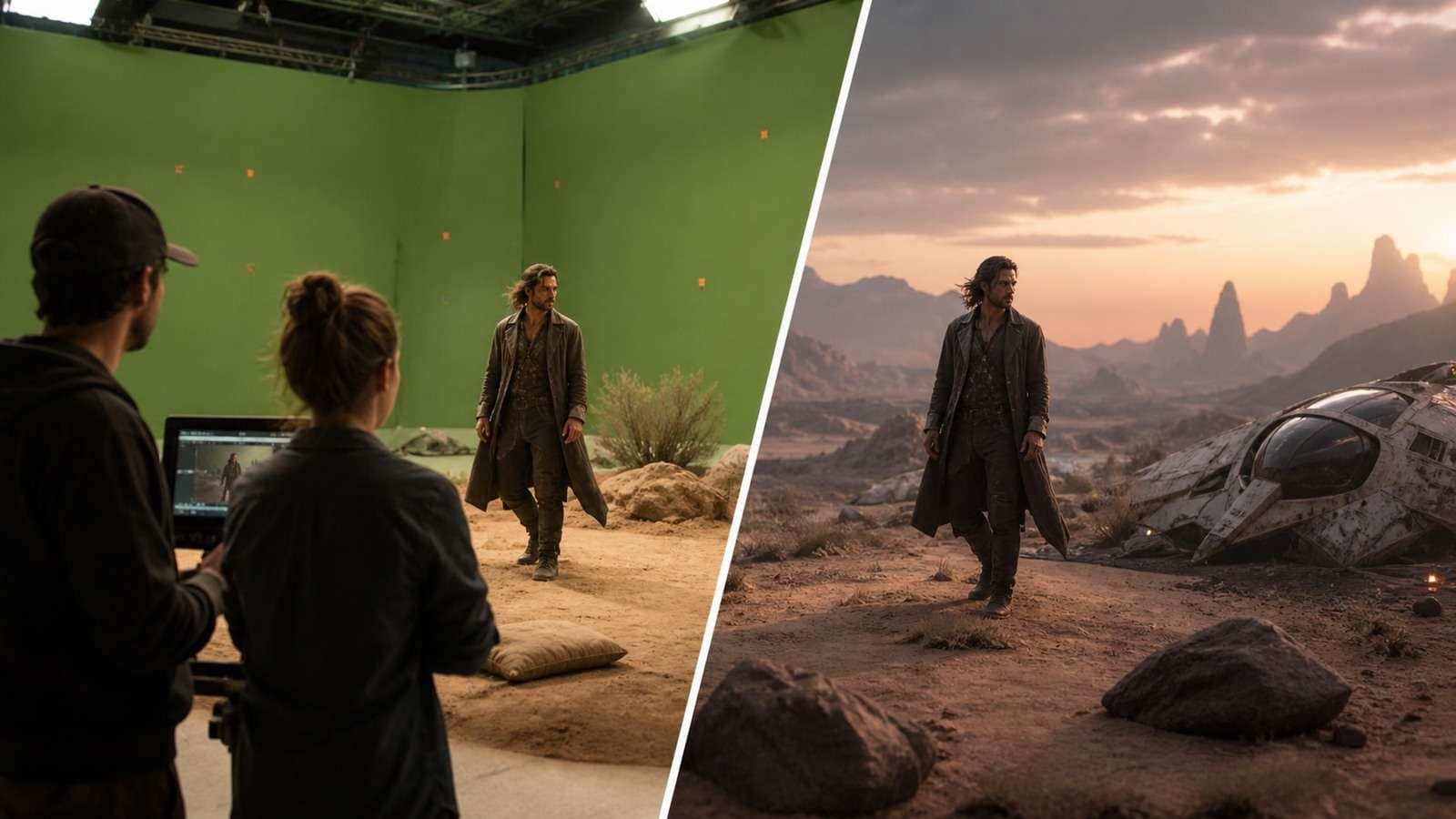
| Previsualization | Rapid storyboards, camera exploration and blocking | Directorial intent and production feasibility |
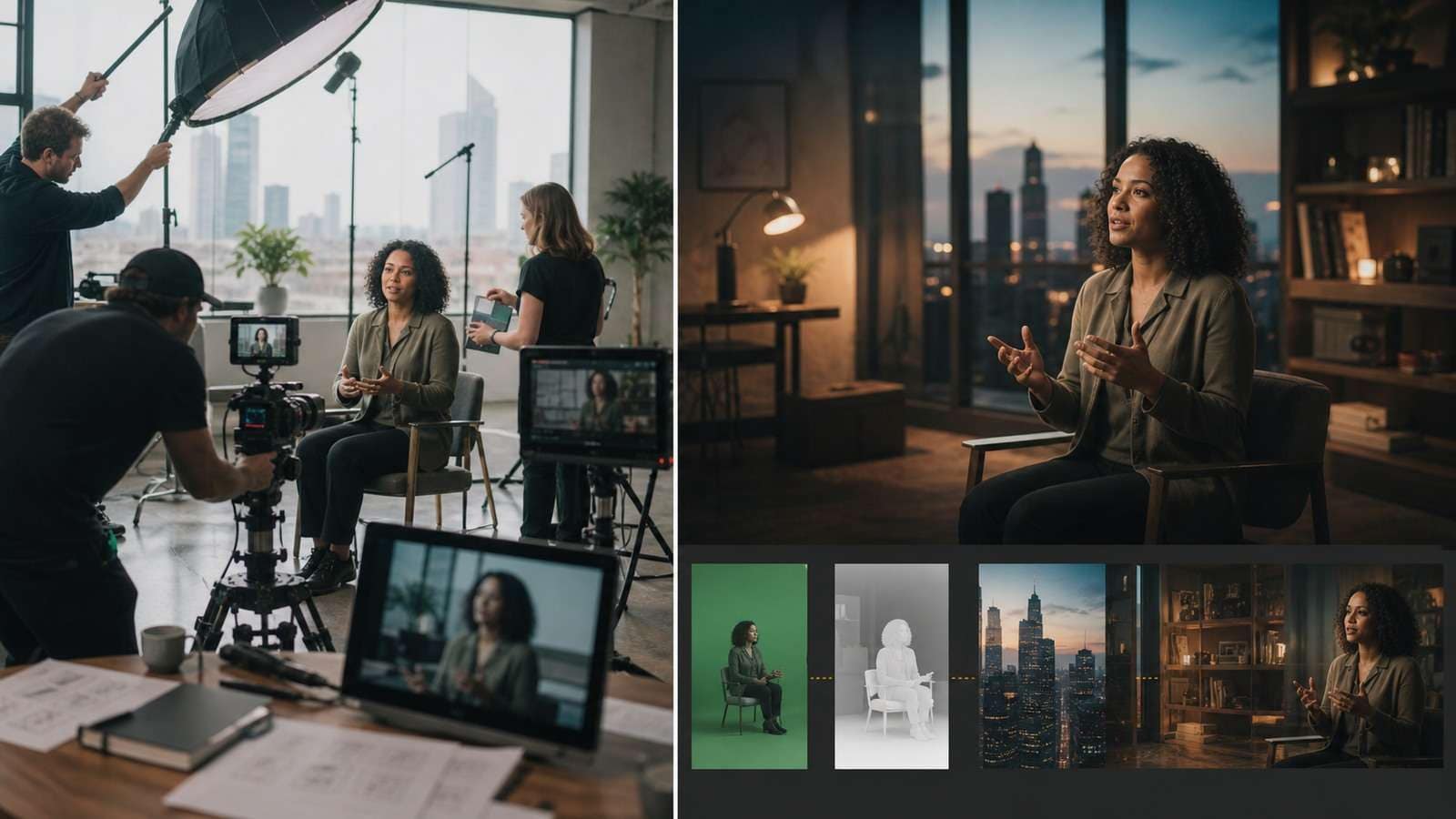
| Training and explainers | Script-led presenters, localization and updates | Accuracy, accessibility and subject expertise |
| Games and entertainment | Concept trailers, mood tests and pitch visuals | Gameplay truth, world rules and final art direction |
| Localization | Voice, captions and language variants | Meaning, cultural fit and pronunciation |
For social campaigns, Viral Studio is a closer fit than a generic generator because the intent is hook and distribution testing. For ecommerce, use the AI Ad Generator after the offer and proof have been approved. Teams repurposing horizontal masters can use the YouTube video trimmer to isolate approved segments before creating channel-specific versions. Product tools should be selected by scenario, not inserted into every article or workflow.
AI Video for Business Is Moving Toward Controlled Variation
Businesses rarely need infinite random clips. They need a small set of approved messages adapted to audiences, languages, placements and funnel stages. The valuable capability is controlled variation: preserve the brand, product and claim while changing the hook, scene, presenter, crop or language.
Risks, Rights and Governance
- Likeness and voice: obtain explicit permission and define the scope of use.
- Copyright and training data: verify tool terms, uploaded assets and commercial rights.
- Misleading content: disclose synthetic presenters, altered events or fabricated demonstrations where required.
- Product claims: do not allow generated visuals to imply performance the product cannot deliver.
- Privacy: minimize personal data in references, prompts, connectors and reports.
- Provenance: retain source versions, approvals, generation records and final exports.
- Security: use least-privilege credentials and treat external pages and files as untrusted input.
Governance is not a separate legal appendix. It affects whether a video is production-ready. A photorealistic spokesperson without consent, a medical demonstration without evidence or an AI-generated product feature that does not exist is a quality failure even if the pixels are perfect.
How to Benchmark AI Video Generators in 2026
Use a repeatable test set rather than a collection of showcase prompts:
- Identity test: same person or product across three shots.
- Motion test: hand contact, weight, cloth, water or a vehicle turn.
- Camera test: one specified move with a defined end frame.
- Audio test: dialogue, pronunciation, ambience and lip sync.
- Text test: label or sign that can be checked at full size.
- Continuity test: prop state, lighting, wardrobe and location across edits.
- Cost test: credits, retries, render time and accepted output.
- Workflow test: export, editing, captions, collaboration and revision.
Creator comparisons that use identical prompts and starting frames are useful because they expose task-specific strengths. The results should not be generalized into one universal ranking. Report the test conditions, model version, reference inputs, output count and acceptance criteria.
When a tool fails, record why. “Looks bad” is not a useful benchmark label. Use categories such as prompt adherence, hand anatomy, face drift, camera error, physics, text, audio, flicker, export or cost. Keep generation defects separate from delivery defects: a publishable master may only need a messaging-friendly video export, while identity drift requires a new generation or local repair. This makes the next model comparison more informative.
What to Expect Over the Next Cycle
The strongest direction is convergence: generation, editing, audio, reference control, agents and publishing are moving closer together. That does not mean one-click filmmaking has arrived. It means the interface around the models is becoming more production-aware, and the creator’s advantage shifts toward planning, evaluation and taste.
Frequently Asked Questions
-
What is the current state of AI video in 2026?
AI video has advanced from isolated short clips toward controlled workflows using scripts, references, storyboards, native audio, editing and local repair. Reliability still varies sharply by task. -
What is the best AI video model in 2026?
There is no universal winner. Compare models on the exact tasks you need: identity, physics, camera movement, audio, text, continuity, cost and revision. -
How should AI video quality be benchmarked?
Use identical prompts and references across a repeatable test set, then score instruction adherence, realism, motion, identity, audio, continuity, accepted rate and cost. -
Is AI video ready for commercial production?
It is useful for ads, explainers, previsualization, social variants and concept work when humans verify claims, rights, identity, product accuracy and final quality. -
What is the biggest limitation of AI video?
Consistency under revision remains difficult. A single impressive shot is easier than a sequence that preserves identity, objects, physics, audio and camera logic. -
Where does Media.io fit the AI video landscape?
Media.io supports scenario workflows around script-to-video, image animation, social concepts, advertising, editing and captions, helping creators move from an approved idea to a usable deliverable.


