
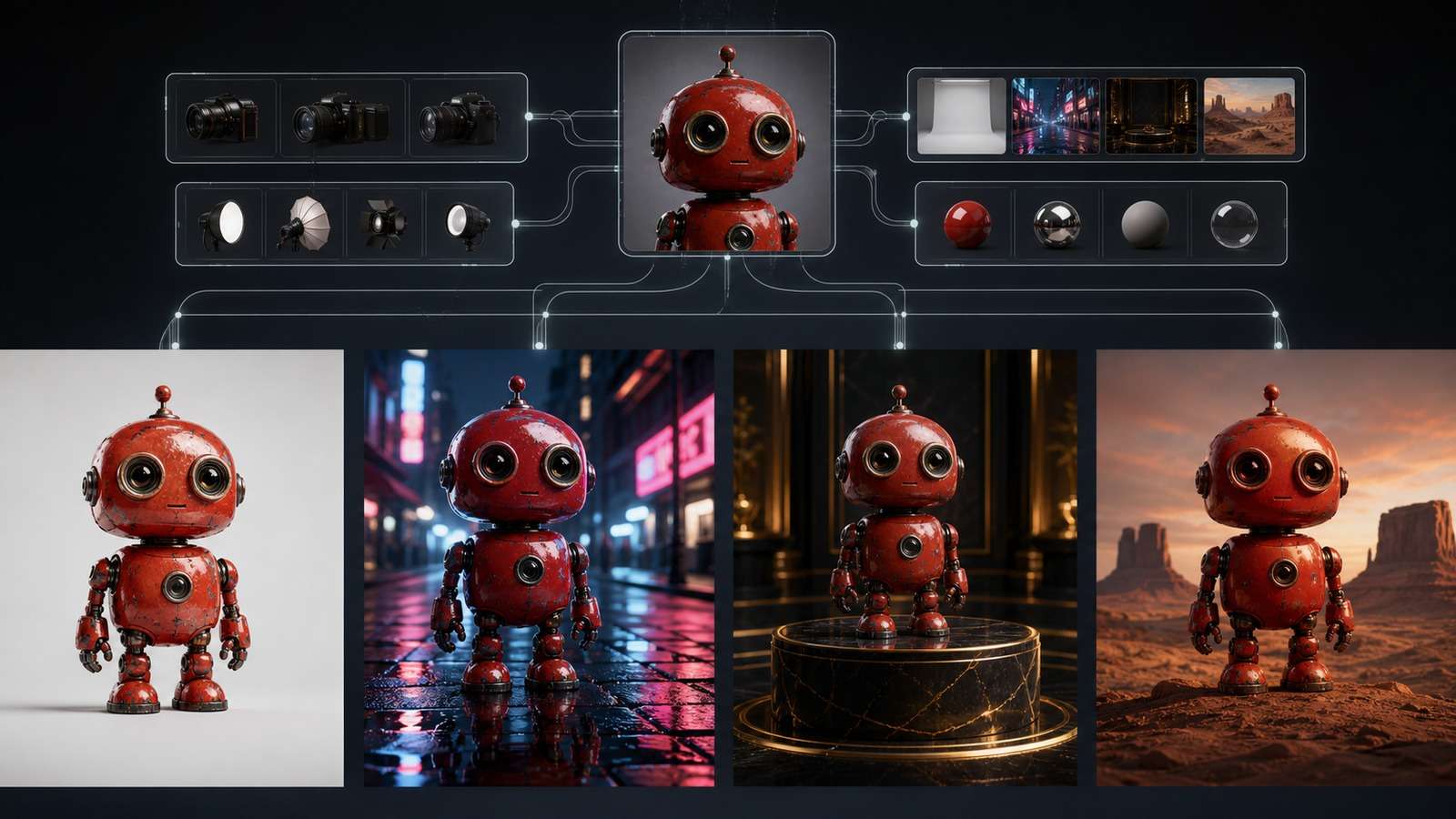
You ask an image model to “change only the background,” but the face shifts, the clothing changes color, and an extra prop appears. The problem is not always the model. Often, the request mixes the edit, the desired result, and the preservation rules in one sentence.
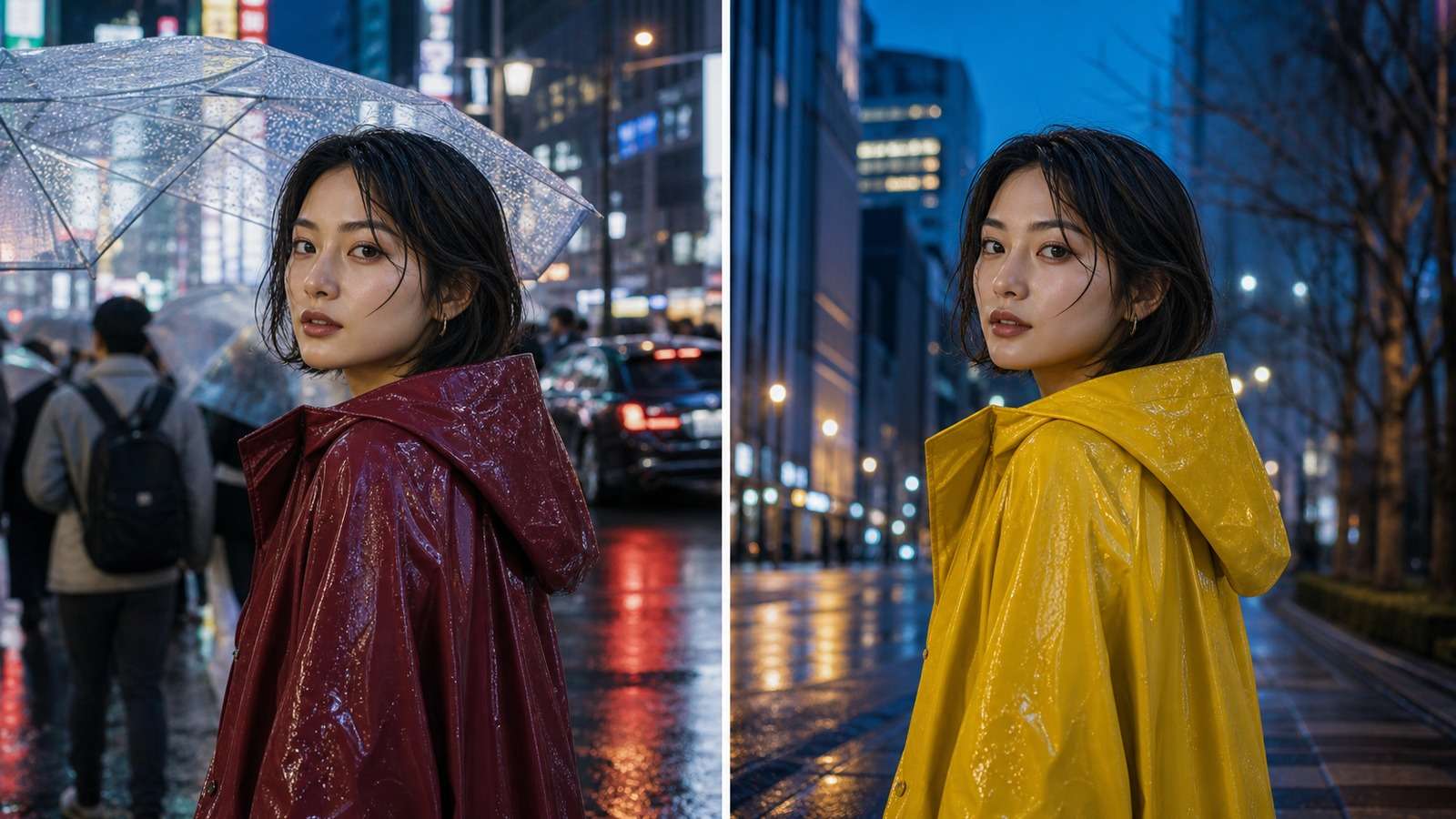
In this article
Why Nano Banana JSON Prompts Can Improve Control
Image models often treat a compact sentence as permission to reinterpret the entire frame. Separating the request into named blocks reduces this ambiguity. The useful principle is not simply “use curly brackets”; it isdeclare what changes, what stays fixed, and how the result should be evaluated.
| Prompting need | Why structure helps |
| Repeatable campaigns | Stable brand, product, character, and camera fields can be reused while scene variables change. |
| Image editing | Edit operations can be separated from explicit preservation rules. |
| Team production | Writers, designers, and operators can review named variables instead of decoding one long paragraph. |
| Debugging | A failed result can be traced to conflicting, vague, or overloaded fields. |
| Batch variants | One template can produce controlled changes in aspect ratio, background, lens, lighting, or wardrobe. |
There is also a creator disagreement worth understanding. Some tutorials frame JSON as a “hidden control hack.” In practice, it is better understood as an instruction-design method. Gemini may not enforce your object as a typed software API. It interprets the semantic meaning of the fields, so syntactically perfect JSON can still fail when the visual request is contradictory or beyond the model's capability.
A Practical JSON Schema for Nano Banana
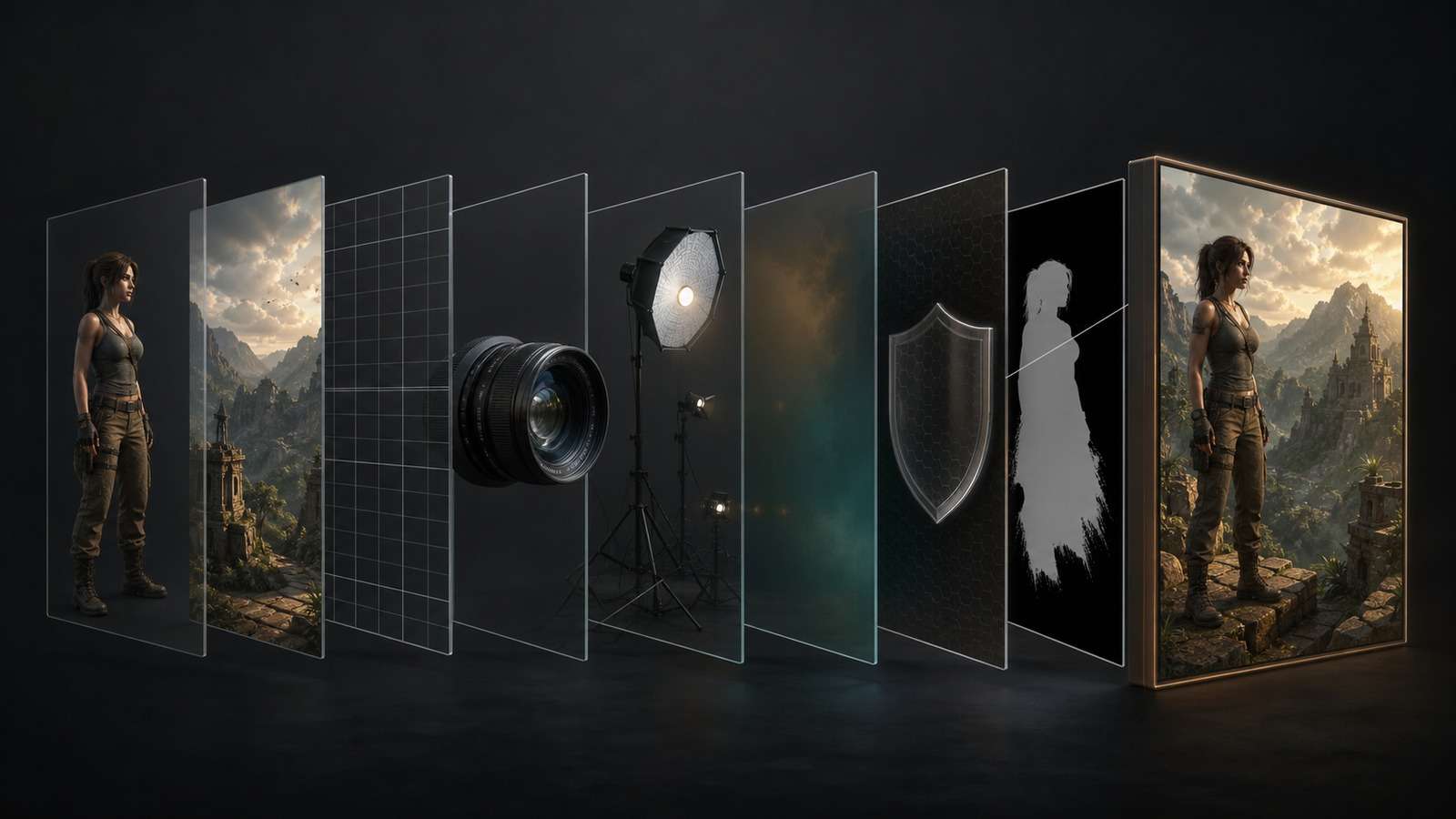
A reliable schema should mirror how you make creative decisions. You do not need every field for every request, but the field names should remain stable across a project.
{
  "task": "generate | edit | combine",
  "subject": {
    "identity": "who or what must remain recognizable",
    "appearance": "physical details, wardrobe, material, colors",
    "action": "pose, gesture, interaction"
  },
  "environment": {
    "location": "setting",
    "time": "time of day or era",
    "weather": "atmospheric conditions"
  },
  "composition": {
    "shot": "close-up | medium | wide",
    "framing": "centered | rule of thirds | negative space",
    "aspect_ratio": "16:9"
  },
  "camera": {
    "lens": "50mm",
    "angle": "eye level",
    "depth_of_field": "shallow"
  },
  "lighting": {
    "key": "soft window light",
    "direction": "camera left",
    "color_temperature": "neutral daylight"
  },
  "style": {
    "medium": "editorial photography",
    "palette": ["cobalt blue", "warm gray"],
    "finish": "natural texture, restrained contrast"
  },
  "edit": {
    "operation": "replace background",
    "target": "background only"
  },
  "preserve": ["face", "hair", "wardrobe", "pose", "camera crop"],
  "constraints": ["no extra people", "no text", "no duplicated objects"]
}
Use concrete values. “Cinematic” is broad; “soft tungsten practicals, 35mm lens, low-key contrast, subtle film grain” is inspectable. Keep fields orthogonal. Put camera decisions in camera, not in five different style fields. Make constraints observable. “Make it good” cannot be checked, while “preserve the bottle silhouette and remove all background text” can. For additional scenario language, compare these Nano Banana Pro prompt examples and keep only the fields that materially affect your own result.
Nano Banana JSON Prompt Template for Image Generation
For a new image, define the subject first, then move outward through environment, composition, camera, light, and finish. This hierarchy reduces late-stage contradictions.
{
  "task": "generate a photorealistic campaign image",
  "subject": {
    "type": "fictional female trail runner",
    "appearance": "late 20s, dark curly hair, orange windbreaker",
    "action": "tightening a shoe before sunrise"
  },
  "environment": {
    "location": "rocky mountain trailhead",
    "weather": "thin morning mist",
    "background": "layered ridgelines with no buildings"
  },
  "composition": {
    "shot": "medium-wide environmental portrait",
    "framing": "subject on left third, open space on right",
    "aspect_ratio": "16:9"
  },
  "camera": {"lens": "35mm", "angle": "slightly low", "motion": "frozen"},
  "lighting": {"key": "sunrise rim light", "fill": "soft cool sky light"},
  "style": {"medium": "outdoor editorial photography", "finish": "real skin and fabric texture"},
  "constraints": ["anatomically correct hands", "no logos", "no text", "no extra limbs"]
}
When exploration is the goal, natural language can be faster. Use JSON after you identify the variables that matter, or when a successful look needs to become a reusable production asset. Ecommerce teams can also adapt the scene, surface, camera, and lighting blocks from these AI product mockup prompt patterns.
JSON Prompts for Image Editing Without Unwanted Changes
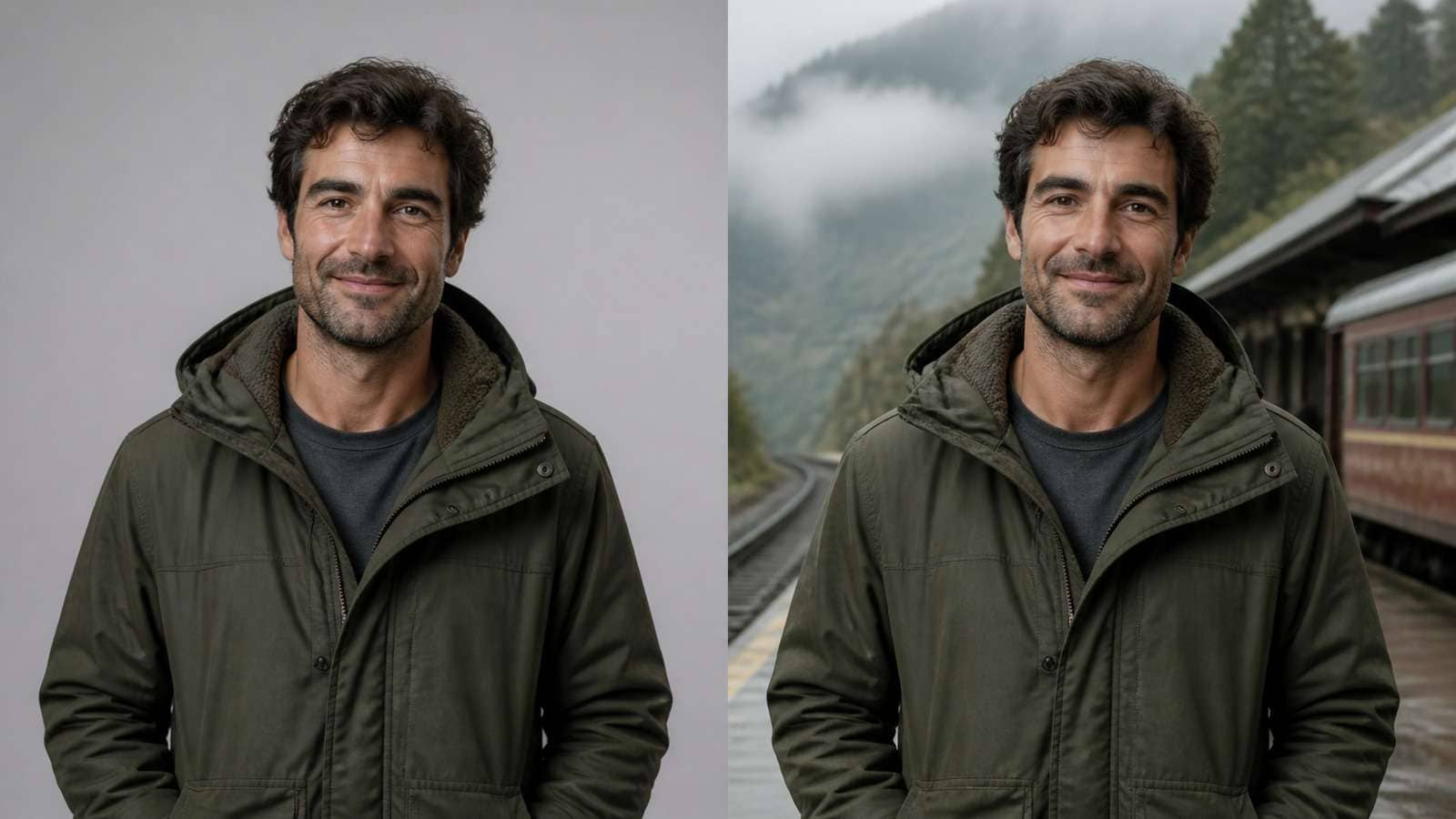
The safest editing prompt is narrow. Describe the source image, isolate the edit target, specify the replacement, and repeat the preservation rules in visual terms.
{
  "task": "edit the supplied portrait",
  "edit": {
    "operation": "replace background",
    "target": "pixels behind the person",
    "replacement": "misty mountain railway platform at dawn"
  },
  "match": {
    "perspective": "match the source eye level and focal length",
    "lighting": "add subtle cool ambient light and realistic edge spill",
    "shadows": "maintain natural contact and directional shadows"
  },
  "preserve": [
    "exact facial identity and age",
    "hairline, hairstyle and eye color",
    "jacket design and color",
    "expression, pose, hands and crop"
  ],
  "constraints": ["do not add accessories", "do not beautify the face", "no text"]
}
If you want to test this pattern without managing a local workflow, the Media.io Nano Banana image generator supports prompt-led image creation and editing in the browser. For users specifically working with the newer model route, Nano Banana 2 image-to-image editing is the more direct workspace. Upload a clear source, apply one controlled edit, then compare identity, geometry, lighting, and unwanted additions before expanding the prompt.
Try a Structured Nano Banana 2 Edit
JSON Workflows for Character Consistency and Product Mockups
Keep a Character Identifiable Across New Scenes
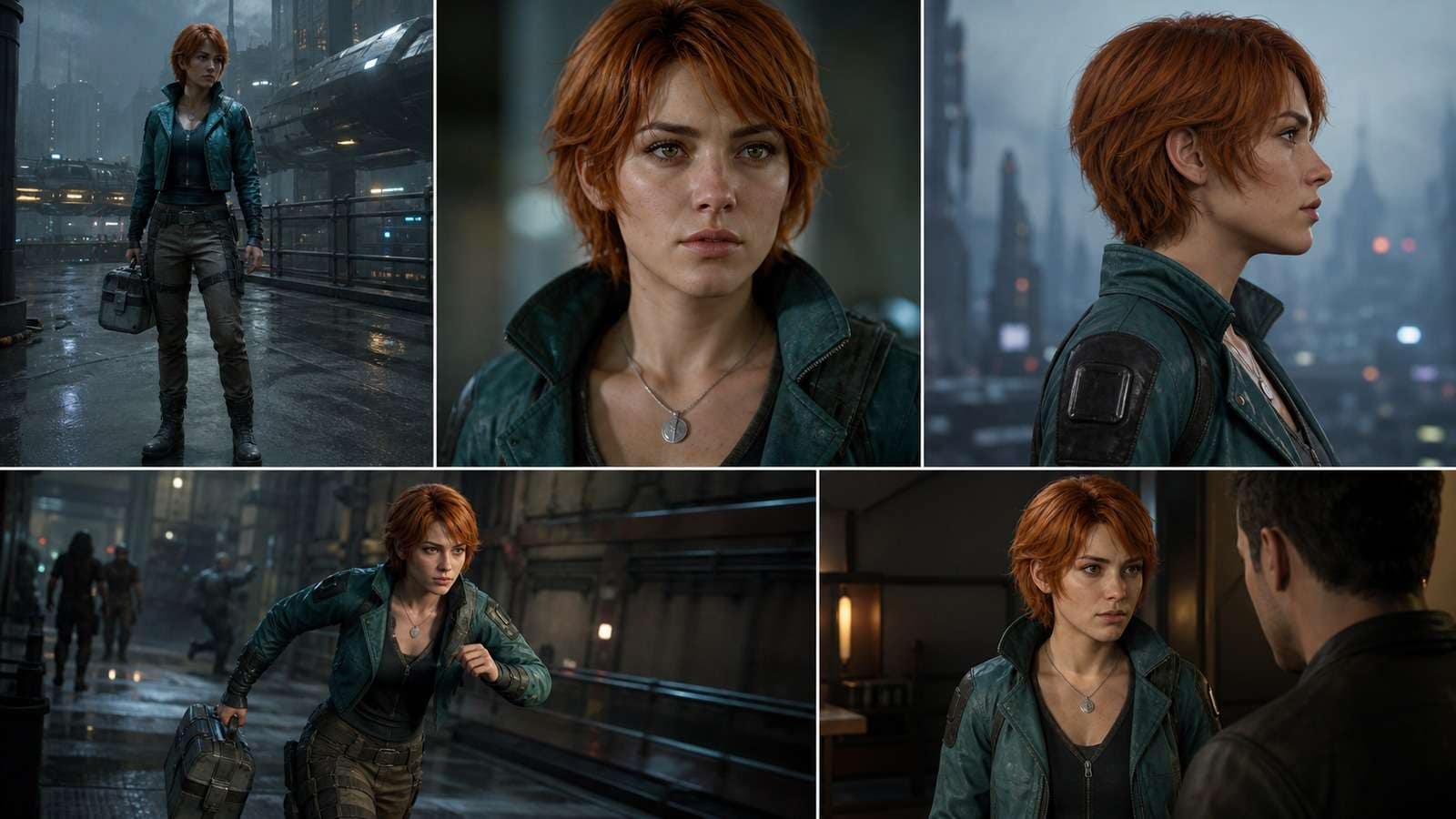
Character consistency cannot be reduced to one field called “same character.” A reusable identity block should describe stable facial geometry, distinctive hair, age range, body proportions, signature wardrobe, and one or two identity anchors. Scene, pose, camera, and expression then become replaceable variables.
{
  "character_id": "courier_01",
  "identity_lock": {
    "face": "oval face, wide-set gray eyes, straight nose, faint left-cheek scar",
    "hair": "short copper bob with side fringe",
    "proportions": "athletic build, consistent height and shoulder width",
    "signature": ["teal utility jacket", "small silver pendant"]
  },
  "scene_variables": {
    "location": "rainy orbital transit station",
    "action": "checking a holographic route map",
    "shot": "medium close-up",
    "expression": "focused but calm"
  },
  "preserve": ["identity_lock", "age", "skin tone", "jacket design", "pendant"]
}
For a guided browser workflow, see the Nano Banana character consistency tool. Use it after defining a compact identity block; adding more adjectives is less useful than protecting a few distinctive, repeatable features.
Build Product Variants Without Redesigning the Product
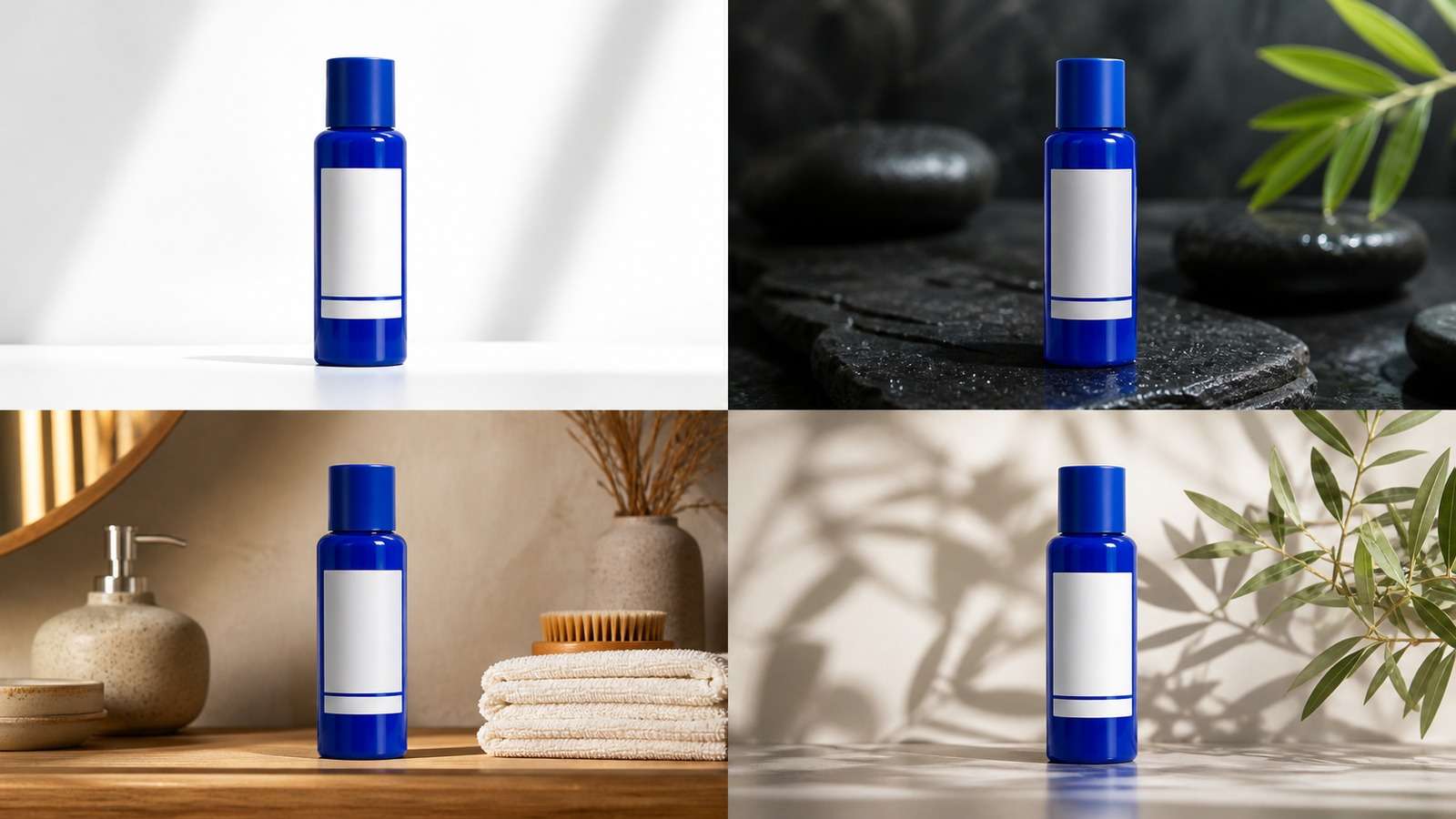
Product prompts should separate immutable product geometry from mutable campaign art direction. Preserve silhouette, cap, material, label placement, proportions, and brand colors. Vary the surface, background, props, lens, and lighting. For ecommerce production, the Nano Banana product mockup generator is a stronger contextual fit than a generic image-to-video tool.
Multi-Image Composition JSON Prompt

Multi-image prompting fails when the model does not know the role of each input. Assign every reference a function: identity reference, product reference, environment reference, pose reference, or style reference. Then define priority when two sources disagree.
{
  "task": "combine three supplied images into one travel advertisement",
  "inputs": [
    {"image": 1, "role": "preserve model identity and wardrobe"},
    {"image": 2, "role": "preserve suitcase shape, material and color"},
    {"image": 3, "role": "use hotel terrace as the environment"}
  ],
  "composition": "model standing beside suitcase near terrace railing",
  "integration": {
    "scale": "physically plausible human and luggage proportions",
    "lighting": "unify all subjects under warm golden-hour light",
    "shadows": "add contact shadows consistent with the terrace floor",
    "depth": "model and suitcase sharp, sea softly receding"
  },
  "priority": ["model identity", "product geometry", "environment perspective"],
  "constraints": ["no duplicated suitcase", "no extra fingers", "no visible source-image borders"]
}
When the job is primarily combining references rather than rewriting a whole scene, an AI image combiner workflow can reduce prompt ambiguity. Evaluate edge blending, object scale, light direction, contact shadows, and whether the final frame still respects each source's assigned role.
Common Nano Banana JSON Prompt Mistakes
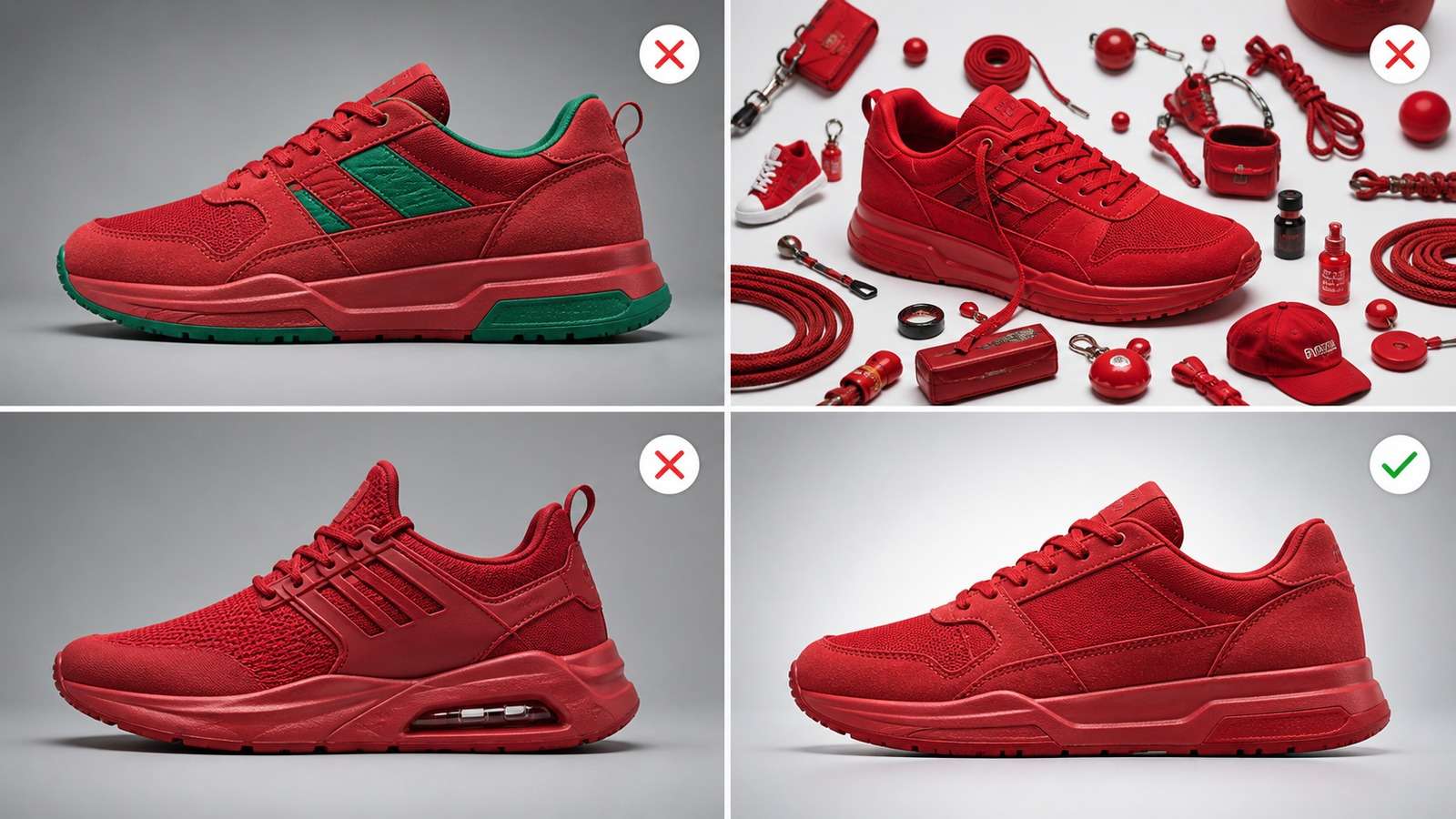
| Failure | What happens | Fix |
| Invalid JSON syntax | Humans and automation cannot reliably reuse the prompt. | Use double quotes, matching braces, no trailing commas, and validate before storing. |
| Conflicting fields | The prompt requests warm sunrise and cool clinical light, or both a close-up and a wide shot. | Choose one priority and remove duplicate creative direction. |
| Over-nesting | The prompt becomes long without adding visually useful information. | Keep a shallow schema with fields a reviewer can scan. |
| Vague values | Words such as “better,” “beautiful,” and “cinematic” leave decisions to the model. | Describe observable camera, light, material, color, and composition choices. |
| No preservation rules | Identity, product shape, pose, crop, or brand colors drift during an edit. | Create an explicit preserve array and narrow the edit target. |
| Too many changes | The model solves the prompt by rebuilding the entire frame. | Run sequential edits and approve each stage. |
| Impossible spatial logic | Hands, reflections, scale, and object contact become inconsistent. | Simplify interactions and define perspective, scale, and shadows. |
A useful debugging order is: remove conflicts, reduce the number of edits, strengthen preservation, simplify the schema, improve the reference image, and only then add more detail. Long prompts often hide the actual contradiction.
A Repeatable JSON Prompting Workflow
- Write the visual goal in one sentence. If you cannot state the edit clearly, JSON will only organize the ambiguity.
- Classify the task. Choose generate, edit, combine, extend, restore, or create variants.
- Separate locked and editable variables. Identity, product geometry, logos, pose, or crop may need to remain fixed.
- Choose only relevant fields. Do not include camera controls for a flat graphic unless they serve a purpose.
- Validate syntax. Store templates as valid JSON if they will be reused in spreadsheets, scripts, or automation.
- Run the smallest useful test. Test one change before requesting a complete campaign.
- Review with criteria. Check preservation, requested change, anatomy, object count, text, perspective, light, and artifacts.
- Version successful prompts. Save the prompt, input references, model, date, aspect ratio, and result.
The best Nano Banana JSON prompt is not the longest. It is the smallest structured instruction that makes the desired change testable while protecting what the user already likes. Start with a stable schema, improve it from real failures, and keep scenario-specific templates for portraits, products, characters, and compositions.
Frequently Asked Questions
-
What is a Nano Banana JSON prompt?
A Nano Banana JSON prompt organizes an image-generation or editing request into named fields such as subject, environment, camera, lighting, edit operations, constraints, and preservation rules. It is a prompting convention, not necessarily a strict official API schema. -
Does Nano Banana understand real JSON?
Gemini image models can usually follow well-formed JSON-like instructions because the structure separates variables clearly. However, the model may interpret the JSON semantically rather than validate it like software, so valid syntax does not guarantee every field will be obeyed. -
Is JSON prompting better than a normal prompt?
JSON is better for repeatable, multi-variable, editing, batch, and team workflows. A short natural-language prompt can be faster for exploration. Structure helps most when you need to change one variable while preserving everything else. -
How do I stop Nano Banana from changing a face?
State identity-preservation rules explicitly: preserve face geometry, age, skin tone, hairline, eye color, expression, and body proportions. Limit the edit scope, identify what may change, and use the clearest available reference image. -
What should be included in an image-editing JSON prompt?
Include the source-image role, edit operation, target region, desired replacement, preservation rules, composition, lighting match, realism constraints, and a list of elements that must not be added or changed. -
Can I reuse one JSON prompt for multiple images?
Yes. Treat stable fields as a template and replace variables such as background, camera, wardrobe, aspect ratio, or campaign scene. Keep a versioned master prompt so successful settings remain reproducible. -
Why does a valid JSON prompt still produce the wrong result?
Common causes include conflicting fields, vague values, too many simultaneous changes, missing preservation rules, weak reference images, impossible spatial instructions, or model limitations. Simplify the request and test one edit at a time.


