
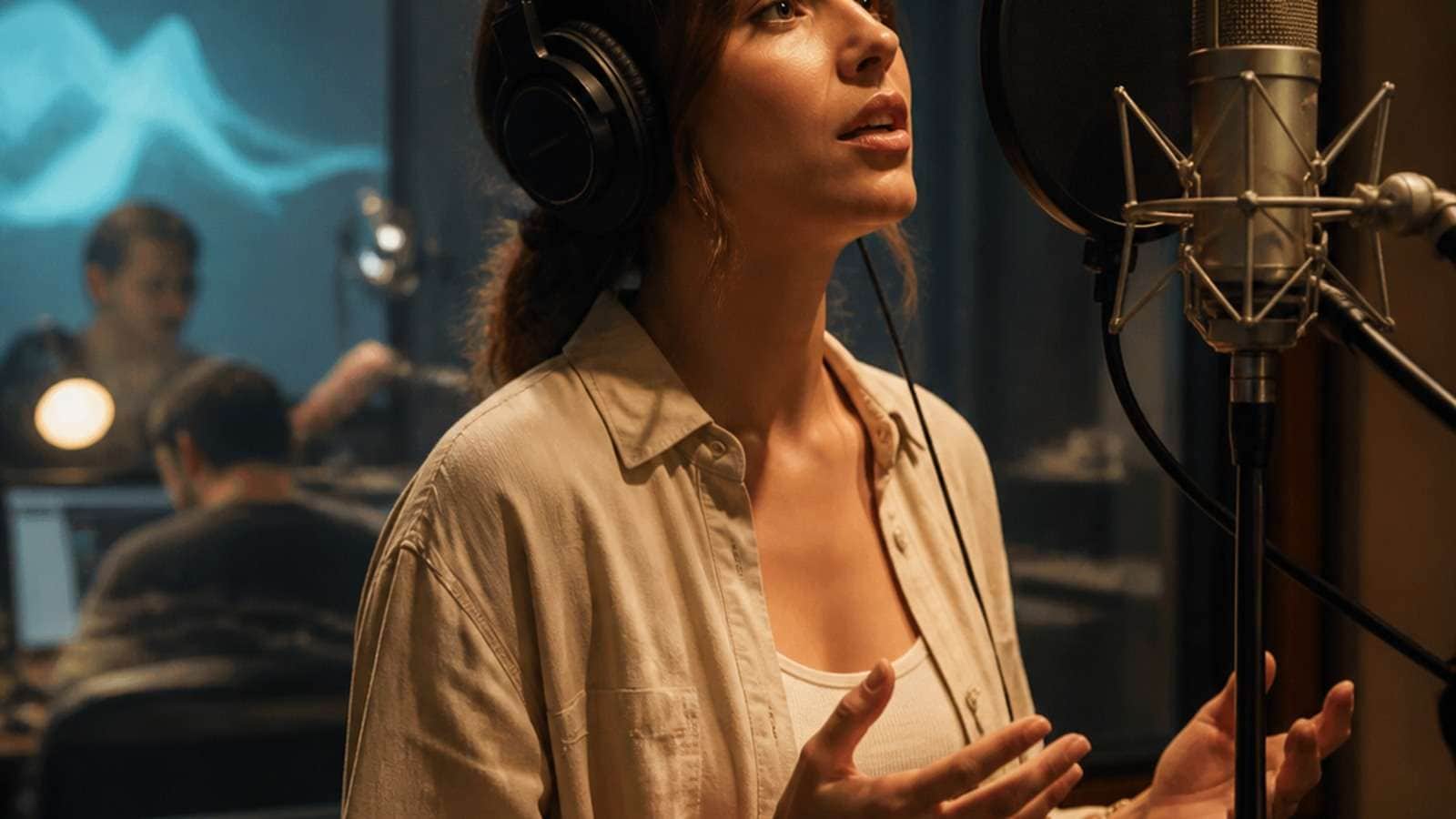
Kling 2.6 audio prompts describe both what appears and what should be heard in the generated video. Kling Video 2.6 introduced native audio generation for dialogue, voice, ambience, music and sound effects, allowing audiovisual timing to be produced in the same pass rather than assembled entirely afterward.
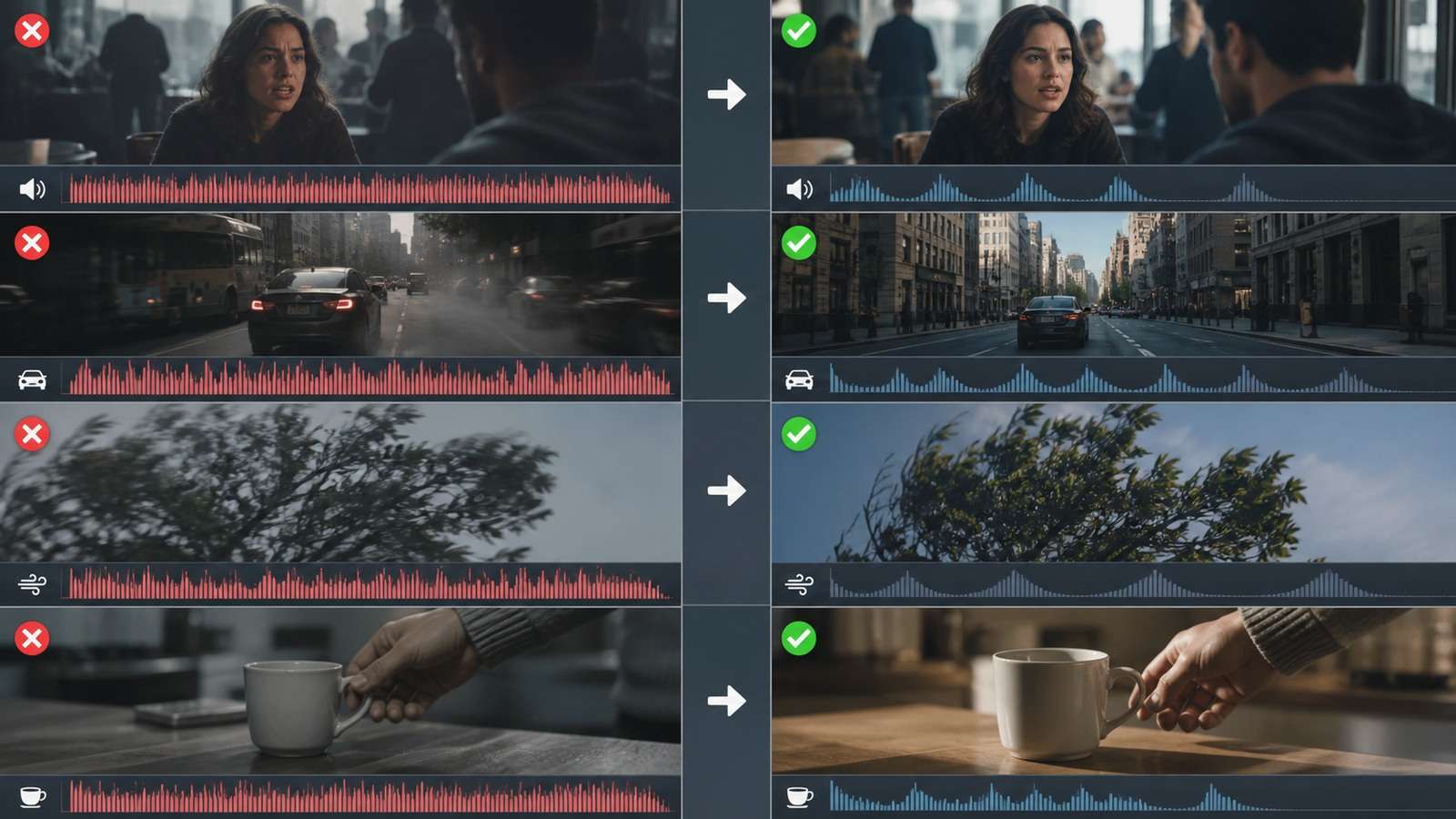
Native audio is most convincing when the prompt defines a small number of audible events with clear sources and timing. Asking for two speakers, city traffic, footsteps, music, wind, a phone notification and an explosion inside a short clip creates competition. The solution is not more adjectives—it is an audio hierarchy.
In This Article
What Does Native Audio Mean in Kling 2.6?
Native audio means the video model generates sound in relation to the visual event. A door slam can occur when the visible door closes; dialogue can follow facial movement; rain ambience can match the exterior scene. This differs from attaching an unrelated soundtrack after rendering.
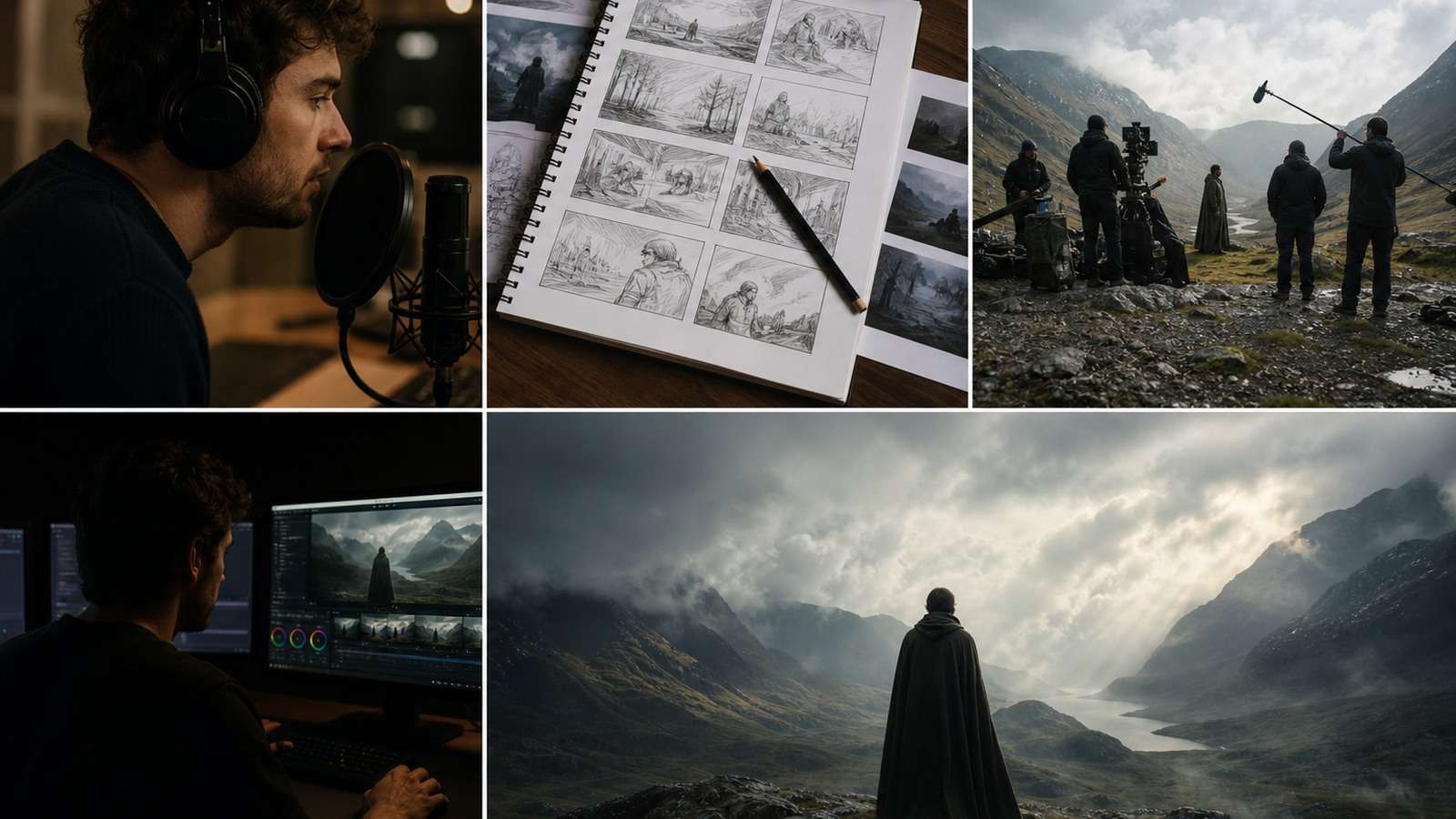
Kling's official Audio User Guide includes prompt guidance, multi-character dialogue examples and common audio trigger words. Its launch material emphasizes cleaner sound, richer layers and an auditory result closer to real-world mixing. Public demonstrations show impressive synchronization, but they also expose limitations in pronunciation, speaker separation, exact music control and crowded mixes.
Native generation is best treat
How to Write Kling 2.6 Native Audio Prompts
1. Establish the Visual Scene
Define location, time, camera and main action. Audio needs a physical space. A whisper in a tiled station should not sound like a close studio recording unless the prompt explicitly requests that contrast.
2. Name Every Important Sound Source
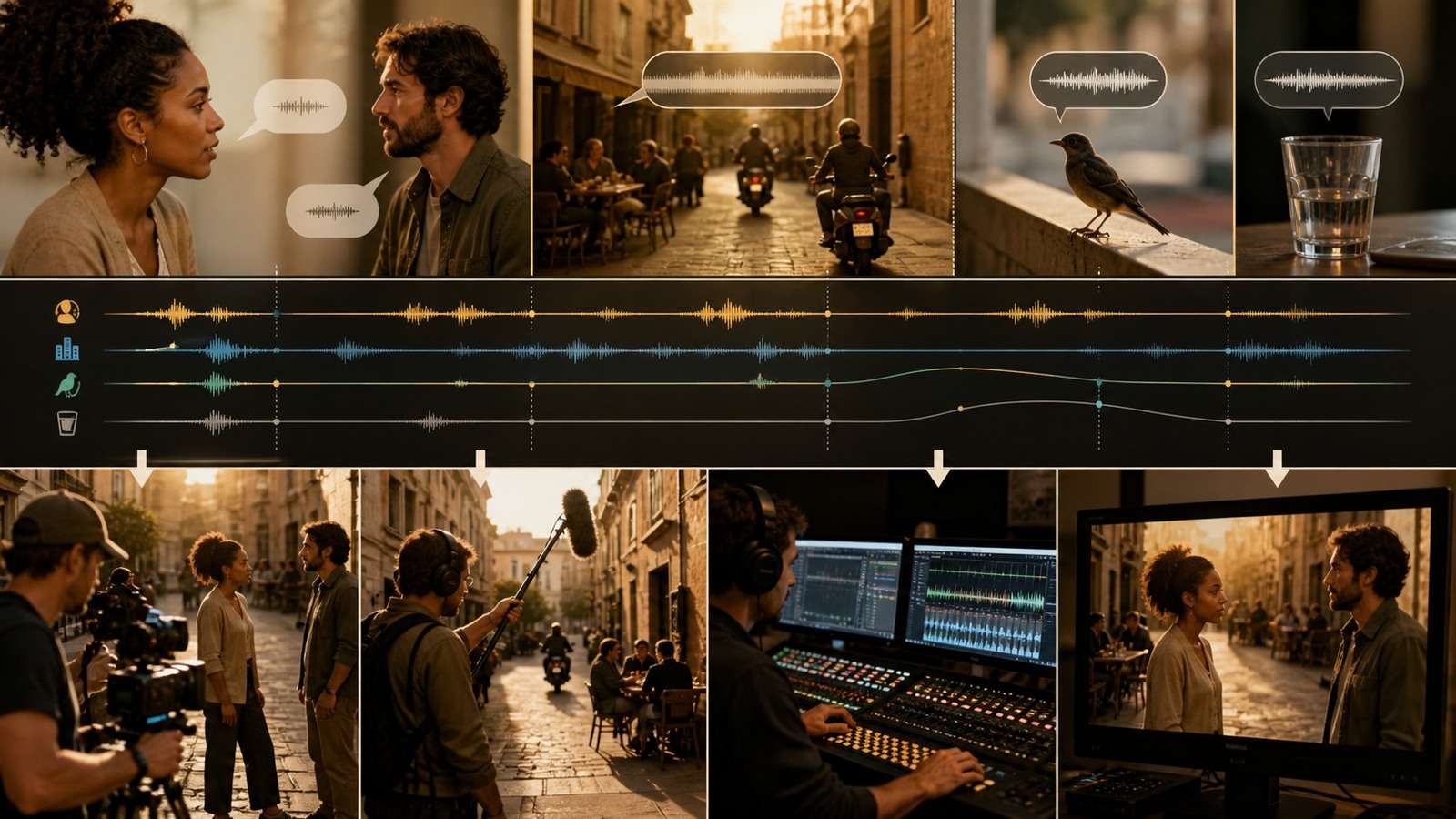
Write “rain hitting the metal awning” instead of “rain sounds.” Link effects to visible objects: leather boots on wet concrete, glass placed on wood, bicycle bell passing camera left.
3. Quote Exact Dialogue
Put required speech in quotation marks and identify the speaker. Keep it short enough for the clip duration. A natural ten-second exchange needs room for pauses, reactions and turn-taking.
4. Describe Voice Performance
Specify age range, emotional tone, pace, volume and delivery—not the identity of a real person. “Low, restrained voice with a tired smile” is more useful and safer than requesting a celebrity imitation.
5. Build an Audio Hierarchy
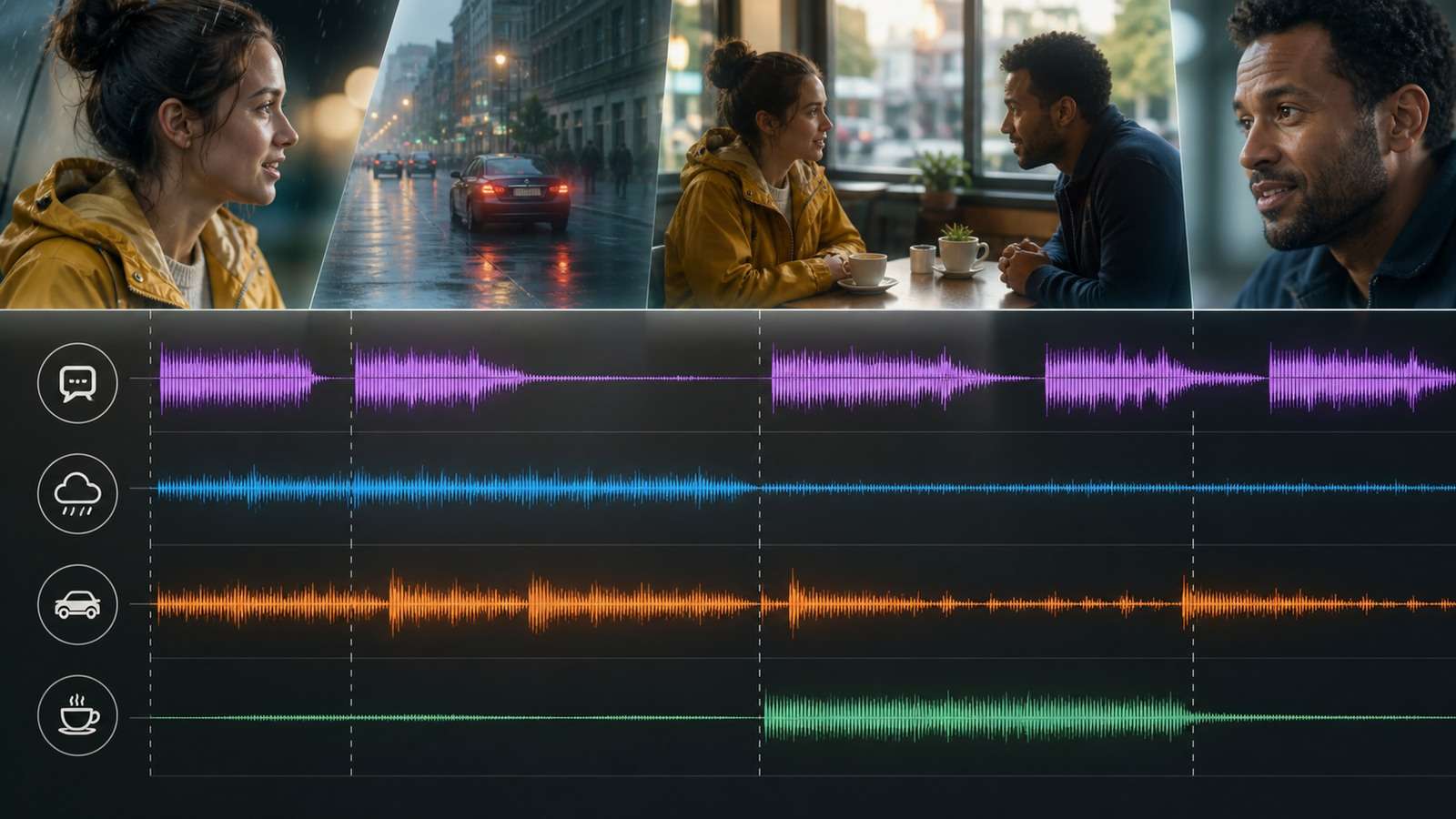
State what is foreground, supporting and distant. For example: dialogue clear in foreground, espresso machine softly behind, street traffic muffled through the window, no music.

ed as a coherent first mix. For brand, legal or dialogue-critical projects, preserve the option to replace speech, music or effects during editing.
6. Use Temporal Cues
Write audio events in sequence: “After the second line, the elevator bell rings; both characters glance ri
For generation access, review current Kling 2.6 image-to-video options and confirm that the selected workflow explicitly supports native audio. Model availability and audio capability can differ between interfaces.
Kling 2.6 Dialogue, Voice and Lip-Sync Prompts
Single-Speaker Dialogue
Use one concise line and pair it with visible intention:
Multi-Speaker Dialogue
Identify each person by stable visual position or clothing. Do not use “he” and “she” when two similar characters occupy the frame.
Talking-Avatar Prompt
For direct-to-camera speech, reduce competing action. If the primary deliverable is a controlled presenter rather than a cinematic scene, an AI spokesperson generator may offer a more targeted workflow.
Kling 2.6 Sound Effects, Ambience and Music Prompts
Sound Effects
An effect should have an object, material and distance. “A ceramic cup cracks on the stone floor beneath camera” is more controllable than “dramatic breaking sound.” Do not request an impact that the image never shows.
Ambient Sound
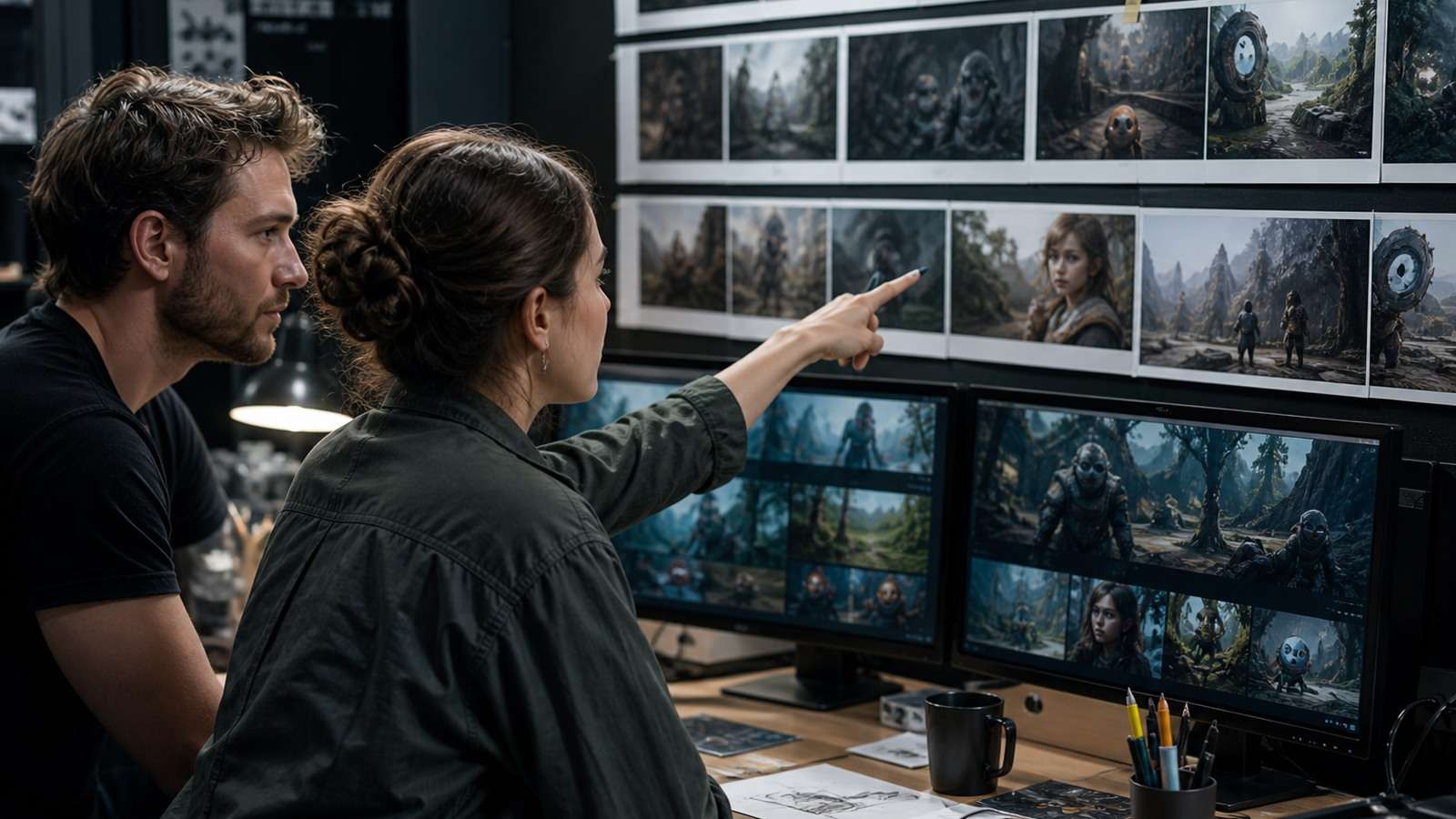
Ambience establishes space but should not become a list of unrelated noises. Choose two or three cues: fluorescent hum and distant trolley wheels for a late-night supermarket; insects, leaves and a far river for a forest camp.
For isolated effects, Media.io's wind sound-effect library can supply a controllable replacement when generated wind masks dialogue or does not match the shot.
Music
Describe function, instrumentation, tempo and entrance rather than requesting a copyrighted song or living artist's exact style. Example: “Sparse muted piano enters after the reveal, 70 BPM, no vocals, supporting rather than overpowering dialogue.”
Singing and Rap
Short musical phrases are easier than a full song. Specify cadence and performance while keeping lyrics brief. Exact melody, rhyme, pronunciation and beat alignment may require a dedicated music
ASMR
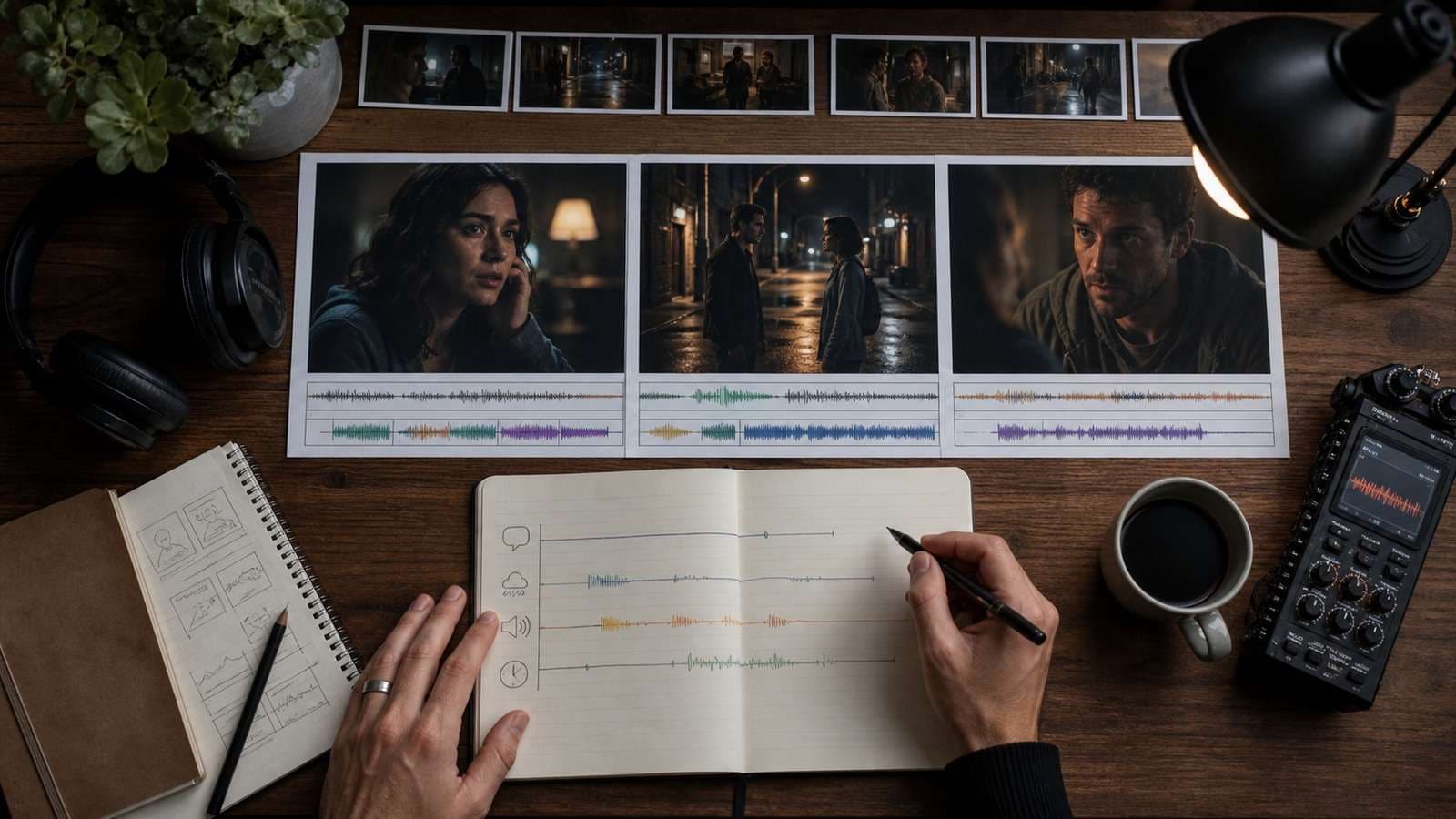
ASMR depends on close-mic detail and low noise. Use one material action per clip and remove music: paper folding, brush on canvas, knife through crisp fruit or ice settling in glass. Specify “close microphone perspective” only when the camera supports an intimate view.
10 Kling 2.6 Audio Prompt Examples
- Product ad: Macro shot of a chilled citrus drink opening on a stone counter. The metal tab snaps crisply, carbonation fizzes close to camera and three ice cubes settle in the glass. Soft summer garden ambience, no voice, no music, exact label preserved.
- UGC review: Vertical phone-camera shot of a creator holding the approved skincare bottle. She says, “This is the first one that did not pill under makeup,” in an honest conversational tone. Quiet bedroom ambience, natural lip sync, no beauty-filter artifacts.
- Cinematic suspense: Slow track down a dark apartment corridor. A floorboard creaks behind camera, keys rattle once inside the locked room and the woman stops breathing for a beat. Low electrical hum, no score.
- Cafe dialogue: Barista places a cup down and says, “Oat milk, extra hot.” Customer replies, “Perfect, thank you.” Cup contact and steam wand behind them, voices separated and foregrounded.
- Nature ambience: Locked wide shot of a pine lake at sunrise. Gentle water against the wooden dock, light wind in pine branches and one distant loon call. No music or human voice.
- Sports action: Low sideline shot as the runner lands, pivots and accelerates. Realistic shoe impacts, fabric movement and controlled breathing; crowd remains distant and diffuse.
- ASMR: Extreme close-up of a chef slicing a crisp green apple on a maple board. Detailed knife contact, skin crack and moist fruit texture, close microphone, quiet room, no speech or music.
- Rap performance: Fixed medium shot of an original fictional performer delivering one short four-bar verse at 92 BPM, confident relaxed cadence, clear consonants and subtle head movement, minimal bass-and-drum beat, no crowd.
- Animated character: Small red robot waves and says in a bright synthetic voice, “Power restored.” Two soft servo movements, confirmation chime after the line, light workshop ambience.
- Travel narration: Handheld view from a ferry deck as a traveler says softly, “The city disappears before you realize you have left.” Wind controlled beneath the narration, gulls distant, engine vibration low and steady.
For ad production, use Media.io AI Ad Generator
Kling 2.6 Audio Prompt Mistakes and Fixes
| Problem | Likely cause | Fix |
|---|---|---|
| Wrong speaker talks | Characters are not labeled clearly | Identify clothing, position and exact lines |
| Both mouths move | Turn-taking is ambiguous | State that only the active speaker moves lips |
| Dialogue is cut off | Too many words for duration | Shorten the line or use a longer supported clip |
| Voice changes mid-shot | Too many performance descriptors | Use one stable voice profile |
| Effects occur off time | No visual or temporal trigger | Tie the sound to a visible action and order |
| Mix is muddy | Every layer is foreground | Define dialogue, ambience and music priority |
| Music overwhelms speech | No mix instruction | Request low supporting music or no music |
| Audio sounds wrong for space | Acoustic environment is unspecified | Describe room size, distance and surface character |
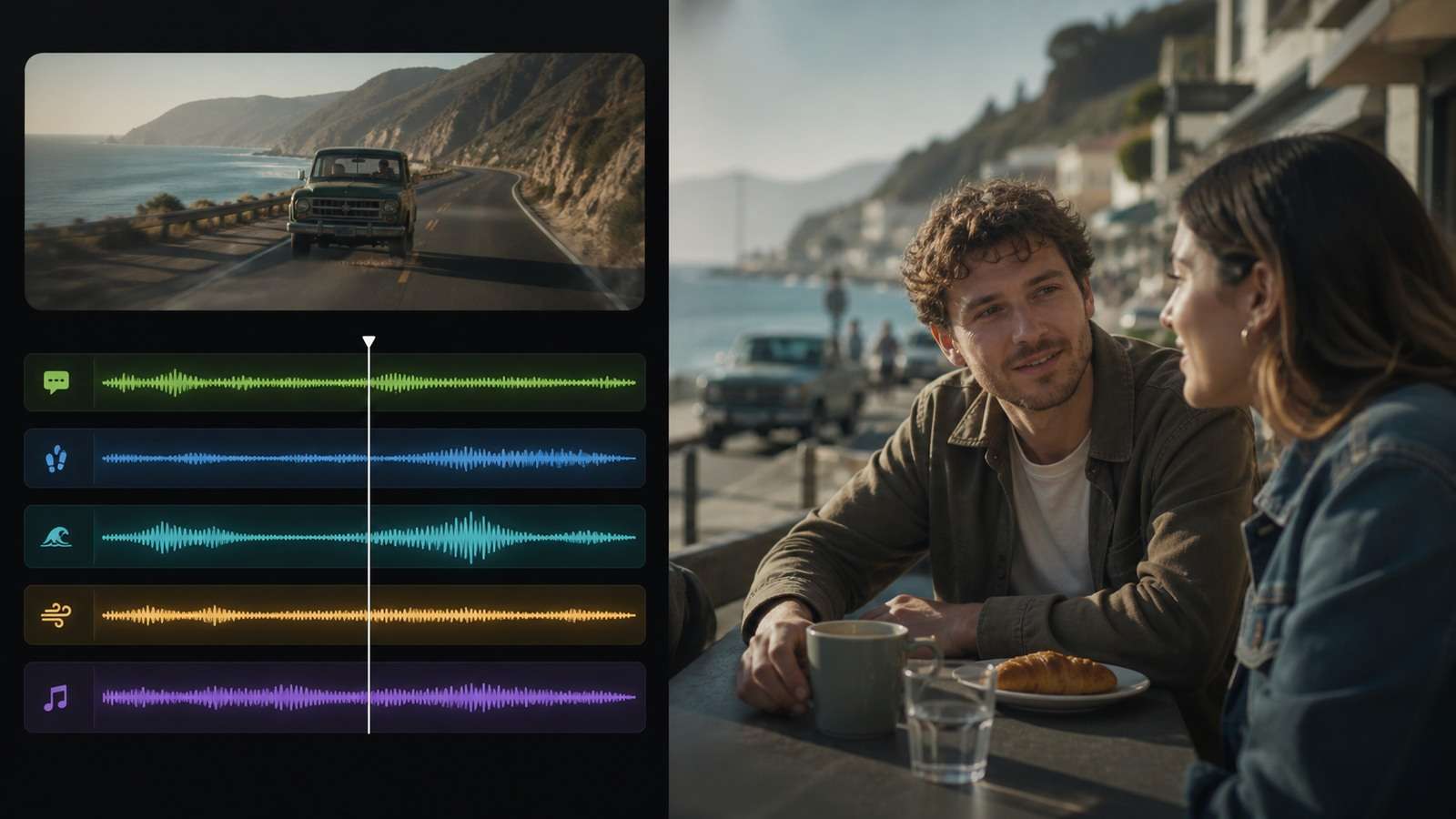
after the offer, proof and audience are approved. Kling can produce an audiovisual shot, while the campaign still needs a hook, claim structure and CTA.
If otherwise useful audio contains steady unwanted noise, use a targeted guide for noise-canceling software. If the generated music and vocal must be separated for remixing, a vocal and instrument separator can help isolate the relevant layer before another edit.
w.media.io/noise-reducer-tips/noise-canceling-software.html" target="_blank">noise-canceling software. If the generated music and vocal must be separated for remixing, a vocal remover can help, though separation artifacts should be checked before commercial delivery.
A Production Workflow for Native-Audio AI Video
- Write the visual beat and audio beat separately.
- Confirm the dialogue fits the clip duration.
- Define speaker, sound source and timing.
- Generate the highest-risk line or effect first.
- Review picture and audio independently.
- Keep the native mix if it works; replace individual layers if it does not.
- Assemble approved shots and normalize levels.
- Add captions from the final speech track.
Use Script to Video to divide a dialogue-heavy concept into scenes before generation. In post, the online video editor can assemble shots and balance replacement audio. Create subtitles with a video caption generator, then manually verify every spoken word.
Native Audio vs Post-Produced Audio
| Use native audio when | Replace or rebuild audio when |
|---|---|
| Visible action and effect synchronize naturally | Product, legal or technical wording must be exact |
| Ambient sound strengthens the generated scene | Voice identity must remain stable across many shots |
| A short emotional performance works as one piece | Music requires licensed stems |
| The clip is an experiment or organic social post | The campaign needs localization and controlled mixing |
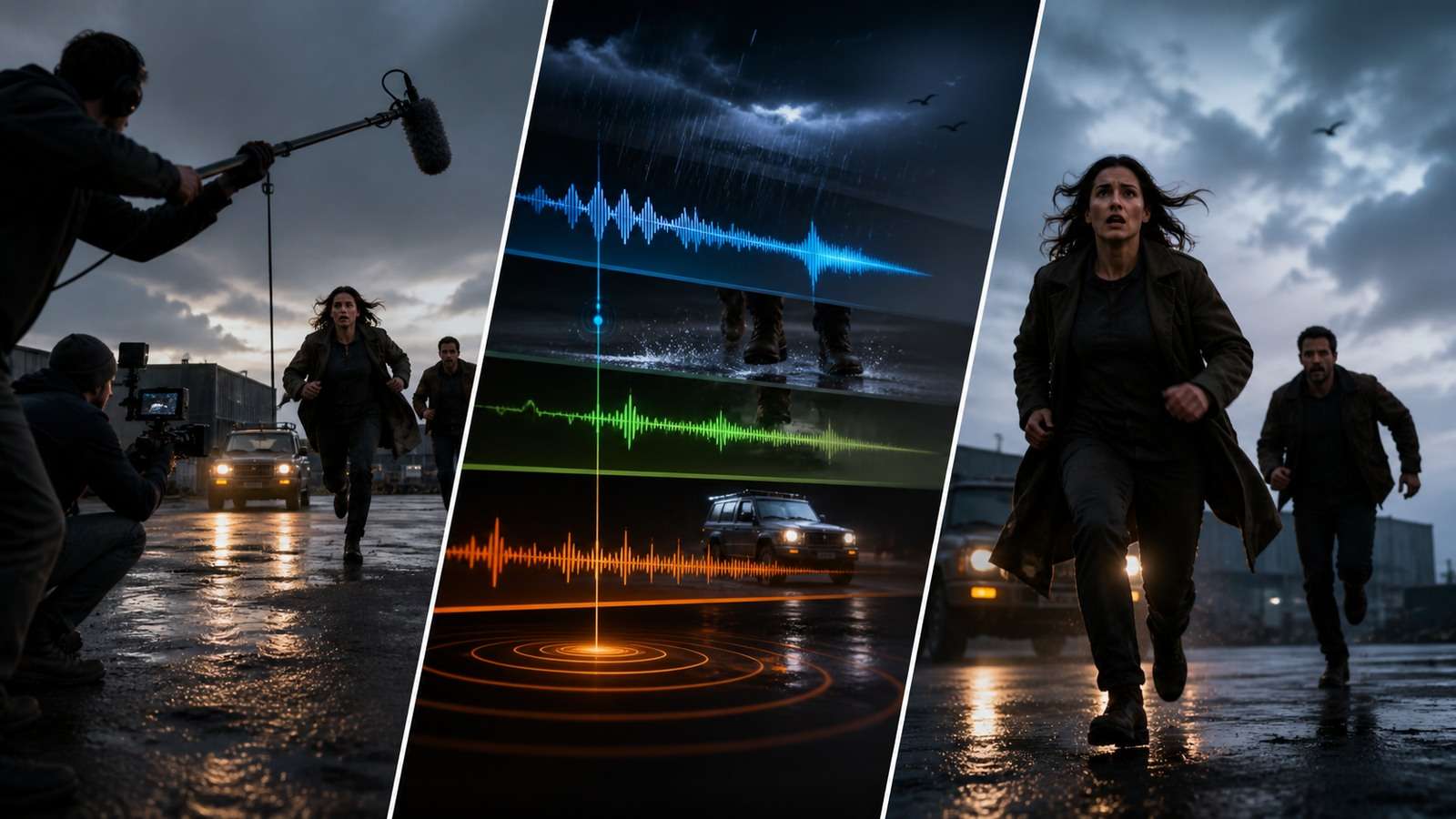
Do not judge only through laptop speakers. Check headphones, phone playback and a small speaker. Dialogue intelligibility, bass and sharp effects change dramatically across devices.
Frequently Asked Questions
-
What audio can Kling 2.6 generate?
Kling 2.6 can generate dialogue, voice, ambience, sound effects and music in relation to the visual scene, although reliability varies with prompt complexity. -
How should I format dialogue in a Kling 2.6 prompt?
Identify each speaker clearly, place exact dialogue in quotation marks and specify voice tone, pace, turn-taking and foreground priority. -
Can Kling 2.6 generate multiple speakers?
Yes, but characters need stable visual labels and short ordered lines. State that only the current speaker should move their lips. -
Can Kling 2.6 create singing or rap?
It can attempt short musical performances, but exact melody, lyrics, rhyme, beat alignment and voice consistency may require dedicated music tools and post-production. -
Why is Kling 2.6 dialogue cut off?
The spoken text may not fit the selected duration. Shorten the line, remove competing actions or choose a longer supported clip. -
Should I keep Kling's native audio or replace it?
Keep it when synchronization and performance work. Replace individual layers when dialogue, licensing, localization, voice consistency or mix control must be exact.
or precise arrangement


