
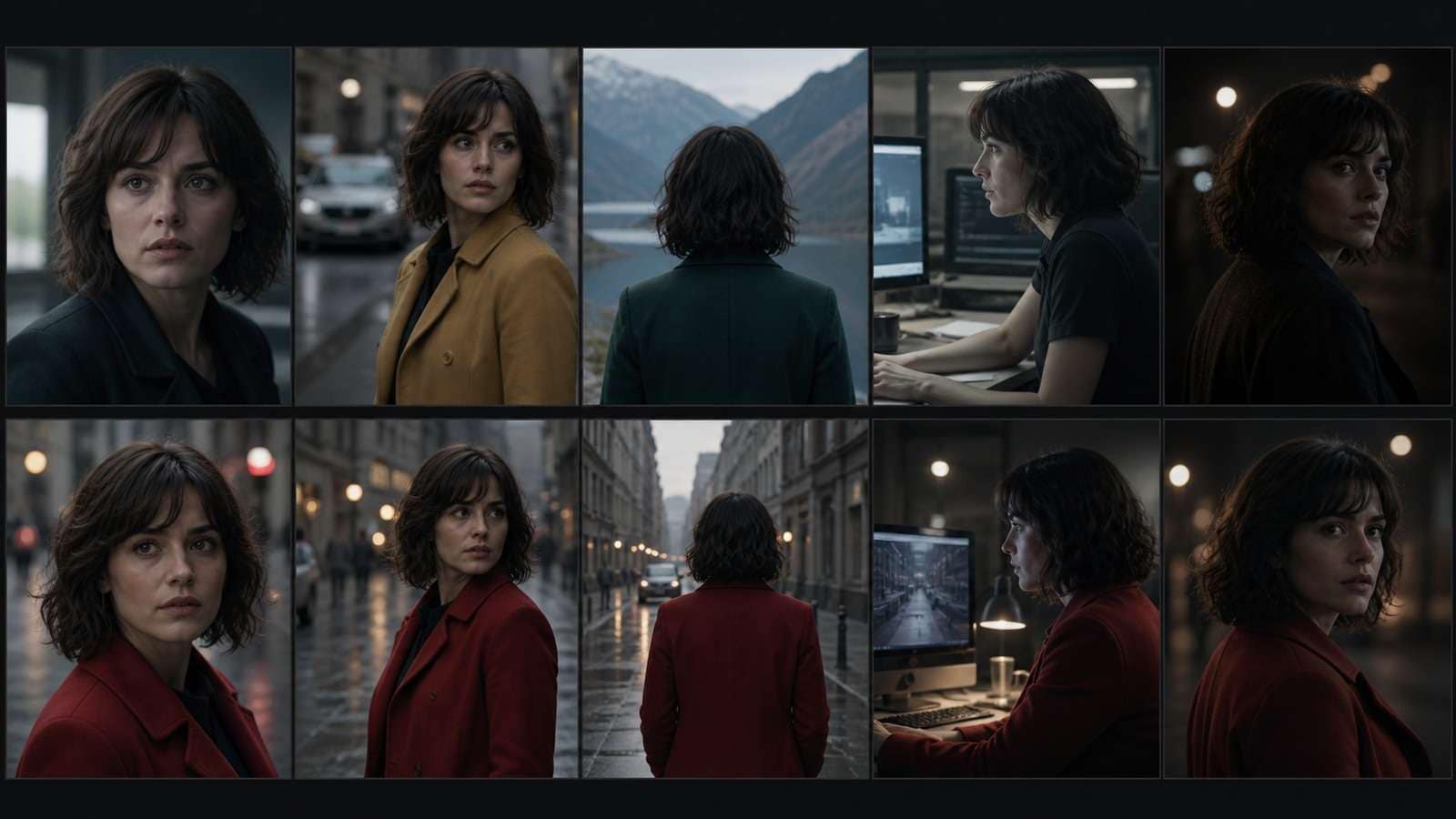
A long AI video fails long before the character's face visibly changes. The coat shifts color, a doorway moves, the hero walks left in one shot and inexplicably continues right in the next, or afternoon light becomes midnight between two angles. Viewers experience all of these as the same problem: the film no longer feels continuous.
In this article
What Long-Form AI Video Really Requires
Long-form does not begin at a fixed minute count. It begins when the audience must remember information from earlier shots: who a person is, where objects are, which direction someone is moving, what time it is, and what the story is trying to resolve.
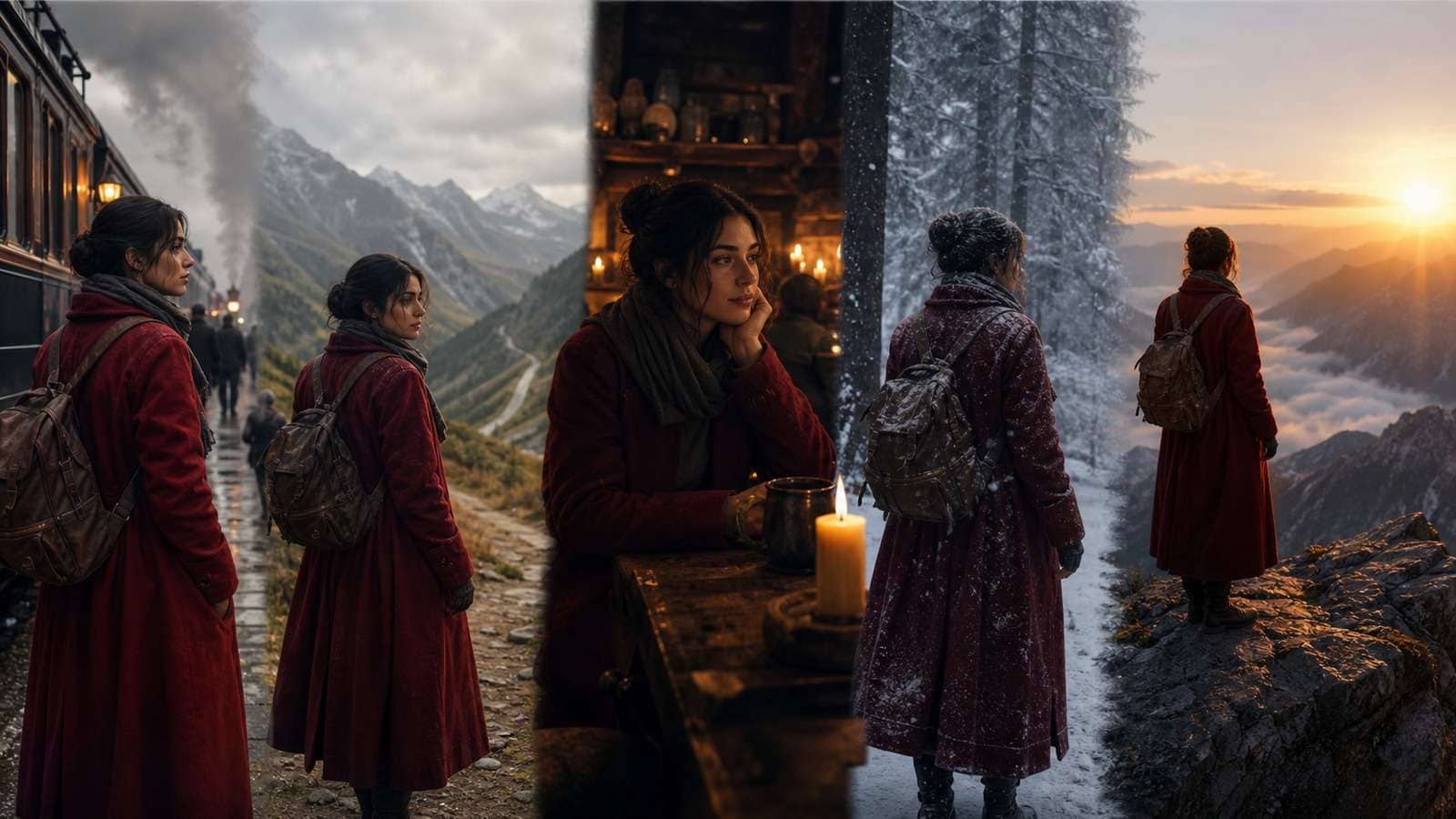
| Continuity layer | What must stay stable | Common failure |
| Identity | Face, age, hair, body proportions, voice, distinctive marks | The protagonist becomes a similar but different person |
| Wardrobe and props | Colors, materials, damage, accessories, object ownership | A coat, bag, weapon, or product changes between angles |
| Location | Architecture, entrances, furniture, geography, weather | Rooms and landscapes reconfigure themselves |
| Action | Pose, hand position, object state, direction of movement | The next shot does not continue the previous physical event |
| Light and color | Time of day, key-light direction, contrast, palette | Adjacent shots feel captured in different worlds |
| Story information | Goals, relationships, cause and effect, emotional state | Shots look attractive but do not advance one coherent narrative |
The high-view tutorials researched for this guide converge on a four-layer pipeline: storyboard and image generation, image-to-video or shot continuation, voice and audio synchronization, then editing. Tool names differ, but the production logic remains stable.
Step 1: Build a Character, Location, and Story Bible
A prompt library is not enough. A production bible records facts that later prompts are not allowed to reinvent. Build it before spending heavily on motion.
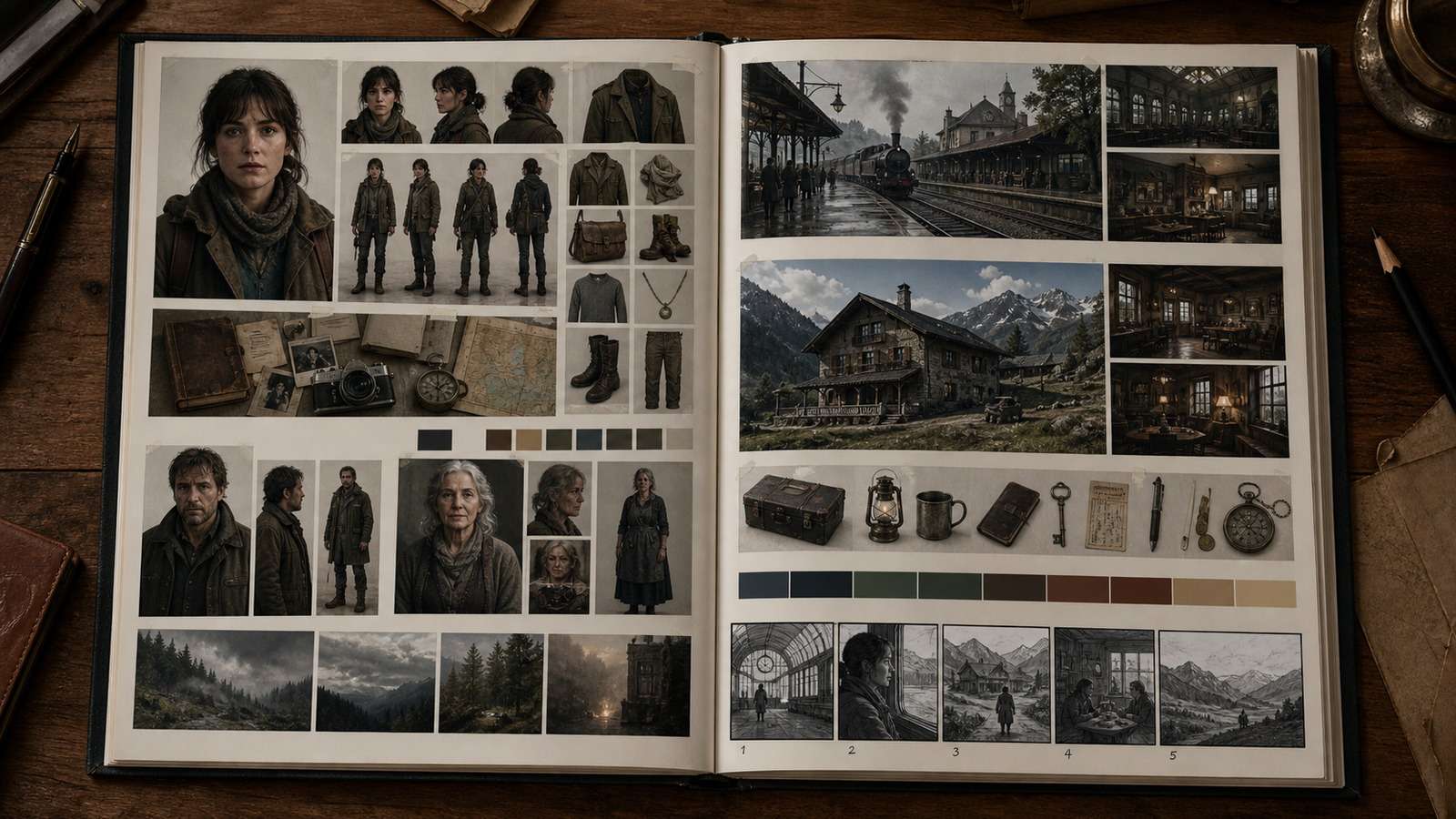
Character bible
- Front, three-quarter, profile, full-body, and important expression references.
- Fixed identity description: age range, facial geometry, hair, skin, proportions, and distinctive marks.
- Default wardrobe plus planned story changes such as wet clothing, damage, dirt, or costume change.
- Voice, speaking rhythm, motivation, relationships, and emotional baseline.
Location and prop bible
- Wide establishing view and detail references for every recurring location.
- Simple spatial map: doors, windows, furniture, travel direction, and where light enters.
- Hero props from several angles, including state changes before and after important actions.
- Palette and lighting rules for each act or emotional phase.
If character design is difficult, a consistent character generator can produce reference-led variations, while an AI storyboard generator can turn the approved visual rules into a sequence before animation begins.
Step 2: Design a Shot System Instead of a Prompt List
A three-minute video at an average shot length of five seconds may require roughly 36 final shots. If each final shot needs three attempts, the project already contains more than 100 generations before revisions. Planning affects cost directly.
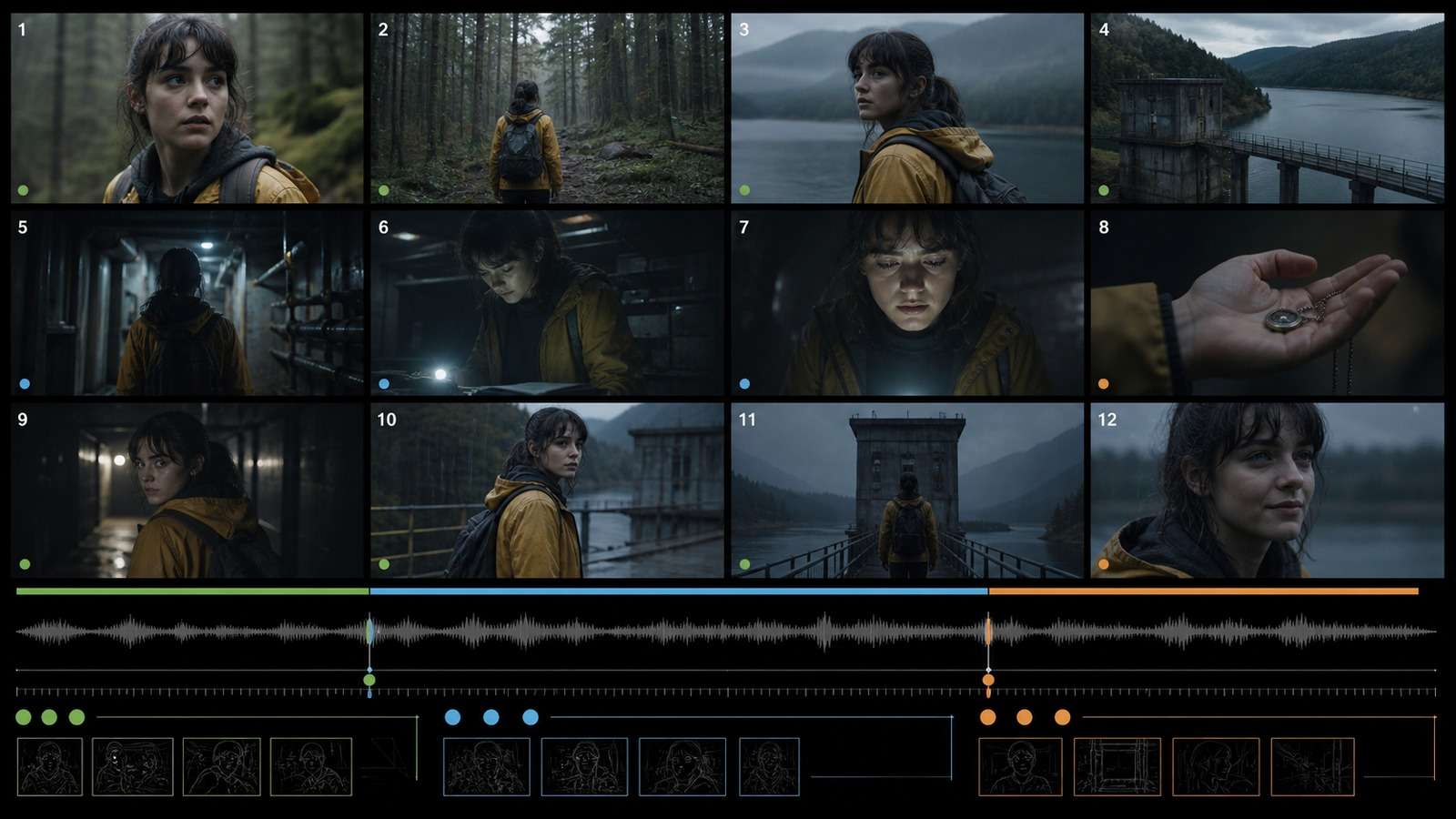
Break the story into acts, sequences, beats, and shots:
- Act: a major phase of the story, such as setup, confrontation, or resolution.
- Sequence: a connected group of events in one location or objective.
- Beat: one change in information, emotion, decision, or power.
- Shot: one visible action from one camera setup.
Give every shot a purpose. “Woman in a station” is not enough. “Reveal that she missed the final train” defines the needed sign, reaction, framing, and duration. A useful shot record includes purpose, start state, end state, character reference, location reference, action, framing, camera move, screen direction, light, duration, audio, and transition.
Step 3: Create Consistent Keyframes Before Motion
Approve the still-image version of every important shot before asking for movement. A source frame locks composition, identity, wardrobe, prop state, lighting, and location more reliably than text alone.
- Create a master keyframe for each new location and wardrobe state.
- For conversations, design both sides of the eyeline and keep screen direction stable.
- For actions, create the beginning and intended ending pose where start/end-frame control is available.
- Use recurring visual anchors: the same window, lamp, vehicle, product angle, or background landmark.
- Keep filenames and shot IDs aligned so images, clips, audio, and edit versions cannot be confused.
The researched workflows repeatedly prioritize consistent source assets before animation. Even when a platform offers character or location references, feeding it approved production images reduces the number of decisions the video model must improvise.
Step 4: Generate Short Clips and Continue Motion Across Shots
Generate one meaningful action per clip. Three to eight seconds is often enough. Use previous frames or clips as continuity anchors rather than restarting every shot from text.
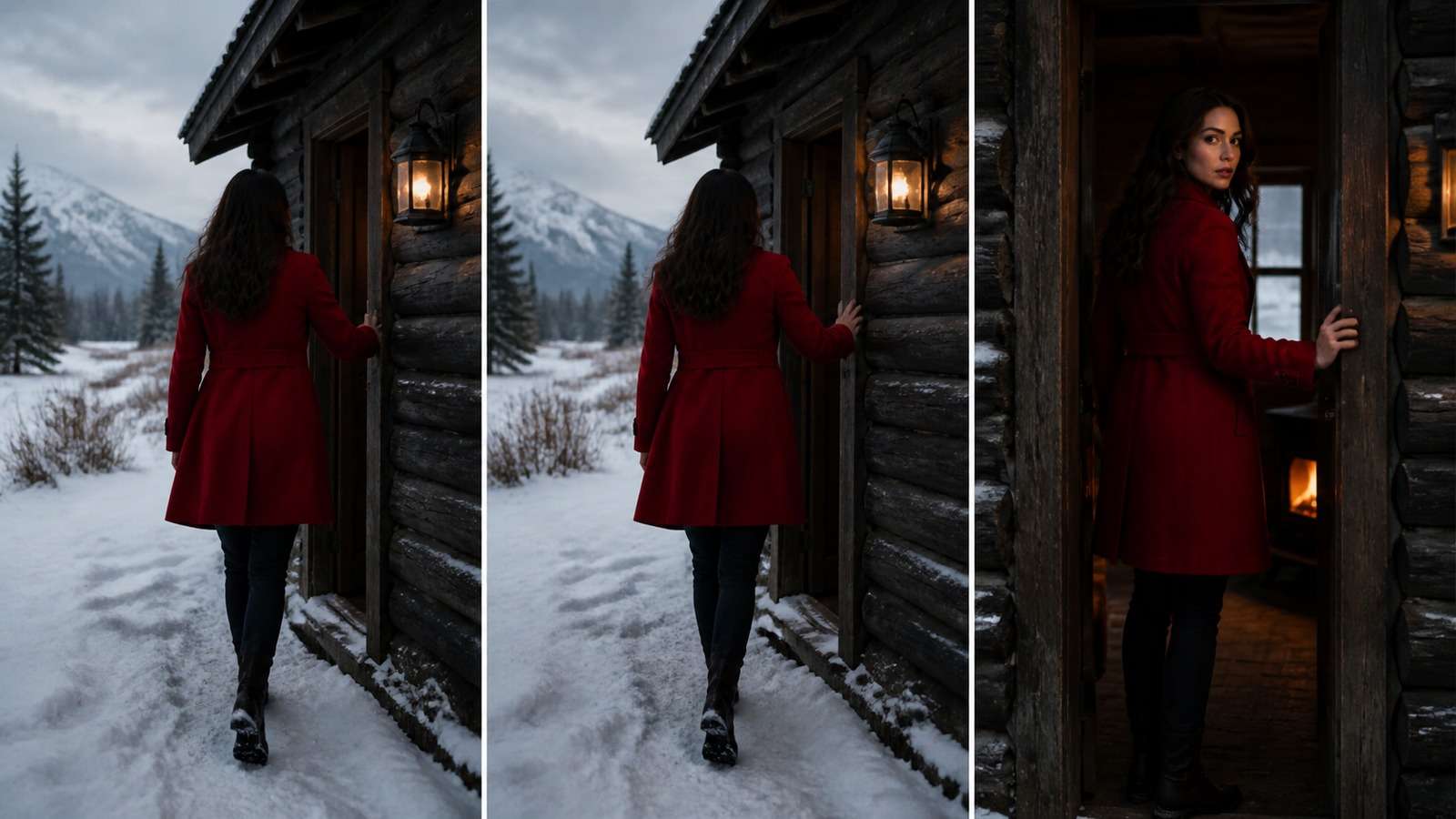
Three continuation methods
- Last-frame continuation: extract the final clean frame, use it as the next input, and prompt only the next action. This is the clearest general-purpose method.
- Start/end frames: supply both poses when the model supports them. This controls destination but may produce unnatural interpolation if the action is too complex.
- Video continuation or clip reference: let the next generation condition on the previous motion. This can preserve momentum but may also carry forward artifacts.
Overlap action around the cut. If a character reaches for a door in shot A, let shot B begin with the hand already near the handle. The editor can cut inside the motion, hiding small mismatches. Do not demand that every generated clip connect perfectly from its first to last frame.
A focused image-to-video workflow is useful when approved keyframes already exist. For long projects, judge a generator by continuity and usable-take rate, not by its most dramatic isolated demo.
Step 5: Use Voice, Sound Bridges, and Editing to Create Continuity
Sound is the cheapest continuity tool in the pipeline. Continuous rain, a train rumble, room tone, music, or narration can connect shots whose visual details are not perfectly identical.
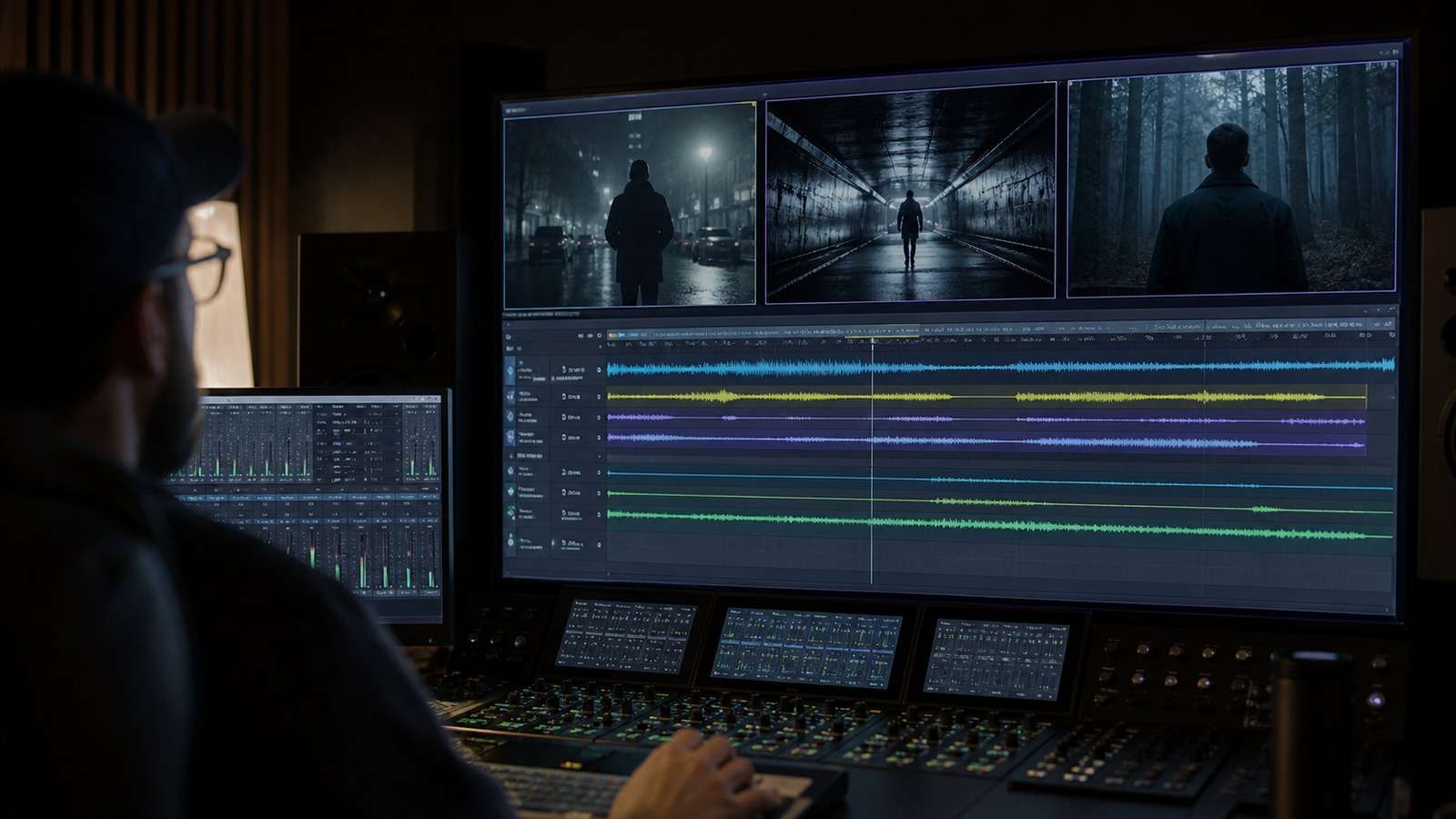
- Record or generate voice early: dialogue duration determines shot duration, reactions, and edit rhythm. A text-to-speech workflow can create a timing track before final voice production.
- Use J-cuts and L-cuts: start the next sound before the picture changes or let the previous sound continue after the cut.
- Layer ambience: one continuous environment bed hides differences in generated clip audio.
- Add specific effects: footsteps, cloth, doors, objects, and impacts make actions feel physically connected.
- Cut on motion: viewers follow the action and are less likely to inspect changing details.
- Use reaction and detail shots: they cover continuity repairs and shorten difficult full-body actions.
Assemble the film in an online video editor or desktop NLE, then generate and review captions with an automatic subtitle tool. Editing is not a final cosmetic step; it determines which generation problems the audience ever sees.
Step 6: Control Cost, Quality, and Rework
The correct unit of cost is not price per generated clip. It is cost per approved second in the final edit.
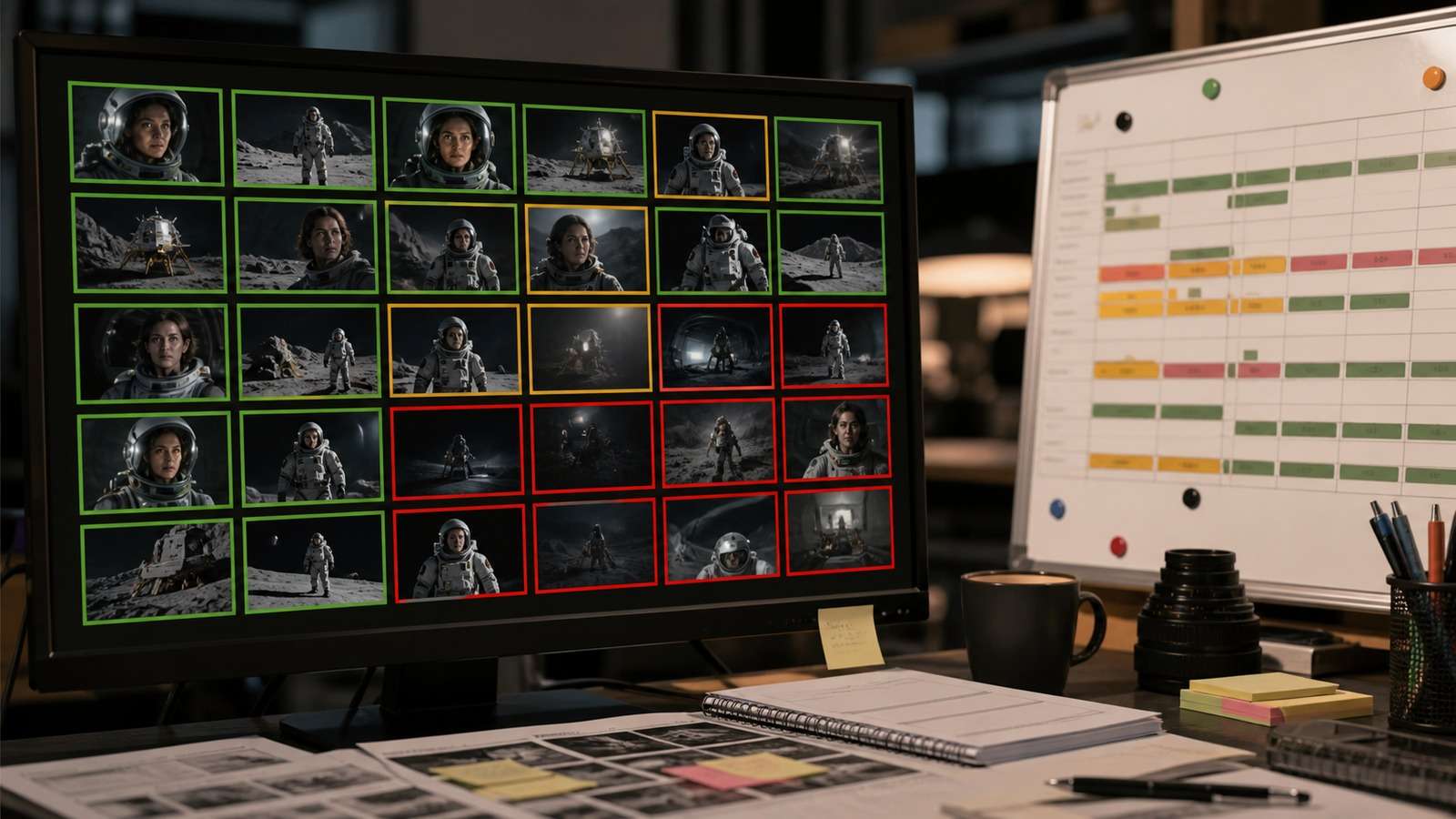
Estimate: final shots × average attempts per shot × generation cost, then add voice, music, enhancement, storage, and editing time. Create a contingency allowance for complex interactions, close faces, recurring props, and dialogue.
| Take status | Action |
| Usable | Meets story and continuity needs; move it into the edit immediately |
| Repairable | Keep if trimming, reframing, speed change, cutaway, sound, or enhancement can hide the flaw |
| Reject | Regenerate only when the shot is essential and cannot be replaced by a simpler coverage plan |
Generate in passes. First prove the story with inexpensive previews. Then upgrade only the shots that survive the rough cut. High-resolution final generation before editorial approval wastes credits on footage that may never appear.
Choose the Best Long-Form Workflow for Your Search Intent
Not every user needs the same level of control. The right workflow depends on whether the goal is a personal story, an animation channel, social episodes, or a carefully directed film.
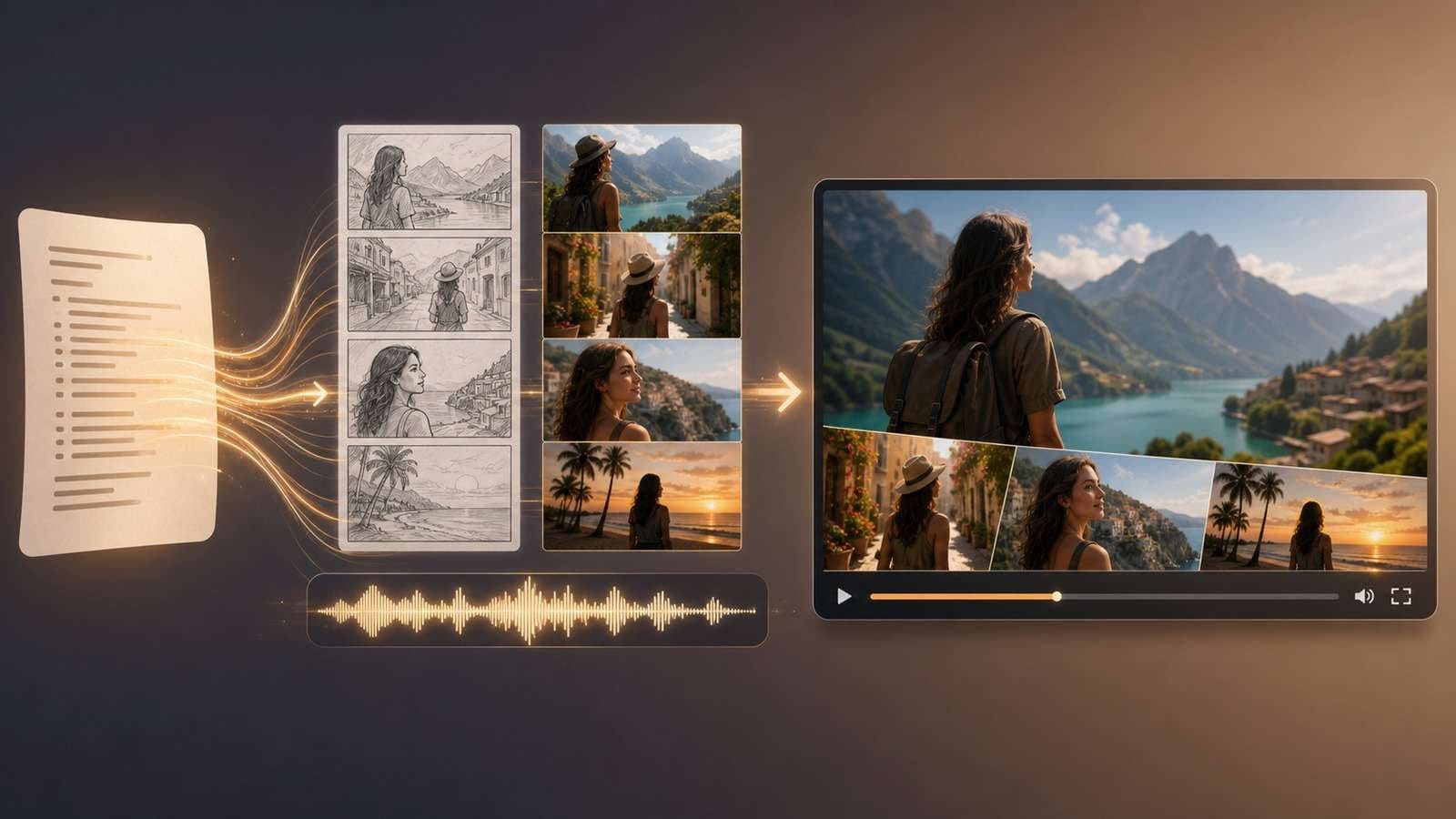
| Goal | Recommended workflow | Why |
| Personal narrative, documentary-style story, or voice-led essay | Script to Video | Starts from the story and narration rather than forcing the user to direct every model shot manually |
| Highly controlled cinematic short | Storyboard + consistent references + image-to-video + dedicated edit | Maximum control over framing, identity, motion, and continuity |
| Recurring animated YouTube story | Character bible + reusable scene templates + voice-first timing | Reduces repeated design decisions across episodes |
| Serialized social storytelling | Viral Studio plus a recurring character and hook structure | Prioritizes repeatable formats, short episodes, and platform pacing |
If the story and voice matter more than model experimentation, begin with the script-led path and refine selected scenes. If shot authorship is the product, accept the additional planning and generate scene by scene.
Turn a complete story script into a first video draft →
Frequently Asked Questions
-
How do you make a long AI video with consistent characters?
Build a character and location bible, divide the story into short shots, approve keyframes before motion, reuse reference assets and identity descriptions, overlap actions between adjacent clips, and edit the best takes with continuous sound. -
Can an AI video generator create a whole long video at once?
Some tools can assemble or extend longer outputs, but one-pass generation usually gives less control over identity, plot, staging, and continuity. A shot-based workflow remains more reliable for deliberate stories. -
How long should each AI-generated shot be?
Many usable shots are roughly three to eight seconds. Use only the duration required for one clear action, then cut or continue from an anchor frame. -
How do you stop AI characters changing between scenes?
Lock facial features, age, hair, wardrobe, proportions, and distinctive accessories in a reference sheet. Reuse approved images or character tools, keep the identity block stable, and avoid changing several visual variables simultaneously. -
What is a character bible for AI video?
It is a compact production reference containing identity views, body proportions, wardrobe, expressions, colors, props, voice notes, relationships, and rules that must remain stable across scenes. -
How much does a long AI video cost to make?
Cost depends on shot count, takes per shot, model pricing, failed generations, voice, music, upscaling, and editing. Estimate by usable shot, not by advertised clip price. -
What is the easiest way to make a long AI story video?
A script-to-video workflow is easier when speed matters more than shot-level model control. For higher control, use a storyboard, consistent references, image-to-video clips, and a dedicated editor.


