
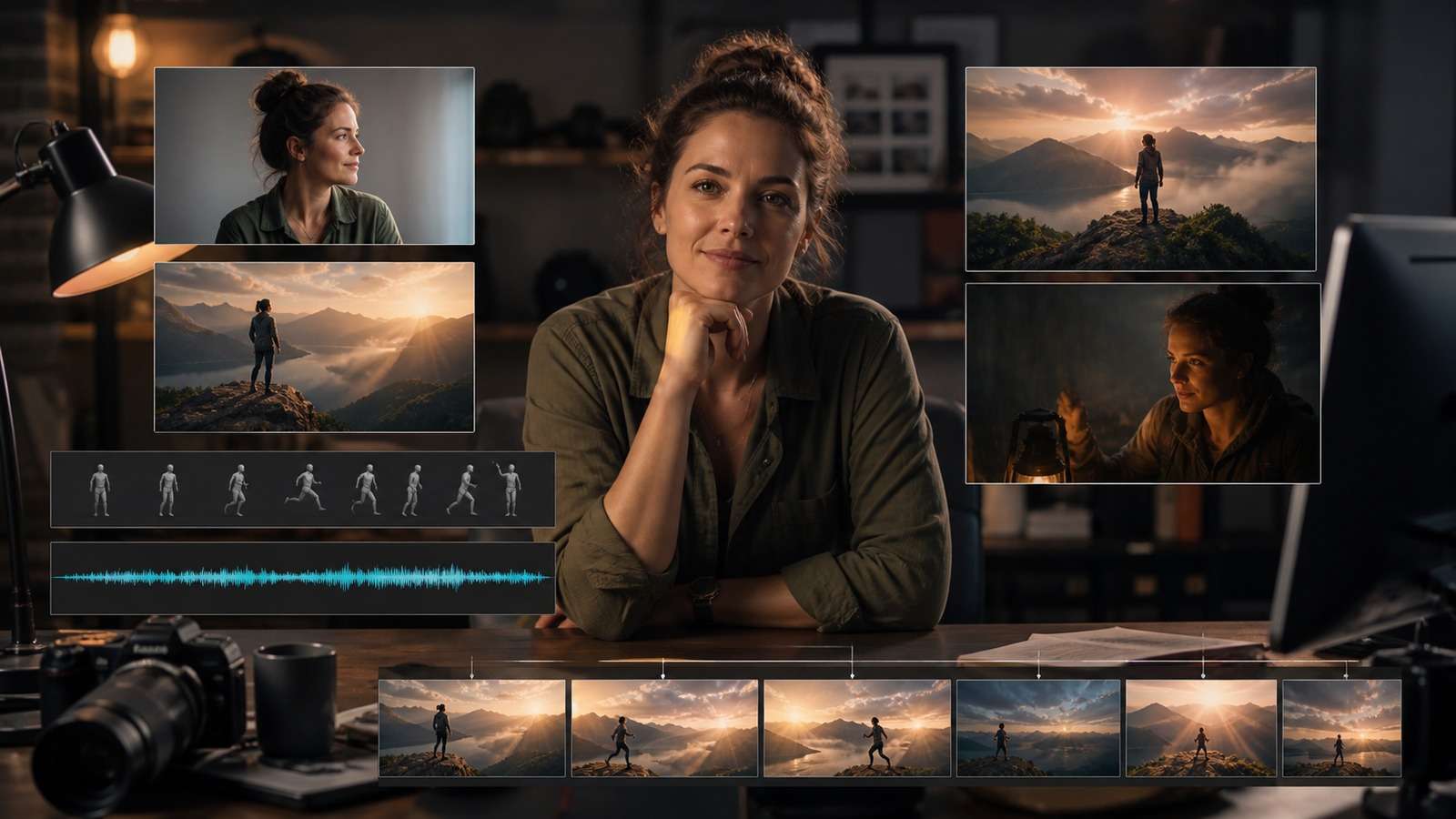
Wan 2.7 AI video model is best understood as a controlled production toolkit rather than one universal generate button. Depending on the platform, the Wan 2.7 family can support text-to-video, image-led animation, first-and-last-frame control, continuation, reference-driven generation, audio-driven motion and prompt-based video editing.
The practical question is not whether every host lists the same features. It is which mode protects the part of your shot that is already correct. This guide explains the model's useful workflows, limitations, prompt structure, test method and where Wan 2.7 fits beside Wan 2.6 and Seedance 2.5.
In this article
Wan 2.7 AI: Quick Verdict
The model is attractive for ideation because it offers several ways to constrain a shot. It can also produce usable commercial footage, but production readiness depends on the host, settings and source assets. Community reports range from strong motion and temporal stability to soft reference details and hallucinated textures. Treat those reports as reasons to run your own matched tests rather than as a universal verdict.
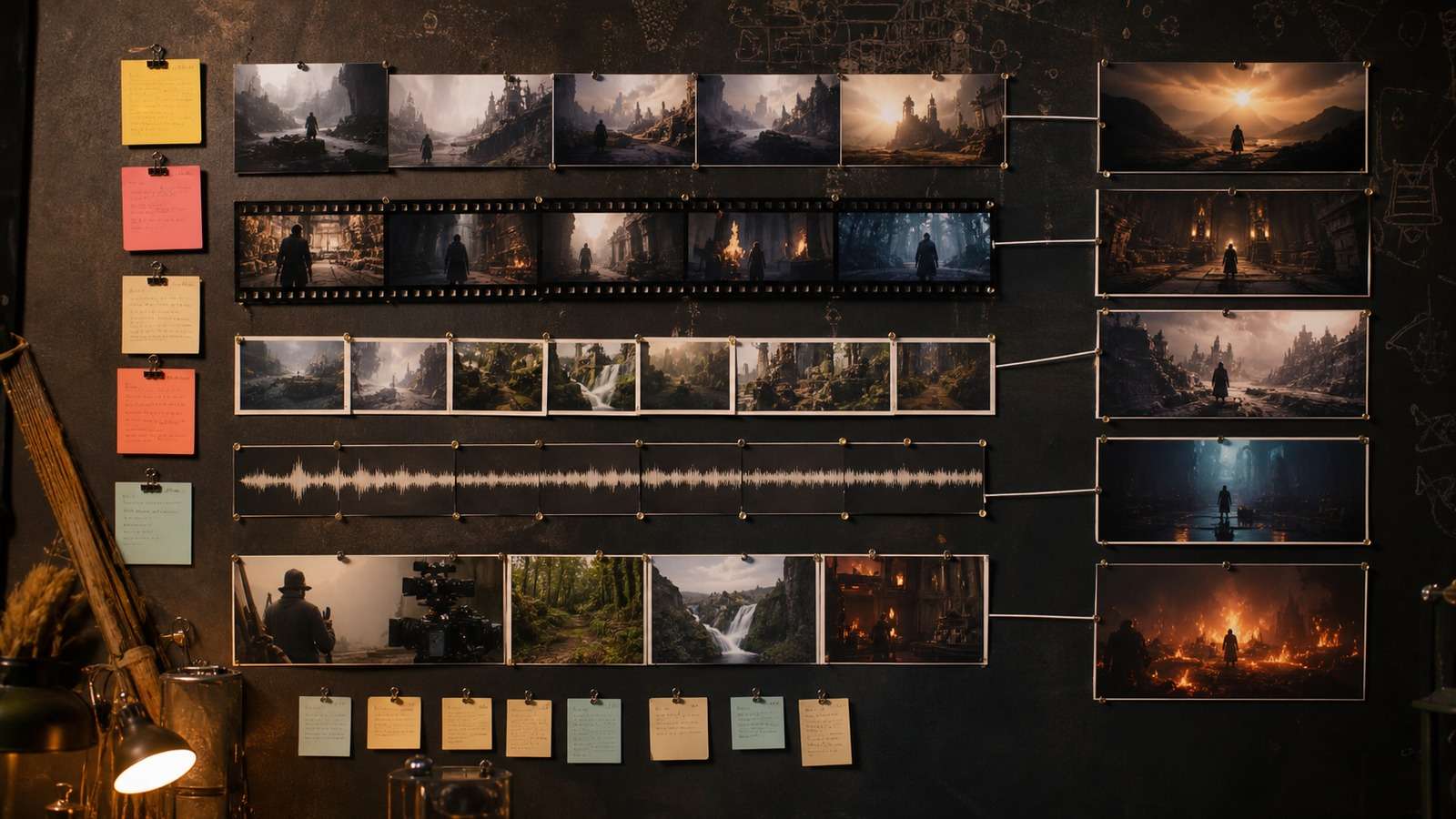
What Wan 2.7 Video Generator Can Do
| Workflow | Best input | What it protects | Main risk |
|---|---|---|---|
| Wan 2.7 text to video | Structured shot brief | Creative freedom | Identity and object invention |
| Wan 2.7 image to video | Approved keyframe | Composition, subject and style | Detail softening during motion |
| First-last-frame | Two compatible frames | Start and destination | Unnatural bridge or morphing |
| Wan 2.7 reference to video | Curated subject/style references | Recurring visual traits | Conflicting references |
| Continuation | Clean final frames | Existing action and camera state | Seam or direction change |
| Audio-driven | Clean speech or rhythm | Timing and performance cue | Lip-sync and identity drift |
| Wan 2.7 video editing | Approved source clip | Existing performance and timing | Unintended changes outside edit |
Feature names vary across providers. Confirm that a platform exposes the exact mode you need before buying credits. “Powered by Wan” does not guarantee the same resolution, duration, queue, negative prompt, reference count or editing control as Alibaba Cloud documentation.
For a model-agnostic starting point, Media.io's AI Image to Video workspace is useful for testing whether an approved still can survive motion before you commit to a complex Wan-specific pipeline.
Choose the Right Wan 2.7 Generation Mode
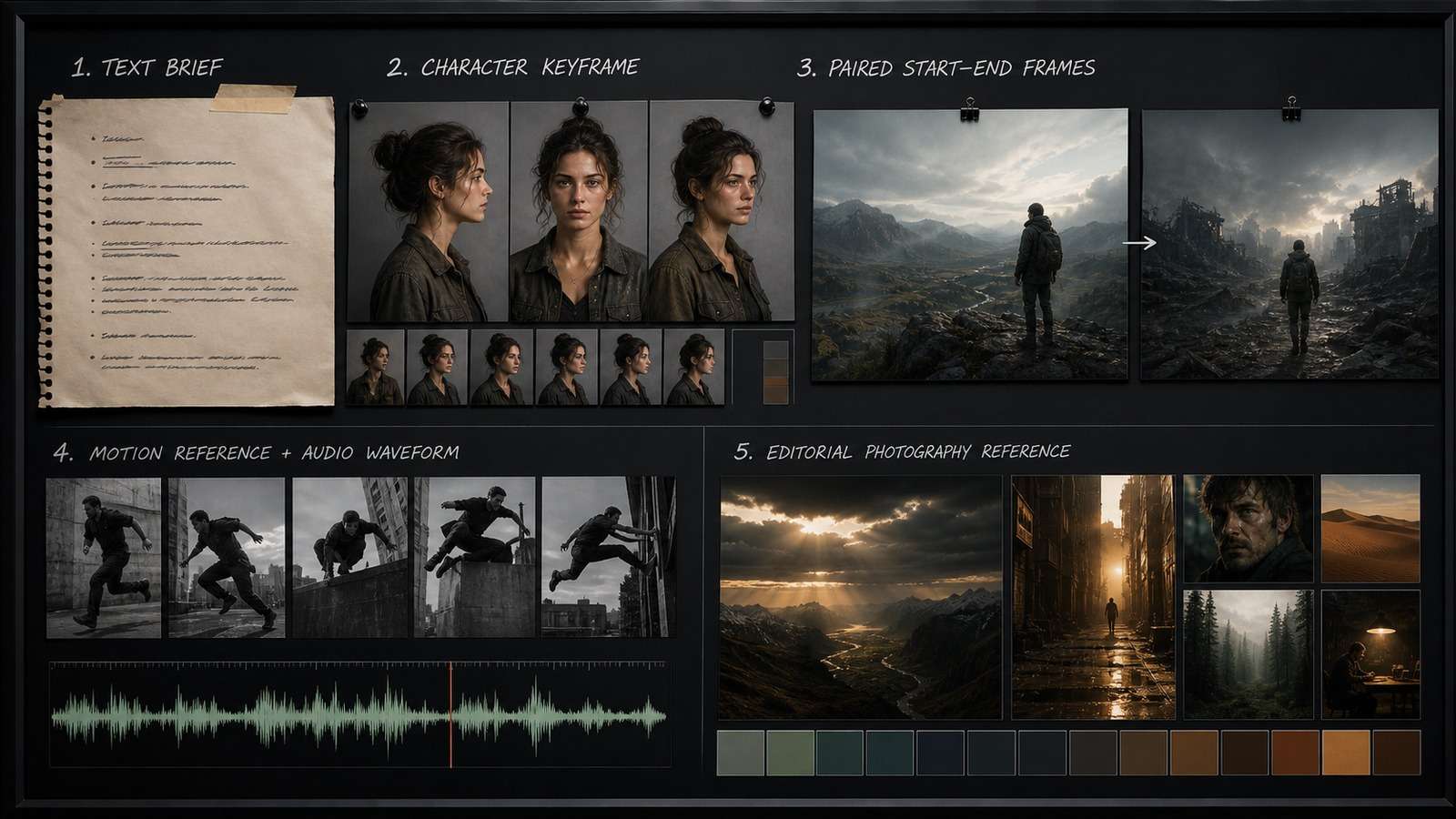
Use text-to-video for discovery
Wan 2.7 text to video is appropriate when composition and subject details are still flexible. Use it to explore camera concepts, environments and actions. Do not use a text-only shot as the final fidelity test for a recurring character or branded product.
Use image-to-video for identity and art direction
Wan 2.7 image to video gives the model a visible source of truth. The keyframe should already contain the approved face, wardrobe, product, environment, light and camera angle. Describe motion rather than redescribing everything in the image.
Use first-last-frame control for planned transitions
Two frames can define where a shot starts and ends, but they must be physically compatible. A standing portrait and an unrelated aerial scene force the model to invent a transformation. Prefer a controlled pose change, camera move, object reveal or lighting transition.
Use continuation for length, not reinvention
Continue from a clean segment with stable motion and an unobstructed final frame. State what carries forward: same person, movement direction, camera speed, lighting and environment. If the source ends during a blur or cut, the extension has a weak anchor.
Wan 2.7 Prompt Guide
A reliable Wan 2.7 prompt guide separates what is fixed from what should change:
Example:
Keep one main action and one camera move per short shot. If a generation fails, the simpler structure reveals whether the problem is identity, physics, prompt adherence or camera competition. For repeated characters, prepare an AI character turnaround sheet with neutral front, profile and full-body views.
Wan 2.7 Multi-Shot and Character Consistency
Wan 2.7 multi shot production should use an asset ledger rather than a new prose description for every scene. Store the approved character, wardrobe, environment, hero object, lens language and ending state of each shot.
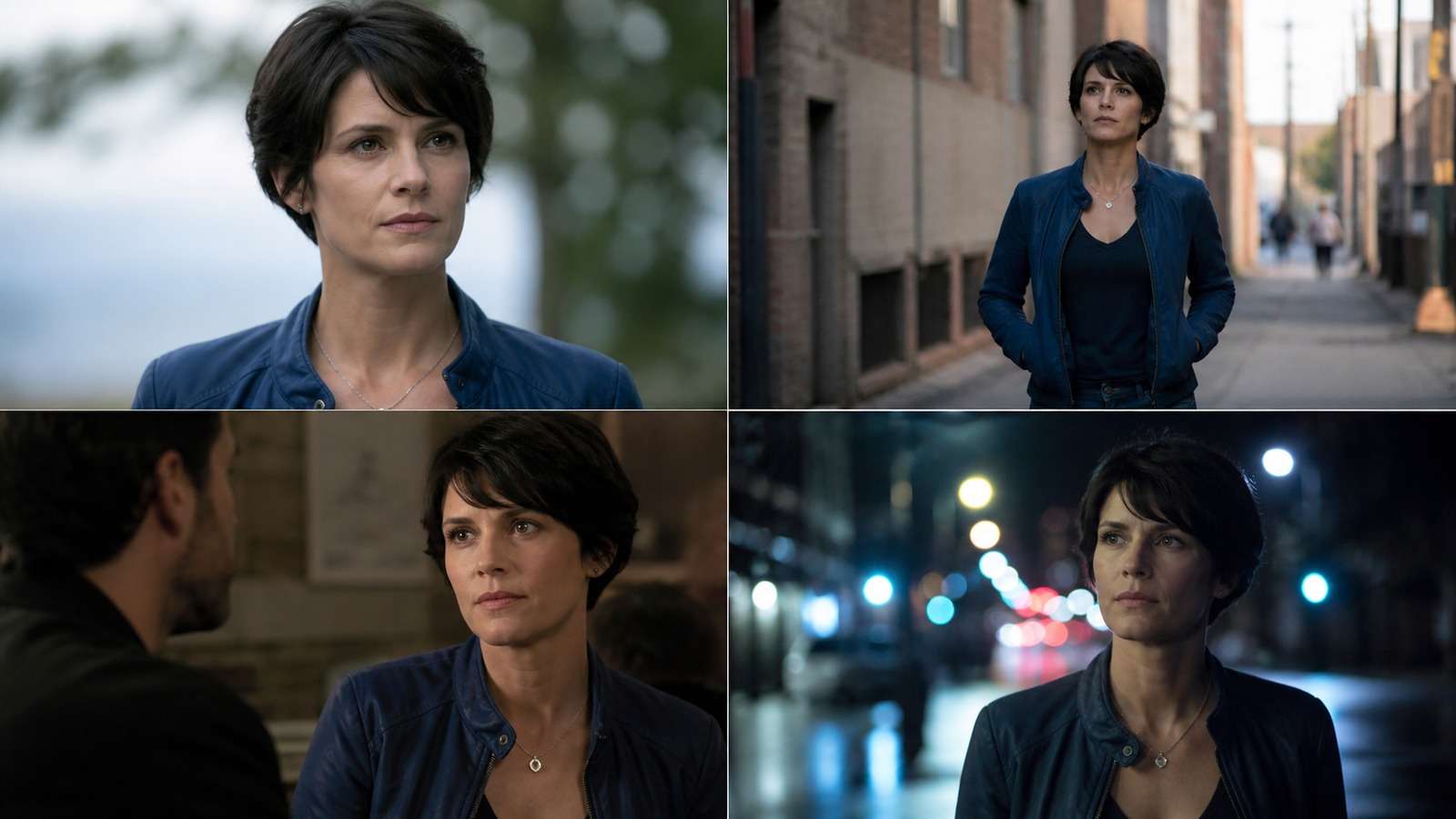
- Identity: reuse the same neutral master image and only necessary angle references.
- Wardrobe: specify material, structure, color and accessories, not “casual clothes.”
- Environment: preserve layout, key props, light direction and time of day.
- Objects: include scale and interaction references for anything touched.
- Camera: keep a limited lens and movement vocabulary across the sequence.
- Shot state: record where props, characters and movement finish.
Wan 2.7 character consistency should be measured at the first, middle and last frame, then against adjacent shots. A good first frame can hide facial drift later in the clip. If a reference becomes blurry during motion, reduce camera movement, enlarge the subject in the keyframe and shorten the action.
When the broader story needs scene planning before generation, Media.io's AI multi-scene video generator can turn a script into a structured scene plan, while Wan handles selected motion shots.
Wan 2.7 Video Editing and Motion Transfer
Prompt-based editing is valuable because it starts from an existing performance. Local editing changes a region or attribute; global editing changes the overall style, setting or visual treatment. In both cases, write an explicit preservation clause.
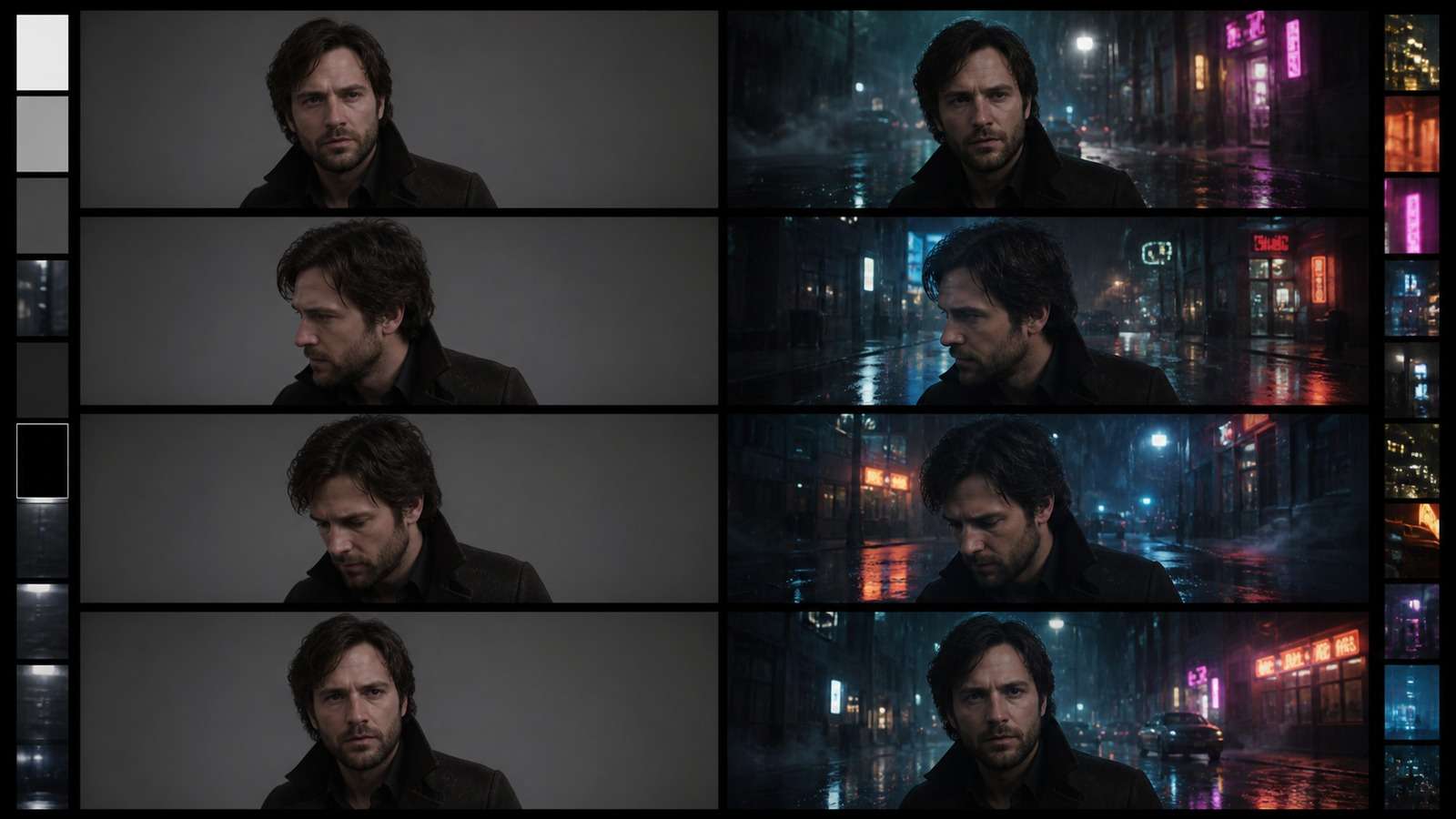
- Identify the exact change: background, garment color, object, weather or style.
- List invariants: face, body, performance, camera, timing and unaffected objects.
- Run the smallest possible edit before a full transformation.
- Compare boundaries around the edited region frame by frame.
- Reject changes that improve the target but damage identity or motion elsewhere.
Motion transfer and video reshaping require the source action to be readable. Occluded limbs, fast cuts and severe motion blur create ambiguity. Clean the source and isolate the useful section before transfer. If spoken content is present, extract and audit it with a video-to-audio converter so a visual edit does not hide an audio error.
Wan 2.7 Product Ads and Audio Video Workflows
Wan 2.7 product ads should begin with a stationary fidelity test. Confirm package proportions, material, cap, logo position and label layout before adding hands or dialogue. Then increase difficulty one step at a time: camera move, product rotation, simple interaction and creator demonstration.

Wan 2.7 audio video workflows can use sound to guide timing and performance where the host supports it. Review exact wording, pronunciation, synchronization, acoustic continuity and usage rights separately from the picture. Native sound is a production input, not automatic approval.
For sellers who want product-page ingestion and repeatable variants rather than manual shot direction, Media.io's AI Ad Generator provides a more automated ecommerce route.
Wan 2.7 vs Wan 2.6 and Seedance 2.5
| Decision | Wan 2.6 | Wan 2.7 | Seedance 2.5 |
|---|---|---|---|
| Use established workflow | Strong fit | Requires host verification | Requires host verification |
| Image-led motion | Capable | Strong focus with multiple control modes | Strong reference workflow |
| Editing and transfer | Platform dependent | Core differentiating use case | Strong edit/extend orientation |
| Long coordinated scenes | Shorter modular production | Mode and host dependent | Often preferred for longer audio-video sequences |
| Ideation cost | Depends on host | Often positioned competitively | May justify higher cost for accepted output |
In a Wan 2.7 vs Wan 2.6 decision, stay with 2.6 when a proven workflow already meets the brief. Move to 2.7 when first-last-frame, continuation, audio-driven control or editing materially reduces downstream work.
For Wan 2.7 vs Seedance 2.5, use a matched test instead of showcase clips. Community observations often position Wan as useful for ideation and variations, while Seedance may produce fewer but more immediately usable commercial outputs. That is not a universal benchmark. Test the same portrait dialogue, action, product and continuation prompts, then count accepted seconds per credit and repair time.
Media.io also provides the established Wan 2.6 text-to-video workflow, which is useful as a controlled baseline when evaluating whether a newer hosted Wan implementation delivers a practical upgrade.
Wan 2.7 API, Pricing and Platform Checklist
Wan 2.7 API buyers should verify the exact model ID and documentation rather than relying on a marketing label. Record:
- Supported task: text, image, first-last, continuation, reference, audio or editing.
- Resolution, duration, aspect ratios and frame rate.
- Reference limits and accepted media formats.
- Queue, timeout, retry and moderation behavior.
- Price per generation or compute unit and failed-job policy.
- Output retention, privacy, commercial rights and regional availability.
- Whether seeds, negative prompts, masks or output IDs can be reused.
Wan 2.7 pricing can differ significantly across API aggregators and creative platforms. Compare total accepted-output cost, not only advertised cost per clip. Include retries, upscaling, audio replacement, continuity repair and editor time.
Use a five-prompt benchmark before committing: portrait dialogue, complex action, product interaction, first-last transition and local edit. Store settings and output IDs. If a provider cannot reproduce a result or clearly identify its model version, it is difficult to use in a controlled production pipeline.
A Production QA Scorecard
Review every candidate at full resolution and score the same categories from one to five. Prompt adherence asks whether the intended action and camera actually occurred. Identity fidelity checks face, age, hair, wardrobe and body proportions. Object fidelity checks geometry, text-like detail, scale and contact. Temporal quality covers flicker, warping, physics and background stability. Audio quality covers exact wording, clarity, synchronization and room continuity. Editability measures whether a defect can be isolated without destroying approved work.
Do not average away a critical failure. A product ad with excellent motion but a changed package is not a four-star result; it fails the brand requirement. Establish minimum gates for each use case. A concept clip may tolerate soft background detail, while a paid advertisement may require exact product identity, approved claims and clean hands.
Prepare source images before the benchmark. If a keyframe is too small or compressed, improve it with an AI image upscaler, then confirm that the enhancement has not changed the face or product. After dialogue is locked, create and proofread captions with a video caption generator.
Finally, record accepted seconds per generation rather than counting completed jobs. Two providers may charge the same amount for a ten-second clip, but one may deliver eight usable seconds while the other requires three retries. This metric combines quality and cost in a way that a headline price cannot.
After approval, create delivery copies with an online video compressor while retaining the highest-quality master.
Frequently Asked Questions
-
What is Wan 2.7?
Wan 2.7 is part of Alibaba's Wan model family, with hosted implementations supporting combinations of text-to-video, image-to-video, controlled transitions, continuation, audio-driven motion and video editing. -
Is Wan 2.7 open source?
Do not assume every Wan 2.7 service provides downloadable open weights. Verify the specific official release and host terms; access can be offered through closed APIs or platforms. -
Is Wan 2.7 better than Wan 2.6?
It can be a practical upgrade when newer control or editing modes reduce repair work. Wan 2.6 remains valid when an established workflow already produces acceptable results. -
Can Wan 2.7 keep characters consistent?
It can use image and reference-led control, but reliable character consistency still requires curated assets, stable wardrobe and environment definitions, short controlled shots and cross-shot review. -
Is Wan 2.7 good for product ads?
It can generate and edit product footage, but packaging, hands, claims and audio must be tested progressively and reviewed at full resolution.


