
The best local AI video generator is not one universal model. It is the model-and-workflow combination that fits your GPU memory, acceptable generation time, desired resolution, input type, and tolerance for installation and debugging. For most creators, Wan workflows offer the broadest starting point, LTX-Video is compelling for fast iteration, FramePack targets longer image-to-video continuity, HunyuanVideo favors ambitious quality, and CogVideoX offers an accessible open-source ecosystem.
This comparison synthesizes the recurring evaluation methods used in high-view local-generation videos from Kevin Stratvert, AI Search, and CyberJungle: measure real VRAM use, generation time, setup friction, prompt adherence, motion, consistency, and license fit instead of judging one showcase clip.
In this article
Best Local AI Video Generators: Quick Recommendations
| Local option | Best for | Main trade-off |
| Wan 2.x in ComfyUI | Best overall ecosystem for text-to-video, image-to-video, community workflows, and camera experiments | Exact performance depends heavily on checkpoint, quantization, nodes, and workflow |
| LTX-Video | Fast previews, iterative shot development, and creators who value speed | Fast drafts still require careful prompt and refinement choices |
| FramePack | Longer image-to-video sequences with a strong starting image | Longer duration does not automatically solve story or identity drift |
| HunyuanVideo | High-quality experiments on stronger hardware | Demanding setup, memory, storage, and generation time |
| CogVideoX | Open-source experimentation through code, Diffusers, or community web interfaces | Output quality and speed vary substantially by version and optimization |
Version numbers and hardware claims change quickly. Treat the recommendations as workflow directions, then verify the exact repository, license, model card, and memory-saving options before downloading large checkpoints.
Hardware, Storage, and the Real Cost of Running AI Video Locally
VRAM is the first filter, but it is not the only one. System RAM, storage speed, model size, resolution, frame count, precision, quantization, offloading, attention implementations, and decoding all affect whether a workflow runs comfortably.
| Approximate tier | What to expect | Best strategy |
| 12-16GB VRAM | Experimental access through lighter, quantized, offloaded, or lower-resolution workflows | Start small, use proven community templates, limit frames, and expect longer waits |
| 24GB VRAM | A practical enthusiast tier for a broader range of workflows and fewer compromises | Compare quality and speed presets; monitor peak memory rather than advertised averages |
| 48GB+ VRAM | More freedom for demanding models, higher resolutions, larger frame counts, and development work | Optimize for throughput and repeatability rather than assuming maximum settings are always useful |
The real cost also includes a compatible GPU, electricity, hundreds of gigabytes of storage, driver and dependency maintenance, failed generations, and the time spent diagnosing custom nodes. Local can be economical at high volume, but it is not automatically cheaper for occasional use.
The Best Local AI Video Generators Reviewed
1. Wan 2.x in ComfyUI: Best Overall Local Ecosystem
Wan workflows are a strong general recommendation because the ecosystem supports text-to-video, image-to-video, different checkpoints, memory optimizations, camera-focused workflows, and extensive community experimentation. In practice, most users run the model through ComfyUI rather than treating it as a standalone desktop application.

Why choose it: broad community support, reusable node graphs, controllable input pipelines, and a large body of troubleshooting knowledge. Watch for: workflows labeled “Wan” can behave very differently because of checkpoint size, quantization, text encoder, VAE, sampler, LoRA, resolution, and custom-node choices.
Best fit: users who want one expandable local environment and are willing to understand the graph instead of pressing a single generate button.
2. LTX-Video: Best for Fast Iteration
LTX-Video is attractive when feedback speed matters. Fast previews allow creators to test composition, motion, timing, and prompt direction before committing to a slower high-quality pass.

Why choose it: a faster iteration loop changes how you direct video. Instead of waiting for one expensive attempt, you can compare several motion ideas and refine the strongest. Watch for: speed does not remove the need for strong source images, concise prompts, and quality review.
Best fit: previs, shot exploration, creative testing, and teams that value more feedback cycles over maximum quality on the first run.
3. FramePack: Best for Longer Image-to-Video Continuity
FramePack is designed around generating longer sequences from constrained memory by processing temporal information efficiently. Its practical appeal is not “unlimited video”; it is the ability to explore longer motion from a strong reference image without requiring the largest workstation.

Why choose it: longer image-led motion and a workflow that can remain accessible on consumer hardware. Watch for: identity, action logic, and background details can still drift as duration increases. Long output should be reviewed in segments, not accepted because the first frames look correct.
Best fit: portraits, atmosphere, slow actions, music visuals, and longer shots that begin from a carefully designed frame.
4. HunyuanVideo: Best for Quality-Focused High-End Experiments
HunyuanVideo is better suited to users who prioritize ambitious visual quality and have the hardware or optimization experience to manage a heavier workflow. It is frequently approached through official code, Diffusers integrations, or community ComfyUI implementations.

Why choose it: strong research pedigree and high-quality output potential. Watch for: download size, setup complexity, inference time, memory requirements, and the difference between an official configuration and a heavily optimized community build.
Best fit: technical users, research, quality comparisons, and high-end local experimentation where generation time is secondary.
5. CogVideoX: Best Accessible Open-Source Development Path
CogVideoX remains useful for creators and developers who want an open ecosystem with repository examples, Diffusers support, and community demos. It can be approached through Python, notebook-style workflows, web demos, or ComfyUI integrations.
Why choose it: flexible development routes and a mature body of open-source examples. Watch for: older tutorials may use different model versions or hardware assumptions, so confirm the current branch, license, and optimization instructions.
Best fit: developers, educators, reproducible experiments, and users who prefer established open-source integrations.
How to Install and Run a Local AI Video Workflow
- Audit the machine: record GPU model, VRAM, system RAM, free storage, operating system, driver, and CUDA or equivalent runtime.
- Choose one maintained installation path: official repository, Diffusers, a trusted launcher, or ComfyUI. Do not combine several tutorials during the first install.
- Download the exact model components: checkpoint, text encoder, VAE, image encoder, and any required nodes or configuration files.
- Run the official or recommended example unchanged: confirm the environment before customizing resolution, frames, sampler, or quantization.
- Save a known-good workflow: record versions and keep the first successful graph as a recovery baseline.
- Add optimizations one at a time: quantization, offloading, tiled decoding, attention changes, compilation, or upscaling.
A local workflow is a small software system. Back up working environments and exported graphs before updating custom nodes. “Update everything” is often the fastest way to break a repeatable installation.
How to Compare Local AI Video Quality Fairly
Use the same three tests for every model: a simple text-to-video camera shot, an image-to-video identity shot, and a human-object interaction. Record resolution, frames, generation time, peak VRAM, seed, settings, and whether the output is actually usable.
| Criterion | What to inspect |
| Prompt adherence | Subject, action, environment, composition, and camera behavior |
| Temporal stability | Faces, limbs, textures, product shape, and background detail across frames |
| Motion quality | Natural acceleration, contact, fabric, hair, camera path, and absence of warping |
| Efficiency | Peak VRAM, generation time, storage, setup time, and failed-run cost |
| Editability | Clean openings and endings, useful duration, predictable framing, and compatibility with finishing tools |
| License fit | Commercial permissions, distribution terms, attribution, and restrictions for the exact model |
After generation, a sitemap-valid browser video editor can be used for trimming test outputs, while a video enhancement comparison helps evaluate whether local clips need upscaling or cleanup before publishing.
Local AI Video vs Cloud Tools: Choose by the Actual Content Job
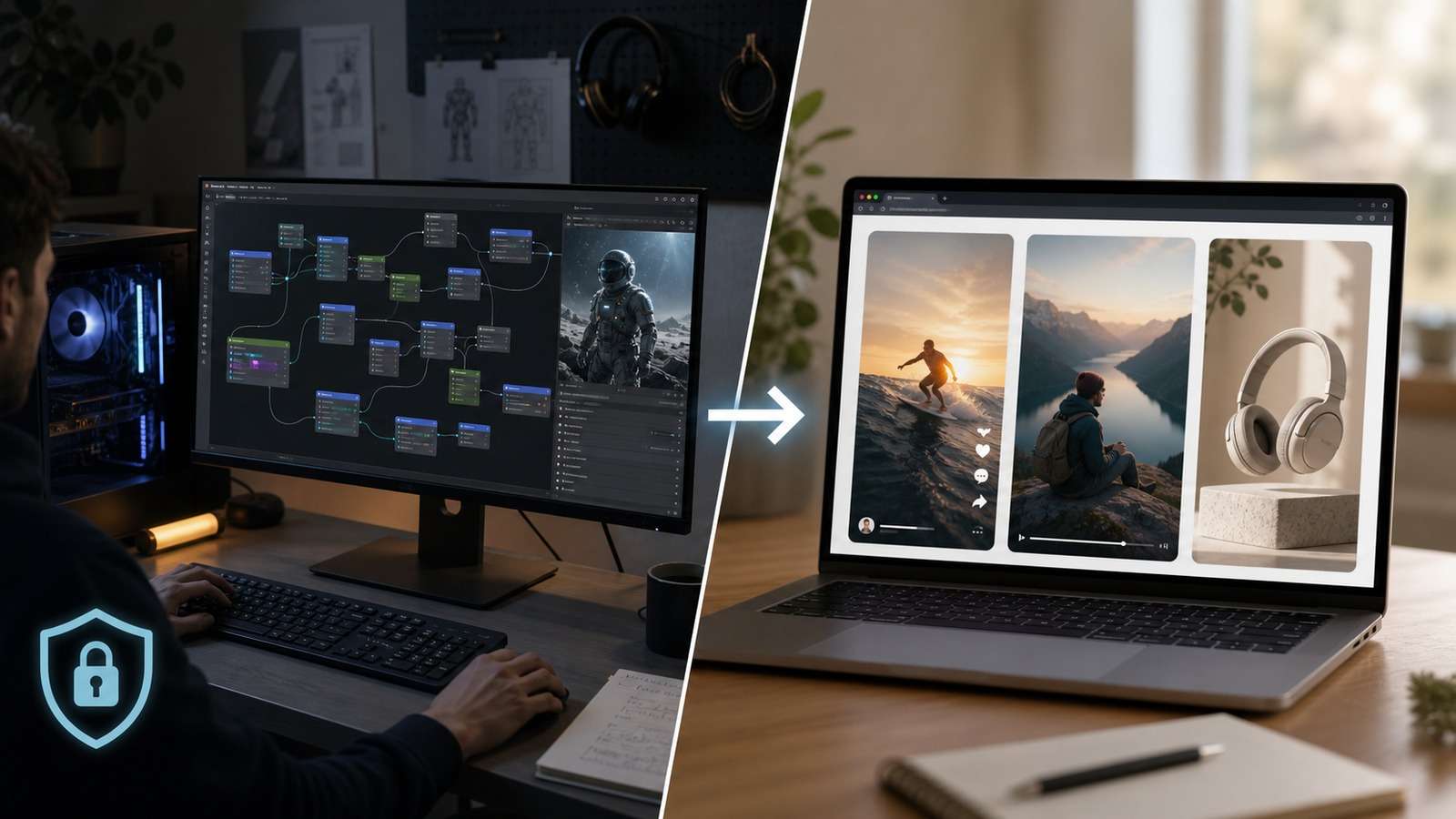
Local generation is the right choice when privacy, repeatability, model experimentation, custom workflows, or high-volume control justify the hardware and maintenance. A browser workflow is often more efficient when the goal is a finished campaign asset rather than model research.
| Your actual goal | More efficient direction | Relevant Media.io route |
| Experiment with checkpoints, custom nodes, LoRAs, or private source media | Local workflow | Use one of the local stacks reviewed above |
| Produce social clips around trends, hooks, and reusable viral formats | Purpose-built browser workflow | Viral Studio |
| Turn a personal narrative, idea, or script into a structured story video | Script-led generation workflow | Script to Video |
| Create ecommerce product ads without building every shot manually | Commerce-focused ad generation | AI Ad Generator |
This is not a claim that cloud is better than local. It is a reminder to compare the complete production result. If a local stack requires two days of setup to create one social post, the technically impressive option may be the commercially inefficient one.
Benchmark a browser AI video workflow before investing in new GPU hardware →
Final Recommendation
Start with Wan in ComfyUI if you want the broadest local ecosystem, LTX-Video if iteration speed is your priority, FramePack if a strong still image needs longer motion, HunyuanVideo if you have stronger hardware and prioritize quality experiments, or CogVideoX if you want an approachable development and teaching path.
Do not download every model at once. Choose one maintained workflow, reproduce its official example, run the same three-shot benchmark, and calculate time per usable second. That number—combined with privacy, license fit, and maintenance effort—is more useful than a benchmark made under someone else's hardware and settings.
Frequently Asked Questions
-
What is the best local AI video generator?
Wan-based ComfyUI workflows are a strong general starting point, LTX-Video is attractive for faster iteration, FramePack is useful when longer image-to-video continuity matters, HunyuanVideo emphasizes quality, and CogVideoX remains approachable through open-source interfaces. -
How much VRAM do I need for local AI video generation?
Requirements vary by model, resolution, precision, quantization, attention mode, and workflow. Roughly, 12-16GB is an experimental entry tier, 24GB is a much more practical enthusiast target, and 48GB or more gives greater freedom for demanding models and resolutions. -
Can I run an AI video generator offline?
Yes after the required code, models, dependencies, and workflow files have been downloaded. Some installers, extensions, model managers, or update checks may still expect internet access. -
Is local AI video generation free?
Many models and interfaces are free to download, but local generation still has hardware, electricity, storage, maintenance, and time costs. Model licenses may also restrict certain uses. -
Is ComfyUI an AI video model?
No. ComfyUI is a node-based interface and workflow system. It runs compatible video models, custom nodes, samplers, encoders, decoders, and post-processing components. -
Which local AI video generator is best for low VRAM?
A quantized or optimized workflow built around a lighter model is usually safer than choosing the largest model. LTX-Video and community-optimized Wan or CogVideoX workflows are common starting points, but current requirements must be checked for the exact build. -
Are locally generated AI videos private?
Local processing can keep prompts and source media on your machine, but privacy depends on the complete workflow. Review extensions, telemetry, model downloads, cloud APIs, and any third-party nodes before assuming everything stays offline.


