
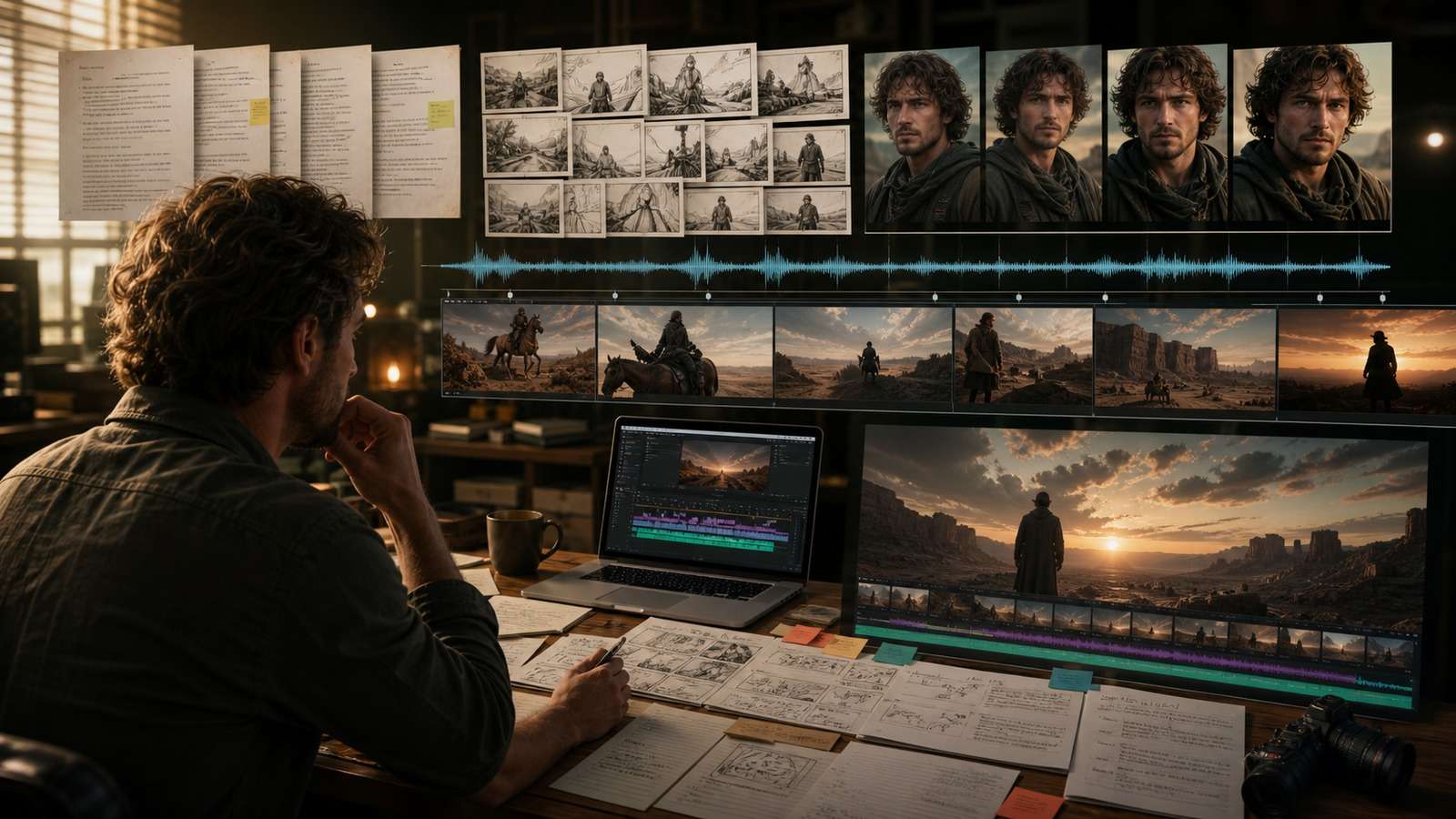
The best AI long video generator is not necessarily the model with the longest single clip. A useful three-, five- or ten-minute video depends on script structure, scene planning, consistent characters, narration, captions, reusable assets and the ability to replace one weak shot without rebuilding everything.
This guide compares four different long-form approaches: Media.io for script-led story production, Synthesia for structured presenter videos, HeyGen for avatar-led communication and OpenArt for cinematic scene building. The right choice depends on whether “long video” means a YouTube story, training lesson, narrated explainer or visually generated film.
In this article
Best AI Video Generators for Long Videos: Quick Comparison
| Tool | Best for | Long-form method | Primary limitation |
|---|---|---|---|
| Media.io Script to Video | Stories, narrated YouTube videos and multi-scene content | Turns a long script into planned scenes and generated video | Complex cinematic continuity still needs review |
| Synthesia | Training, onboarding and business explainers | Avatar scenes, slides, script and voice | Less suited to cinematic narrative action |
| HeyGen | Avatar presentations, localization and personal communication | Presenter-led scenes and translated versions | Visual variety depends on scene design |
| OpenArt | AI films, animation and stylized stories | Builds long work from consistent assets and short motion clips | Requires more manual assembly and continuity control |
What Makes a Long-Form AI Video Generator Useful?
An AI video generator for long videos must manage more than duration. Community questions repeatedly focus on character morphing, changing outfits, lost props, inconsistent rooms, voice shifts and the cost of regenerating an entire episode. Evaluate these layers:
- Script architecture: can the tool divide a long idea into coherent scenes and beats?
- Visual continuity: can identities, products, environments and style survive across shots?
- Extension and replacement: can a scene be continued or replaced without losing approved work?
- Voice: can narration remain consistent across a long timeline and localized versions?
- Editing: can timing, captions, music and transitions be adjusted after generation?
- Economics: how many accepted minutes do you get after retries and repairs?
No current generative model should be treated as a reliable one-click AI video generator for 10 minute videos. The robust approach is hierarchical: outline the complete video, write scenes, create stable assets, generate short clips, assemble them, then repair only failed sections.
Therefore, the best AI video generator for long videos is the system that keeps the project editable. A tool that produces a longer first draft but locks every scene together can be less useful than a modular workflow. The ideal long form AI video generator preserves the script, scene boundaries, assets, voice and revision history so a creator can improve one chapter without destabilizing the rest.
1. Media.io Script to Video: Best for Script-Led Long Stories
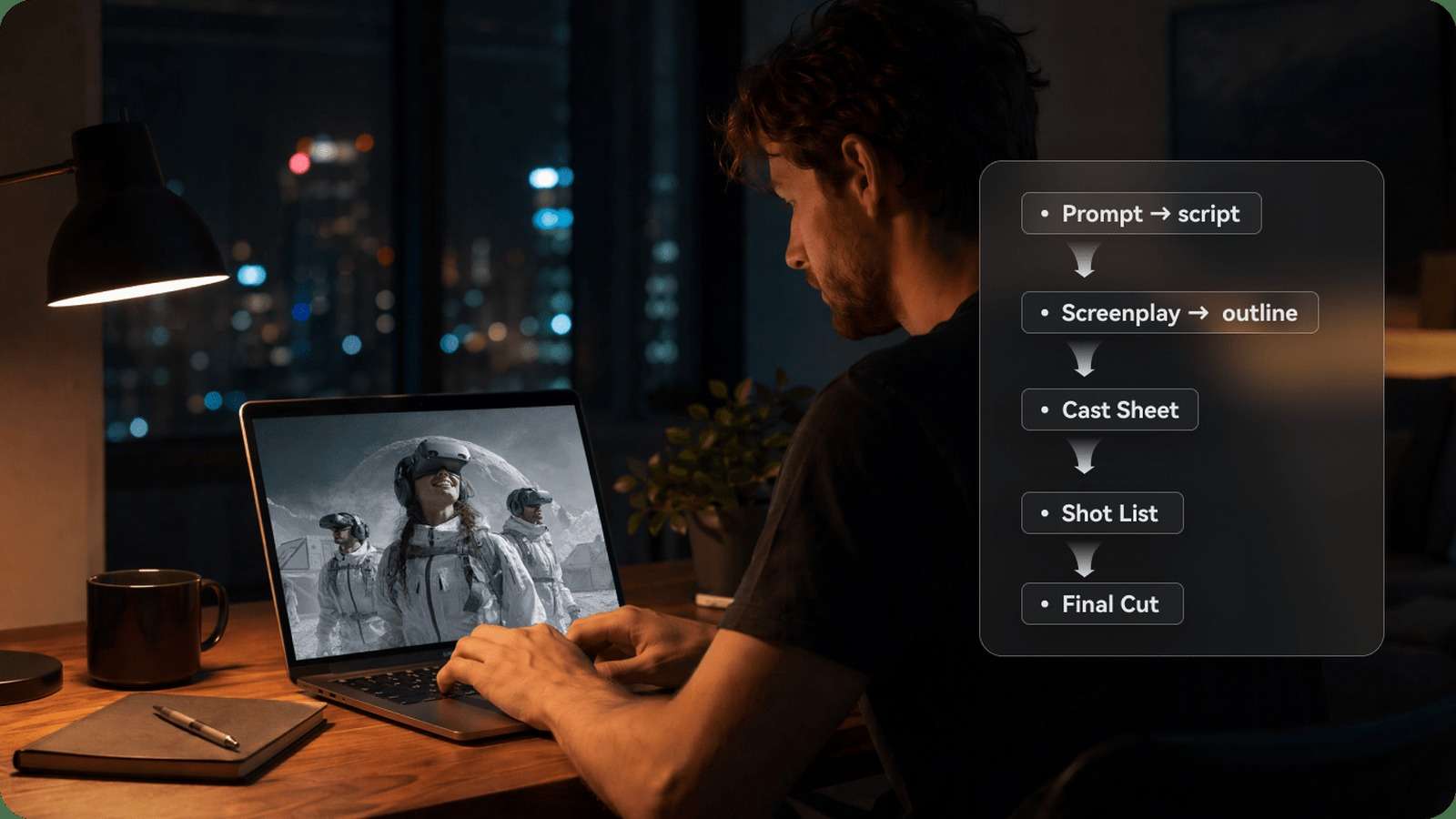
Media.io is the strongest fit in this list for users searching for text to long video AI without wanting to coordinate separate writing, storyboard and generation tools. Its AI Script to Video Generator accepts a long script, identifies scenes and converts the narrative into a multi-scene video structure.
The workflow is particularly relevant to personal narratives, fictional stories, educational videos and faceless YouTube channels. Instead of asking one model to remember a ten-minute prompt, each scene has a specific narrative purpose. This makes revisions smaller and more predictable.
- Best fit: YouTube stories, biographies, travel narratives, explainers and serialized content.
- Useful strengths: script segmentation, multi-scene planning and integrated visual production.
- Watch for: character details, scene-to-scene object state, repeated visual compositions and narration pacing.
For a more targeted story format, Media.io also provides an AI story video generator and an AI film maker. These routes are more relevant than a generic image-to-video recommendation when the user's goal is a complete narrative.
2. Synthesia: Best for Long Training and Business Videos

Synthesia is a practical AI video generator for training videos because presenter continuity is more important than cinematic action. A course can be divided into chapters, with an avatar delivering approved text beside diagrams, screen captures or slides.
This structure is easier to maintain than a fully generative movie. If a policy changes, a team can update one scene rather than reshoot an instructor. It also supports consistent visual branding across onboarding, product education and internal communication.
Choose Synthesia when: accuracy, templates, controlled presenters and repeatable corporate output matter. Skip it when: the project depends on character action, cinematic environments or expressive narrative staging.
3. HeyGen: Best Long-Form AI Avatar Video Generator
HeyGen is a strong AI avatar video generator long form option for creator messages, lectures, product education and multilingual communication. The presenter acts as a stable visual anchor while the surrounding scene, B-roll and graphics change.
Its strongest long-form advantage is not unlimited visual generation; it is repeatable communication. A stable presenter, voice and script reduce the continuity burden. Localization can then produce language variants without creating a new production from zero.
Long avatar videos still need variation. Alternate between presenter, screen demonstration, diagram, product footage and summary cards. Continuous talking-head footage can feel monotonous even when the avatar is realistic. Add final captions with a video caption generator and proofread names and technical terms.
4. OpenArt: Best AI Movie Generator for Visual Storytelling

OpenArt is best approached as an AI movie generator production environment rather than a single long-render button. Creators develop character images, environments and visual styles, then animate selected frames and assemble the shots into a sequence.
This asset-first method can produce a distinctive AI story video generator long form workflow because approved stills act as continuity anchors. It is suitable for animation, music videos, stylized films and cinematic experiments where art direction matters.
The tradeoff is labor. The creator must track asset versions, shot state, camera language and transitions. For image to long video AI, create a master character sheet and environment board before animation. A character turnaround sheet can help document stable angles and wardrobe.
How to Make a Long AI Video with Consistent Characters
The tutorial below demonstrates how a long AI production moves from story planning and stable character assets to short motion clips, audio and final assembly. Watch the complete workflow first, then use the checklist underneath to build your own repeatable process.
Ready to apply the same scene-based approach to your own story? Media.io can break a long script into manageable scenes and turn the plan into a structured video draft.
- Outline: define the audience, promise, ending and chapter structure.
- Write scenes: give each scene one narrative job and target duration.
- Build assets: approve character, wardrobe, environment, objects, style and voice.
- Create keyframes: establish the first image and intended end state of each shot.
- Generate motion: keep one primary action and camera move per clip.
- Assemble: place clips under narration, then add B-roll, pauses and transitions.
- Audit continuity: compare neighboring shots for face, props, lighting, voice and story state.
- Repair locally: extend or replace only the weak section.
This system is the practical answer to AI video generator with consistent characters and AI video generator with scene consistency searches. The tool matters, but the asset ledger and shot plan prevent the model from reinventing approved details.
Build an Asset and Shot Ledger
Give every reusable item a stable version: character-front-v03, apartment-wide-v02, narrator-master-v01 and scene-04-shot-03. For each shot, record the starting state, ending state, source assets, prompt, camera, duration and approval status. This sounds administrative, but it prevents an old face, product or room from reappearing after revision.
Prepare keyframes at sufficient resolution. If a character face or product is small, improve the source with an AI image upscaler while checking that enhancement does not redesign important details. Animate approved frames with an image-to-video workflow when a scene needs custom motion outside the main script-to-video output.
Generate difficult tests early. A close-up dialogue shot, hand interaction and reverse angle reveal continuity problems faster than an easy wide landscape. If these shots fail repeatedly, change the asset or scene design before generating dozens of simpler clips.
Choose an AI Video Generator for 3, 5 or 10 Minutes
| Target | Recommended structure | Best-fit approach |
|---|---|---|
| 3 minutes | 12-25 shots plus narration | Media.io story workflow or avatar presentation |
| 5 minutes | Chapters, recurring assets and planned B-roll | Script-to-video plus selective generated scenes |
| 10 minutes | Full production pipeline with reusable scene templates | Avatar/training workflow or modular YouTube assembly |
An AI video generator for 3 minute videos can rely on one story arc. An AI video generator for 5 minute videos benefits from chapters and visual resets. At ten minutes, repetition and continuity become operational problems; use reusable templates and a shot database.
For an AI video generator for YouTube long form, prioritize retention structure: opening promise, early proof, regular visual changes, clear chapter transitions and a specific conclusion. For documentary or educational work, narration often carries continuity while generated clips illustrate selected moments.
Video Extension, Voiceover and Cost Control
An AI video generator with video extension is useful when the existing shot ends in a stable state. Extend from a clean frame and repeat identity, movement direction and camera speed. Do not extend from motion blur or a cut.
A long video AI generator with voiceover should separate script approval from visual generation. Lock wording first, create a voice reference, then time scenes against the narration. Extract an approved track with a video-to-audio converter when necessary.
Measure Accepted Cost per Finished Minute
Subscription price alone does not identify the cheapest workflow. Track script time, generated minutes, rejected outputs, upscaling, voice, music, captions and editing hours. Divide the total by the number of approved finished minutes. A cinematic tool may create beautiful shots but become expensive if identity changes every third clip; an avatar platform may be cheaper for training because the visual system is intentionally constrained.
Also distinguish idea generation from production. Early exploration can use faster or lower-cost settings. Once the character, scene and camera are approved, final generation should use consistent settings and limited variations. Saving every attractive draft encourages teams to edit around accidental differences instead of preserving a coherent film.
Long-Form Quality-Control Checklist
- Story: every scene advances the promise, evidence or emotional arc.
- Identity: faces, ages, voices and wardrobe remain stable.
- Scene state: props, geography, light and time progress logically.
- Motion: hands, contact, physics and camera moves remain plausible.
- Audio: narration volume, pronunciation and acoustic space remain consistent.
- Pacing: visual changes support the narration without becoming distracting.
- Rights: faces, voices, music and uploaded assets are authorized.
Calculate accepted cost per minute: generation credits, failed attempts, upscaling, voice, captions and editing hours divided by approved runtime. Cheap clips can become expensive when only a small portion is usable. Compress channel-specific copies using an online video compressor while keeping the master.
Frequently Asked Questions
-
Can AI generate a complete 10-minute video?
AI can produce a complete ten-minute project through script, avatar or scene-based workflows, but reliable cinematic output is normally assembled from shorter controlled clips. -
Which AI tool is best for long YouTube videos?
Media.io Script to Video fits narrated and story-led YouTube content, while avatar tools fit presenter formats and asset-first tools fit cinematic storytelling. -
How do I keep characters consistent in a long AI video?
Use approved multi-angle assets, stable wardrobe and environment references, a shot-state ledger and short generations that reuse the same source of truth. -
What is the best AI tool for training videos?
Avatar-led platforms such as Synthesia are effective because presenters, templates and scene structures remain controlled across long lessons. -
Is one-click long-form AI video realistic?
It works best for template or avatar formats. Cinematic stories still require scene planning, asset continuity, assembly and targeted revision.


