
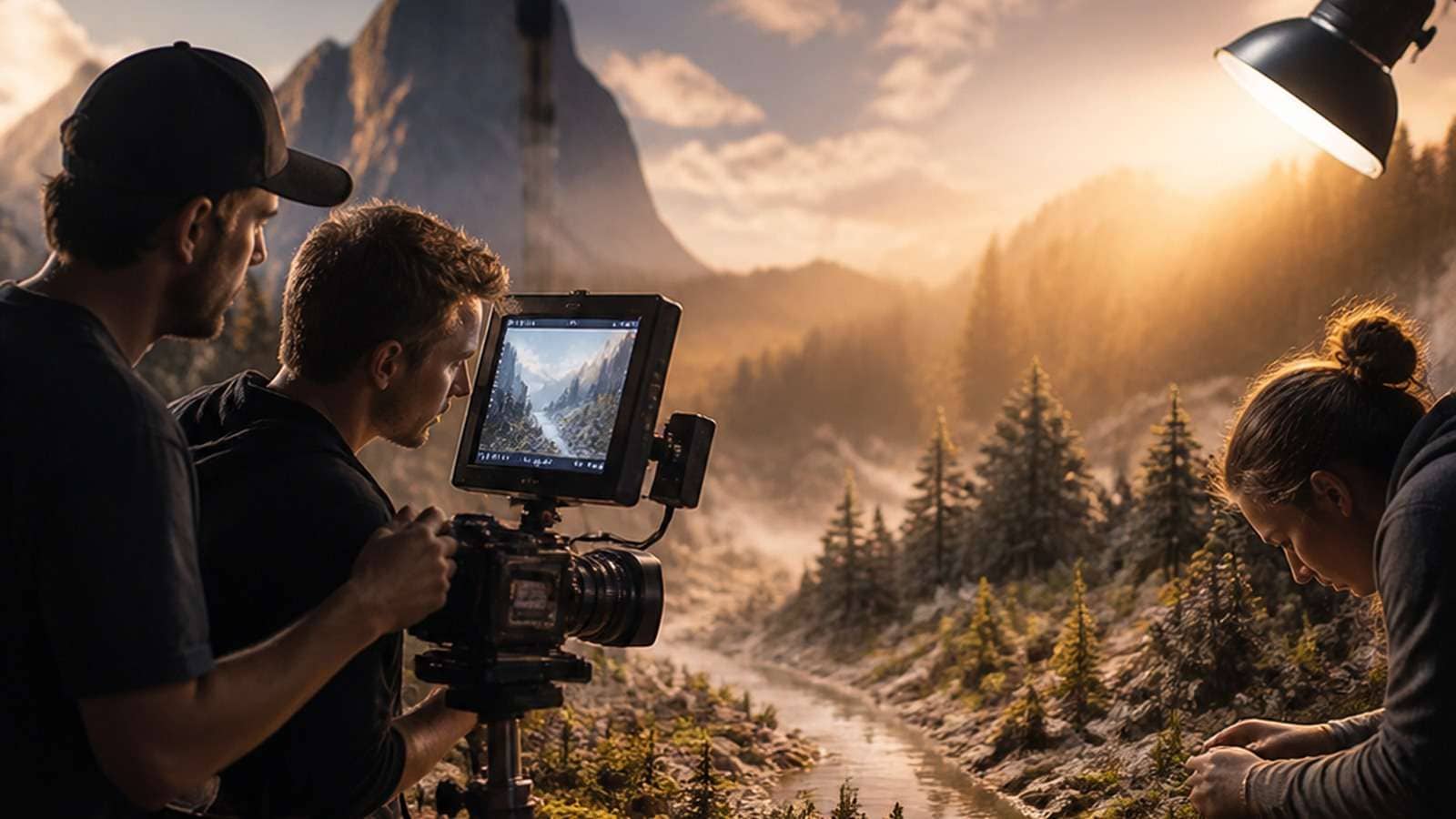
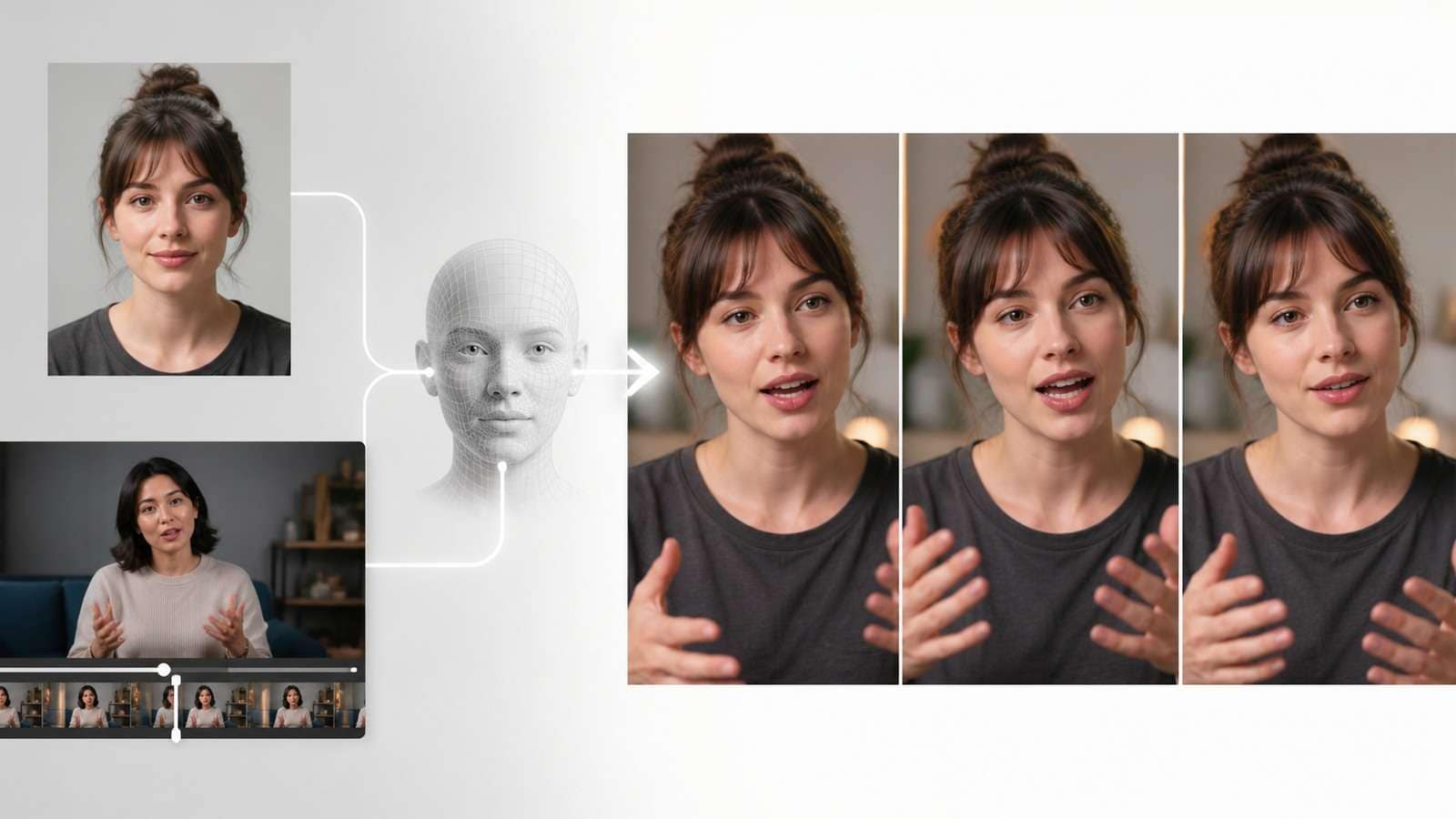
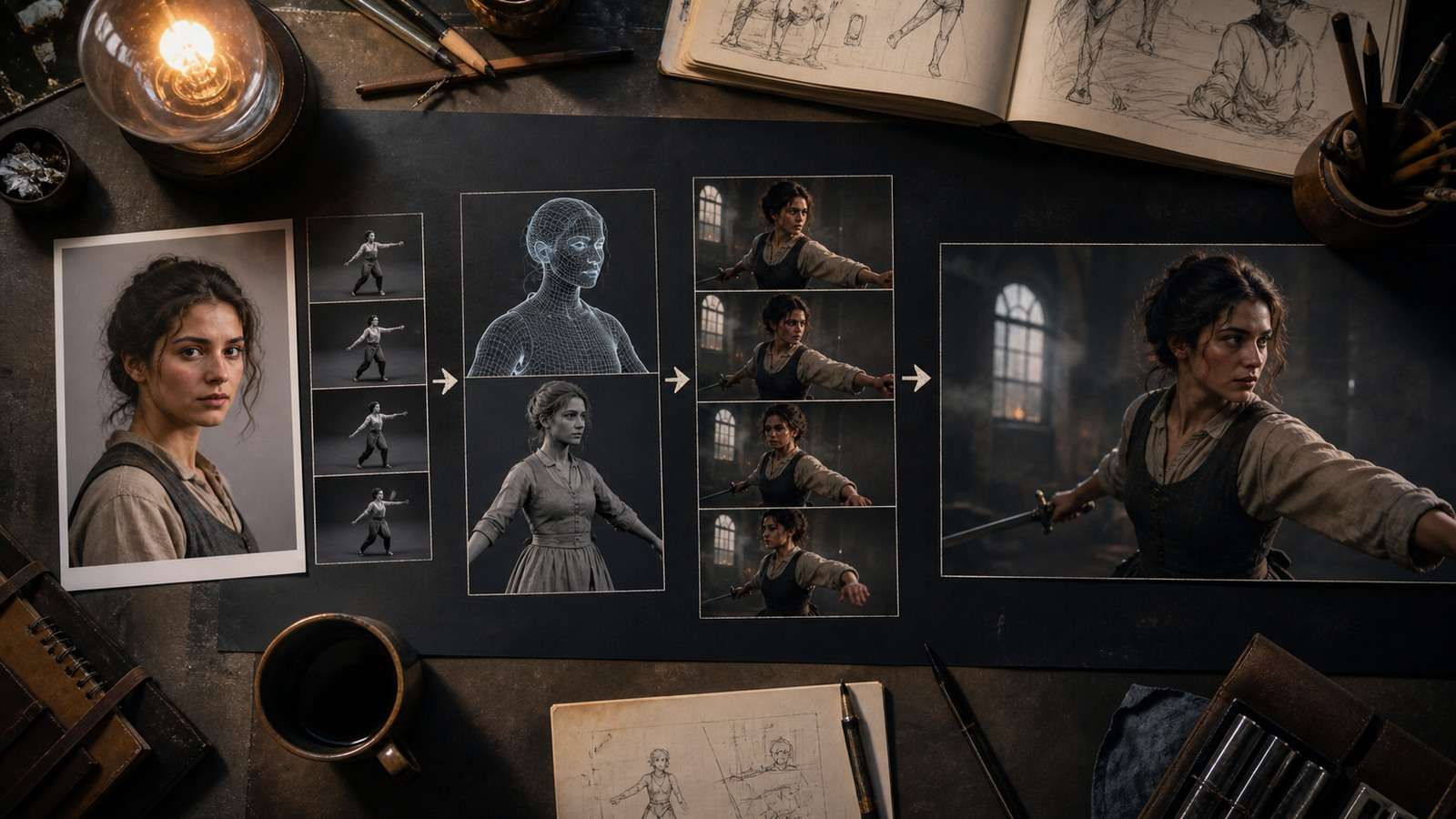
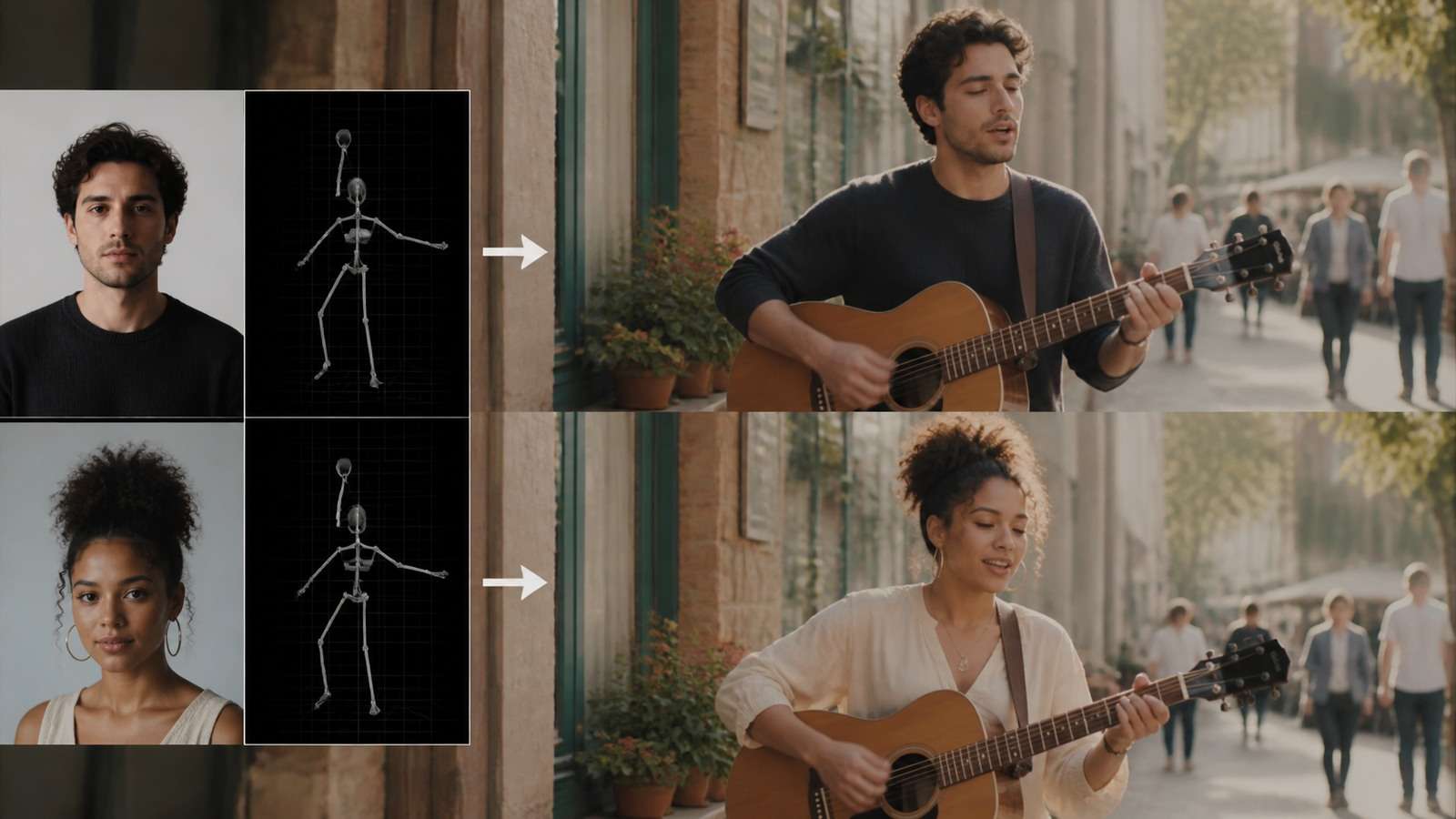
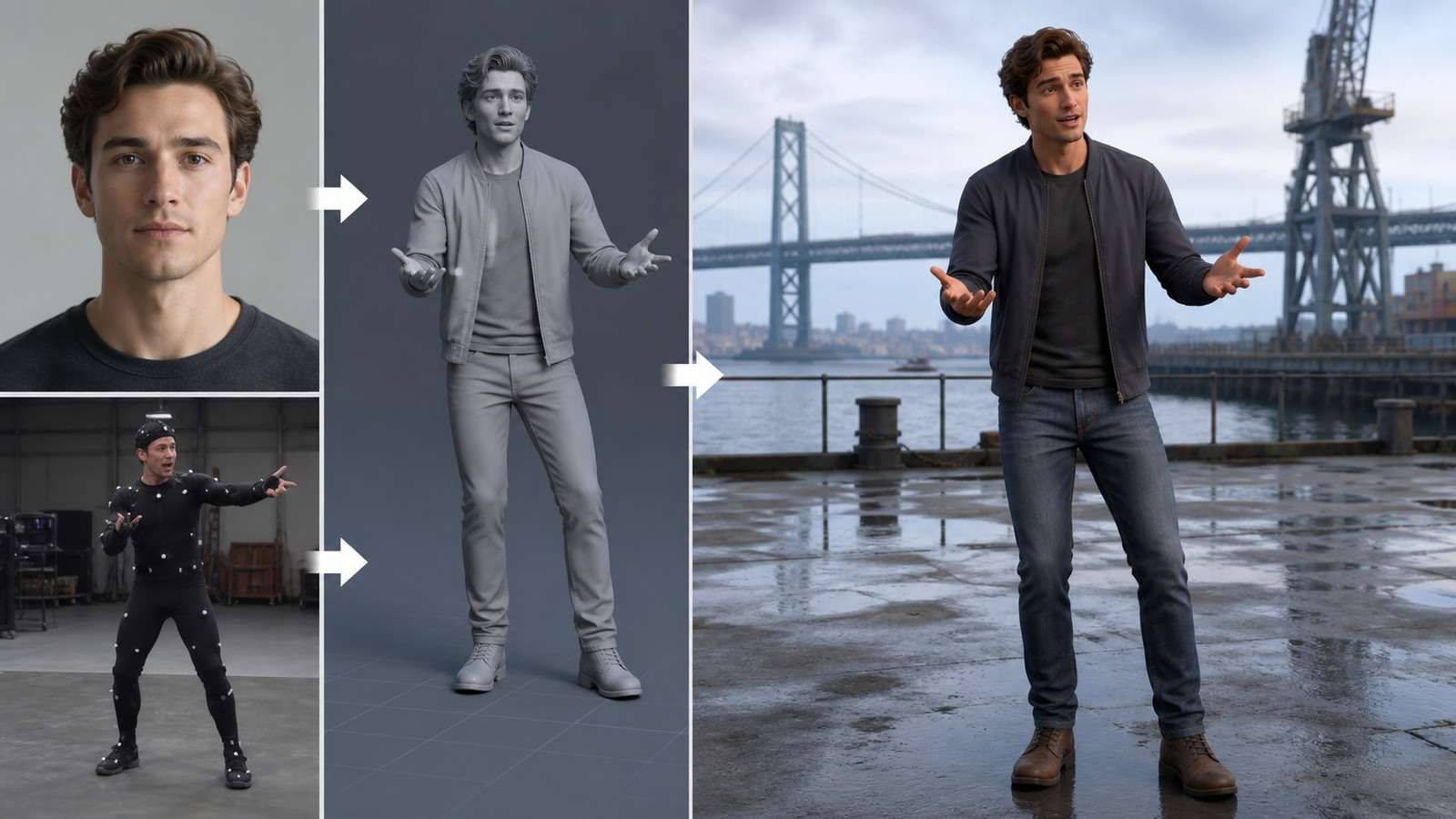
WAN 2.2 Animate is an open character-animation and character-replacement model designed to transfer motion and expression from a driving video to a character image. Unlike ordinary image-to-video generation, it does not ask the model to invent the performance from a prompt alone. The reference video supplies body movement, facial behavior and timing.
The official Wan2.2 project introduced the 14B Animate model in September 2025 as a unified framework for character animation and replacement. High-view ComfyUI demonstrations have since focused on two modes: animating a standalone character from a reference performance, and replacing the performer inside an existing video while preserving motion and scene context.
In This Article
WAN 2.2 Animate: Character Animation vs Character Replacement
| Mode | Inputs | Output goal | Best use |
|---|---|---|---|
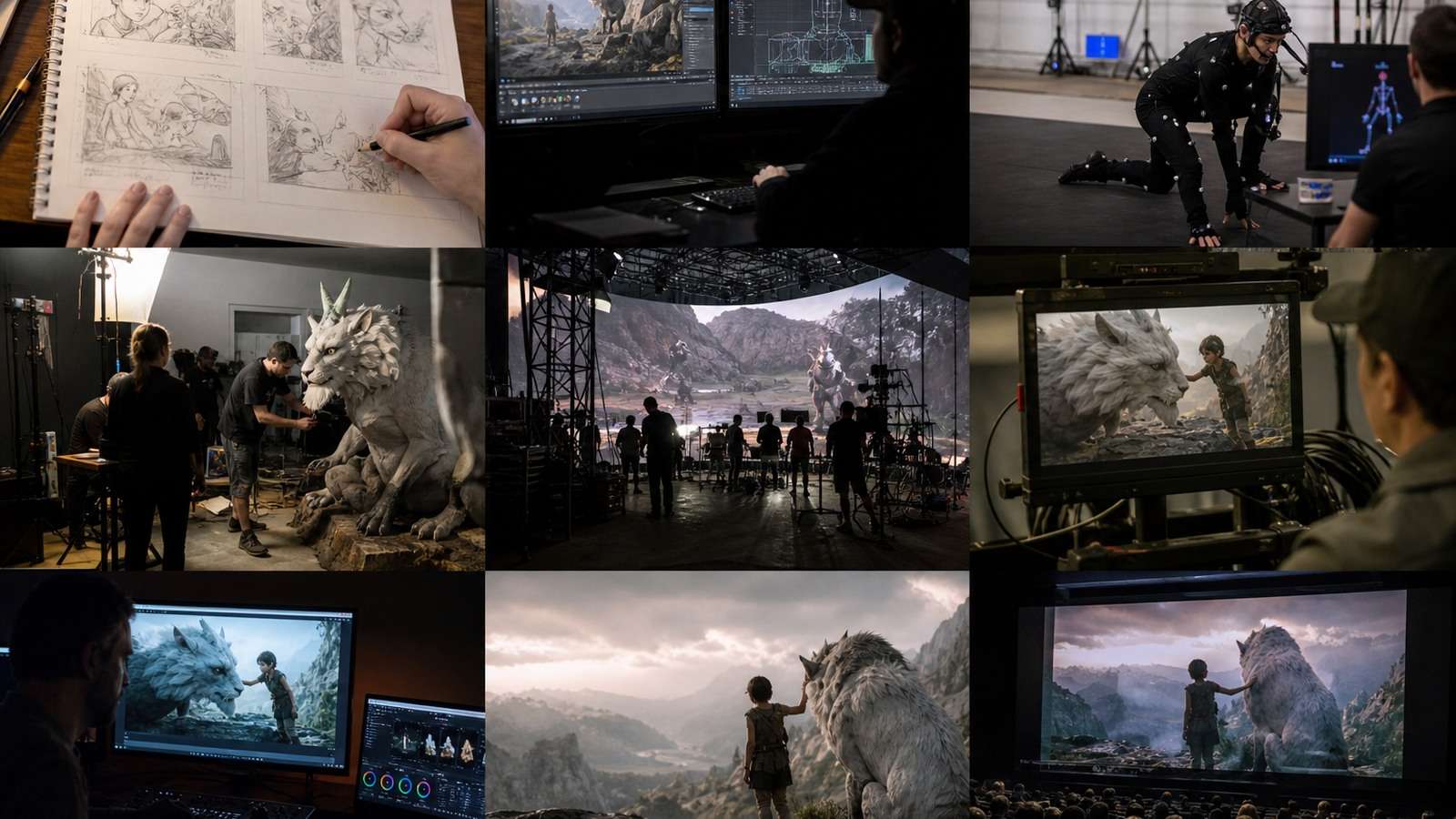
| Character animation | Character image + driving video | Animate the reference character with transferred movement | Illustrations, avatars, stylized performers |
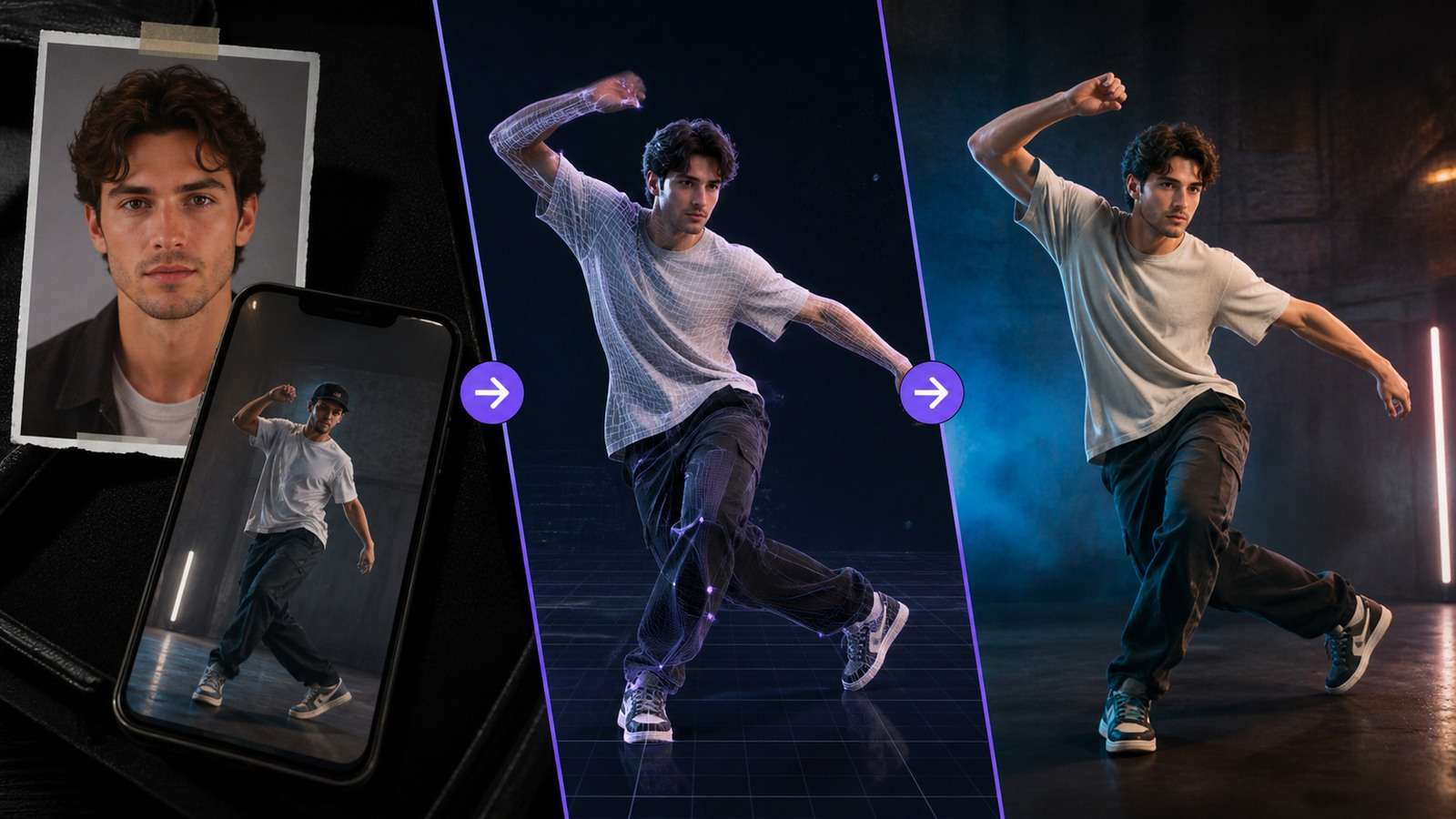
| Character replacement | Character image + source video | Replace the original performer inside the existing scene | Character swaps, concept scenes, controlled backgrounds |
Animation mode emphasizes the target character. Replacement mode also has to preserve the source video's camera, background, occlusion and illumination. It is therefore more difficult: the new body must contact the same floor, pass behind the same objects and inherit plausible shadows.
WAN 2.2 Animate character swap is not a simple face swap. The model may replace clothing, body shape and appearance while following the original performance. If only the face needs to change, a narrower face-replacement workflow can preserve more of the source footage.
Inputs That Determine WAN Animate Quality

The Character Reference Image
Use a clean, high-resolution image with one clearly visible character. Full-body driving footage needs a reference that reveals the full costume and body proportions. Cropped feet, hidden hands and ambiguous clothing force the model to invent information during motion.
- Keep limbs visually separated where possible.
- Avoid heavy motion blur, extreme lens distortion and busy backgrounds.
- Match the target image's body orientation to the opening reference-video pose.
- Use a neutral or compatible expression for dialogue-heavy motion.
- For stylized characters, preserve a readable silhouette and joint structure.
The Driving Video
The driving video is the motion blueprint. Stable framing, good contrast and visible joints matter more than cinematic polish. Fast spins, self-occlusion, hands crossing the face and leaving the frame increase failure risk. Start with a short clip in which one person performs one readable action.
If the approved image only needs model-invented motion rather than copied choreography, a standard image-to-video workflow is simpler. WAN Animate becomes valuable when a particular performance must be transferred.
WAN 2.2 Animate ComfyUI Workflow
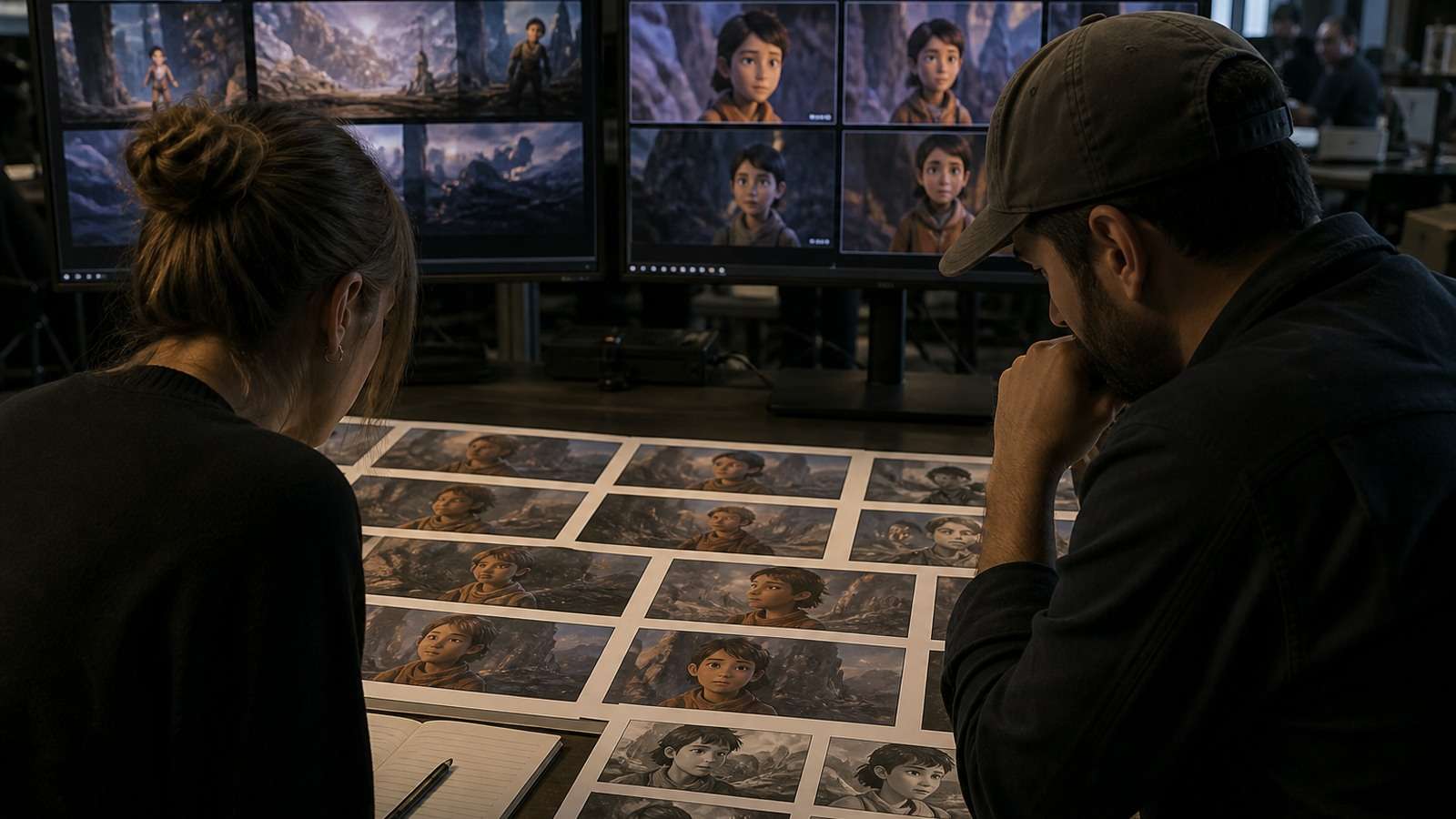
ComfyUI is the most documented route for running WAN 2.2 Animate. Official and community workflows package model loading, preprocessing, reference conditioning, sampling and video output into a node graph.
- Install or update ComfyUI. Use a clean environment and confirm that the required custom nodes match the workflow version.
- Download the correct model files. Verify Animate checkpoints, text encoders, VAE and any optimized or quantized variants specified by the workflow author.
- Load the character image. Crop it to show the anatomy required by the driving performance.
- Load and trim the driving video. Begin with a short, stable clip to estimate memory and quality.
- Select animation or replacement mode. The nodes and conditioning differ; do not assume one workflow performs both identically.
- Set resolution and frame count conservatively. Longer clips and higher resolution multiply memory and render time.
- Generate a low-cost test. Inspect identity, hands, feet, face and background integration.
- Revise the source assets before tuning everything else. A clearer reference frequently helps more than additional prompt adjectives.
- Upscale and interpolate only after approval. Finishing cannot repair incorrect motion structure.
High-view tutorials from MDMZ and Max Novak consistently demonstrate the practical value of using prepared workflows instead of constructing every node from memory. They also reveal the real bottlenecks: model downloads, VRAM, clip preparation and the difference between a quick preview and a finished output.
Native Workflow vs Optimized Workflow
A native workflow generally prioritizes reference implementation and quality, while optimized workflows may use quantization, memory offloading, tiled processing or alternative attention implementations. Optimization can make local use possible on smaller GPUs, but it may add setup complexity or change speed and output fidelity.
Record the exact checkpoint, quantization, workflow JSON, seed, dimensions and frame count. “WAN 2.2” alone is not enough information to reproduce a result.
WAN 2.2 Animate Prompt Examples
Motion primarily comes from the reference video, so the prompt should stabilize appearance and scene interpretation rather than describe a competing choreography.
Photorealistic Character Replacement
Photorealistic adult woman wearing a fitted navy running jacket and black athletic pants, natural skin texture, consistent facial identity, overcast outdoor light matching the source scene, realistic foot contact and garment motion, preserve the original camera movement and background, no extra limbs, no face warping.
Stylized Full-Body Animation
Full-body graphic-novel character with bold ink outlines, red cropped jacket, dark boots and consistent proportions, preserve the reference performance and facial timing, stable line weight across frames, clean hands, no costume changes, no background flicker.
Product Mascot Performance
Friendly orange robot mascot with a glossy rounded shell and white chest logo, reproduce the source presenter's gestures and head movement, soft studio lighting, stable logo geometry, correct floor shadow, fixed camera, no duplicated fingers.
Keep motion instructions compatible with the driving clip. If the source performer walks left, prompting a static front-facing pose creates conflicting conditioning.
Common WAN 2.2 Animate Problems and Fixes
| Problem | Likely cause | Best first fix |
|---|---|---|
| Identity drifts | Weak or mismatched character reference | Use a clearer reference aligned to the opening pose |
| Hands deform | Fast motion, occlusion or low source visibility | Choose a slower take or shorten the difficult region |
| Feet slide | Weak floor contact or framing mismatch | Use visible feet and a stable ground plane |
| Face and lips feel wrong | Low facial resolution or extreme head turns | Use a closer source and limit profile transitions |
| Clothing changes | Reference does not show full costume | Provide a complete, unambiguous character image |
| Background flickers | Replacement is reconstructing too much of the scene | Use a cleaner source and composite the character separately |
| Character scale changes | Large depth movement or incompatible proportions | Use a driving performance with stable distance |
| Out-of-memory error | Resolution, frames or model precision too high | Reduce the test, use offloading or a supported quantization |
Separate generation defects from delivery defects. Upscaling may improve a stable face, but it cannot correct an extra hand. Frame interpolation can smooth acceptable movement, but it may amplify morphing. Repair the earliest stage where the error appears.
Improving Character Consistency
A single reference image does not reveal every side of a character. Profile turns and crossed limbs require the model to infer hidden details. Choose a driving video compatible with the visible information, or create a character reference set before animation. Consistency also improves when the source costume has clear shapes rather than intricate repeating patterns.
For other reference-driven approaches, compare the control logic with Kling Motion Control. The goal is not to crown one winner from a demo, but to test which system preserves the specific motion and identity your project requires.
WAN 2.2 Animate Local, Online and API Options
| Access route | Advantage | Trade-off |
|---|---|---|
| Local ComfyUI | Control, repeatability and private files | Large downloads, GPU memory and setup |
| Hosted ComfyUI GPU | Uses known workflows without local hardware | Rental cost, upload time and environment management |
| Managed online interface | Fastest setup | Less visibility into versions and workflow controls |
| API provider | Automation and batch integration | Provider-specific pricing, limits and retention terms |
WAN 2.2 is open, but “free” does not mean zero cost. Local inference requires hardware, electricity, storage and setup time. Hosted services charge for GPU time or generations. Before uploading faces or client footage, review retention, training and privacy terms.
For users who do not need motion transfer or local nodes, Media.io offers a lighter browser path. Generate movement from an approved still with Image to Video, then assemble only successful clips. This reduces setup overhead for social concepts and simple character moments.
WAN 2.2 Animate vs Kling and Omnihuman
| Tool family | Primary control | Best fit |
|---|---|---|
| WAN 2.2 Animate | Character image + driving performance | Open motion transfer and character replacement workflows |
| Kling motion workflows | Platform-based image and motion control | Creators preferring managed generation |
| OmniHuman-style systems | Human animation from multimodal signals | Talking or performing digital-human research and services |
| Standard image-to-video | Prompt + starting image | Invented motion without an exact driving performance |
Use the same source image and driving clip when comparing services. Score face identity, limb structure, gesture timing, foot contact, lighting, background preservation, render time and accepted cost. One attractive short clip does not establish reliability.
For managed alternatives, review current Kling 2.6 image-to-video, WAN 2.6 generation and Seedance 2.5 image-to-video options. These pages address adjacent model generations; they do not automatically replicate WAN Animate's reference-video transfer.
Production Checklist
- The target character image shows every body part needed by the performance.
- The driving clip contains one readable subject with limited occlusion.
- The first-frame pose and body proportions are compatible.
- The test is short enough to diagnose without wasting compute.
- Identity, hands, feet, clothing and background are checked frame by frame.
- Source likeness and performance are authorized.
- The final clip is labeled or disclosed where platform rules require it.
If WAN Animate is only one shot inside a larger sequence, alternative Seedance workflows may help with adjacent scenes. See Seedance 2.0 image-to-video, its faster generation option, a 4K-oriented Seedance workflow, and the Seedance prompt guide only when those tools match the required shot.
Frequently Asked Questions
-
What is WAN 2.2 Animate?
WAN 2.2 Animate is an open 14B model for character animation and character replacement using a character image and a reference or driving video. -
What is the difference between animation and replacement mode?
Animation mode transfers the performance to a target character, while replacement mode swaps the performer inside the original scene and must preserve more background and lighting context. -
Can WAN 2.2 Animate run locally?
Yes, commonly through ComfyUI, but model size and video inference require substantial GPU memory, storage and setup. Optimized workflows may reduce hardware requirements. -
Is WAN 2.2 Animate free?
The model and workflows may be openly available, but local hardware, hosted GPU time, storage or managed-service credits still create costs. -
Why do hands and faces deform?
Fast movement, occlusion, low facial resolution and missing details in the character reference force the model to infer difficult anatomy across frames. -
Is WAN 2.2 Animate better than Kling?
WAN is attractive for open ComfyUI motion-transfer workflows, while Kling may offer a simpler managed experience. Test both on the same image and driving video.


