
Better Motion, Not Just Better Visuals
A strong Seedance 2.0 video prompt does more than describe a scene. It guides movement, timing, action, and pacing, helping AI generate clips that feel alive instead of static.
 Seedance 2.0
Looking for working Seedance 2.0 prompts? This page focuses on what users actually need: usable video prompts for text-to-video and image-to-video creation. Learn the right formula, copy proven examples, and generate smoother motion, better camera moves, and more consistent AI videos with Media.io.
Free to try online. Copy, paste, customize, and create.
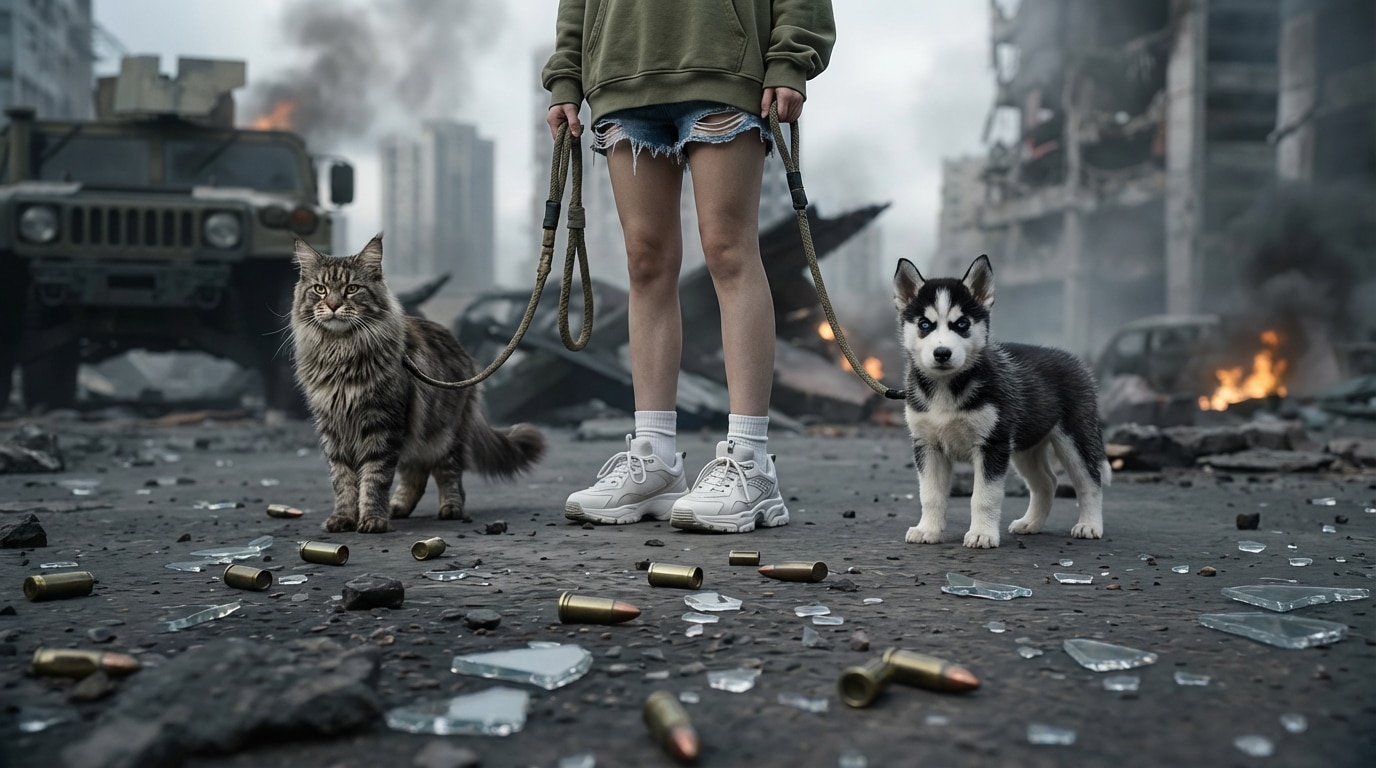
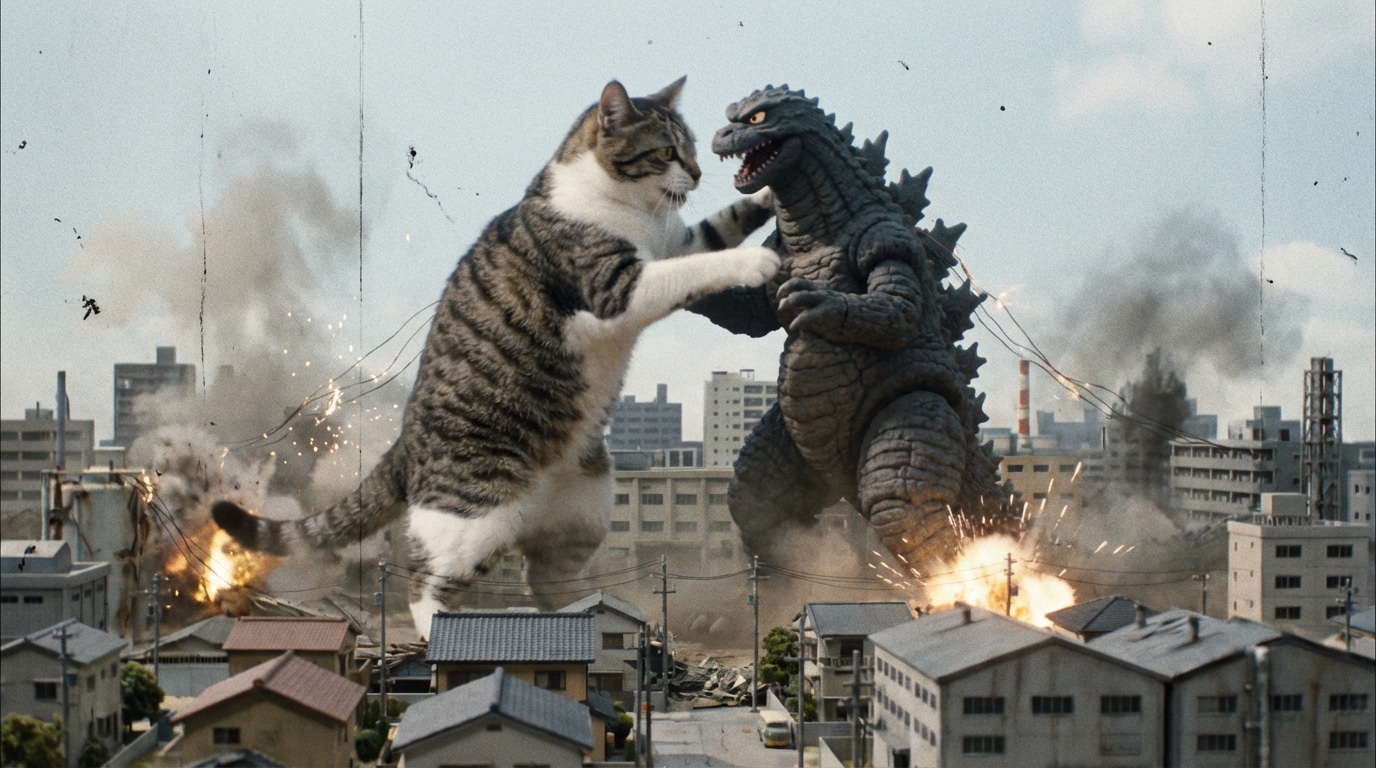
Create controllable 2K videos up to 15 seconds with native stereo audio. Guide characters, motion, camera style, and sound with text, image, video, and audio references.
| Style | Seedance 2.0 Video Prompt | Copy-Paste |
|---|---|---|
|
Cinematic Character Intro
#text to video
#slow dolly in
#cinematic
|
A young woman stands alone on a rainy city street at night, neon reflections on the wet pavement, she slowly raises her head and looks into the distance, soft wind moving her hair and coat, cinematic atmosphere, slow dolly in camera movement, shallow depth of field, moody blue and magenta lighting, realistic film look, smooth natural motion, highly detailed. |
|
|
Anime Fight Scene
#action video
#dynamic motion
#anime style
|
Two anime warriors face each other on a ruined rooftop at sunset, one character dashes forward with a glowing sword while the other jumps back to block, dramatic wind effects, dust and debris flying, fast tracking camera, strong motion lines, intense orange sky, high energy anime action, smooth character movement, cinematic impact, sharp details. |
|
|
Product Commercial Shot
#ad video
#product reveal
#studio lighting
|
A premium perfume bottle rotates slowly on a glossy reflective platform, fine mist in the background, golden highlights moving across the glass surface, elegant luxury mood, macro close-up camera, slow orbit shot, clean black studio background, soft cinematic spotlight, polished commercial look, smooth motion, high-end advertising style. |
|
|
Image-to-Video Portrait Animation
#image to video
#portrait motion
#natural face
|
Animate the portrait naturally: subtle eye movement, gentle blinking, soft smile, slight head turn to the right, hair moving lightly in the breeze, camera slowly pushes in, preserve original facial identity, realistic skin texture, calm emotional tone, cinematic portrait lighting, smooth and stable motion, no distortion. |
|
|
Drone Flythrough Landscape
#wide shot
#drone move
#travel video
|
A drone flies forward over a dramatic mountain valley at sunrise, low clouds drifting between the peaks, river reflecting golden light below, wide cinematic composition, smooth forward aerial movement, majestic atmosphere, natural color grading, expansive depth, realistic environmental motion, travel film style. |
|
|
Fashion Runway Clip
#runway
#tracking shot
#editorial
|
A fashion model walks confidently down a modern runway, flowing fabric moving with each step, bright flash photography in the audience, sleek luxury setting, camera tracks backward smoothly in front of the model, high-fashion editorial lighting, elegant pacing, premium cinematic style, stable body motion, detailed fabric texture. |
|
A strong Seedance 2.0 video prompt does more than describe a scene. It guides movement, timing, action, and pacing, helping AI generate clips that feel alive instead of static.
Including directions like slow dolly in, tracking shot, wide shot, or close-up gives Seedance 2.0 clearer cinematic intent and improves shot consistency.
Whether you start from scratch or animate a still image, the right prompt helps control subject motion, scene transition, lighting change, and emotional tone more reliably.
Instead of guessing, start with prompt formulas that already include subject, action, environment, camera move, lighting, and style. Then adapt them to your own video concept.
Start with who or what appears in the clip, then say exactly what happens. Clear verbs like walking, turning, dancing, opening, flying, or smiling give the video model better motion direction. If you need to recreate specific character movements instead of describing them through text alone, explore our WAN 2.2 Animate guide to learn how reference-video motion transfer works.
Tell Seedance 2.0 how the camera should move and what the environment feels like. Use phrases like slow pan left, handheld close-up, cinematic dolly in, sunset backlight, rainy street, or soft studio light.
Paste the prompt into your AI video workflow, preview the result, and refine weak parts like motion smoothness, subject consistency, camera direction, or mood. Small wording changes often lead to much stronger videos. For more advanced prompt control with the newer model, explore our Seedance 2.5 prompting guide for tips on reference consistency, action timing, camera direction, and synchronized audio.

Short-Form Video Creator

“These prompts finally feel made for video, not images.” I kept finding so-called Seedance prompts that were really image prompts. This guide is different. The camera movement and action language made my clips look much more intentional right away.

AI Video Marketer
“The copy-paste examples are actually usable.” I used the product commercial prompt as a base for an ad concept and only changed the product and mood. It saved me a lot of trial-and-error and gave me much smoother video output.

Indie Filmmaker
“Great for image-to-video refinement too.” The portrait animation prompt helped me preserve facial identity while adding realistic motion. That is exactly what most Seedance 2.0 users are trying to solve.

Creative Strategist
“Finally a prompt guide aligned with video intent.” Most pages mix image prompt advice into video topics. This one is much cleaner and more practical because it focuses on action, motion, pacing, and camera language from the start.
A practical Seedance 2.0 prompt formula is: subject + action + environment + camera movement + lighting + mood + style. This structure helps the model understand both what appears and how the video should move.
Yes, when users search for Seedance 2.0 prompts, they usually mean video prompts for text-to-video or image-to-video workflows. That is why motion, timing, and camera language matter much more than image-only styling words.
Add specific phrases such as slow dolly in, tracking shot, close-up, golden hour lighting, cinematic depth of field, and smooth natural motion. These details help create more film-like clips.
Absolutely. For image-to-video, focus your prompt on subtle movement, facial expression, camera motion, environment animation, and identity preservation. That usually works better than overloading the prompt with too many visual effects.
Many prompts fail because they describe only a beautiful image, not a moving scene. Video prompts need action, motion direction, pacing, and shot language. Without that, the output often looks stiff or inconsistent.
You can take these prompt ideas into Media.io workflows such as AI video generation, image-to-video, video enhancement, and video extension to refine and publish better AI-generated clips online.
 4.7 (162,357 Votes)



