

Play your product advertisement with the sound turned off. Can a new viewer identify the product, understand the demonstration, and recognize the next step? If the answer depends entirely on narration, adding captions at the end will not necessarily solve the problem. Sound-off video ads need a visual story that carries the essential message.
That does not mean every advertisement must be silent. Music and voice can support the experience while key information remains understandable without them. Start with the shopper's question, show relevant evidence, and make the offer readable. This guide develops a visual-first product ad without assuming a particular platform's specifications or promising improved campaign results.
In This Article
Define What Viewers Must Understand
Write one sentence describing what the ad should help a shopper understand. “This organizer keeps small cables separated in a travel bag” is specific enough to demonstrate. “This changes your life” is not. The first sentence suggests a visible action; the second encourages vague imagery and claims the pictures cannot support.
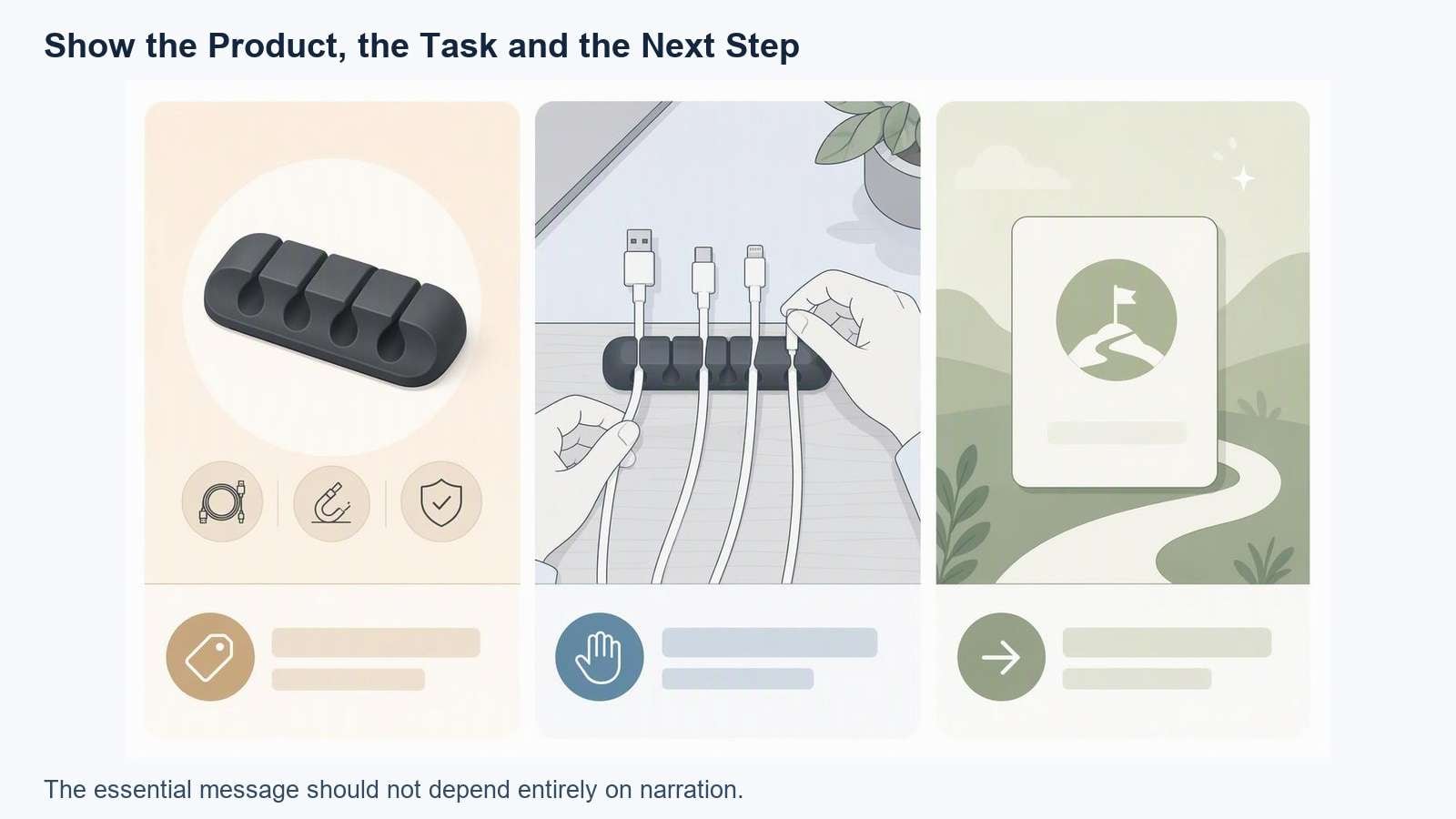
Illustrative planning example, not a tested advertisement or measured performance result.
Separate information the picture can show from information that needs text. A zipper opening, compartments, and a packed bag are visual. Dimensions, compatibility, offer conditions, and a website destination may require readable labels. Avoid asking a beauty shot to prove a result it never demonstrates.
Choose a single central demonstration for a short draft. Unrelated use cases can make the product less clear because viewers must interpret new settings and actions repeatedly. A focused product demonstration workflow is a useful starting point for choosing what to show.
Write a Visual-First Storyboard
Use this 20-second example as a planning exercise, not a platform requirement. The product is a hypothetical cable organizer. Replace the example claims with facts from the actual item.
| Draft Timing | Visible Action | On-Screen Information | Review Question |
|---|---|---|---|
| 0–4 seconds | A person takes loose cables from a bag | A short problem statement | Is the problem understandable? |
| 4–12 seconds | The same cables go into the real organizer | One verified feature where needed | Can viewers follow what changed? |
| 12–16 seconds | The organizer closes and returns to the bag | Actual size or fit context | Does the shot represent normal use? |
| 16–20 seconds | The product remains clearly visible | A readable destination and next step | Is there time to understand the action? |
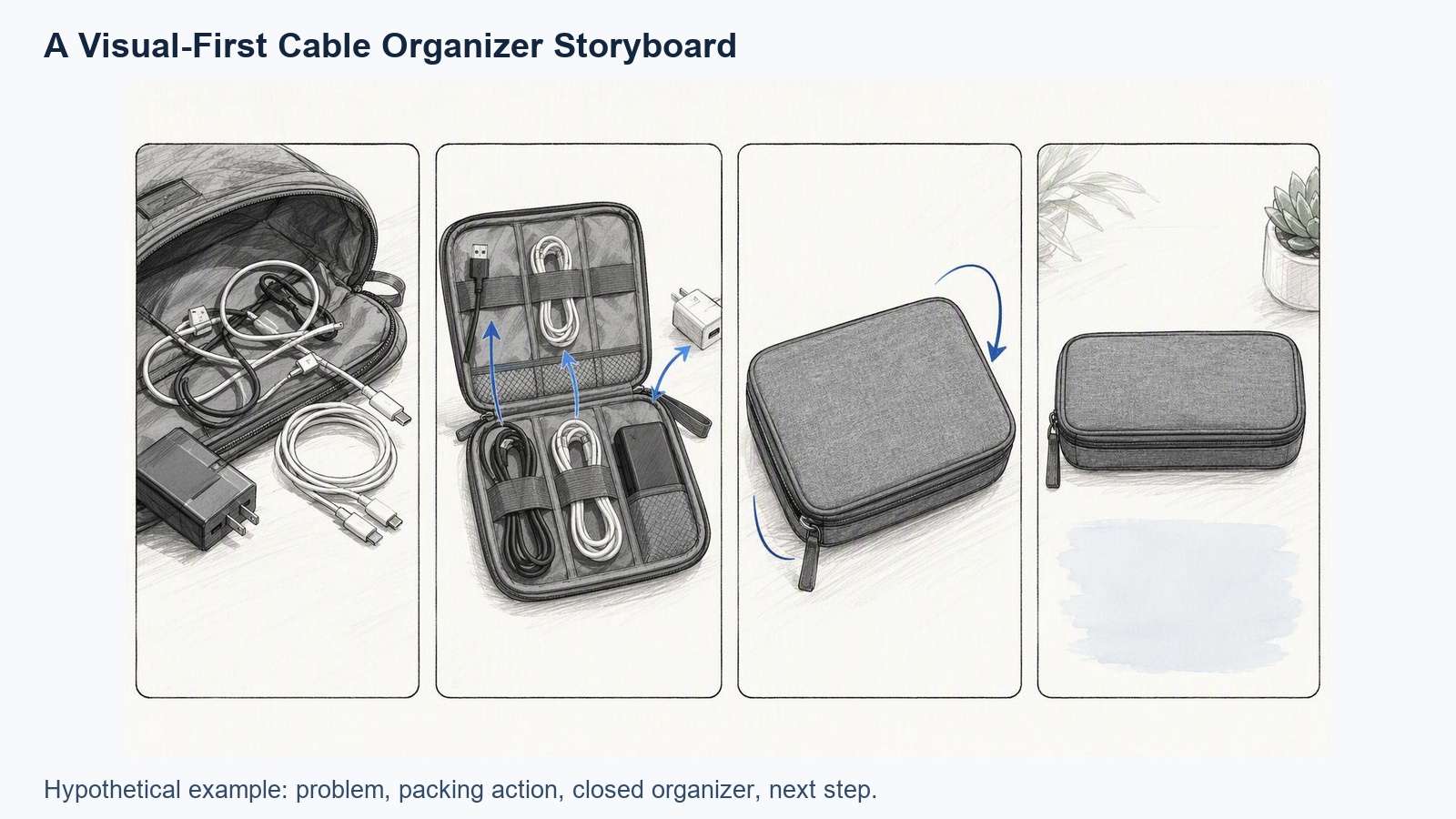
Illustrative planning example, not a tested advertisement or measured performance result.
The demonstration should connect logically: the same objects, the same relevant task, and a result the real product supports. A cut can shorten waiting time, but it must not create an impression of functionality the product lacks. If an action is simulated or simplified, do not present it as recorded evidence of an actual result.
Write narration after the visual sequence is understandable. Use it to add warmth or explain context. If removing it breaks the story, revisit the pictures or on-screen wording before polishing the voice.
Separate Captions From Product Information
Captions Represent Speech
Captions help viewers follow spoken information. They need correct spelling, useful line breaks, readable contrast, and sufficient screen time. Automatic transcription is a starting draft, especially for unusual product names, numbers, and abbreviations.
Information Labels Explain the Picture
A product label might identify a compartment, show a verified dimension, or clarify compatibility. It is not necessarily a transcript of the voiceover. Keep it near the relevant object without covering the demonstration. Do not fill the frame with labels that compete with both the product and the captions.
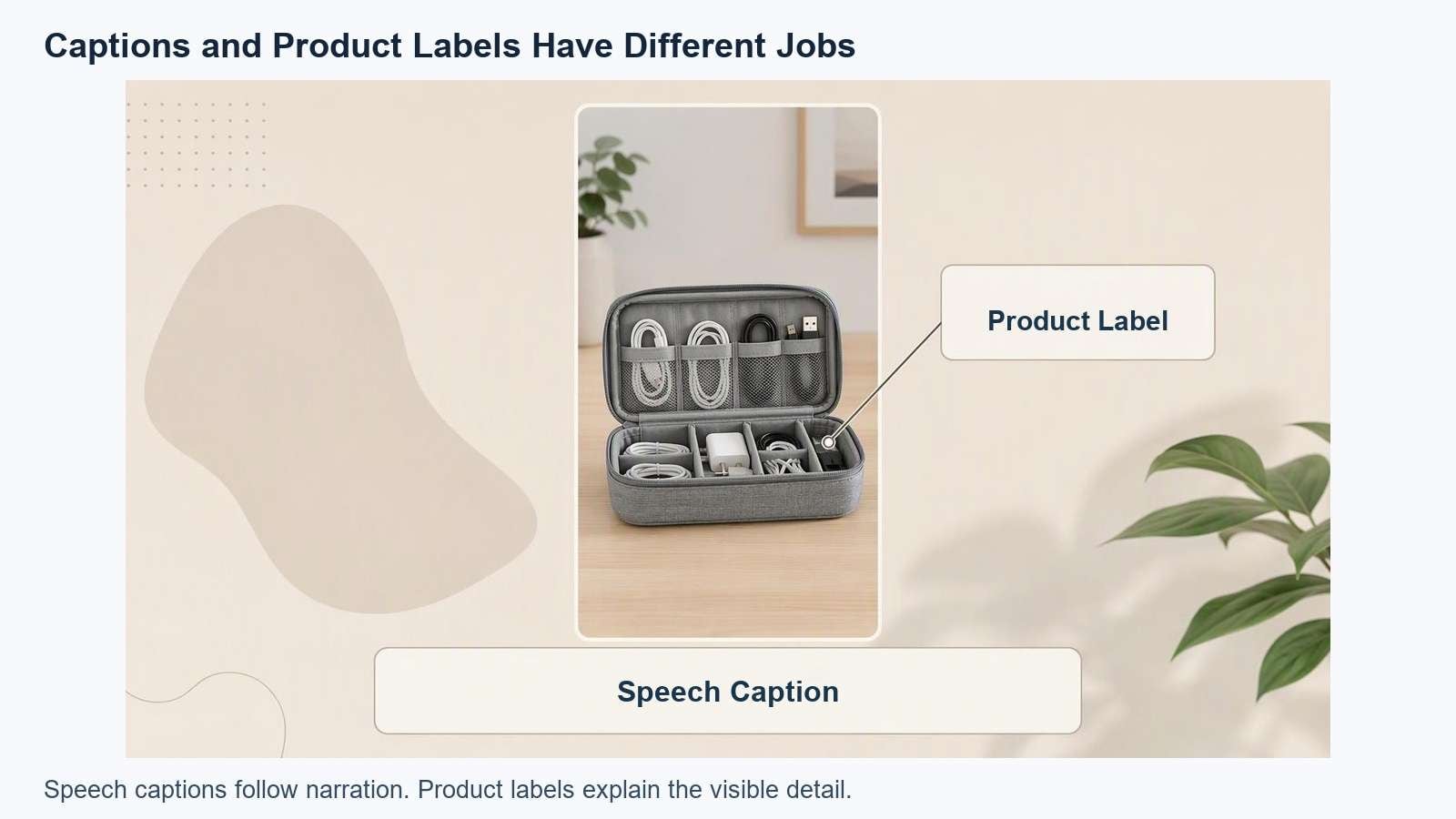
Illustrative planning example, not a tested advertisement or measured performance result.
A headline, subtitle sentence, product label, and offer badge can all be technically legible while being difficult to process together. Remove duplicate messages and reserve emphasis for the information that matters in that shot.
- Use the official product spelling throughout.
- Give important numbers enough context to be understood.
- Keep a condition near the claim or offer it qualifies.
- Check text in the intended mobile layout rather than only the editor canvas.
- Keep meaningful information away from interface elements that may cover it in the chosen placement.
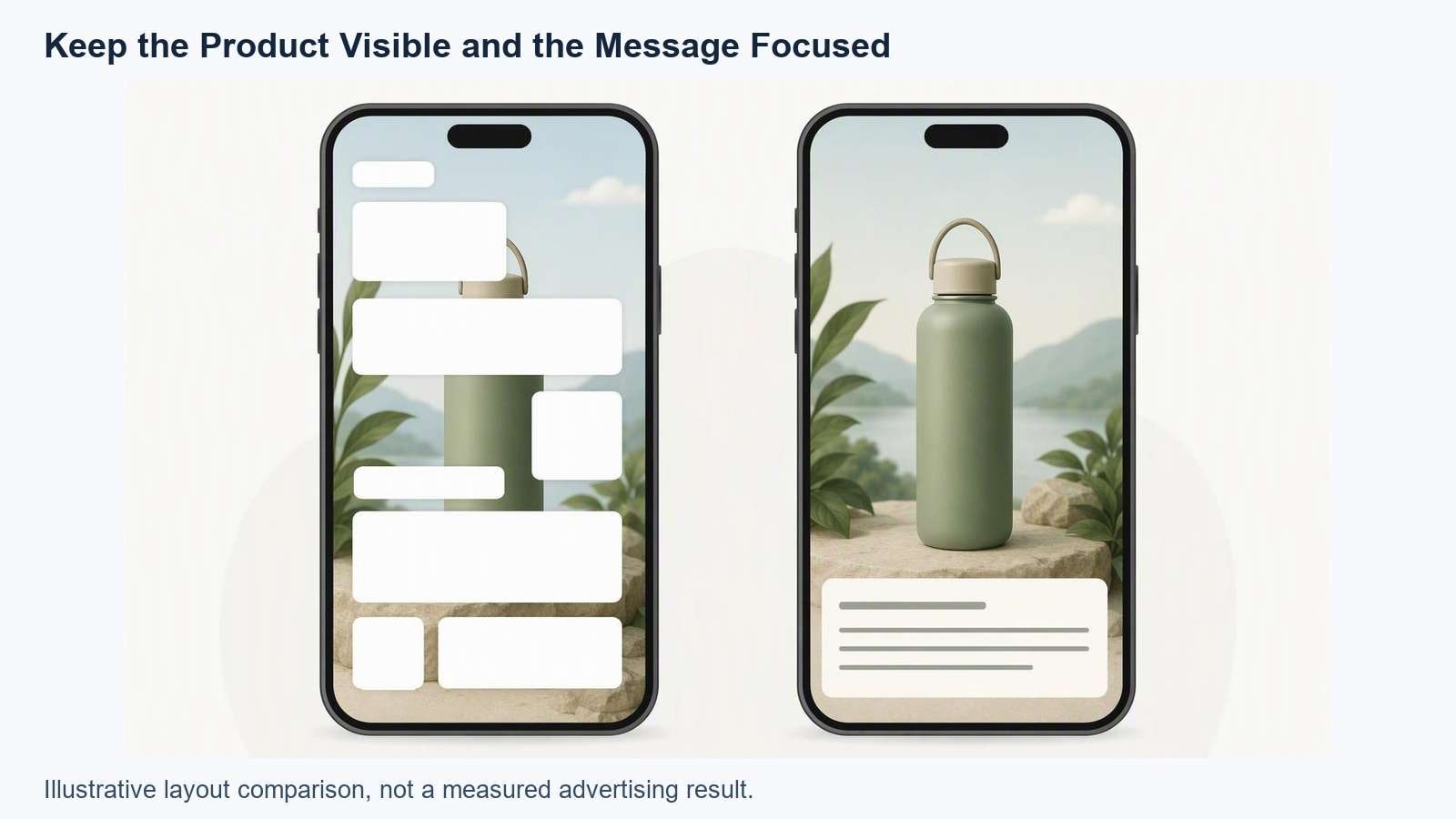
Illustrative planning example, not a tested advertisement or measured performance result.
There is no universal safe-area measurement for every placement. Check current destination requirements before publishing. A text-heavy draft may need a different layout or shorter message when adapted to another aspect ratio.
Build a Product-Led Draft
Gather approved product photos, genuine demonstration footage, verified specifications, and the intended call to action. Separate factual sources from styling references. Generated scenes can help explore a concept, but they do not prove physical performance, product fit, or a shopper's real experience.
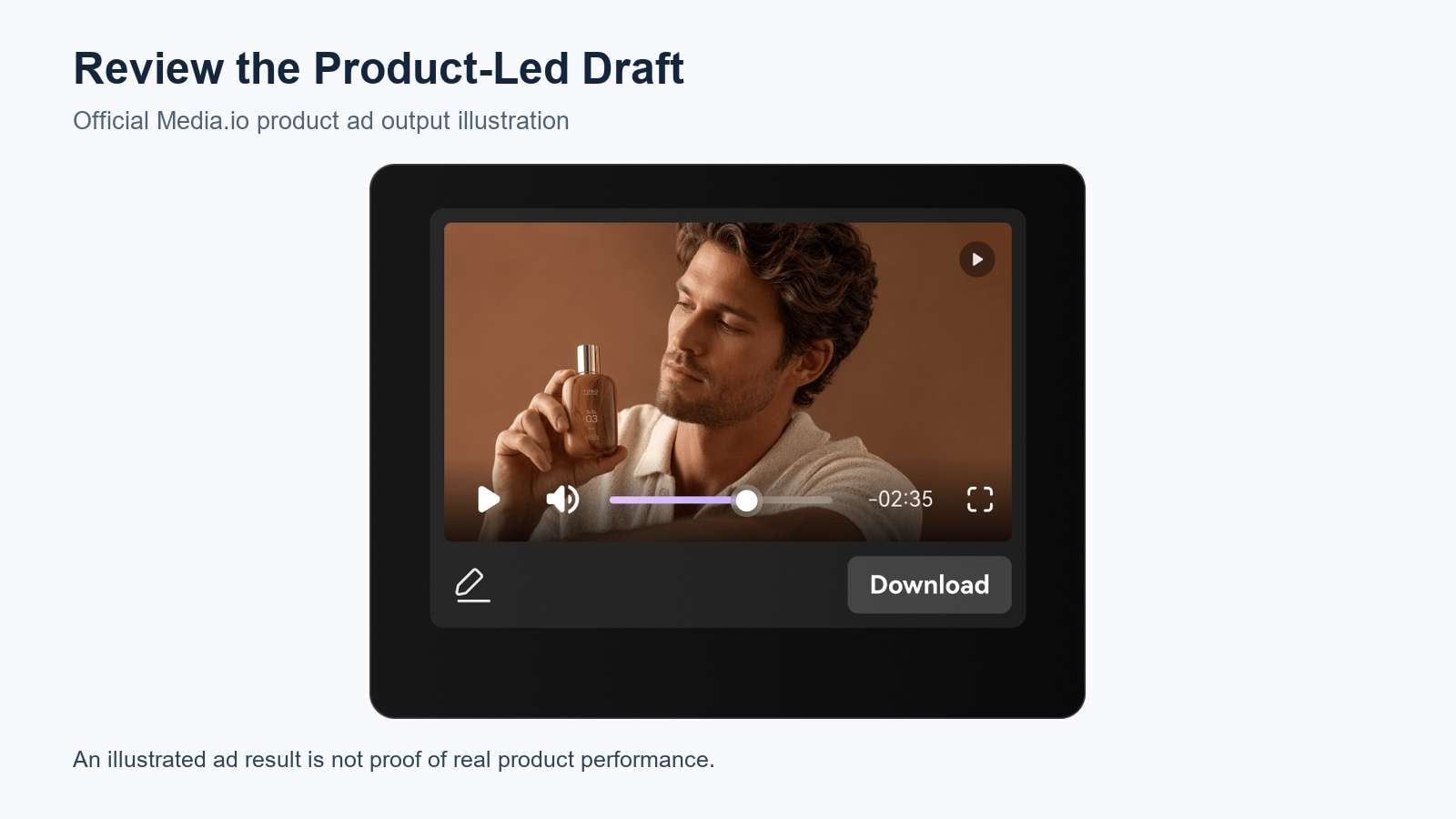
Official Media.io product illustration. Interface appearance may differ from the current tool; this is not a tested result from this article.
A useful brief could read:
Create a visual-first draft for the supplied cable organizer.
Show the actual organizer and the verified use case: separating small travel cables.
Sequence: loose cables, real packing demonstration, closed organizer, clear next step.
Keep the essential message understandable with sound off.
Do not invent dimensions, waterproofing, customer reviews, discounts, or performance.
Reserve clear space for captions and a readable final CTA.
After editing the picture, use the video caption generator to prepare and correct speech captions. Do not ask a generation prompt to guarantee accurate rendered lettering. Add and inspect viewer-facing text in the editing workflow.
Run a Sound-Off Review
Export the draft and watch it at normal speed on a phone without sound. Do not pause automatically whenever text appears. If you need extra time to read, a viewer may need it too. Check the intended display rather than only a large desktop preview.
- Ask an unfamiliar viewer to describe the product. Do not explain the intended story first.
- Ask what the demonstration showed. Listen for confusion about the action, size, or result.
- Ask what they should do next. Check whether the destination was visible.
- Check claims and conditions. Make sure the silent version does not omit information that changes the meaning.
- Repeat with sound on. Narration, captions, and picture should agree rather than introduce different offers.
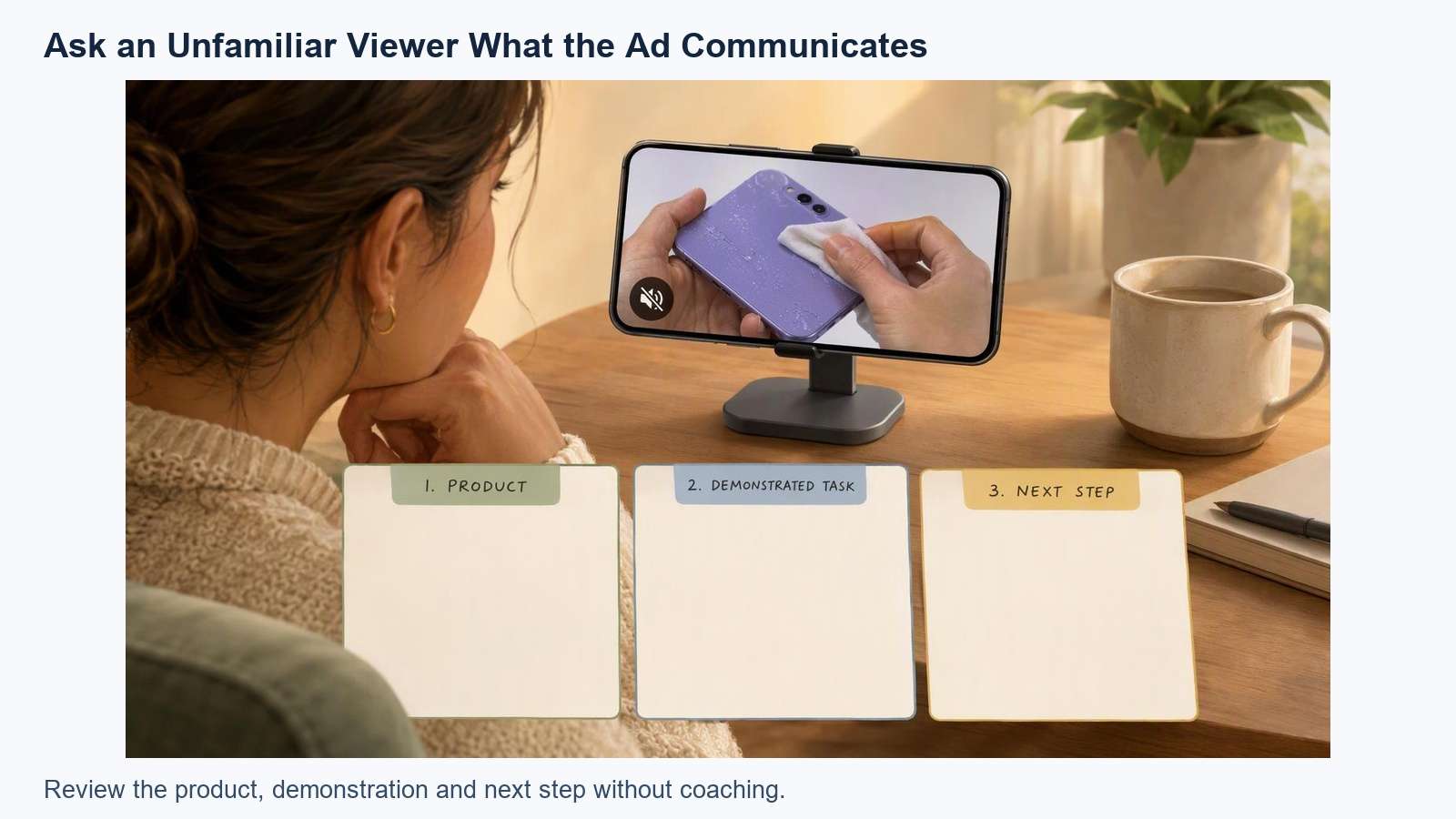
Illustrative planning example, not a tested advertisement or measured performance result.
Keep comprehension review separate from performance testing. Understanding the message does not establish that an ad will produce more clicks or purchases. If you test multiple ads later, document what changed and use a consistent measurement approach. Do not describe an untested creative as a winning ad.
The goal is to make the product, demonstration, and next step understandable in the actual viewing context. Once those elements work, build the next product-led draft around another verified use case instead of adding more messages to the same short clip.
Frequently Asked Questions
-
Are Sound-Off Video Ads the Same as Videos With Captions?
No. Captions reproduce speech, while a sound-off ad also needs a visual sequence that communicates the product, relevant use case, and next step. A captioned ad can still be confusing if its images do not explain the demonstration or if too much reading is required at once. -
Should I Remove the Voiceover and Music?
Not necessarily. Sound can support pacing and explain additional context. Build essential meaning so it remains understandable without audio, then review the version with sound enabled. Make sure spoken claims, captions, product details, and offer conditions communicate the same message in both viewing modes. -
Can AI-Generated Product Footage Serve as Proof?
A generated scene is not evidence that the real product performs as depicted. Use genuine demonstrations for claims about function, fit, or results. AI-assisted material can help plan scenes or supply supporting visuals, but review it for accuracy and distinguish concepts from actual product evidence. -
How Long Should the Advertisement Be?
Use the time needed to communicate the task, evidence, and next step within current requirements of the intended placement. The example timing is a drafting exercise. If text or actions are rushed, simplify the message or revise pacing instead of following that timing rigidly.


