
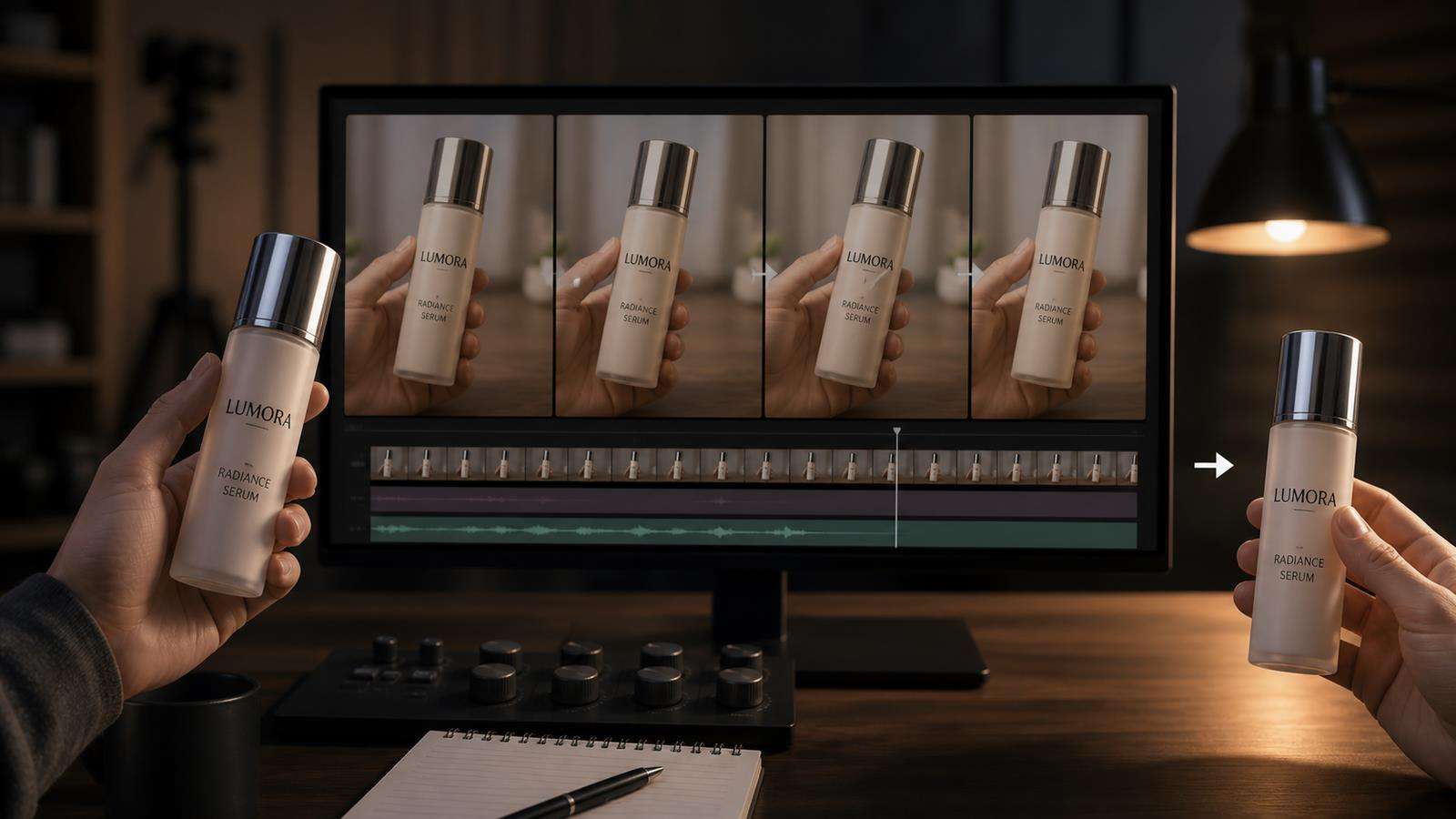
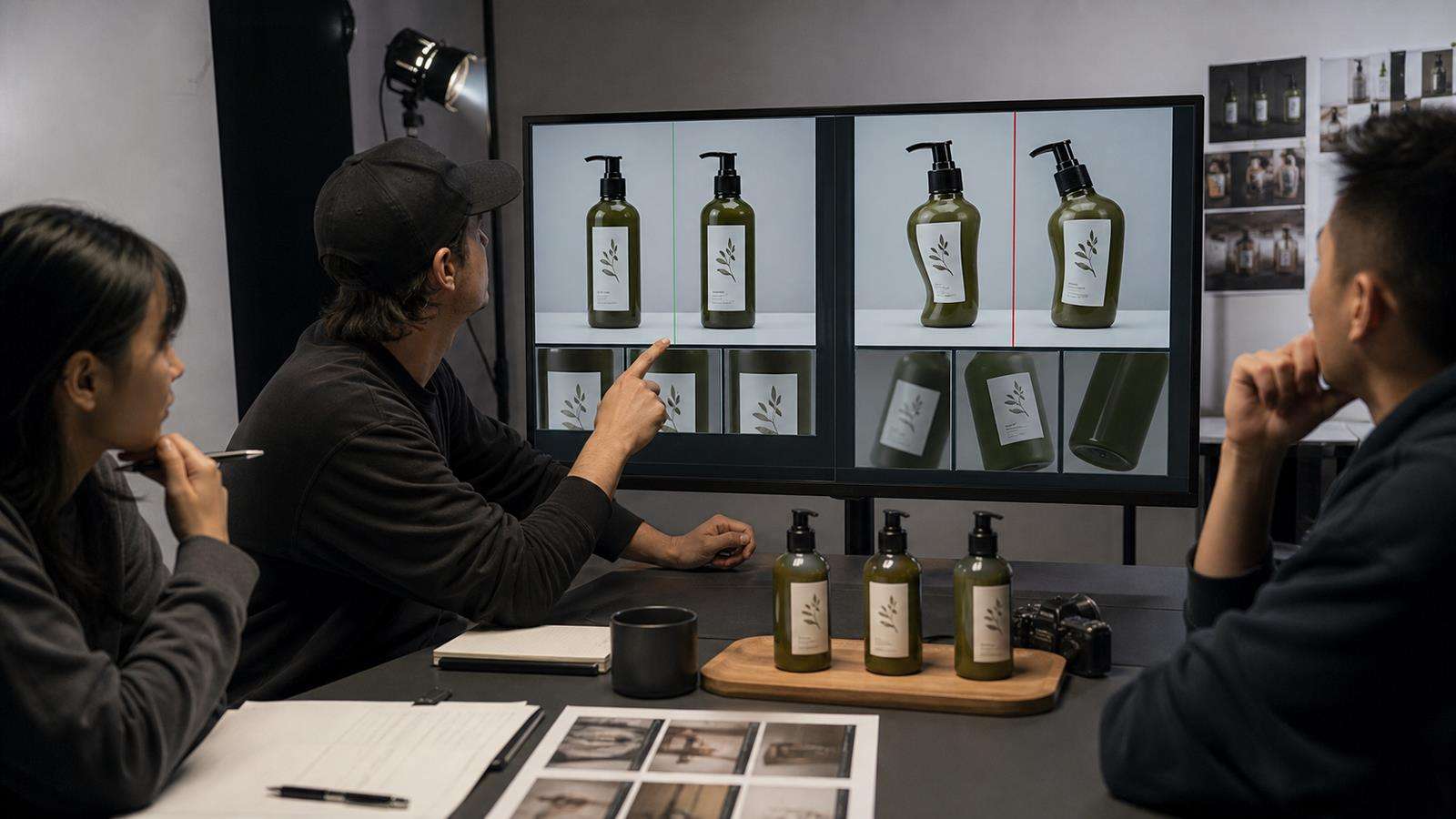
Brand QA rule: a cinematic product shot is still a reject if the product changes. A stretched logo, invented label text, orange replacing brand red, a taller bottle, or a cap that changes shape can invalidate an otherwise beautiful AI ad.
| What you see | What it usually means |
|---|---|
| Logo or label bends during rotation | The shot asks the model to reconstruct fine branding on a changing surface |
| Package proportions shift | The product identity is not anchored strongly enough |
| Color changes under reflections | Lighting and material instructions are overpowering the brand color |
| Product breaks when a hand enters | Interaction, occlusion, and identity are competing in the same shot |
The solution is a brand-safe shot hierarchy: start from a reference kit and approved still, lock the product invariants, use lower-risk motion for readable branding, separate interaction from hero shots, and decide deliberately when to repair a frame versus regenerate the scene.
In this article
- Why Logos and Packaging Drift More Than Large Objects
- Build a Product Reference Kit Before You Animate
- Lock a Correct Still Before You Ask for Complex Motion
- Separate Brand Readability From Product Interaction
- Prompt With Invariants and Variables
- Reduce Risky Rotations, Occlusions, and Reflections
- Use Scale and Contact Points to Keep Packaging Believable
- Repair a Good Shot or Regenerate It?
- Use Media.io AI Ad Generator as a Product-Asset Workflow
- Product Logo and Packaging QA Checklist
- Create a Brand-Safe Shot Hierarchy
- FAQs About Product Drift in AI Video
Why Logos and Packaging Drift More Than Large Objects
Generative video models are good at maintaining the general idea of an object. They can often keep "a red perfume bottle" recognizable while changing details that humans consider essential. Small typography, logos, seals, fine edges, cap mechanisms, reflections, and package proportions are harder because they must stay stable through motion, perspective, lighting, and partial occlusion.
The problem gets worse when the product rotates. A flat front label becomes a curved surface, text shrinks, specular highlights move across it, and fingers may cover part of the packaging. The model is reconstructing these details frame by frame rather than moving a rigid 3D asset with guaranteed texture coordinates.
That is why product identity should be treated as a set of locked invariants. Write down what must never change: silhouette, color, material, logo position, label layout, cap shape, closure, key text, and scale relative to the hand or environment.
The broader Seedance product ads guide covers product-focused generation. This article goes one level deeper by treating drift as a quality-control problem.
Build a Product Reference Kit Before You Animate
Do not begin with the most dramatic lifestyle image you can find. Begin with a reference kit that explains the product clearly.
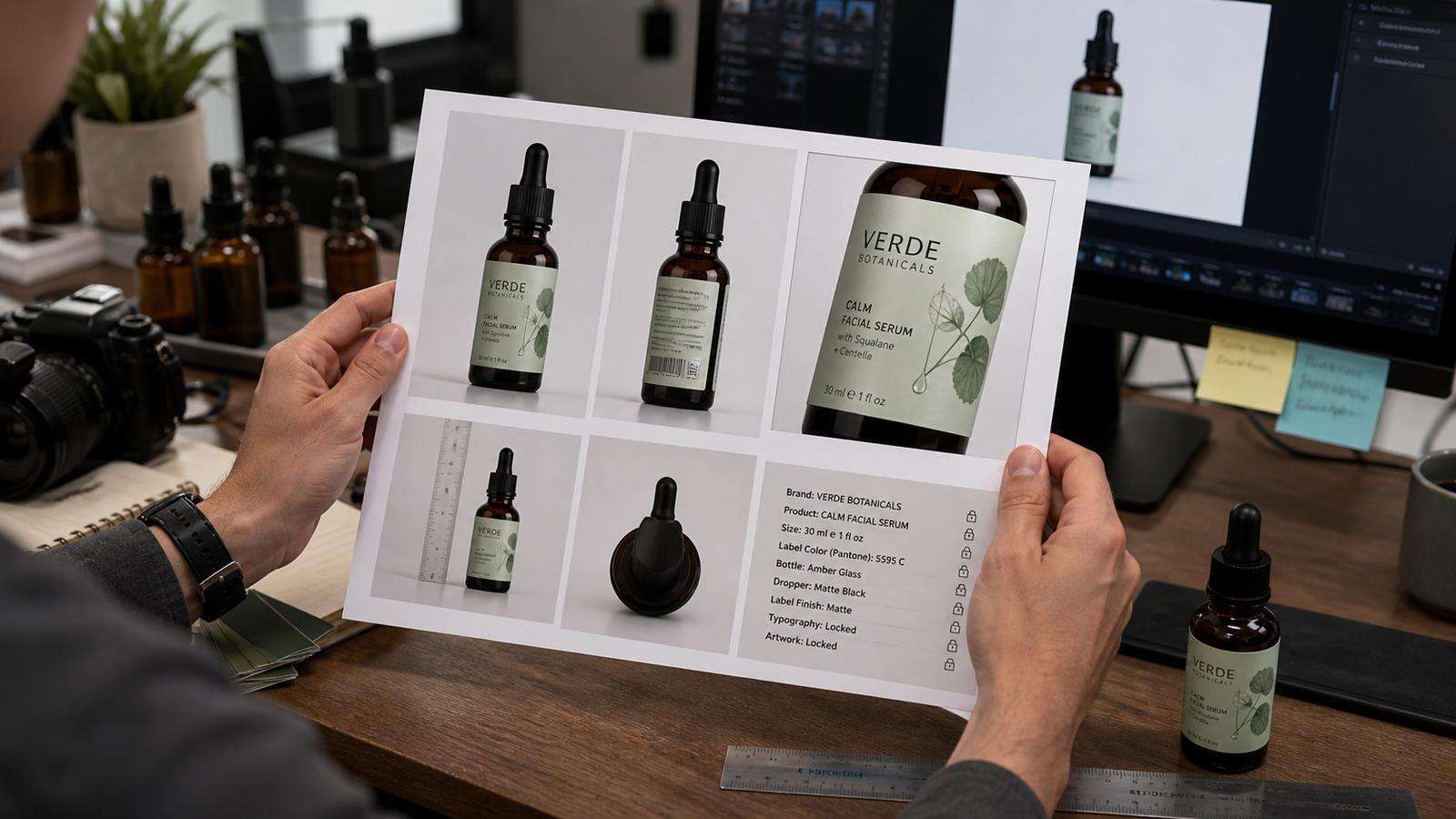
A useful kit includes:
- One clean front or three-quarter packshot with readable branding.
- One side or back view if shape changes around the object.
- One close-up for important label, texture, or hardware details.
- One real scale reference if hand interaction matters.
- A short written lock list for colors, materials, logo placement, and proportions.
If you only have one image, choose the one that communicates the largest number of important product facts. A clean product photo with simple lighting is often more useful than a busy lifestyle shot where the label is small.
Media.io's AI Ad Generator accepts uploaded product images and product-page context, so start from your best real assets instead of forcing the system to reconstruct the product from a brand name alone.
Lock a Correct Still Before You Ask for Complex Motion
One of the safest workflows is still first, motion second. Generate or prepare a frame where the product identity is already correct. Confirm the silhouette, label, logo, cap, material, color, and scale. Only then animate that approved visual.
This reduces the number of unknowns. A text-to-video prompt that has to invent the product, scene, model, lighting, camera, and motion all at once gives the system many opportunities to reinterpret the packaging. Starting from an approved product still turns the task into "move this product through the shot" rather than "imagine what this product probably looks like."
Media.io provides product photography workflows such as Lifestyle Product Photography that can help create an approved still before you move into video. Treat the still as a production asset and keep it with the campaign references.
Separate Brand Readability From Product Interaction
A single shot does not need to prove every feature. In fact, combining logo readability, hand interaction, liquid motion, camera orbit, and dialogue is a common way to create drift.
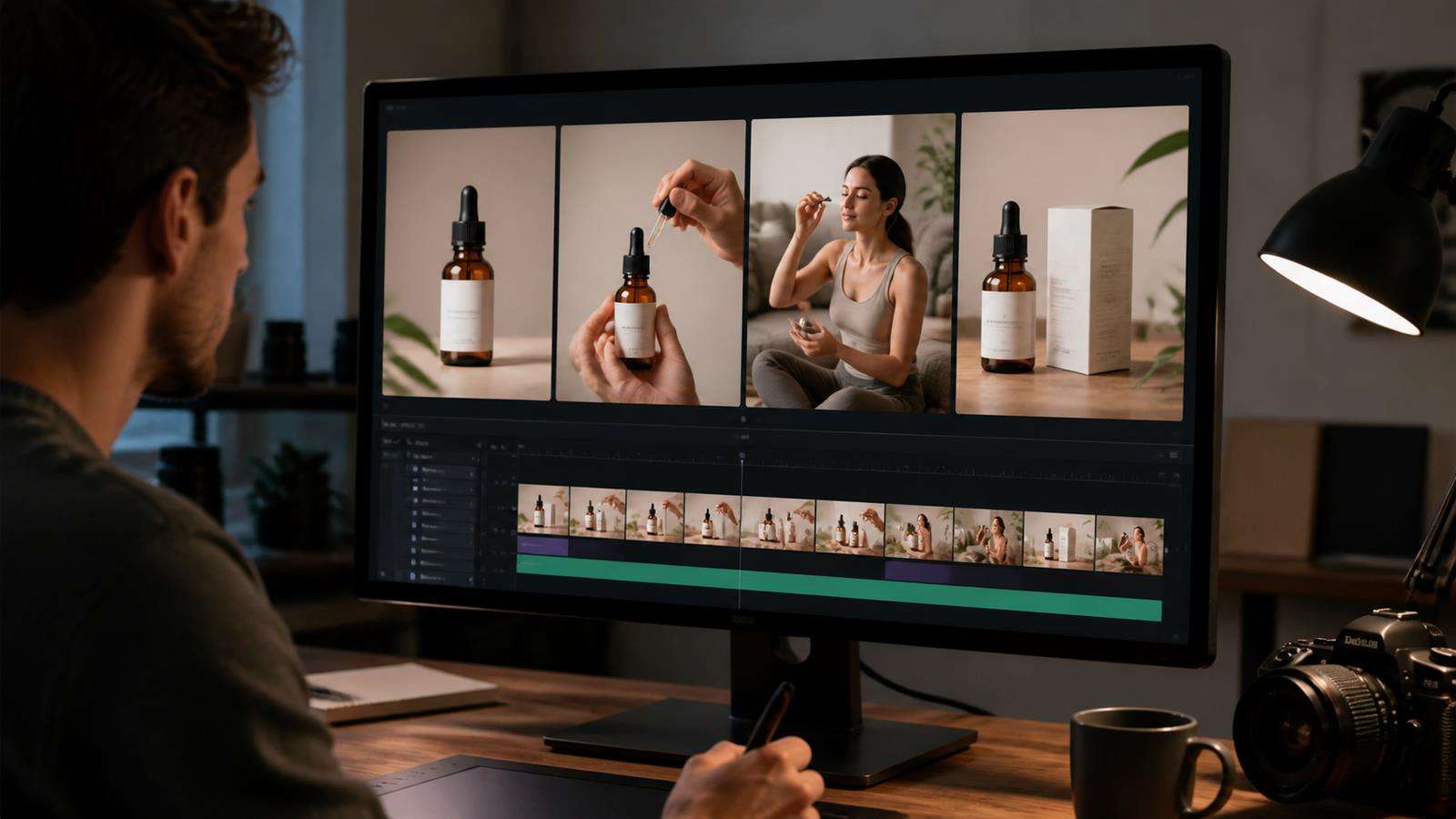
Use different shots for different jobs:
- A clean hero or insert shot where the label is readable.
- An interaction shot where the person holds or uses the product.
- A lifestyle shot where the environment sells the mood.
- A closing packshot that returns to a stable approved product view.
The brand-sensitive shots can use simpler motion. The interaction shot can tolerate a less readable label because the viewer already saw the product clearly. This is normal commercial editing, and AI video benefits from the same discipline.
For ecommerce workflows, Media.io's Product Demo Video Maker is a useful conversion path when the goal is to turn product assets into a structured demo rather than one overcomplicated generation.
Prompt With Invariants and Variables
Product prompts become clearer when you explicitly separate locked properties from creative variables.
Locked properties might be:
"Same 50 ml frosted glass bottle, rectangular body with rounded shoulders, matte white cap, black wordmark centered on the front label, thin silver line under the logo, pale amber liquid, unchanged proportions and label placement."
Creative variables might be:
"Warm bathroom window light, cream stone counter, soft steam, slow camera push-in, hand enters from right and lifts the bottle two inches, shallow depth of field."
This tells the model which details can change and which should remain stable. It also makes troubleshooting easier. If the product drifts, simplify the variables before rewriting the identity description.
Avoid conflicting style commands around the product. "Chrome reflections," "iridescent glass," and "soft matte packaging" cannot all describe the same surface unless the real product actually behaves that way.
Reduce Risky Rotations, Occlusions, and Reflections
Product drift often appears at the hardest moments of a shot: during a fast turn, behind a hand, through motion blur, or under a strong reflection.
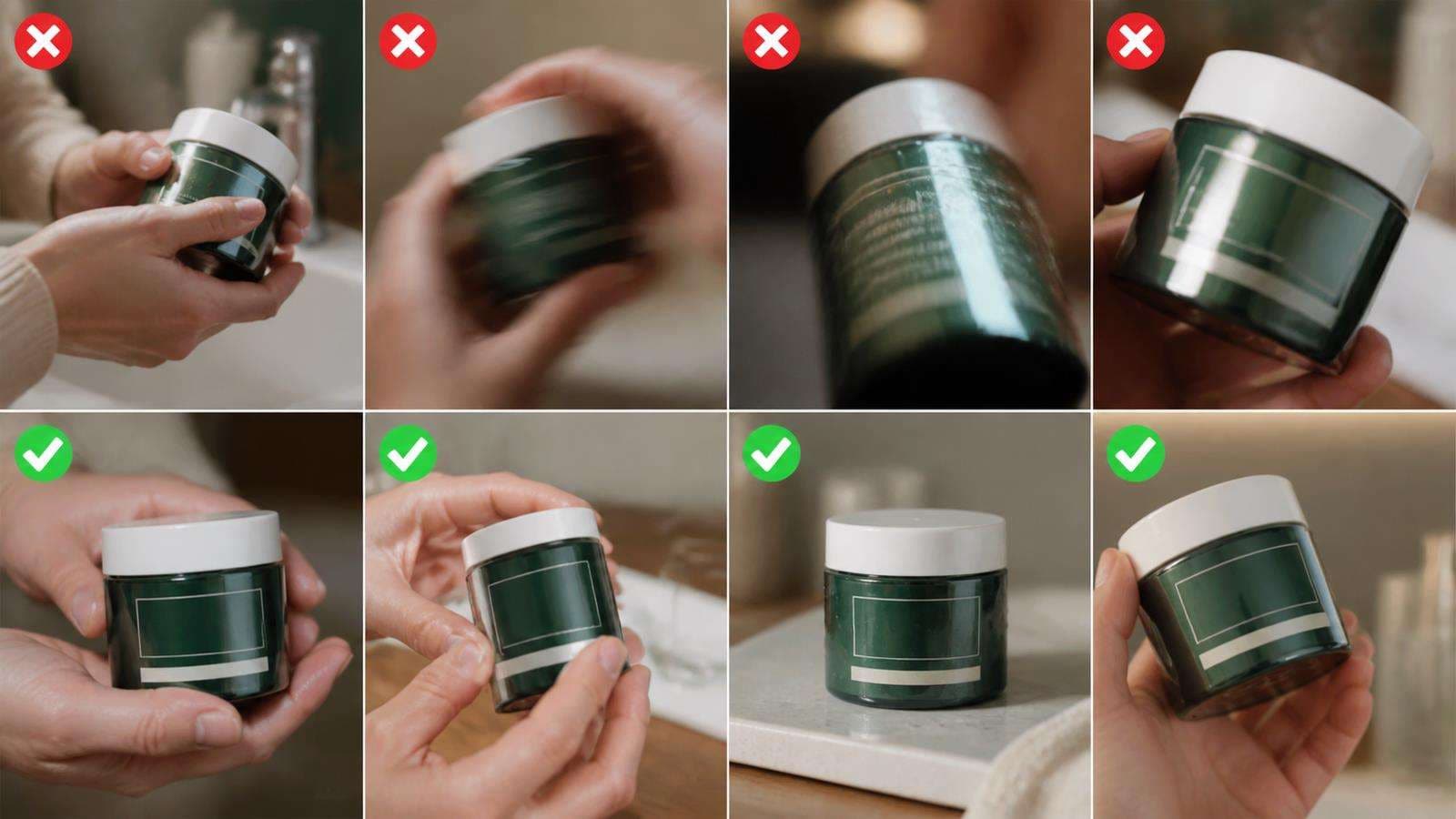
If the logo must remain readable, keep the branded face visible for the critical beat. Use a restrained turn rather than a full spin. Let the hand grip a non-branded area of the packaging. Avoid fingers crossing important text. If the product is glossy, choose lighting that reveals shape without covering the label in a moving white highlight.
For transparent or reflective products, reference the actual material behavior. Glass, chrome, glossy plastic, and metallic foil all create complex moving reflections that can make the model reinterpret edges. A simpler camera move is often safer than asking the product itself to rotate.
Use Scale and Contact Points to Keep Packaging Believable
A product can keep its logo and still feel wrong because its scale changes. Watch the relationship between the object and the hand, table, shelf, or other fixed reference.
If a small bottle suddenly fills the actor's palm in one frame and becomes oversized in the next, the viewer notices even if the label looks correct. Define approximate real-world size in the prompt when it helps, and use a reference image that shows the product next to a hand or familiar surface.
Contact points matter too. The product should rest on the table, sit inside the fingers, or touch the face in a physically stable way. Floating edges and changing grip positions often accompany packaging drift because the model is solving object identity and contact at the same time.
Repair a Good Shot or Regenerate It?
Not every flaw needs a complete restart. Decide based on where the error appears.
Do not spend excessive editing time rescuing a generation whose product identity is fundamentally wrong. For paid media, a clean regenerate is often cheaper than building a complicated patch around unreliable frames.
Use Media.io AI Ad Generator as a Product-Asset Workflow
Media.io AI Ad Generator can begin from product images, a product URL, or both, then produce image or video ad directions. Image ads can use product scenes and custom prompts, while video ads can use Auto or Guided Mode. Guided Mode adds a script checkpoint before the final video is created.
For product fidelity, the useful part of this workflow is starting from real product context rather than from a vague description. Upload the clearest images you have, add the product page when it contains accurate visual and feature information, choose a scene that does not hide the packaging, and review the final creative before publishing.
Product Logo and Packaging QA Checklist
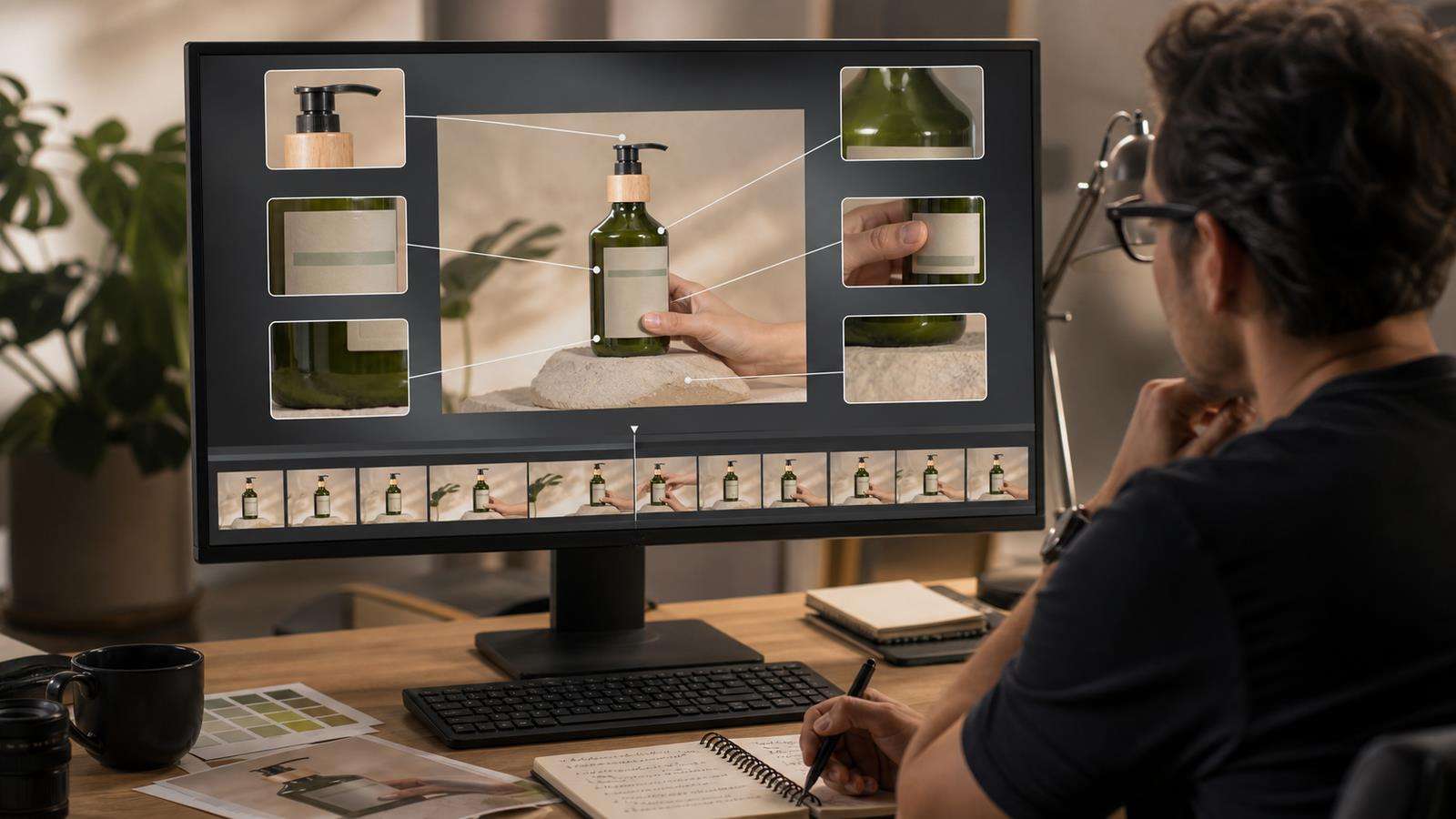
Review the final video at full resolution and pause on every major product angle. Check:
- Silhouette and package proportions.
- Cap, closure, handle, nozzle, or hardware shape.
- Brand colors and material appearance.
- Logo position, orientation, and readability.
- Label layout and important text.
- Product scale relative to hands and surfaces.
- Contact points during interaction.
- Reflections that cross branded areas.
- Frame-to-frame stability at cuts and during rotation.
- Closing hero shot against the approved packshot.
For a commercial campaign, also verify factual claims, price, offer, testimonials, and platform requirements. A visually perfect product can still create risk if the ad copy is wrong.
Create a Brand-Safe Shot Hierarchy
Not every frame needs the same level of exactness. Decide which shots are brand-critical before generation. The opening packshot, product detail, offer frame, and closing hero usually deserve the strictest identity rules. Transitional lifestyle shots can allow more camera and environment variation as long as the item remains clearly recognizable.
This hierarchy helps you allocate generation effort. Instead of trying to make a fast rotating lifestyle shot carry tiny legal text and a perfect logo, reserve that information for a stable product frame. If a campaign has several aspect ratios, protect the same brand-critical shots in every version so the viewer repeatedly sees the approved product.
Keep one still image from each approved brand-safe angle. Those stills can become reference frames for future variations, thumbnails, retargeting ads, or replacement inserts when one generated motion segment fails. Over time, the campaign develops a reusable library of verified product views rather than starting from zero for every new ad.
FAQs About Product Drift in AI Video
Why does an AI video change my product logo?
Small text and logos are difficult to keep stable while perspective, lighting, motion, blur, and occlusion change. A clean product reference and simpler motion reduce how much the model has to reconstruct.
How can I keep packaging consistent in AI video?
Use high-quality product references, lock product invariants, start from an approved still, separate label shots from complex interaction, reduce extreme rotation, and inspect the result frame by frame.
Should I put the product logo in the prompt?
Describe the logo position and branded layout, but do not rely on text alone for exact visual identity. A real product image is a stronger reference when precise packaging matters.
Is it better to use image-to-video for branded products?
Often yes. Starting from a verified product still reduces the number of product details the model must invent. You still need to review the packaging throughout the motion.
Can AI handle a person holding the product?
It can, but hand contact adds another consistency challenge. Use a clear product reference, simple grip, readable scale, and shorter actions. Separate complex hand interaction from the clean logo hero shot when possible.
When should I reject a generated product video?
Reject it when the product shape, logo, color, label, scale, or key packaging details are materially wrong or unstable. Strong motion is not enough if the advertised product is visually misrepresented.


