
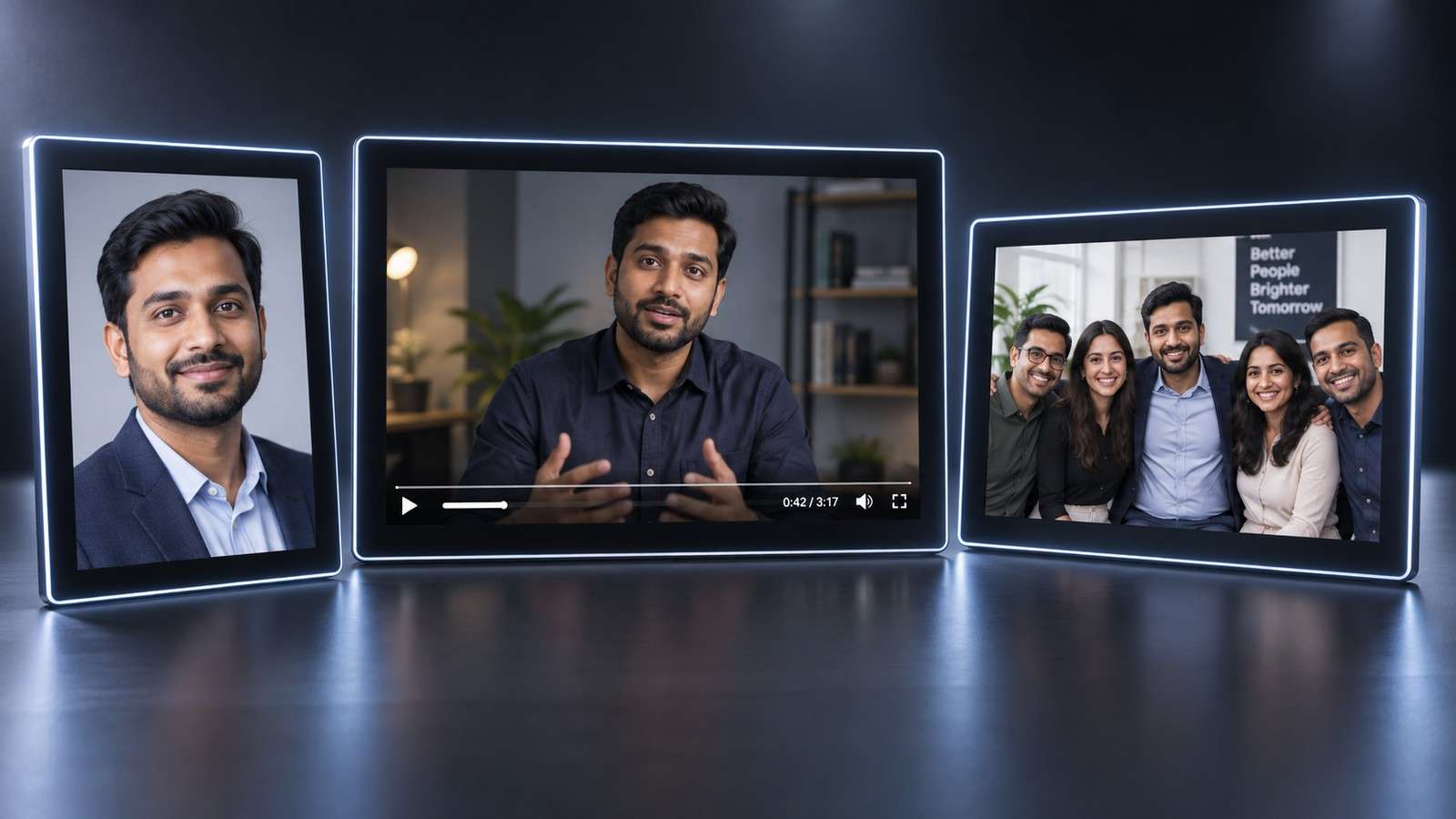
A useful Vidnoz face swap alternative should be chosen by the output you need, not by a longer feature list. Vidnoz already covers photo, video, and multiple-face swapping in the browser, so a replacement has to improve something specific: the editing flow around the swap, the way group faces are mapped, export requirements, free access, or the connection to the rest of your creative process.
This guide compares Vidnoz with Media.io and other alternatives using the same decision points a creator actually faces: single portraits, group photos, moving clips, HD output, credits, and what happens after the identity replacement is finished.
| Need | Best Starting Point |
| Photo and video face swap plus broader AI editing | Media.io |
| A no-signup guest test | Magic Hour or another explicit guest route |
| Photo, video, and multi-face inside the Vidnoz ecosystem | Vidnoz |
| Professional, API, or campaign-oriented swap workflow | AKOOL |
In this article
Vidnoz Alternative Decision Map
Before switching, write down the task in one sentence. "I need a face swap" is too broad. "I need to replace one person in a group photo without changing the others" or "I need a 12-second social clip with stable identity during a side turn" gives you a real evaluation target.
If the job is a one-off photo, almost every major browser tool can compete. If the job involves several faces, moving footage, repeated revisions, or downstream editing, workflow design becomes more important than the first generation.
What Vidnoz Face Swap Covers Today
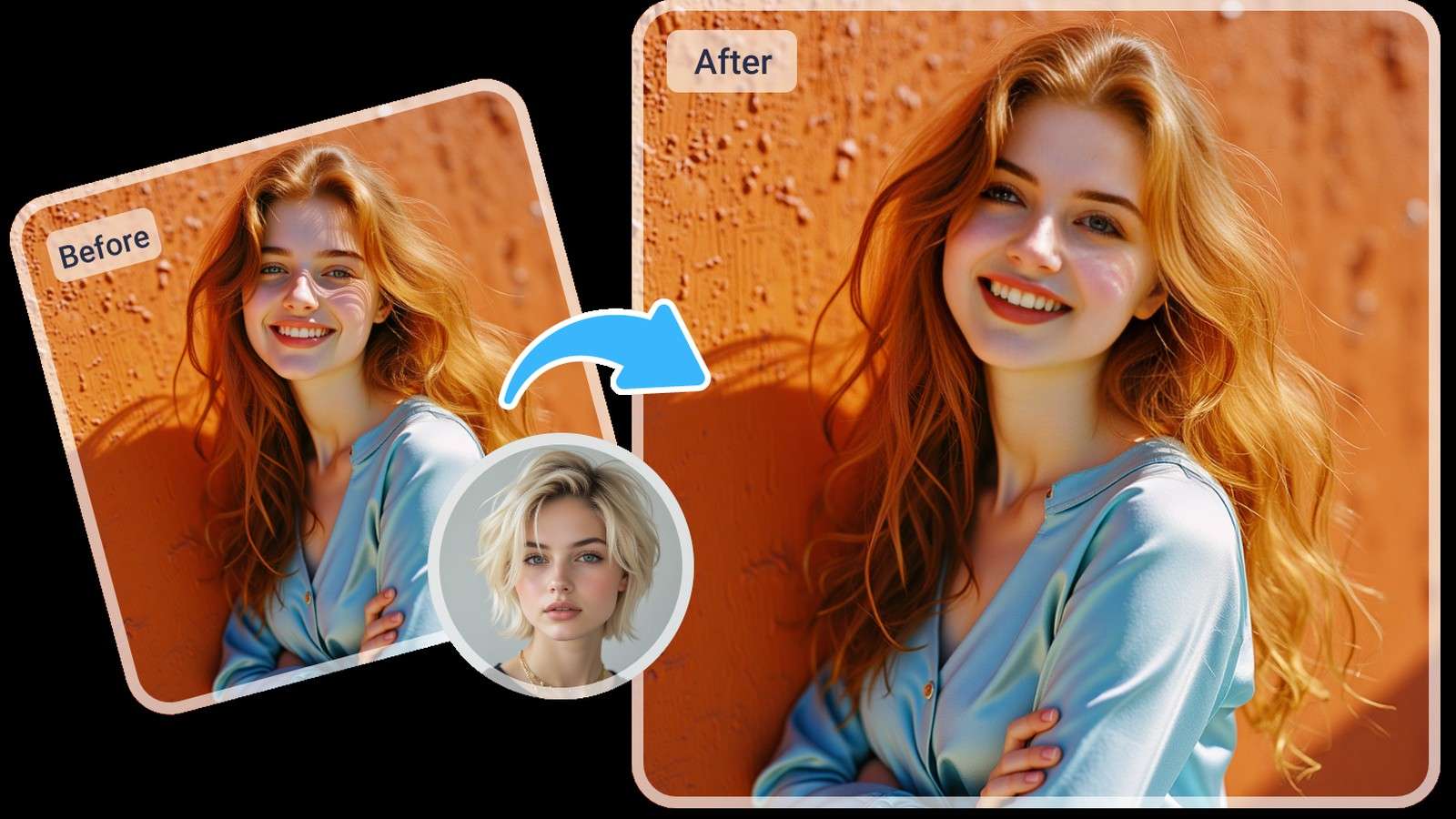
Vidnoz presents three relevant modes directly: Photo Face Swap, Video Face Swap, and Multiple Face Swap. Its current upload guidance supports common image formats and several common video containers. The public pricing information also distinguishes credit usage for photo swaps, larger multi-face photo jobs, and video or GIF swaps, with HD positioned as a paid capability.
That breadth is a genuine advantage. A free Vidnoz alternative only makes sense when its free route is actually usable for the same format, or when it gives you a better path to the final deliverable.
Vidnoz vs Media.io: Feature and Workflow Comparison
| Decision Point | Vidnoz Face Swap | Media.io |
| Single photo | Yes | Yes |
| Short video | Yes | Yes |
| Multiple faces | Yes | Dedicated multiple-face workflow |
| HD or higher-quality output | Plan/credit dependent | Check the current generation and export route |
| Broader workflow | Wide Vidnoz AI suite | Connected Media.io image and video tools |
| Best fit | Users already working inside Vidnoz | Users who want face swap plus Media.io editing and creative follow-up |
Media.io's Photo Face Swap becomes the more natural alternative when the swap needs to feed into another Media.io task. For group images, Multiple Face Swap keeps multi-person mapping separate from the single-face workflow, which makes the editing logic easier to audit.
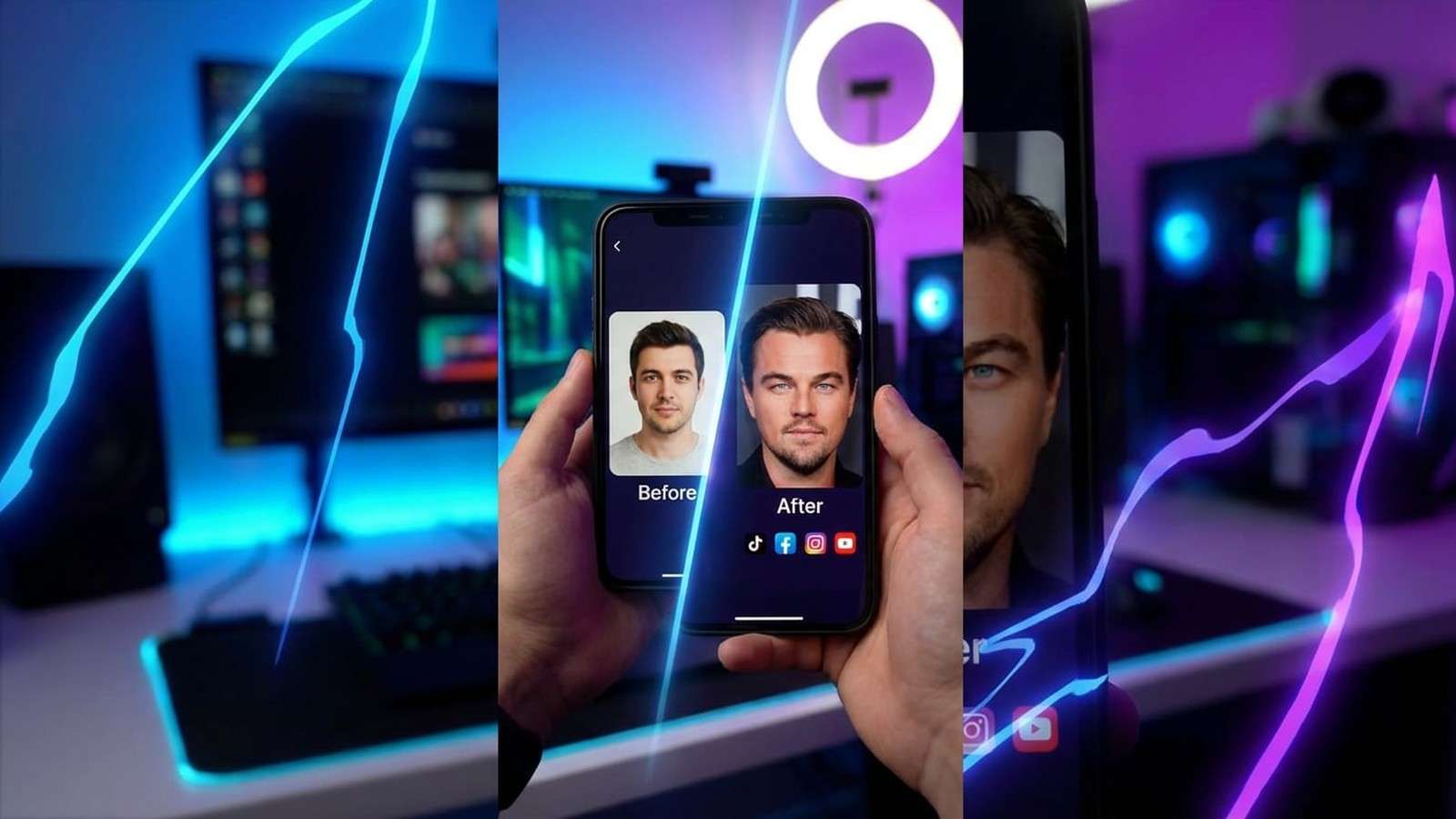
Photo Face Swap: Compare Identity Fidelity First
For a Vidnoz photo face swap alternative, use a target image with enough detail to expose blending errors. A clear portrait with side lighting, visible hair edges, and a slight turn is more useful than a perfect passport-style image.
- Check whether the replacement inherits the target expression naturally.
- Inspect jawline, cheeks, ears, hairline, glasses, and facial hair.
- Confirm the tool did not alter clothing, background, hands, or another person.
- Compare the exported file, not only the web preview.
- If identity is weak, replace the source portrait before blaming resolution.
Media.io also has specific portrait and selfie face swap routes that are useful when the final image will be seen at close range rather than as a small meme.
Video Face Swap: Test Motion, Not Just the Preview
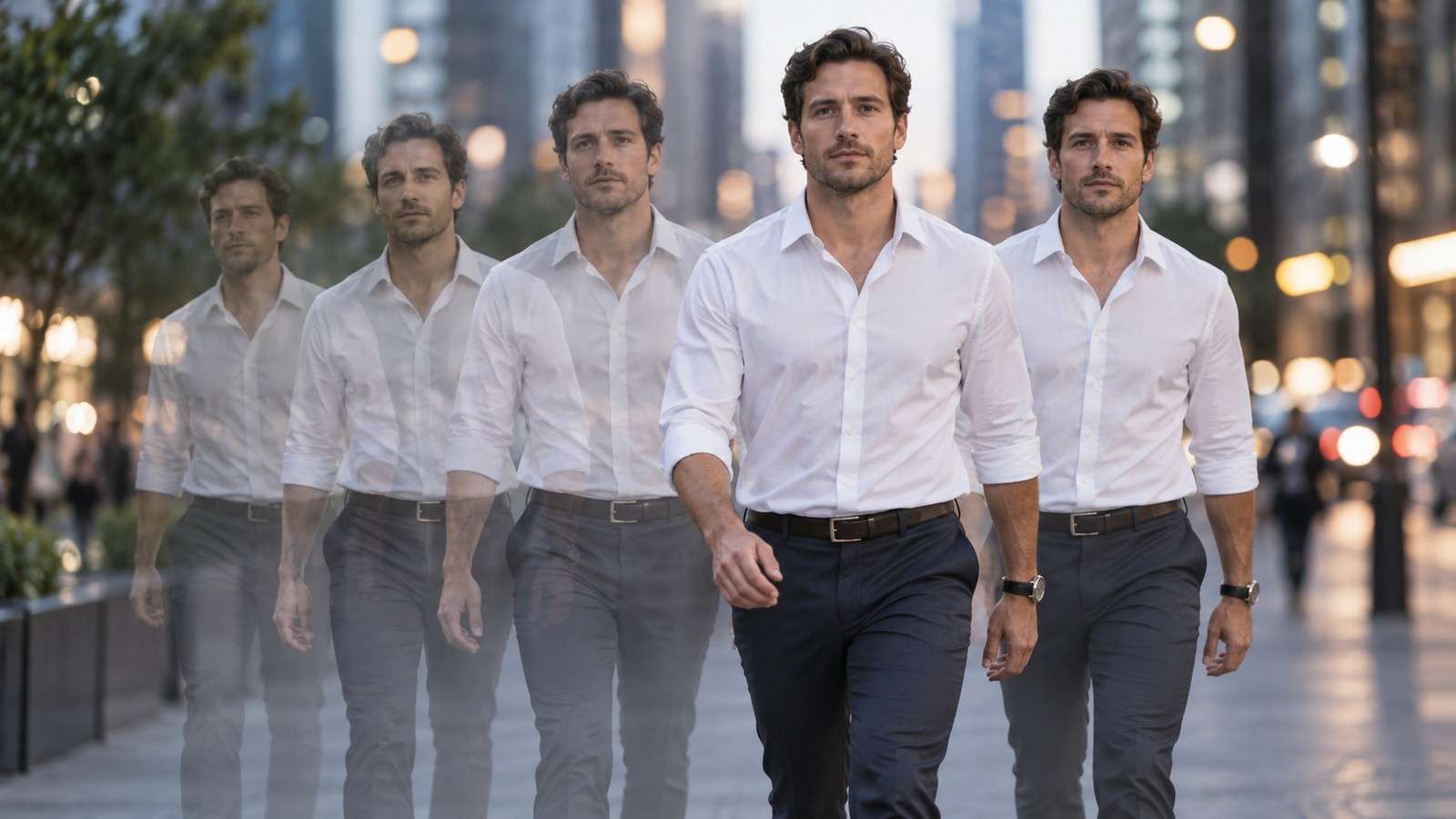
Video is where face-swap systems separate most clearly. A convincing opening frame does not prove the face will stay stable through motion. Compare Vidnoz with Media.io AI Face Swap Video using the same short clip and replacement portrait.
Scrub frame by frame through fast head motion, side profiles, hair movement, hands crossing the face, and changes in light. Look for identity drift, edge flicker, temporary reversion to the original face, or a mismatch between mouth movement and the new face shape. Only after the motion is stable should you compare compression and final resolution.
Multiple Faces: Mapping Control Is the Key Difference
When a source contains several people, the core question is not "does it detect faces?" but "can I map each replacement to the correct person and leave everyone else untouched?"
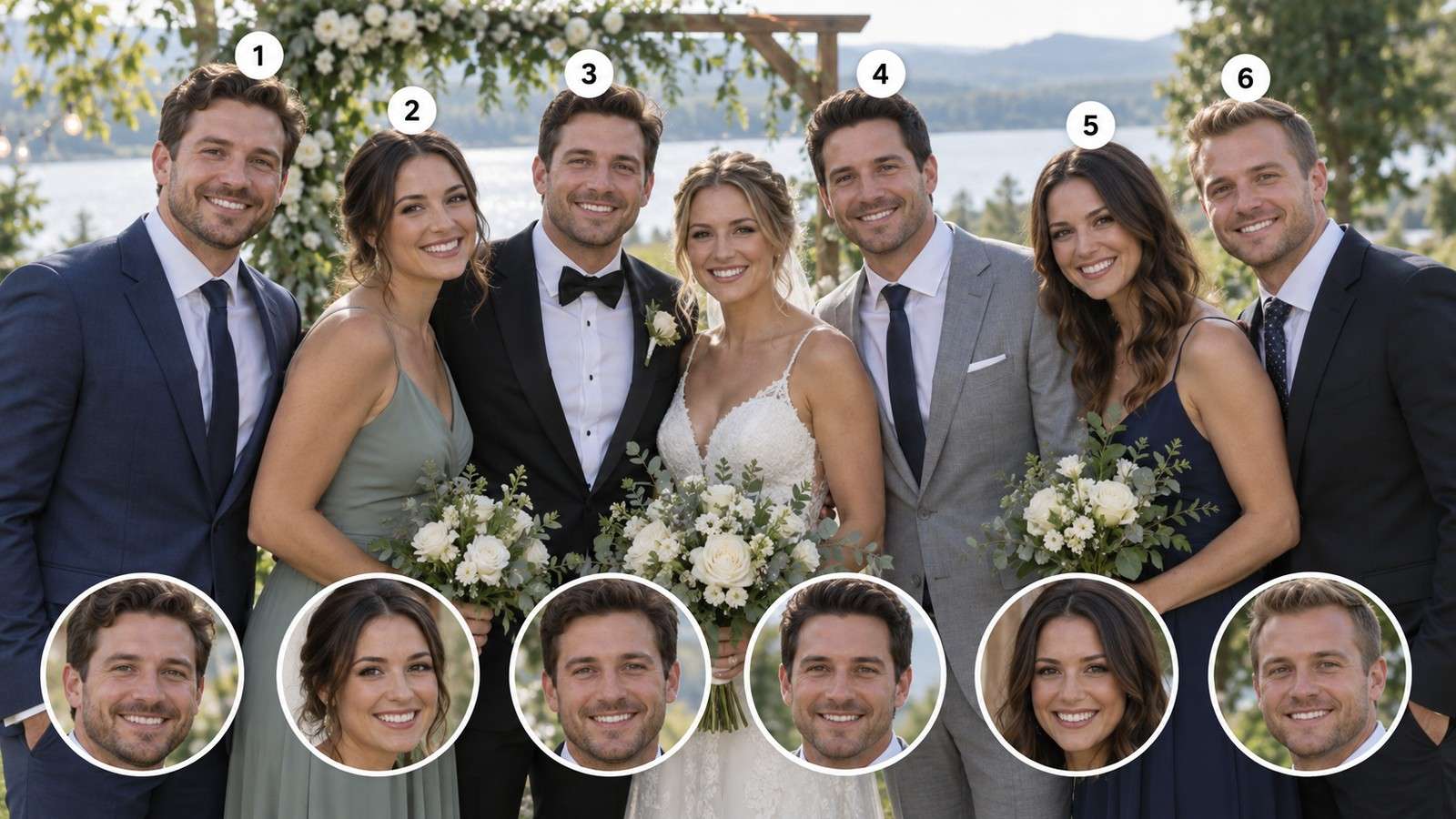
Use Media.io Group Photo Face Swap or the multiple-face route when the scene includes family members, teammates, friends, or several models. In testing, include one smaller background face and one angled face. That reveals whether the tool is robust enough for real group photography rather than only large front-facing portraits.
Separate Photo, Video, and Multi-Face Tests Before Comparing Platforms
Vidnoz exposes photo, video, and multiple-face modes in the same product, but those jobs should not be treated as one benchmark. A clean portrait mostly tests identity blending. A short video tests temporal stability and expression tracking. A group photo tests face detection and mapping. An alternative can outperform in one mode and underperform in another.
Create three independent acceptance tests. For photo, use a high-resolution portrait with visible hair and a slightly different lighting direction between source and target. For video, use ten to fifteen seconds with a turn, smile, and brief occlusion. For multiple faces, use a group image with at least three people at different distances. Keep the source media identical between tools and judge the exported result rather than the preview.
This approach is especially important for users searching Vidnoz photo face swap alternative. If photo is the only real task, a broader video or avatar suite should not receive extra weight just because it contains more tools. Likewise, video-heavy users should not choose based on one polished still-image result.
Credits, HD Output, and the Real Cost of a Finished Result
Vidnoz publishes task-based credit usage. Current pricing documentation separates photo face swap, larger multi-face photo jobs, and video or GIF face swaps. That transparency is useful, but you still need to estimate retries. A ten-second clip that needs three attempts costs more than the theoretical single-run rate.
Use this simple calculation for every platform:
For Media.io, check the live generation and export step for current credits and output conditions. Do not copy an old allowance into a production plan because AI tool pricing changes frequently.
Measure Credits Per Approved Asset, Not Per Generation
Credit tables are useful, but one generation rarely equals one approved asset. A difficult face may require another reference image, a different source frame, or a retry after an edge artifact. Video can require even more iteration because an output that looks correct in the first frame may drift later in the clip. The practical cost is therefore the credits consumed across every attempt that was needed to reach an acceptable result.
Track each test in a small production log: number of generations, credit use, output resolution, watermark status, retries, and final approval. If one platform appears cheaper per click but needs three attempts where another usually passes in one, the cheaper listed unit may not be cheaper in practice.
Also separate quality upgrades from generation cost. Vidnoz presents HD as an output option, and other products may gate resolution, duration, watermark removal, or priority processing differently. Compare the setting you would actually publish, not the lowest-cost preview route.
Choose an Alternative Based on What Comes After the Swap
The biggest reason to choose Media.io over Vidnoz is not a single face-swap checkbox. It is the continuity of the creative workflow. After the identity edit, a creator may need enhancement, background work, resizing, another image effect, or a social-ready video. Keeping those tasks inside one ecosystem reduces uploads, exports, and repeated asset management.
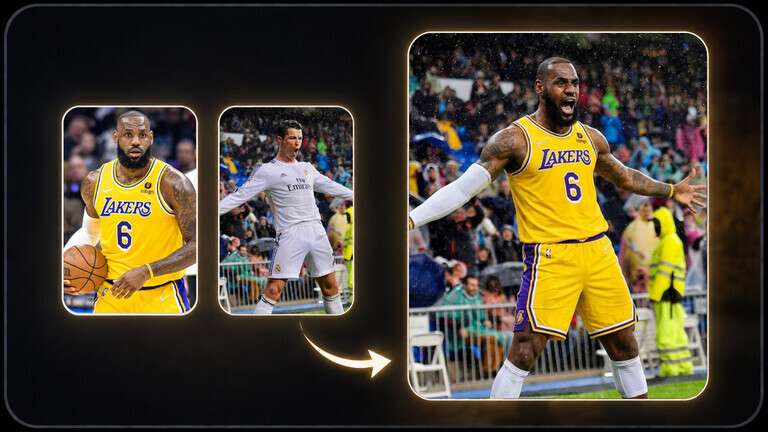
If the swap itself is the final deliverable, a simpler specialist may be enough. If the swap is the first stage of a campaign or creator workflow, the surrounding tools matter more.
Other Vidnoz Alternatives to Consider
Magic Hour is worth testing when you want a clearly documented guest route for quick photo or short video experiments. AKOOL is a stronger comparison when professional team workflows, multiple swap modes, or developer-facing usage matter. Pixlr makes sense when your job is strictly a still image and you want the result inside a conventional image editor.
Know When Staying With Vidnoz Is the Better Decision
An alternative is not automatically better because it is different. Stay with Vidnoz when its photo, video, and multiple-face modes already cover the formats you publish, your team understands its credit model, and the rest of the Vidnoz AI suite is part of the same content process. Switching platforms adds retraining, new privacy review, and another place to manage assets.
Move only when the new tool solves a measurable problem. That problem might be a more direct browser workflow, better continuity into image and video editing, a different account or credit model, stronger group-photo handling, or higher success on the difficult source material your team actually uses. Media.io is most compelling when the swapped result needs to continue into other AI image or video tasks rather than ending at download.
Run a small pilot before changing a recurring workflow. Use one photo, one video, and one group image, then compare time to approved output, retry rate, export quality, and the number of handoffs required after the swap. A migration decision based on those four measures is more reliable than choosing from feature checklists alone.
A Safer Evaluation Workflow for Real Faces

- Choose one authorized source portrait and one target photo or short clip.
- Run a low-cost test before uploading long or sensitive media.
- Inspect identity fidelity and unintended changes to the rest of the scene.
- Confirm final resolution, watermark, duration, and license requirements.
- Delete project files from cloud services when the job is complete if that matches your privacy policy.
Vidnoz Face Swap Alternative FAQs
-
What is the best Vidnoz face swap alternative?
Media.io is a strong Vidnoz face swap alternative when you want photo and video swapping plus a connected path into broader AI editing. Magic Hour is worth testing for a low-friction guest route, while AKOOL is more relevant to professional or API-oriented production.
-
Is there a free Vidnoz alternative?
Yes. Several tools offer free generations or guest access, but the limits are not equivalent. Compare photo versus video allowances, account requirements, watermarks, HD export, and commercial-use rules before choosing.
-
Does Media.io support photo face swap like Vidnoz?
Yes. Media.io FaceSwap AI supports photo face replacement with automatic face detection and a separate multiple-face route for group photos. It also connects to other Media.io image tools after the swap.
-
Can I use a Vidnoz alternative for multiple faces?
Yes. Media.io and Magic Hour both provide dedicated multiple-face workflows, and AKOOL also supports multi-face-oriented swap scenarios. Use explicit mapping when several people need different replacement faces.
-
How do Vidnoz face swap credits work?
Vidnoz publishes different credit usage by task: photo face swap, larger multi-face photo jobs, and video or GIF face swaps can consume different amounts. The live pricing page should be treated as authoritative because plan details can change.
-
What should I compare in Vidnoz vs Media.io?
Compare the exact media you create: single photo, group photo, short video, or a larger creator workflow. Then evaluate face consistency, mapping control, HD availability, cost, watermark, follow-up editing, and privacy terms.


