Upload Your Face
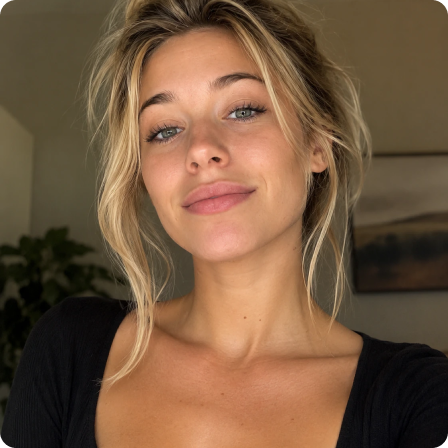

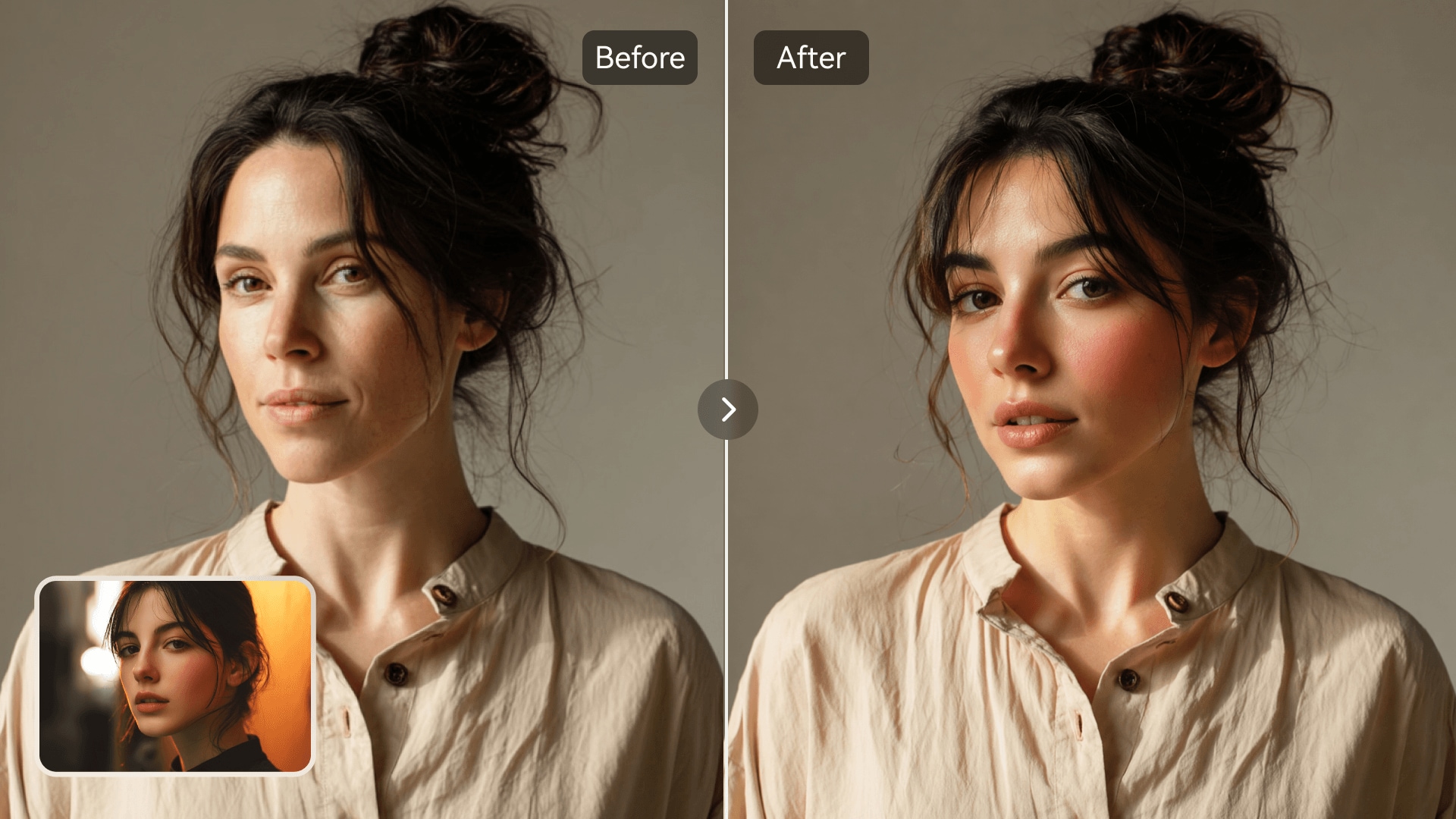















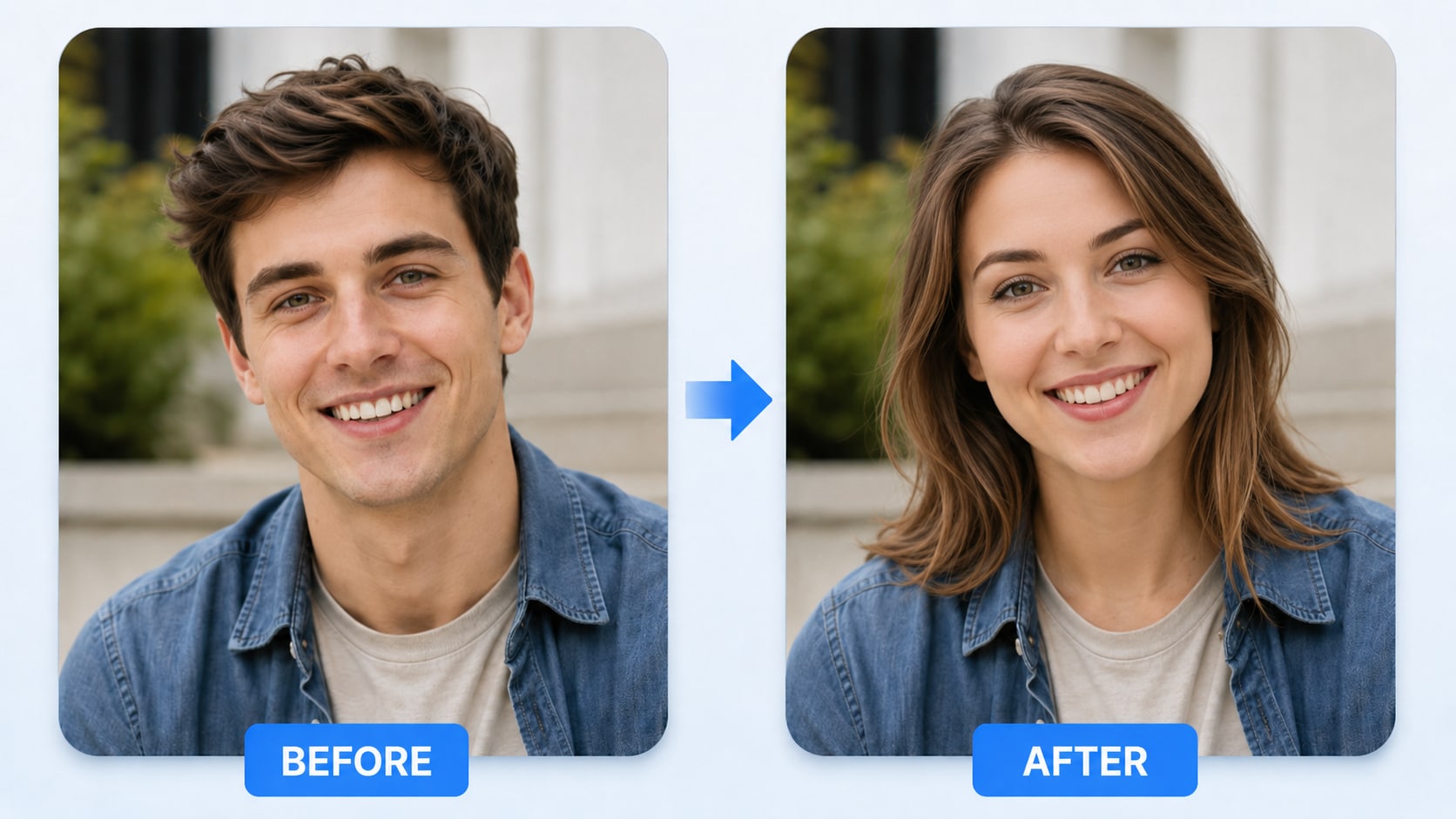
Want to create fun face swaps in photos without Photoshop or manual editing? Upload an original photo and a target face image, then let Media.io's AI Photo Face Swap automatically detect faces and generate realistic AI face swap results in seconds. Whether you want to make memes, refresh profile pictures, edit group photos, create character-style images, or design social media visuals, Media.io makes face swapping simple and natural. Use it as an AI face swapper, photo face changer, face replacement tool, and AI face editor online—your easy all-in-one solution for realistic photo face swaps.
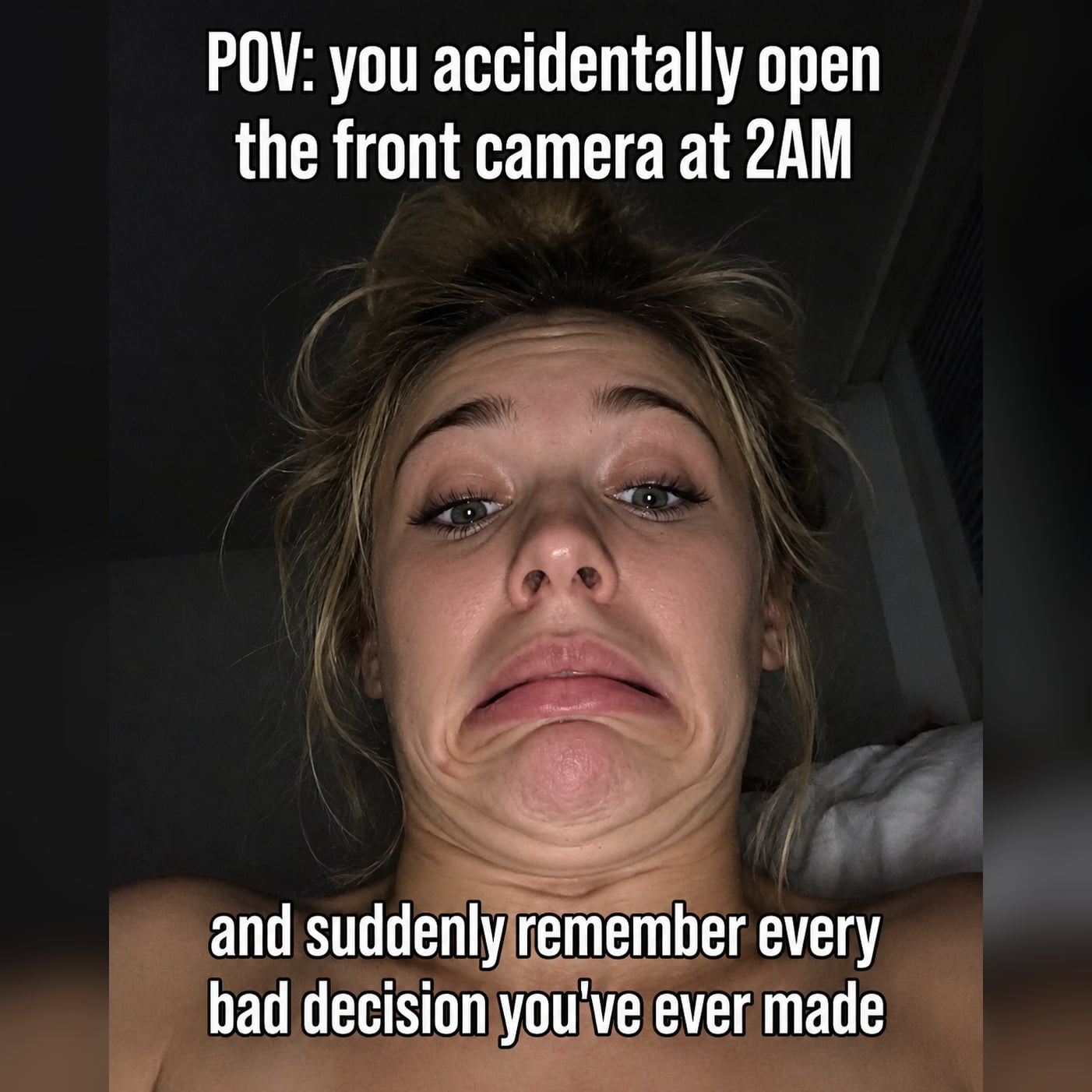




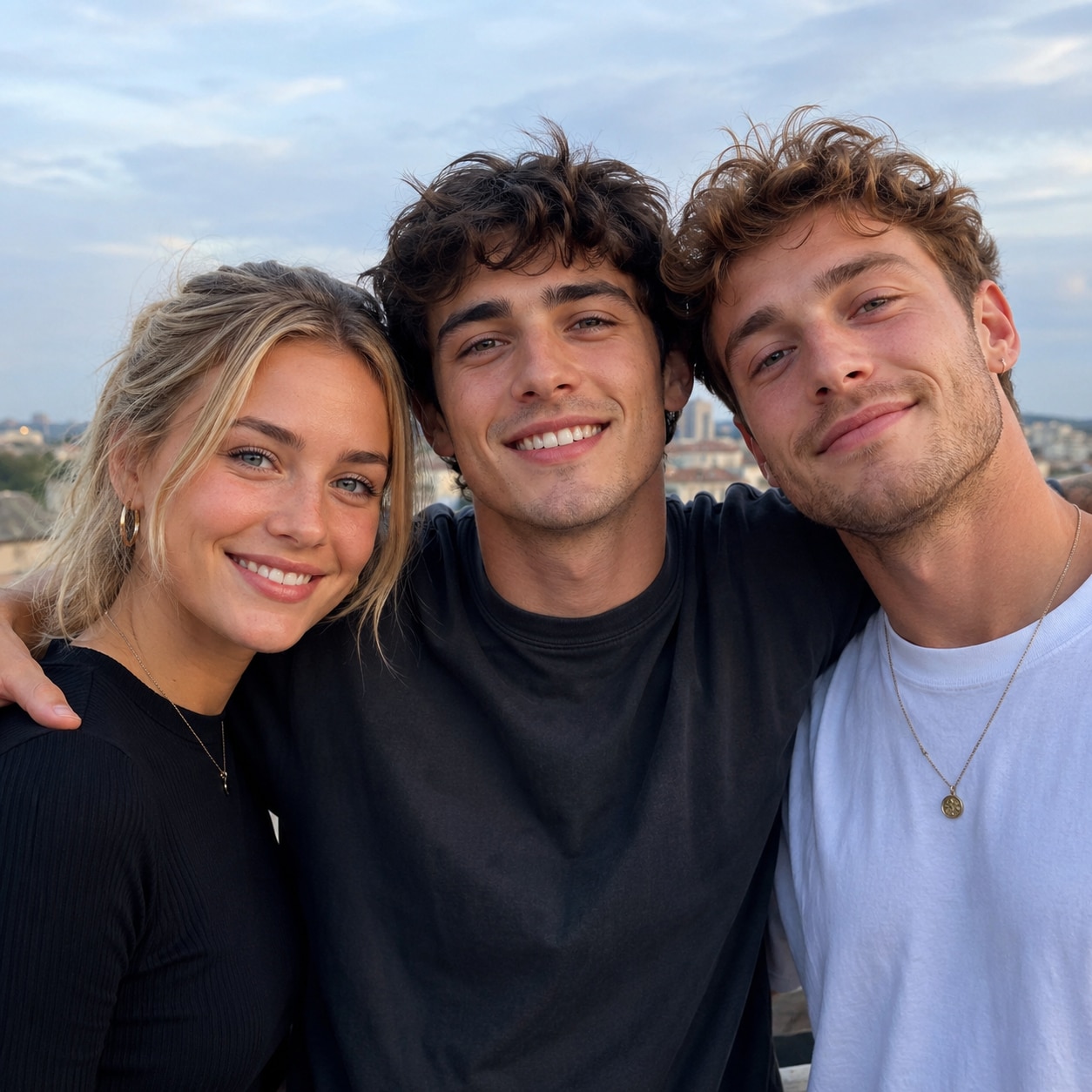
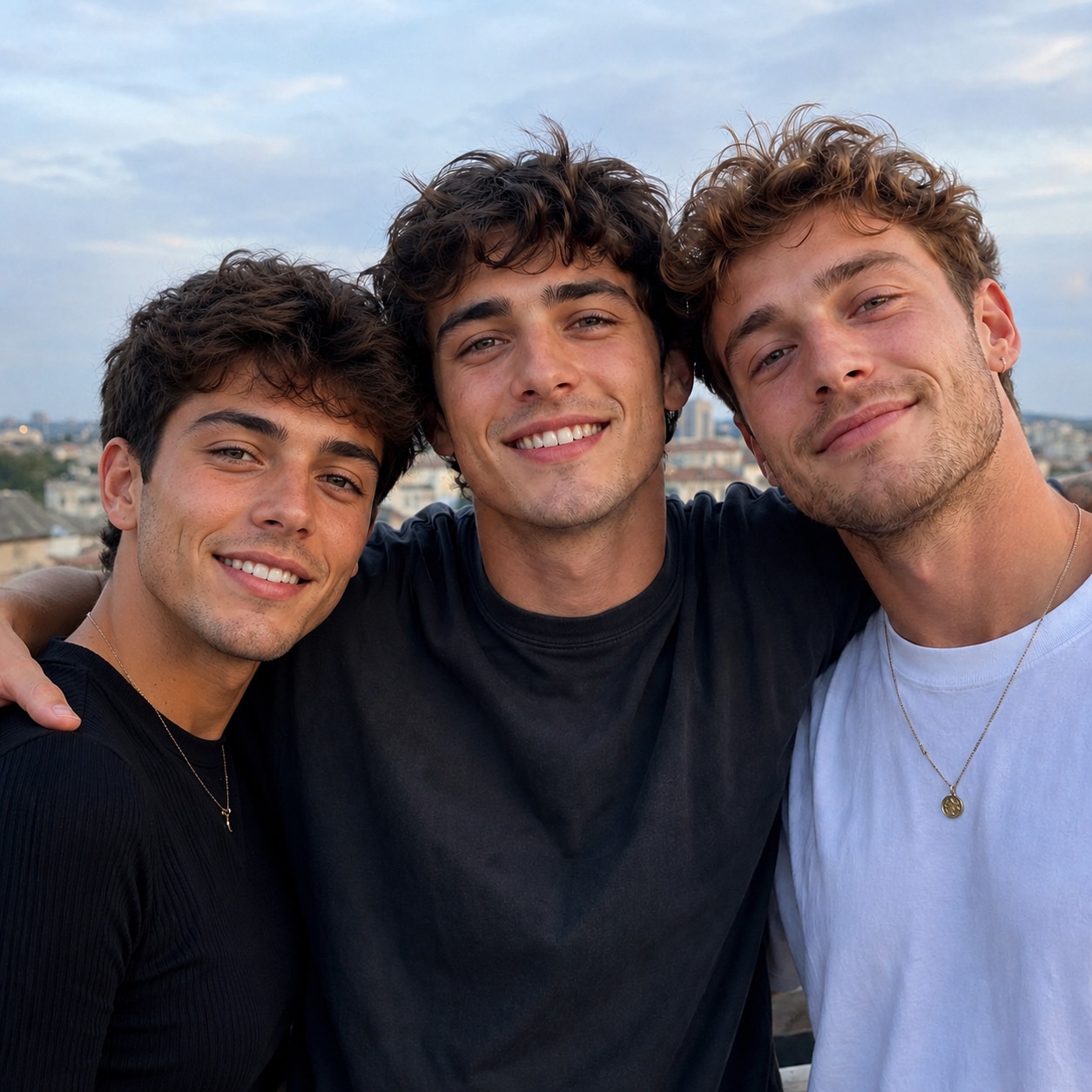
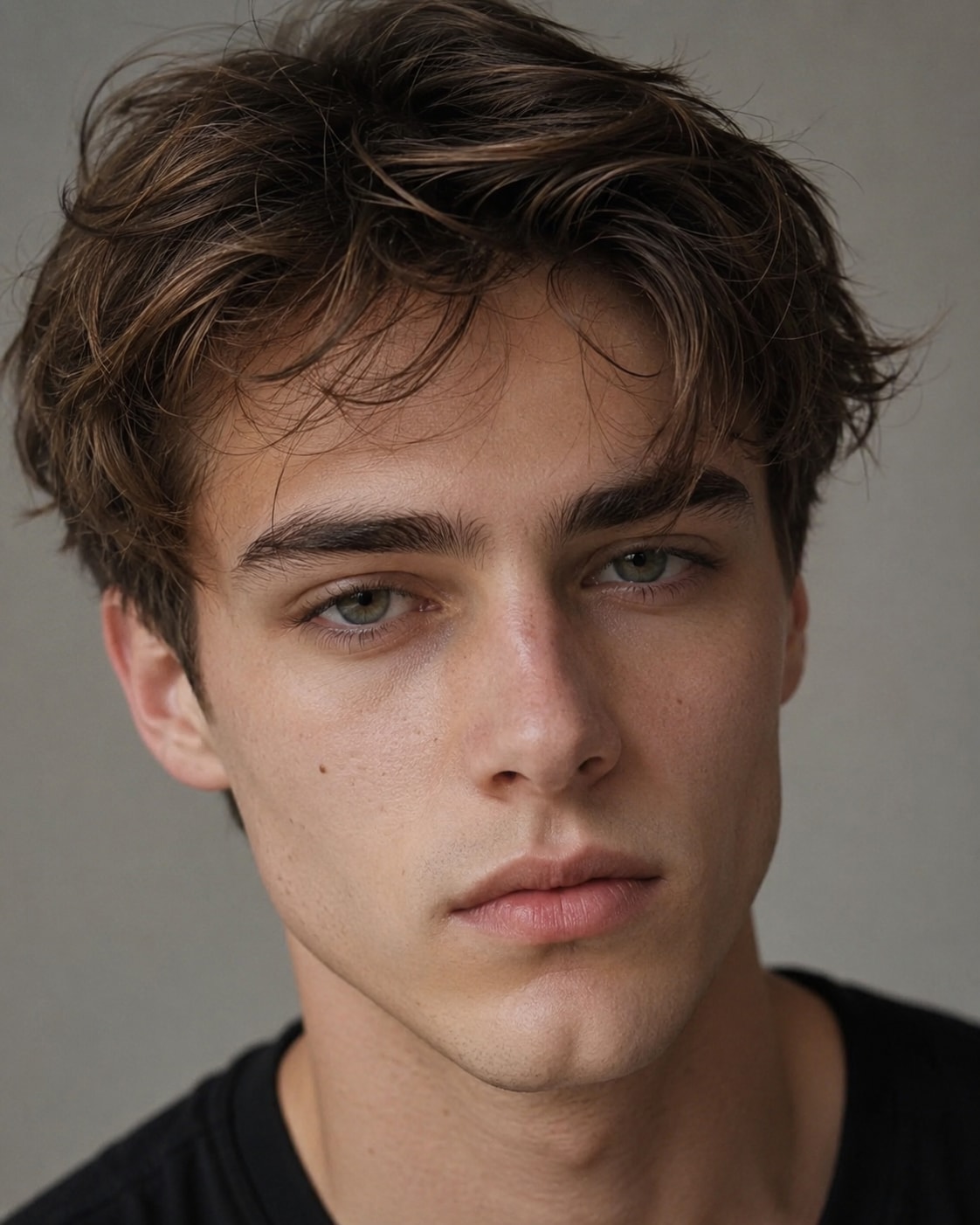
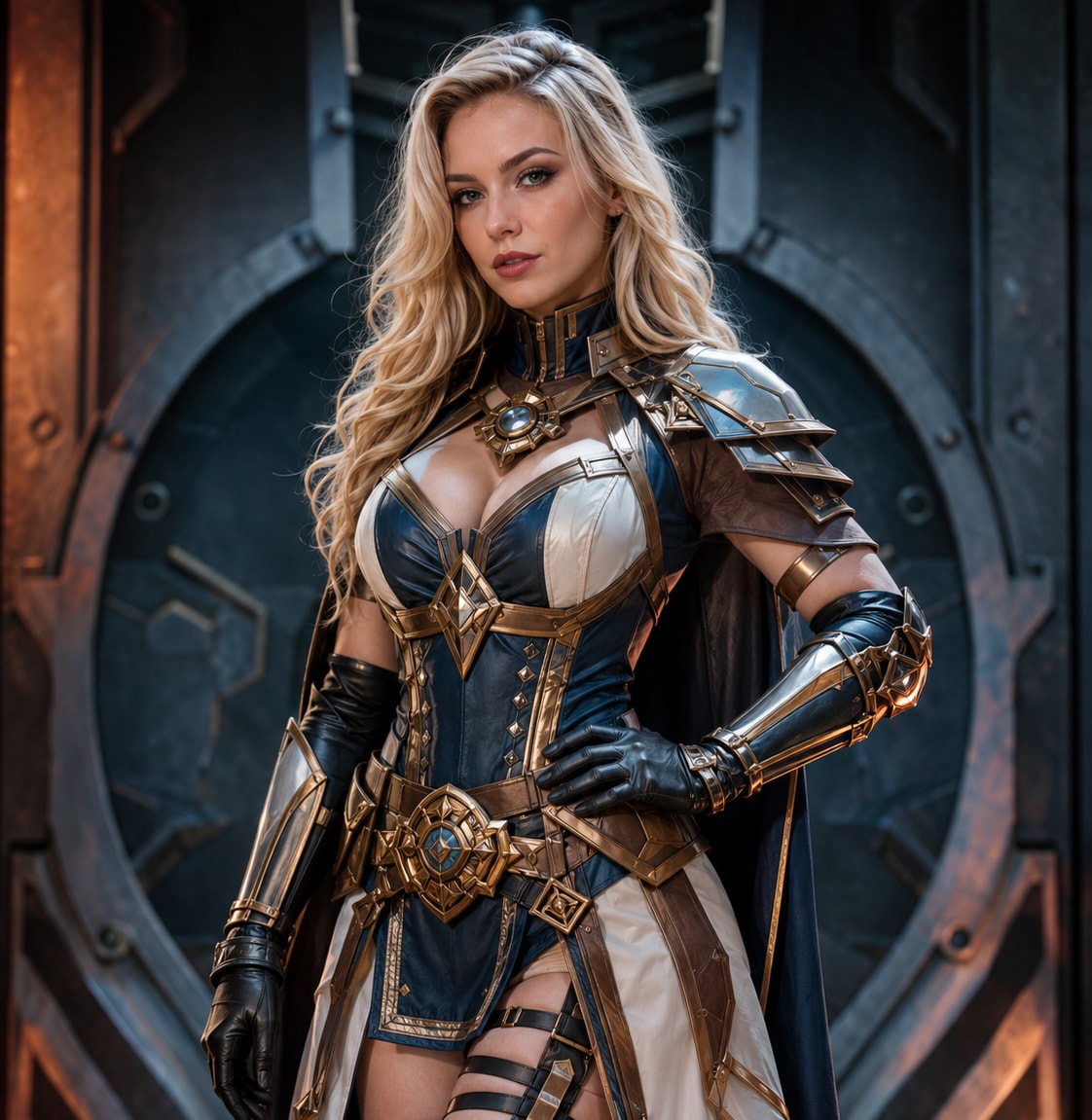

Explore more ways to use AI face swapping beyond simple portrait edits. Media.io helps detect faces in your image, lets you choose a specific person in multi-face photos, and creates a blended face replacement that fits the original expression, angle, and lighting. Use it to personalize profile pictures, design funny reaction images, refresh group photos, create character-inspired edits, or build scroll-stopping visuals for social platforms. No complex editing workflow is required—just a smooth online face swap experience for quick creative output.
Create realistic photo face swaps with a simple source-and-target workflow. Media.io detects faces automatically and helps you replace them naturally without Photoshop or complicated editing.
When a photo includes multiple people, Media.io lets you choose the exact face you want to replace. This makes face swapping more flexible and accurate for group photo face swap, friends face swap, and playful social media edits.
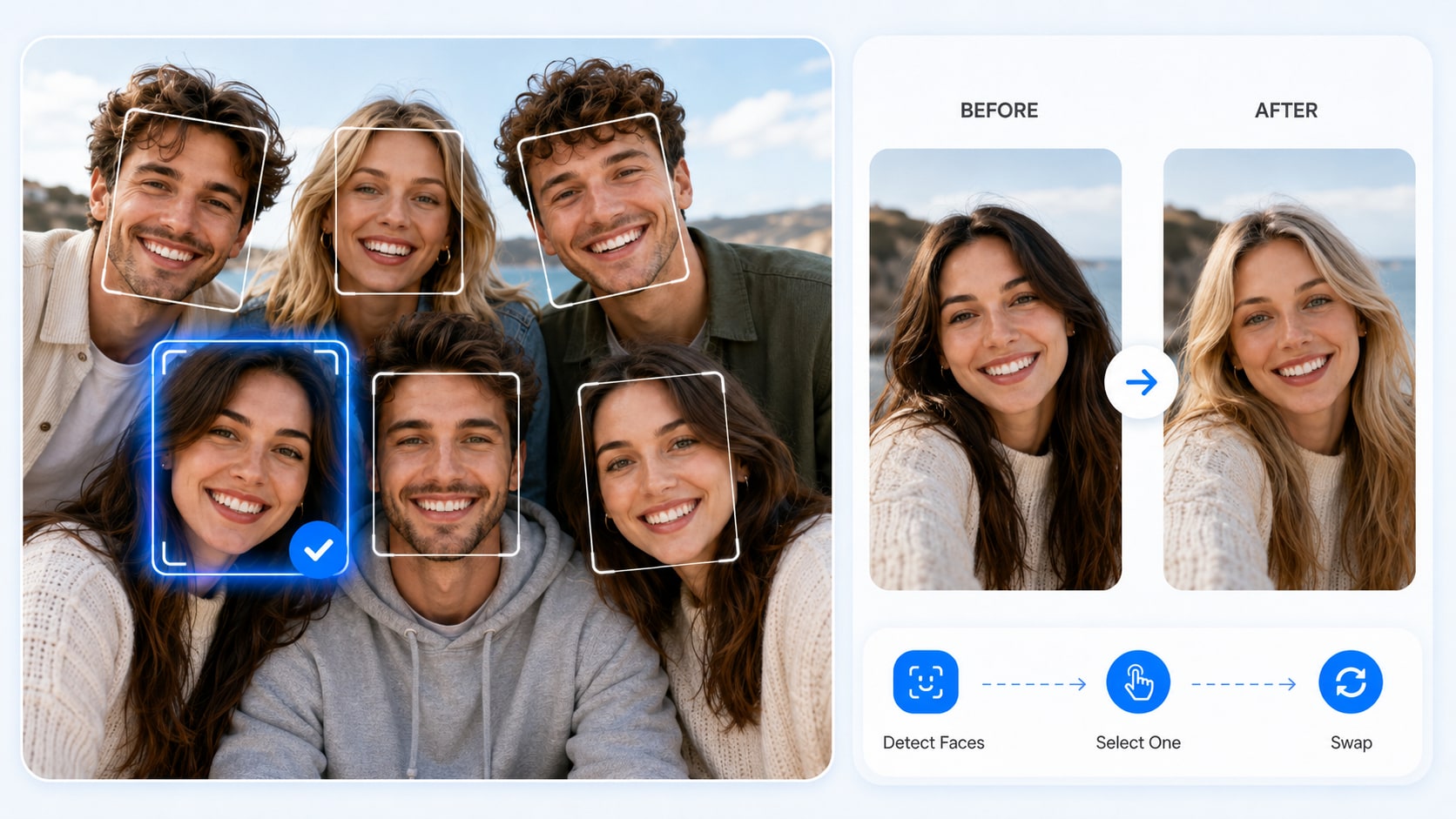
Media.io creates smoother and more natural face swap results for a wide range of creative photo uses. From profile pictures and meme face swap to character edits, social visuals, and lightweight marketing materials, it helps your face swaps look more polished and believable.
Media.io connects AI face swap with your existing creation flow, making it easier to manage tasks, save results, download images, and keep creating with member credits.
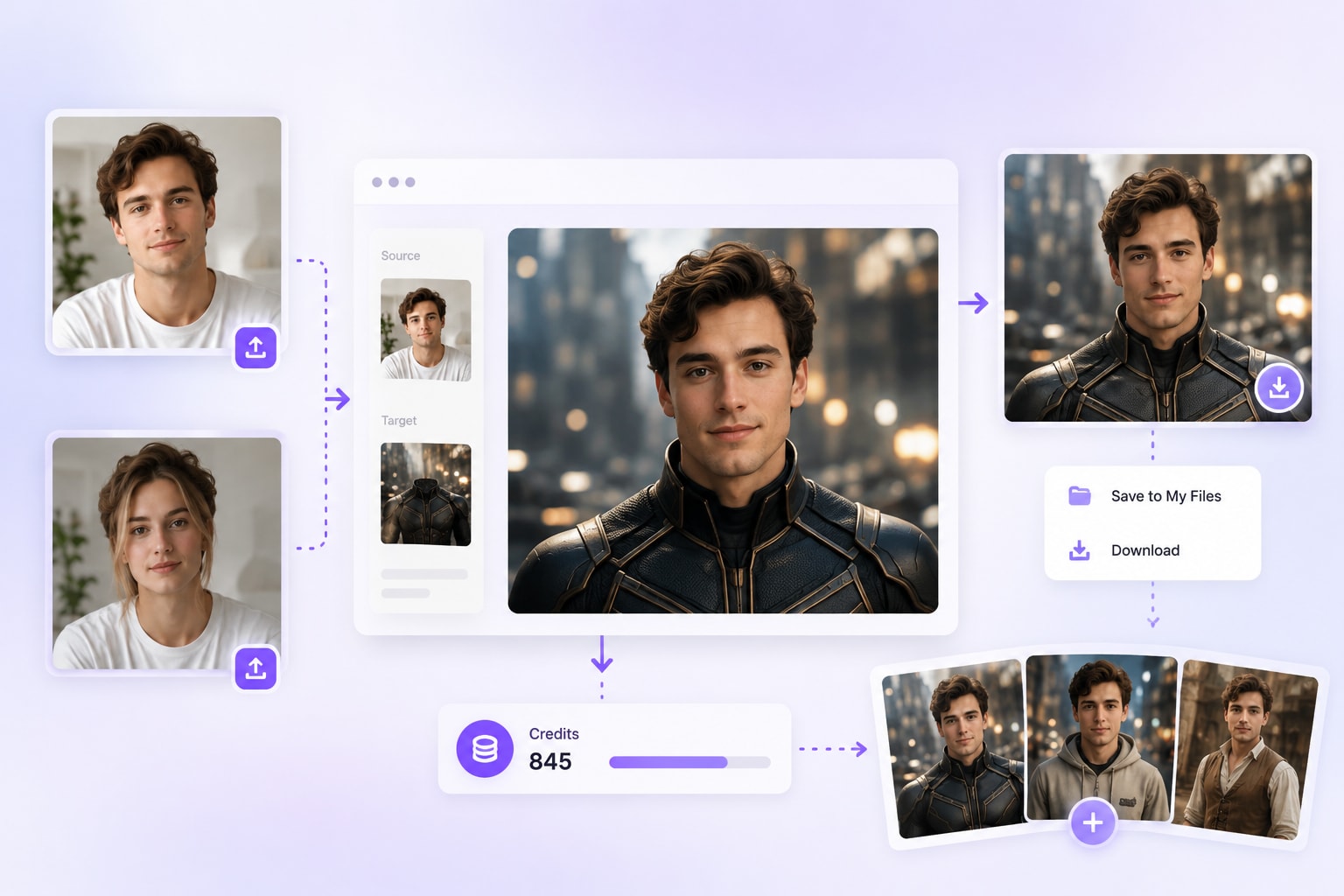
Find AI Face Swap from AI Tools or Home > Popular Feature. Upload a source image with clear faces by clicking upload, dragging and dropping, or selecting one from My History.
After Media.io detects the faces in your source image, select the face you want to replace and upload the target face image.
Once faces are detected in both images, the Generate button will be enabled. Click Generate to create, preview, and download your face swap result.

Content Creator & Social Media Blogger

"The face swaps look surprisingly natural!" I used Media.io AI Photo Face Swap to create profile images, funny memes, and social posts for my content calendar. The tool detected faces quickly, let me choose the exact face to replace in group photos, and generated clean results without Photoshop. It is a simple AI face swapper for anyone who wants fast, shareable photo edits.

Social Media User & Meme Creator
"Great for making funny group photo edits." I used Media.io AI Photo Face Swap to edit a few friend photos and create meme-style posts. It automatically detected the faces, let me choose which person to replace, and produced a clean result without complicated editing. For group photos, reaction images, and casual social content, this AI face swap tool is quick and easy to use.

Portrait Photographer & Visual Creator
"Makes creative portrait edits much faster." I often create themed portraits and character-style visuals for social campaigns. Media.io AI Photo Face Swap helps me test different face edits quickly, especially when I need natural blending for avatars, concept images, or promotional mockups. It saves time compared with manual editing and gives me clean results to review, refine, and share.

Tech Blogger
"One of the easiest AI face swap tools I’ve tried." I tested several online face swap tools, and Media.io stood out for its clean workflow and quick results. The AI detects faces automatically, supports selecting the right face in group photos, and keeps the process simple from upload to download. It is a beginner-friendly AI photo face swap tool that works well for casual edits, social content, and creative testing.

Style Enthusiast
"Fun, safe, and super easy to use." My friend and I used this dress changer AI to swap outfits in our photos, and the AI dress changer made our selfies look shoot-ready in seconds. It's perfect for try-ons, cosplay, and social posts—no wardrobe needed. This cloth changer AI is privacy-safe and beginner-friendly.

Media.io AI Photo Face Swap works with a simple two-image process. Upload a source image with clear faces and a target face photo, then the AI automatically detects face areas and blends the target face into the selected person. It helps create natural-looking face swap results without Photoshop, masking, or complex manual editing.

Yes. To create a photo face swap, upload one original image as the source photo and one target face image. The source image should include the person or people you want to edit, while the target face image provides the face to apply.
Yes. When your source image contains multiple faces, Media.io can detect them and let you choose the specific face you want to replace. This is useful for friend group photos, party pictures, travel shots, and fun social media edits.
For better face swap results, use clear, well-lit photos where faces are visible and not heavily covered by sunglasses, masks, hair, or strong shadows. Higher-quality images with natural facial angles usually help the AI detect and blend faces more accurately.
Media.io is designed to create smoother and more realistic face blending by matching the selected face with the original photo's lighting, angle, and overall image style. It is suitable for avatars, memes, character edits, social posts, and lightweight creative visuals.
Yes. Media.io AI Photo Face Swap works online, so you can upload images and create face swaps from a desktop or mobile browser. No app installation or advanced editing software is required.
Yes. After generation, you can preview and download your face swap result. Media.io also connects with the existing creation workflow, including generated tasks, My History, result downloads, and member credits, making it easier to continue creating.
You can use AI Photo Face Swap to create profile pictures, funny memes, group photo edits, character-inspired images, social media posts, creator thumbnails, holiday visuals, and lightweight marketing materials. For responsible use, make sure you have the right or permission to use the faces in your images.
 4.7 (162,357 Votes)


