
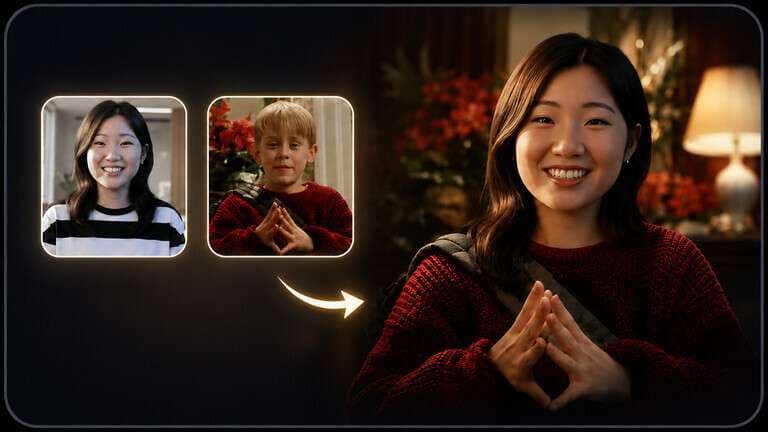
Pixlr face swap alternative searches usually come from a practical limitation, not dissatisfaction with Pixlr as an editor. Pixlr gives users a fast two-image photo swap and a familiar image-editing ecosystem. The reason to switch is usually that the project now needs something Pixlr's dedicated face-swap page is not built around: video, multiple people, a no-signup trial, a different credit model, or a connected workflow that continues after the identity change.
In this article
Quick Verdict: When Pixlr Is Not Enough
Pixlr's official face-swap workflow is intentionally simple: upload the face photo, upload the target photo or select a template, and run the swap. The live tool shows an AI-credit cost per operation. That is a good fit for a user who is already editing images in Pixlr and only needs a still-image identity change.
A Pixlr AI face swap alternative becomes more useful when your success criteria change. If the next request is "do the same thing in a video," "replace three different people in one group photo," or "continue from the swap into another AI workflow," the comparison should shift from raw face-swap output to workflow coverage.
What Pixlr Face Swap Does Well
- Clear photo input roles. The face source and target image are separated, which reduces accidental input reversal.
- Templates are available. Users can start from a target template rather than finding every image themselves.
- It lives inside a photo-editing product. A successful swap can fit naturally into a broader still-image editing session.
- Credit usage is visible. The dedicated face-swap page shows an AI-credit cost for the operation.
The limitation is not that Pixlr is weak at photo editing. It is that the dedicated swap experience is photo-led. If your requirement is moving footage or a complex group-photo mapping task, a different tool category may fit better.
Pixlr vs Media.io: The Workflow Difference
| Decision Point | Pixlr Face Swap | Media.io FaceSwap AI |
| Core face-swap route | Photo-to-photo | Photo and short-video workflows |
| Group-photo workflow | Not the main dedicated face-swap path | Dedicated multiple-face swap route |
| Editing context | Photo-editor-first | Connected AI image and video toolkit |
| Typical reason to choose | You want a fast still-image swap inside an editor | You want the swap plus video, group, or follow-up AI work |
| Best test | One portrait and one target photo | One portrait, one group image, and one short clip |
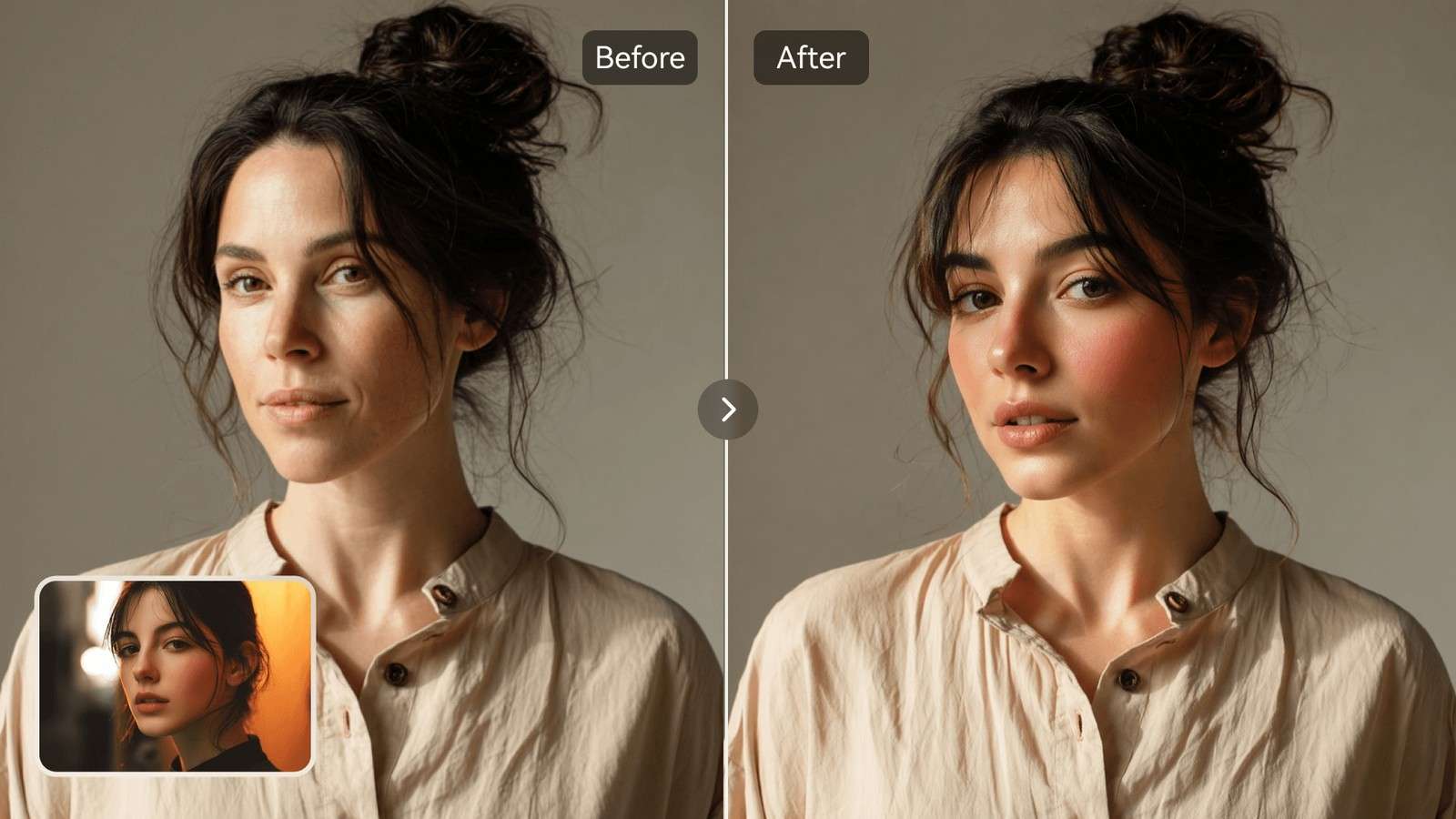
Media.io's Photo Face Swap is a stronger replacement when you want the identity edit to live inside a wider creative flow. It supports photo and video swapping, automatic face detection, and selection of the face to replace. For several people, Multiple Face Swap gives the task a dedicated group-photo workflow instead of repeating single swaps.
Use Media.io When the Project Goes Beyond One Photo
Consider Media.io first when one or more of these conditions are true:
- You need video. A dedicated video face swap workflow is available instead of forcing the job through a still-image editor.
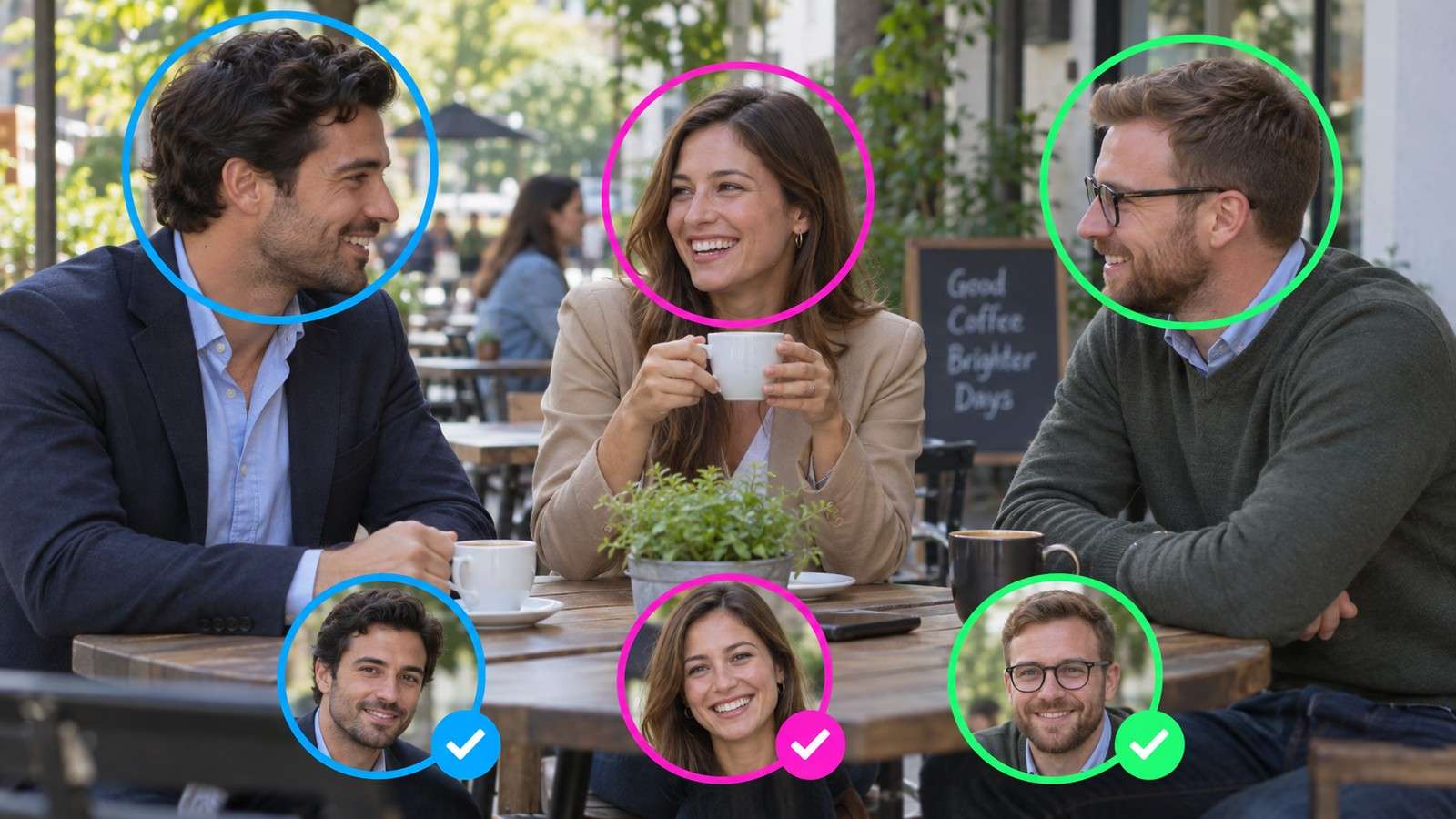
- You need a group edit. Multiple-face workflows reduce the risk of replacing the wrong person or applying one face to everyone.
- You need follow-up image work. A swapped portrait may still need enhancement, background work, resizing, or social formatting.
- You need repeatable creative variants. A connected toolset is more efficient when one face swap becomes several campaign or creator assets.
This is where a free Pixlr alternative should be judged by more than the first free generation. The better tool is the one that removes the next bottleneck in the actual project.
Move a Pixlr-Style Photo Swap to Media.io
- Prepare the same clear source face you would use in Pixlr. Use a front-facing or gently angled portrait with enough resolution to see the eyes, nose, mouth, jawline, and hair edge.
- Open Media.io FaceSwap AI and upload the target photo you want to preserve as the scene.
- Upload the replacement face and, if multiple people are detected, confirm the exact person that should change before generation.
- Generate the swap, then inspect the result at full size. Check hairline, jaw, ears, glasses, lighting, skin tone, and any overlap from hands or accessories.
- If the image is part of a larger deliverable, continue into the relevant Media.io editing or enhancement route instead of exporting and rebuilding the workflow elsewhere.
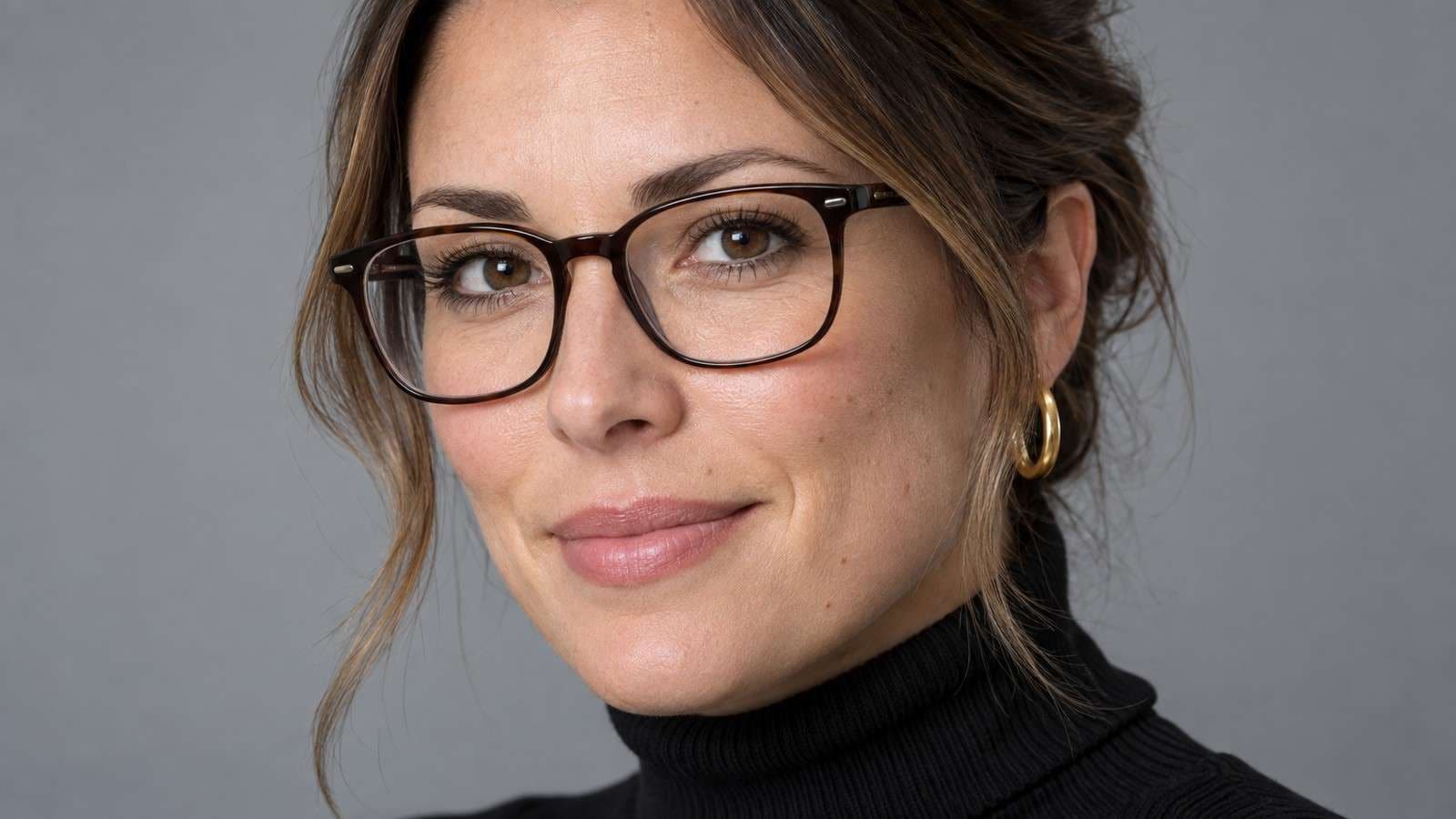
For a headshot or profile image, it is also useful to compare the result with portrait face swap or profile picture face swap scenarios because the evaluation criteria are stricter than they are for a meme or casual social post.
Choose the Right Alternative for Video or Group Photos
Media.io is not the only route worth testing. The right alternative depends on the missing capability.
| Alternative | Best Reason to Try It | Important Distinction |
| Media.io | Photo plus video plus group workflows | Best fit when the swap continues into more AI editing |
| Magic Hour | No-signup browser trial | Photo, video, GIF, and multi-face routes have different free rules |
| Vidnoz | Photo, video, and multi-face in one AI suite | Credit and HD rules vary by task |
| FaceSwapper.ai | Focused no-signup swap tool | Verify current free and export conditions on the live page |
If the target is a team photo, wedding photo, family portrait, or group meme, avoid running one single-face swap after another. A dedicated mapping interface is safer because it keeps each source face tied to the intended person. Media.io's group photo face swap route is designed for this exact decision.
Do Not Confuse a Photo Editor Replacement With a Workflow Replacement
A photo editor and a dedicated face-swap platform solve different parts of the job. If your normal routine is crop, retouch, add text, resize, and export, Pixlr may remain the better home even when another website produces a stronger face swap. In that case, replacing Pixlr entirely creates extra work. A more efficient setup is to use the alternative only for identity replacement, then return the finished image to the editor you already know.
The opposite is true when face swap is the beginning of the project rather than a one-off edit. A creator making several social variants may need group mapping, video, enhancement, background changes, and different aspect ratios after the first swap. Then a connected platform matters more than the familiarity of a single photo editor. Compare the number of handoffs, repeated uploads, and exports required to reach the final deliverable, not only the quality of the first swapped face.
This distinction also prevents a common comparison mistake: choosing the tool with the longest feature list even though most of those features sit outside your workflow. Write down the next two actions after the face swap. If both actions happen naturally in the same platform, that is a meaningful advantage. If you still need to move the file elsewhere, treat the face-swap tool as a specialist rather than a replacement for your editor.
Free Pixlr Alternatives: Read the Fine Print
The phrase free Pixlr alternative can mean several different things: a free generation, a recurring daily allowance, a free plan with credits, or a no-signup tool. Those are not equivalent. Before comparing cost, answer four questions:
- Does the free access apply to photos only, or also to video?
- Does the output include a watermark or a resolution limit?
- Does the site require an account before generation or only before saving projects?
- Does the free route permit the intended personal or commercial use?
Magic Hour currently documents a no-signup guest photo route with limited daily usage and different rules for free video/GIF output. Pixlr uses AI credits. Vidnoz publishes credit usage by face-swap type. AKOOL also uses credits. Media.io should be checked at the live generation step for the current account and credit requirement.
Quality Checks That Matter More Than a One-Frame Demo
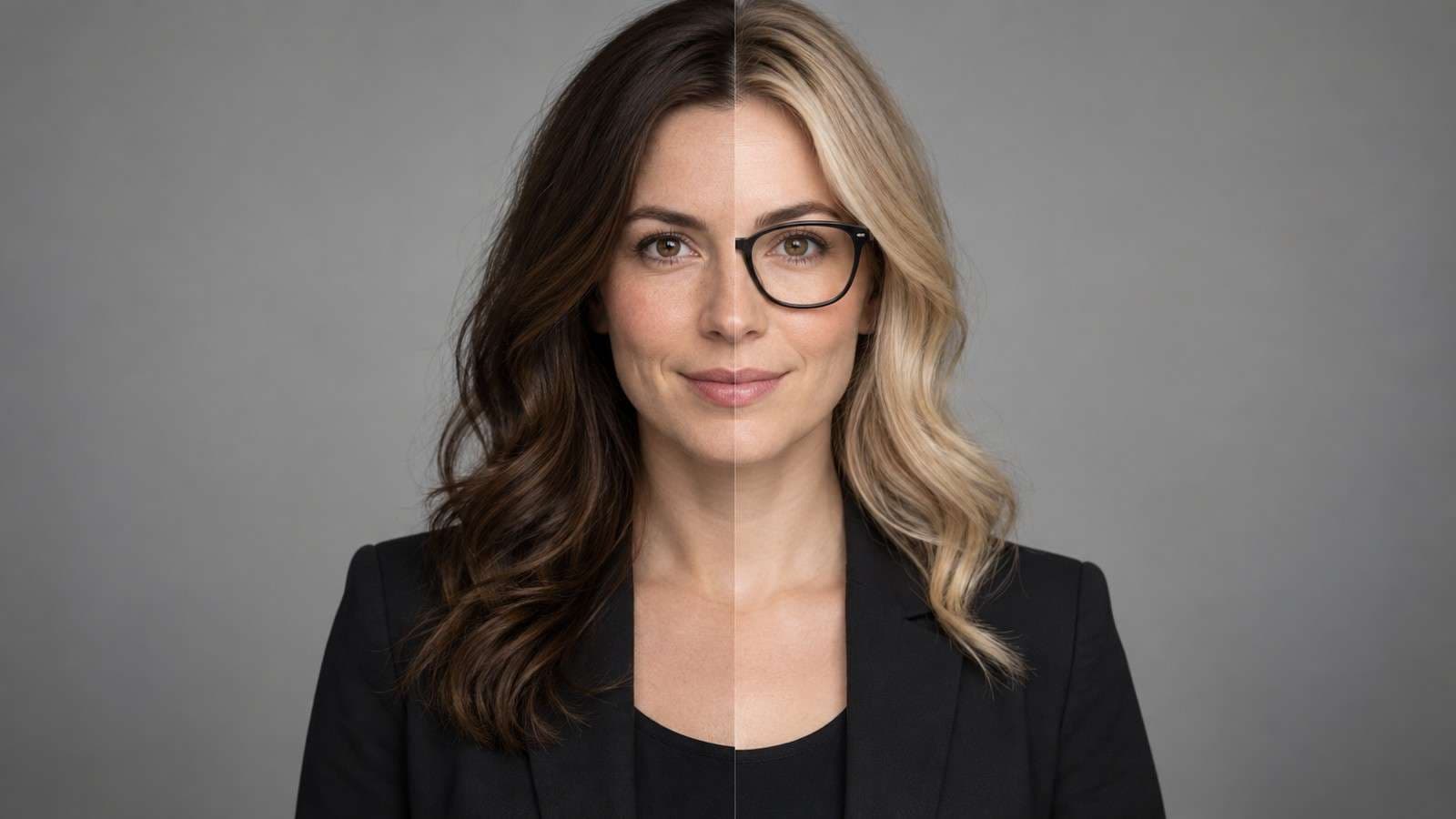
Run the same difficult but realistic image through every shortlisted tool. Do not choose a winner from a perfectly centered studio portrait. Look for:
- Face shape that still fits the target head instead of appearing pasted on.
- Consistent skin tone across cheek, neck, and forehead.
- Eye direction and mouth expression that still match the scene.
- Clean boundaries around hair, glasses, hats, hands, and earrings.
- No accidental changes to clothing, background, body shape, or unrelated faces.
If the output is technically clean but the identity is weak, use a stronger replacement portrait before rerunning. If the identity is good but the image is soft, evaluate the separate enhancement step rather than confusing face-swap fidelity with general image resolution.
Use a Small Migration Test Before Moving Real Projects
When switching from Pixlr, do not begin with your most important campaign image or a folder of client portraits. Build a three-asset test set instead: one clean headshot, one difficult portrait with glasses or hair crossing the face, and one group photo if group edits matter to you. Use only authorized media and keep the same replacement faces across tools so the comparison is fair.
Record what happens at each step: whether an account is required, how the source and target roles are labeled, how long the job takes, whether you can choose a detected face, what the downloaded file looks like at full resolution, and what you have to do next to finish the asset. This catches workflow friction that a polished demo image cannot reveal.
If video is one of the reasons you are leaving a photo-first workflow, test it separately. A ten-second clip with a head turn, smile, brief hand occlusion, and lighting change is more informative than a static portrait. The goal is not to crown one universal winner. It is to confirm that the alternative solves the specific limitation that triggered the search for a Pixlr face swap online alternative in the first place.
Consent and Privacy Before You Upload

For marketing, client, employee, or professional headshot use, keep approval records and preserve the original file. If the face belongs to another person, the safest workflow is one where the intended use is clear and the person has agreed to the transformation.
Pixlr Face Swap Alternative FAQs
-
What is the best Pixlr face swap alternative?
Media.io is a strong Pixlr face swap alternative when you need photo and video face swapping, group-photo workflows, or a connected path into other AI editing tools. If you only need a no-signup photo test, Magic Hour or FaceSwapper.ai may be a simpler first stop.
-
Is there a free Pixlr alternative for face swap?
Yes. Several browser tools offer free face-swap access, but the limits differ. Compare account requirements, credits, watermarks, output size, and whether free access applies to photos, videos, or both before choosing.
-
Does Pixlr support video face swap?
Pixlr's dedicated Face Swap page is centered on swapping faces between photos. If video face replacement is the main task, use a tool with a dedicated video face-swap workflow instead of treating a photo editor as a video tool.
-
How does Media.io compare with Pixlr for face swap?
Pixlr is a photo-editor-first workflow with a simple two-image face swap. Media.io covers photo and video face swap, multiple-face scenarios, and follow-up AI creative tools, so it is better suited to users whose project continues beyond one photo.
-
Can I swap multiple faces in a Pixlr alternative?
Yes. Media.io has a dedicated multiple face swap workflow for group photos, and other alternatives such as Magic Hour and Vidnoz also offer multi-face mapping. Use explicit face mapping when different people need different replacements.
-
What should I test before switching from Pixlr?
Use the same target photo and replacement face in both tools. Compare face edges, skin tone, hairline, glasses, expression, output resolution, generation cost, download rules, and whether the alternative supports the next step you actually need.


