
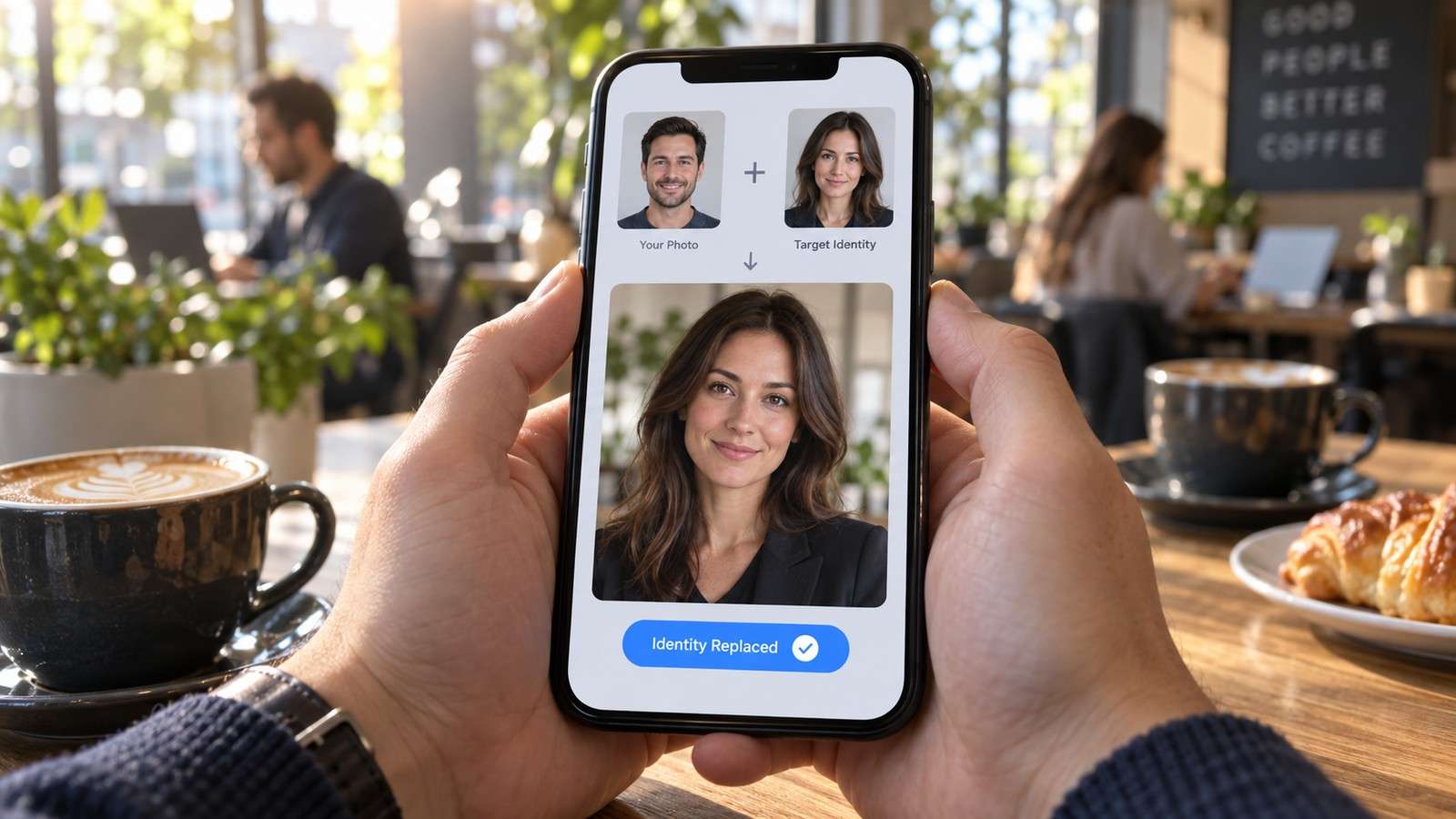
A search for a Magic Hour face swap alternative does not automatically mean Magic Hour failed. Its current browser routes are unusually explicit about no-signup guest access for face swapping, and it supports photos, videos, GIFs, and multiple-face workflows. The useful question is narrower: what part of your project needs a different fit?
Some users want a connected editing suite after the swap. Others need a different credit model, a longer-term production workflow, group-photo handling, or an alternative that sits closer to their existing image and video tools. This guide compares Magic Hour with Media.io and other options without pretending one product is best for every format.
In this article
Start With the Reason You Want to Leave Magic Hour
| Your Priority | Stay With Magic Hour If... | Consider an Alternative If... |
| No-signup photo testing | You value its published guest photo allowance | You need the result to continue into a wider editing workflow |
| Video face swap | A short guest test is enough | You need a different export, duration, workflow, or post-processing path |
| Multiple faces | Its mapping flow fits the group image | You want group swapping tied to another image-editing ecosystem |
| Commercial creative work | Its paid rights and workflow fit the project | You need different licensing, API, team, or editing requirements |
What Magic Hour Already Does Well
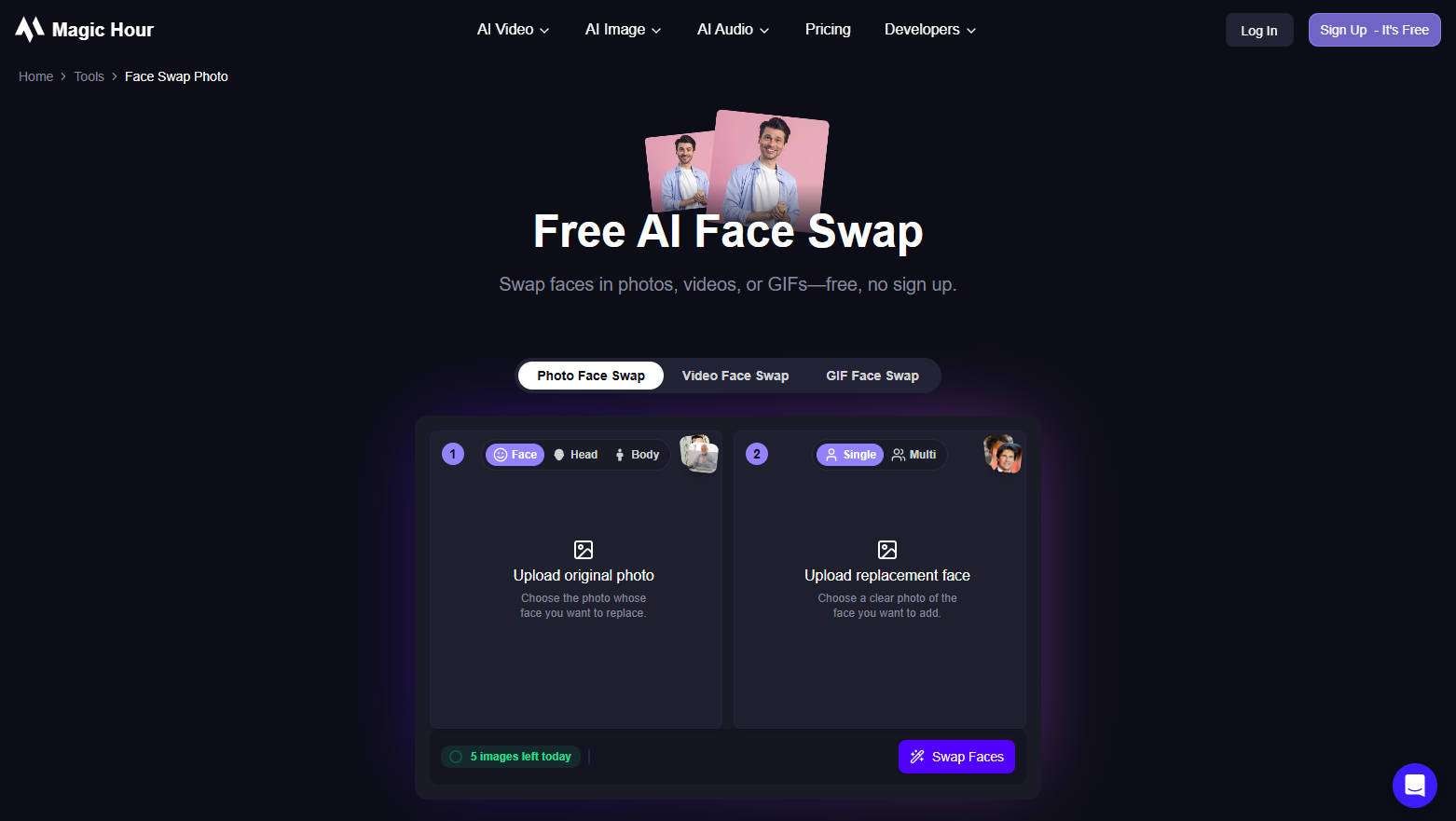
Magic Hour publishes separate face-swap routes instead of hiding every mode behind one generic label. Its current free photo route allows a limited number of daily guest swaps without sign-in and watermark-free photo output. Its free video and GIF routes also work without sign-in, but use separate daily allowances and have different watermark and resolution rules. The multiple-face workflow can detect a group and map different replacements to selected people.
That is important context for any free Magic Hour alternative article. Switching only makes sense if the alternative solves a requirement Magic Hour does not solve well for you. A tool that merely says free but requires more setup, gives less control, or has a worse export rule is not automatically an upgrade.
Magic Hour vs Media.io at a Glance
| Decision Point | Magic Hour | Media.io |
| Photo face swap | Dedicated guest and signed-in routes | FaceSwap AI photo workflow |
| Video face swap | Dedicated guest and signed-in routes | Dedicated video face swap plus FaceSwap AI |
| Multiple faces | Photo, video, and GIF multi-face modes | Dedicated multiple-face photo workflow and face selection |
| No-signup signal | Published for simplified free routes | Check the current live generation requirement |
| Broader creative workflow | Large generative suite | Face swap connected to Media.io image and video tools |
| Best reason to choose | Low-friction trial across swap formats | Continue from swap into a broader Media.io workflow |
Media.io becomes the stronger fit when the face replacement is only one step in the content pipeline. The FaceSwap AI route handles photo and video identity replacement, and the broader Media.io ecosystem gives the user somewhere to go next when the swapped asset needs enhancement, cleanup, resizing, another visual effect, or video work.
Choose Media.io for a Connected Face Swap Workflow

A typical Media.io workflow is not simply "swap and download." It can be:
- Upload the authorized target photo or short video and the replacement face.
- Confirm the detected face or person to change, especially when more than one person is visible.
- Generate the swap and review identity, lighting, hairline, jaw, expression, and motion stability.
- For a group image, switch to Multiple Face Swap so each selected person can be mapped deliberately.
- Continue into the next image or video task only after the identity pass is approved.
That sequence matters for creators because later enhancement cannot repair a fundamentally wrong identity mapping. Approve the face replacement first, then improve resolution, background, layout, captions, or other campaign details.
Compare Multiple Face Swap Workflows
Magic Hour is particularly visible for multi-face swapping, so any alternative should be judged on mapping quality rather than simply whether it detects several faces. Media.io's group photo face swap and multiple-face routes are better comparisons than a single-face tool.

- Detection. Does the tool find every intended person without selecting background faces or missing small profiles?
- Mapping. Can you assign a different source face to each detected person?
- Preservation. Do people who are not selected remain unchanged?
- Blend consistency. Do skin tone, head angle, lighting, and expression remain believable across different people?
- Recovery. Can you rerun one problematic mapping without rebuilding the entire group edit?
If No Signup Is the Priority, Do Not Switch Just to Switch
Magic Hour is difficult to beat on one specific criterion: it documents a limited no-signup guest route for photo, video, and GIF face swapping. If your search intent is primarily free Magic Hour alternative because you do not want an account, compare only tools that explicitly provide that behavior on the live generation page.
FaceSwapper.ai also advertises no-signup access for image, video, and multiple-face swapping. That can make it a useful second test. Media.io should be chosen for its workflow fit rather than presented as a no-signup replacement when the current page does not make the same guest-access promise.
No-Signup Access and Saved Projects Solve Different Problems
Magic Hour's guest face-swap routes are useful because they let you test an authorized photo, video, or GIF without beginning with account setup. That is a real advantage for occasional users. The trade-off appears after the first successful result: a guest generation is not the same thing as a saved project workspace with persistent history, reusable assets, and a broader editing path.
If your job ends after one download, account-free access can be the most important feature. If you expect revisions tomorrow, several campaign versions, or handoff to another teammate, project continuity matters more. In that situation, compare whether the alternative keeps generated assets organized, whether you can revisit results, and whether the next editing step happens in the same environment.
This is why a free Magic Hour alternative should not be evaluated only by whether the first click costs zero. Measure the whole route from upload to approved asset. A tool that asks for an account but avoids repeated uploads or disconnected editing can still be faster for recurring work, while Magic Hour can remain the better choice for a low-friction one-off test.
Compare Free Limits by Format, Not by Brand
One of the easiest mistakes is to treat a brand's free plan as one rule. Magic Hour demonstrates why that is unsafe: free photos, free videos, free GIFs, and the signed-in editor have different allowances and export conditions. Other products also separate credits by task.
| Question | Why It Matters |
| How many photo swaps are free? | A photo allowance does not imply free video. |
| How many video seconds can be processed? | Video cost usually scales with duration or mode. |
| Is there a watermark? | Photo and video can have different watermark rules. |
| Is HD included? | A successful free test may still require payment for final resolution. |
| Can the result be used commercially? | Free personal-use output may not cover a client or ad campaign. |
Keep Photo, Video, and GIF Rules Separate
Free access can look simple in a headline and become more complicated once formats are separated. Magic Hour currently documents different guest allowances and output conditions for photo, video, and GIF routes. Its free photo path is watermark-free, while the free video and GIF routes have their own resolution and watermark rules. The signed-in editor uses credits and should be evaluated as a different experience rather than as an extension of the guest allowance.
For a fair comparison, create one row per format in your test sheet. Record account requirement, daily or credit allowance, watermark, resolution, accepted input, multi-face support, and whether the output is suitable for the final channel. This prevents a strong free-photo experience from being mistaken for equally generous free video access.
If your main use case is a group photo, compare the exact mapping flow. If it is a reaction GIF, test that route. If it is a marketing video, judge the video export. Search phrases such as Magic Hour multiple face swap alternative and Magic Hour AI alternative describe different needs, so one generic free-score is not enough.
A Better Way to Test Video Face Swap Alternatives

Use one ten-second clip that deliberately contains difficult moments: a three-quarter turn, a brief side profile, a hand crossing the face, a smile, and a lighting change. Run that same clip through Magic Hour, Media.io AI Face Swap Video, and any other shortlisted tool. Judge the entire sequence, not the thumbnail.
Look for face drift, edge flicker, identity loss during turns, expression mismatch, and skin-tone jumps. Then compare the actual export. A tool can look excellent in preview but still be the wrong choice if the final resolution, watermark, duration, or download workflow does not match your project.
For a social-first photo test, a dedicated meme face swap scenario is also useful because it tests whether the alternative preserves expression and scene context in the kind of asset people actually share.
Other Magic Hour Alternatives Worth Testing
Beyond Media.io, two alternatives serve different needs. Vidnoz combines photo, video, and multi-face swapping with a broader AI suite and publishes credit usage by task. AKOOL is more relevant when the face swap sits inside a professional campaign, avatar, API, or team workflow. Neither should be chosen solely from a feature list; test your own authorized media first.

Build a Repeatable Group-Swap Test
Multi-face results fail differently from single portraits. A tool can produce a convincing one-person swap and still become unreliable when three or four faces appear at different sizes and angles. Use a real authorized group image with at least one front-facing person, one slightly turned face, and one smaller face farther from the camera. Map a different replacement to each selected person rather than using the same portrait everywhere.
After generation, verify identity one person at a time. Make sure the correct replacement went to the correct subject, then inspect hairlines, glasses, overlapping faces, hands, and background boundaries. Finally compare the untouched people with the original. A successful group swap should not alter people you did not select.
If the alternative requires repeating several single-face operations to complete this test, count that extra work as part of the comparison. Dedicated mapping is not just a convenience feature; it reduces the chance of applying the wrong identity to the wrong person and makes revisions easier to audit.
Responsible Use and Data Handling

For a paid campaign, archive the approved source portrait and final output, record who authorized the transformation, and keep the face swap clearly separated from claims that the depicted person genuinely appeared in the scene. These controls matter regardless of which website wins the feature comparison.
Magic Hour Face Swap Alternative FAQs
-
What is the best Magic Hour face swap alternative?
Media.io is a strong alternative when you want photo and video face swap plus connected AI editing, group-photo workflows, and follow-up creative tools. If no-signup free photo swapping is the main requirement, Magic Hour itself remains one of the lowest-friction options.
-
Is there a free Magic Hour alternative?
Yes, but free access differs by tool. Some offer limited credits, some provide guest generations, and some place watermarks or resolution caps on free video. Compare the exact format you need instead of relying on a general free label.
-
Does Media.io support multiple face swap like Magic Hour?
Yes. Media.io has a dedicated multiple face swap workflow for group photos, allowing several detected people to be mapped to replacement faces rather than applying one face blindly across the image.
-
How is Magic Hour different from Media.io?
Magic Hour emphasizes low-friction browser swap routes with clearly published guest allowances, including separate photo, video, GIF, and multi-face experiences. Media.io connects face swap to a broader set of image and video creation and editing tools.
-
Can I switch from Magic Hour for video face swap?
Yes. Test the same short authorized clip in Media.io, Vidnoz, AKOOL, or another dedicated video face-swap workflow. Compare motion tracking, profile turns, occlusion handling, export resolution, watermark rules, and cost for the final deliverable.
-
What should I check before using a no-signup face swap tool?
Verify the current daily allowance, watermark, maximum duration or resolution, privacy and deletion terms, and whether the output can be used for your intended purpose. No-signup convenience does not replace consent or rights review.


