
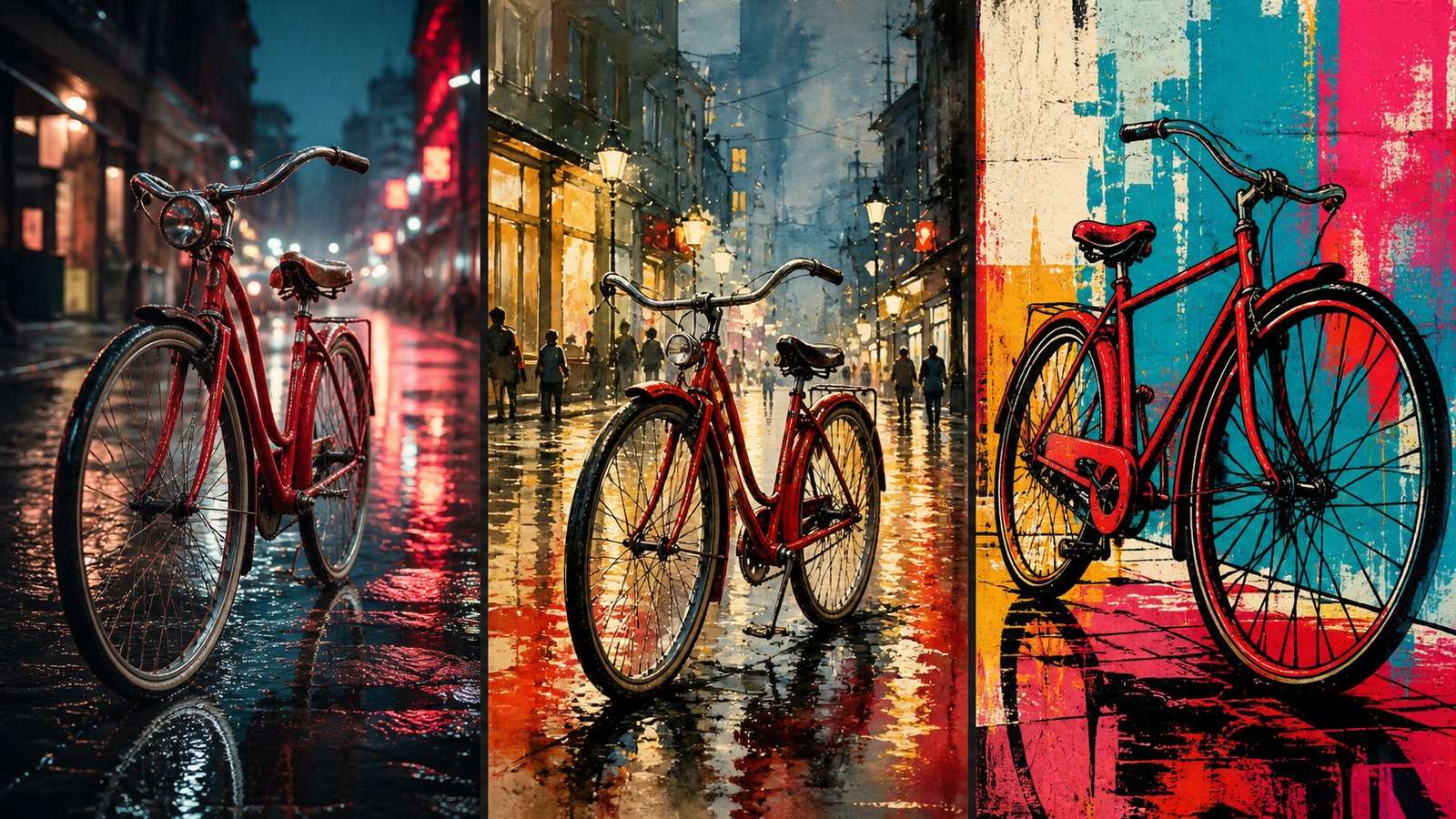
A fair ChatGPT vs DALL-E vs Grok comparison cannot be decided by one spectacular image. The useful question is which system produces the highest percentage of usable results for your prompts, edits, deadlines, and publishing channels.
This guide separates ChatGPT's current image workflow from the historical DALL-E label, then compares the three options with a repeatable benchmark covering prompt adherence, realism, typography, editing, character consistency, speed, safety, and practical cost.
In this article
Quick Verdict: Which AI Image Generator Should You Choose?
| System | Best for | Key advantage | Main trade-off |
|---|---|---|---|
| ChatGPT Images | Conversational creation and iterative editing | Maintains context while you refine content and composition | Limits and behavior vary by plan and model rollout |
| DALL-E 3 | Established prompt-to-image workflows and API-dependent projects | Strong instruction interpretation and polished illustration | The name is often confused with newer ChatGPT image models |
| Grok Imagine | Fast exploration and social-native creative experiments | Rapid variation and close connection to the X ecosystem | Exact control and consistency can vary across tasks |
| Media.io | Direct browser-based creation and practical image finishing | Generation plus accessible editing, enhancement, and format tools | Not a general-purpose research assistant |
No tool wins every category. ChatGPT is the strongest general choice for an iterative conversation around one asset. DALL-E remains relevant when a particular DALL-E workflow, API, or visual behavior is required. Grok is attractive for rapid ideation and creators working inside X. Media.io is a practical alternative when the job is specifically to create and finish image assets without a broader assistant workflow. For a wider market view, compare them with the tools covered in this AI art generator roundup.
First, ChatGPT Images and DALL-E Are Not Always the Same Thing
Many searches for ChatGPT vs DALL-E assume ChatGPT is the chat product and DALL-E is its single permanent image engine. Historically, DALL-E models powered image generation experiences in ChatGPT and through APIs. More recent ChatGPT image experiences may use newer GPT image models, with their own generation and editing behavior.
Therefore, “ChatGPT Images 2.0,” “GPT Image 2,” and “DALL-E 3” should not be treated as interchangeable labels. Before comparing results, record the exact model displayed, access method, subscription tier, date, region, image size, and whether the result came from a fresh prompt or an edit. Otherwise, two people can run “the same” test on different systems.
The Shared-Prompt Benchmark
The most defensible comparison uses identical tasks and judges multiple outputs. Run at least the following eight tests:
- Photorealistic portrait: specify age range, wardrobe, lighting, lens, framing, and background.
- Complex composition: include several objects with explicit spatial relationships.
- Poster typography: require a short headline, subhead, and simple hierarchy.
- Product label: test exact spelling on packaging plus realistic materials.
- Character consistency: place the same fictional person in three scenes.
- Localized edit: change one object while preserving everything else.
- Aspect-ratio adaptation: convert a landscape concept to portrait without losing the subject.
- Creative interpretation: provide an open-ended surreal brief and score originality.
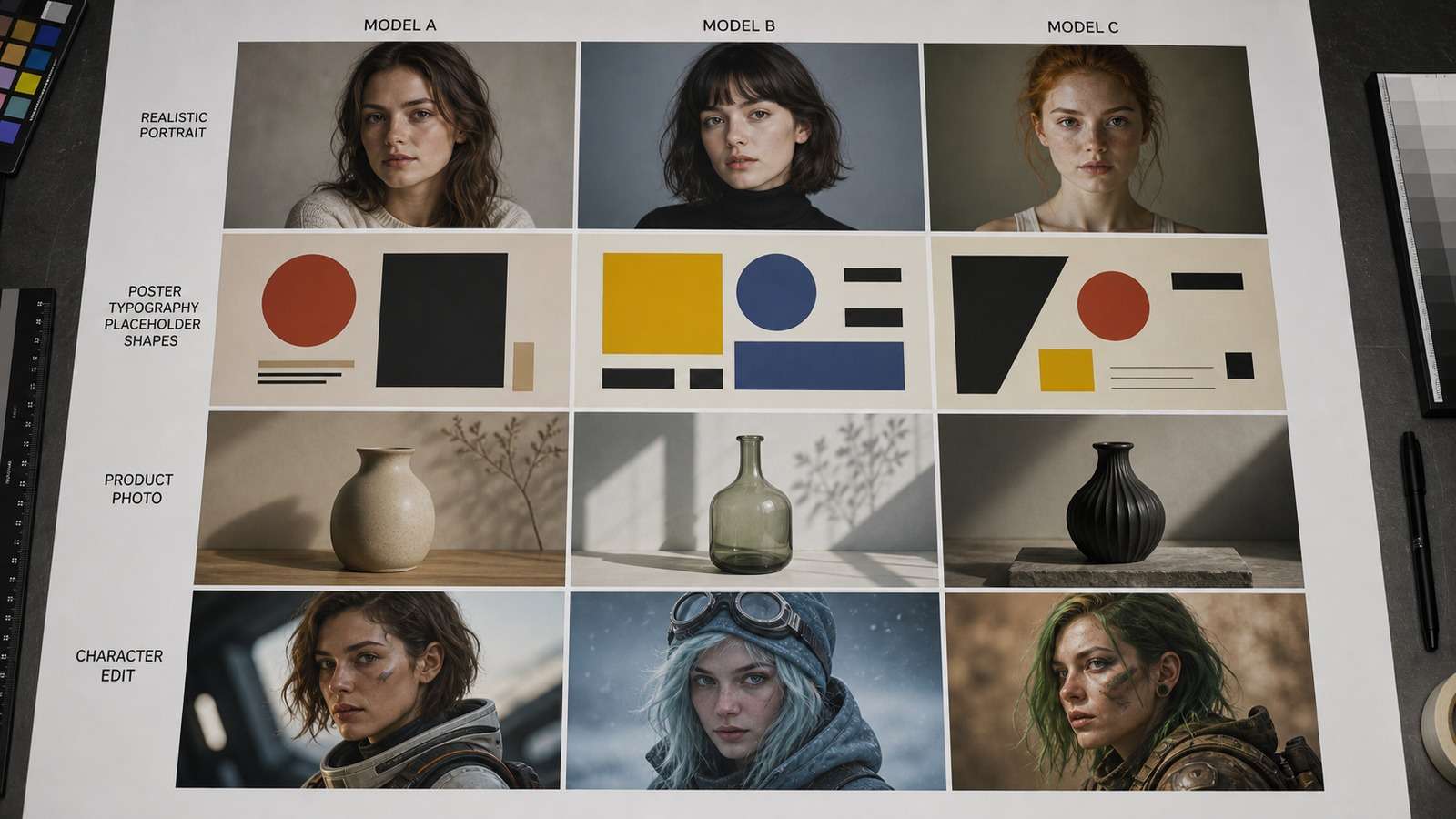
Generate three or four results per task. Score the first output separately from the best result after refinement. This exposes an important difference: one tool may deliver a stronger first image, while another becomes better after two conversational edits.
Comparison Scorecard
Use the same scorecard whether your search is ChatGPT Images vs Grok Imagine, GPT Image 2 vs Grok Imagine, or DALL-E 3 vs Grok Imagine. The model names may change, but the evaluation dimensions remain useful. A credible ChatGPT image generator comparison records the exact version instead of assuming every ChatGPT session uses DALL-E. Likewise, Grok Imagine image quality should be judged across multiple tasks and outputs, not a single social post.
| Criterion | ChatGPT Images | DALL-E 3 | Grok Imagine |
|---|---|---|---|
| Prompt adherence | Strong, especially with iterative clarification | Strong for descriptive prompts | Often strong for broad concepts; test fine constraints |
| Photorealism | Competitive and context-sensitive | Polished, sometimes illustrative | Competitive for bold, high-impact imagery |
| Text rendering | Improved, but proofread every output | Variable on dense or small copy | Variable; short display text is safer |
| Localized editing | Major strength in conversational workflow | Depends on access method and edit tooling | Useful, but preservation should be tested |
| Character consistency | Good with references and explicit preservation | Can drift across independent generations | Can drift; use repeated references and tight prompts |
| Speed | Generally convenient inside chat | Depends on interface/API | Often optimized for rapid exploration |
| Social workflow | Flexible across channels | Requires separate publishing workflow | Strong fit for X-centered ideation |
| Safety restrictions | Structured safeguards | Structured safeguards | Behavior varies; policies still apply |
ChatGPT Images: Best for Conversational Iteration
ChatGPT's clearest advantage is not merely generation quality; it is the ability to reason about the asset while editing it. You can discuss the target customer, draft a campaign concept, generate an image, critique the composition, change one element, adapt the ratio, and develop supporting copy in the same context.
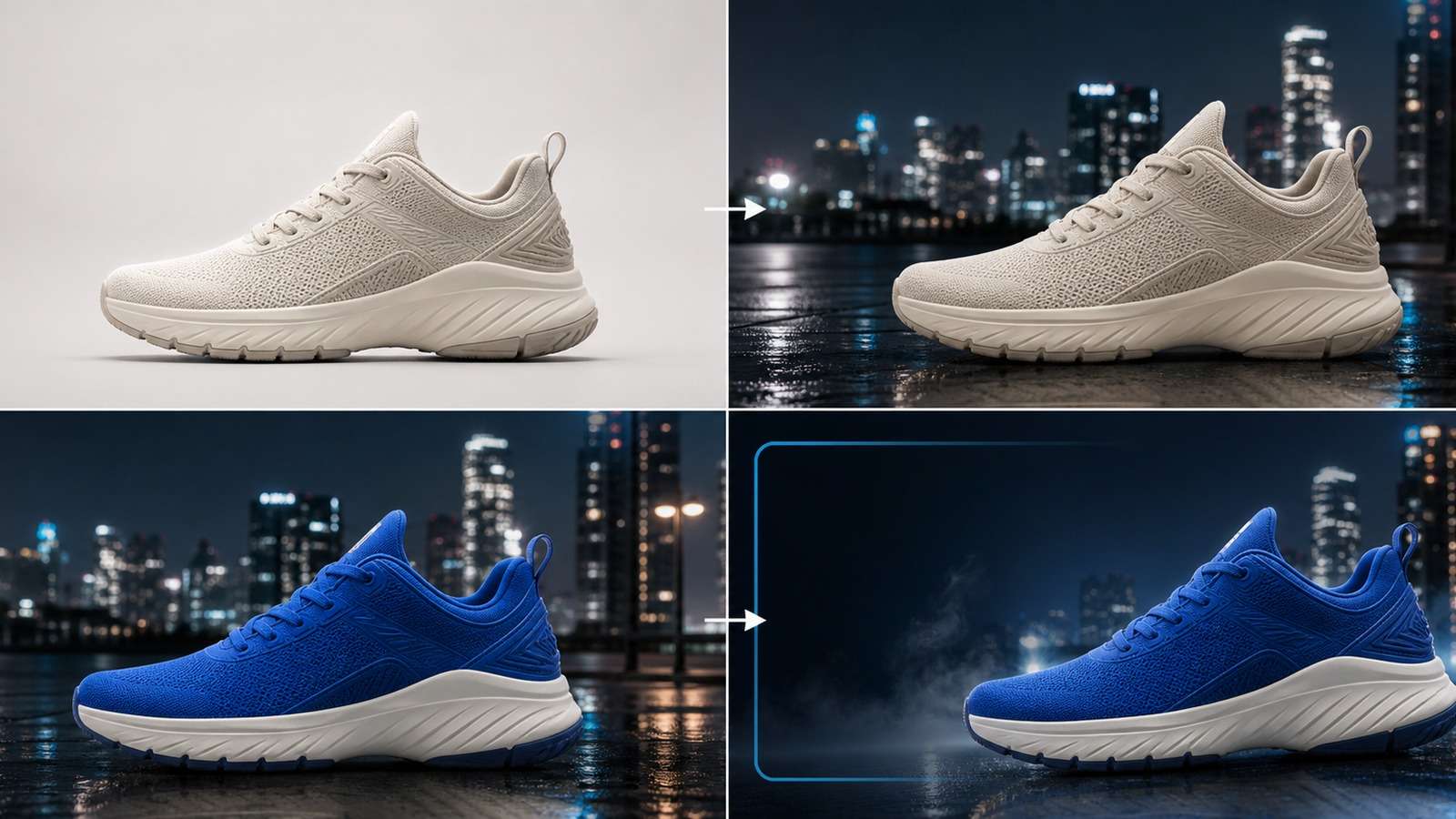
This makes ChatGPT effective for marketers, educators, founders, and creators who do not want to rewrite a complete prompt for every revision. It can convert vague feedback—“the product does not feel premium”—into concrete changes involving lens, lighting, material, negative space, and palette.
The critical test is preservation. Ask it to change the shoe color without altering the logo position, camera angle, laces, shadows, or background. Then inspect small details at full resolution. Conversational confidence does not guarantee pixel-level compliance.
ChatGPT strengths
- Strong connection between ideation, writing, generation, and revision.
- Natural follow-up edits without restating every requirement.
- Useful for composite briefs involving both image and copy strategy.
- Good fit for users who value guidance as much as raw rendering.
ChatGPT limitations
- Usage limits, available models, and speed can vary by plan.
- Long conversations may accumulate conflicting creative instructions.
- Exact text, logos, hands, fine product geometry, and identity still require inspection.
- A conversational revision can unintentionally change approved details.
DALL-E 3: Best When You Need Its Specific Workflow or API Context
DALL-E 3 became known for following detailed natural-language prompts and producing coherent editorial or illustrative compositions. It remains relevant where a product explicitly exposes DALL-E 3, where an existing API implementation depends on it, or where its visual behavior fits the desired output.
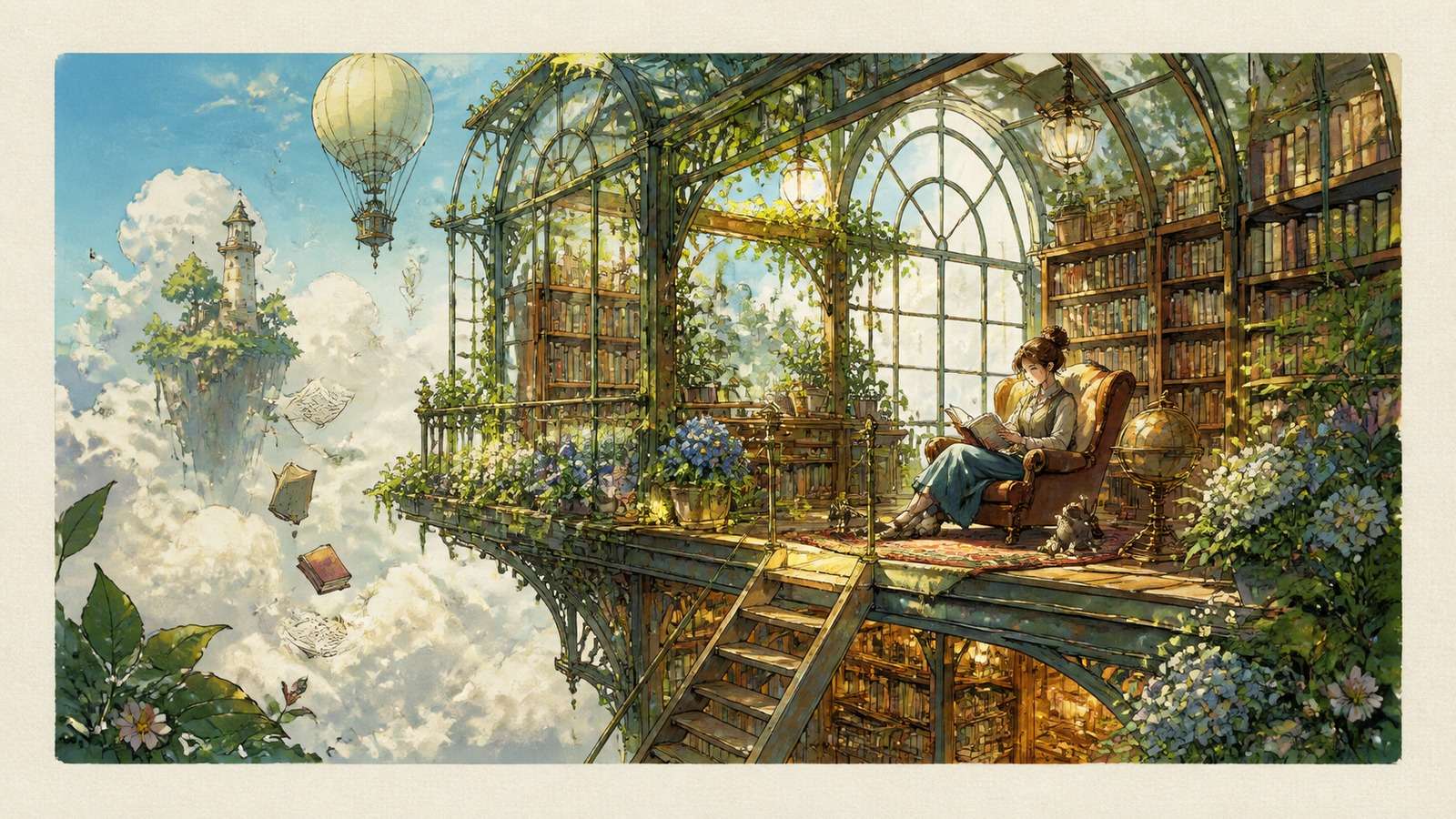
Its strongest use cases include concept art, article illustrations, story scenes, educational visuals, and imaginative compositions. A structured prompt should define subject, action, environment, viewpoint, medium, palette, lighting, and exclusions. Avoid stacking contradictory style terms simply to make the prompt longer.
The main decision issue is naming. If the ChatGPT interface provides a newer image model, a DALL-E 3 comparison may be historical rather than a test of the current default. Developers should also compare API availability, response format, latency, moderation, supported sizes, edit capabilities, and migration effort—not only image aesthetics.
DALL-E 3 strengths
- Established reputation for translating descriptive prompts into composed scenes.
- Strong illustrative and conceptual results.
- Familiar model identity for teams with documented DALL-E workflows.
DALL-E 3 limitations
- May not represent the newest image experience available inside ChatGPT.
- Typography and exact brand details still require verification.
- Independent generations can lose identity or scene continuity.
Grok Imagine: Best for Fast, Social-Native Exploration
In a ChatGPT vs Grok image generation decision, Grok's appeal is speed, energetic creative exploration, and proximity to conversations and trends on X. It suits creators who need to turn an idea into several bold visual directions quickly.
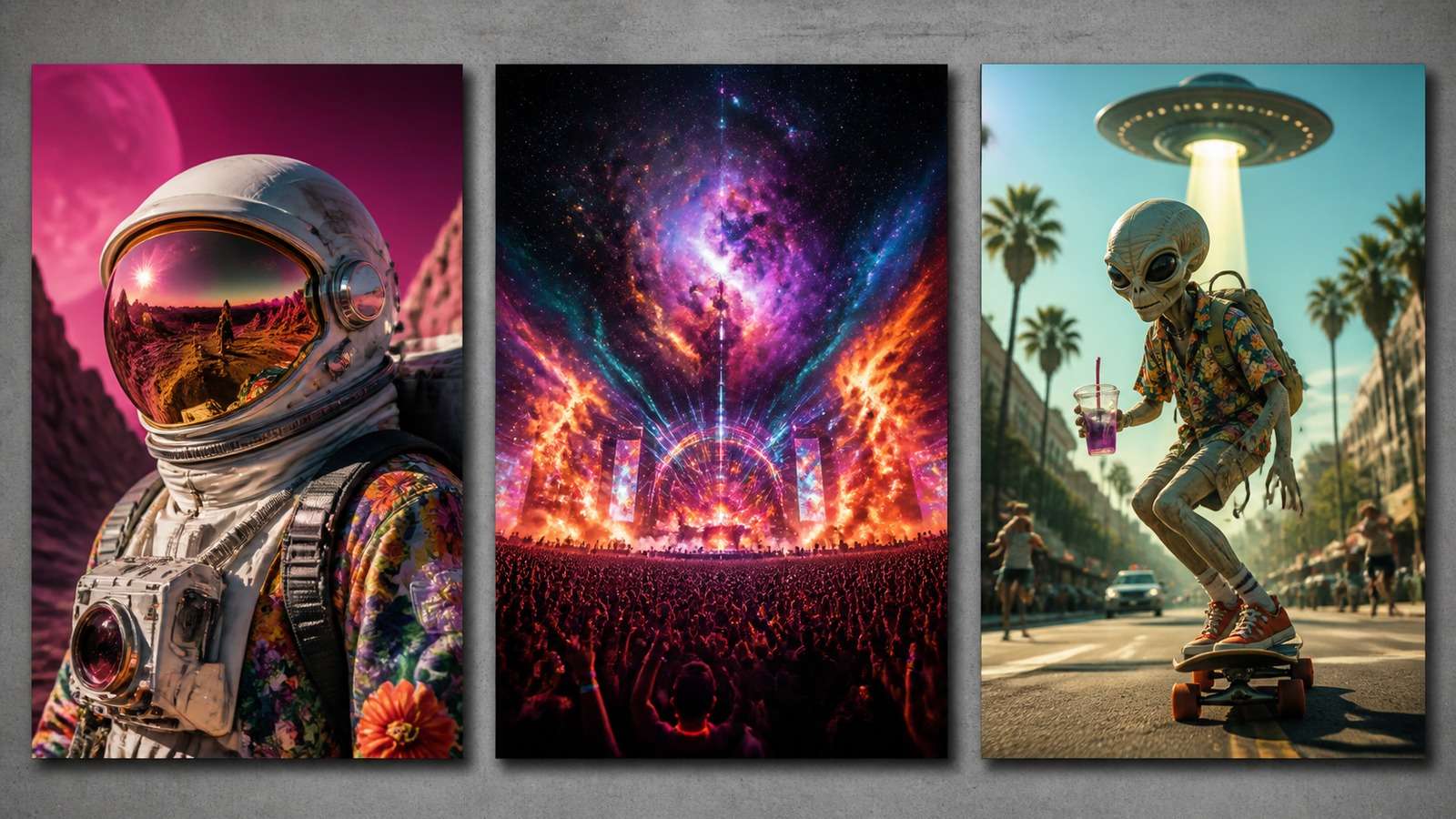
For social posts, memes, cultural reactions, character concepts, and high-impact imagery, rapid variation can matter more than perfect preservation. However, a fast generator is not automatically a reliable production system. Test small text, multi-object placement, recurring characters, brand colors, and localized edits before standardizing a workflow.
Integration with X can reduce the distance between trend discovery and publishing, but it can also encourage speed over verification. Check factual context, permissions, disclosure needs, and whether a visual could be mistaken for a real event.
Grok strengths
- Fast concept generation and variation.
- Natural fit for X-based creators and reactive social workflows.
- Bold visual energy for attention-driven content.
Grok limitations
- Fine instruction control and identity preservation need task-specific testing.
- Plan, regional availability, and model behavior may change.
- Social context does not replace rights, safety, or factual review.
Media.io: A Practical Creation-and-Finishing Alternative
General assistants are valuable when image creation is embedded in research, writing, or coding. When the deliverable is simply a finished visual for a campaign, post, thumbnail, or product concept, a focused workflow can reduce friction.
Media.io Text to Image provides direct prompt-to-image generation in the browser. The same asset can move into related tasks such as image-to-image transformation, object removal, background work, and enhancement without turning the project into a long assistant conversation.

Use it as a neutral fourth entry in your benchmark. Submit the same prompt, ratio, and reference constraints; then measure usable output rate and finishing time. Its best fit is creators and small teams that want an accessible visual production path rather than a broad AI assistant.
Prompt Adherence: Test Relationships, Not Just Objects
A generator can include every requested object and still misunderstand the prompt. Spatial and logical relationships are harder: “a blue cup behind the left book,” “the woman looks toward the reflection,” or “only the label changes while the bottle remains identical.” Score each explicit constraint rather than judging overall attractiveness. The same benchmark can be extended to the tools in this comparison of AI image-to-image generators.
Use a checklist with subject, count, position, action, material, lighting, camera, text, exclusions, and aspect ratio. Award one point per satisfied condition. This makes comparisons reproducible and prevents personal style preference from dominating the result.
Typography: Why One Successful Poster Is Not Enough
An AI image generator text rendering comparison needs multiple difficulty levels. Start with a four-word headline, then add a product name, price, date, and smaller secondary copy. Evaluate spelling, punctuation, hierarchy, alignment, kerning, and whether edits preserve correct text.
For production advertising, generate the image with planned negative space and add critical copy in a design tool. Treat rendered text as a concept unless it survives careful proofreading. This is especially important for regulated claims, prices, dates, URLs, and packaging. If the image itself is sharp but the lettering is weak, review the limits and use cases of an AI image text enhancer before rebuilding the design.
Image Editing: The Preservation Test
AI image editing comparison should measure what remains unchanged. Use a source image and request five edits separately: replace one object, remove an object, change the background, expand the canvas, and adjust lighting. Create a preservation score for identity, pose, camera, geometry, shadows, color, and unaffected objects.
For cleanup after generation, a specialized AI object remover can be more predictable than regenerating the whole image. If the result is correct but too small, use image upscaling rather than asking the generator to reinterpret the scene.
Character Consistency Across Scenes
Character consistency is not proven by two similar headshots. Test a close-up, full-body scene, profile, different lighting, changed wardrobe, and interaction with an object. Compare facial structure, age, skin details, hairstyle, body proportions, and signature accessories.
Use a fictional reference sheet and a fixed identity block in every prompt. Generate scenes in one session when possible, preserve reference images, and avoid changing too many variables simultaneously. For commercial characters, maintain an approval gallery and reject outputs that are attractive but off-model. Portrait-focused teams can also adapt the evaluation criteria used in this comparison of AI face generators.
Speed, Pricing, and the Cost per Usable Image
A simple AI image generator pricing comparison based on monthly subscription cost is misleading. Measure cost per usable asset:
Total monthly tool cost + editing labor + failed-generation time, divided by approved final images.
A cheaper system can cost more if it needs eight attempts and extensive retouching. A slower system can be economical if its first-pass adherence is high. Track generation time, queue time, number of iterations, manual correction minutes, export resolution, and whether commercial usage fits your project. For outputs that pass composition review but fail resolution checks, follow a dedicated workflow to improve AI image quality rather than spending more generations on the same scene.
Best Choice by User Type
| User | Recommended starting point | Reason |
|---|---|---|
| Marketer developing a campaign | ChatGPT Images | Connects strategy, copy, images, and iterative revisions |
| Social creator centered on X | Grok Imagine | Fast, trend-adjacent visual exploration |
| Developer with an existing DALL-E integration | DALL-E 3 or supported successor | Migration and API requirements may outweigh aesthetic differences |
| Illustration and concept ideation | DALL-E 3 or ChatGPT Images | Both support rich descriptive briefs; test preferred style |
| Small team needing finished web assets | Media.io | Focused generation and practical finishing tools |
| Brand character production | Run a reference consistency benchmark | No universal winner; preservation matters more than one hero image |
Final Verdict
For most users, ChatGPT Images offers the strongest all-around workflow because conversational iteration connects the brief, visual, critique, and revision. DALL-E 3 remains valuable when its established output or an existing implementation is specifically required. Grok Imagine is compelling for fast, culturally responsive, social-native exploration. A focused image tool can also serve as a DALL-E alternative when a general assistant is unnecessary.
The best AI image generator 2026 choice is therefore use-case dependent. Run the shared benchmark, score usable output rate, and account for editing time. If you need a focused creation-and-finishing workflow, test Media.io's AI image generator alongside the assistants using exactly the same prompt.
Frequently Asked Questions
-
Is DALL-E the same as ChatGPT image generation?
Not always. DALL-E powered earlier and specific image workflows, while supported ChatGPT experiences may use newer GPT image models. Check the exact model and access method. -
Is Grok better than ChatGPT for images?
Grok can be attractive for fast social exploration, while ChatGPT is strong for contextual iteration and controlled follow-up edits. Test both with your real prompts. -
Which tool is best for text in images?
Results change by model version and prompt. Test short headlines, product labels, and secondary copy separately, and proofread all production assets. -
Which AI image generator is best for editing?
ChatGPT is convenient for conversational edits, but preservation must be verified. Specialized object-removal and enhancement tools may be more reliable for narrow fixes. -
How should I compare AI image generator pricing?
Calculate cost per usable image, including subscription fees, failed generations, editing labor, export limits, and commercial-use requirements.


