
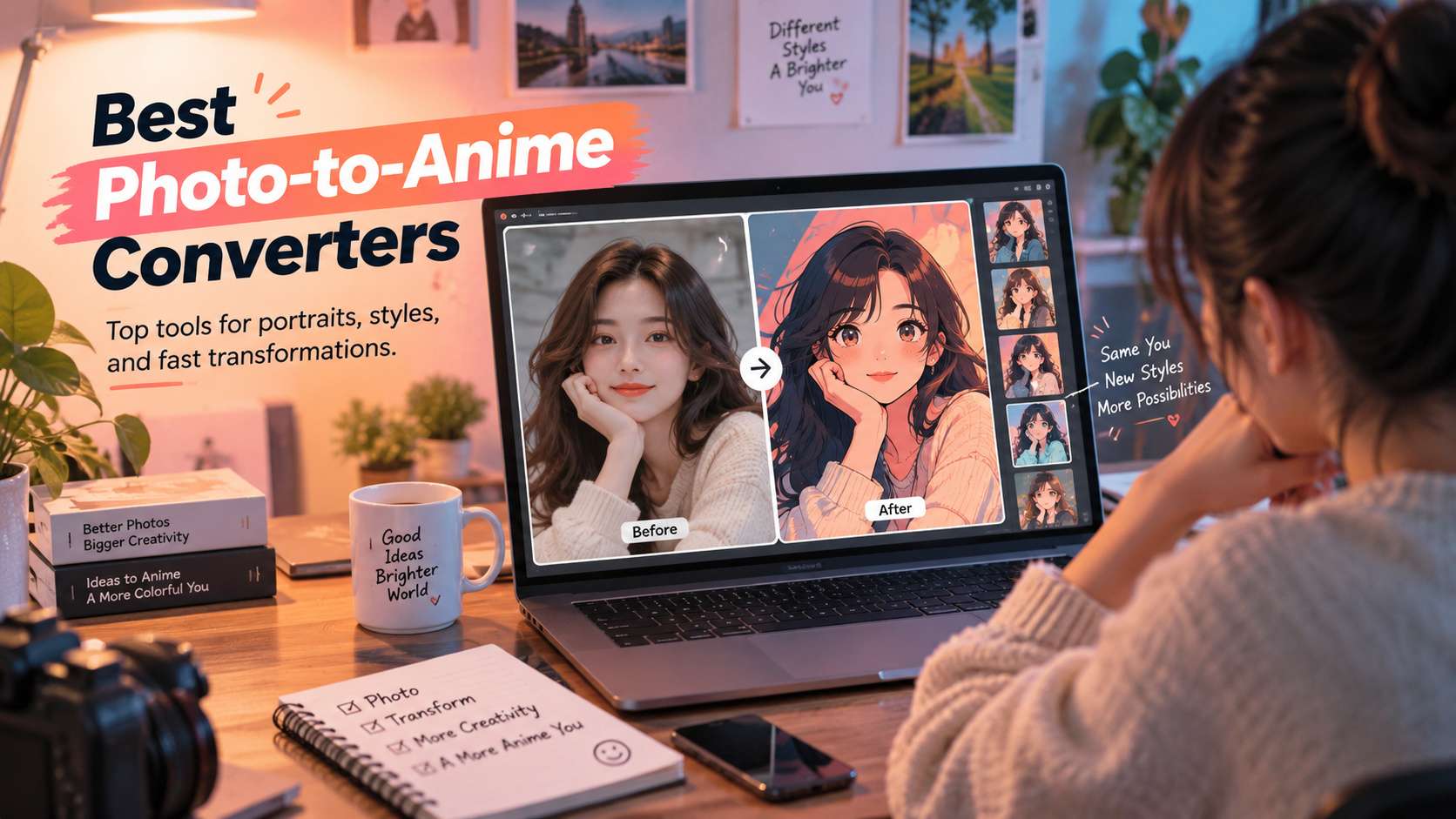
A good anime filter should not make every person look like the same character. The difficult part is preserving the cues that make the original recognizable-face shape, hair, glasses, outfit, pose, and sometimes the surrounding scene. The best photo to anime converters give you style without erasing identity.
This comparison is centered on real photo types: single selfies, couples, pets, travel photos, and full-body shots. We also separate one-click anime filters from prompt-driven image-to-image tools, because the second group gives more control when the default style changes too much.
In this article
Compare Photo-to-Anime Tools by Input Type
Start with the photo type. A single selfie, a couple portrait, a pet, and a full travel scene expose different weaknesses, so use the table to route the source image to the tools most likely to preserve the details that matter.
| Tool | Best for | Free / access | Main trade-off |
|---|---|---|---|
| Media.io | Fast browser conversion with several anime and illustration styles | The current photo-to-anime page advertises free browser conversion and watermark-free download for the standard workflow. | One-click effects trade control for speed. For exact art direction or a recurring character, prompt-driven regeneration gives you more room to correct identity drift. |
| Fotor | Users who want many anime presets inside a full photo editor | Free access exists, while AI generation and premium effects may use credits or paid features depending on the workflow. | Credit rules differ across Fotor's AI tools, so check which path you are using before assuming every style is free. |
| insMind | Anime transformations of scenes, products, pets, and travel photos as well as faces | Free trial/generation access is available, with plan-based limits for ongoing use. | Full-scene stylization can also introduce more changes. When exact product shape or architectural detail matters, compare the generated result closely against the source. |
| Canva | Turning an anime portrait into a finished profile or social design | Free design tier; AI effect availability and generation allowances depend on the active plan. | For users who care about precise face-to-anime fidelity above everything else, a dedicated converter gives clearer control. Canva wins when the converted image is one component of a larger graphic. |
| Picsart | Mobile-first social edits that combine anime looks with effects and retouching | Freemium; premium AI effects and export features vary by subscription. | The large effect library is a strength and a distraction. Similar-looking filters can produce very different facial changes, so compare a few rather than assuming the first "anime" label is the most faithful. |
| Photoleap | Creative mobile transformations and stylized composite edits | Freemium mobile app with plan-dependent AI generation access. | Because it encourages creative transformation, it can move farther from the original identity than a conservative one-click converter. Use it when the redesign is intentional. |
| Meitu | Beauty-aware anime and illustration-style portraits | Freemium mobile app; some AI styles and higher-value features require paid access. | Its beauty defaults can be a downside if you want documentary facial fidelity. Check whether the face has been slimmed, skin texture removed, or features exaggerated beyond the source. |
Identity Preservation Check: What Should Stay the Same?
Face structure: Jawline, eye spacing, nose placement, age cues, and expression should remain related to the source rather than collapsing into one generic anime face.
Hair and accessories: Bangs, curls, glasses, earrings, hats, and facial hair are often the first details a filter simplifies incorrectly.
Pose and composition: A converter is more useful when it keeps body position and camera framing instead of silently recropping the image.
Background intent: Sometimes you want only the person stylized; other times the whole scene should become anime. The tool should make that choice predictable.
Photo-to-Anime Tool Reviews by Input Type and Identity Fidelity
1. Media.io - Best for Fast browser conversion with several anime and illustration styles
Media.io is the easiest recommendation when you want to see a recognizable anime version quickly and do not need to train a custom character model. The browser tool offers multiple style directions-including 3D, retro comic, sketch, and anime-like looks-and works across desktop and mobile browsers. It is especially practical for profile pictures, couples, pets, and casual social edits.
The current photo-to-anime page advertises free browser conversion and watermark-free download for the standard workflow.
Upload a clear photo, choose the style, generate, and download. If the one-click filter changes too much, switch to Image to Image and describe what must stay unchanged-face, outfit, pose, background-alongside the anime direction.
One-click effects trade control for speed. For exact art direction or a recurring character, prompt-driven regeneration gives you more room to correct identity drift.
2. Fotor - Best for Users who want many anime presets inside a full photo editor
Fotor is strong when "anime" means style choice rather than one universal filter. Its current photo-to-anime tool advertises more than 50 anime styles and supports portraits, pets, and other images. Fotor also has two different creation routes: AI Art Effects for one-click stylization and the AI Image Generator for more generative transformations. That distinction is useful because the first path can preserve the original composition better, while the second can be more transformative.
Free access exists, while AI generation and premium effects may use credits or paid features depending on the workflow.
For a selfie, begin with the effect workflow and only move to generation if you want a larger redesign. After conversion, normal Fotor editing tools are available for cleanup and social export.
Credit rules differ across Fotor's AI tools, so check which path you are using before assuming every style is free.
3. insMind - Best for Anime transformations of scenes, products, pets, and travel photos as well as faces
insMind deserves a place because its anime workflow is not framed only around headshots. The tool explicitly supports travel scenes, rooms, vehicles, food, products, pets, couples, and portraits. That makes it more useful when the visual story around the person matters. A vacation photo, for example, can become a full anime scene rather than a cut-out face pasted over a generic background.
Free trial/generation access is available, with plan-based limits for ongoing use.
Upload the source, choose the anime transformation, and keep the original photo clear enough that hair, hands, clothing, and important objects are visible.
Full-scene stylization can also introduce more changes. When exact product shape or architectural detail matters, compare the generated result closely against the source.
4. Canva - Best for Turning an anime portrait into a finished profile or social design
Canva is less about the most specialized anime model and more about what you can do immediately after the transformation. If the final goal is a YouTube profile image, streamer card, birthday post, thumbnail, or poster, keeping the stylized portrait inside a layout editor saves a full export-and-reimport step.
Free design tier; AI effect availability and generation allowances depend on the active plan.
Apply an available anime/cartoon effect or AI app, then continue with background removal, frames, text, stickers, and brand styling in the same design.
Trade-off: For users who care about precise face-to-anime fidelity above everything else, a dedicated converter gives clearer control. Canva wins when the converted image is one component of a larger graphic.
5. Picsart - Best for Mobile-first social edits that combine anime looks with effects and retouching
Picsart makes sense for creators who want an anime result but expect to keep editing it on the phone. Its wider editor covers effects, retouching, stickers, cutouts, backgrounds, text, and AI-assisted tools, so an anime portrait can be quickly turned into a profile picture or social post without moving between apps.
Freemium; premium AI effects and export features vary by subscription.
Start with a clean portrait, apply a cartoon/anime effect or AI transformation, then use the editor to repair crop, background, color, or text before export.
The large effect library is a strength and a distraction. Similar-looking filters can produce very different facial changes, so compare a few rather than assuming the first "anime" label is the most faithful.
6. Photoleap - Best for Creative mobile transformations and stylized composite edits
Photoleap is the pick for users who see anime conversion as the first step in a more imaginative mobile edit. It is comfortable with dramatic style changes, composite scenes, effects, backgrounds, and generative transformations. That suits fantasy portraits, cosplay edits, and social artwork where preserving every original pixel is less important than the finished art direction.
Freemium mobile app with plan-dependent AI generation access.
Use a clear source photo, apply a stylized transformation, then build the scene with layers, effects, or generated elements.
Because it encourages creative transformation, it can move farther from the original identity than a conservative one-click converter. Use it when the redesign is intentional.
7. Meitu - Best for Beauty-aware anime and illustration-style portraits
Meitu is a natural fit for selfie-heavy users because its broader identity is portrait beautification and style effects. Anime results often sit alongside retouching, makeup, face shaping, and other portrait tools, so it is convenient when the final image is meant for a social profile rather than faithful art conversion.
Freemium mobile app; some AI styles and higher-value features require paid access.
Import a portrait with a clear face, test a restrained anime style first, then adjust retouching separately so the transformation does not over-smooth identity cues.
Its beauty defaults can be a downside if you want documentary facial fidelity. Check whether the face has been slimmed, skin texture removed, or features exaggerated beyond the source.
Match the Converter to What Must Stay Recognizable
A selfie is mostly an identity test. The converter should simplify skin and hair into an anime style without changing face shape, eye spacing, hairstyle, or the expression that makes the person recognizable. Beauty-heavy tools can look polished but may drift farther from the source, so compare likeness before judging style variety. When comparing the best photo to anime converter online, the deciding factor is whether the workflow still gives you control after the first automatic result.
Couple and group photos add a harder problem: the tool must preserve more than one identity at once. Watch for swapped facial traits, merged hands, inconsistent clothing, and changes in relative height or pose. A good result keeps the relationship between people intact instead of turning each face into an unrelated anime character. With an anime conversion tool, the useful comparison is the number of corrections required before the file is ready to publish.
Pets, products, and travel scenes need broader scene understanding. A portrait-centric filter may stylize a face well but flatten architecture, food, clothing, or animal features. For these inputs, choose a system that treats the full composition as an image-to-image transformation rather than applying a face effect to only the most obvious subject. With an image to anime converter, judge the export and revision path, not only the preview shown on the generation screen.
After the anime conversion, ask what happens next. Profile pictures need clean crop and resolution; social posts need layout and text; animated scenes may need a compatible image-to-video tool. The best converter is often the one that keeps the source recognizable enough for the next step, not the one with the most dramatic single filter. With an ai anime photo converter, the strongest option is the one that matches the real input and the next production step.
For Anime Conversion, Likeness Comes Before Style Count
Media.io is a practical browser choice when you want several anime looks and may continue into other AI image or video workflows. Fotor offers broad preset variety, Meitu is strong for beauty-aware portrait styling, and insMind deserves attention when the source is more than a face. Canva and Picsart become more useful when the anime image is only one element in a larger social design.
Test the converter on the actual input type you care about: selfie, couple, pet, or full scene. A tool that wins on a single portrait can lose badly on a group photo or travel image. The best result is the one that remains recognizably yours after the style is applied.
FAQ
-
How can I keep my face recognizable in an anime conversion?
Use a clear source photo with visible facial structure and avoid filters that radically change age, face shape, or hairstyle. Compare the eyes, nose, jawline, hairline, and expression rather than focusing only on how attractive the style looks. If identity matters, a slightly less dramatic anime effect is often more useful than a highly stylized result that could be anyone. With a convert photo to anime online, check the real free limits and the correction workflow before you commit. -
Do photo-to-anime converters work on full-body photos?
Many do, but full-body images are harder because hands, clothing, shoes, and background elements all need to survive the transformation. Use a well-lit image with the subject separated from the background, then inspect small details at full resolution. Portrait-only tools may produce a strong face while simplifying the rest of the body too aggressively. With a picture to anime converter, test the hardest input you expect to publish rather than a clean demo sample. -
Which anime style works best for profile pictures?
Choose a style with clean facial lines, a readable silhouette, and enough contrast to remain recognizable at a small size. Extremely detailed backgrounds and elaborate effects can disappear when the image is cropped into a circular avatar. Generate or crop with the final profile format in mind so hair, face, and shoulders remain inside the safe area. For a free photo to anime converter, make sure the result can move into your normal editing and export process without rebuilding it. -
Can I animate an anime portrait after converting it?
Yes, an anime portrait can become the reference for image-to-video or talking-photo workflows. Before animating, pick a frame with clean eyes, mouth, hair edges, and unobstructed facial features. Motion models amplify small visual inconsistencies, so a tidy source image usually produces a more stable result than a heavily filtered picture with ambiguous details. With a selfie to anime converter, verify current plan limits, rights, and export behavior when the project moves from testing to production.


