
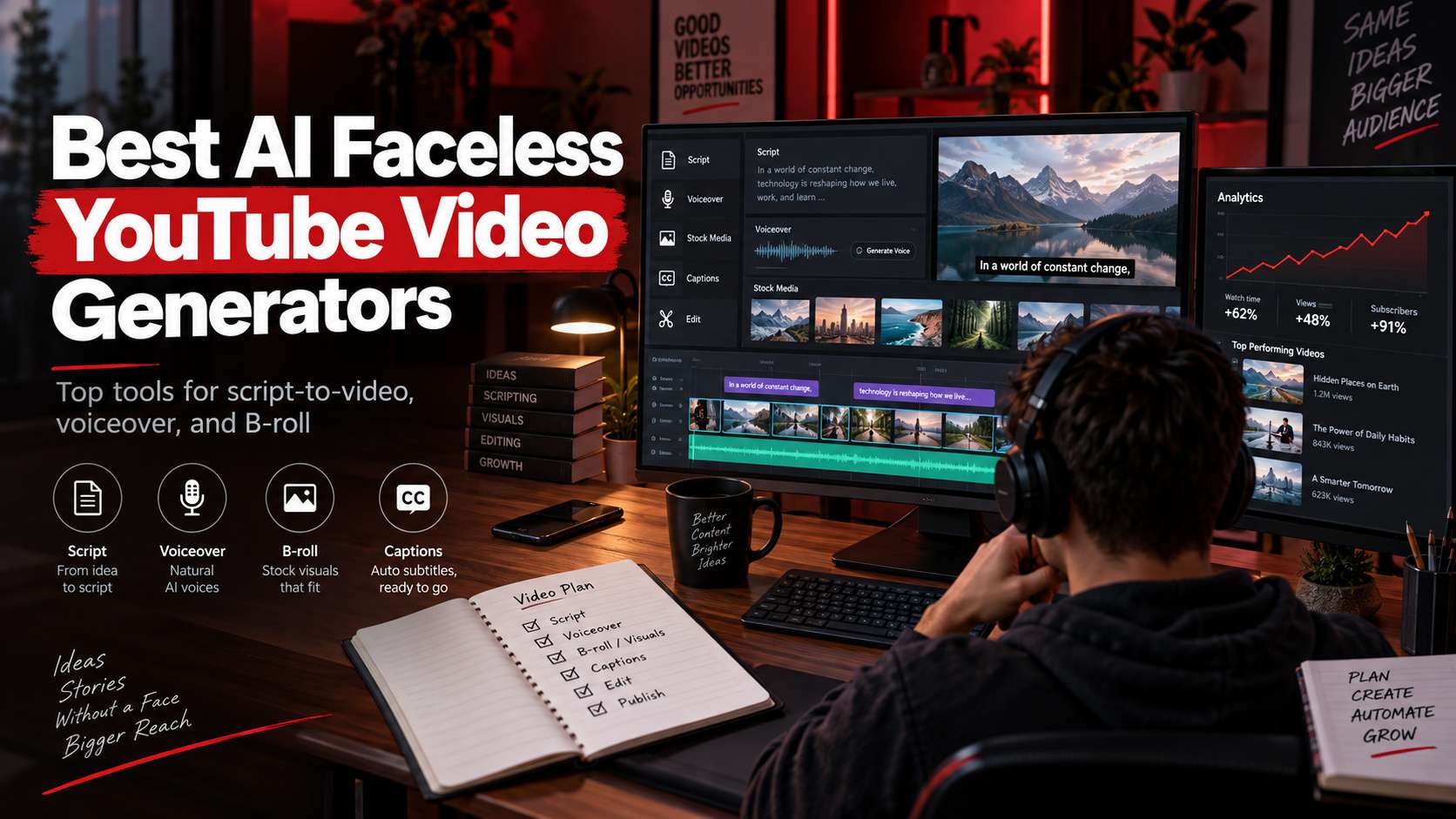
Faceless YouTube production is not one AI task. A usable episode needs a script, narration, relevant visuals, pacing, captions or on-screen text, music, and an editor that can fix the sections AI gets wrong. The best ai faceless youtube video generators reduce those handoffs without locking you into a draft you cannot meaningfully edit.
This guide evaluates complete channel workflows rather than "type one sentence and receive a viral video" demos. We pay particular attention to stock licensing, voice quality, scene relevance, revision control, and whether the same system can be used week after week for explainers, list videos, documentary-style narration, product education, or Shorts.
In this article
- Compare Faceless YouTube Workflows by Production Stage
- Channel Production Test: Can You Ship Episode 10, Not Just Episode 1?
- Faceless YouTube Tool Reviews: Where the Automation Helps-and Breaks
- Build a Repeatable Episode System, Not a One-Click Demo
- Choose the Tool That Still Works on Episode Ten
- FAQ
Compare Faceless YouTube Workflows by Production Stage
Start with the episode source. A finished script, a blog post, a long recording, and a blank topic each require a different automation path, so shortlist tools by the stage they remove from your channel workflow.
| Tool | Best for | Free / access | Main trade-off |
|---|---|---|---|
| Media.io | Creators who want one browser workspace for generated scenes plus practical post-production | AI generation uses model-based credits; several surrounding editing and speech tools have free-access paths. | This approach gives more control than a one-click channel automator, but it asks you to make creative decisions. Choose it when custom visuals matter; skip it if you want stock footage auto-matched to an entire script with minimal intervention. |
| Pictory | Narration-led videos built from scripts, articles, or long-form recordings | 14-day trial; current Starter pricing begins around $25/month billed annually, with plan-based video-minute and storage limits. | The weakness is visual specificity. Niche or abstract sentences can trigger generic stock, so serious channels still need a human pass on every scene. |
| Fliki | Fast narrated videos with a large multilingual voice catalog | Free plan currently offers 3 credits per month, 720p output, 300 voices, and a watermark; paid tiers expand quality and usage. | The free watermark and limited monthly credits make the free plan a test environment rather than a long-term publishing workflow. Visual originality also depends on how much you replace the default media. |
| VEED | Browser-based faceless explainers that need strong caption and editing control | Free plan available; export quality, watermark, and AI feature access expand on paid tiers. | The trade-off is that complete automation is not the point. You will spend more time editing than in a stock-first system such as Pictory, but you gain more control over the finished rhythm and visual identity. |
| InVideo AI | Creators who want a prompt or script expanded into a near-complete social/YouTube draft | Subscription/credit model; current plans bundle AI generation credits and model access. | Because the system does so much automatically, it is easy to publish something that looks competent but generic. Strong channel identity still requires custom scripting, media swaps, and consistent branding. |
| CapCut | Shorter faceless videos and channels that rely on strong manual social editing | Free editing path; AI features and availability vary by region and plan. | The strength is the edit; the weakness is that you still need to build a repeatable research and scripting system around it. It does not solve channel strategy by itself. |
| Canva | Branded faceless presentations, list videos, and educational explainers | Free plan with plan-dependent AI allowances and premium assets. | It is not the best option for detailed timeline editing or complex lip-synced narration. Its advantage is repeatable graphic design, not film-style assembly. |
Channel Production Test: Can You Ship Episode 10, Not Just Episode 1?
Script handoff: The tool should accept a finished script or help draft one without making it difficult to replace sections later.
Visual relevance: B-roll or generated scenes should follow the narration closely enough that you are not replacing every second clip by hand.
Narration quality: Voice options, pronunciation fixes, pacing, and licensing matter because faceless channels are heard as much as they are watched.
Revision cost: The real productivity metric is how long it takes to fix weak scenes, wrong captions, and awkward audio-not how quickly the first draft appears.
Faceless YouTube Tool Reviews: Where the Automation Helps-and Breaks
1. Media.io - Best for Creators who want one browser workspace for generated scenes plus practical post-production
Media.io fits faceless channels because it can cover multiple production stages without forcing the whole episode into one rigid generator. You can build original visuals with AI video, create voiceover with text-to-speech, add subtitles, resize and enhance clips, and use standard editing tools for the final assembly. Its faceless-video prompt library also focuses on visual strategies-hands, workspaces, streets, objects, close details-that avoid showing a presenter without making every scene feel like generic stock.
AI generation uses model-based credits; several surrounding editing and speech tools have free-access paths.
A practical workflow is script first, then create narration, gather or generate visuals scene by scene, and assemble the episode with captions and music. For original B-roll, faceless video prompt patterns can keep shots varied.
This approach gives more control than a one-click channel automator, but it asks you to make creative decisions. Choose it when custom visuals matter; skip it if you want stock footage auto-matched to an entire script with minimal intervention.
2. Pictory - Best for Narration-led videos built from scripts, articles, or long-form recordings
Pictory is one of the clearest choices when a faceless channel can be built from licensed stock and narration. It can turn scripts into scenes, match footage from libraries such as Getty and Storyblocks, add captions, and use AI voices including ElevenLabs options. That is well suited to listicles, business explainers, educational narration, and article-to-video production where original cinematography is not essential.
14-day trial; current Starter pricing begins around $25/month billed annually, with plan-based video-minute and storage limits.
Paste the script, let Pictory segment it, review each stock match, choose the voice, correct text/captions, then export. The time-saving comes from starting with a complete rough cut instead of collecting B-roll manually.
The weakness is visual specificity. Niche or abstract sentences can trigger generic stock, so serious channels still need a human pass on every scene.
3. Fliki - Best for Fast narrated videos with a large multilingual voice catalog
Fliki is compelling when narration is the center of the channel. Its current free tier gives access to hundreds of voices and many languages, and the broader tool can turn ideas, scripts, blog content, or presentations into videos with stock media. That makes it efficient for multilingual explainers, quote videos, simple documentaries, and channels where the visual layer mainly supports the spoken information.
Free plan currently offers 3 credits per month, 720p output, 300 voices, and a watermark; paid tiers expand quality and usage.
Start with the script, choose a voice early, let Fliki construct scenes, then replace any weak stock and tighten text timing before export.
The free watermark and limited monthly credits make the free plan a test environment rather than a long-term publishing workflow. Visual originality also depends on how much you replace the default media.
4. VEED - Best for Browser-based faceless explainers that need strong caption and editing control
VEED is the editor-first option. Its faceless video tools can help build a draft from a prompt, then the same browser workspace gives you text-to-speech, captions, text overlays, stock or generated visuals, and a normal timeline for repairs. That makes it easier to treat AI as the first cut rather than the final authority.
Free plan available; export quality, watermark, and AI feature access expand on paid tiers.
Generate or upload the initial media, create the voice track, correct captions, then adjust pacing and brand elements directly in the web editor.
Trade-off: The trade-off is that complete automation is not the point. You will spend more time editing than in a stock-first system such as Pictory, but you gain more control over the finished rhythm and visual identity.
5. InVideo AI - Best for Creators who want a prompt or script expanded into a near-complete social/YouTube draft
InVideo AI is designed around high-level instruction: give it a topic, prompt, or script direction and let the system assemble scenes, narration, captions, music, and stock into a finished first draft. That can save a lot of setup time for news-style explainers, list videos, product roundups, and social content where speed matters more than shot-by-shot originality.
Subscription/credit model; current plans bundle AI generation credits and model access.
The most important step is revision. Use the first draft to identify weak stock, repetitive scene rhythms, pronunciation problems, and claims that need verification before publishing.
Because the system does so much automatically, it is easy to publish something that looks competent but generic. Strong channel identity still requires custom scripting, media swaps, and consistent branding.
6. CapCut - Best for Shorter faceless videos and channels that rely on strong manual social editing
CapCut is a good faceless option when the channel lives close to social video language-fast captions, kinetic text, stock inserts, background music, effects, and aggressive pacing. Its AI video tools can begin from scripts, while the editor lets you replace media and adjust every visual beat. It is especially good for Shorts or mid-length faceless videos rather than hands-off long-form documentary production.
Free editing path; AI features and availability vary by region and plan.
Generate a draft or assemble stock/generative clips, add voiceover and captions, then use the full editor to control pacing and visual emphasis.
The strength is the edit; the weakness is that you still need to build a repeatable research and scripting system around it. It does not solve channel strategy by itself.
7. Canva - Best for Branded faceless presentations, list videos, and educational explainers
Canva is a strong faceless tool when the visual language is slides, diagrams, stock footage, screenshots, icons, and animated text rather than cinematic B-roll. Educational channels, product explainers, and list videos can benefit from brand templates and shared design systems, especially when several people work on the channel.
Free plan with plan-dependent AI allowances and premium assets.
Build a reusable 16:9 video template, add voiceover and page-level scenes, mix stock or generated visuals, animate key text, and export. The template becomes the consistency engine from episode to episode.
It is not the best option for detailed timeline editing or complex lip-synced narration. Its advantage is repeatable graphic design, not film-style assembly.
Build a Repeatable Episode System, Not a One-Click Demo
Start with the script because it controls every downstream cost. A faceless workflow is efficient only when the script can be segmented into scenes that are easy to illustrate and narrate. Tools that auto-build a draft are useful, but review every scene match; generic stock footage quickly makes finance, history, business, and education channels feel interchangeable. With an ai faceless youtube video maker, the deciding factor is whether the workflow still gives you control after the first automatic result.
Voice is part of the channel identity. Evaluate pronunciation, pacing, emotional range, and how easy it is to correct one sentence without redoing the entire narration. Multilingual channels should test names, numbers, abbreviations, and local pronunciation before selecting a voice. A smooth first paragraph means little if long-form delivery becomes monotonous after five minutes. With a faceless youtube video generator, the useful comparison is the number of corrections required before the file is ready to publish.
Visual sourcing should match the niche. Stock-assisted tools are fast for explainers and list videos; generated scenes create more originality but cost credits and require stronger prompts; screen recordings or owned B-roll can be better for tutorials. Serious channels often mix all three rather than forcing every episode through one visual source. Across ai youtube automation tools, judge the export and revision path, not only the preview shown on the generation screen.
Episode ten matters more than episode one. Reusable caption styles, music levels, brand elements, project duplication, asset libraries, and predictable export are what turn an AI demo into a channel workflow. Track correction time per finished minute during your trial. That number tells you whether the automation is actually saving work. With a faceless video generator ai, the strongest option is the one that matches the real input and the next production step.
Choose the Tool That Still Works on Episode Ten
Pictory and Fliki are strong when narration and stock-assisted assembly are the center of the channel. InVideo AI pushes harder toward a near-complete generated draft, while VEED gives more browser-side correction control. Media.io is better when you want to mix generated scenes, voice, captions, enhancement, and normal editing rather than locking the whole episode into one automated template.
Make a three-video pilot before subscribing: one normal episode, one topic with difficult visuals, and one revision-heavy episode. Track how much time you spend replacing B-roll, fixing narration, and correcting captions. The platform that keeps that correction time predictable is the one that can actually support a channel.
FAQ
-
Can a faceless YouTube generator create a complete video from a script?
Yes, some platforms can assemble scenes, stock or generated visuals, voiceover, captions, and music from a script. Treat that output as a rough cut. Check every factual claim, every visual match, and the pacing of the narration. The most useful systems let you replace one scene or sentence without rebuilding the entire episode. When comparing the best ai for faceless youtube, check the real free limits and the correction workflow before you commit. -
What is the biggest quality problem with automated faceless videos?
Generic visual matching is the most common issue. A sentence about a specific product, historical event, or technical process can be paired with footage that is only loosely related. That weakens trust even when the narration sounds polished. Use automation to build structure quickly, then replace vague stock with owned, generated, or better-targeted visuals in the important sections. With a youtube faceless video maker, test the hardest input you expect to publish rather than a clean demo sample. -
How should I choose an AI voice for a faceless channel?
Test a full paragraph containing names, numbers, abbreviations, and changes in sentence length. Listen for unnatural pauses, repeated cadence, and pronunciation errors. The best voice for a 20-second demo may become tiring over eight minutes. Also check whether the plan and voice license fit your publishing and monetization needs before you standardize a channel around it. Across ai video generator for youtube channels, make sure the result can move into your normal editing and export process without rebuilding it. -
Is full YouTube automation a good idea for beginners?
Automation can reduce repetitive assembly, but it should not replace editorial judgment. Beginners learn faster by reviewing scripts, scene choices, thumbnails, captions, and retention patterns rather than publishing every AI draft unchanged. A sustainable channel needs a recognizable topic angle and consistent quality; software can accelerate production, but it cannot decide what the audience should trust or care about. Across faceless youtube tools, verify current plan limits, rights, and export behavior when the project moves from testing to production.


