
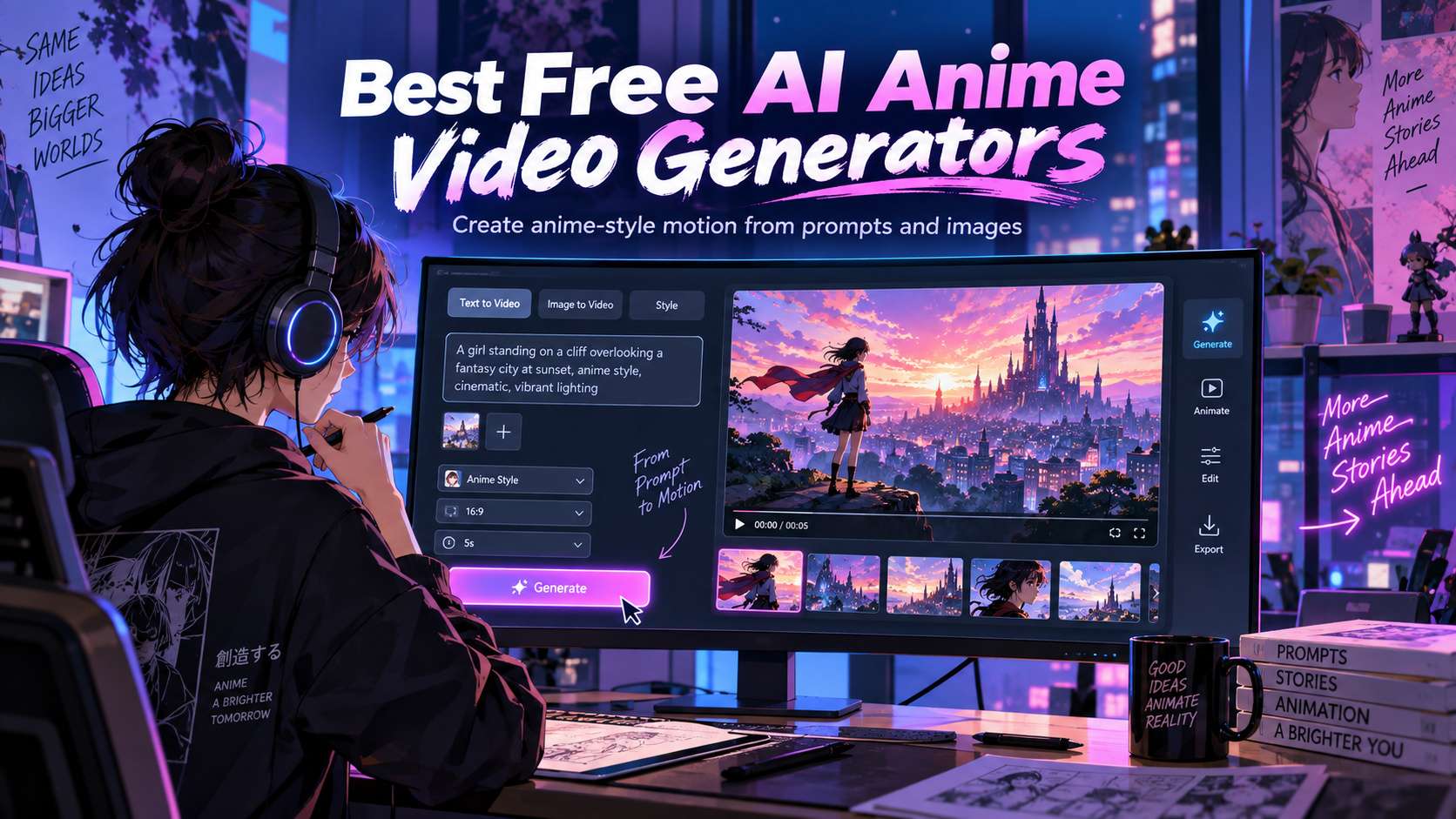
Anime is a harsh test for video generation. A photorealistic clip can hide small texture changes; an anime face cannot hide an eye shape that mutates between frames or hair strands that melt during motion. The best free ai anime video generators are therefore the ones that preserve the design language of the reference while still producing believable movement.
We tested the category as an animation problem rather than a "which model makes the prettiest frame" contest. Text-to-video matters for original scenes, but image-to-video is often the better starting point when you already have a character sheet, illustration, manga panel, or anime portrait that must stay recognizable.
In this article
- Anime Video Generator Comparison for Text, Images, and Motion
- Anime Stability Test: Watch the Eyes, Hair, Hands, and Line Weight
- Model-by-Model Breakdown for Anime Motion and Character Stability
- Anime Video Quality Depends on the Starting Frame and Motion Goal
- Use the Simplest Motion Test That Can Fail
- FAQ
Anime Video Generator Comparison for Text, Images, and Motion
| Tool | Best for | Free / access | Main trade-off |
|---|---|---|---|
| Media.io | Creators who want to test several current video models from one anime reference | Free/credit-based access varies by model; the workspace exposes model-specific settings and costs. | The main limitation is that quality, duration, resolution, and credit cost depend on the model you choose. Media.io is the workspace; the underlying model still determines the hardest visual trade-offs. |
| Vidu Q3 | Anime-style dialogue and short narrative scenes with native sound | Access is credit/plan based; current Q3 availability and limits depend on the Vidu product tier. | The challenge is continuity across multiple generations. Native audio solves one production step, but recurring characters still benefit from stable references and conservative shot design. |
| Pika | Low-cost experimentation with stylized motion and effects | Free Basic currently provides 80 monthly video credits, 480p access for Pika 2.5, selected tools, and watermark-free downloads. | The free resolution and credit budget are the main constraints, and effects can overpower delicate line art if the prompt asks for too much motion at once. |
| Runway Gen-4.5 | Cinematic anime shots with detailed motion and camera prompting | Available on paid Runway tiers; Gen-4.5 consumes credits per second of generated video. | Runway is not the cheapest place to iterate blindly. Credit burn makes previsualization and concise prompts important. |
| Kling | Character-led cinematic motion and reference-based scenes | Credit/plan rules vary by access point and model version. | The drawback is unpredictability at high motion intensity. A visually ambitious shot can introduce hand deformation, costume drift, or background changes, so short controlled takes work better than one overloaded prompt. |
| PixVerse | Fast social anime effects and stylized transformations | Free/trial credit access is commonly available, but current allowance and export rules should be checked in the active plan. | It is less suitable for a multi-scene anime narrative with strict character consistency. Think of it as a shot generator and effect engine, not a full animation production system. |
| Hailuo | Expressive short character motion and fast concept shots | MiniMax currently offers Hailuo access through plan-based products; exact creator credits vary. | Like other general video models, it may trade style fidelity for motion when the prompt becomes too complex. Keep takes short and treat a successful generation as one scene in an edit. |
Anime Stability Test: Watch the Eyes, Hair, Hands, and Line Weight
Identity drift: We check whether facial proportions, hairstyle, costume details, and accessories remain recognizable through movement.
Line and texture stability: Anime outlines should not pulse, crawl, or change thickness aggressively from frame to frame.
Action readability: Fast motion must still read as intentional choreography rather than body deformation or background smearing.
Reference obedience: For image-to-video, the model should animate the supplied design instead of silently redesigning the character.
Model-by-Model Breakdown for Anime Motion and Character Stability
1. Media.io - Best for Creators who want to test several current video models from one anime reference
Media.io is the practical first recommendation when you do not yet know which video model suits the anime shot. Its image-to-video workspace currently exposes several engines, so you can test a reference illustration against different motion behaviors without rebuilding the workflow on separate sites. The broader AI video generator also supports style-led creation, including anime and cartoon directions.
Free/credit-based access varies by model; the workspace exposes model-specific settings and costs.
For character consistency, start with a clean anime still and use Image to Video rather than asking text-to-video to invent the person from scratch. Keep the first motion request simple-blink, hair movement, slow camera push-before attempting action scenes.
The main limitation is that quality, duration, resolution, and credit cost depend on the model you choose. Media.io is the workspace; the underlying model still determines the hardest visual trade-offs.
2. Vidu Q3 - Best for Anime-style dialogue and short narrative scenes with native sound
Vidu Q3 stands out for audiovisual generation. The model is designed to produce video with native sound and supports short clips up to 16 seconds, making it interesting for anime dialogue beats, comic-style mini dramas, or narrative ads where timing between motion and audio matters. Its support for English, Japanese, and Chinese also fits common anime-content workflows.
Access is credit/plan based; current Q3 availability and limits depend on the Vidu product tier.
Use a clear prompt or reference, define the shot and action, and keep character descriptions consistent across shots. For a series, build clips as controlled scenes rather than asking one generation to tell the whole story.
The challenge is continuity across multiple generations. Native audio solves one production step, but recurring characters still benefit from stable references and conservative shot design.
3. Pika - Best for Low-cost experimentation with stylized motion and effects
Pika is attractive for anime creators who want to experiment without paying before they understand the workflow. The free plan is genuinely usable for short tests, and the platform's effect-oriented generation style works well for dramatic transformations, reaction shots, camera moves, and social clips where a polished few seconds matter more than a long coherent scene.
Free Basic currently provides 80 monthly video credits, 480p access for Pika 2.5, selected tools, and watermark-free downloads.
Start with an anime still, animate one action at a time, and judge whether the facial design survives before adding effects. A free 480p draft is enough to validate motion; only spend more credits when the shot concept works.
The free resolution and credit budget are the main constraints, and effects can overpower delicate line art if the prompt asks for too much motion at once.
4. Runway Gen-4.5 - Best for Cinematic anime shots with detailed motion and camera prompting
Runway Gen-4.5 is a better choice for creators who think in shots rather than presets. It supports text-to-video and image-to-video with multiple aspect ratios and short clip durations, and its prompting workflow gives you room to describe camera behavior, subject motion, and scene sequencing. For anime, that is valuable when you want a controlled dolly, orbit, reveal, or action beat rather than a generic "make this image move" effect.
Available on paid Runway tiers; Gen-4.5 consumes credits per second of generated video.
Use the reference image to lock visual design, then describe motion separately from appearance. Keeping the prompt focused reduces the chance that the model redraws the character while trying to satisfy a complicated camera instruction.
Trade-off: Runway is not the cheapest place to iterate blindly. Credit burn makes previsualization and concise prompts important.
5. Kling - Best for Character-led cinematic motion and reference-based scenes
Kling is worth testing when the anime reference needs more cinematic body motion, camera movement, or multi-shot behavior than a simple loop. Current Kling versions are widely available through creator platforms and partner workspaces, which makes side-by-side testing easier than it was when the model was tied to one interface.
Credit/plan rules vary by access point and model version.
For illustrated characters, image-to-video is usually the safer path. Preserve the source pose and costume, ask for one clear action, then increase motion complexity only after the face and silhouette remain stable.
The drawback is unpredictability at high motion intensity. A visually ambitious shot can introduce hand deformation, costume drift, or background changes, so short controlled takes work better than one overloaded prompt.
6. PixVerse - Best for Fast social anime effects and stylized transformations
PixVerse is a social-first option for creators who want energetic effects, transformations, and quick short-form output. That makes it useful for anime profile edits, magical-girl style transitions, action loops, and trend-led clips where immediacy matters more than production continuity across many scenes.
Free/trial credit access is commonly available, but current allowance and export rules should be checked in the active plan.
Upload a clean source image, choose a restrained motion/effect first, and test the face and line work before applying a more aggressive transformation.
It is less suitable for a multi-scene anime narrative with strict character consistency. Think of it as a shot generator and effect engine, not a full animation production system.
7. Hailuo - Best for Expressive short character motion and fast concept shots
Hailuo is another strong model to test when expressive motion matters more than a fixed anime preset. It can work well for a close-up reaction, walk cycle, camera push, or environmental motion around an illustrated character. The key is to give the model a strong reference instead of asking it to discover both the anime design and the movement at once.
MiniMax currently offers Hailuo access through plan-based products; exact creator credits vary.
Use one clear image and a concise motion instruction, then compare the result against the original around eyes, hair shape, costume edges, and hands.
Like other general video models, it may trade style fidelity for motion when the prompt becomes too complex. Keep takes short and treat a successful generation as one scene in an edit.
Anime Video Quality Depends on the Starting Frame and Motion Goal
Text-to-video is best for discovering a scene from scratch, but it gives the model more freedom to change faces, outfits, proportions, and line style. Use it for establishing shots, environmental motion, and concepts where exact character identity is not critical. If the same protagonist must survive multiple shots, move to a reference-driven workflow earlier. With an ai anime video generator, the deciding factor is whether the workflow still gives you control after the first automatic result.
Image-to-video is the safer path for a designed character. A strong source frame gives the model fixed information about hair, costume, color palette, and facial proportions. The test is whether those details survive blinking, head turns, camera movement, hand gestures, and transitions. The more aggressive the motion, the more likely anime line work is to drift. For a free ai anime video generator, the useful comparison is the number of corrections required before the file is ready to publish.
Native audio can be useful for dialogue experiments, but visual stability should still come first. A scene with convincing speech is not usable if the mouth, eyes, costume, or background changes unexpectedly. For narrative work, it is often better to lock the picture first and add voice, effects, or music after the visual pass is approved. With an anime video generator ai, judge the export and revision path, not only the preview shown on the generation screen.
Free access is mainly a testing environment because video generation consumes credits quickly. Compare how much a failed attempt costs, whether image-to-video uses the same allowance as text-to-video, and whether the tool lets you change one variable at a time. Anime workflows often need several tries, so iteration cost matters as much as headline quality. For text to anime video ai, the strongest option is the one that matches the real input and the next production step.
Use the Simplest Motion Test That Can Fail
Media.io is useful when you want to compare several current video models around the same anime reference without rebuilding the workflow. Vidu is especially interesting for short dialogue-led scenes, while Runway and Kling are stronger candidates for controlled cinematic motion. Pika and PixVerse are good for fast stylized experimentation when the goal is social output rather than a multi-shot narrative.
Whichever tool you choose, start with one reference image and one modest action. If the eyes, hair, costume, and line weight stay stable, then add camera movement, dialogue, or a second shot. Anime generation rewards controlled escalation much more than ambitious first prompts.
FAQ
-
Why do anime characters change between AI video frames?
Video models have to predict motion while preserving identity, line work, color, and background detail. Hair, eyes, hands, accessories, and thin outlines are especially easy to distort during turns or fast movement. Starting from a strong reference image, keeping the first motion test simple, and avoiding unnecessary camera movement can improve consistency before you attempt more ambitious action. With an image to anime video ai, check the real free limits and the correction workflow before you commit. -
Is image-to-video better than text-to-video for anime?
For a recurring character, usually yes. Image-to-video gives the model a fixed design to animate, so the face, costume, and palette have a better chance of surviving the shot. Text-to-video is more useful for discovering compositions or one-off scenes. Many creators generate a still first, approve the character design, and only then animate that frame. With an anime animation generator ai, test the hardest input you expect to publish rather than a clean demo sample. -
Can free anime video generators make dialogue scenes?
Some current models can generate or synchronize audio, but dialogue introduces another failure point: mouth movement and facial stability. Test a short line before spending credits on a full scene. If the visual model handles the face well but the audio is weak, generate the picture first and add voice or lip-sync in a separate step rather than forcing one model to do everything. For a free anime video maker ai, make sure the result can move into your normal editing and export process without rebuilding it. -
How long should the first anime test clip be?
Keep it short enough to diagnose the problem. A compact shot with one character, one camera move, and one clear action makes it easier to see whether identity, line weight, and motion are stable. Once that works, increase complexity. Long prompts and multiple simultaneous actions make it harder to know which instruction caused the drift when a generation fails. When comparing the best anime video generator, verify current plan limits, rights, and export behavior when the project moves from testing to production.


