
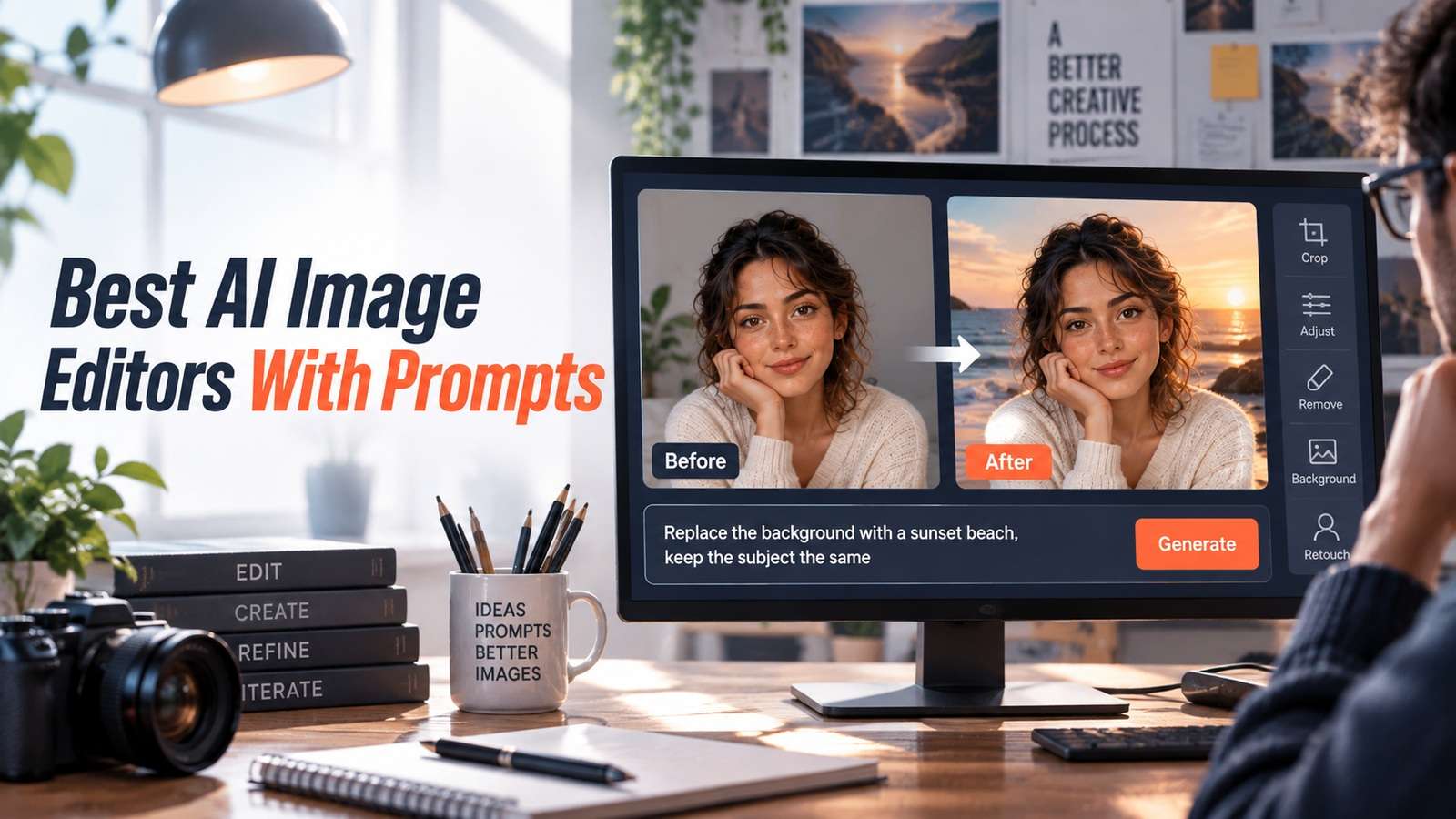
This photo is already the one you want to keep. You do not need a new picture from a vibe prompt. You need to change the background, a color, or a small object without turning the person or product into someone else. That is why the best AI image editors with prompts should be judged as editors, not as generators.
I looked at Media.io, Google Gemini, ChatGPT Images, Adobe Firefly in Photoshop, Canva Magic Edit, Photoroom, Leonardo, and Magnific with one rule: after the instruction, does the original photograph still look like itself? If the model rebuilds the whole frame to obey the prompt, it did not edit. It generated.
In this article
- Prompt Editing Starts With a Photo You Already Trust
- Best AI Image Editors With Prompts by Instruction Type
- 8 Prompt-Based Photo Editors for Surgical Changes
- Keep Identity Locked While the Instruction Changes
- The Instruction Fidelity vs Identity Lock Test
- When Conversational Image Editing Is Faster Than Layers
- Final Prompt Photo Editor Recommendations
- AI Image Editor With Prompt FAQ
Prompt Editing Starts With a Photo You Already Trust
The usual disappointment is asking for a new wall and watching the face, logo, and camera all move. A prompt editor has to treat the photo as locked, then change only what you named. Everything else is extra help you did not ask for.
Split every request into keep versus change:
- Keep: identity, geometry, brand marks, camera, and anything already approved.
- Change: the one instruction: wardrobe color, background, object removal, sky, or a small prop.
If the tool cannot honor that split, it is a generator, not an editor. Use it on a different page.
Best AI Image Editors With Prompts by Instruction Type
Instruction type predicts the right editor. Background replacement, object removal, wardrobe change, and face-safe retouching are not one model setting.
| Tool | Instruction type | Identity lock | Local control | Watch-out |
|---|---|---|---|---|
| Media.io | Image-to-image prompt edits on an upload | Depends on model and prompt discipline | Upload-first; choose models per job | Do not over-prompt the locked subject |
| Google Gemini | Conversational edits in chat | Often strong on "change this, keep that" | Iterative chat, fewer traditional layers | Session and policy limits still apply |
| ChatGPT Images | Natural-language edits on an uploaded photo | Good for iterative talk-throughs | Chat turns rather than masks | Can regenerate more than you asked |
| Adobe Firefly / Photoshop | Generative fill and prompt-driven retouch | Strong when selections are tight | Industry-standard masks and layers | Heavier setup than a browser chat |
| Canva Magic Edit | Prompt edits inside a design file | Fine for marketing stills | Select-and-prompt in Canva | Not a pixel-retoucher's desk |
| Photoroom / Clipdrop | Background, object, and product cleanup | Upload stays the hero | Local tools plus prompts | Less conversational than Gemini or ChatGPT |
| Leonardo canvas | Canvas inpainting and prompt iteration | Varies with strength settings | Region edits on a canvas | Easy to restyle the whole plate |
| Magnific | Enhancement and controlled upscale | Should not change identity if used last | Creativity vs resemblance sliders | High creativity will invent detail |
8 Prompt-Based Photo Editors for Surgical Changes
Each review uses a keep/change split. That is the editorial form for this page: what must remain, what the prompt is allowed to touch, and when to skip the tool.
Media.io
If the source is already a trusted photo and you want model choice without installing Photoshop, Media.io is the browser editor. The image to image workspace is the core surface. Models listed there include Nano Banana 2, Nano Banana Pro, GPT Image 2, Seedream 5.0, ToMoviee Lite/Pro, and Imagen 4. Pick a model for the instruction; do not assume every model is equally conservative on identity.
Keep vs change: keep the uploaded subject; change only the instructed region. Prompt with "keep the same face, product, and camera" and name one change. If you need a product still rather than a portrait, the product background generator is the more local long-tail than a full restyle.
Skip Media.io for this job if you need Photoshop-layer precision or a magnifying upscale as the only step. Use it when surgical prompt edits should happen in the browser on an approved still.
Google Gemini
If you can say "make the jacket black, do not touch her face," Gemini is the conversational editor. That includes Nano Banana-class image editing in Google's Gemini workflow. The keep/change language can be spoken across turns.
Keep vs change: keep identity and framing; change the named attribute. Re-state the lock every turn, because chat models can "helpfully" beautify.
Choose Gemini when the brief will evolve in conversation. Skip it when you need a reproducible layer stack for a retoucher.
ChatGPT Images
If the team already reviews work in ChatGPT, this is the other conversational desk. The risk is whole-frame regeneration that obeys the new prompt and quietly rebuilds the person.
Keep vs change: upload the photo, lock identity in the instruction, and reject any output where teeth, logos, or camera height moved.
Use ChatGPT when stakeholders are already in the thread. Do not use it as a silent batch retoucher.
Adobe Firefly / Photoshop
If you need the keep/change split to be visible, Photoshop plus Firefly remains the professional local-edit path. Selections, generative fill, and layers make that split obvious. That visibility is why legal and art directors still prefer it for campaign stills.
Keep vs change: mask the change, leave the rest on locked layers, and generate only inside the selection.
Choose Adobe when the file must survive a retouching review. Skip it when the user will not leave a chat box.
Canva Magic Edit
If the asset already lives in Canva, Magic Edit is enough for background swaps and simple object changes. It is not a beauty-retouch workstation.
Keep vs change: select the region, prompt the change, and check brand marks at export.
Photoroom / Clipdrop
If the photograph is a product or a simple portrait and the change is background, object removal, or a small composite, Photoroom and Clipdrop are the local cleanup tools that happen to accept instructions.
Keep vs change: keep the subject pixels; change the surroundings. If you need the person restyled into a new identity, you are in the wrong article.
Leonardo canvas
If you will iterate by painting a region, Leonardo's canvas is iterative inpainting. Strength and region controls decide whether you edited or restyled. Commercial art teams like the canvas. Identity lock is only as good as those settings.
Keep vs change: inpaint the smallest region that can satisfy the instruction. If you paint the whole plate, you volunteered for drift.
Magnific
If the edit is already correct and the file only needs controlled detail, Magnific is last on purpose. It is an enhancement pass, not the place to interpret a new creative instruction. If the instruction is still unsettled, enhancement will invent convincing mistakes.
Keep vs change: keep structure; change only micro-detail. High creativity is a skip for identity-critical photos.
Keep Identity Locked While the Instruction Changes
Write the lock in the prompt every time. Models do not remember your brand rules as law. A useful lock sentence names face, hands, logo, camera, and lighting. Then the instruction names one change. Two changes in one turn is how identity slips.
After each output, compare at 100% zoom:
- Eye shape and gaze
- Logo edges and spelling
- Product silhouette
- Background only where requested
If three of those moved, the model regenerated. Start again with a tighter region or a more conservative model.
Region size is the real setting
Prompt editors fail in proportion to the region they are allowed to touch. If you select the whole frame, you invited a new picture. If you select the wall behind a person, you have a chance. Chat UIs hide this because there is no marching-ants selection. Compensate by repeating the lock and by rejecting any output where pixels outside the request moved. The reject is part of the workflow, not a sign that you are bad at prompting.
Product labels are the hardest local edit. Models like to redraw type. If the instruction is "put the bottle on marble" and the label becomes a near-miss logo, you did not complete a prompt edit. You generated a counterfeit. Use a background-specific path when the subject must stay pixel-true. Media.io's product background tools exist for that conservative case. Photoshop generative fill inside a tight mask is the other conservative case.
People edits have a different failure: beautification. Even when you asked only for a background, teeth whiten, skin smooths, and bodies slim. Put "do not retouch the person" in the prompt and still inspect. If a client approved the original photograph, beautification is a rights and trust problem, not a nice bonus.
Batch prompt editing is where conversational tools fall down. A hundred SKU backgrounds should not live in a chat thread. Use an editor with a repeatable local operation, then spot-check. Chat is for the three-turn negotiation on a hero image. Layers and batch tools are for the catalog.
The Instruction Fidelity vs Identity Lock Test
Use one approved photograph and three instructions of increasing danger: background only, wardrobe color, and a small object insert. Every tool sees the same photo and the same three prompts.
- Photograph or export an approved still with a clear face or product label.
- Run instruction A: change only the background.
- Run instruction B: change only one clothing or surface color.
- Run instruction C: add one small object without moving the subject.
- Score instruction fidelity: did the requested change actually happen?
- Score identity lock: did unrequested regions stay still?
- Fail any output that beautifies teeth, slims a body, or restyles a logo "as a bonus."
- Record retries and whether a local mask was required to pass.
The winner maximizes both scores. A tool that nails the instruction by rebuilding the person loses to a tool that makes a smaller, truer change.
Keep a before-and-after slider habit even if the UI does not offer one. Drop the original and the edit into any two-layer file and toggle. If the person slides, identity failed. If the background barely moved after a background request, instruction fidelity failed. This takes seconds and prevents a stakeholder from approving a "great edit" that is actually a new portrait.
When Conversational Image Editing Is Faster Than Layers
Chat editors win when the brief is social and the stakeholders are already talking. Layers win when the file is a campaign master. The crossover is a trusted photo that needs three short iterations before lunch. In that window, Gemini, ChatGPT, or Media.io can beat Photoshop if identity lock holds.
Leave chat when:
- You need versioned layers for legal.
- The retouch is beauty-critical at billboard size.
- Multiple regions must change in a documented order.
Conversational speed is not a reason to skip the identity lock test. It is a reason to run the test faster.
A worked three-turn edit
Start with an approved head-and-shoulders photo. Turn one: replace a busy cafe with a plain studio wall, keep the face, keep the jacket. If the smile or jaw moved, discard the output even if the wall is better. Turn two: change only the jacket color. If the haircut changed to "help" the new color, fail identity lock. Turn three: add a small product in the lower corner. If the camera height changed to make room, the model regenerated the plate.
That three-turn sequence is how you learn whether a chat editor is safe enough for your team. Photoshop will usually win on turn three because you can mask the corner. Chat will win on turn one if the background swap is all you needed and stakeholders are already in the thread. Media.io sits in the middle: upload-first, model-selectable, still not a layer stack.
Do not stack a Magnific-style enhancer between turns. Enhancement in the middle of an instruction sequence invents pores, jewelry, and logo serifs that then become "identity" the next model tries to keep. Enhance once, at the end, at low creativity, or skip it.
Final Prompt Photo Editor Recommendations
Start from the approved photo. Change one thing. Lock the rest out loud.
- Use Media.io for browser image-to-image prompt edits with multiple current models.
- Use Gemini or ChatGPT Images if the edit will be negotiated in conversation.
- Use Photoshop and Firefly if layers and selections are the source of truth.
- Use Canva for Magic Edit inside marketing files.
- Use Photoroom or Clipdrop for product and cleanup-local edits.
- Use Leonardo for canvas inpainting with strength control.
- Use Magnific only after the instruction is already correct.
AI Image Editor With Prompt FAQ
-
What is the best AI image editor with prompts in 2026?
Media.io is a strong browser option for prompt edits on an uploaded photo. Gemini and ChatGPT Images are strong conversational editors. Photoshop with Firefly is the professional layer-based path. Canva, Photoroom, Leonardo, and Magnific fit design files, cleanup, canvas work, and enhancement. -
Can AI edit an existing photo from a text instruction?
Yes. Image-to-image and conversational editors can change a background, color, or object from a prompt. The hard part is keeping the rest of the photograph still. -
Why does prompt editing change the person's face?
Many models regenerate the frame to satisfy the new prompt. Lock identity in the instruction, edit the smallest region, and reject beautifying extras. -
Is a chat editor better than Photoshop for prompt edits?
Chat is faster for short, social iterations. Photoshop is safer when you need masks, layers, and a campaign master. Choose based on the file's downstream life. -
Which Media.io models should I use for prompt photo edits?
Use the current image-to-image lineup, including Nano Banana 2, Nano Banana Pro, GPT Image 2, Seedream 5.0, ToMoviee Lite/Pro, and Imagen 4, and pick by how conservative the model is on identity. Do not assume every model behaves the same. -
Should I upscale before or after the prompt edit?
Edit first. Upscale or Magnific-style enhancement last, at low creativity, so invented detail does not become a new identity. -
Can I prompt-edit product photos without changing the label?
Yes, if you start from the real packshot, forbid label restyling, and zoom the type after every render. Product background tools are often safer than a full restyle model. -
What is an instruction fidelity vs identity lock test?
It is a three-instruction test on one approved photo that scores whether the requested change happened and whether unrequested regions stayed still.


