
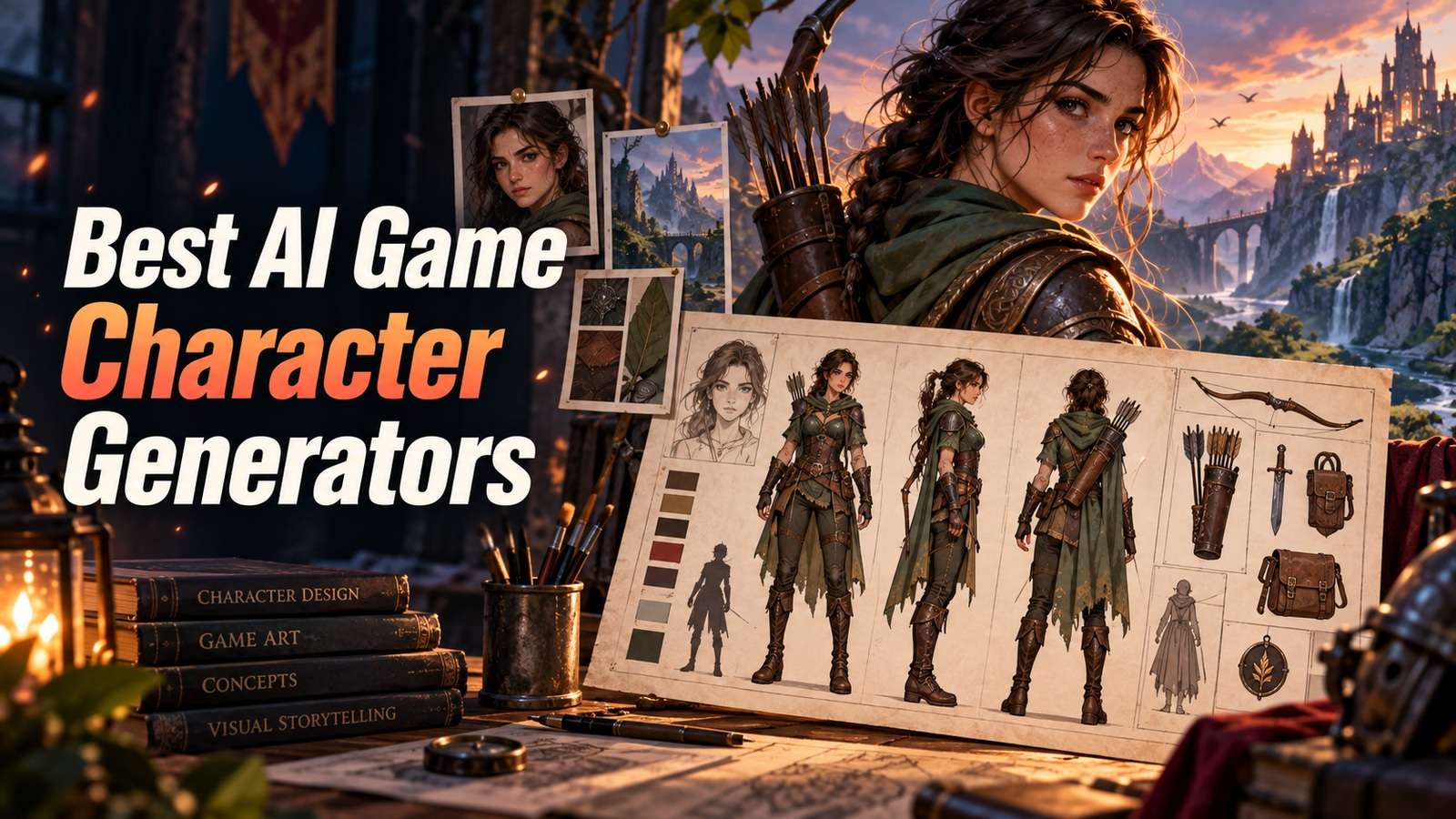
That character looks great as a portrait, then falls apart the moment you need a side view, a back view, or a tiny gameplay icon. People hunting the best AI game character generators are not collecting pretty faces. They need a ranger, NPC, or boss that can enter a real production sheet.
This is not an OC moodboard, a same-person portrait test, or a storybook cast guide. I scored Media.io, Scenario.gg, Leonardo, Midjourney, Meshy, Artbreeder, OpenArt, and chat-first character apps on silhouette, class readability, turnaround, and whether an artist would actually continue the file. A charming face is not enough.
In this article
- Game Characters Need to Survive a Turnaround, Not a Portrait
- Best AI Game Character Generators by Production Stage
- 8 AI RPG and NPC Design Tools for Concept Art
- Silhouette, Class Readability, and Style Bible Checks
- The Game Production Readiness Test
- How Indie Teams Should Use AI Character Sheets
- Final AI Game Character Creator Recommendations
- AI Game Character Generator FAQ
Game Characters Need to Survive a Turnaround, Not a Portrait
In a game, players read the shape first. If a mage and a rogue only differ in eye makeup, the portrait was a demo. Front, side, and back also have to look like the same costume, in the same art style, or the sheet is not ready.
This article therefore ignores "best portrait" as a ranking. The character has to:
- Read as a class or role in silhouette
- Keep costume language across views
- Fit a sheet: front, side, back, and expression or weapon notes
- Survive handoff to 3D, pixel, or illustration without a full redesign
Chat personas, OC moodboards, and novel-cast consistency are neighboring jobs. They are not this job.
Best AI Game Character Generators by Production Stage
Stage matters more than brand. Discovery, sheet, 3D, and engine-ready assets are four different generators even when the character is the same.
| Tool | Production stage | Sheet strength | 3D path | Main caution |
|---|---|---|---|---|
| Media.io | Sheet and character-asset production in the browser | Character generator, turnaround, manhwa, and asset save | Dedicated 3D character path | Still QA silhouette and costume across views |
| Scenario.gg | Style-locked game assets | Strong once a game style is trained or selected | Asset-oriented, not a full DCC | Needs a style lock to show its value |
| Leonardo | Iterative concept art | Canvas and guidance, not a dedicated sheet OS | Indirect | Easy to stay in pretty-portrait mode |
| Midjourney | Discovery and style frames | Weak as a production sheet by default | Indirect | Turnarounds often drift |
| Meshy | 2D concept to 3D mesh | Not the 2D bible | Core value | Topology and game-ready cleanup remain |
| Artbreeder | Face and body exploration | Poor sheet discipline | Limited | Genetic sliders are not a costume bible |
| OpenArt / similar canvases | Mixed model concepting | Depends on workflow | Indirect | Do not confuse model hopping with a sheet |
| Chat-first character apps | Persona and portrait | Usually fail production | Rarely | A chatbot face is not an NPC sheet |
8 AI RPG and NPC Design Tools for Concept Art
Each review is tagged by production stage. If the stage does not match your pipeline, skip the tool even if the portrait is strong.
Media.io
Use it at this stage: when you need a sheet, not a one-off portrait. Media.io's current character tools are built for sheets, not leftover Pixpic portrait pages. Use the AI character generator for character sheets, then related paths for a turnaround sheet, manhwa character, or 3D character when the pipeline needs those views. @character, character sheets, and save-to-assets are the production features. Older Pixpic-style character URLs are not the current model workspace.
Choose Media.io when an indie or content team needs a browser sheet they can reuse. Skip it if you already have a trained Scenario style and only need in-style asset spam, or if you need game-ready topology from a DCC artist today.
Scenario.gg
Use it at this stage: after the game look is locked. Scenario is strongest when it is trained on or locked to that look. Without a style lock, it is just another pretty-portrait generator.
Choose Scenario when the art bible exists. Skip it at the "we do not know the style yet" stage; use Midjourney or Leonardo there.
Leonardo
Use it at this stage: while you are still pushing the costume around. Leonardo's canvas helps you try ideas. It will not demand a front, side, and back view unless you do.
Midjourney
Use it at this stage: when you are still hunting a look. Midjourney is great for that. Make the real sheet somewhere else once you pick a direction.
Meshy
Use it at this stage: when 2D is already readable and you need a mesh. Meshy is a handoff tool, not the character bible. Topology, UVs, and engine import still need a person or a DCC.
Choose Meshy after a readable sheet exists. Skip it as a character designer of record.
Artbreeder
Use it at this stage: when you only need to slide between faces or body types. It is a weak RPG sheet tool. Take the face, then build the class in a sheet generator.
OpenArt-style mixed canvases
Use it at this stage: when you are comparing models. That helps if one model is weak on armor and another is weak on faces. Freeze the art bible first, or the party will look like four different games.
Chat-first character apps
Use it at this stage: usually a skip for game work. Chatbot character products make a face for a personality. That is not a turnaround, not a silhouette, and not an NPC file. They are here so you do not confuse them with game character generators.
If the output cannot be placed on a sheet next to a sword length note, it is not production-ready.
Silhouette, Class Readability, and Style Bible Checks
Print or thumbnail the character at a size that matches gameplay, not the demo zoom. A mage and a rogue that only differ in eye makeup will collapse in combat. Class readability is costume mass, weapon shape, and headgear, not lore text.
Style bible checks:
- Line weight or render style matches existing units
- Palette uses the game's rarity or faction language
- Materials do not suddenly become photoreal on a stylized team
- Scale of weapons and props matches other characters
If the generator cannot obey the bible, it is still in discovery. Do not import it into the engine folder.
Costume construction versus face gambling
Game character generation fails when the team keeps rolling faces and never builds costume construction rules. Armor planes, skirt length, boot mass, and weapon negative space are the silhouette. Faces are the last 10 percent for most gameplay views. If your generator time is 80 percent portraits, you are making a visual novel cast, which is a valid adjacent job and not this one.
Write construction notes the way a concept artist would: "pauldron wider than the head," "belt sits at true waist," "sheath breaks the hip line." Then look at the output in thumbnail. If those notes are not visible, the model made fashion, not a unit. Scenario-style locks help only after those notes exist; a style lock on a bad construction still produces a pretty unreadable army.
Hands and logos remain human work. Generate them, then fix them. Shipping six-fingered NPCs or melted faction crests costs more than an hour of cleanup. Media.io sheets and turnaround pages are useful because they force extra views where hands and crests show up. Midjourney discovery frames hide those problems in atmospheric lighting.
If you need manhwa or anime-adjacent production, use a dedicated family path rather than prompting "anime" on a western painterly model and hoping the sheet still matches your UI. Mixing those families is how a party looks like it was recruited from four different games.
The Game Production Readiness Test
Use one class brief for every tool: role, silhouette notes, weapon, faction colors, and a banned list ("no modern logos, no extra fingers as a feature"). Then demand a sheet, not a portrait.
- Write a 6-line class brief with silhouette language ("wide triangular cloak," "horizontal dual blades").
- Generate a front view in each tool from the same brief.
- Generate a side or three-quarter and a back view without changing costume identity.
- Drop all views to a 128-pixel thumbnail and ask a teammate to name the class.
- Fail costume swap, missing weapon, or a back view that belongs to a different character.
- If you need 3D, run one image-to-3D pass and fail if the silhouette dies in the mesh.
- Record minutes to a sheet that an artist would actually continue, not a folder of pretty faces.
The winner is the sheet that survives thumbnails and turnaround. A prettier front view with no back view is a discovery frame, not a production character.
Name collision is a production bug. If five NPCs wear the same triangular cloak because the model likes that shape, class readability dies at the party level even if each sheet passed in isolation. Keep a silhouette board of the whole cast. The ranger cloak cannot also be the mage robe. Media.io sheets make this comparison easier because you can export and line them up. Midjourney folders full of atmospheric portraits do not.
Pixel-art games should downsample the sheet early. A painterly AI hero that collapses into noise at 32 pixels was never a game character for that title. Run the thumbnail test at the real game resolution, not at a generous 128 if you ship 32.
How Indie Teams Should Use AI Character Sheets
Indies should freeze a cheap bible early: three adjectives, a palette, and one reference sheet. Then generate NPCs inside that fence. Do not let every companion roll a new render style because the model got bored.
A practical indie loop:
- Discover 10 looks in Midjourney or Leonardo.
- Pick one and rebuild it as a sheet in Media.io or Scenario.
- Save the sheet as the character asset.
- Generate variants (hurt, armored, aged) only from that asset.
- Move to Meshy or a 3D path only after 2D reads at thumbnail size.
Keep humans on hands, weapons, and logo-like marks. Those are where generators waste playtime.
A worked ranger NPC
Brief: wood ranger, triangular cloak silhouette, short bow wider than the head, no modern zippers, faction green-brown, readable at 128 pixels. Generate a front view. If the bow is a skinny stick that disappears in thumbnail, the class is unreadable. Generate a back view. If the cloak becomes a cape from another character, the sheet failed. Generate a three-quarter. If the face is a new person, you are still in portrait mode.
Only then try 3D. If the mesh loses the triangular cloak, you cannot "fix it in engine" without an artist. Indies should rather keep a strong 2D sheet and a simple rig than ship a melted hero. Scenario users should run the same ranger inside the game style lock; if the lock cannot hold a cloak edge, the style model is not production-ready either.
Keep a rejected folder. The folder teaches faster than another prompt. Typical rejects: extra belts that ruin silhouette, dual-wielding that the brief did not ask for, glowing eyes that belong to a different rarity, and photoreal skin on a stylized team. If the generator keeps offering photoreal, you are in the wrong model for this bible.
Do not copy a previous OC or consistent-character workflow onto this test. Those tests ask "is it the same person." This test asks "can a player read the class, and can an artist continue the sheet." A consistent pretty face that fails silhouette is still a failed game character.
Final AI Game Character Creator Recommendations
Optimize for sheets that can enter production. Portraits are a side effect.
- Use Media.io for browser character sheets, turnarounds, manhwa-style characters, and a 3D follow-on path.
- Use Scenario.gg if the game style is locked and you need in-style volume.
- Use Leonardo or Midjourney for discovery, then leave them when the sheet starts.
- Use Meshy if the next stage is a mesh, not another portrait.
- Use Artbreeder only for face exploration before costume construction.
- Skip chat-first character apps when the deliverable is an NPC production sheet.
AI Game Character Generator FAQ
-
What is the best AI game character generator in 2026?
Media.io is a strong browser option for character sheets, turnarounds, and related 3D or manhwa paths. Scenario.gg is strong when a game style is locked. Leonardo and Midjourney help with discovery. Meshy helps when you need a mesh. Artbreeder helps only at face exploration. -
Can AI make a character turnaround sheet?
Yes, with tools that explicitly support sheets or turnarounds. You still have to check that costume identity survives side and back views. A single heroic portrait is not a turnaround. -
Is Midjourney good enough for game characters?
It is good for discovering a look. It is usually not enough for production sheets unless you impose a strict turnaround workflow and rebuild the winner in a sheet tool. -
Should I start in 3D or 2D?
Start in 2D until silhouette and class readability pass at thumbnail size. Then move to a 3D path such as Meshy or a 3D character generator. Starting in 3D often hides class language inside messy meshes. -
How is this different from an OC generator or consistent-character tool?
OC tools optimize for original-character discovery. Consistent-character tools optimize for identity across portraits. Game tools optimize for silhouette, class, turnaround, and production handoff. -
Can I use AI characters in a shipped game?
Only under the vendor terms, your engine pipeline, and your own IP review. Style-lock tools help visually. They do not automatically grant you engine-ready, legally cleared assets. -
What should an indie put in a character style bible?
Palette, line or render style, silhouette rules, faction marks, and banned elements. Generate NPCs inside that fence so the cast looks like one game. -
What is a game production readiness test?
It is a sheet-first test that scores front, side, and back views, thumbnail class readability, and optional 3D handoff, using one class brief across tools.


