
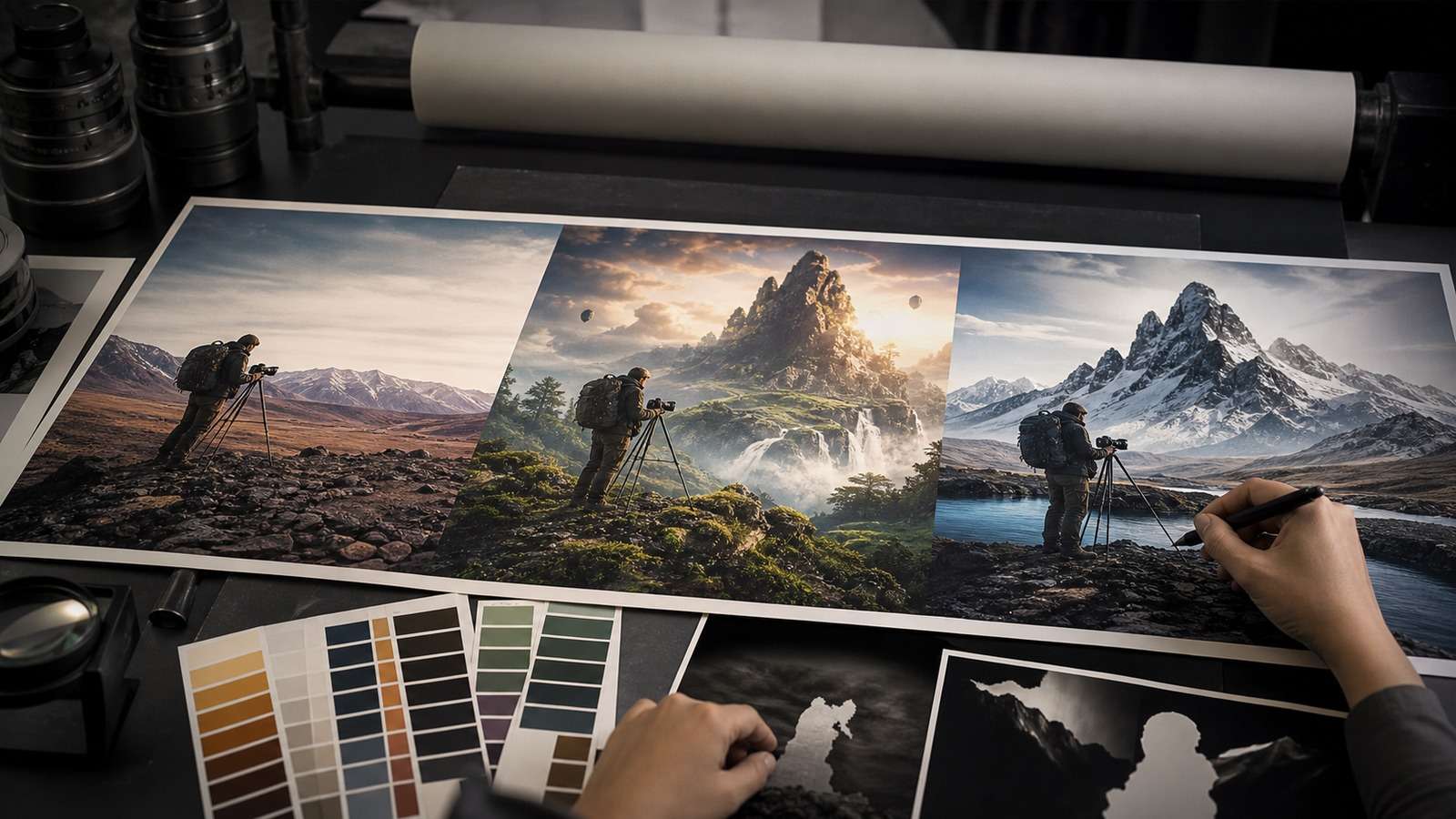
“AI vs Photoshop” is the wrong question if it implies one button replaces an entire image-production discipline. The useful question is task-level: which edits are faster with generative inference, which require deterministic control, and where does a hybrid workflow reduce both time and risk?
In this article
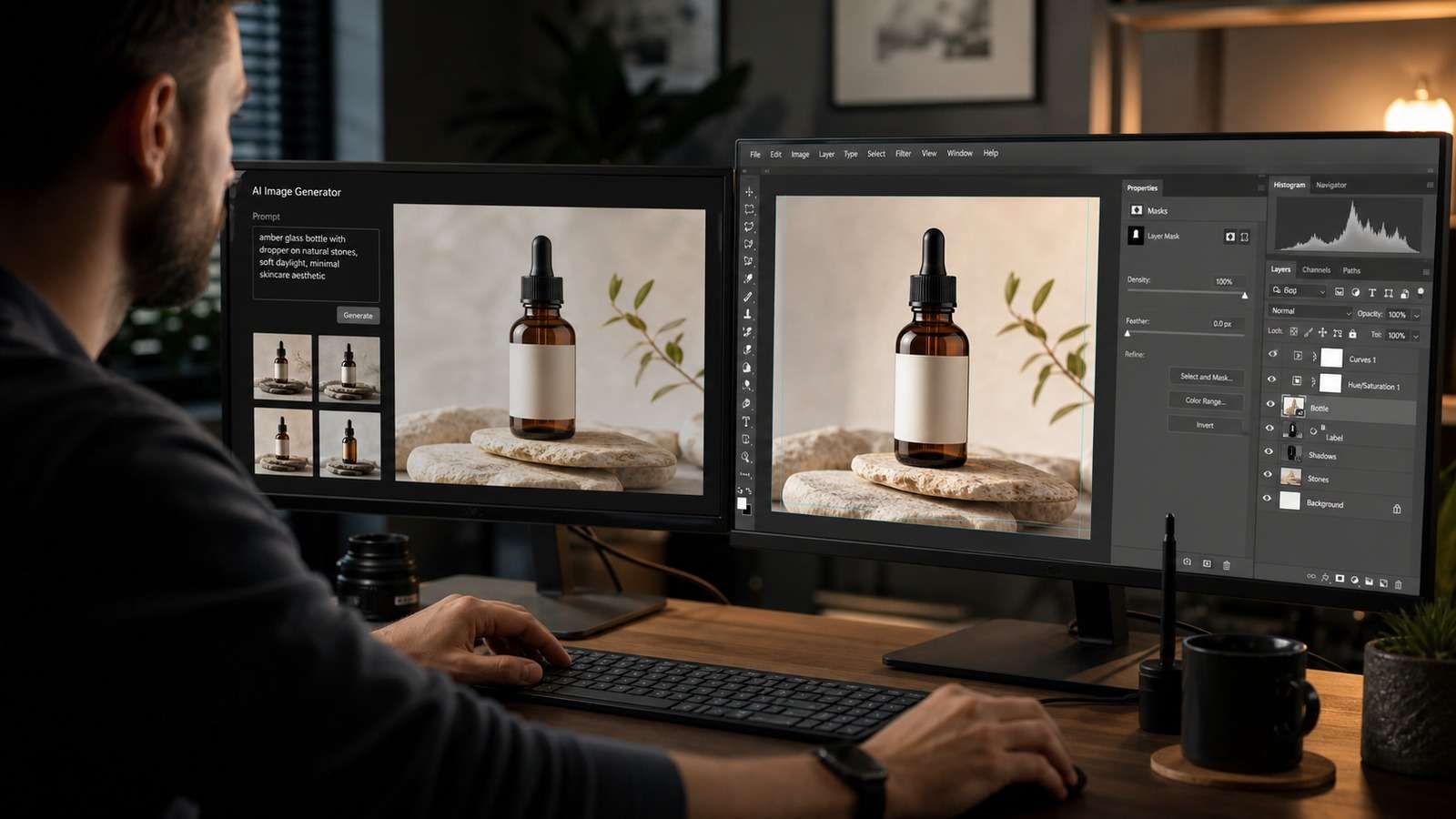
The Photoshop vs AI debate is most useful when framed as AI image editing vs Photoshop for a defined deliverable. The central difference between AI and Photoshop is inferred change versus explicit control. A dependable AI photo editing workflow uses inference for broad changes, then deterministic finishing where accuracy matters. AI replacing Photoshop tasks is already visible in removal, expansion and restoration, but most Photoshop AI alternatives replace selected operations more successfully than a complete layered production environment.
Difference Between AI and Photoshop
An AI editor interprets intent. Tell it to remove a tourist, change the season or rebuild missing background and it predicts plausible pixels. Photoshop is a control environment: selections, masks, layers, curves, blend modes, type, vectors, channels and color management. Its generative features do not remove that foundation; they add inference to it.
| Dimension | AI image editor | Photoshop |
| Interaction | Prompt or automatic analysis | Tools, masks, layers and parameters |
| Speed | Fast first proposal | Fast when exact method is known |
| Repeatability | Can vary between runs | Actions and layer structures are deterministic |
| Control | Semantic but indirect | Pixel- and object-level |
| Best use | Removal, replacement, expansion, variants | Compositing, typography, color and finishing |
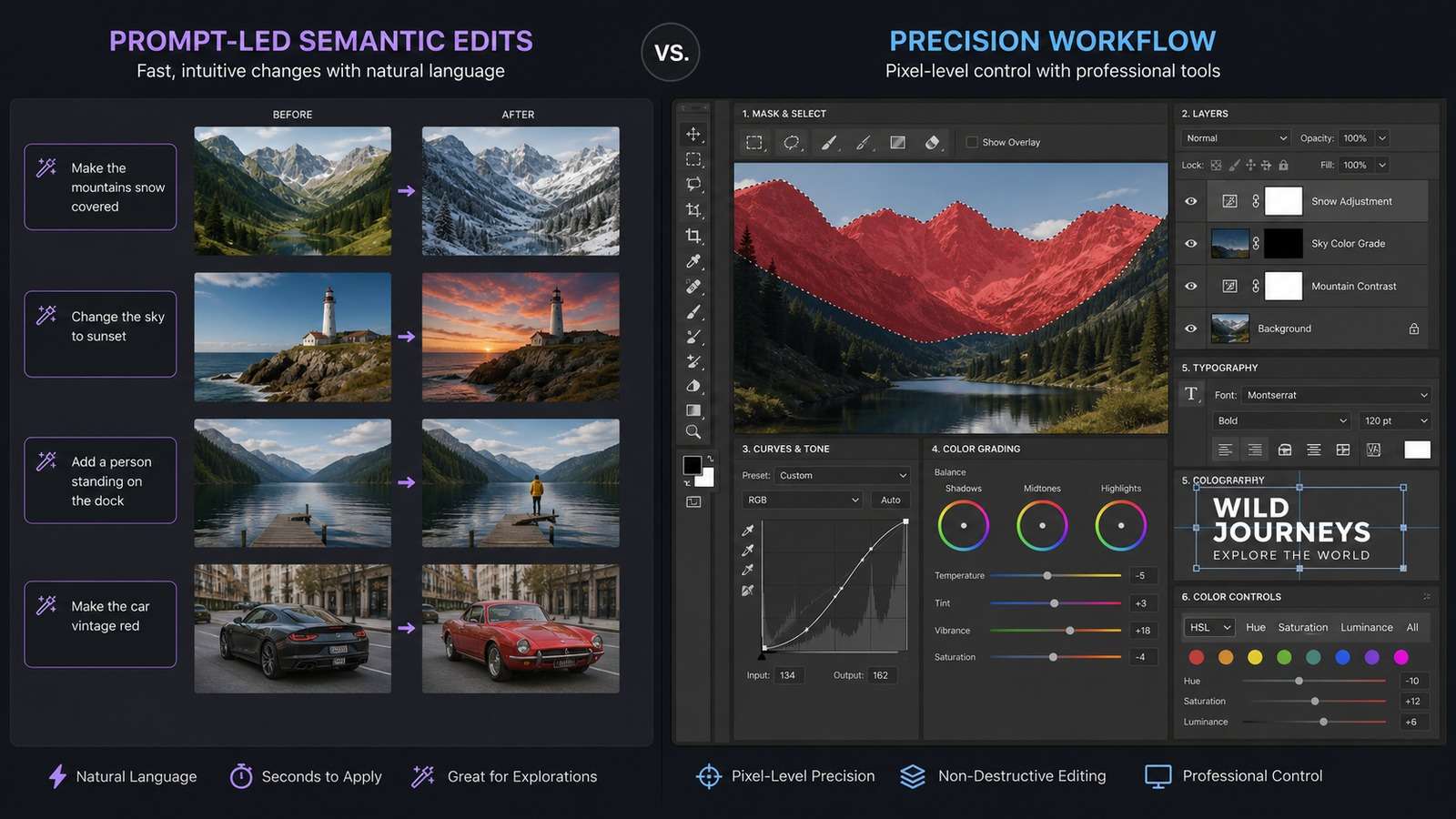
Photoshop Tasks AI Is Replacing or Accelerating
Object and Background Removal
AI can identify a subject, reconstruct occluded texture and create a clean background faster than manual cloning in many ordinary photos. Difficult edges, transparent materials, reflections and repeating architecture still need review. Media.io's AI object and watermark removal workflow is useful for quick browser-based cleanup when the edit does not require a layered project.
Background Replacement and Generative Expansion
Semantic editors can relight and extend scenes, making them effective for social crops and campaign variants. The failure mode is global drift: face, product, text or perspective changes along with the background. State preservation rules explicitly and compare overlays.

Restoration, Denoising and Upscaling
AI restoration estimates missing detail and suppresses noise quickly. That makes old-photo cleanup and low-resolution web assets accessible, but generated detail may not be historically or forensically accurate. Use AI image unblurring for perceptual improvement, not evidence recovery.
Rapid Concepts and Variants
AI can produce alternate seasons, props, palettes and compositions before a designer commits to a manual composite. It is strongest as a proposal engine. Approved concepts should be rebuilt or cleaned to meet brand, typography and rights requirements.
Where Photoshop Still Wins
Photoshop remains superior when revision instructions are spatial and exact: move this object 12 pixels, change only the cyan channel, preserve the clipping path, update one line of legal copy, or deliver a layered file another designer can audit. It also handles complex masks, blend modes, smart objects, CMYK preparation and color-critical retouching.
- Typography: exact fonts, kerning, grids and editable copy.
- Product geometry: labels, packaging edges and regulated visual claims.
- Layered compositing: explicit ownership of every element.
- Client revisions: repeatable changes without rolling the generative dice.
- Print and color: profiles, separations, proofs and high-resolution delivery.
Topaz Sharpen AI vs Photoshop and Specialist Quality Tools
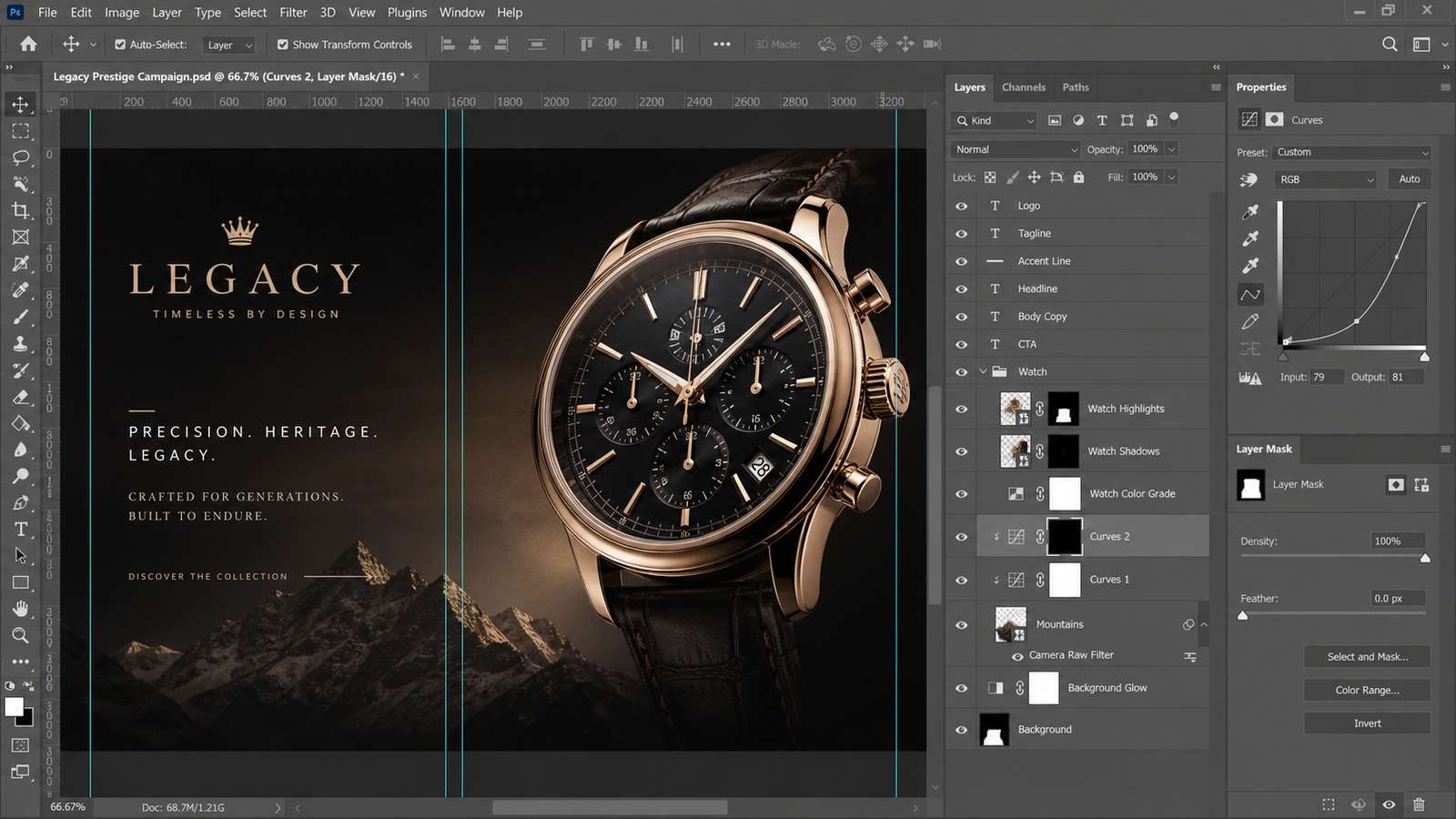
The Topaz Sharpen AI vs Photoshop decision illustrates a broader rule. Specialist AI can detect motion blur, focus softness or noise and produce a strong automatic correction. Photoshop offers controlled sharpening, masking and integration with the rest of the composite. Neither can recreate unknowable truth.
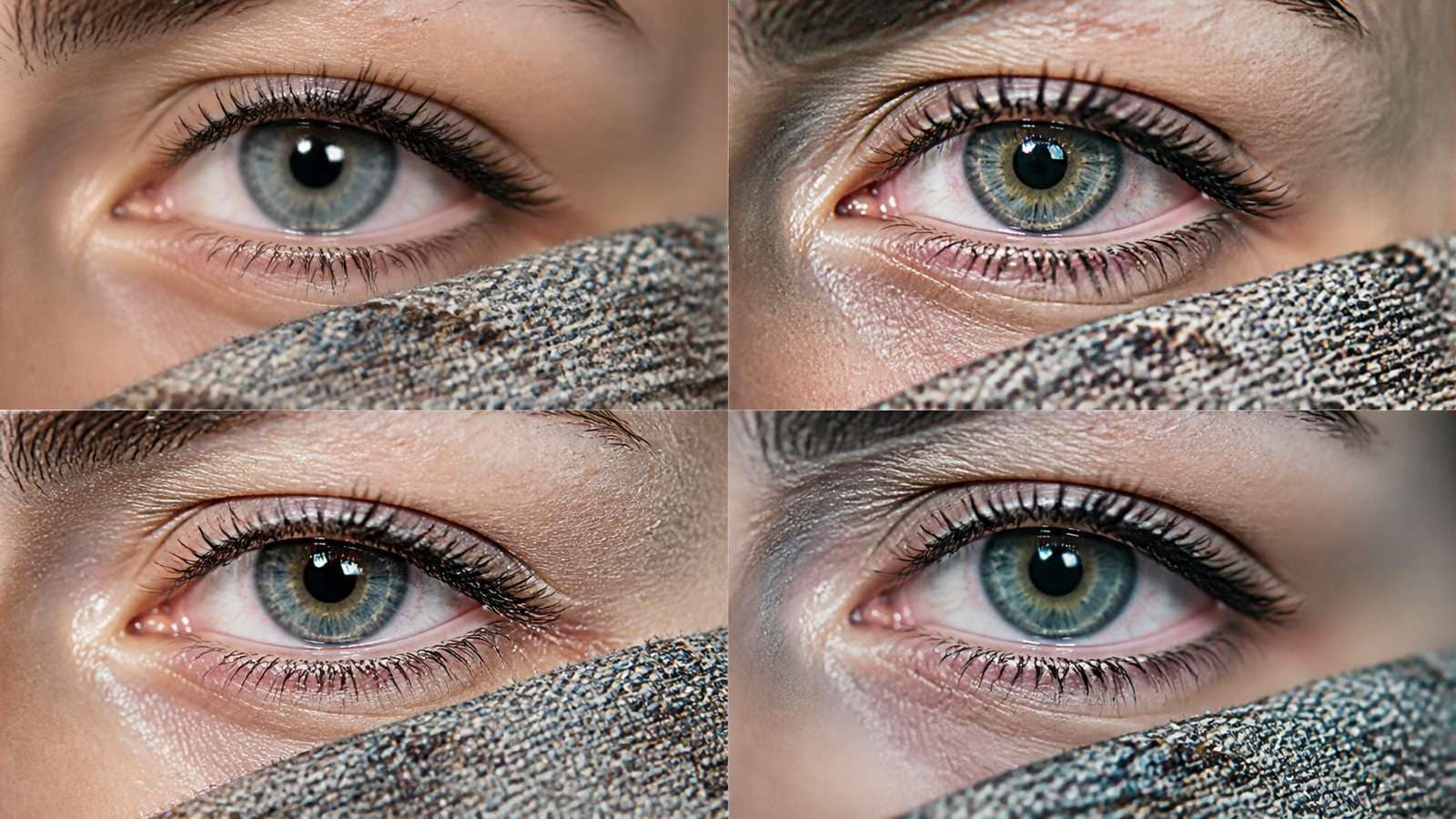
Review restoration at 100% and at final display size. Look for plastic skin, ringing halos, invented eyelashes, repeated texture and crunchy edges. A technically sharper image can be less believable. If the source only needs enlargement after approval, Media.io Image Upscaler provides a lightweight browser step.
A Practical AI Photo Editing Workflow
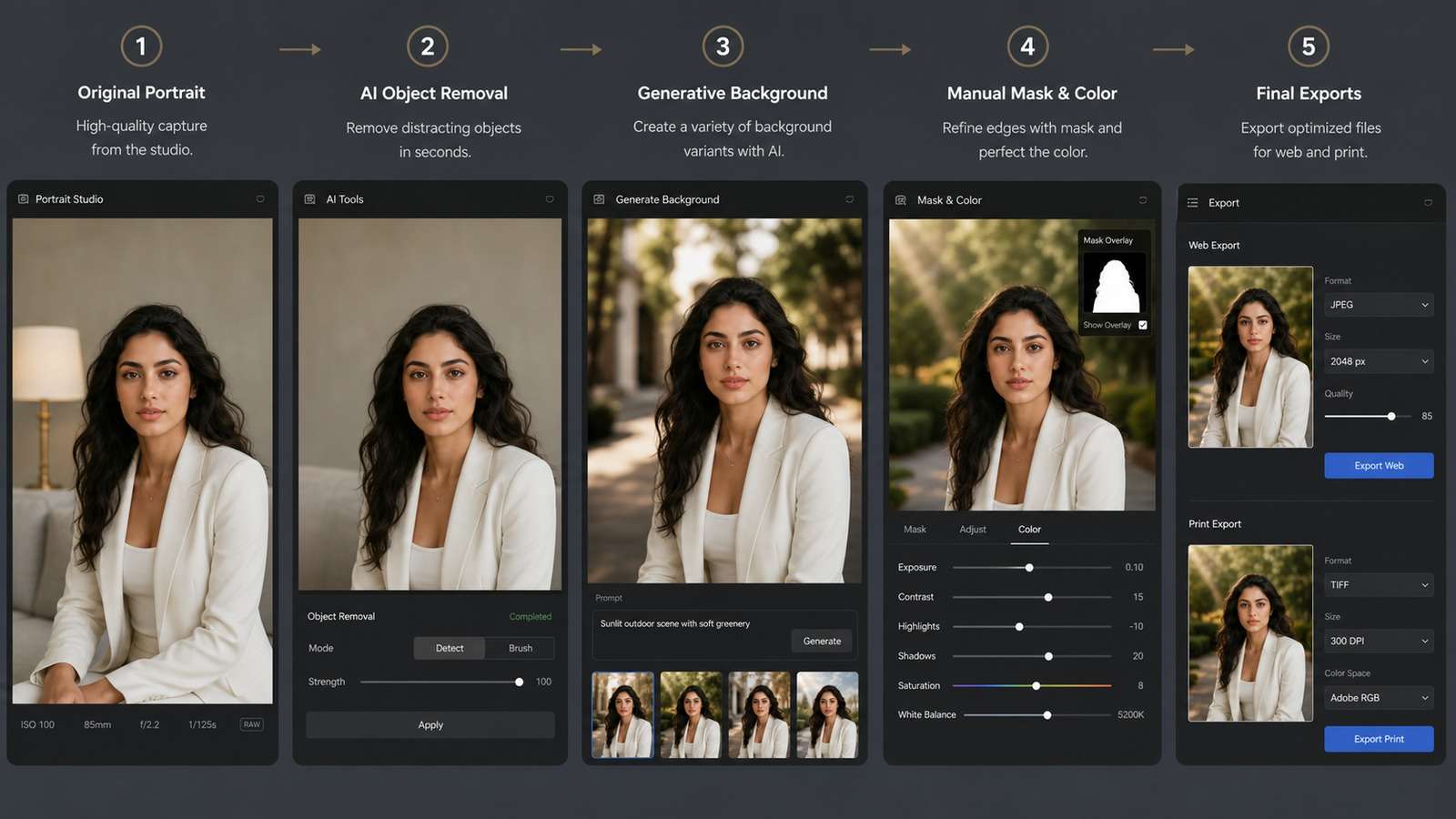
- Define the delivery requirement. Social JPG, layered PSD, ecommerce master and print file need different control.
- Protect the original. Work non-destructively and retain source metadata.
- Use AI for the broad semantic task. Remove, replace, expand or propose variants.
- Reject structural errors early. Check anatomy, perspective, product geometry, text and reflections.
- Finish with masks, layers and color tools. Make edges and tonal transitions intentional.
- Run output QA. Inspect full size, target size, accessibility, rights and brand rules.
For a simple background transformation, Media.io Photo Background Changer can serve as the fast AI stage. Download the result, then use Photoshop when the job needs localized masks, controlled color or a layered handoff.
Cost, Rights, Privacy and the Skills That Matter
AI lowers the skill threshold for a first result, not the judgment threshold for a publishable result. Designers still need composition, light, anatomy, typography, color and an understanding of when an image is lying. Organizations should also review training-data policy, upload privacy, likeness consent and commercial terms.
Compare total production cost: subscription, credits, rerenders, retouching, version management and client revision time. Photoshop can look expensive until a project needs twenty deterministic changes. AI can look cheap until inconsistent outputs create hours of cleanup.
AI vs Photoshop Decision Matrix
| Task | Start with AI | Use Photoshop |
| Remove a simple object | Yes | For edge cleanup |
| Replace a portrait background | Yes | For hair masks and color match |
| Create ten concept variants | Yes | For the approved master |
| Build a regulated product ad | For ideation | Yes, for geometry and copy |
| Restore a family photo | For cleanup | For conservative retouching |
| Prepare a print campaign | For concepts | Yes, for final color and files |
AI is replacing Photoshop tasks, not the need for image-editing expertise. The winning workflow is selective automation: let AI remove drudgery, then apply deterministic tools wherever accuracy, revision control and accountability matter.
Accuracy Tests for AI Image Editors
Speed comparisons are meaningless unless the result meets an acceptance standard. Test AI editors with transparent hair, glass, jewelry, repeating patterns, readable packaging, reflections and skin texture. Overlay the edited output on the source to reveal small geometry shifts that are difficult to notice in a side-by-side view.
For commercial work, classify errors by risk. A slightly different cloud can be harmless; a changed product label, skin tone, logo or architectural feature may invalidate the asset. This is where the difference between AI and Photoshop becomes operational: AI proposes plausible pixels, while Photoshop lets the editor decide exactly which pixels are allowed to change.
| Editing task | AI acceptance check | Photoshop finishing check |
| Object removal | Background reconstruction and repeated texture | Edges, perspective and cloning patterns |
| Portrait retouch | Identity, skin texture and facial geometry | Local tone, color and non-destructive masks |
| Product background | Silhouette, label and contact shadow | Clipping path and brand color |
| Generative expansion | Perspective, architecture and duplicated objects | Seams, composition and crop variants |
| Restoration | Invented details and facial changes | Conservative correction and archival version |
Build a Non-Destructive Hybrid Workflow
Keep the original, the AI output and the manual corrections as separate assets. In Photoshop, place the generated result as a new layer or smart object and reveal only the sections that pass inspection. This prevents an excellent background replacement from silently changing the subject's face, clothing or product.
Use masks for reversibility, adjustment layers for color and named groups for client revisions. Record the prompt and tool version in the layer notes or project documentation. If the AI result must be regenerated later, the team can understand what changed instead of guessing from a flattened file.
Choosing Photoshop AI Alternatives by Deliverable
Browser AI editors are a strong fit for quick social images, background cleanup, marketplace listings, internal mockups and users who do not need layered source files. Photoshop remains the safer choice for agency handoffs, print campaigns, complex composites, exact typography, regulated products and long revision cycles.
Specialist tools also deserve a place in the workflow. Denoisers, sharpeners and upscalers can solve narrow technical problems better than a general editor. However, each additional AI pass can invent texture or amplify artifacts. Apply restoration once, compare against the source and retain a conservative version.
Skills That Become More Valuable in an AI Workflow
AI does not eliminate image-editing knowledge; it changes where that knowledge is applied. Editors need to diagnose realism, write bounded instructions, judge generated detail, manage versions and understand commercial risk. Traditional skills such as masking, color matching, typography and compositing become the quality-control layer that turns a fast generation into a reliable asset.
The strongest operators can move in both directions: they know when a prompt will save twenty minutes, and when opening Photoshop immediately will be faster than negotiating with a stochastic model. That judgment is the durable advantage in an AI photo editing workflow.
Frequently Asked Questions
-
Will AI replace Photoshop?
AI will replace many repetitive editing steps, but Photoshop remains valuable for masks, layers, typography, compositing, color management, print workflows and deterministic client revisions. -
What is the difference between AI and Photoshop?
AI editors infer a new result from instructions and context. Photoshop gives explicit pixel, vector, layer, mask and color controls. Modern Photoshop combines both approaches. -
Is AI photo editing faster than Photoshop?
It is faster for object removal, background changes, expansion, quick restoration and concept variants. It can be slower when outputs drift and must be regenerated repeatedly. -
Is Topaz Sharpen AI better than Photoshop?
Specialist restoration tools can outperform general sharpening on difficult blur or noise, while Photoshop offers more control and integration. Compare artifacts at 100% and avoid inventing false detail. -
What tasks still require Photoshop skills?
Complex masking, precise typography, multi-layer composites, product geometry, print preparation, color-critical work and repeatable client revisions still benefit from Photoshop expertise.


