

A command line video generator has a different job than an image CLI. Video takes longer, fails later, and returns a larger file. The terminal is useful when you can submit the job, walk away, and come back to a status you trust.
- The command submits a job and returns an ID instead of hanging forever.
- Status is pollable: queued, running, succeeded, failed.
- The finished MP4 lands in a known folder with a stable name.
- A timeout does not silently create a second billable job.

Media.io fit: Media.io CLI is the job layer for terminal video generation. You send the prompt or source image, choose Seedance 2.5 or Kling 3.0, then retrieve the file when the task completes.
In this article
Why Video from the Terminal Is an Async Problem
If your terminal video generator tries to behave like a still-image command, it will look hung. Video jobs need a submit step and a status step.
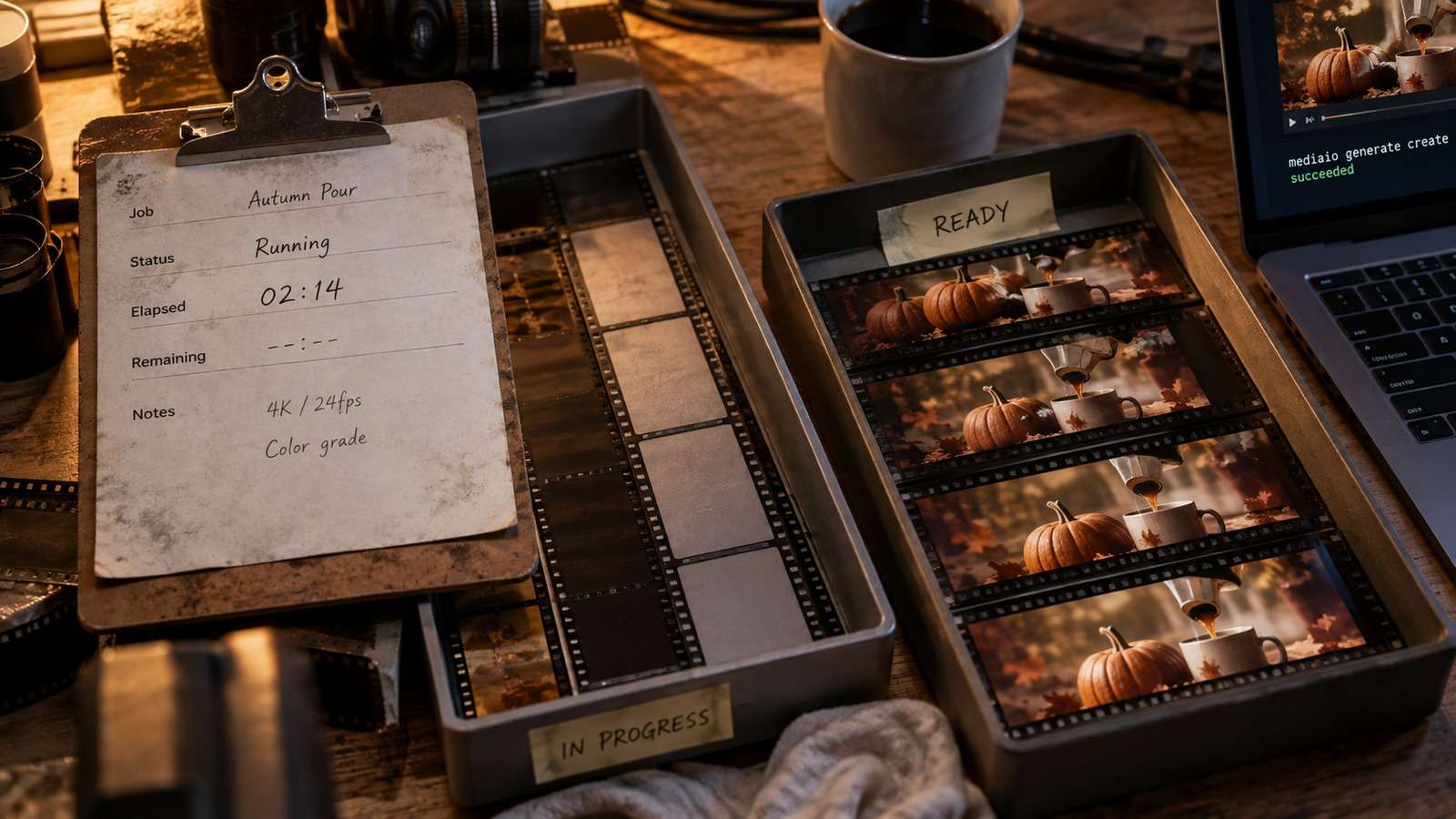
The first useful output is not the MP4. It is a job ID plus a place to write the file when the provider finishes.
- Submit and poll as separate actions.
- Keep the prompt, model, duration, and source image in explicit inputs.
- Store the job ID beside the intended filename.
- Do not resubmit until the existing task is failed or confirmed missing.
Generate Video from the Terminal Without Losing the Job
To generate video from terminal sessions, write the prompt to a file. Shell quoting is worse for video briefs because they include camera moves, timing, and negative constraints.
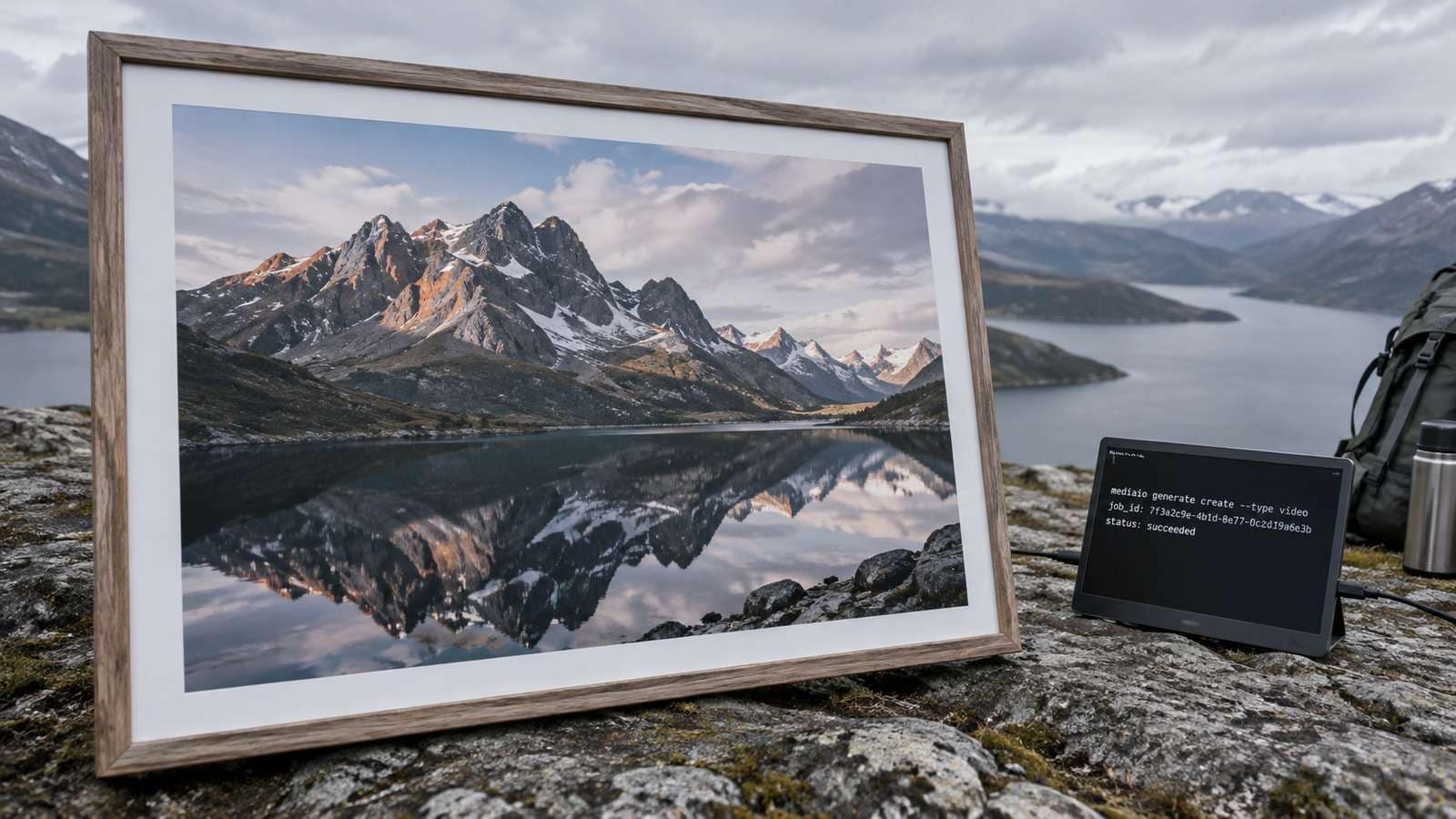
Compare this with a repeatable AI video generator CLI. The video generation command line should be resumable after a laptop sleep, a VPN blip, or an agent restart.
Pick Seedance 2.5 or Kling 3.0 as a Job Parameter
Do not hard-code one video model into the script. Cinematic story beats and product-motion shots are different jobs.
| Job | Starting model | Why |
| Cinematic, story-led, or atmosphere-heavy clips | Seedance 2.5 | Better when the brief is narrative rather than a rigid product orbit. |
| Strong camera motion or product movement | Kling 3.0 | Better when motion quality is the reason you left still images. |
| Image-to-video from an approved still | Image to Video | Locks composition before you spend a video job. |
Keep the rest of the pipeline stable: same folder, same manifest, same review checklist. Only the model flag changes.
Track Files Like Production Media, Not Chat Attachments
Name the clip from the brief and the shot, not from the job UUID. Reviewers speak in shot names.
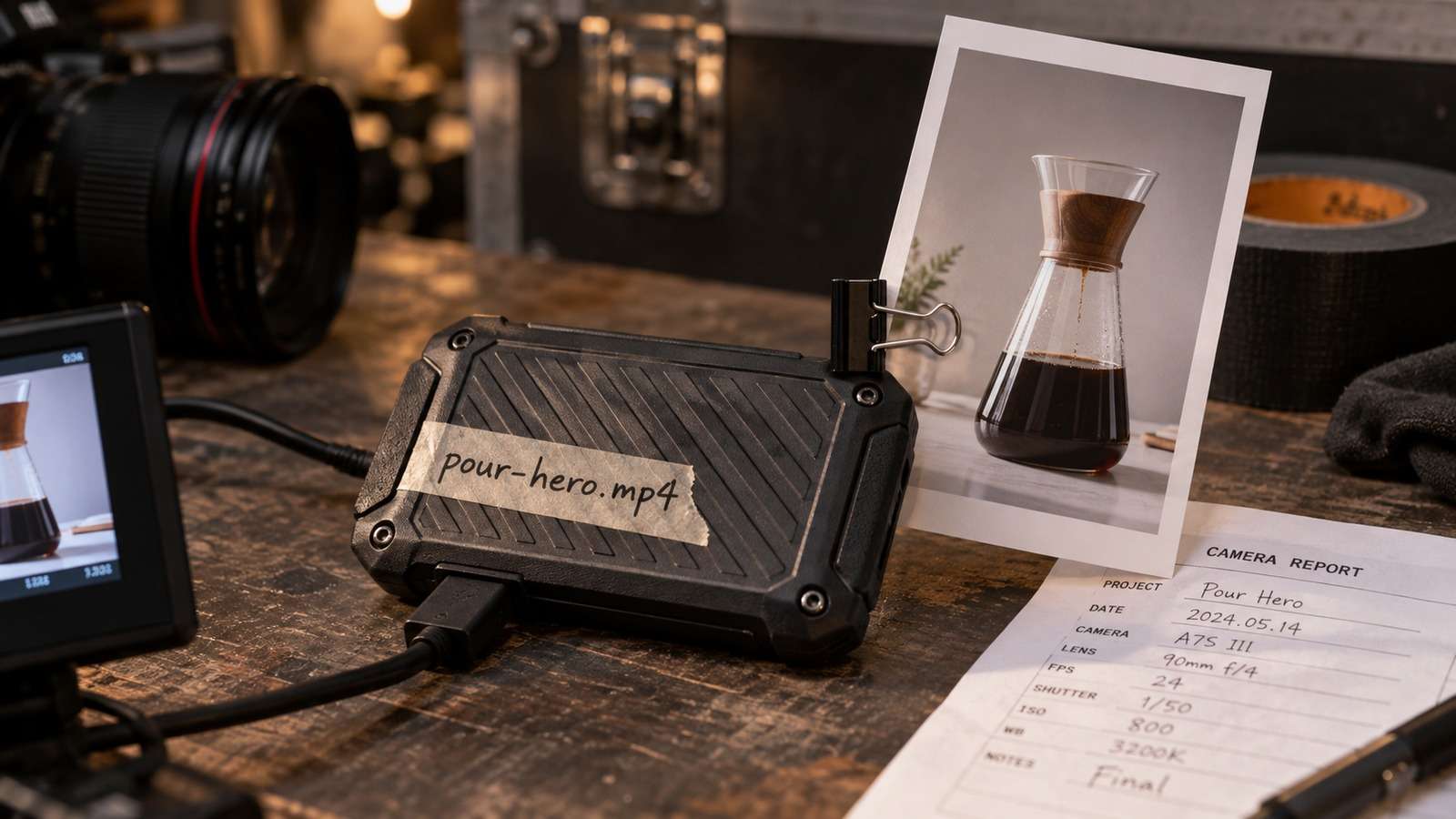
- Create the intended filename before submit, such as
mug-orbit-slow-push.mp4. - Write job ID, model, and prompt path into a manifest row.
- Download only after success.
- Never overwrite an approved clip with a retry.
When an agent retrieves the MP4, it should also retrieve enough metadata to retry the exact request.
Use Media.io CLI to Submit and Retrieve Video Jobs
Media.io CLI can submit text to video or image-to-video jobs, then return status and a file path. Codex and Claude Code can run the same loop after one setup.
If You Want the Coding Agent to Set Media.io Up for You
Use the complete prompt for the environment you are working in. Do not shorten the plugin, skills, authentication, or automatic troubleshooting instructions.
Copy This Complete Setup Prompt into Codex
Copy This Complete Setup Prompt into Claude Code

Show a real terminal or agent session, the returned output path or status, and the generated result.
Prevent Double Spends When a Video Job Looks Stuck
The expensive failure in a command line video generator is submitting twice. Inspect the existing task before you retry.

| Symptom | Likely cause | First check |
| Command never returns | You are waiting inline on a long job | Switch to submit + poll |
| Status sits in queue | Provider load or invalid params | Inspect the existing task |
| File not found | Bad destination or incomplete download | Re-fetch; do not resubmit |
| Clip ignores the source still | Source path not passed | Confirm the image-to-video input |
If the file is missing after success, that is a download-path problem. If the motion is weak, revise the brief rather than blindly changing models.
FAQs About Command Line Video Generator
-
What is a command line video generator?
It is a terminal workflow that submits an AI video job, tracks status, and saves the finished file where your automation expects it. -
Why shouldn't video generation block the shell?
Video jobs often take longer than image jobs. Submit, store the job ID, and poll so a timeout does not look like a crash. -
Can I generate video from the terminal with Media.io?
Yes. After installing and authenticating Media.io CLI, you can send text-to-video or image-to-video jobs and retrieve the output file. -
How do I choose between Seedance 2.5 and Kling 3.0?
Use Seedance 2.5 for cinematic or story-led clips. Use Kling 3.0 when camera motion or product movement is the main requirement. Confirm current model names in the live CLI. -
What should a video manifest contain?
Intended filename, job ID, model, prompt file, source image if any, status, and a note for the reviewer. -
What is the first rule when a job seems stuck?
Inspect the existing task. Do not submit a duplicate until the original has failed or been confirmed missing.
Treat Terminal Video as a Job Queue, Not a Magic Command
Once submit, status, and file retrieval are reliable, a command line video generator can sit inside the same automation that already ships stills, copy, and builds.


