
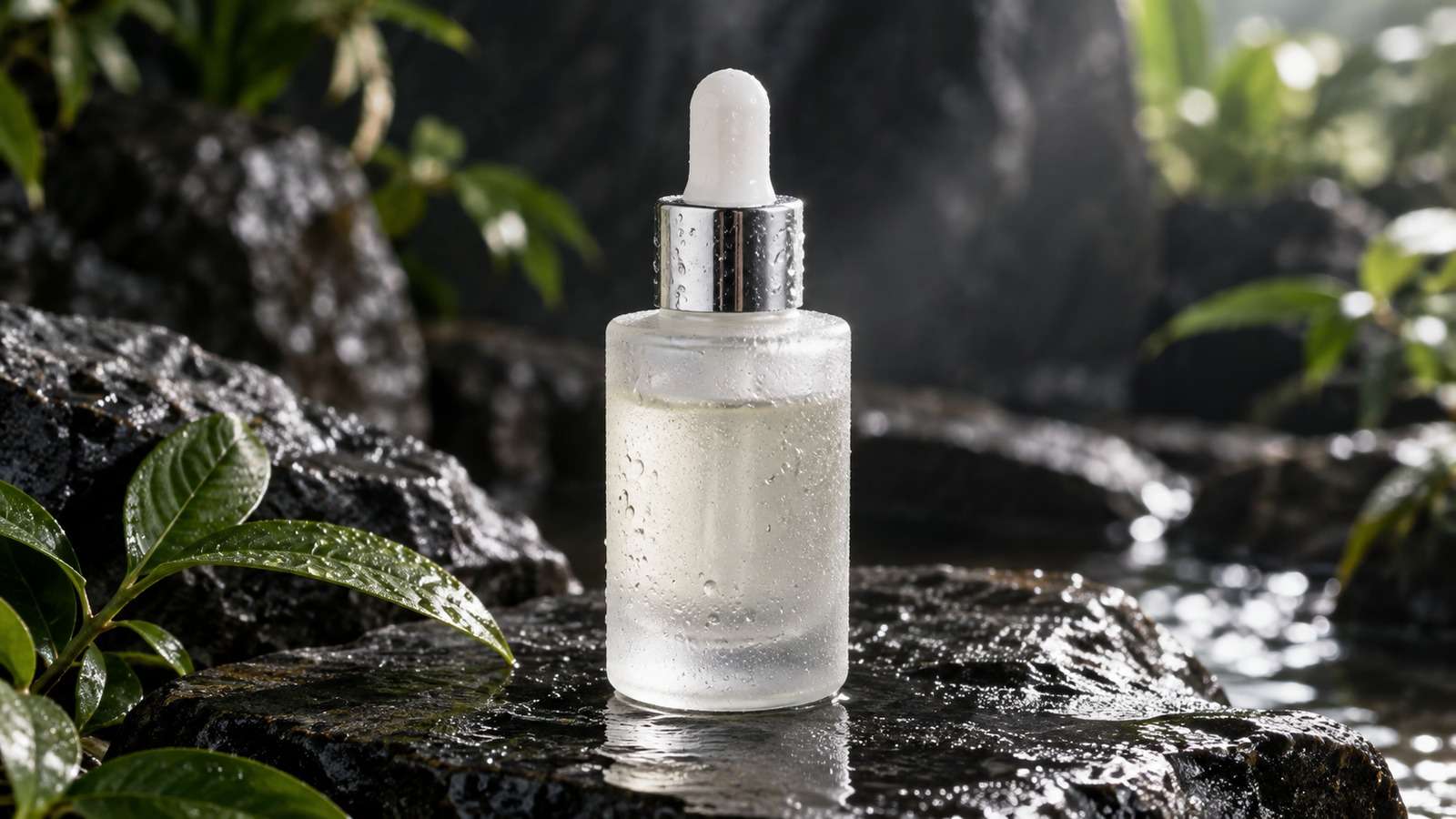
Codex is already reading your repository. Codex Nano Banana is useful when the next image should start from a file that already exists: a product PNG, a character still, or a layout you do not want to reinvent. Nano Banana 2 is the edit model in that loop.
- Codex can see the current source image and the surrounding brief.
- Nano Banana 2 is selected because the job is an edit, not a blank-canvas scene.
- The result is written beside the original file, not left in a chat transcript.
- A weak edit is revised with a tighter brief instead of a different coding model.

Media.io fit: Media.io CLI exposes Nano Banana 2 as a connected image model inside Codex. Codex owns project context and file paths; Media.io returns the edited still.
In this article
What Nano Banana 2 Is For Inside Codex
Use Nano Banana in Codex when identity is the constraint. The model should keep the bottle, the face, or the layout while you change scene, lighting, or styling.

If there is no source worth preserving, do not default to Nano Banana 2. A net-new hero is a different job.
- Pass the actual source path, not a description of the image.
- Say what must stay and what may change.
- Write the result to a new filename until a human approves overwrite.
- Keep the original asset in git or a review folder.
Set Up Codex Before You Ask Nano Banana 2 for Pixels
A codex image model is only available after CLI, plugin, skills, and browser authentication work. Do not debug prompt quality until a tiny edit returns a file.
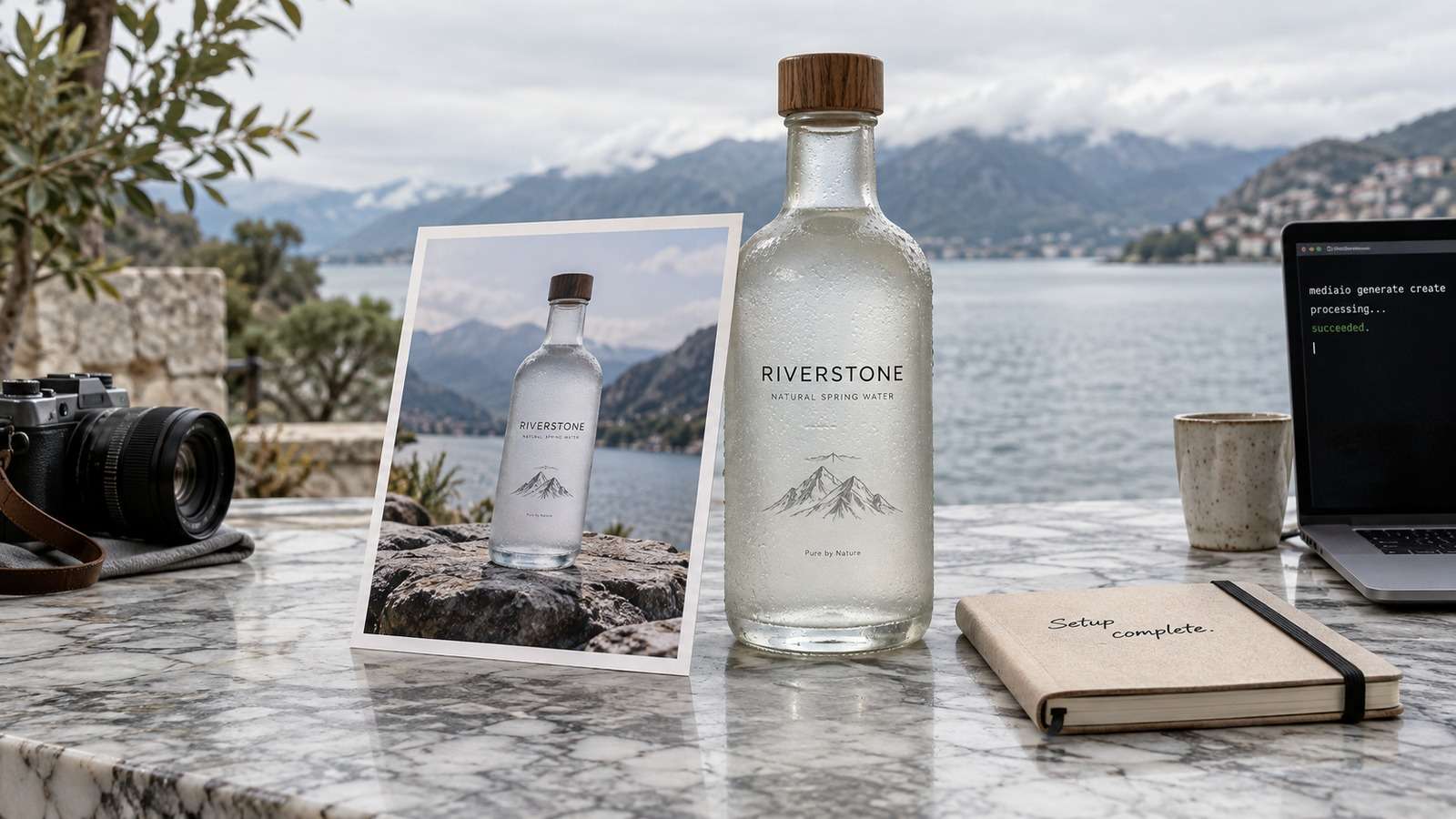
Paste the complete Codex setup prompt. Shortening the plugin or INSTALL-HELP steps is how teams get a model name in chat and no pixels on disk.
Run the First Edit Against a Real Project File
The first nano banana codex job should be boring: change background, keep product. If that fails, the connection is wrong.
| Codex already has | Call | Avoid |
| A product or character file to keep | Nano Banana 2 | Describing the object instead of passing the file |
| No source, only a written hero brief | GPT Image 2 or text to image | Forcing an edit model to invent identity |
Only after the boring edit works should you ask for style transfers, wardrobe changes, or campaign variants.
Write the Result Back With a Name Reviewers Can Trust
Codex should not dump untitled PNGs on the desktop. Use the project's image folder and a stem that includes the shot name.
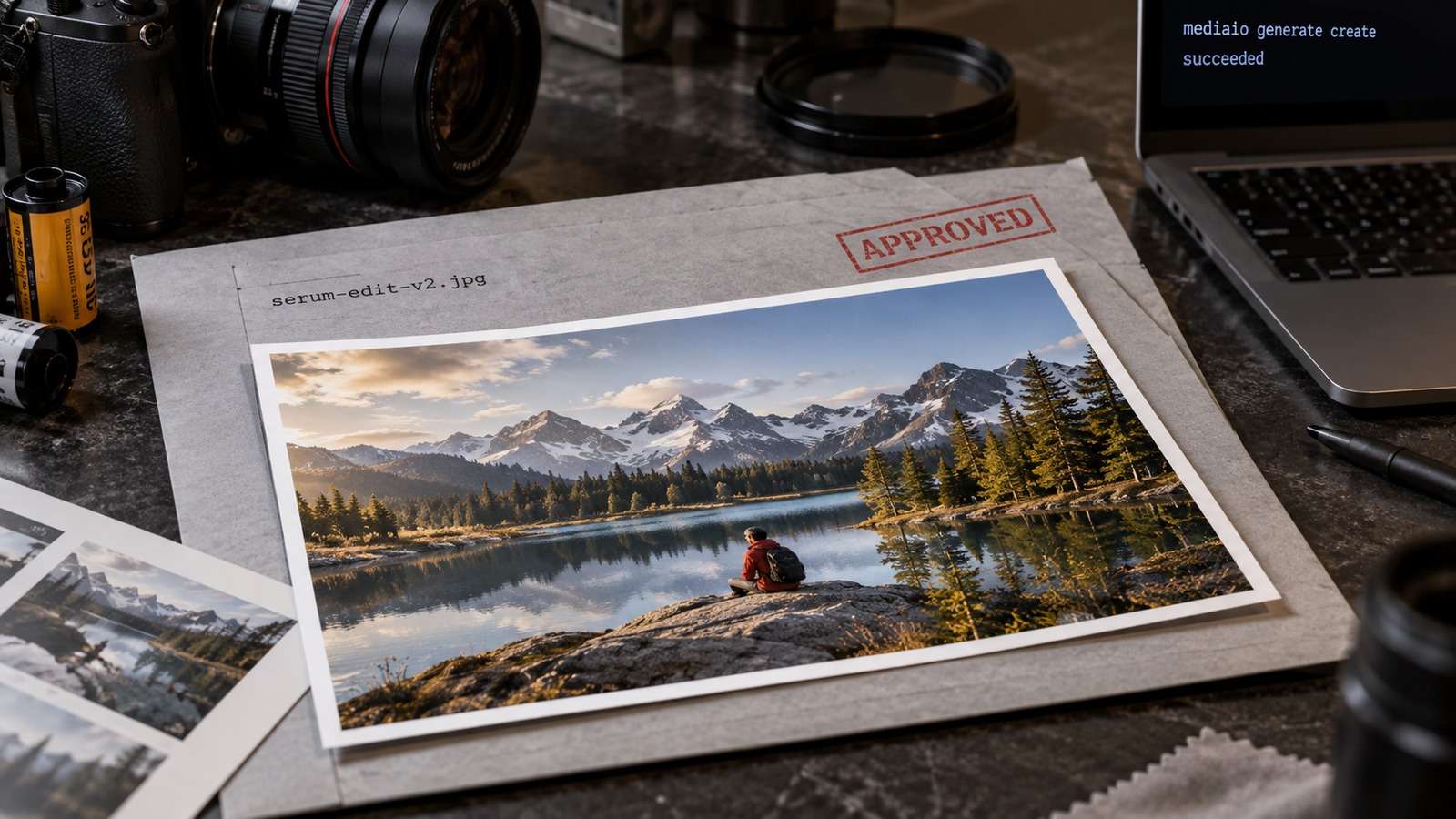
- Identify the source file in the repo.
- Describe the allowed change in a prompt file.
- Generate to
product-hero-slate-v1.jpg. - Ask for approval before replacing the original.
When you use nano banana in Codex for a pack of variants, number them and keep the source stem stable.
Use Media.io CLI so Codex Can Call Nano Banana 2
After Media.io CLI is connected, Codex can send the source image and brief to Nano Banana 2 and receive a file path. Media.io CLI is the creation layer; Codex remains the project layer.
If You Want Codex to Set Media.io Up for You
Copy This Complete Setup Prompt into Codex

Show a real terminal or agent session, the returned output path or status, and the generated result.
If the Edit Ignores the Source, Fix the Inputs
When Nano Banana 2 invents a new bottle, the source path usually never reached the model.

| Symptom | First check |
| No image, only a plan | CLI/plugin/auth |
| New object instead of an edit | Source path missing |
| Wrong folder | Destination not explicit |
Confirm the file is readable, the brief names the locked details, and you did not accidentally route the job to a text-to-image model.
FAQs About Codex Nano Banana
-
Can I use Nano Banana in Codex natively?
Codex can plan the edit and choose files, but raster pixels come from a connected image model such as Nano Banana 2 through Media.io CLI. -
What is Nano Banana 2 best at in a Codex workflow?
Source-image editing where product identity, character, or layout should survive the change. -
How do I use Nano Banana in Codex when I have no source file?
You can still generate, but GPT Image 2 or text-to-image is usually the better first model when nothing needs to be preserved. -
Where should the edited file go?
Next to the source asset or in the project's image folder, using a stable name that does not overwrite the original until approved. -
Do I need a separate Nano Banana website tab?
No. After CLI, plugin, skills, and authentication are in place, Codex can call the model from the same session. -
What if the edit ignores the source image?
Confirm the source path was passed, the file is readable, and the brief states what must stay versus what may change.
Use Nano Banana 2 When the Source File Is the Point
If Codex can already see the asset you need to keep, Nano Banana 2 is the model to call. Generate from scratch only when there is no source worth preserving.


