

A command line image generator is useful when the image is not the whole job. The terminal already has the brief, the repo, the output folder, and the next script. The missing piece is a generation step that returns a file you can inspect, rename, and reuse.
- The same request can be rerun with an explicit prompt, model, and size.
- The image lands in a known folder instead of a hidden cache.
- Failures return a status you can retry, skip, or stop on.
- The terminal can hand the file to review, CMS upload, or the next build step.
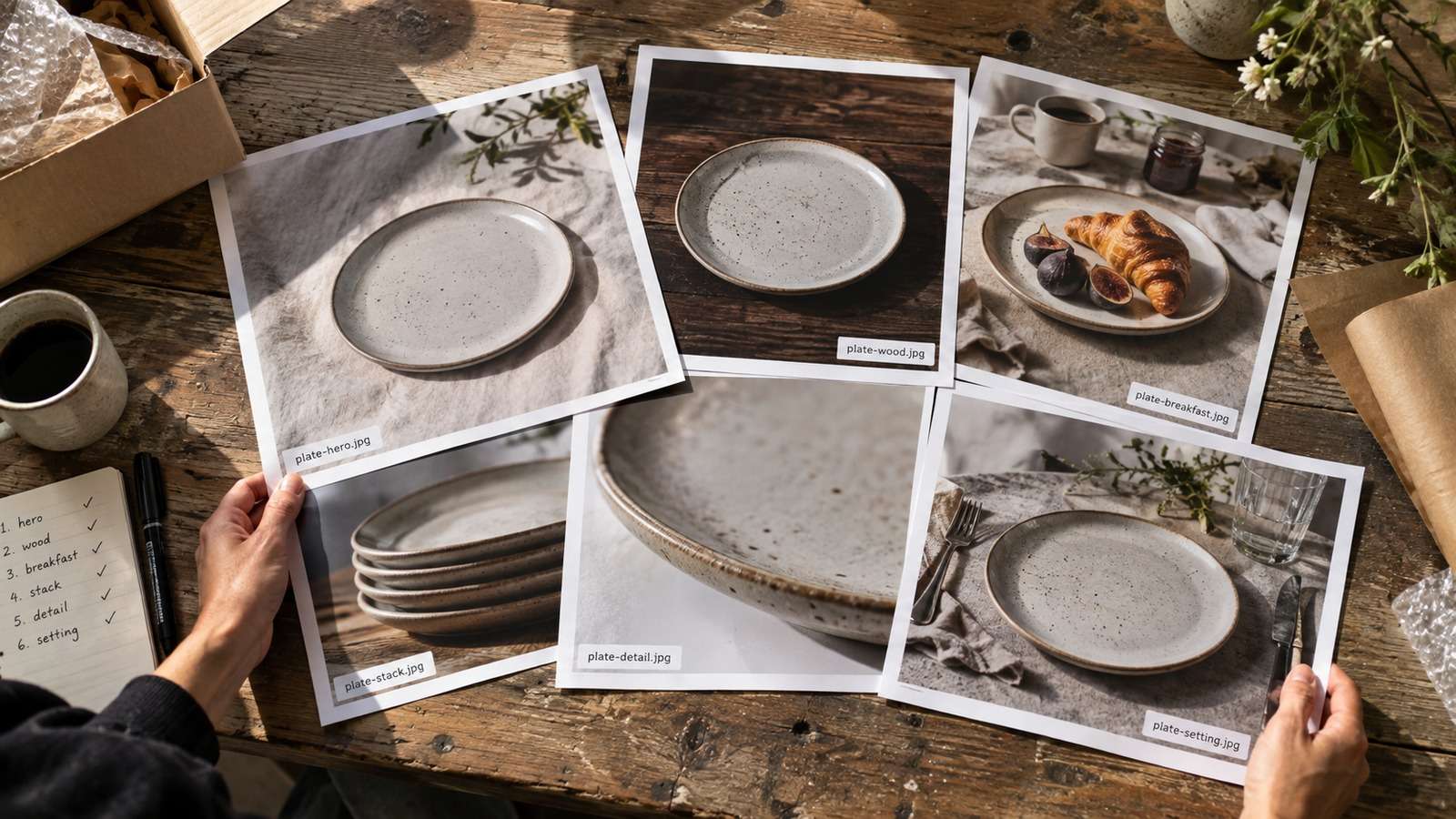
Media.io fit: For a command line image generator, Media.io CLI is the managed creation layer. The terminal keeps the brief and file path; Media.io returns a named image from models such as Nano Banana 2 or GPT Image 2.
In this article
What a Command Line Image Generator Should Actually Return
GUI tools optimize for browsing. A command line image generator should optimize for a contract: inputs in, file and status out. If the command cannot tell you where the image went, it is a demo rather than infrastructure.
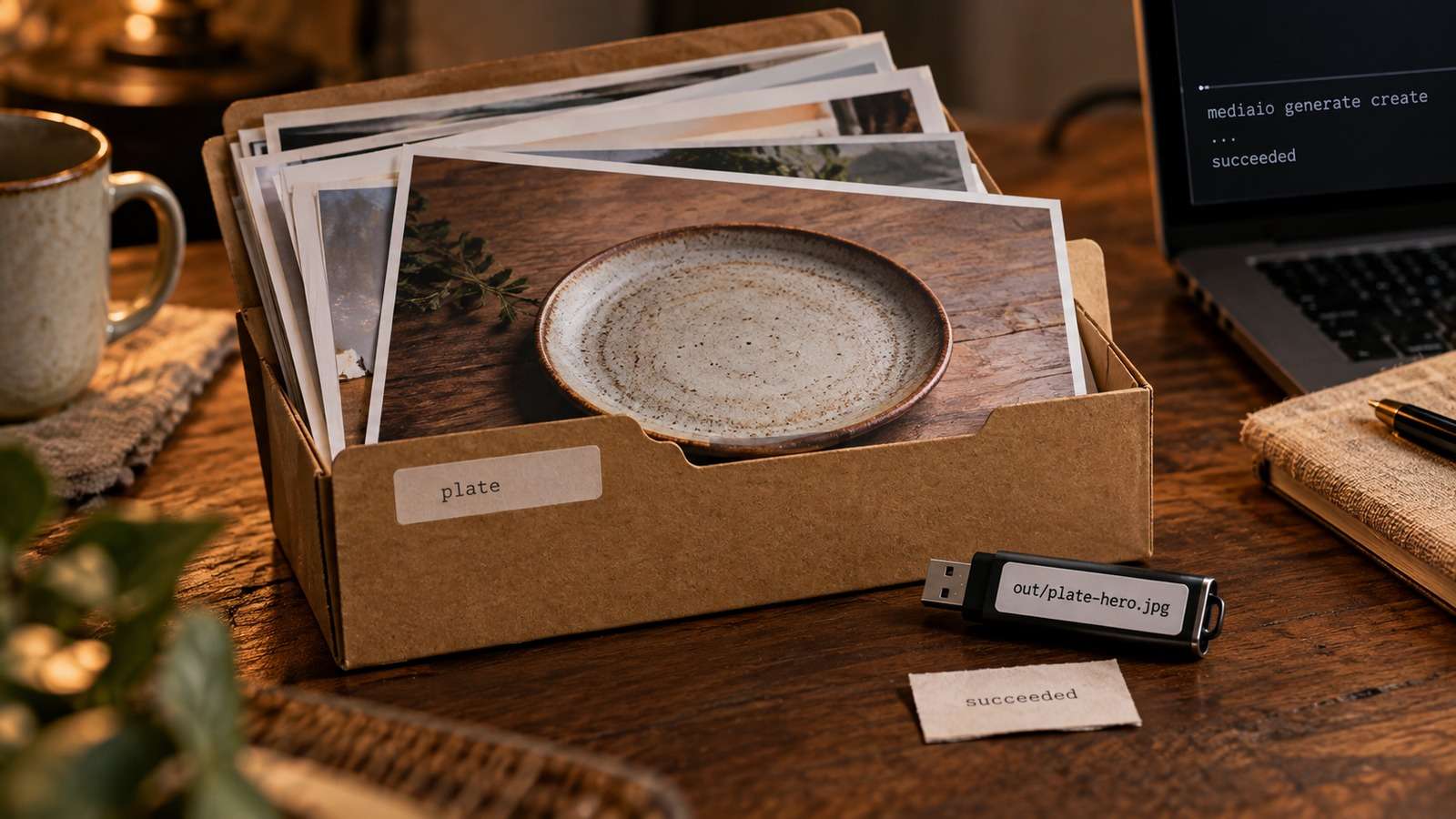
Treat the first successful run as a test of the contract, not a test of art direction. One prompt, one model, one destination folder, one reviewable JPEG or PNG.
- Prompt source: a file or structured argument, not a fragile shell quote.
- Model choice as a job-level flag so Nano Banana 2 and GPT Image 2 share one command shape.
- An explicit destination directory the agent or CI can write.
- A stable filename stem that matches the brief.
Generate Images from the Terminal Without Fighting the Shell
Most first-run failures are quoting failures. Long prompts, brand names, and negative constraints do not belong inside a double-quoted shell string. Keep the brief in a text file and let the image generation command line reference that file.
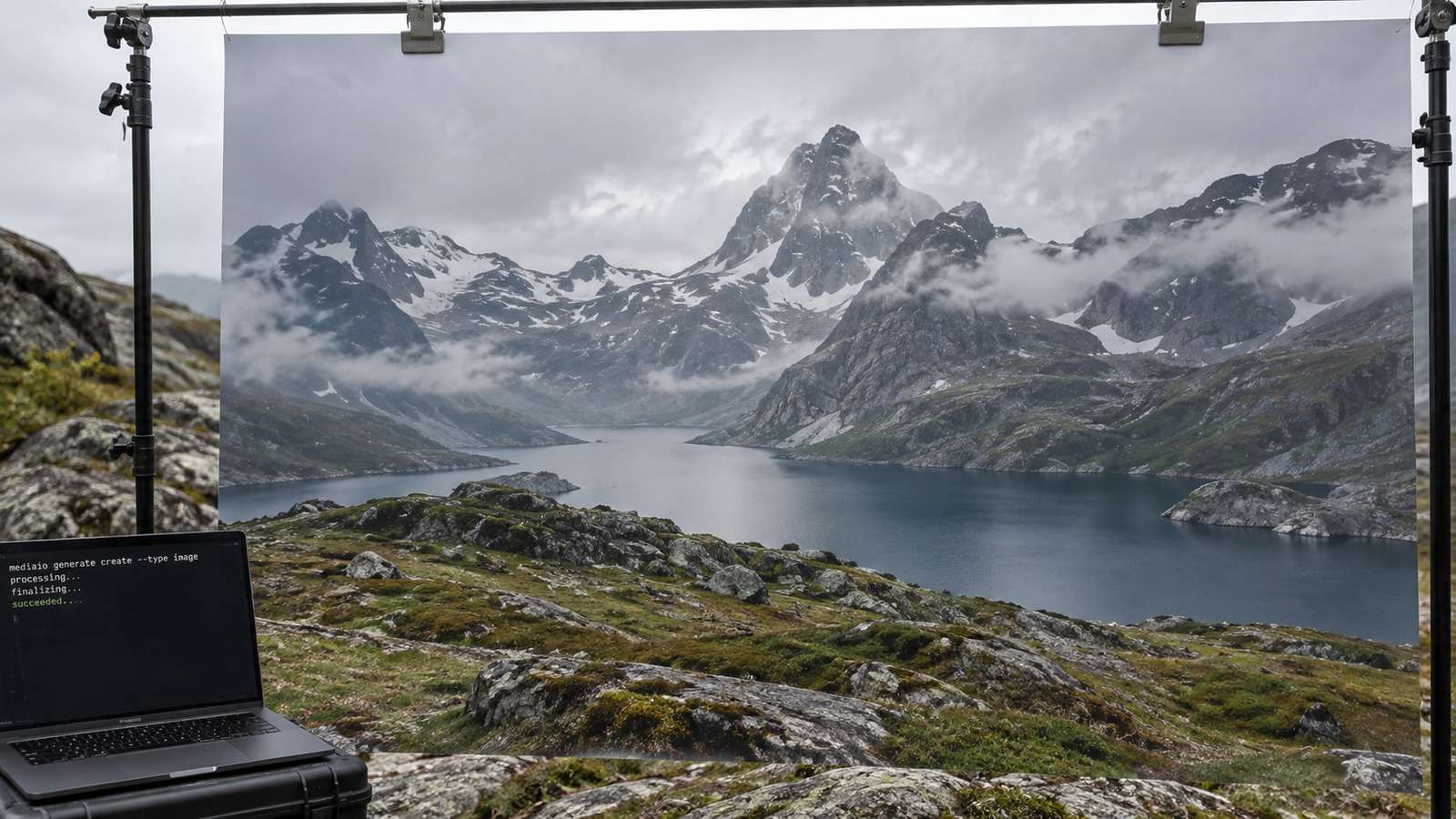
This is the difference between a repeatable AI image generator CLI and a copied chat prompt. If you need to generate images from terminal sessions an agent can resume, record the model, size, and prompt path beside the output.
Choose a Model for the Job, Not a Favorite Brand
A terminal image generator gets expensive when every request uses the same model. Product edits, text-heavy mockups, and net-new scenes fail in different ways.
| Need | Better starting model | Why expose it in the CLI |
| Preserve a product, face, or layout | Nano Banana 2 via image-to-image | Pass a source image plus an edit brief. |
| Render labels or poster-like compositions | GPT Image 2 | Text rendering is a different job from identity-preserving edits. |
| Create a net-new still from a written brief | Text to Image | Do not force a source image when the brief is still conceptual. |
Keep model selection in the command, not in a rewritten script. The surrounding automation should stay stable while the generation layer changes.
Name Files so Review and Retry Stay Cheap
Random output names make a terminal generator look busy and still be unusable. A reviewer cannot approve img_00891.png, and an agent cannot tell a failed retry from the approved still.
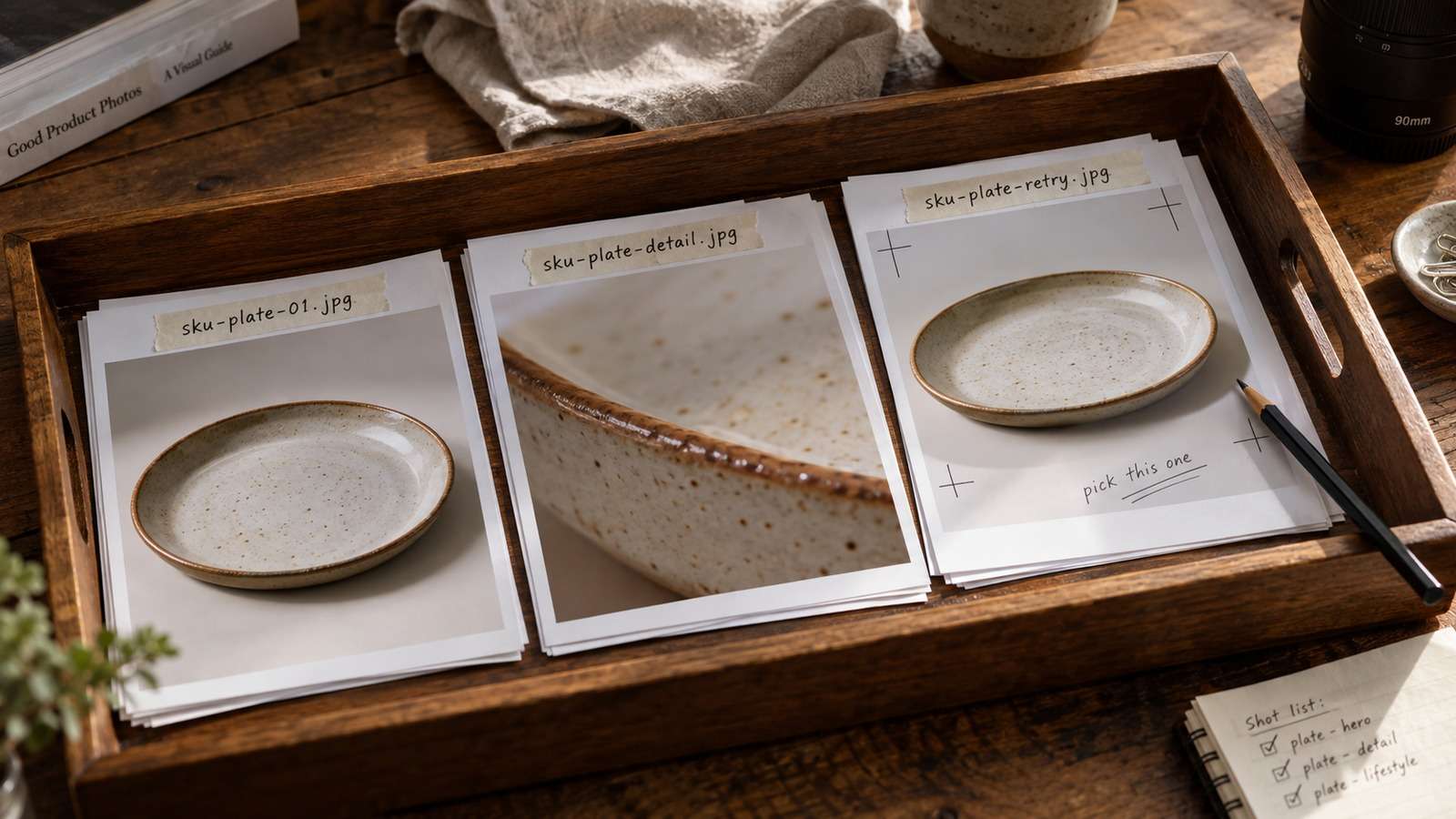
- Use a slug from the brief, such as
hero-black-sneaker-studio.jpg. - Put exploratory variants in a dated subfolder, not over the approved file.
- Keep failed jobs out of the delivery folder.
- Match the path the project already uses for CMS or design review.
Stable names are how batch jobs skip rows that already have a valid file instead of regenerating a whole pack after one timeout.
Use Media.io CLI as the Managed Creation Layer
You do not need a self-hosted image server to get a command line workflow. Media.io CLI installs once, authenticates once, and then accepts image jobs from a terminal, Codex, or Claude Code session. Use text to image or image to image according to the brief.
If You Want the Coding Agent to Set Media.io Up for You
Use the complete prompt for the environment you are working in. Do not shorten the plugin, skills, authentication, or automatic troubleshooting instructions.
Copy This Complete Setup Prompt into Codex
Copy This Complete Setup Prompt into Claude Code
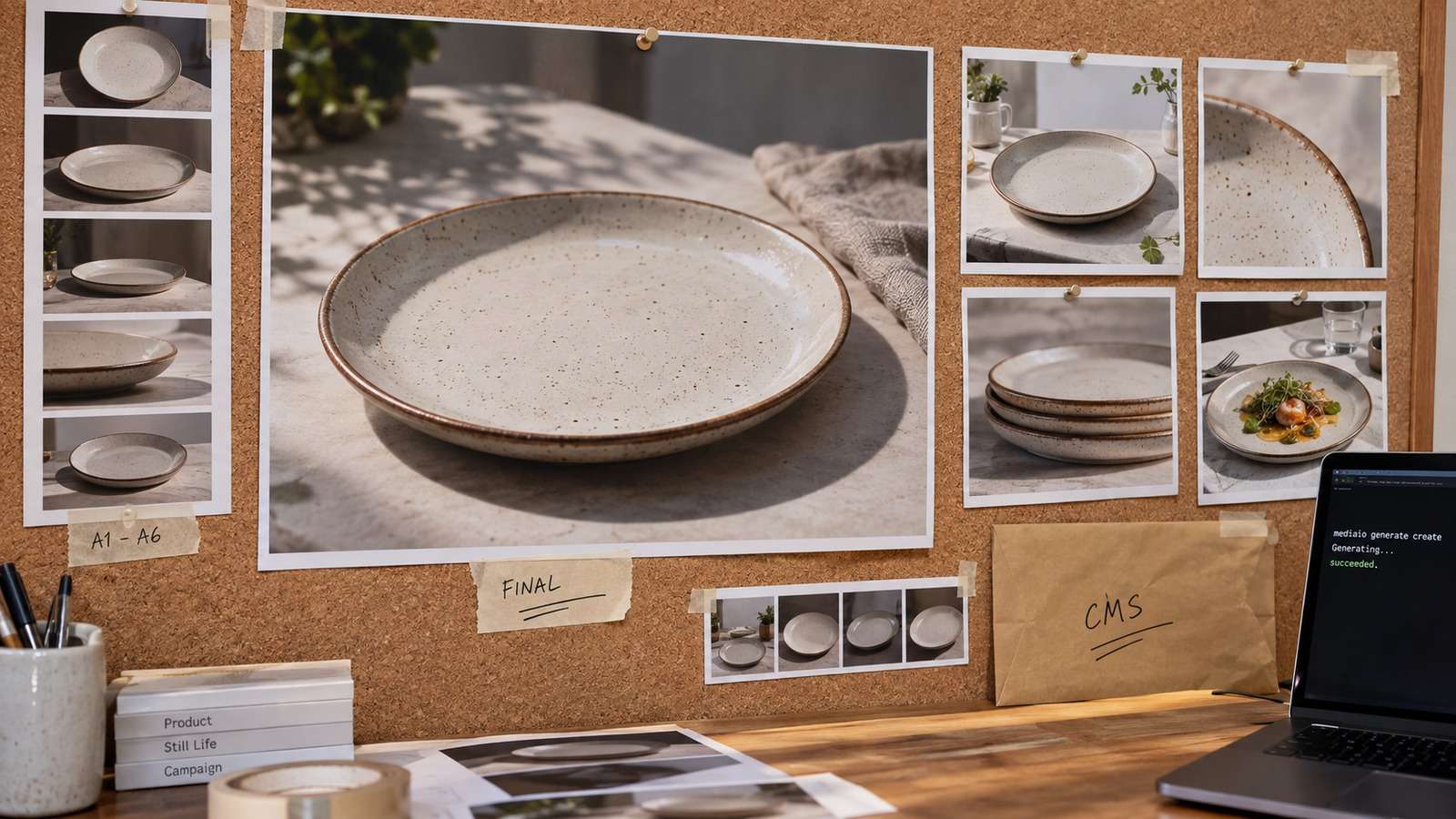
Show a real terminal or agent session, the returned output path or status, and the generated result.
Keep Failed Image Jobs from Polluting the Folder
A command line workflow fails in boring ways: auth expired, destination not writable, model rejected the size, or the job timed out. Handle those as status, not as half-written files beside approved assets.
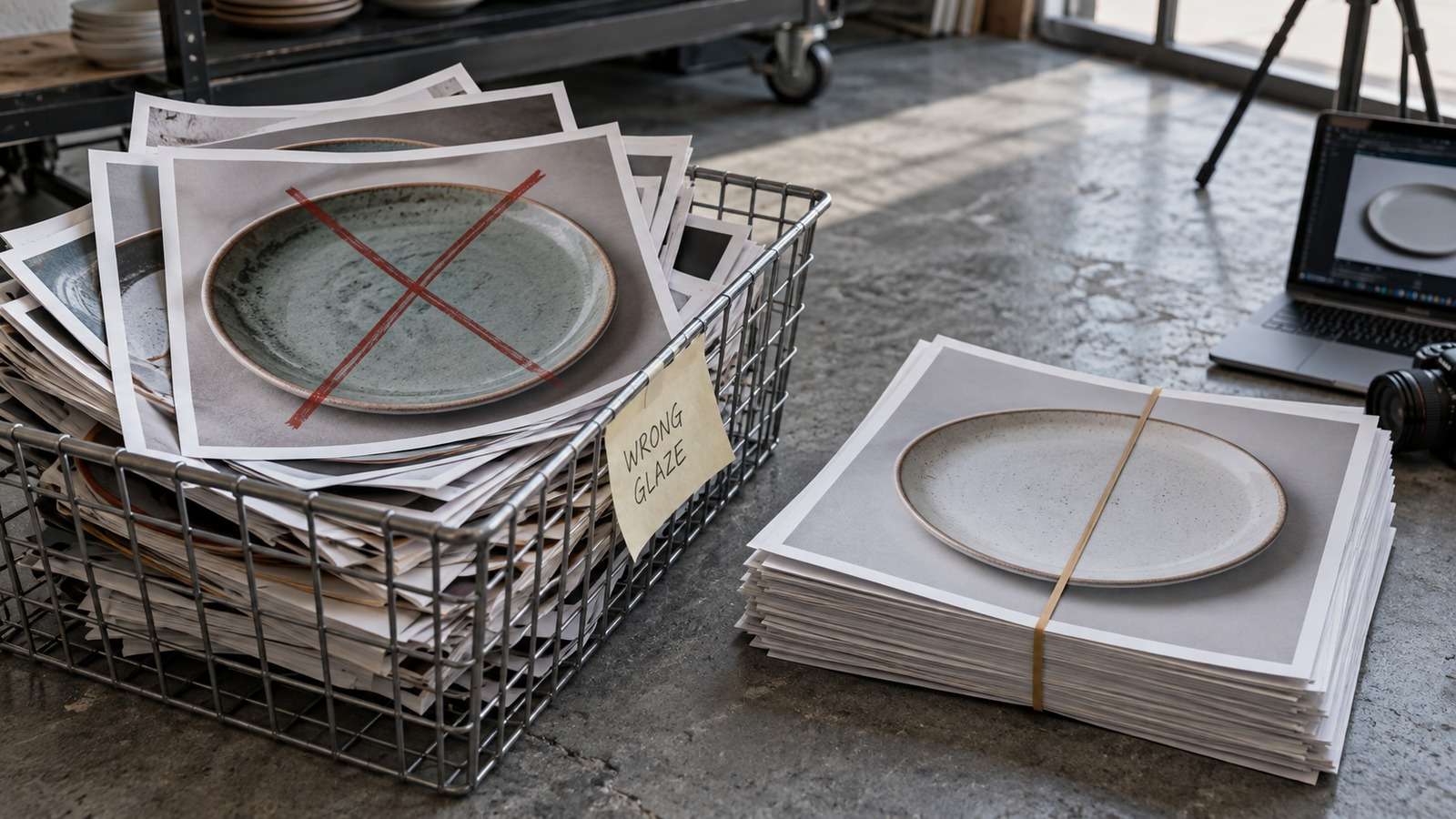
Retry the same row. Do not rerun the whole batch. If the output is technically valid but creatively weak, change the prompt file before you change the tooling.
FAQs About Command Line Image Generator
-
What is a command line image generator?
It is a terminal workflow that turns an explicit prompt and optional source image into a saved image file, with a status the rest of your automation can use. -
Can I generate images from the terminal without building my own API client?
Yes. A managed CLI such as Media.io CLI can submit the job, return the file path, and keep model access in one authenticated account. -
Is a terminal image generator the same as a chat image button?
No. The terminal version should be rerunnable, file-based, and easy to connect to folders, agents, and review steps. -
Where should long prompts live?
In a prompt file or structured input. Putting a full creative brief inside shell quotes is a common cause of silent prompt truncation. -
How do I choose between Nano Banana 2 and GPT Image 2 from the command line?
Use Nano Banana 2 when a source image must keep identity or layout. Use GPT Image 2 when the job needs general generation or stronger text rendering. -
Can this workflow run inside Codex or Claude Code?
Yes. After CLI, plugin, skills, and browser authentication are in place, the agent can call the same generation layer you would run manually in a terminal.
Make the First Image Job Boring, Then Scale It
Start with one prompt file, one model, and one destination. When that command is boring, a command line image generator can sit beside tests and builds instead of living in a separate creative tab.


