

Claude Code Kling AI is the motion specialist. Use Kling 3.0 when the reason the deliverable is video is a move: orbit, pour, push-in, or fabric response.
- The brief names the camera move.
- Kling 3.0 is selected for motion quality.
- The job is tracked by ID.
- The MP4 uses a move-based name.

Media.io fit: Media.io CLI exposes Kling 3.0 to Claude Code. Claude Code writes the move; Media.io returns the clip.
In this article
What Kling 3.0 Is For Inside Claude Code
Use Kling in Claude Code when the brief is a move. A kling Claude Code job is different from a story-led atmosphere clip.

If the shot is mostly mood, start with Seedance 2.5.
- Name the camera move.
- Pass the source still when composition is approved.
- Submit and poll.
- Do not overwrite an approved clip.
Set Up Claude Code Before a Motion Spend
Kling video Claude Code jobs are easy to double-spend. Confirm still generation first, then run one Kling probe.

Keep the complete Claude Code setup prompt.
Run the First Kling 3 Claude Job Against One SKU
The first Kling 3 Claude job should be one object and one move.
Batch rows only after that file returns.
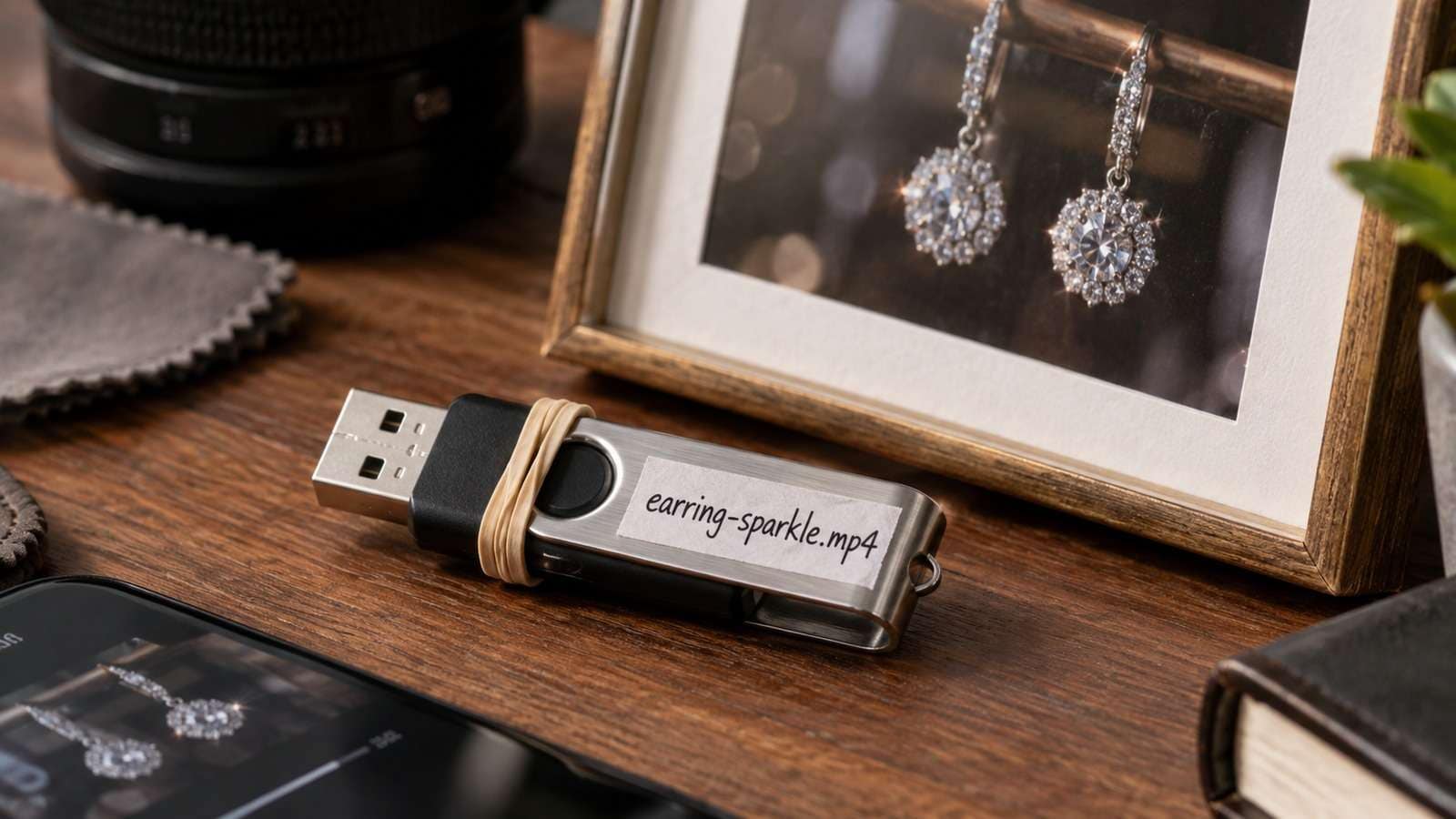
Name the Clip After the Move
speaker-orbit-right-slow.mp4 is reviewable. A hash is not.
- Lock the still if you have one.
- Describe the move.
- Submit Kling 3.0.
- Download after success.
Share a folder between Kling and Seedance rows; keep model in the manifest.
Use Media.io CLI so Claude Code Can Call Kling 3.0
Media.io CLI can send Kling 3.0 jobs from Claude Code and return a file path. Use image-to-video when the still is approved.
If You Want Claude Code to Set Media.io Up for You
Copy This Complete Setup Prompt into Claude Code

Show a real terminal or agent session, the returned output path or status, and the generated result.
Inspect the Existing Kling Task Before Retry
If status is running, wait. If the move is wrong, revise camera language.

| Symptom | First check |
| No motion | Brief without a move |
| Stuck status | Existing job ID |
| Ignored still | Source path missing |
Do not submit a second job for the same shot yet.
FAQs About Claude Code Kling Ai
-
Can I use Kling in Claude Code natively?
Claude Code can plan the shot, but Kling 3.0 runs through a connected generation layer such as Media.io CLI. -
When should I use Kling 3.0 in Claude Code?
When camera movement or product action is the reason the deliverable is video. -
How is Kling video Claude Code different from Seedance?
Seedance 2.5 is first for cinematic mood. Kling 3.0 is first for motion-forward shots. -
Should I start from a still?
Yes when composition is already approved. -
How do I avoid duplicate Kling jobs?
Store the job ID and inspect it before resubmitting. -
Where does the MP4 go?
Into the project review folder with a move-based filename.
Use Kling 3.0 When the Claude Code Brief Is a Camera Move
If the session can describe the orbit or pour, Kling 3.0 is the model to call. Keep the job async and the shot name obvious.


