

ChatGPT CLI image generation is useful when you are already in a coding agent session and need a file, not a chat thumbnail. ChatGPT can plan the still; Media.io CLI is the layer that should return a named image.
- The session has project context.
- Media.io is connected for actual pixels.
- The image lands in a project folder.
- Model choice stays explicit.
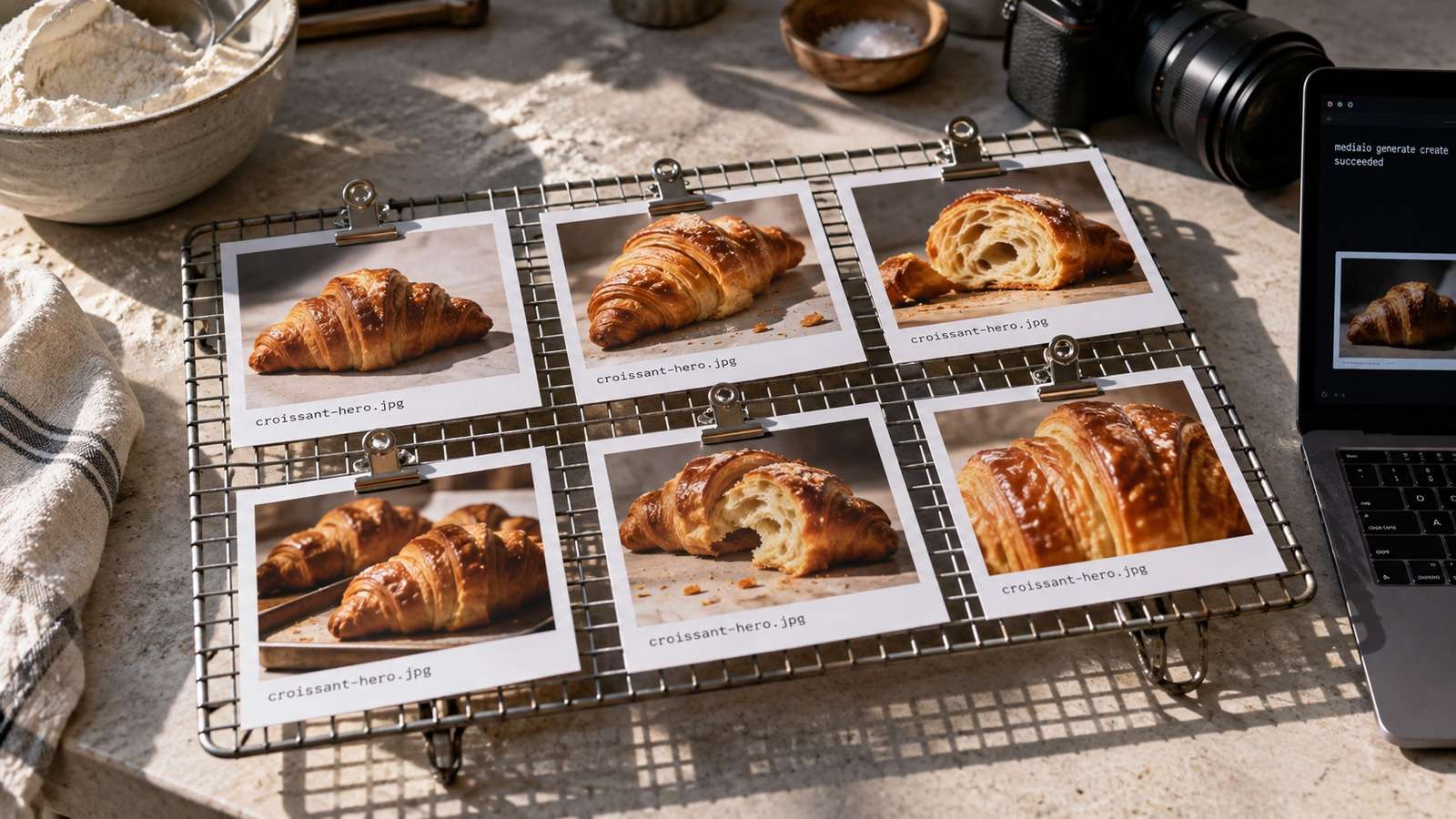
Media.io fit: Media.io CLI is the creation layer for this ChatGPT image workflow. After CLI, plugin/skills where supported, and browser auth, the session can request Nano Banana 2 or GPT Image 2 and write a file.
In this article
What ChatGPT CLI Image Generation Should Return
A ChatGPT image workflow that only describes the picture has failed. The session should return a path.

Treat ChatGPT as the planner and Media.io as the generator.
- Explicit model.
- Explicit destination.
- Prompt file for long briefs.
- A file the next command can open.
Connect Media.io Before You Ask for Pixels
To generate images with ChatGPT CLI, install CLI, add the Codex plugin if this session supports it, install skills, and complete browser auth.
If any step fails, follow INSTALL-HELP rather than rewriting the prompt.
Choose Nano Banana 2 or GPT Image 2 From the Session
ChatGPT media generation should route edits to Nano Banana 2 and net-new stills to GPT Image 2.
| Job | Model |
| Keep a source | Nano Banana 2 |
| Invent a still or labels | GPT Image 2 |
Do not hide that choice inside a generic "make an image" request.
Write the File Into the Project
The still should appear beside the code or campaign folder, not only in the transcript.
- Confirm Media.io is ready.
- Write the prompt file.
- Select the model.
- Save to a review filename.
If a teammate cannot find it, the workflow is not done.
Use Media.io CLI as the ChatGPT Image Creation Layer
Media.io CLI gives the ChatGPT coding session a managed route to text to image and image to image. This is not a claim that ChatGPT has a native terminal image renderer.
If You Want This ChatGPT / Codex CLI Session to Set Media.io Up
Copy This Complete Setup Prompt into ChatGPT / Codex CLI
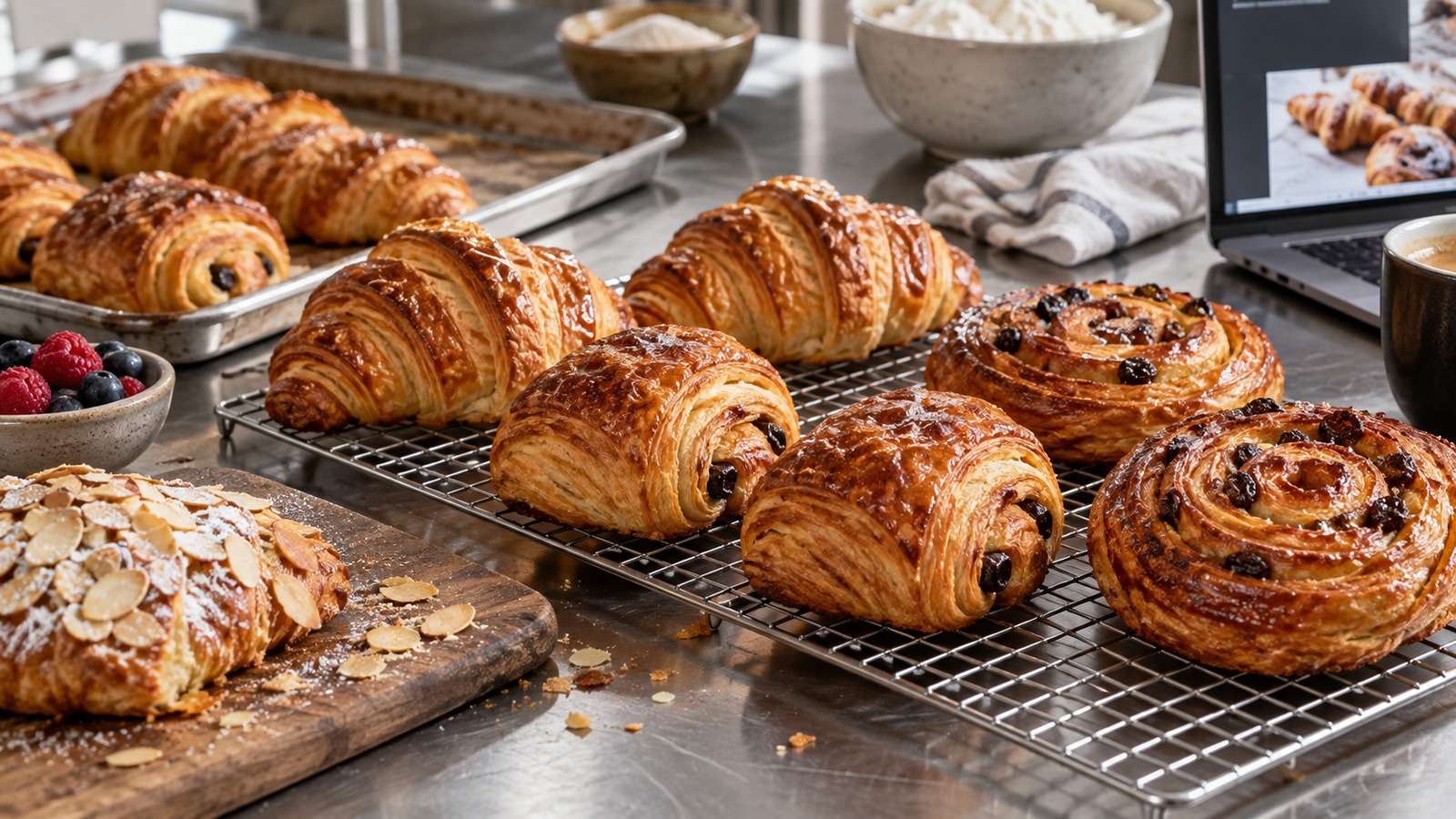
Show a real terminal or agent session, the returned output path or status, and the generated result.
If You Get Text Instead of an Image, Repair Connection
More adjectives will not attach a generation tool.
Check CLI, plugin/skills, and auth, then rerun the same row.
FAQs About Chatgpt Cli Image Generation
-
Can ChatGPT CLI generate images by itself?
The coding session can plan the still, but raster files typically come from a connected tool such as Media.io CLI. -
How do I generate images with ChatGPT CLI?
Install and authenticate Media.io CLI, then ask the session to write a named file using Nano Banana 2 or GPT Image 2. -
What is a reliable ChatGPT image workflow?
Prompt file, explicit model, explicit destination, and a reviewable JPEG or PNG on disk. -
When should I use Nano Banana 2 vs GPT Image 2?
Nano Banana 2 for source edits. GPT Image 2 for net-new or type-heavy stills. -
Where should the file go?
Into the project folder the next review or build step already uses. -
What if ChatGPT only returns a prompt?
The image tool is probably not connected. Repair setup before changing creative language.
Treat ChatGPT as the Planner and Media.io as the File Layer
ChatGPT CLI image generation becomes useful when the session can write a named still into the project. Connect Media.io once, then keep model choice explicit.


