
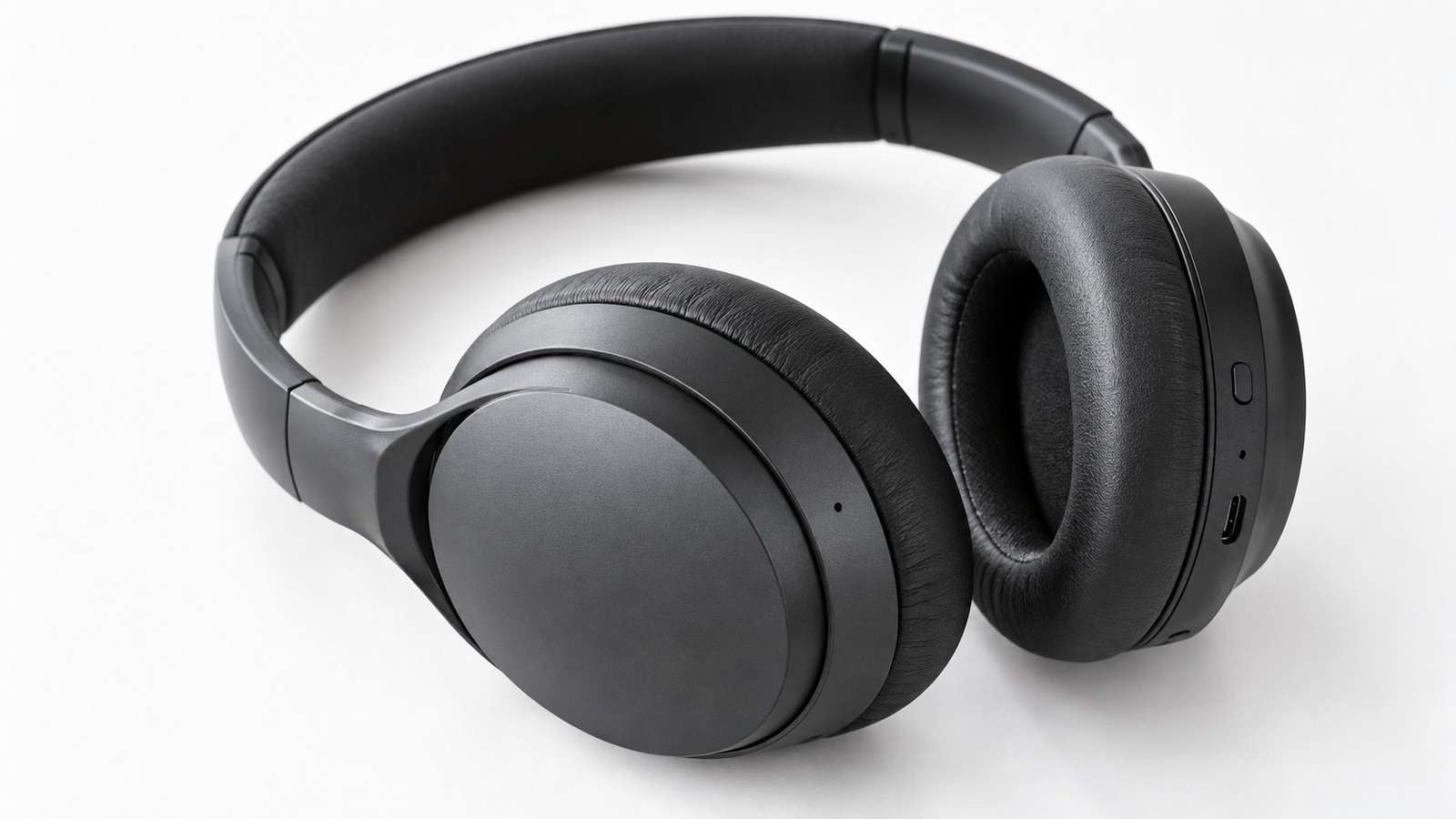
An automated image generation workflow is not a loop that dumps random PNGs. It is a pipeline: each row has a brief, a model, a destination, and a review state. If those fields are missing, you cannot automate image generation safely.
- Every row has a prompt file and a destination.
- Successful files are skipped on rerun.
- Failed rows retry without touching approved stills.
- QA happens before delivery.
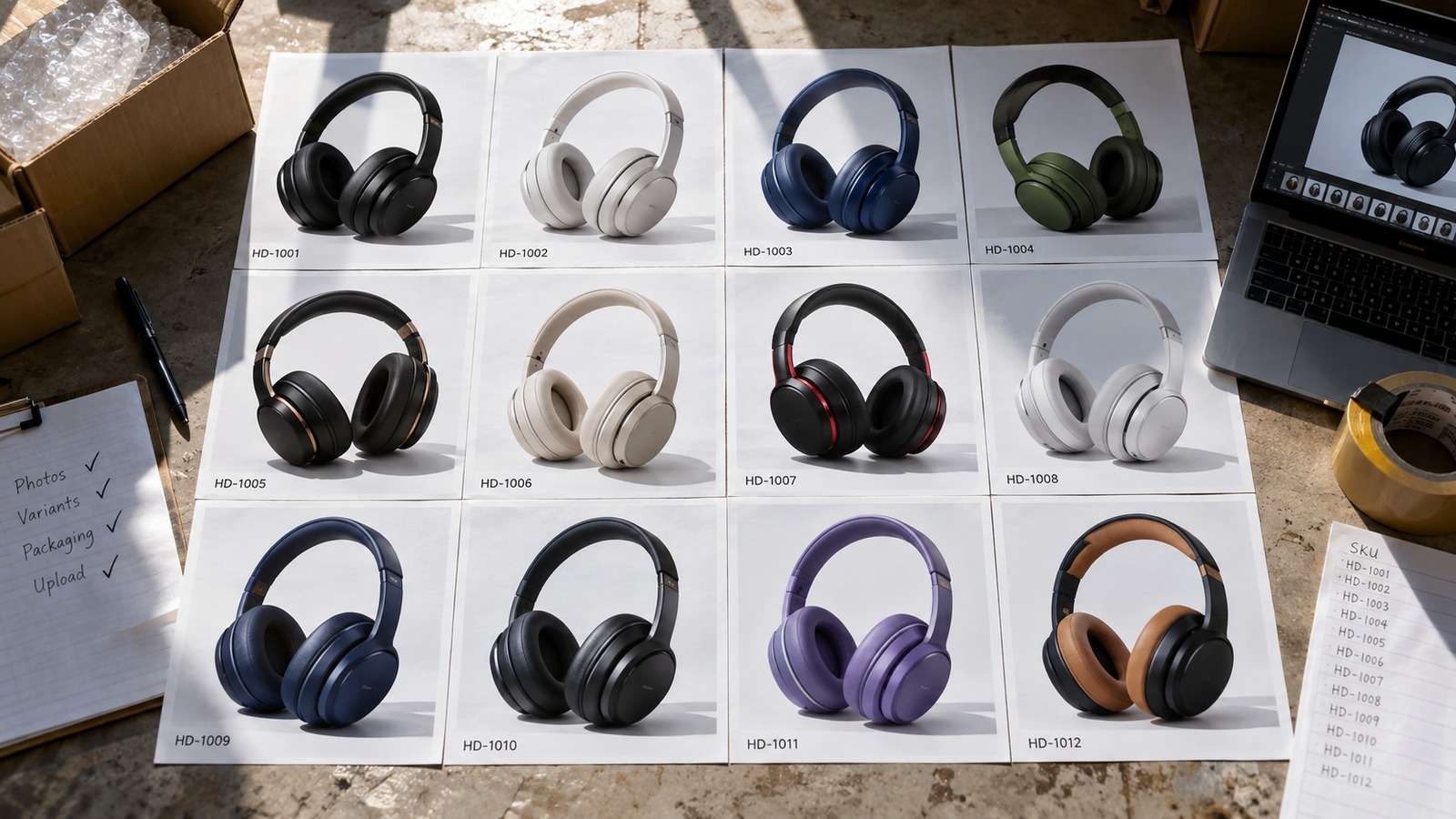
Media.io fit: Media.io CLI is the generation stage in this image generation automation. The surrounding script or agent owns the manifest; Media.io returns named stills from Nano Banana 2 or GPT Image 2.
In this article
Define Image Generation Automation as Rows, Not Vibes
An AI image pipeline is a table: output name, model, prompt path, source, status. If it is not a table, you cannot resume it.

Chat history is not a pipeline.
- Stable filenames.
- Model as a field.
- Skip-if-exists.
- Review before CMS copy.
Start With One Asset Type
Automate hero stills or thumbnails first. Do not mix posters, product edits, and app mocks in the first script.
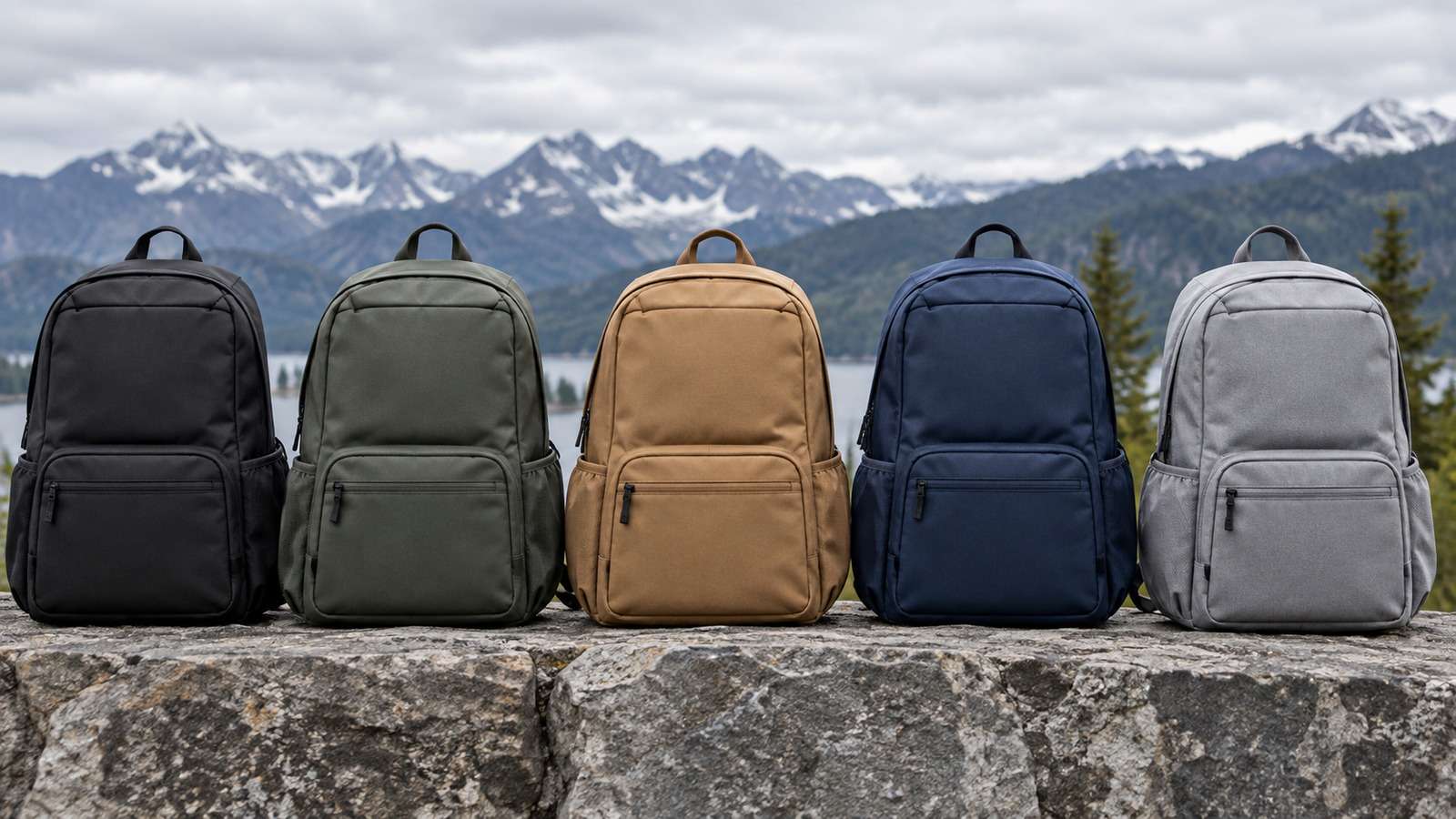
When one type is boring, add the next row type.
Route Models Inside the Same Pipeline
Identity edits go to Nano Banana 2. Net-new stills go to GPT Image 2. The pipeline shape stays the same.
Compare this with a repeatable AI image generator CLI.
QA Is a Stage, Not an Afterthought
A file on disk is not delivered. A file that passed the brief is delivered.
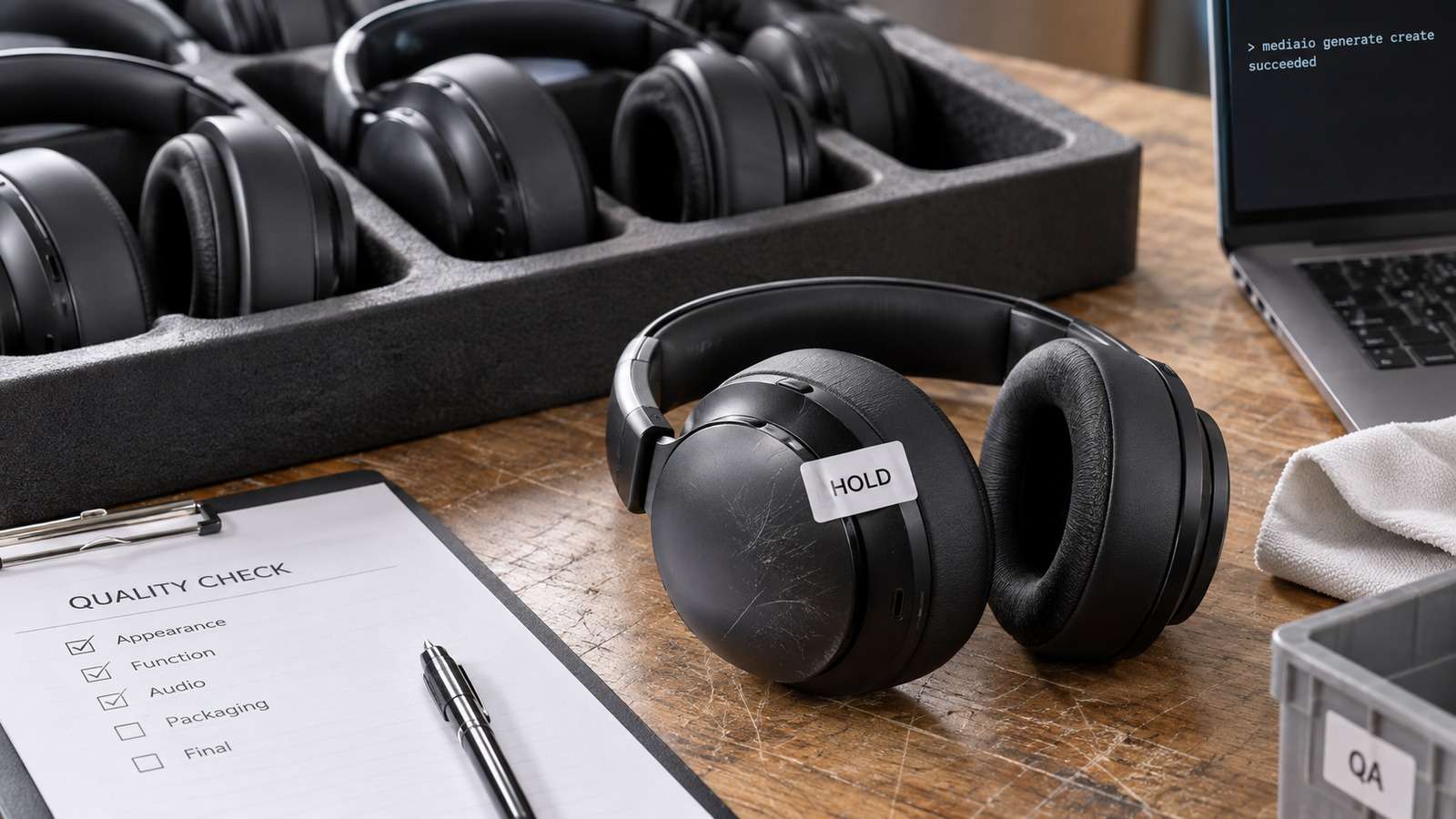
- Load the manifest.
- Generate missing rows.
- Write status.
- Copy only approved files.
Keep rejects out of the delivery folder.
Use Media.io CLI as the Image Generation Stage
Media.io CLI can generate text to image and image to image rows while the workflow owns naming and QA.
If You Want the Coding Agent to Set Media.io Up for You
Use the complete prompt for the environment you are working in. Do not shorten the plugin, skills, authentication, or automatic troubleshooting instructions.
Copy This Complete Setup Prompt into Codex
Copy This Complete Setup Prompt into Claude Code
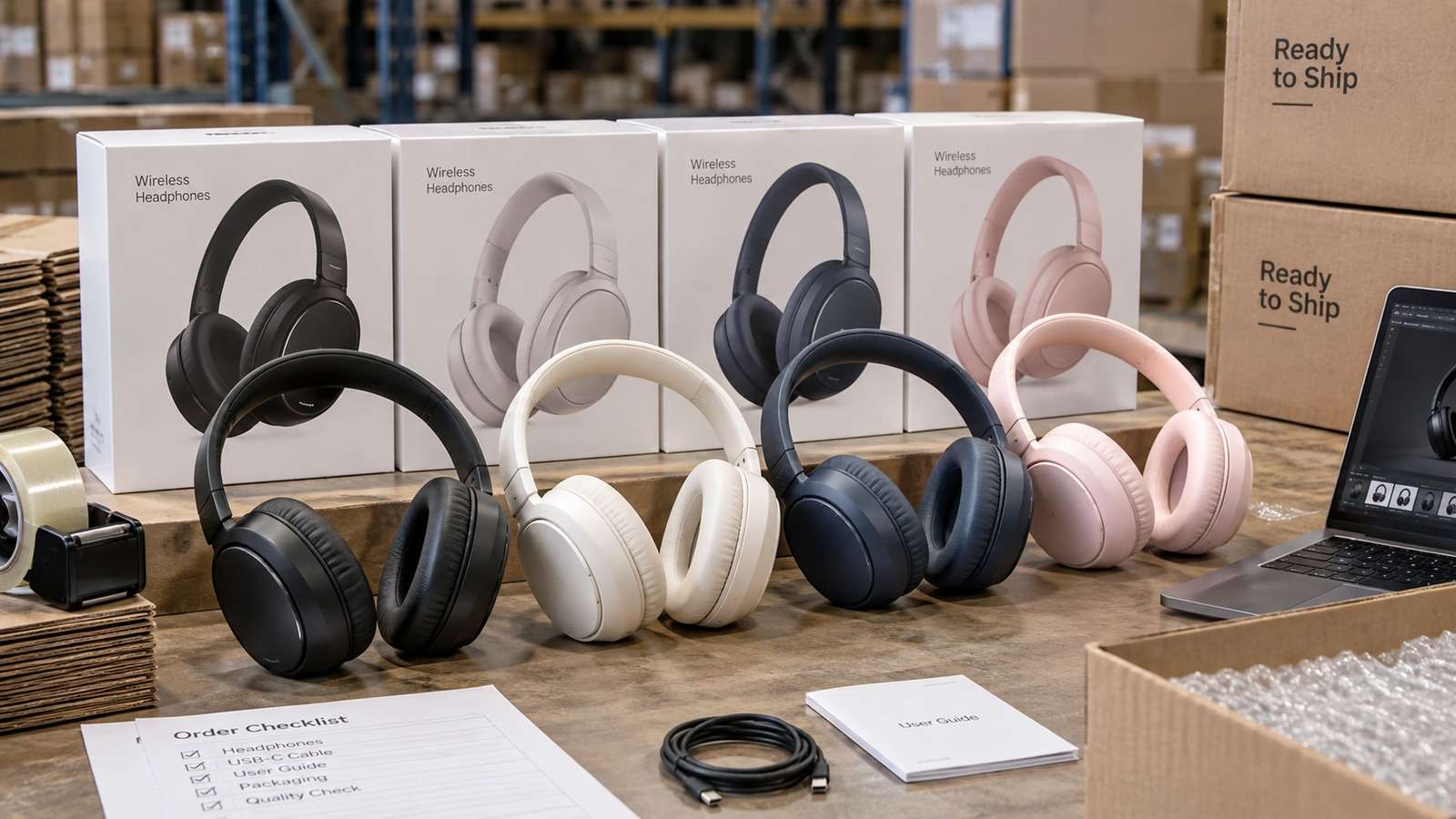
Show a real terminal or agent session, the returned output path or status, and the generated result.
Do Not Rerun the Whole Pack After One Timeout
Resume from incomplete rows.

A full rerun is how approved stills get replaced by accident.
FAQs About Automated Image Generation Workflow
-
What is an automated image generation workflow?
A repeatable path that turns briefed rows into named image files with status, QA, and delivery. -
How do I automate image generation without losing files?
Use a manifest, skip successful rows, and keep approved files out of the retry path. -
What belongs in image generation automation?
Output name, model, prompt file, source files, status, and reviewer decision. -
What is an AI image pipeline?
The same workflow viewed as stages: brief, generate, review, deliver. -
Where does Media.io CLI fit?
As the generation stage that returns files the pipeline can review. -
When should I add more asset types?
After one type can resume, skip successes, and pass QA without tribal knowledge.
Automate Rows You Can Resume
An automated image generation workflow is ready when a timeout costs one row, not the pack. Keep Media.io as the generator and the manifest as the source of truth.


