

Campaign asset automation is useful when the brief is stable and the formats are many: hero, square, story, and a short motion cut. The brief should not be rewritten for every size.
- One locked brief.
- Many named outputs.
- Brand locks survive variants.
- QA before any channel upload.
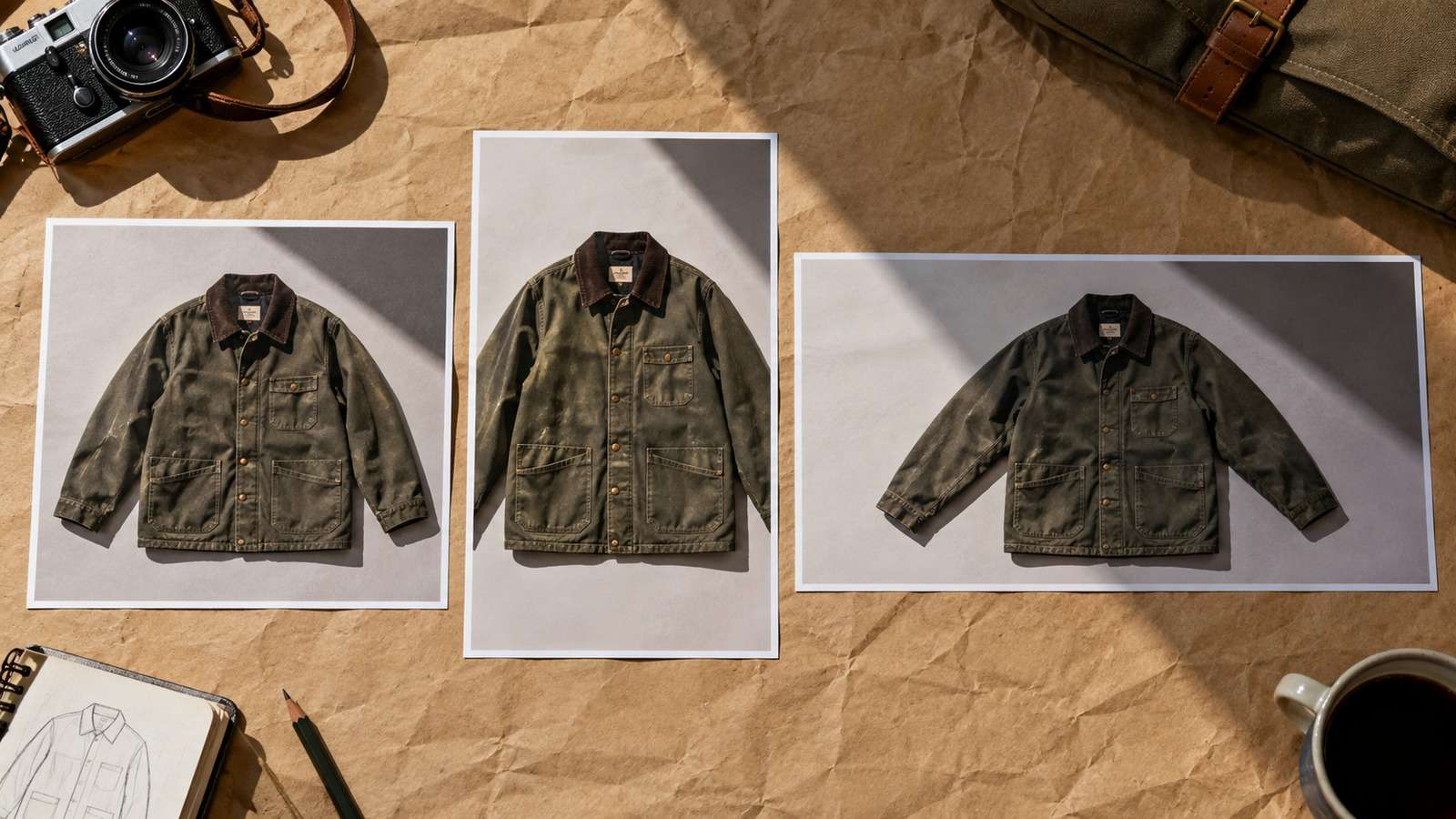
Media.io fit: Media.io CLI can generate the stills and short clips in this AI campaign workflow. The agent expands formats; Media.io returns files.
In this article
Lock the Brief Before You Multiply Formats
Marketing asset automation fails when every size becomes a new idea. Lock product, claim, and forbidden changes first.

Sizes are outputs, not new strategies.
- Locked product and claim.
- Size list.
- Model per row type.
- Review before channel upload.
Start With Still Variants, Then Motion
Campaign creative automation should prove still variants before spending video jobs.
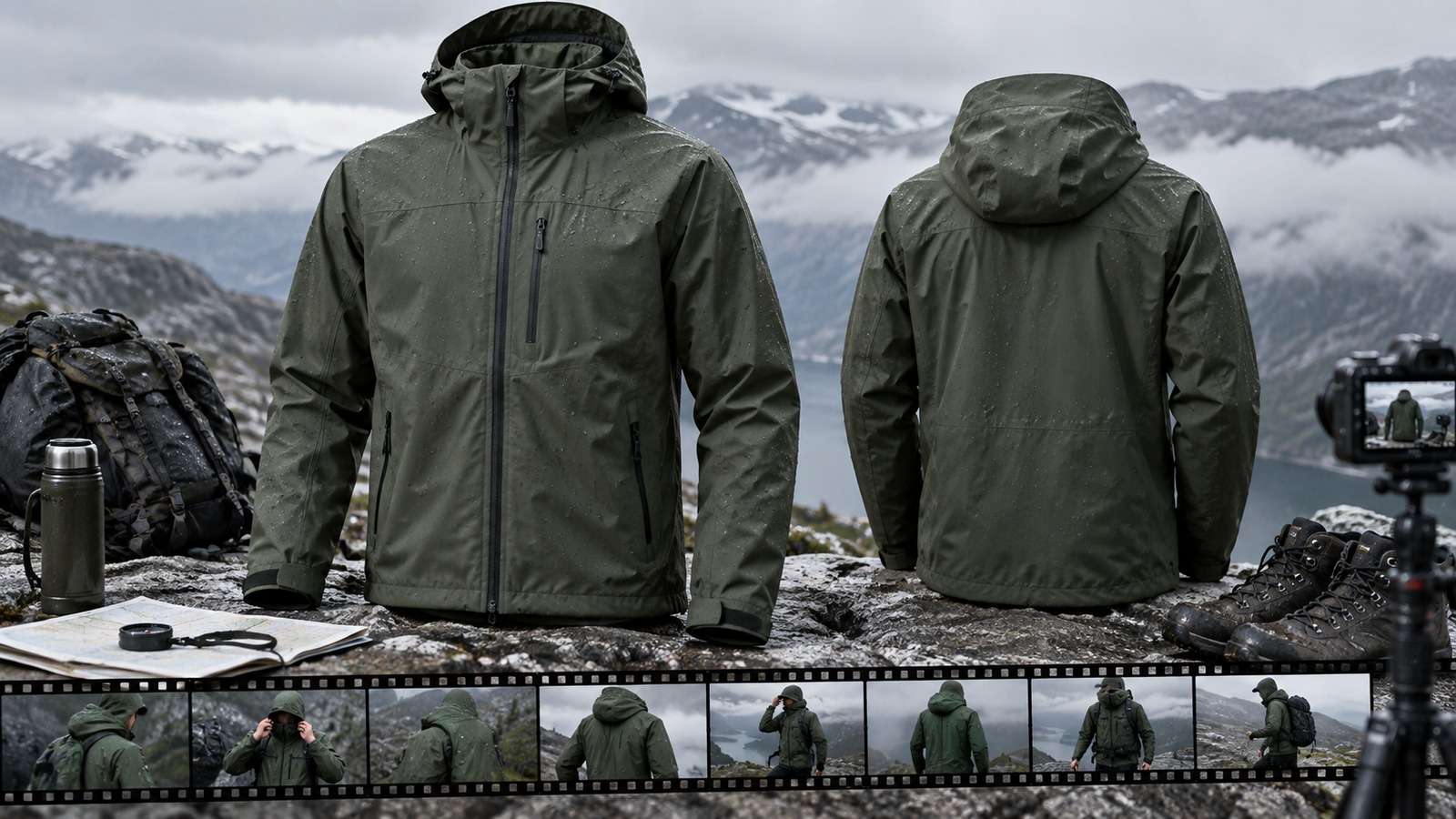
Motion is a format, not a rescue for a weak brief.
Keep an AI Campaign Workflow in One Manifest
Hero, square, story, and clip rows should share a campaign ID.
| Format | Typical generation |
| Hero still | GPT Image 2 or Nano Banana 2 from pack shot |
| Cropped variants | Edit from approved hero |
| Short motion | Kling 3.0 or Seedance 2.5 from approved still |
If each channel lives in a private folder, the campaign split.
QA Brand Locks on Every Size
A square crop that breaks the label is a failed row, not a platform quirk.
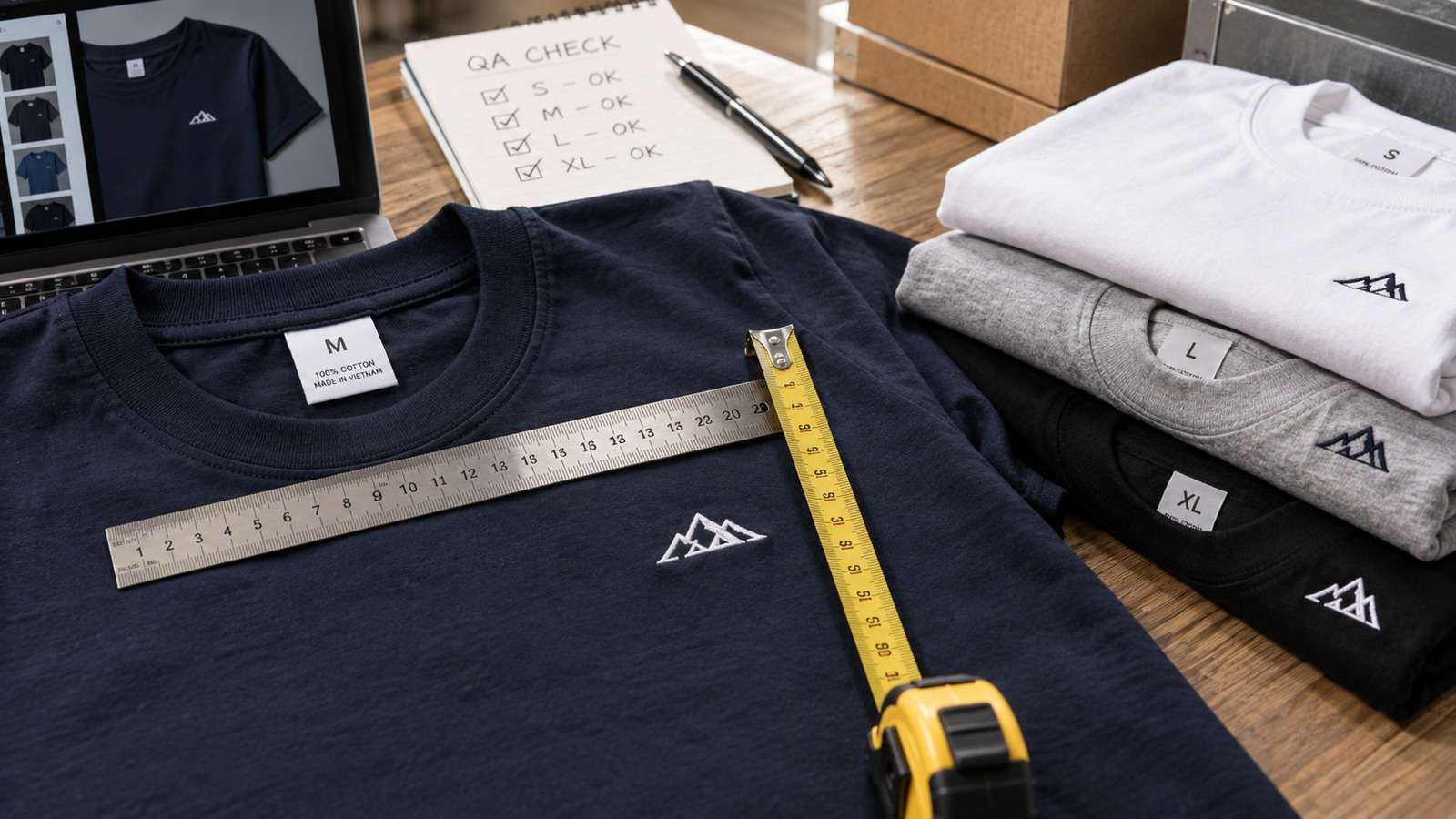
- Lock the brief.
- Generate stills.
- Approve.
- Then generate motion from the approved still.
Reject before upload.
Use Media.io CLI as the Campaign Generation Layer
Media.io CLI can produce stills and short clips from the same campaign folder while the agent owns size lists and locks.
If You Want the Coding Agent to Set Media.io Up for You
Use the complete prompt for the environment you are working in. Do not shorten the plugin, skills, authentication, or automatic troubleshooting instructions.
Copy This Complete Setup Prompt into Codex
Copy This Complete Setup Prompt into Claude Code

Show a real terminal or agent session, the returned output path or status, and the generated result.
Do Not Let Channel Urgency Skip Review
A story-size misspec is still a misspec.

Keep rejected variants out of the upload folder.
FAQs About Campaign Asset Automation
-
What is campaign asset automation?
A workflow that expands one locked brief into many named formats with review before upload. -
How is marketing asset automation different from random generation?
The brief and brand locks stay fixed while sizes and motion variants change. -
What is campaign creative automation good for?
Hero, square, story, and short motion cuts from one product story. -
What should an AI campaign workflow log?
Campaign ID, format, size, model, source still, status, and reviewer decision. -
Where does Media.io CLI fit?
As the generation layer for stills and short clips in the campaign folder. -
Should video generate before stills are approved?
Usually no. Motion should start from an approved still or a locked brief.
Multiply Formats, Not Ideas
Campaign asset automation works when one brief stays locked and formats multiply. Generate stills, approve, then add motion.


