
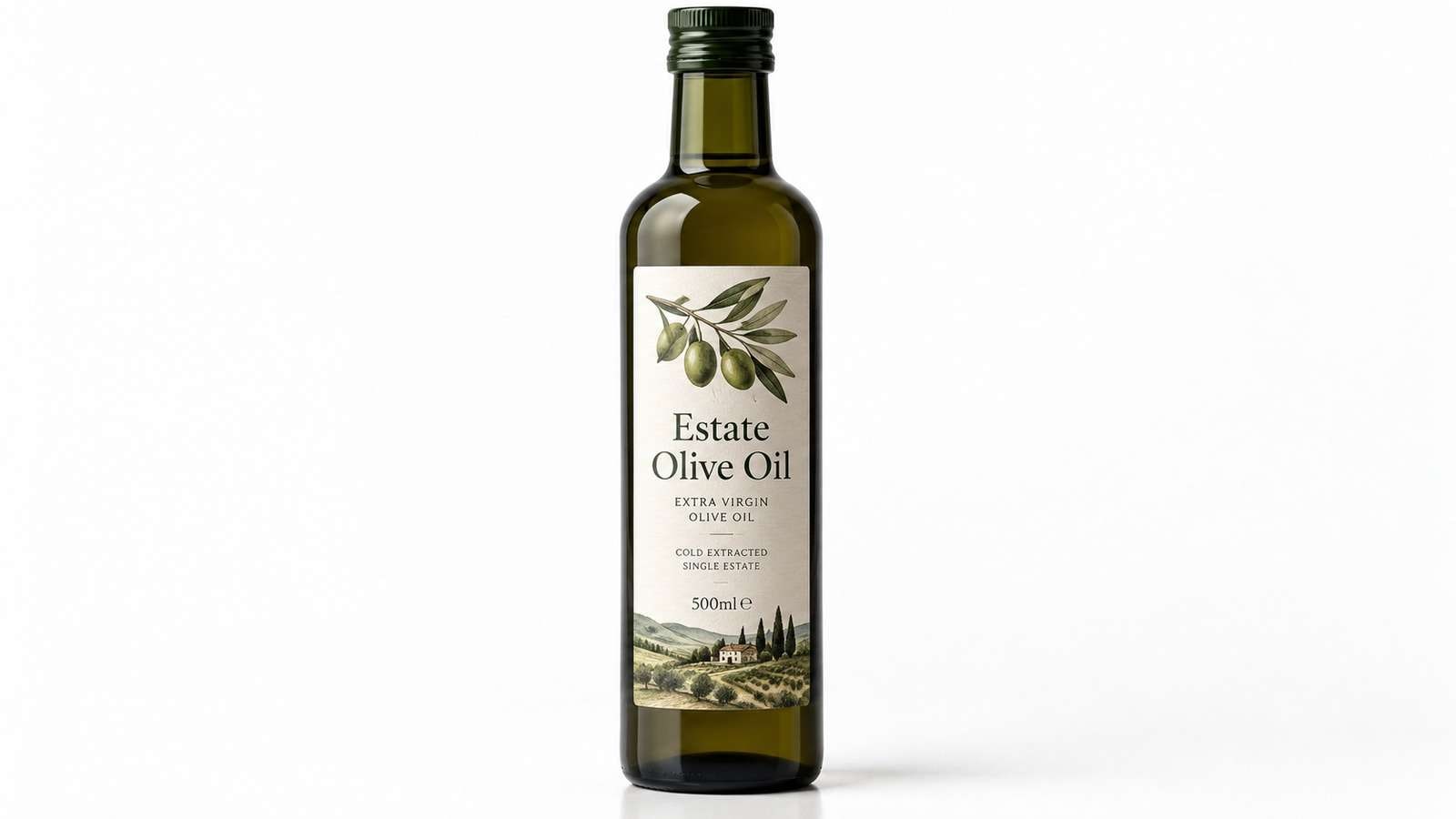
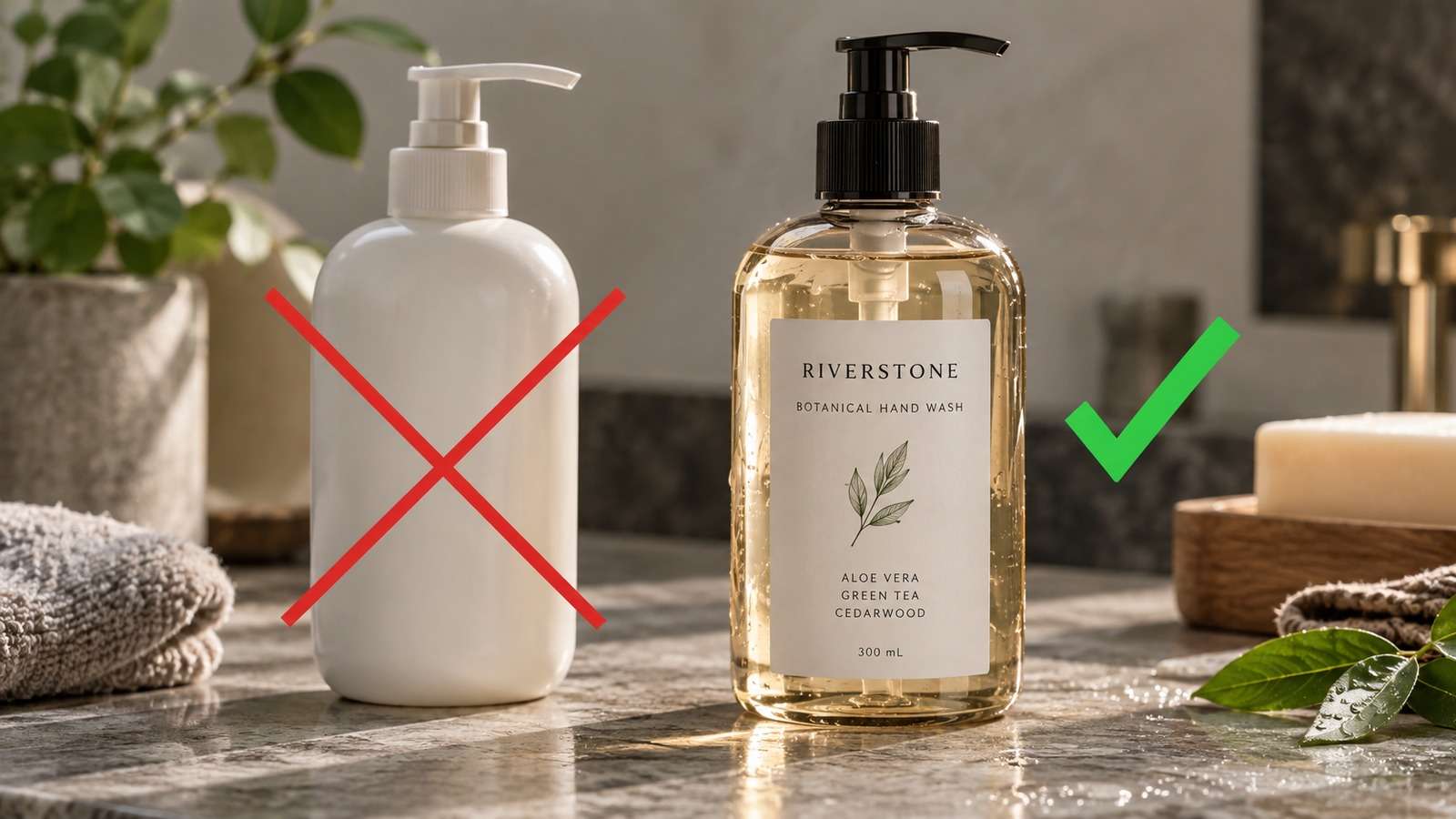
Ecommerce creative automation starts with a product that must stay itself. The pack shot, label, and silhouette are locks. Variants are lighting, set, crop, and a short motion cut, not a new SKU.
- A reference product image is required.
- Identity locks survive every variant.
- Ads and short clips start from approved stills.
- QA checks the label before upload.
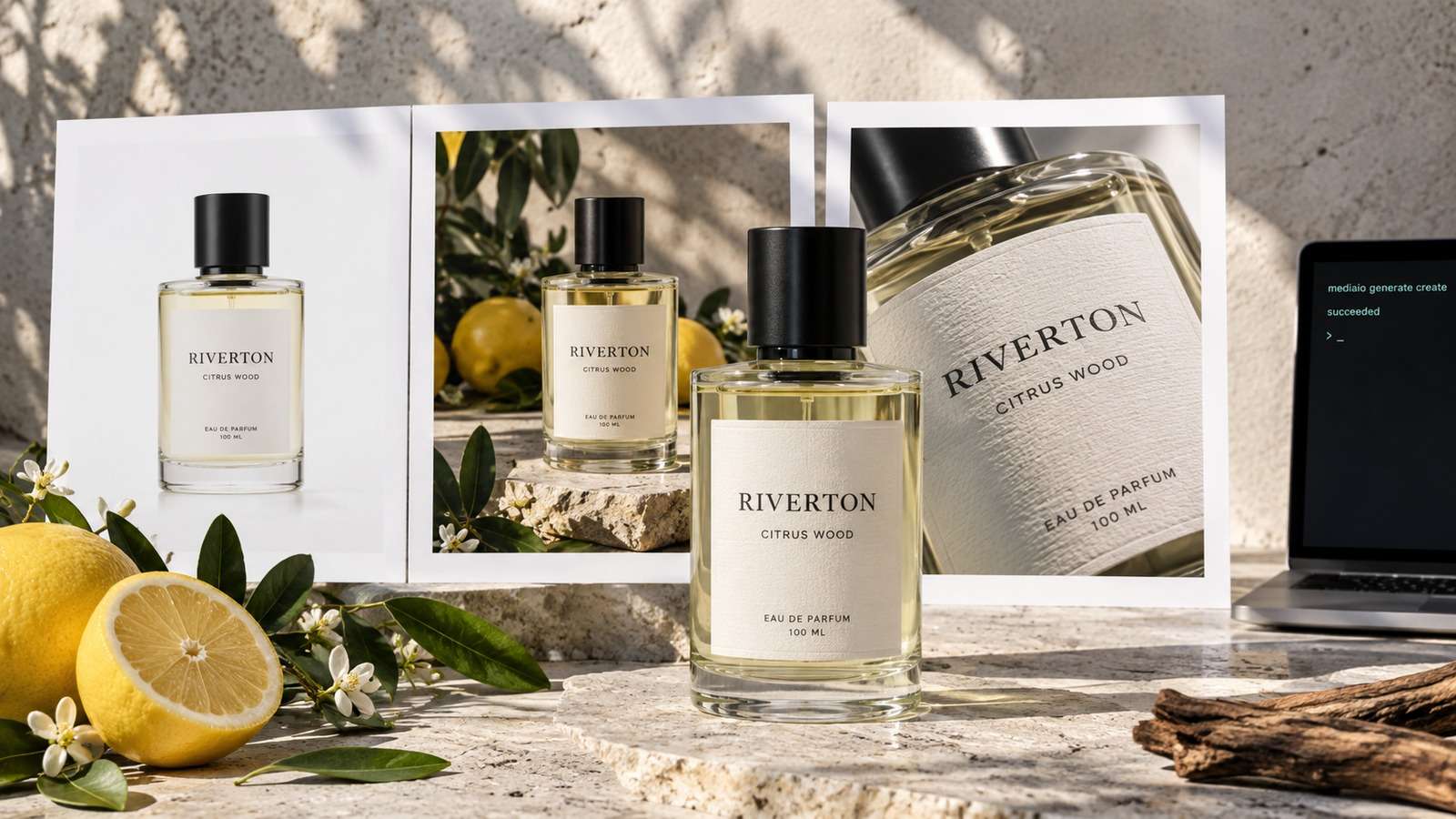
Media.io fit: Media.io CLI can run this ecommerce AI creative workflow: Nano Banana 2 for identity-preserving stills, GPT Image 2 when a net-new set is needed, and Kling 3.0 or Seedance 2.5 for short product clips.
In this article
Start From the Product, Not From a Mood Board
Product ad automation that ignores the reference image will invent a prettier bottle. That is a failed row in ecommerce.
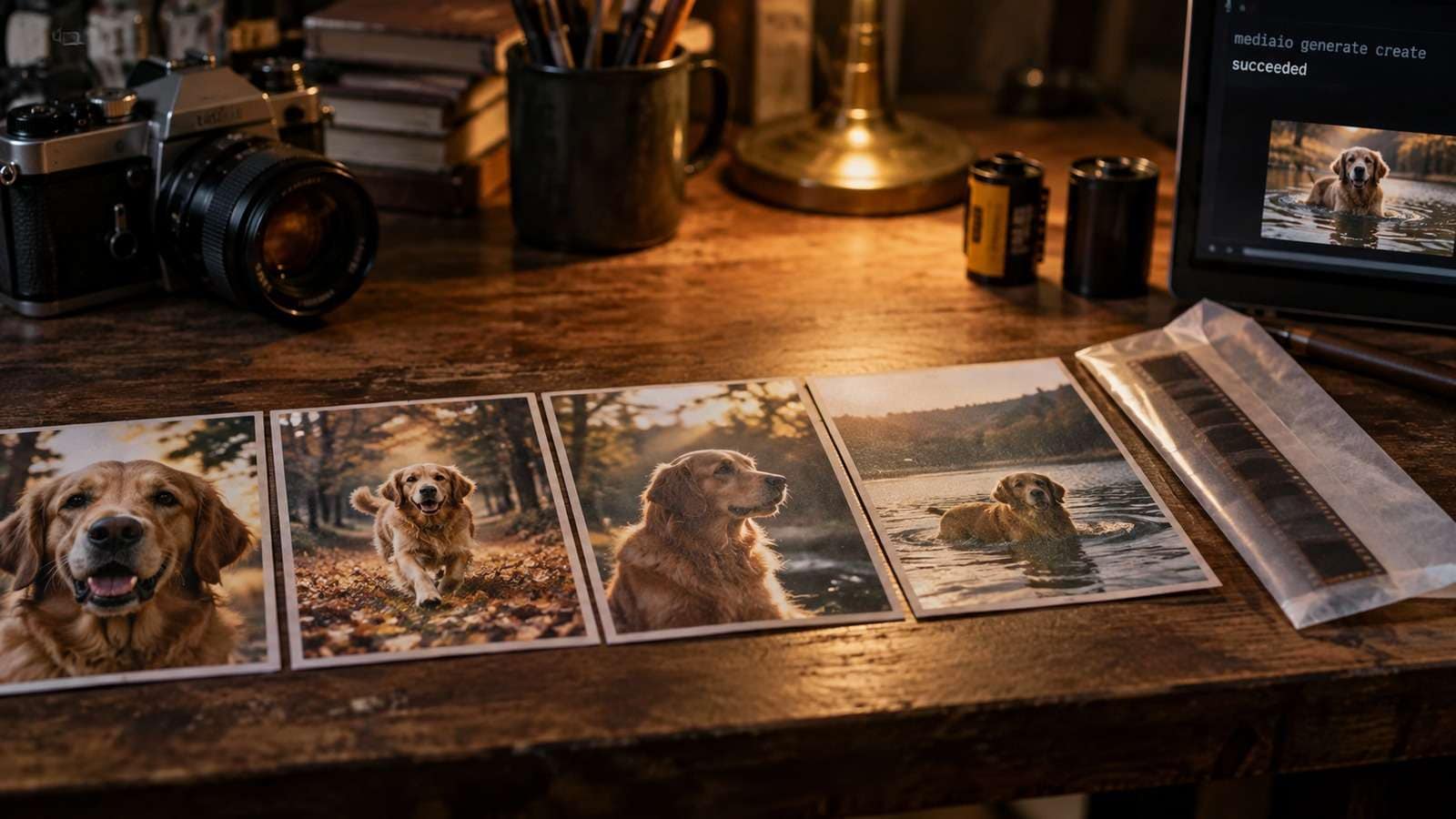
Pass the source. Lock the label.
- Reference image.
- Identity lock list.
- Channel size list.
- Review the label.
Prove Still Variants Before Video
An ecommerce image video AI loop should approve the still before spending a clip.
Motion will not fix a wrong silhouette.
Keep the Ecommerce AI Creative Workflow in One SKU Folder
Every output stem should include the SKU and shot type.
| Output | Typical model |
| Identity-preserving set change | Nano Banana 2 |
| Type-heavy ad frame | GPT Image 2 from approved product |
| Short product motion | Kling 3.0 or Seedance 2.5 from approved still |
If lifestyle, ad, and clip live in unrelated folders, identity QA becomes guesswork.
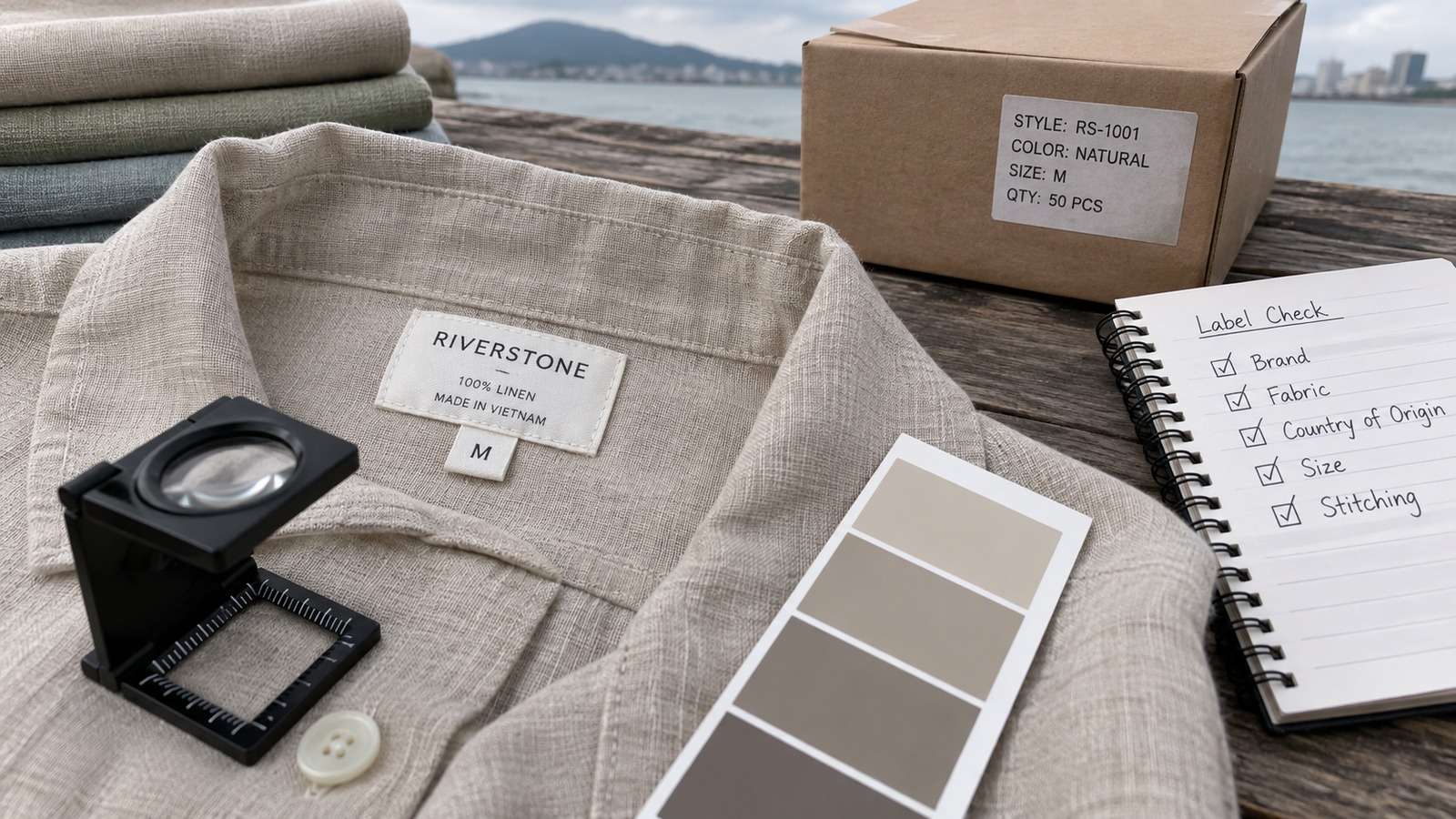
QA the Label Like a Catalog Team
If the label is unreadable, the row failed even if the set looks expensive.
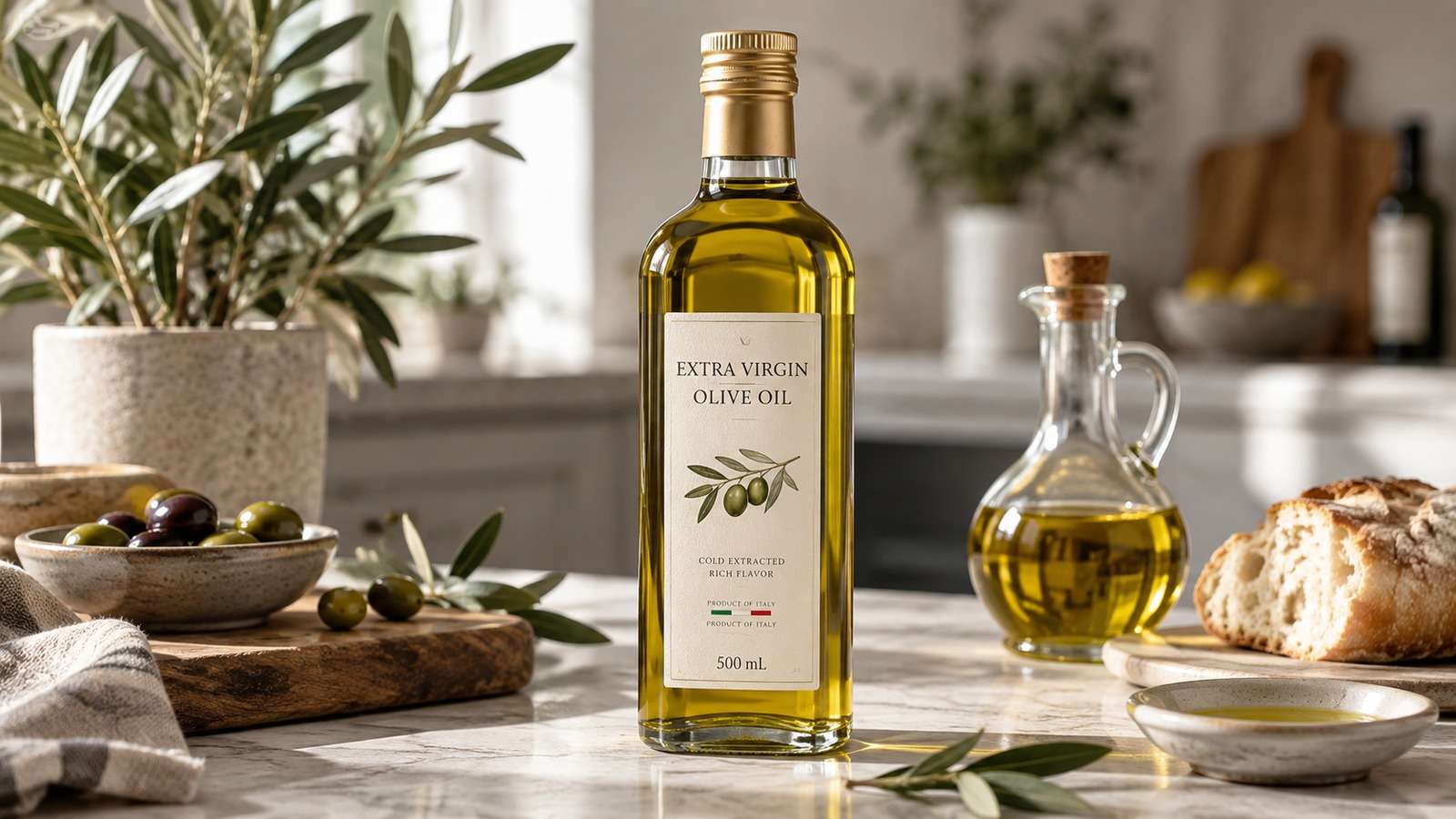
- Ingest the pack shot.
- Generate lifestyle stills.
- Approve identity.
- Then generate a short clip.
Reject before marketplace upload.
Use Media.io CLI as the Ecommerce Generation Layer
Media.io CLI can take a product reference through image to image and into short video variants while the workflow owns SKU naming.
If You Want the Coding Agent to Set Media.io Up for You
Use the complete prompt for the environment you are working in. Do not shorten the plugin, skills, authentication, or automatic troubleshooting instructions.
Copy This Complete Setup Prompt into Codex
Copy This Complete Setup Prompt into Claude Code
Show a real terminal or agent session, the returned output path or status, and the generated result.
Do Not Let Ad Urgency Break Identity Locks
A paid placement with the wrong bottle is worse than a late placement.
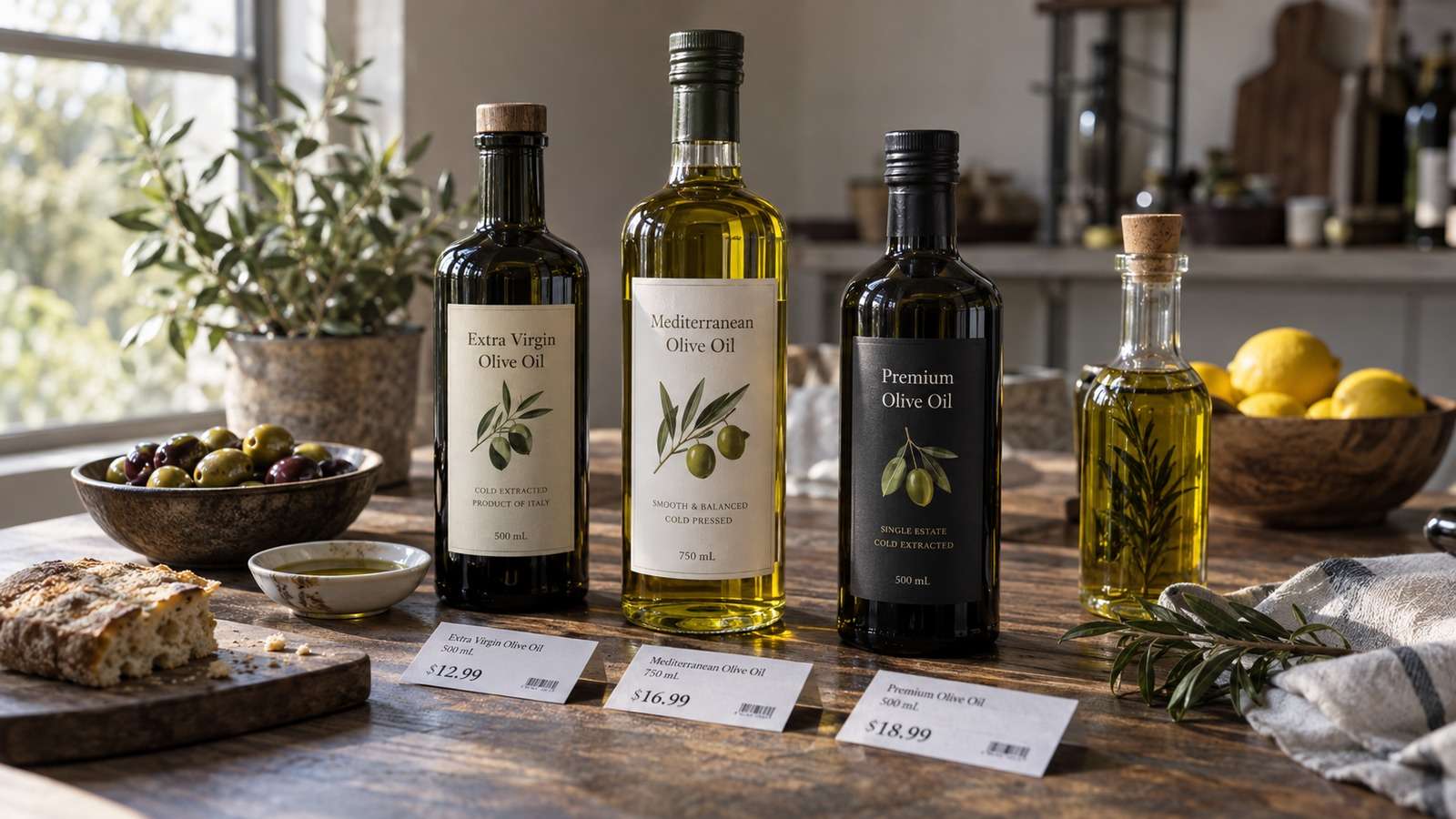
Keep failed identity rows out of the ad folder.
FAQs About Ecommerce Creative Automation
-
What is ecommerce creative automation?
A workflow that turns a product reference into stills, ads, and short clips while keeping identity locks. -
What is an ecommerce AI creative workflow?
Reference in, locked variants out, with QA on the label before upload. -
How should product ad automation start?
From a real pack shot or product render, not from a blank prompt. -
How do ecommerce image and video AI jobs stay consistent?
Share a SKU folder, pass the source still, and generate motion only after the still is approved. -
Where does Media.io CLI fit?
As the generation layer for identity-preserving stills and short product clips. -
What should I reject immediately?
Any still or clip that changes silhouette, label, or product identity.
Keep the Product Honest, Then Multiply Sets
Ecommerce creative automation works when the SKU stays itself. Lock identity, approve stills, then add short video.


