

When Media.io CLI is not working, the first question is not "was the prompt good?" It is whether the CLI is installed, authenticated, and able to write a file. Most mediaio cli error reports are setup reports.
- Install and version before prompt quality.
- Browser login must actually complete.
- The destination path must be writable.
- One probe job beats a rewritten brief.

Media.io fit: This page routes failed setup to the official Media.io CLI install-help flow, then back to a probe image or video job.
In this article
Separate Setup Failures from Prompt Failures
A mediaio cli install failed event and a weak still are different jobs. Mixing them wastes time.

If no file returns, you do not yet have a creative problem.
- CLI command exists.
- Auth session exists.
- Writable destination.
- One probe job.
Confirm Tools, Auth, and Paths First
If mediaio auth login failed, complete the browser flow and do not paste secrets into the prompt file.
If install failed, read INSTALL-HELP and let the agent follow it rather than guessing npm flags.
Run One Minimal Job as a Probe
A tiny still is the cheapest proof that Media.io CLI works.
Only after the probe file exists should you rerun the original brief.
Read the Status You Already Have
Timeouts, missing files, and rejected params are already telling you the next check.
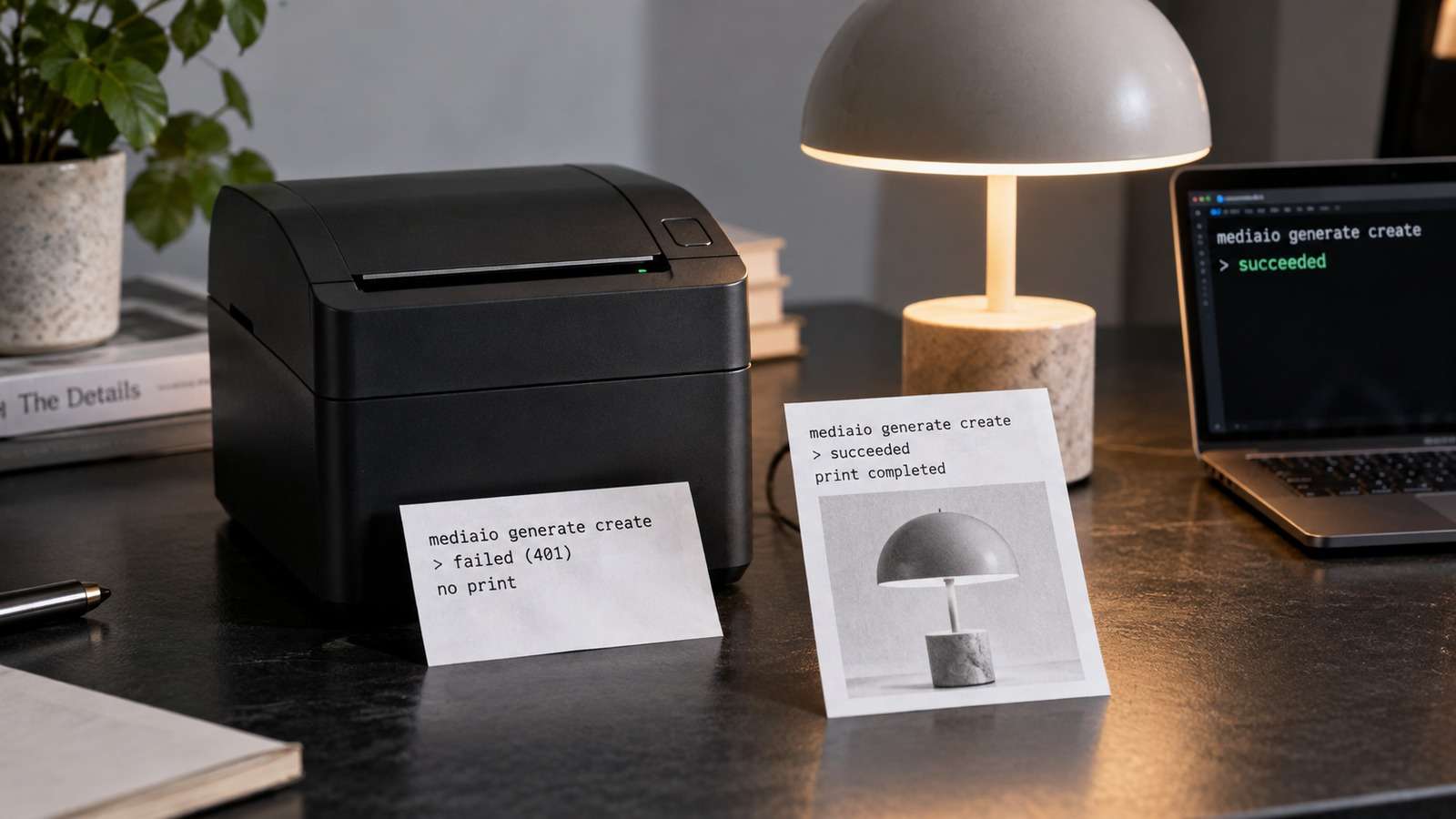
- Check the CLI is on PATH.
- Run auth login if needed.
- Follow INSTALL-HELP on failure.
- Run one probe still into a known folder.
Do not submit a second job until you understand the first.
Repair Media.io CLI Using the Official Setup Flow
Use the complete Codex or Claude Code setup prompt, including Media.io CLI install, plugin, skills, browser auth, and INSTALL-HELP. Do not shorten those steps.
If You Want the Coding Agent to Set Media.io Up for You
Use the complete prompt for the environment you are working in. Do not shorten the plugin, skills, authentication, or automatic troubleshooting instructions.
Copy This Complete Setup Prompt into Codex
Copy This Complete Setup Prompt into Claude Code
Show a real terminal or agent session, the returned output path or status, and the generated result.
Only Then Change the Brief or the Model
A repaired CLI plus a still-weak image is finally a brief problem.
| Symptom | First check | Next |
| Command not found | Install | INSTALL-HELP |
| Login loop | Browser auth | Retry login, no secrets in prompts |
| Install failed | Node/npm/permissions | INSTALL-HELP |
| No output file | Destination path | Probe still |
A repaired CLI plus no file is still a path or permission problem.
FAQs About Media.Io Cli Not Working
-
What should I do first when Media.io CLI is not working?
Confirm install, authentication, and a writable output path before changing the prompt. -
What does a Media.io CLI error usually mean?
Most early errors are install, auth, permission, or destination issues rather than model quality. -
How do I fix a Media.io CLI install failed state?
Read INSTALL-HELP and follow it. Only ask the user for browser sign-in or permission grants. -
How do I fix Media.io auth login failed?
Complete the browser sign-in the CLI opens. Do not paste credentials into a prompt file. -
Should I rewrite the prompt if no file returns?
No. Run a probe job after setup is repaired. -
Where is the official repair path?
INSTALL-HELP.md plus the complete agent setup prompt for Codex or Claude Code.
Repair the Connection, Then Rerun the Same Brief
Media.io CLI troubleshooting is a setup problem until a probe file exists. Use INSTALL-HELP, complete login, then generate into a known folder.


