
An ai video pipeline belongs after the brief is approved. The content team already has copy, stills, or a shot list. Video is the next stage, not a replacement for editorial judgment.
- Stills or copy are approved first.
- Video jobs use those assets as inputs.
- An agent can submit and retrieve clips.
- Publish happens only after review.

Media.io fit: Media.io CLI is the generation stage in this content pipeline AI video setup. The pipeline owns approval; Media.io returns Seedance 2.5 or Kling 3.0 clips.
In this article
Put Video After Approval, Not Before It
A content pipeline AI video stage that generates from unreviewed copy will ship the wrong story faster.
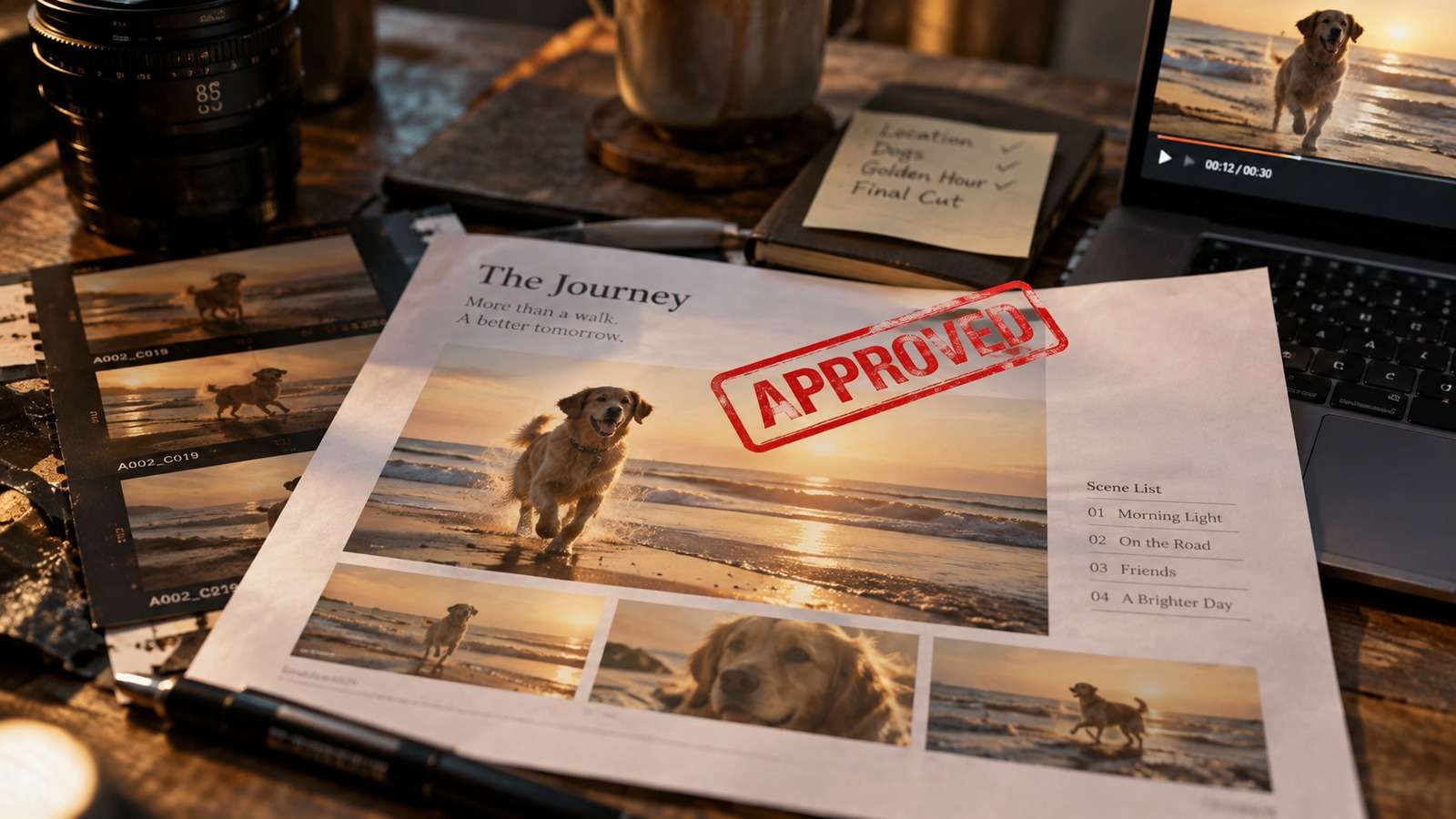
Approval is a gate, not a vibe.
- Approved brief or still.
- Shot name.
- Model field.
- Review before publish.
Start From the Asset You Already Trust
Automated content video is strongest as image-to-video from an approved still, or as a shot list from approved copy.

Blank-canvas trailers belong in a different experiment.
Use an Article to Video Workflow Agent After the Edit
An article to video workflow agent should read the approved article or still, write a shot brief, and submit a job. It should not invent a new story.
Keep the original URL or doc ID in the manifest.
Deliver Clips Into the Same CMS Rhythm
The MP4 should land where posters and stills already go.

- Approve copy or still.
- Write the shot brief.
- Generate.
- Review, then publish.
If video uses a parallel undocumented folder, the pipeline split.
Use Media.io CLI as the Pipeline Video Stage
Media.io CLI can turn approved stills or briefs into text to video or image-to-video clips while the pipeline keeps editorial gates.
If You Want the Coding Agent to Set Media.io Up for You
Use the complete prompt for the environment you are working in. Do not shorten the plugin, skills, authentication, or automatic troubleshooting instructions.
Copy This Complete Setup Prompt into Codex
Copy This Complete Setup Prompt into Claude Code
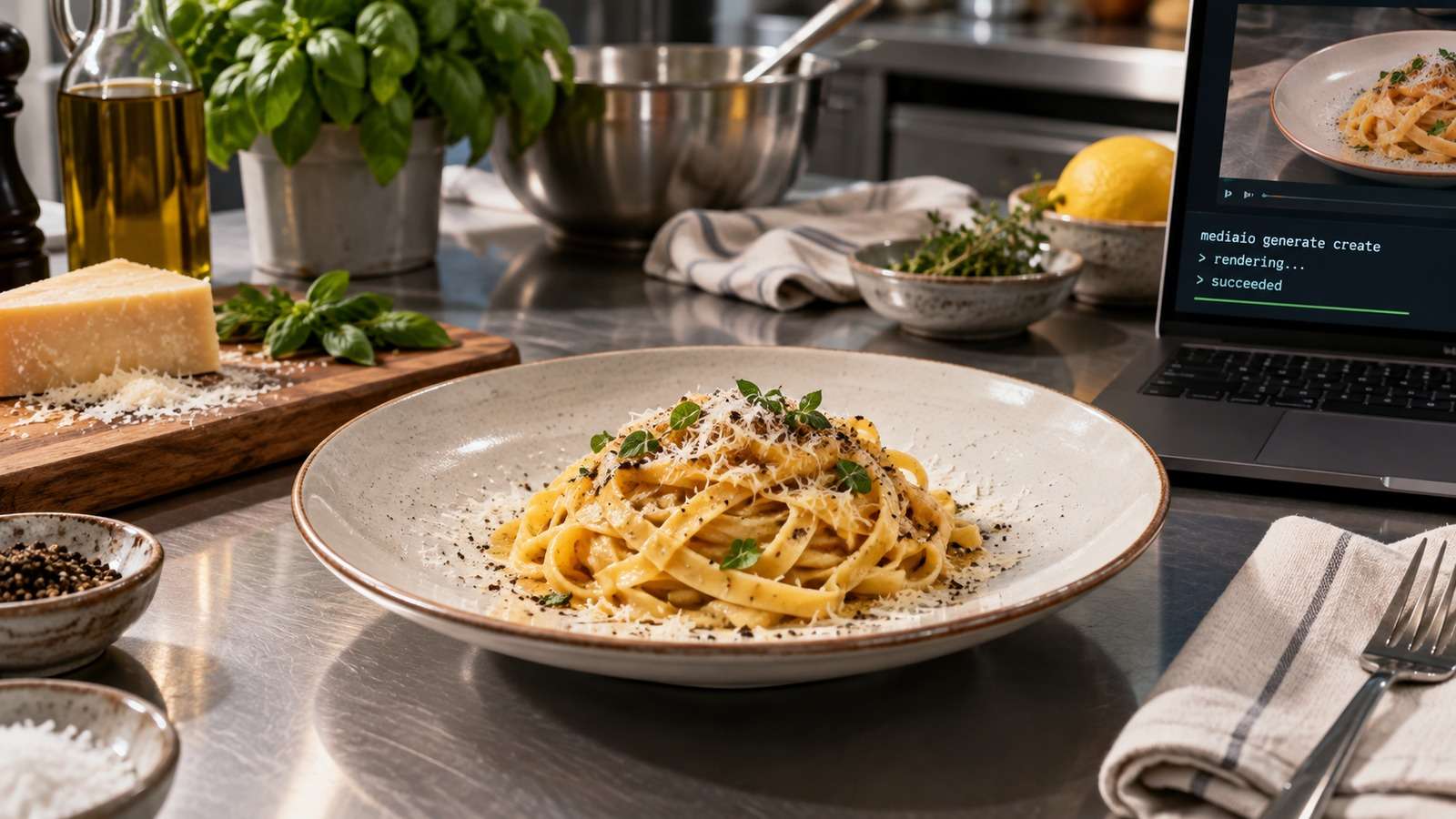
Show a real terminal or agent session, the returned output path or status, and the generated result.
Do Not Let Video Jobs Bypass Editorial QA
A successful render is not a successful story.

Reject clips that drift from the approved still or copy.
FAQs About Ai Video Pipeline
-
What is an AI video pipeline for content teams?
A stage that turns approved briefs or stills into reviewed clips before publish. -
How does content pipeline AI video differ from random clip generation?
It starts from approved editorial assets and keeps the same review rhythm as stills. -
What is automated content video good for?
Adding motion to already-approved heroes, explainers, and product stills. -
How should an article to video workflow agent behave?
It should read approved copy or stills, write a shot brief, submit a job, and wait for review. -
Where does Media.io CLI fit?
As the generation stage after editorial approval. -
When should video run in parallel with writing?
Only for experiments. Publishing pipelines should wait for an approved brief or still.
Add Video After the Story Is Approved
An AI video pipeline helps when it extends a content process you already trust. Generate from approved assets, then review before publish.


