
The video is ready, the product looks right, and the captions have been checked. Then the narrator says your brand name incorrectly. You do not need to abandon the entire edit. To fix AI voice pronunciation, isolate the spoken line, establish the intended pronunciation, create a replacement that fits the scene, and review the exported result.
A text correction and a voice correction are different tasks. Your on-screen brand name can remain spelled correctly while the text used to generate speech changes. When the speaker's face is visible, replacing the audio also creates a mouth-timing problem. This guide separates those cases so you can choose a focused repair without promising a perfect one-click result.
In This Article
Identify the Pronunciation Problem
Write down the word, the intended sound, and the timecode of every occurrence. Include the brand name, product model, acronym, and any spoken website address. Listen to each occurrence in context rather than assuming the same spelling produces the same result throughout the video.
| What You Hear | What to Check | Starting Point |
|---|---|---|
| Stress falls on the wrong syllable | The approved brand pronunciation | Test a short phrase with the selected voice |
| An acronym becomes a word | Whether the letters should be spoken separately | Try a letter-by-letter reading and listen |
| The name sounds correct but rushed | The available time in the scene | Shorten the surrounding sentence |
| The audio is right but the mouth looks wrong | The new audio length and visible speech | Review the speaking segment for lip sync |
| The caption contains a spelling error | The subtitle text rather than narration | Correct the caption independently |
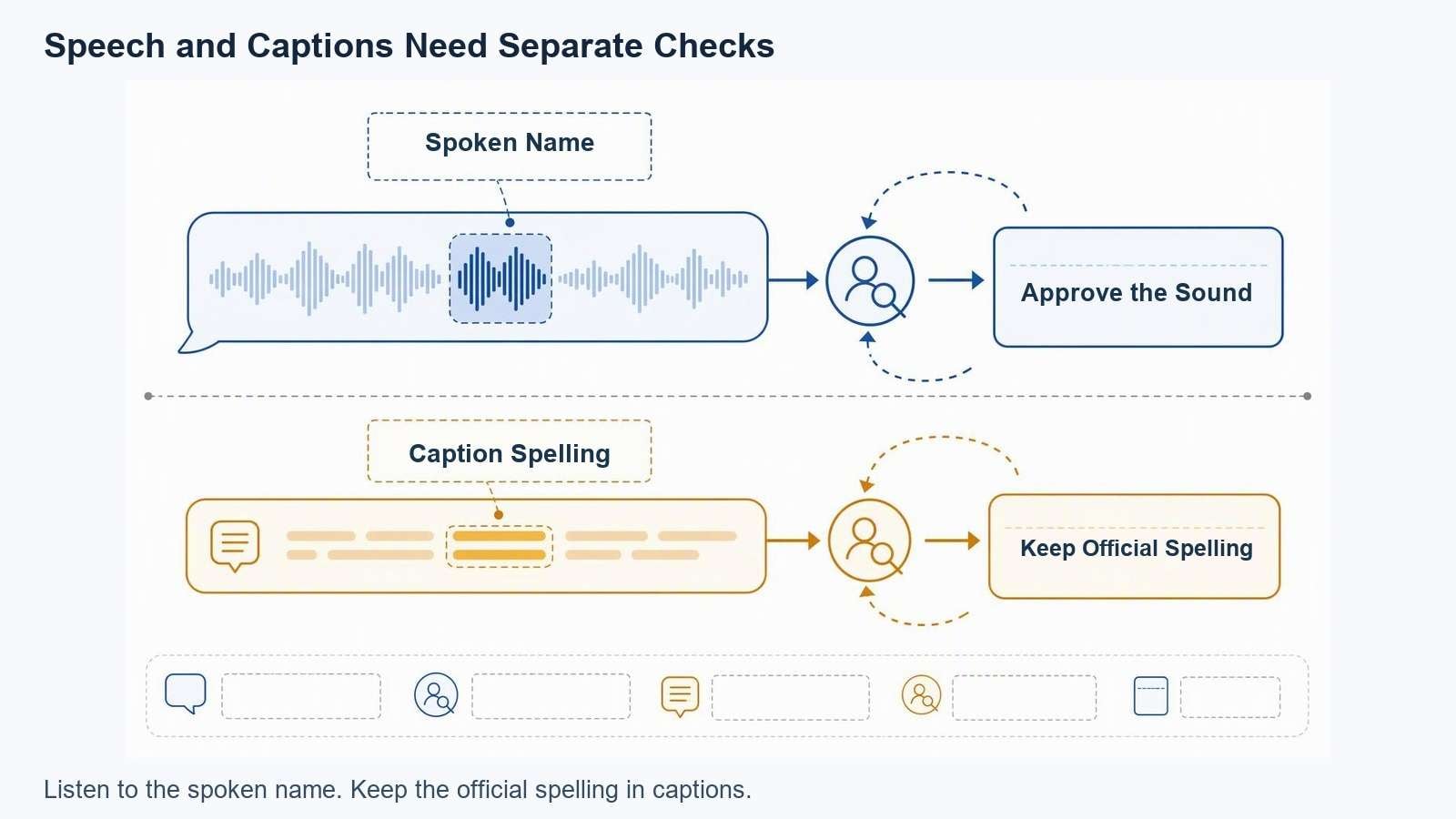
Illustrative repair diagram, not a recording or measured before-and-after result.
Do not use a pronunciation repair to disguise a factual change. If the script says the wrong model number, capacity, or offer, update the approved copy first. A better-sounding version of an incorrect claim is still an incorrect claim.
Prepare a Reliable Reference
Ask the brand owner or authorized reviewer how the name should sound. A written guide can help, but a spoken example is more useful when reviewers interpret phonetic spelling differently. Save the reference with the script so another editor can understand the decision later.
- Record the name in isolation. Capture a clean pronunciation without music or overlapping speech.
- Record it inside the actual sentence. Stress and pauses can change between other words.
- Confirm the language and accent. A pronunciation approved for one audience is not automatically the intended reading for another.
- Keep the official spelling separately. Use it in subtitles, product labels, filenames, and approval notes.
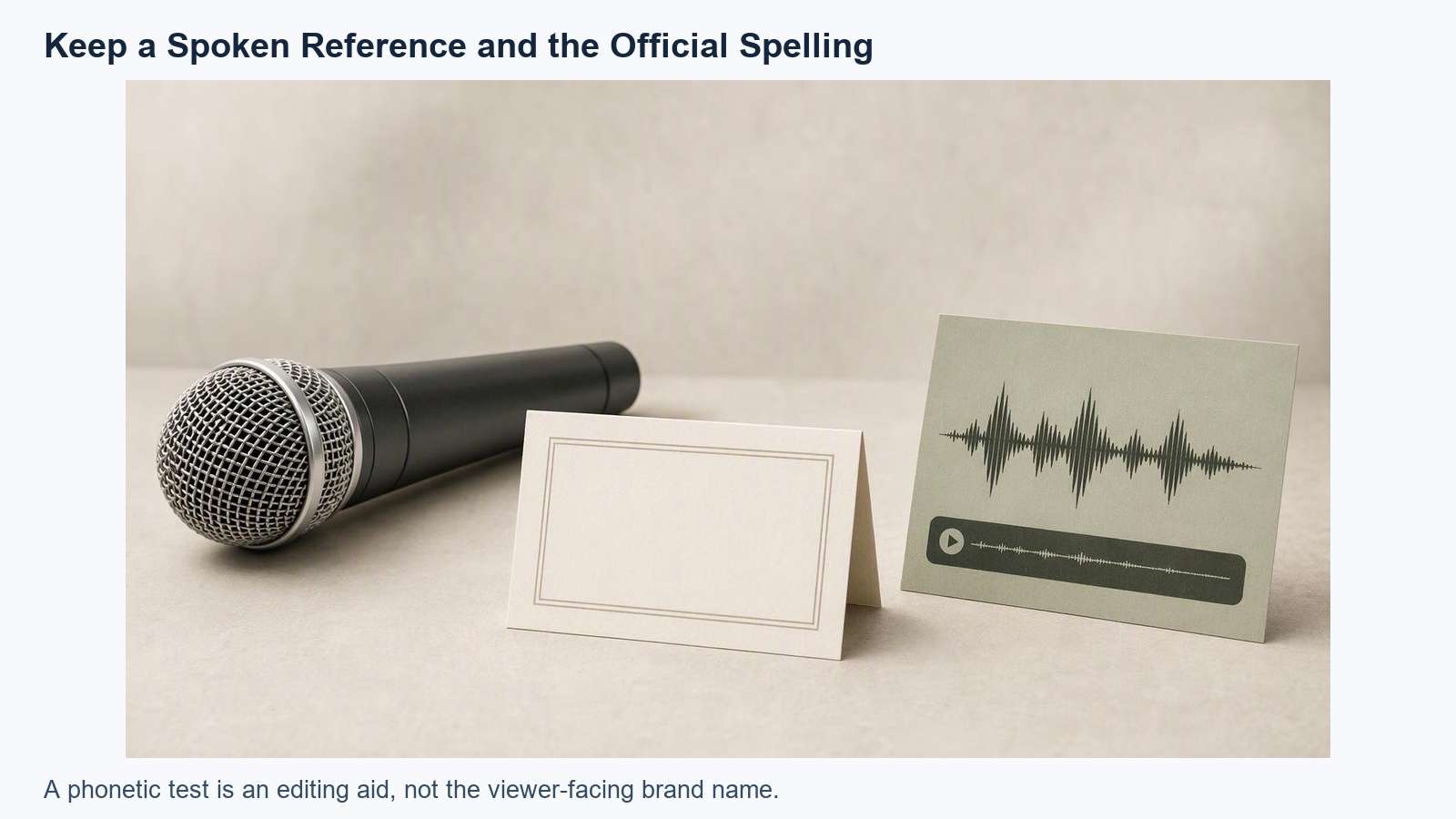
Illustrative repair diagram, not a recording or measured before-and-after result.
For a hypothetical example, suppose a team wants “Velmora” to sound like “veh-MOR-ah.” That spelling guide is a writing aid, not a command every voice engine understands. Try alternate spelling only in a test. Listen before accepting the result, and keep “Velmora” in the viewer-facing caption.
Avoid changing voice, accent, speed, emotion, and wording simultaneously. Make one small test at a time. If the campaign already uses a consistent narrator, retain its approved settings. The broader AI voice consistency workflow helps prevent a repair from making one sentence sound like a different speaker.
Choose the Right Repair
Voiceover Above Product Footage
When no mouth is visible, focus on pronunciation, delivery, and the audio edit. You may be able to keep the approved product footage and replace only the affected narration. Choose a phrase-sized segment rather than cutting through a syllable. Adjacent words often carry breaths or transitions that make an isolated word difficult to insert cleanly.
A Visible Presenter or Talking Character
A visible speaker needs an additional review. Even a correctly spoken sentence can look uncomfortable if its timing differs from the mouth movement. Prepare the new audio first, then evaluate a lip-sync version of the affected segment. Compare the original and processed footage for facial movement, product details, and unintended visual changes.
If the new line cannot fit naturally, revise the edit. An approved product close-up can cover narration where appropriate, but the cutaway must remain relevant and truthful. Do not speed up speech until it becomes difficult to understand simply to preserve the original duration.
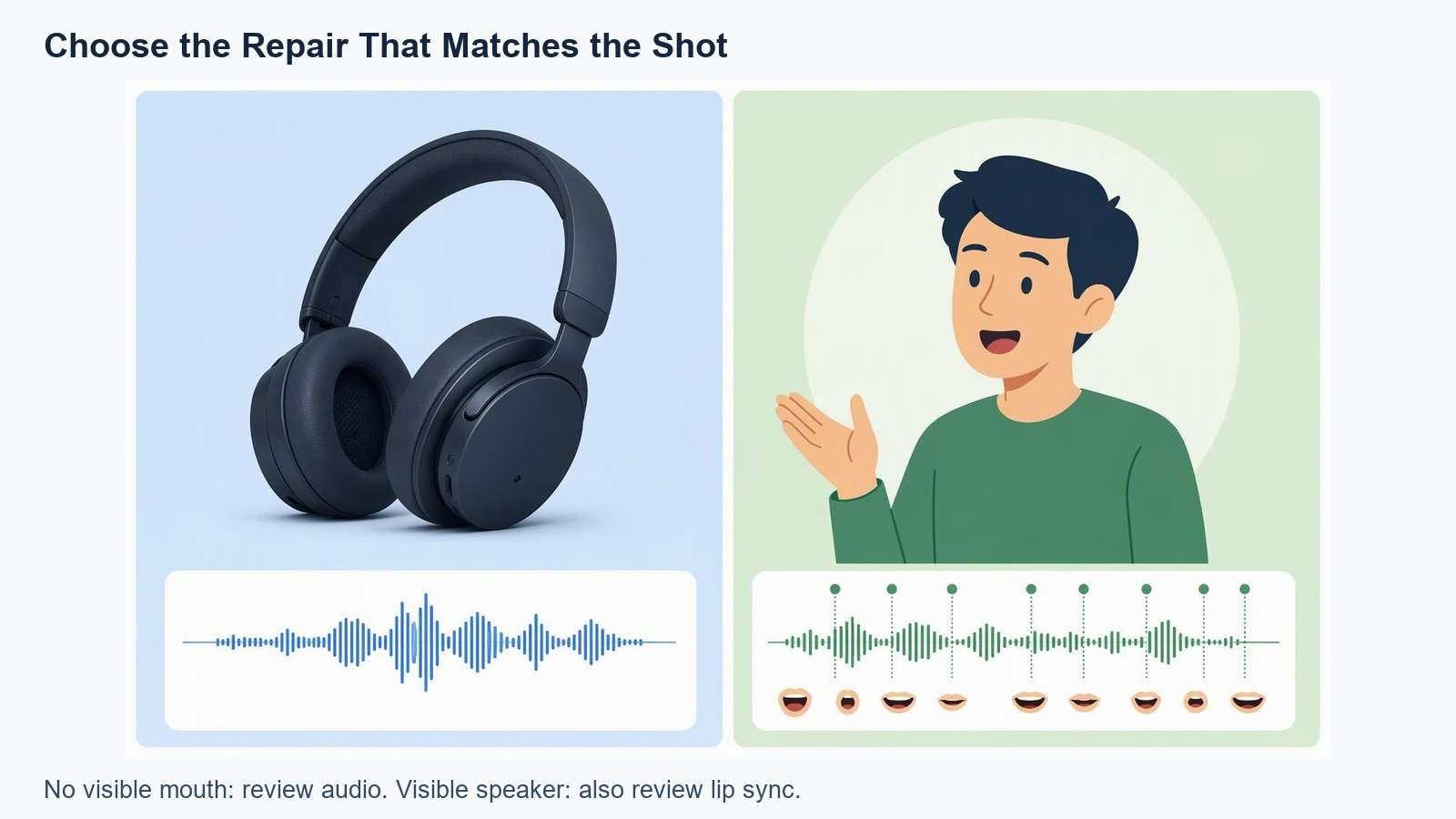
Illustrative repair diagram, not a recording or measured before-and-after result.
Create and Apply the Replacement
Begin with a short test rather than regenerating a full advertisement. Keep the original audio and picture untouched in a separate version. This gives you a reliable comparison and a way to reverse an unsuccessful repair.
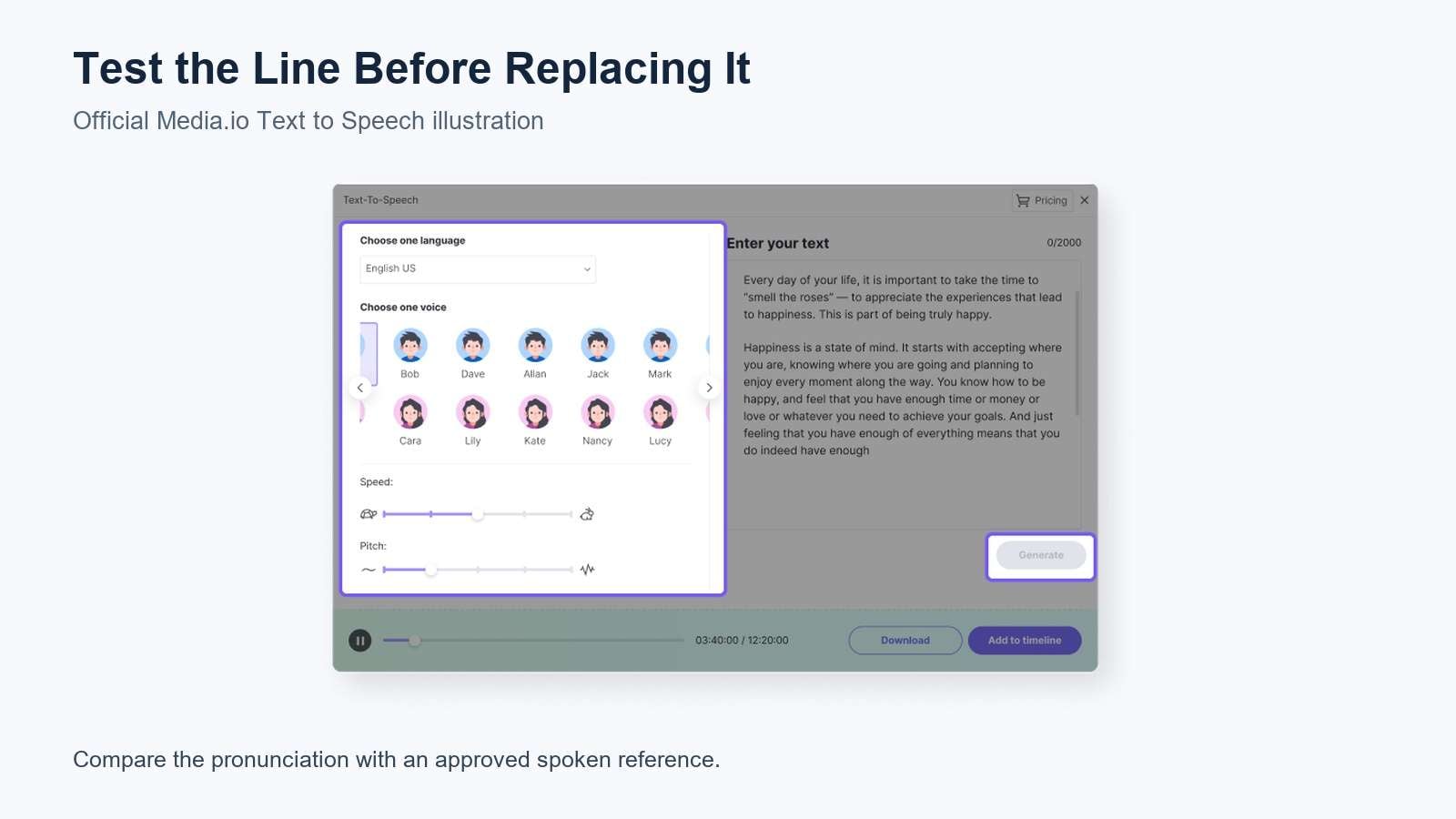
Official Media.io product illustration. Interface appearance may differ from the current tool; this is not a tested result from this article.
Return the replacement to the editing timeline. Match its perceived loudness and tone to surrounding speech, and listen across the boundaries with headphones and a normal speaker. A small pause may sound natural; a clipped consonant or abrupt background change usually does not. Apply a transition only when it improves the join rather than masking a bad cut.
Keep generated and recorded material identified in the working files. Permission to use a recording does not automatically mean permission to imitate the speaker's voice. Use your own audio or obtain relevant consent before creating or using a synthetic likeness.
Review the Finished Video
Review the export, not just the editor preview. Start before the changed line and continue after it. Then watch the entire advertisement to catch repeated names, subtitle inconsistencies, or a new mismatch between narration and what the product actually does.
- Pronunciation: The authorized reviewer accepts every occurrence.
- Continuity: The phrase does not unexpectedly change the narrator's apparent voice or recording environment.
- Picture: Mouth movement is plausible, and product labels, shape, and relevant details remain accurate.
- Captions: Official spelling appears consistently, without phonetic test spelling.
- Delivery: The line remains intelligible on a phone, with the final music and effects.
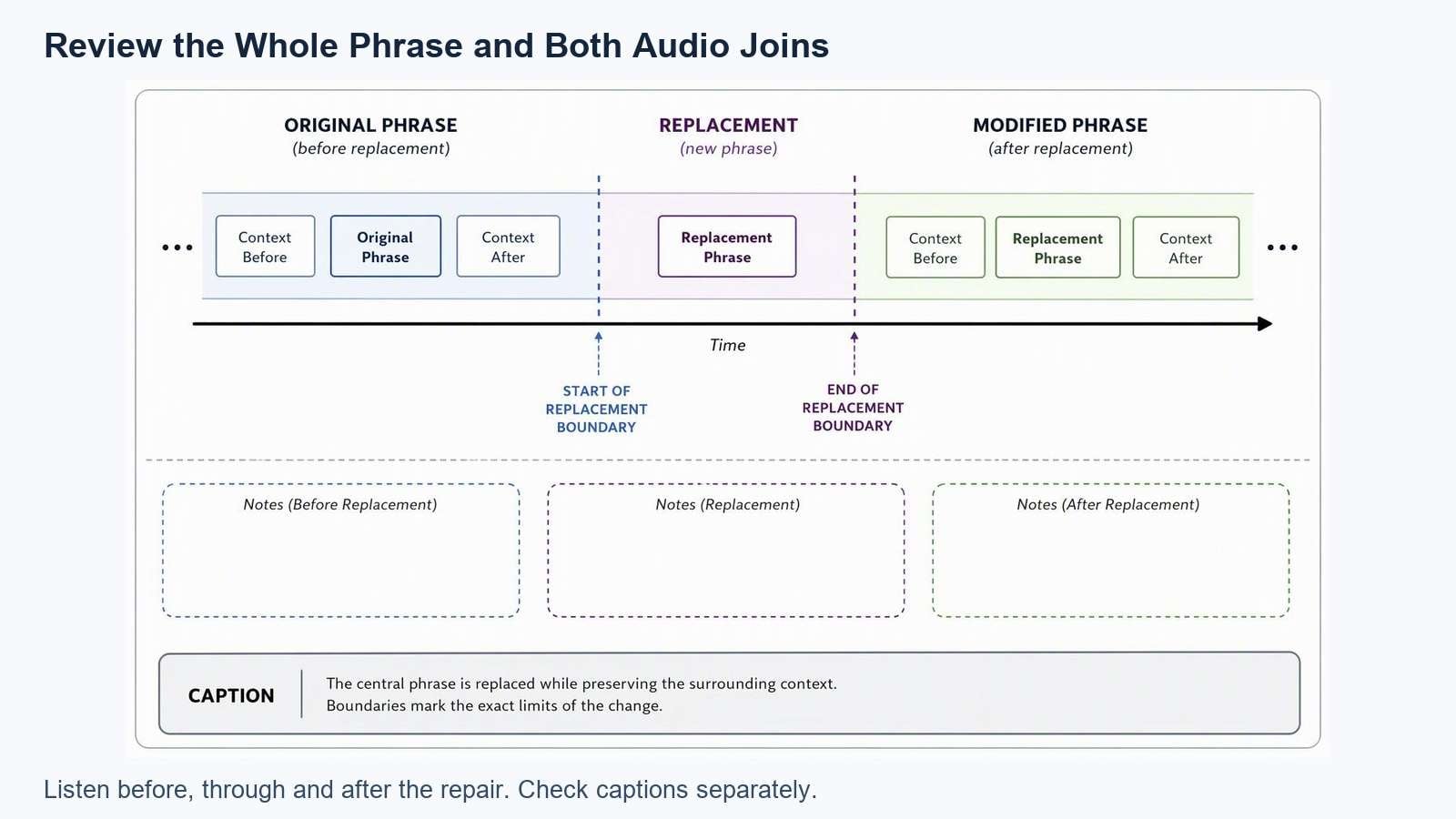
Illustrative repair diagram, not a recording or measured before-and-after result.
If subtitles need a separate correction, use the video caption generator to review text and presentation. Do not assume speech recognition will know an unusual brand spelling without inspection.
Save the approved script, pronunciation reference, original clip, replacement audio, and export together. That record is useful when a campaign needs another language or revised offer. For the next speaking-clip revision, test the audio replacement workflow with a short segment before processing a longer video.
Frequently Asked Questions
-
How Can I Fix AI Voice Pronunciation When Changing the Spelling Does Not Work?
Use a correctly pronounced recording that you own or have permission to use. Test the complete phrase rather than only the difficult word. Apply it as replacement narration, or evaluate lip sync if a speaker is visible. Alternate spelling is a test method, not a guaranteed correction. -
Should the Caption Use the Phonetic Spelling?
Usually not. A phonetic spelling may help you test speech generation, but viewers should see the approved brand or product spelling. Keep a separate pronunciation reference for the production team. Review captions after generating or replacing audio so the test spelling does not reach the final video. -
Can I Repair Just One Word?
Sometimes, but a complete phrase may join more naturally because pronunciation includes transitions, breaths, and emphasis around the word. Compare both approaches where practical. If an isolated replacement sounds pasted in, record the surrounding phrase and choose edit points that do not cut through active speech. -
Will New Audio Automatically Match the Original Mouth Movement?
No. Different speech can require different timing even when sentences have similar lengths. A lip-sync tool can help create a revised speaking segment, but its output still needs inspection. Review the face, mouth, product details, and transitions rather than treating a completed processing job as final approval.


