
If the narrator changes slightly every time the scene changes, the audience notices even when they cannot explain why. Voice consistency is not only about timbre. Pace, accent, breathiness, emotion, pronunciation, loudness, and room character can all make the same synthetic speaker feel like a different person.
Curious Refuge compares those three workflows in a dedicated voice-consistency tutorial. Watch the contrast first, then use the rest of this guide to turn the preferred voice into a repeatable series spec with controlled scripts, settings, multilingual delivery, normalization, and QA.
In this article
- Define What "The Same Voice" Means for Your Project
- Use the Same Voice Asset, Not a Similar One
- Start With Clean and Consistent Reference Audio
- Lock Voice Settings Across the Series
- Standardize the Script Before You Generate Audio
- Generate in Manageable Segments
- Keep Emotional Range Deliberate
- Match Voice Across Languages Carefully
- Normalize the Finished Audio, Not Just the Generator Settings
- Use a Voice Reference Clip During QA
- Build a Repeatable Media.io Voice Workflow
- AI Voice Consistency Checklist
- Keep Model and Workflow Versions Under Control
- FAQs About AI Voice Consistency
Define What "The Same Voice" Means for Your Project
Voice identity is only one part of consistency. Two clips can use the same synthetic voice and still sound like different productions.
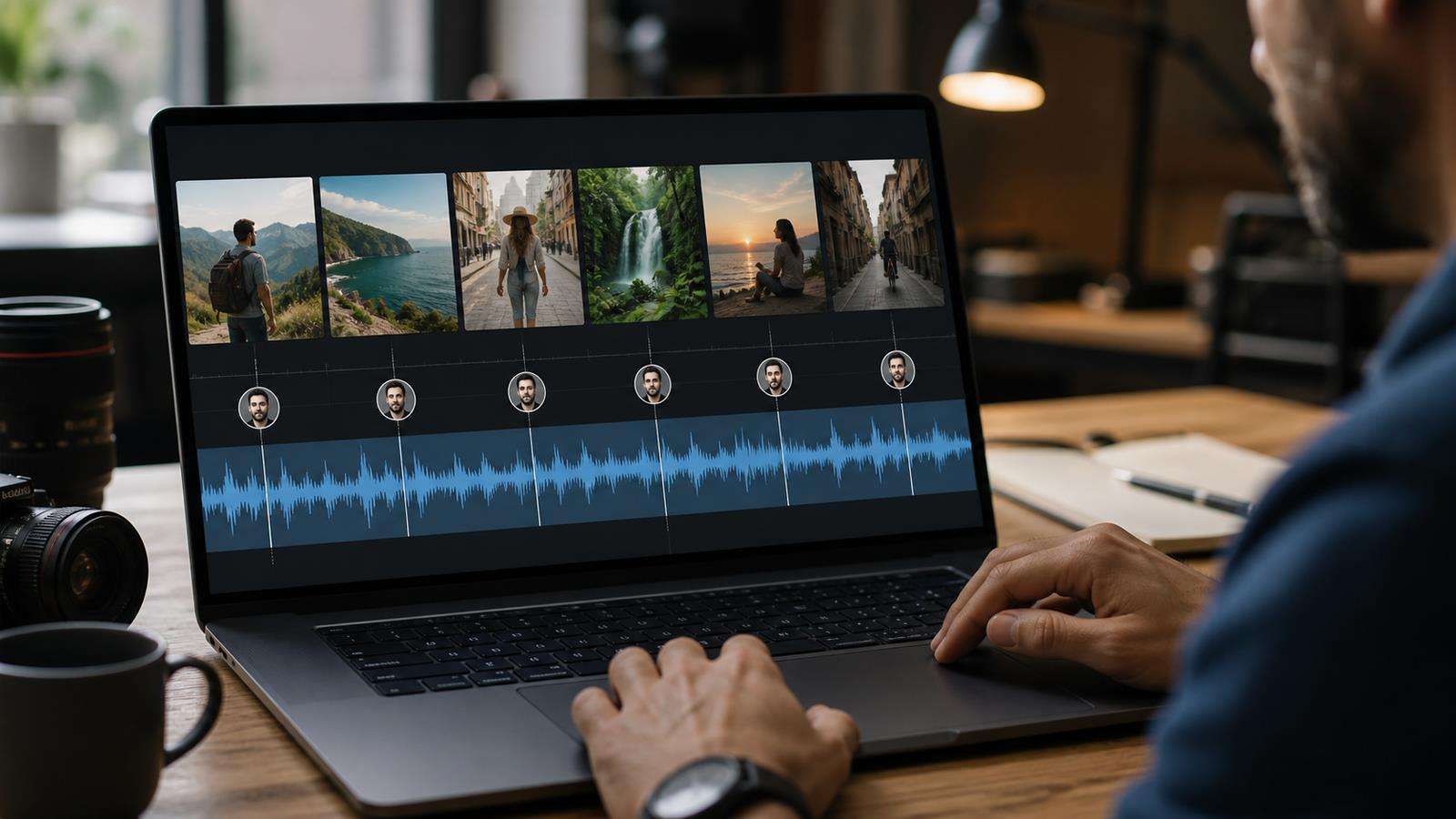
Define the target in several dimensions:
| Consistency dimension | What to lock |
| Vocal identity | timbre, accent, apparent age, and core character. |
| Delivery | calm, energetic, conversational, authoritative, or playful. |
| Pace | approximate words per minute and pause style. |
| Emotion | neutral baseline and allowed emotional range. |
| Recording character | dry studio, warm booth, close microphone, or another consistent sound. |
| Loudness | a target level for final exports. |
| Pronunciation | names, acronyms, products, places, and technical terms. |
Write these into a voice spec. A useful spec might say: "Warm female narrator, clear neutral American English, medium pace, confident but not salesy, short pauses between sentences, no exaggerated breathiness, dry studio sound, consistent product-name pronunciation."
The voice spec becomes the reference for every script and QA pass.
Use the Same Voice Asset, Not a Similar One
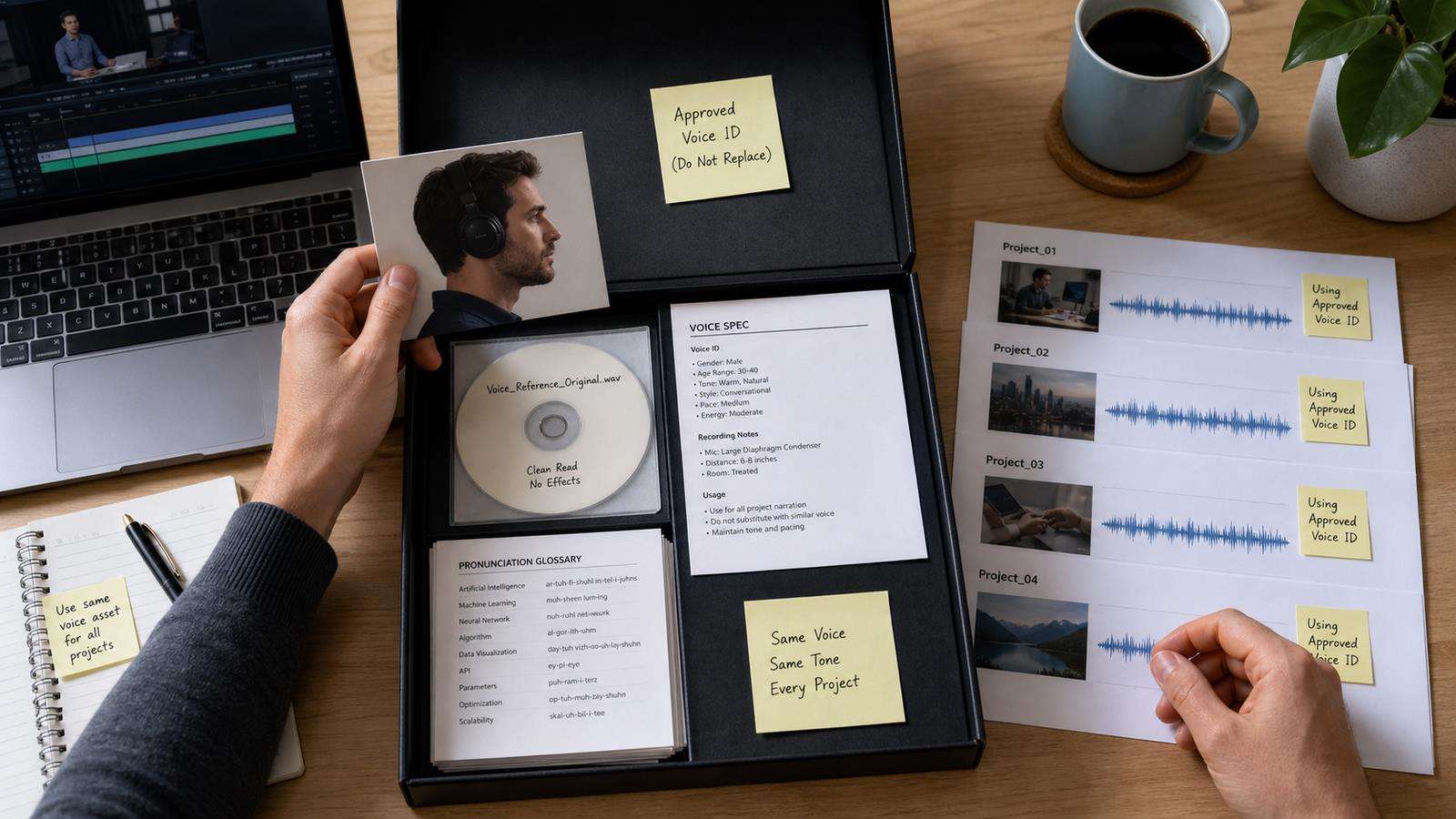
If a platform provides a voice ID, saved voice, or cloned voice, reuse the exact same asset across the series. Do not choose a new voice because its preview sounds close.
For cloned voices, keep the original source recordings. ElevenLabs notes that recreating a clone from the same samples can still produce a slightly different clone. That is another reason to preserve the approved voice asset instead of rebuilding it later.
Media.io's AI Voice Cloning workflow can be used to create a reusable voice for narration, marketing, education, or video voice-over. When consistency is important, treat the approved clone as a named production asset and record which projects use it.
Start With Clean and Consistent Reference Audio
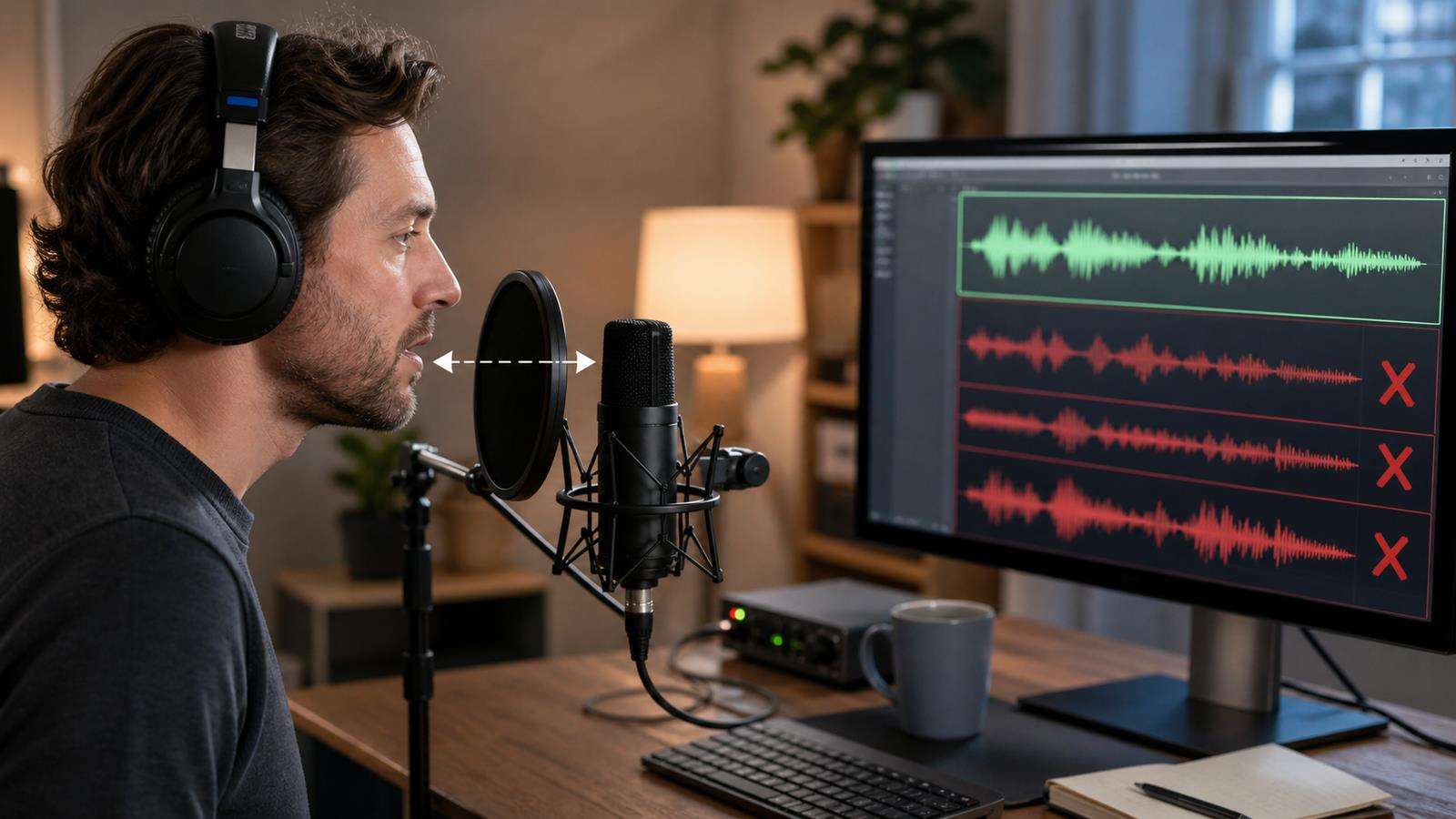
A clone learns from what it hears. Background noise, room reverb, changing microphones, large volume swings, and mixed performance styles can make the generated voice less predictable.
ElevenLabs recommends clean single-speaker recordings with consistent volume, tone, audio quality, and performance. For its Instant Voice Cloning workflow, it recommends roughly one to two minutes of good audio. Professional cloning requires much more material, but the important principle is the same: quality and consistency matter more than collecting random minutes of speech.
Record the voice you actually want to reproduce. If the target is a calm corporate narrator, do not mix whispering, shouting, character acting, and casual phone recordings into the same reference set. If you want several emotional modes, manage them deliberately instead of letting the training data become an accidental mixture.
Lock Voice Settings Across the Series
Many TTS systems expose controls that affect consistency. Names differ by platform, but common controls include stability, similarity, style, speed, pitch, emotion, and language.
Record the settings used for the approved clip. If you change stability or style from one video to another, you are intentionally changing the voice behavior.
ElevenLabs describes stability as a control over how closely output adheres to the reference and how much randomness appears between generations. It also warns that stronger style exaggeration can reduce stability. That is a useful general lesson: settings designed for expressiveness can make a series less uniform.
For production, establish one baseline preset. Create separate named presets only when the content truly needs them, such as Narrator_Neutral, Narrator_Excited, and Narrator_Soft. Do not adjust sliders by feel on every clip.
Media.io Text to Speech also allows voice, language, speed, and pitch choices. Keep those choices recorded when a sequence of videos must share one narration style.
Standardize the Script Before You Generate Audio
Voice variation can come from text formatting, not only the voice model.
Create script rules for:
- Sentence length.
- Punctuation style.
- Numbers and dates.
- Acronyms.
- Product names.
- URLs.
- Pauses.
- Emphasis.
- Foreign words.
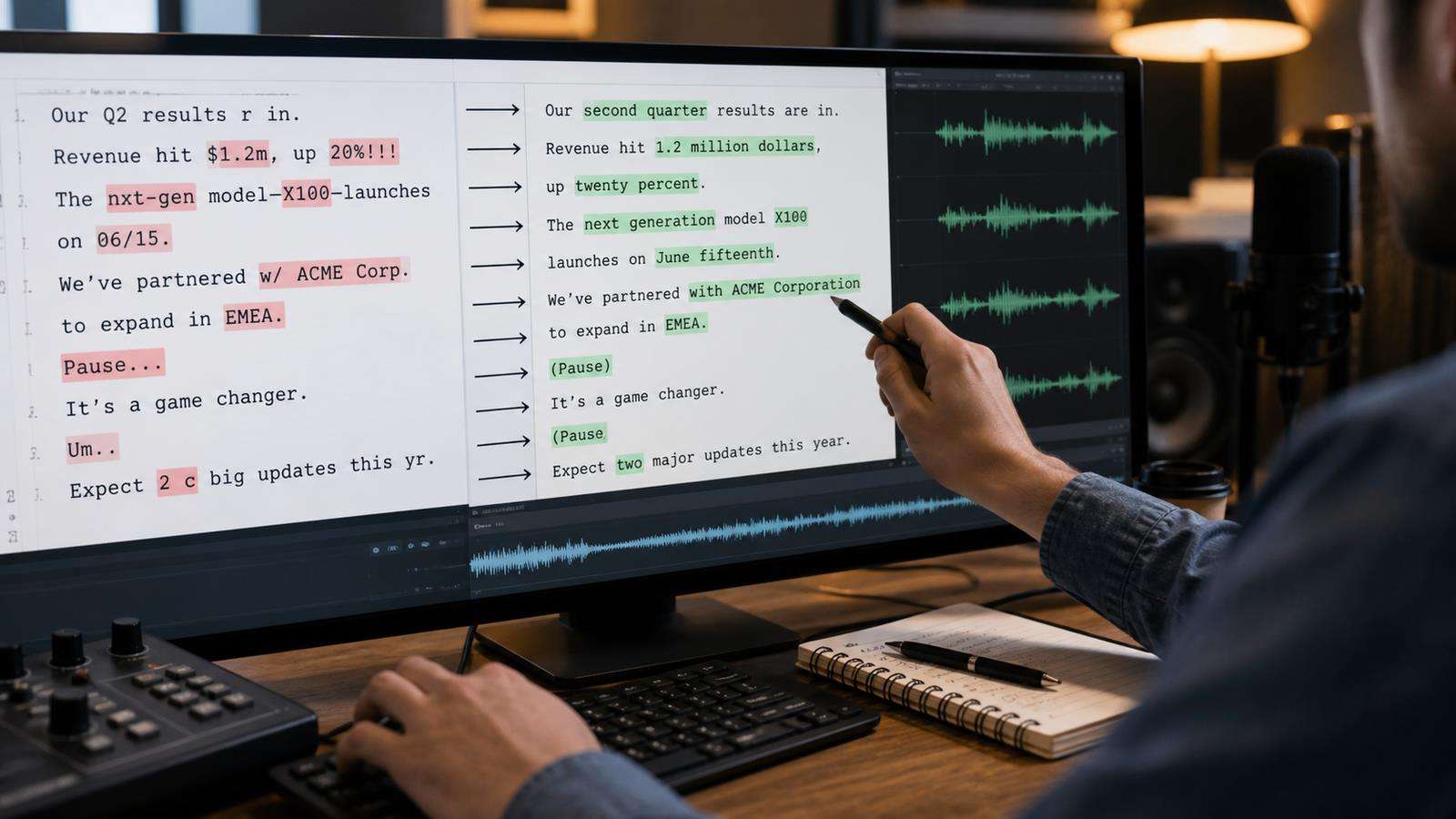
If one script writes "2026" and another writes "twenty twenty-six," pronunciation may differ. If one uses "AI" and another uses "A.I.," the cadence can change. If the same product name is sometimes hyphenated and sometimes not, the model may pronounce it differently.
Build a pronunciation glossary. Spell out tricky terms phonetically when the system supports it, or use a stable text form that you have already tested.
Generate in Manageable Segments
Long generations can drift in energy, volume, pacing, or pronunciation. Breaking a script into smaller logical segments makes it easier to regenerate only the weak line and compare it against a reference.
ElevenLabs troubleshooting guidance specifically suggests breaking text into smaller segments when volume or quality varies over longer generations. A segment might be one paragraph, one scene, or 10 to 30 seconds of narration depending on the tool and content.
Do not make every sentence a separate file unless the performance becomes too choppy. Group sentences that belong to one thought so prosody can flow naturally. Leave edit handles at the beginning and end for timing.
Name files systematically, for example:
EP04_S03_VO_01.wav
EP04_S03_VO_02.wav
This makes it easy to trace a line back to the script and regenerate only the necessary segment.
Keep Emotional Range Deliberate
Consistency does not mean monotone delivery. A narrator can sound more excited for a reveal and calmer for an explanation while still remaining the same voice. The key is to define the range.
Create a small emotional map for the series:
- Hook: energetic, short phrases.
- Explanation: neutral and clear.
- Warning: slower and more serious.
- CTA: warm, confident, not shouted.
If a clip suddenly uses a theatrical performance that does not exist anywhere else, it will sound like another narrator. Keep the emotional style connected to the baseline voice.
When the system offers highly expressive controls, generate multiple candidates and choose the one closest to your approved reference. Do not assume the most dramatic take is the best take.
Match Voice Across Languages Carefully
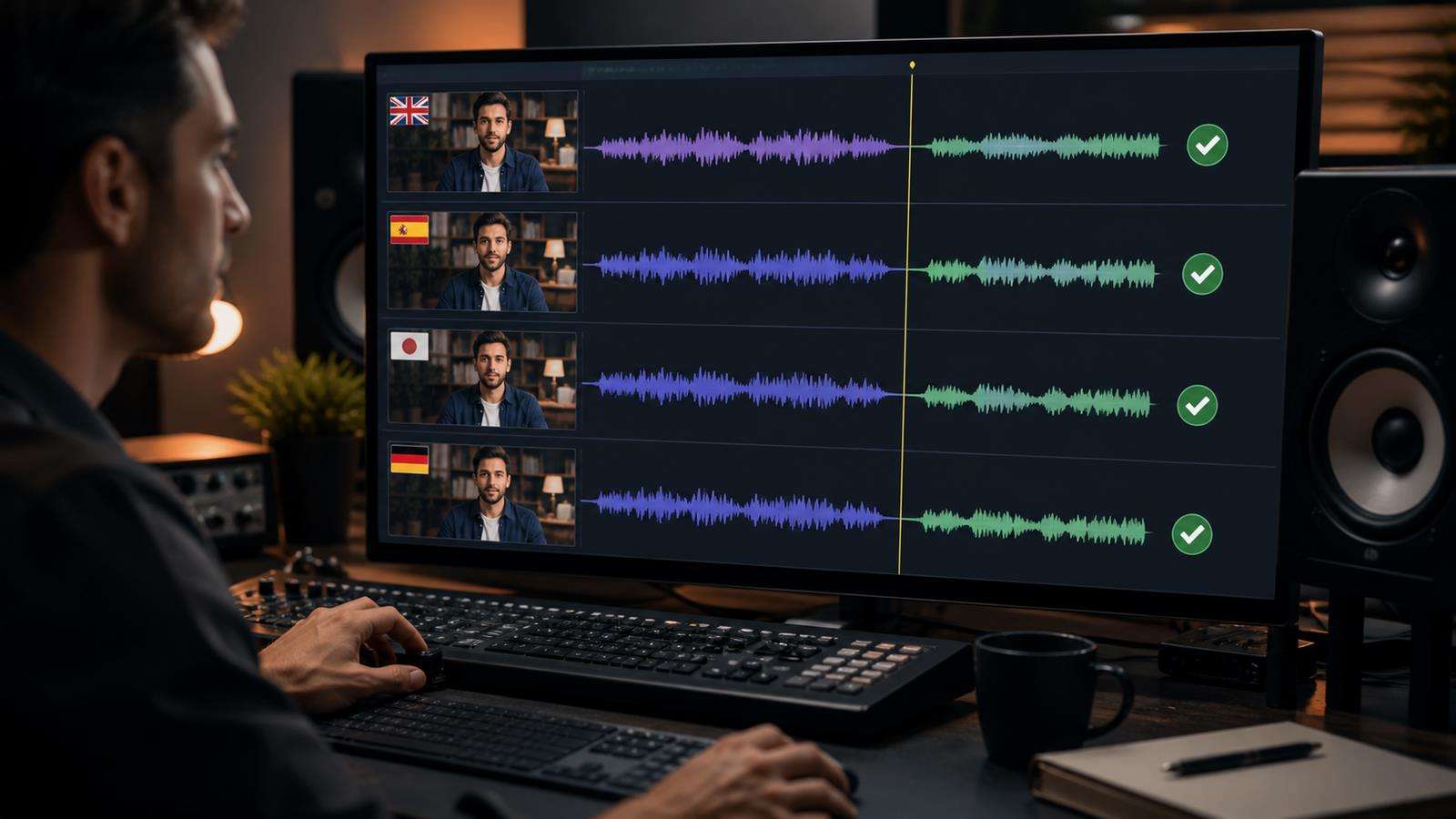
Multilingual production introduces another layer. A cloned English voice speaking Spanish or Japanese may keep some identity but change accent, rhythm, or pronunciation. ElevenLabs notes that cloned voices can carry the accent of the language used in the source recordings when speaking another language.
Decide what consistency means across markets. You may prioritize one global voice identity, or you may prioritize native local delivery with different target-language voices. Both are valid brand strategies.
For an existing talking video, Media.io's AI Lip Sync can synchronize replacement audio to the visible speaker. For a still presenter, AI Talking Avatar can create speech from an image and script or audio.
Normalize the Finished Audio, Not Just the Generator Settings
Two clips can use identical TTS settings and still have different perceived loudness after editing. Background music, compression, noise reduction, and video export settings affect the final sound.
Create an audio finishing preset for the series. At minimum, check:
- Loudness.
- Peak level.
- Noise floor.
- Equalization.
- Compression.
- De-essing when necessary.
- Room tone or ambience.
- Music level under narration.
Apply the same finishing chain unless a clip has a specific reason to differ. If some source references contain noise, clean them before cloning. Media.io's AI Noise Reducer can support cleanup when unwanted background sound is part of the source or final voice track.
Use a Voice Reference Clip During QA
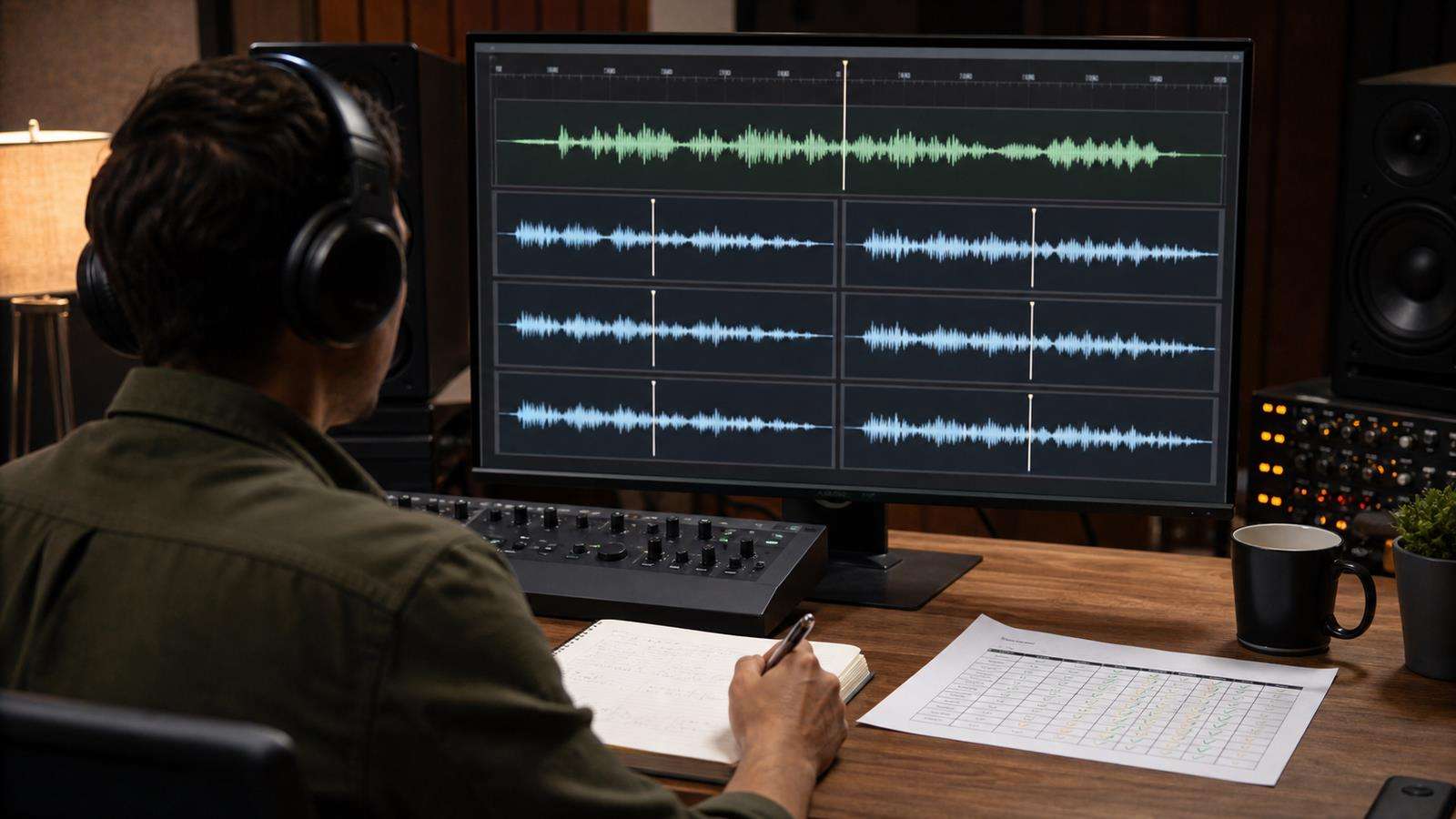
Do not rely on memory. Keep one short approved voice reference beside every review session. Play the reference, then play the new clip.
Compare:
- Accent and timbre.
- Pace.
- emotional energy.
- Pronunciation.
- Breathiness.
- Loudness.
- Room or processing character.
A side-by-side check makes small drift much easier to hear. For a large series, create a contact reel of one sentence from every episode. Listening to the samples back to back reveals gradual changes that may be invisible during isolated approval.
Build a Repeatable Media.io Voice Workflow
For a stable narrator, create or select the voice once, then keep your settings and script conventions consistent. Generate voice-over in manageable sections, review it against the approved reference, and place the final audio into the video workflow.
If you need a reusable clone, start with Media.io AI Voice Cloning. If you need a ready voice with speed and pitch controls, use Text to Speech. If the final video already contains a speaking face, use Lip Sync after the localized or corrected audio is approved.
AI Voice Consistency Checklist
Before publishing a batch of clips, confirm:
- The same approved voice or clone is used throughout.
- Reference audio is clean and consistent.
- Voice settings are saved and unchanged unless documented.
- Script formatting follows one standard.
- Product names and difficult terms follow a pronunciation glossary.
- Long scripts are divided into manageable segments.
- Emotional delivery stays inside the approved range.
- Final audio uses the same loudness and processing approach.
- Every new clip is compared with a reference sample.
- Multilingual versions follow an intentional identity-versus-native-accent strategy.
A consistent AI voice is not created by one perfect setting. It is the result of a repeatable pipeline that controls input, generation, script, performance, and post-processing.
Keep Model and Workflow Versions Under Control
A voice can drift even when the script and settings stay the same if the underlying speech model changes. Production tools improve over time, and a new model may handle emotion, pauses, pronunciation, or cloning differently. Record the model or workflow version used for an approved series when the platform exposes that information.
Before migrating a long-running channel to a new model, generate a short benchmark script with the old and new setup. Include the product names, numbers, emotional range, and sentence patterns that appear frequently in the series. Compare both versions with the approved reference voice before switching the entire pipeline.
If the new model is better but audibly different, treat the change like a rebrand decision. Either update the whole series from a planned point forward or keep the old workflow for existing content until a clean transition is possible. Silent model changes are one reason a narrator can seem to evolve over time even when nobody intentionally changed the voice.
FAQs About AI Voice Consistency
Why does the same AI voice sound different between clips?
AI speech generation is not perfectly deterministic. Differences in reference audio, text, punctuation, settings, emotional direction, segment length, and post-processing can all change the result.
How do I keep a cloned voice consistent?
Use clean single-speaker reference audio, keep tone and performance consistent, reuse the same clone, save the generation settings, standardize script formatting, and compare new outputs against an approved reference.
Should I generate one long narration or many small clips?
Use manageable sections. Very long generations can drift, while sentence-by-sentence generation can sound disconnected. Group related sentences into short logical segments that are easy to regenerate and edit.
Which settings affect AI voice consistency?
Depending on the platform, stability, similarity, style, speed, pitch, emotion, language, and model choice can all affect delivery. Save an approved preset instead of adjusting settings differently for every clip.
How can I keep product names pronounced the same in every video?
Create a pronunciation glossary and use the same spelling or phonetic form in every script. Test difficult names once and make the approved form part of the production template.
Can one AI voice stay consistent across different languages?
Voice identity can often be preserved to a degree, but accent and pronunciation may change. Decide whether the brand values one global vocal identity or more native regional delivery, then use that strategy consistently.


