

 ChatGPT
 Perplexity
 Gemini
 Claude
 Grok
Grok
Vidfly’s pitch is not subtle: put a lot of models, effects, avatars, and social shortcuts in one account. The current site promotes text-to-video, image-to-video, reference-to-video, avatars, lip sync, an AI editor, upscaling, Shorts, captions, watermark tools, and hundreds of effects. A useful Vidfly AI review therefore has to ask whether that breadth reduces tool switching—or simply creates more places to spend tokens.
In this article
- Vidfly AI Quick Decision: Who Actually Benefits From the Big Toolbox?
- Vidfly Is a Model Hub and a Social Effects Platform at the Same Time
- Text, Image, and Reference-to-Video Need Different Acceptance Tests
- Avatars, Lip Sync, and 300+ Effects Are Useful—but Only for the Right Channel
- Vidfly Pricing Review: Tokens, Watermarks, and Commercial Rights
- Relax Mode, Concurrency, and Queue Priority Matter at Volume
- Vidfly vs. Media.io: Model/Effect Hub or Broader Finishing Stack?
- Vidfly AI Pros and Cons
- Final Verdict: Vidfly Is Best for Creators Who Actually Use the Breadth
- Vidfly AI Review FAQ
Vidfly AI Quick Decision: Who Actually Benefits From the Big Toolbox?
| Review factor | Assessment |
|---|---|
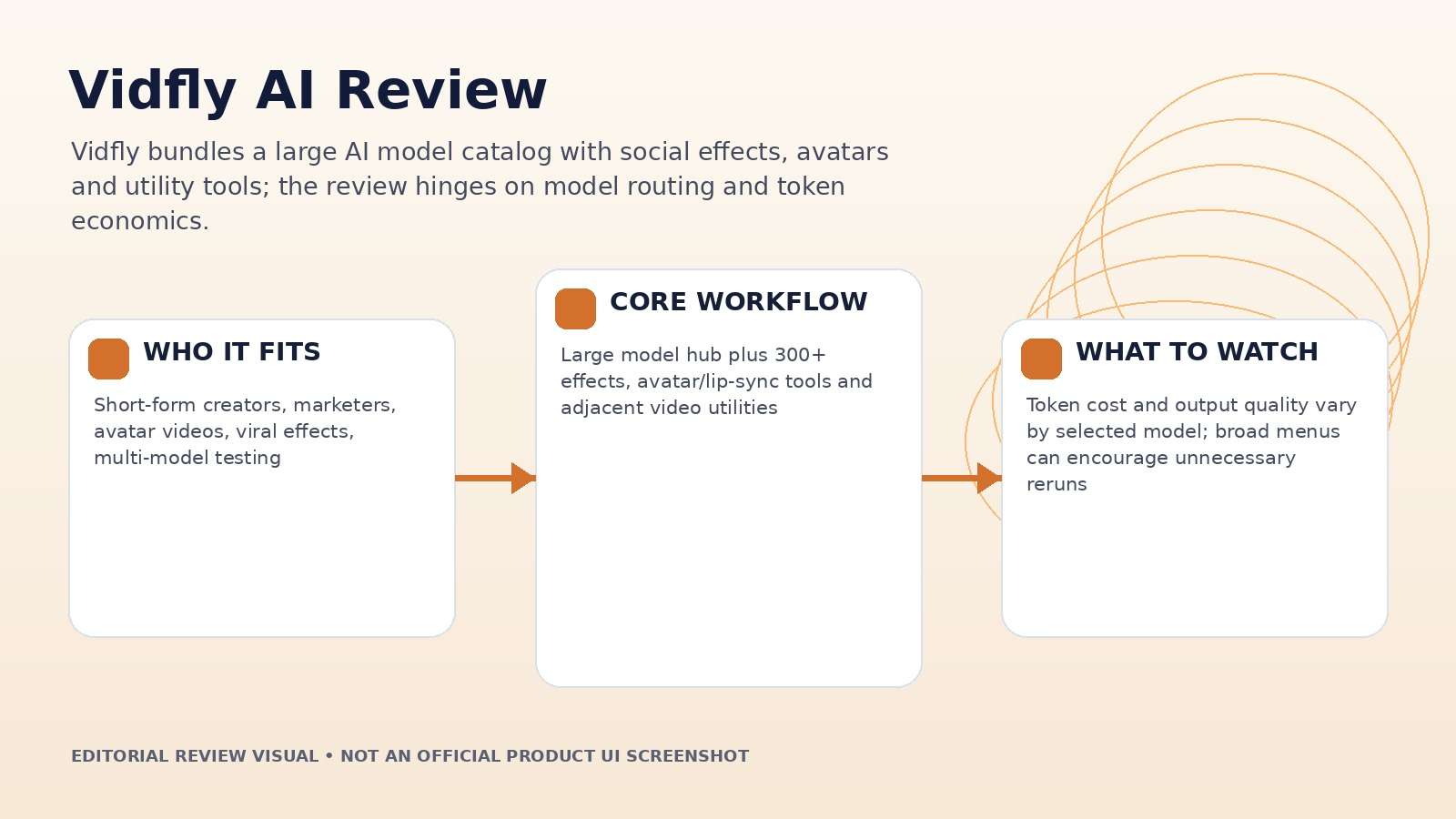
| Best for | Short-form creators, marketers, avatar videos, viral effects, multi-model testing |
| Core strength | Large model hub plus 300+ effects, avatar/lip-sync tools and adjacent video utilities |
| Main trade-off | Token cost and output quality vary by selected model; broad menus can encourage unnecessary reruns |
| Pricing fit | Free testing; Basic, Pro and Business progressively add tokens, concurrency, private mode, watermark-free export and commercial use |
Product claims, pricing, model access, and usage limits were rechecked against the provider’s current official materials on September 11, 2026. The review focuses on usable output, revision cost, workflow fit, and documented constraints rather than treating a showcase result as a controlled benchmark.
Vidfly Is a Model Hub and a Social Effects Platform at the Same Time
The homepage currently says Vidfly is powered by 50+ AI models, while the paid pricing table advertises access to 100+ premium AI models. The difference likely reflects how the site counts model families, versions, or plan-level access, so the safest interpretation is that the catalog is large and changes quickly rather than treating one marketing number as permanent.
The visible model list includes Veo, Sora, Kling, Hailuo, PixVerse, Seedance, Runway, Vidu, Luma and image-model families. On top of that, Vidfly offers more than 300 video effects and a large avatar library.
For creators, the value is convenience. For reviewers, the challenge is separating the performance of the platform from the performance of whichever underlying model was selected. Record the model on every test.
Text, Image, and Reference-to-Video Need Different Acceptance Tests
Text-to-video is best for concept exploration because the system is free to invent the whole scene. Image-to-video should be judged on preservation: face, product geometry, clothing, background layout and typography should not drift unnecessarily. Reference-to-video adds another dimension—how faithfully the output follows the chosen subject or environment across motion.
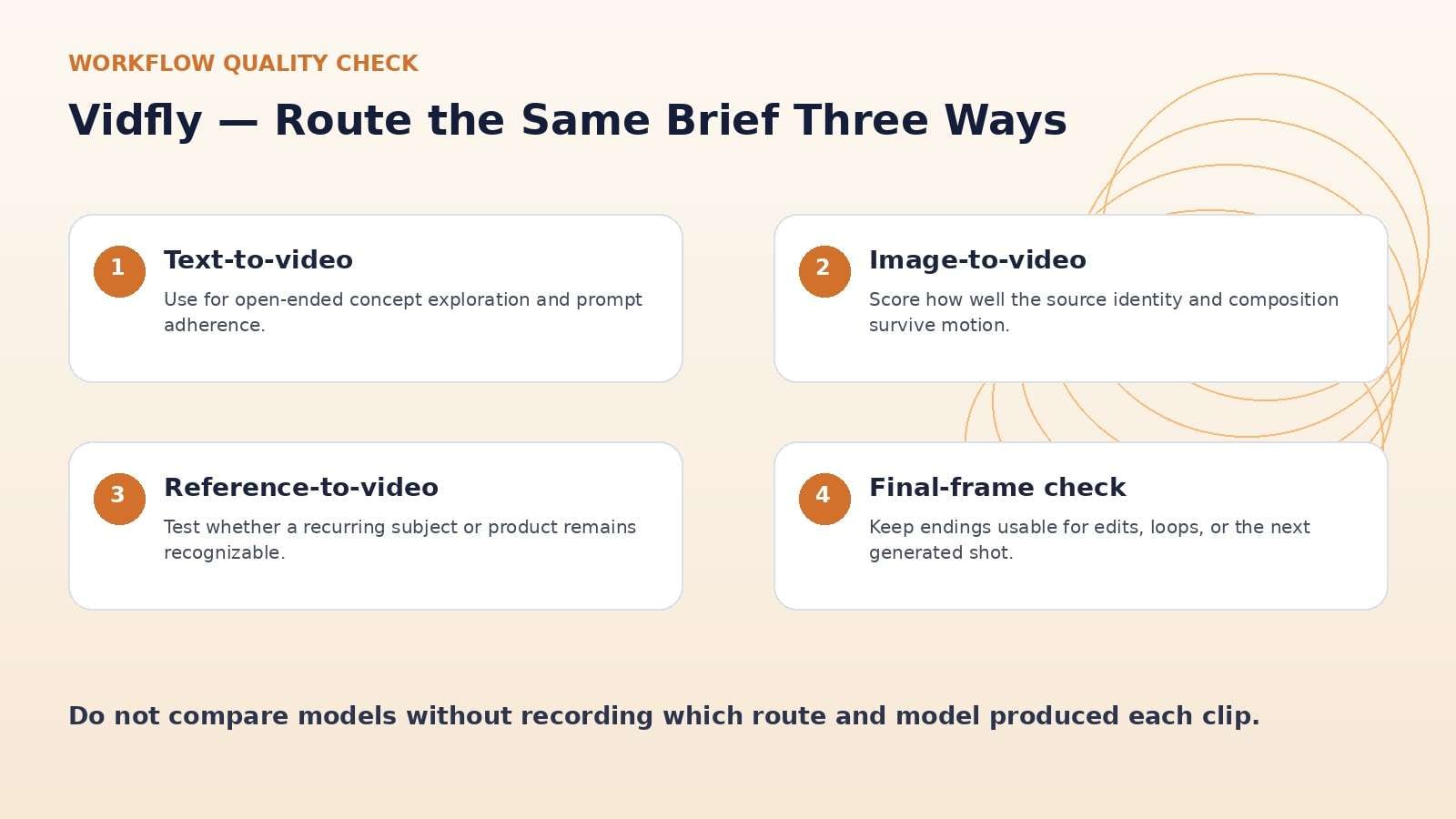
Use one three-part brief to test all routes. First create a scene from text. Then lock a still image and animate it. Finally use a reference subject. Score prompt adherence, identity, motion, camera control, and the ending frame.
The “best” route is the one with the lowest repair cost for your content type. A flashy text-to-video result can still be worse for a brand if a product reference fails to survive the shot.
Avatars, Lip Sync, and 300+ Effects Are Useful—but Only for the Right Channel
Vidfly’s avatar and lip-sync features are aimed at creators who need a speaking character without filming. Its effect library is built around social trends and quick transformations. These can remove production work for short-form content, especially when the goal is volume and novelty rather than a long-lived brand asset.
The risk is creative sameness. Trend effects age quickly, and a popular template can make many accounts look interchangeable. Brand teams should use effects as hooks, then add a recognizable visual system, product presence, or narrative idea.
Avatars deserve a separate quality check for mouth timing, eye behavior, gestures, language pronunciation, and whether the final export still feels natural at full-screen size.
Vidfly Pricing Review: Tokens, Watermarks, and Commercial Rights
Vidfly currently lists a Free tier with 100 initial tokens plus a daily reward, but exports are watermarked and the plan is positioned for personal, non-commercial use. Basic is listed at $20 monthly or $17/month on annual billing; Pro at $45 monthly or $36/month annually; and Business at $100 monthly or $75/month annually.
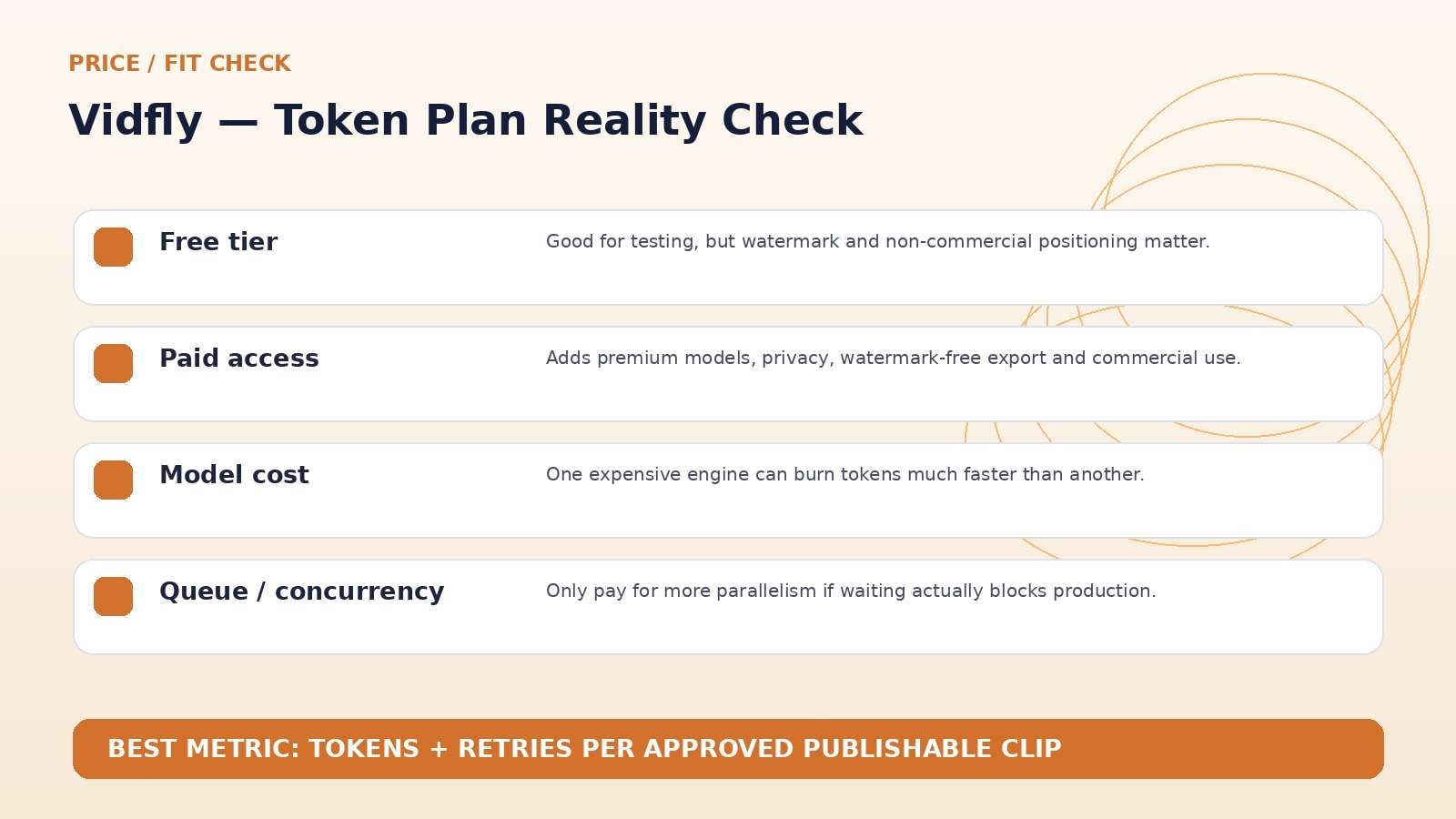
Paid tiers add no-watermark export, commercial-use licensing, private creation, priority queues, premium models, effects and avatars. Pro and Business also advertise unlimited image generation under their current plan rules.
Do not compare plans only by token count. Pick two or three models you actually use, record token cost per attempt, and calculate cost per accepted clip. Expensive models can consume a generous token pack very quickly.
Relax Mode, Concurrency, and Queue Priority Matter at Volume
Vidfly’s paid plans differentiate on concurrent tasks and generation priority. That becomes relevant only when production volume is high enough that waiting blocks the workflow. A solo creator making three clips a week may not feel much difference between two and four concurrent tasks; an agency rendering dozens of variants might.
Cost-saving or relax modes can also be valuable if deadlines are flexible. The correct plan depends on the shape of demand: bursty launch campaigns, daily social production, or occasional experimentation.
A high monthly token allocation is wasted if the user cannot consume it, while a smaller plan may become frustrating if every campaign triggers top-ups. Track actual monthly burn for at least one cycle before upgrading.
Vidfly vs. Media.io: Model/Effect Hub or Broader Finishing Stack?
Media.io overlaps heavily with Vidfly on multi-model image-to-video and text-to-video. The difference is surrounding workflow. Vidfly leans into model access, effects, avatars, and social novelty; Media.io places generation next to a larger set of editing, enhancement, cleanup, conversion, and audio tools.
If your day is mostly “try three models and publish the best short,” Vidfly is easy to understand. If generated media routinely needs background/object removal, enhancement, audio work, format conversion, or additional finishing, compare total handoffs in Media.io.
Vidfly AI Pros and Cons
Final Verdict: Vidfly Is Best for Creators Who Actually Use the Breadth
Features and pricing were rechecked on September 11, 2026. AI products change quickly, so verify the live provider pages immediately before publication or purchase.
Vidfly AI Review FAQ
-
What is Vidfly AI?
Vidfly is an all-in-one AI video platform that combines text-to-video, image-to-video, reference-to-video, avatars, lip sync, video effects and other utility tools with access to many AI models. -
Is Vidfly free?
Yes. Vidfly has a Free tier with initial tokens and daily reward tokens. Free exports are watermarked and positioned for personal, non-commercial use. -
How much does Vidfly cost?
As checked on September 11, 2026, Vidfly lists Basic at $20/month, Pro at $45/month, and Business at $100/month, with lower annual-billing rates. -
Which AI models are available on Vidfly?
Vidfly’s current site lists model families such as Veo, Sora, Kling, Hailuo, PixVerse, Seedance, Runway, Vidu, Luma and others. -
Does Vidfly remove watermarks on paid plans?
Yes. The current pricing table lists no-watermark exports on paid plans, while Free outputs are watermarked. -
Can Vidfly videos be used commercially?
Vidfly currently lists commercial-use licensing on paid plans. Users still need rights to uploaded assets. -
Does Vidfly have AI avatars?
Yes. The current pricing and homepage promote a large ready-to-use avatar library plus lip-sync tools. -
How many video effects does Vidfly offer?
Vidfly currently advertises more than 300 AI video effects. -
Is Vidfly AI worth it in 2026?
It is most useful for creators who regularly switch models, use social effects, or produce avatar content.


